Jump to content
View in the app

A better way to browse. Learn more.

Invision Marketplace

A full-screen app on your home screen with push notifications, badges and more.

To install this app on iOS and iPadOS
  1. Tap the Share icon in Safari
  2. Scroll the menu and tap Add to Home Screen.
  3. Tap Add in the top-right corner.
To install this app on Android
  1. Tap the 3-dot menu (⋮) in the top-right corner of the browser.
  2. Tap Add to Home screen or Install app.
  3. Confirm by tapping Install.

Everything you need for your community

We will be moving to a new server soon, some downtime is expected.

Everything you need for your community

Invision Community 5
  • Category Member Tools
  • Downloads 41
  • Compatibility IC5: 5.0.0+
  • App Version 2.0.3
  • Updated
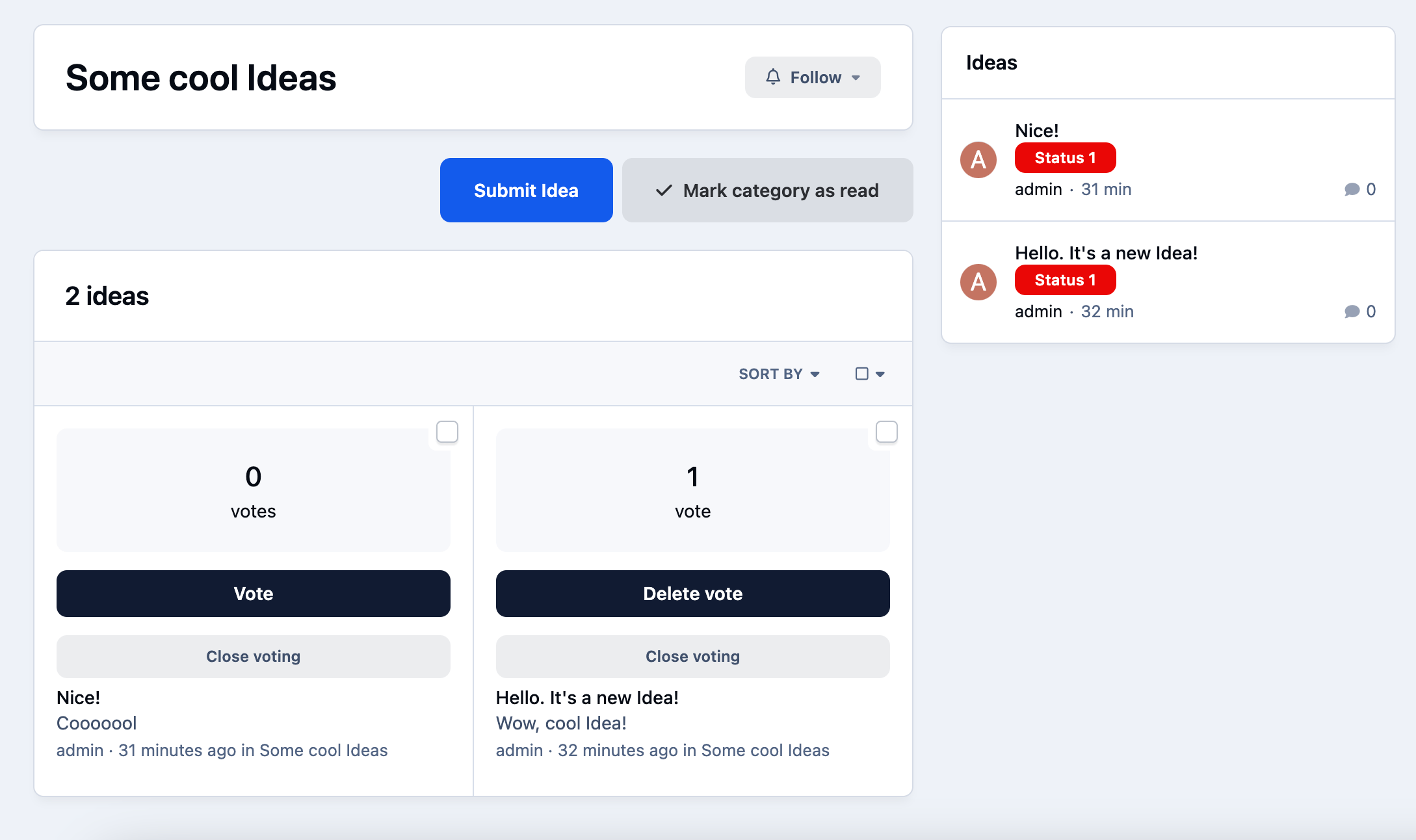
The Ideas app for Invision Community 5 allows your users to add ideas to various categories. Any users can vote to promote the ideas they like. Administrators can mark ideas as completed.

Overview

The Ideas app for Invision Community 5 allows your users to add ideas to various categories. Any users can vote to promote the ideas they like. Administrators can mark ideas as completed.

Description

The Ideas app for Invision Community 5 allows your users to add ideas to various categories. Any users can vote to promote the ideas they like. Administrators can mark ideas as completed.

Features:

  • Creating categories.

  • Custom fields in various categories.

  • Displaying fields in two different places: below the title and below the description.

  • Enable / disable the display of the sidebar with categories when viewing an idea.

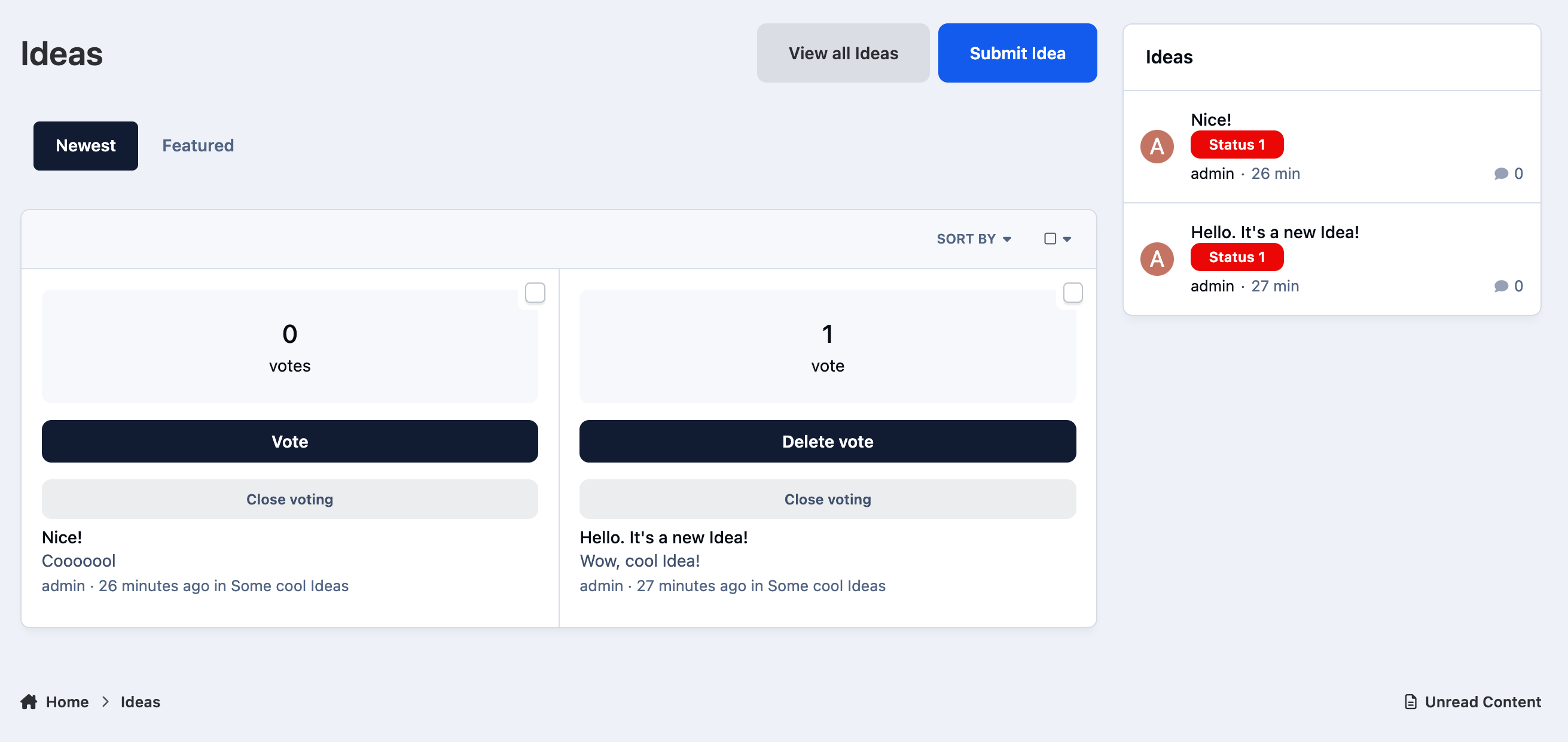
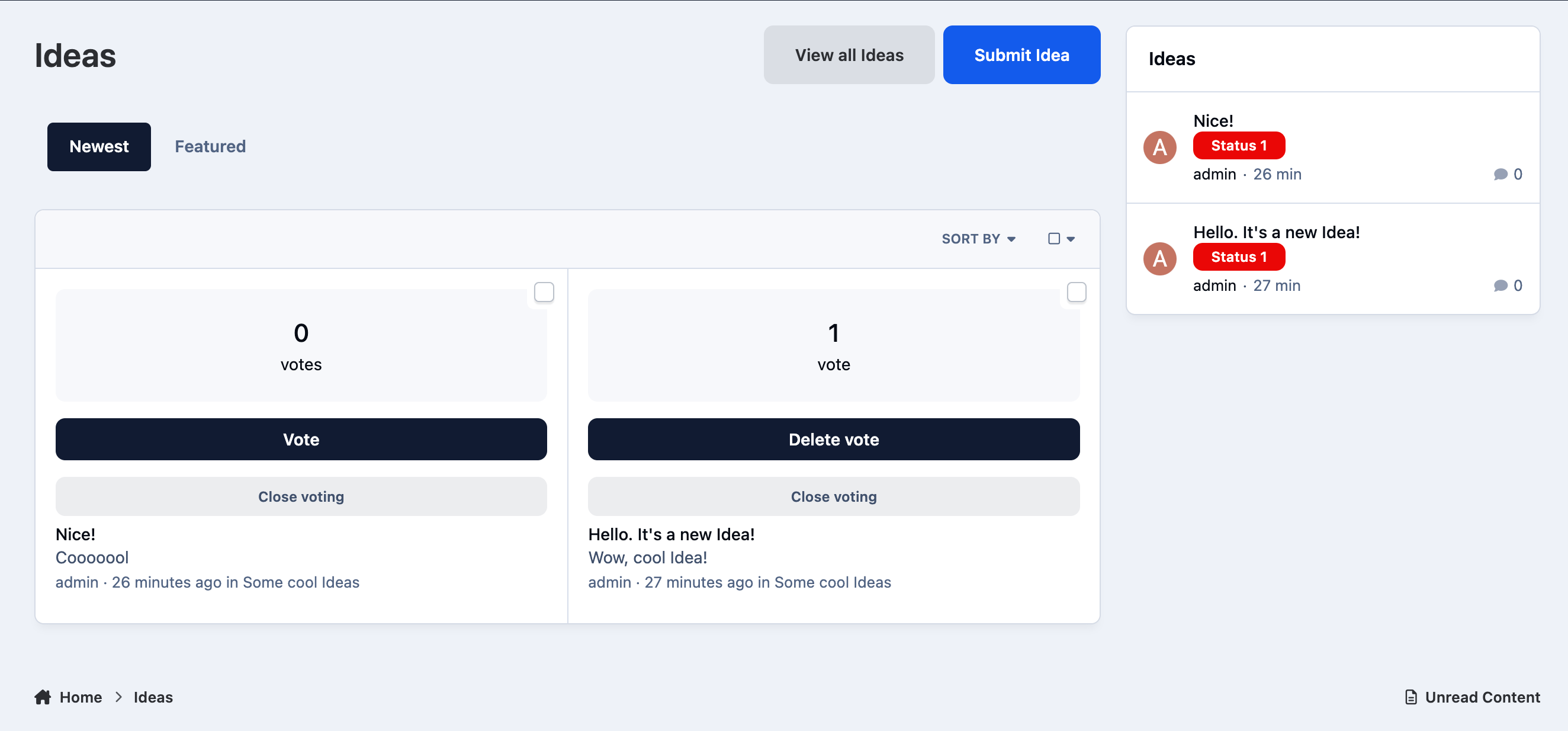
  • Indexpage Tabs: newest, popular and completed Ideas.

  • Ajax voting for ideas.

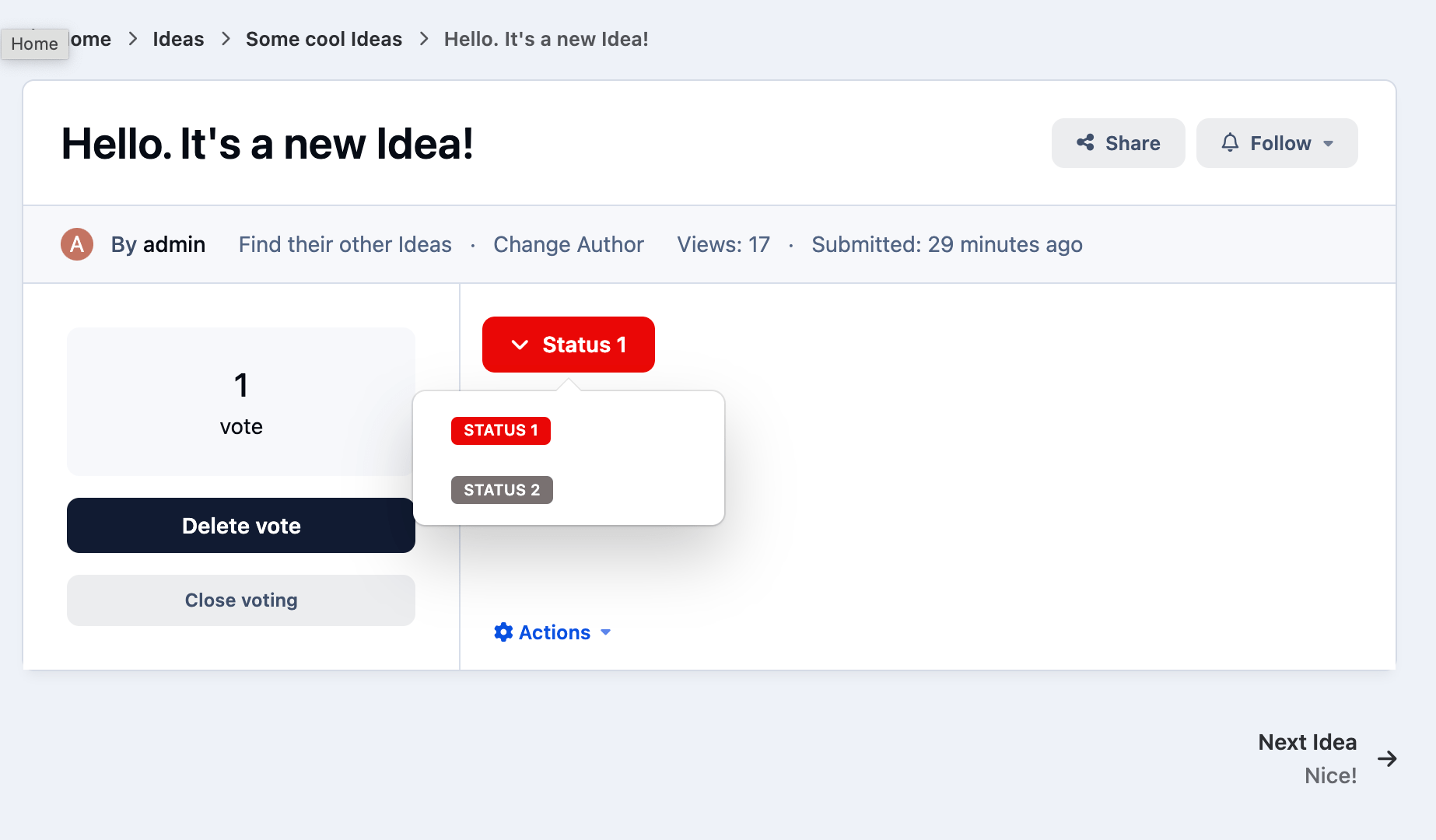
  • The ability for administrators to mark ideas as completed.

  • Commenting on ideas.

User Feedback

Recommended Comments

Claudia999

Members

I'm looking for an alternative to "Competitions"-App – and I have very little hope that the developer will ever release it for V5. Could this "Ideas"-App be a basis for an alternative? The idea is that users can vote for the best photo and have one vote (or two) each. It's just a suggestion, a question.

Create an account or sign in to comment

Configure browser push notifications

Chrome (Android)
  1. Tap the lock icon next to the address bar.
  2. Tap Permissions → Notifications.
  3. Adjust your preference.
Chrome (Desktop)
  1. Click the padlock icon in the address bar.
  2. Select Site settings.
  3. Find Notifications and adjust your preference.