Jump to content
View in the app

A better way to browse. Learn more.

Invision Marketplace

A full-screen app on your home screen with push notifications, badges and more.

To install this app on iOS and iPadOS
  1. Tap the Share icon in Safari
  2. Scroll the menu and tap Add to Home Screen.
  3. Tap Add in the top-right corner.
To install this app on Android
  1. Tap the 3-dot menu (⋮) in the top-right corner of the browser.
  2. Tap Add to Home screen or Install app.
  3. Confirm by tapping Install.

Everything you need for your community

Everything you need for your community

Invision Community 5
  • Category Social Networks
  • Downloads 20
  • Compatibility IC5: 5.0.0+
  • App Version 5.0.3
  • Updated
ChatPro Watch Together brings synchronized video entertainment directly into your ChatPro rooms, allowing members to watch and enjoy videos together in real time while chatting.

Overview

ChatPro Watch Together brings synchronized video entertainment directly into your ChatPro rooms, allowing members to watch and enjoy videos together in real time while chatting.

Description

ChatPro Watch Together brings synchronized video entertainment directly into your ChatPro rooms, allowing members to watch and enjoy videos together in real time while chatting.

Key Features

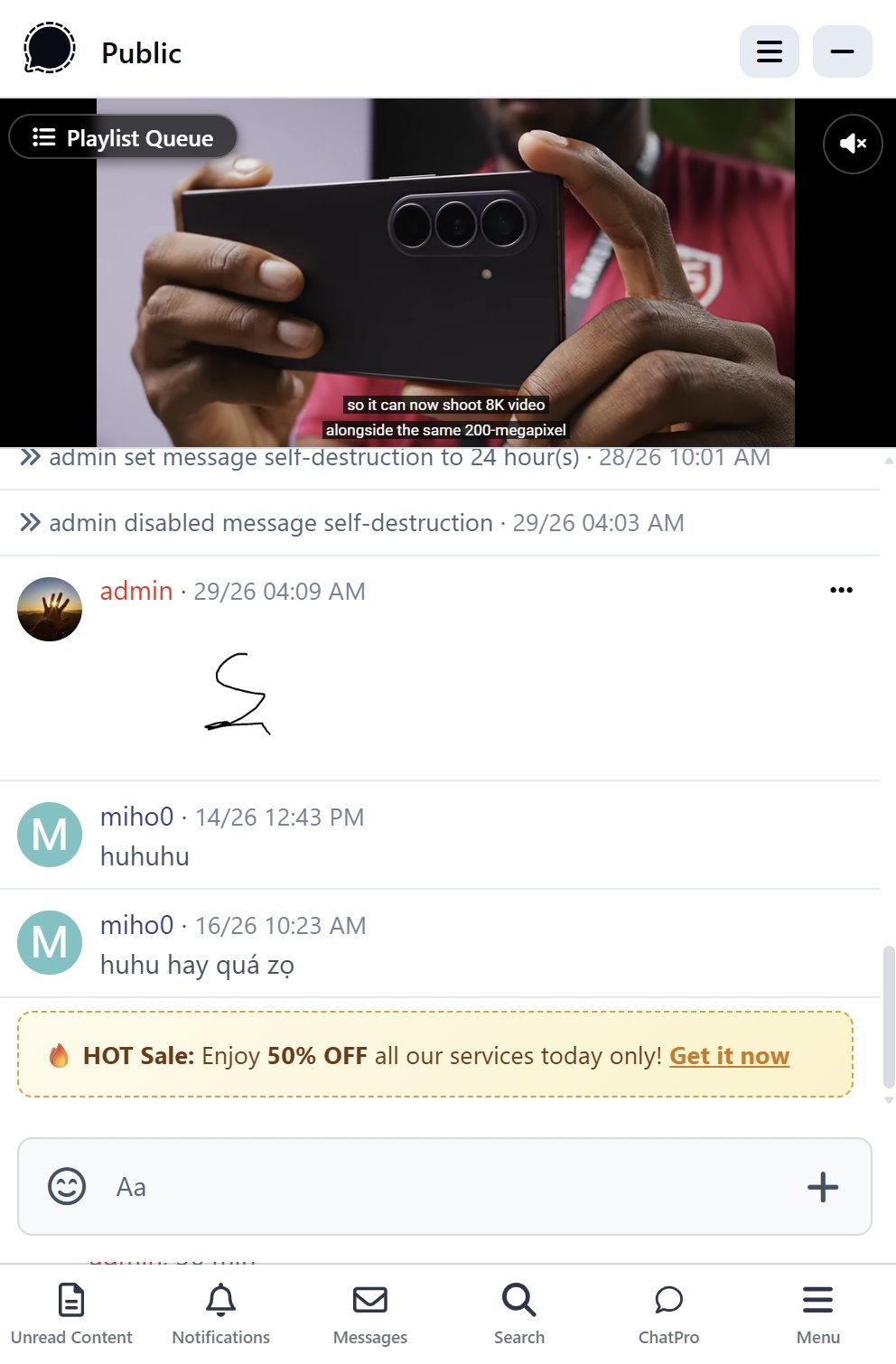
  • Synchronized Group Playback: Watch videos in perfect sync with everyone in the room—videos play, pause, and advance together automatically.

  • Seamless YouTube Integration: Paste and play links instantly from standard YouTube videos and YouTube Shorts.

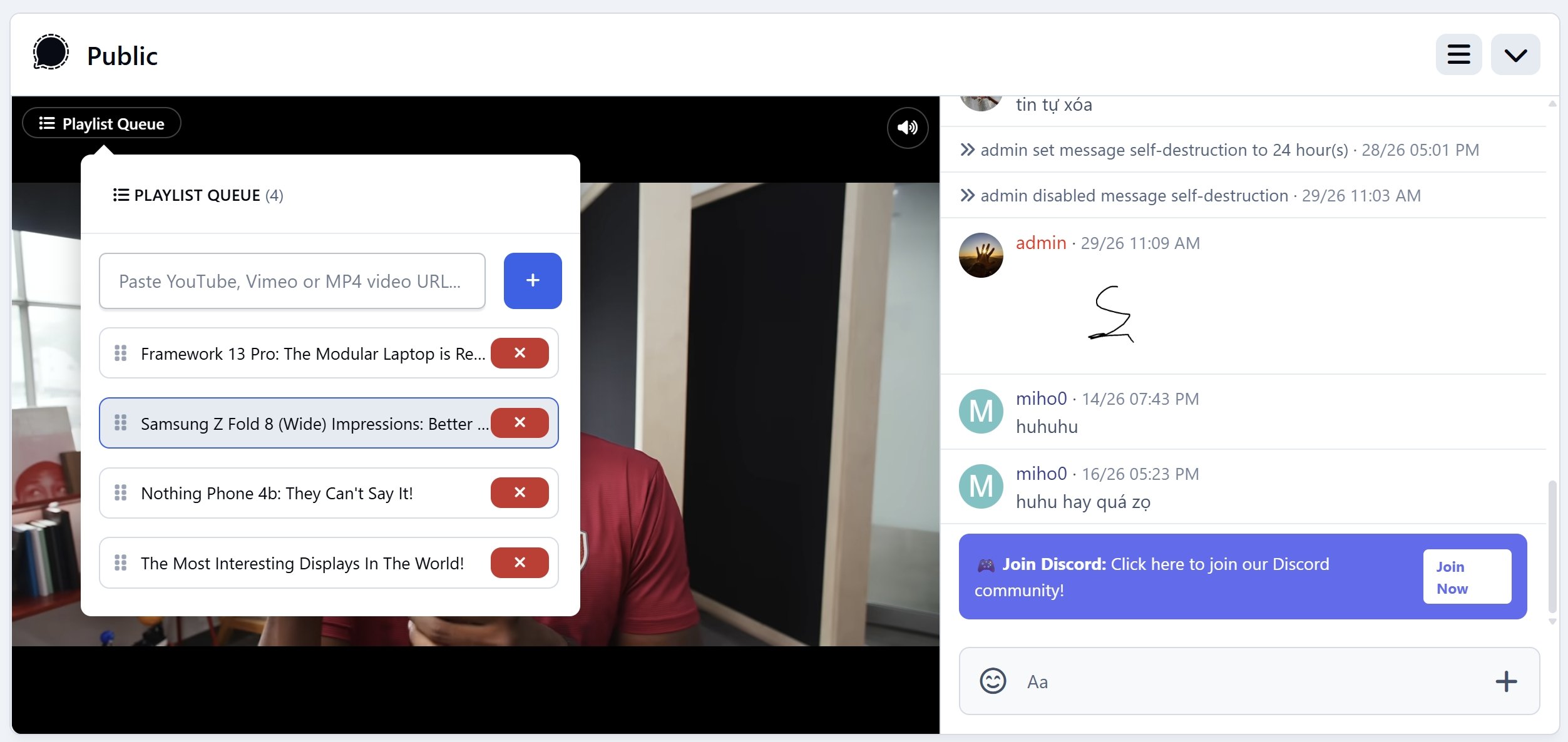
  • Shared Playlist Queue: Queue up multiple videos for continuous, uninterrupted group watching.

  • Full Host Controls: Room managers can lock the playlist, reorder items via drag-and-drop, delete tracks, or click any video to switch playback instantly for all viewers.

  • Individual Volume & Mute: Viewers can freely adjust sound or mute audio for themselves without affecting other members.

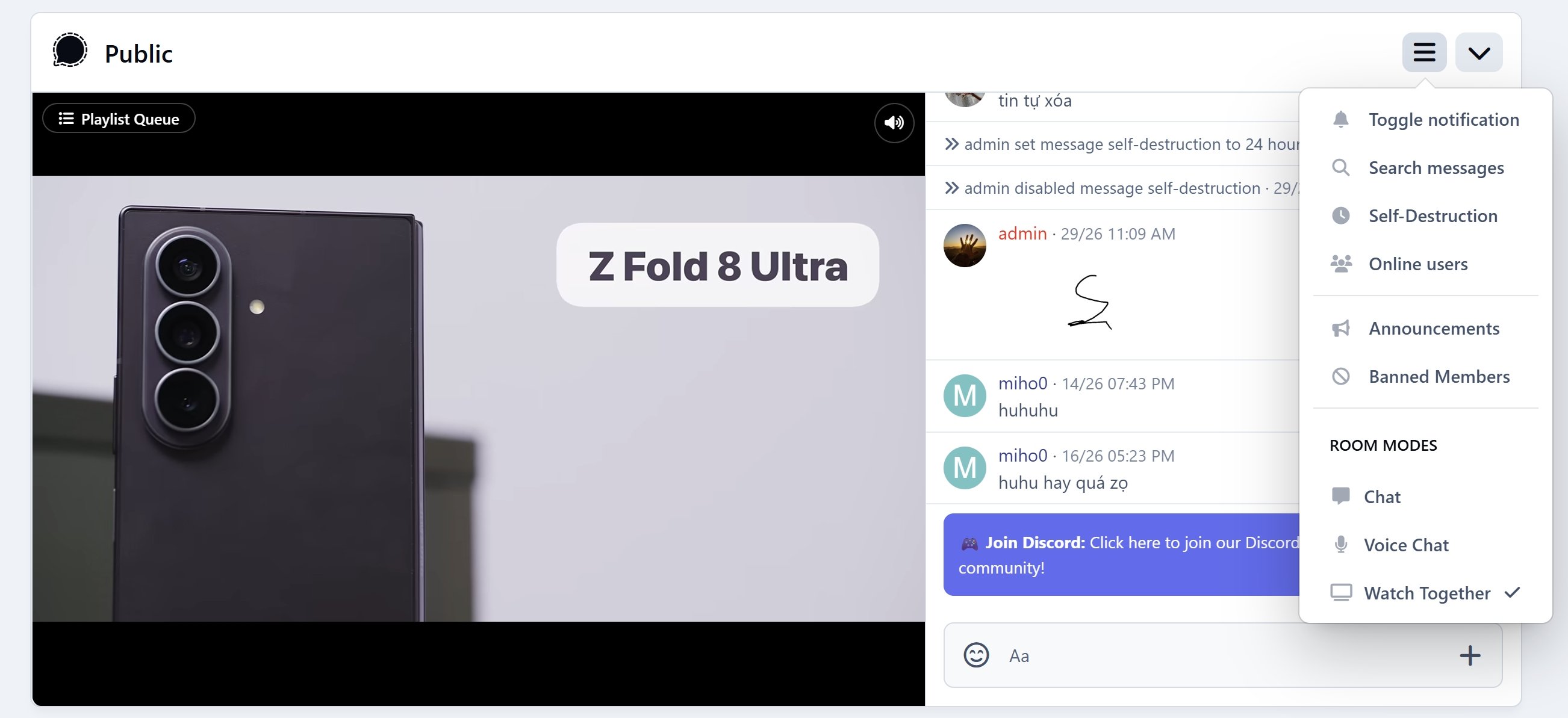
  • Smart Mode Switching: Seamlessly toggle between Watch Together mode and standard Chat mode at any time.

Requirements

  • Invision Community: 5.x

  • Applications: ChatPro and RTHub installed & active.

User Feedback

Recommended Comments

Kirill Gromov

Developer

Hello, @onlyME. Thanks for this app!

Can the app only stream from YouTube? Or can it connect to other networks?

onlyME

Developer
On 9/2/2026 at 6:25 PM, Kirill Gromov said:

Hello, @onlyME. Thanks for this app!

Can the app only stream from YouTube? Or can it connect to other networks?

Hi,

It only supports Youtube.

Create an account or sign in to comment

Configure browser push notifications

Chrome (Android)
  1. Tap the lock icon next to the address bar.
  2. Tap Permissions → Notifications.
  3. Adjust your preference.
Chrome (Desktop)
  1. Click the padlock icon in the address bar.
  2. Select Site settings.
  3. Find Notifications and adjust your preference.