Jump to content
View in the app

A better way to browse. Learn more.

Invision Marketplace

A full-screen app on your home screen with push notifications, badges and more.

To install this app on iOS and iPadOS
  1. Tap the Share icon in Safari
  2. Scroll the menu and tap Add to Home Screen.
  3. Tap Add in the top-right corner.
To install this app on Android
  1. Tap the 3-dot menu (⋮) in the top-right corner of the browser.
  2. Tap Add to Home screen or Install app.
  3. Confirm by tapping Install.

Everything you need for your community

We will be moving to a new server soon, some downtime is expected.

Everything you need for your community

Invision Community 5
  • Category Admin & Mod Tools
  • Downloads 32
  • Compatibility IC5: 5.0.0
  • Updated
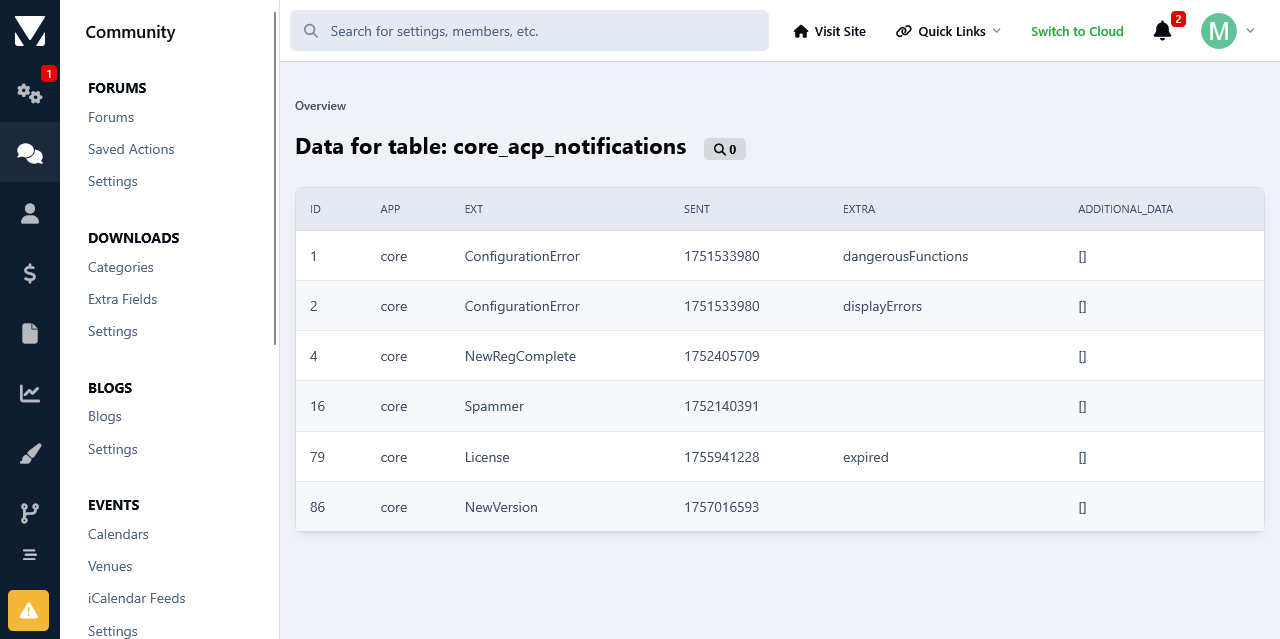
This app will list all of your database tables at its settings in your Admin Panel.

Overview

This app will list all of your database tables at its settings in your Admin Panel.

Description

This app will list all of your database tables at its settings in your Admin Panel.

Table Structure Details:

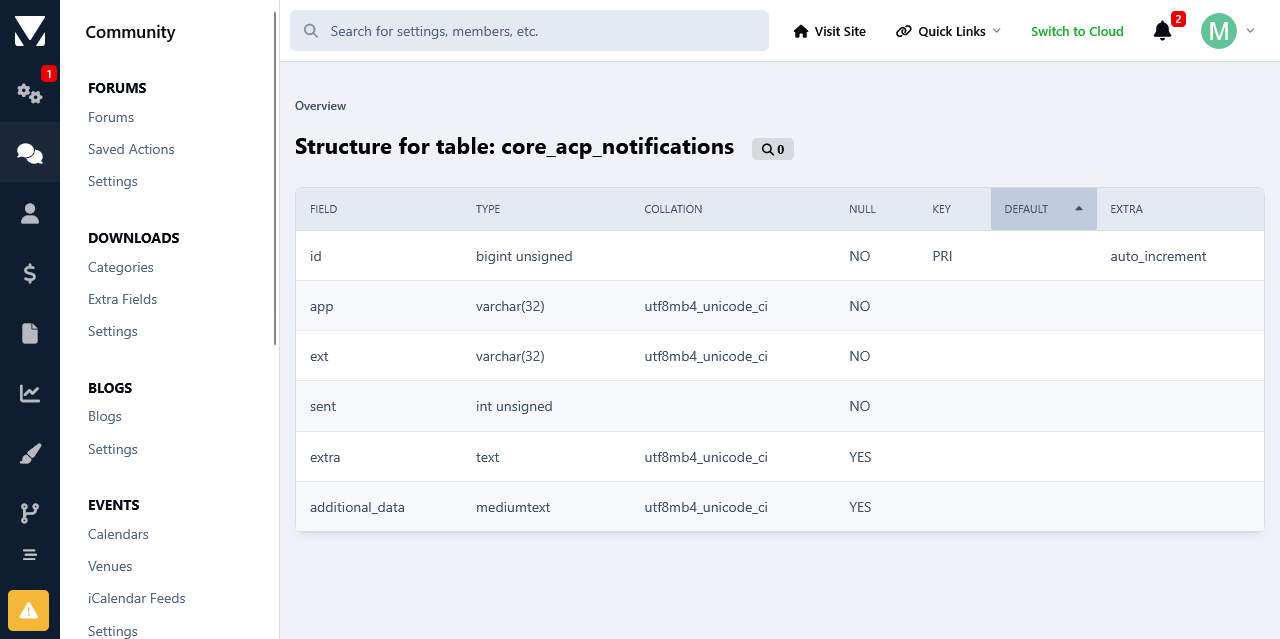
  • You can view the structure of each database table as well as other details, such as how many rows do they have, their collation and engine type. The date when the table was first added to the database and when it was last modified. 

Commands:

  • You can run several commands such as Showing the create structure of tables, Checking tables, Repair and Optimizing.

Details:

  • A list of your database details such as the total tables, its size and how much free size is left is available as well.

This can be very useful imo especially if you don't have direct access to the server, and no utilities such as phpMyAdmin are installed. Or if you aren't very comfortable with dealing with the database from phpmyadmin for fear of messing things up, you can use this app as there is Zero chance of messing anything.

It can also come in handy if you have installed a lot of third party custom stuff like apps, plugins etc over the years and you want to have a clear overview of your database. You can do that with ease without having to go to your phpmyadmin.  

User Feedback

Create an account or sign in to leave a review


I want to verify exactly what it covers. Could you clarify if it handles the following scenarios?

  1. Database Corruption from Updates: Will this actually repair a database table or index that became corrupted during a previous software update, plugin update or Application update?

  2. Leftover Plugin/App Data: Will this clean up leftover tables, rows, or orphaned settings left behind by previous system updates, uninstalled applications or plugins?

  3. Block Editor Sidebar Glitches: Will this resolve a corrupted sidebar layout or "side block" issue that occurred after adding or removing elements in the block editor?

Thanks for clarifying.

   1 of 1 member found this review helpful 1 / 1 member

I didn't install, but wanted to comment on the repair and optimize options.

I doubt they will work on larger tables. I have tried through phpMyAdmin on larger tables one at a time, and it times out. I know it would time out if I tried it on the whole database.

Response from the author:

Hello,

Thank you for your comment. The timing out of a query in phmyadmin usually happens if it is taking more than 300 seconds to execute. To fix that you can change the value for $cfg['ExecTimeLimit'] at the config.default.php file. Set it to a higher value than it currently is, or disable it completely by setting it to 0, which stand for for no limit. That is if you have full access to phpmyadmin. If you are on a shared plan then you can ask your host if they can make the change for you.

Configure browser push notifications

Chrome (Android)
  1. Tap the lock icon next to the address bar.
  2. Tap Permissions → Notifications.
  3. Adjust your preference.
Chrome (Desktop)
  1. Click the padlock icon in the address bar.
  2. Select Site settings.
  3. Find Notifications and adjust your preference.