Jump to content
View in the app

A better way to browse. Learn more.

Invision Marketplace

A full-screen app on your home screen with push notifications, badges and more.

To install this app on iOS and iPadOS
  1. Tap the Share icon in Safari
  2. Scroll the menu and tap Add to Home Screen.
  3. Tap Add in the top-right corner.
To install this app on Android
  1. Tap the 3-dot menu (⋮) in the top-right corner of the browser.
  2. Tap Add to Home screen or Install app.
  3. Confirm by tapping Install.

Everything you need for your community

We will be moving to a new server soon, some downtime is expected.

Everything you need for your community

Invision Community 5
  • Category Admin & Mod Tools
  • Downloads 32
  • Compatibility IC5: 5.0.0+
  • App Version 1.0.1
  • Updated
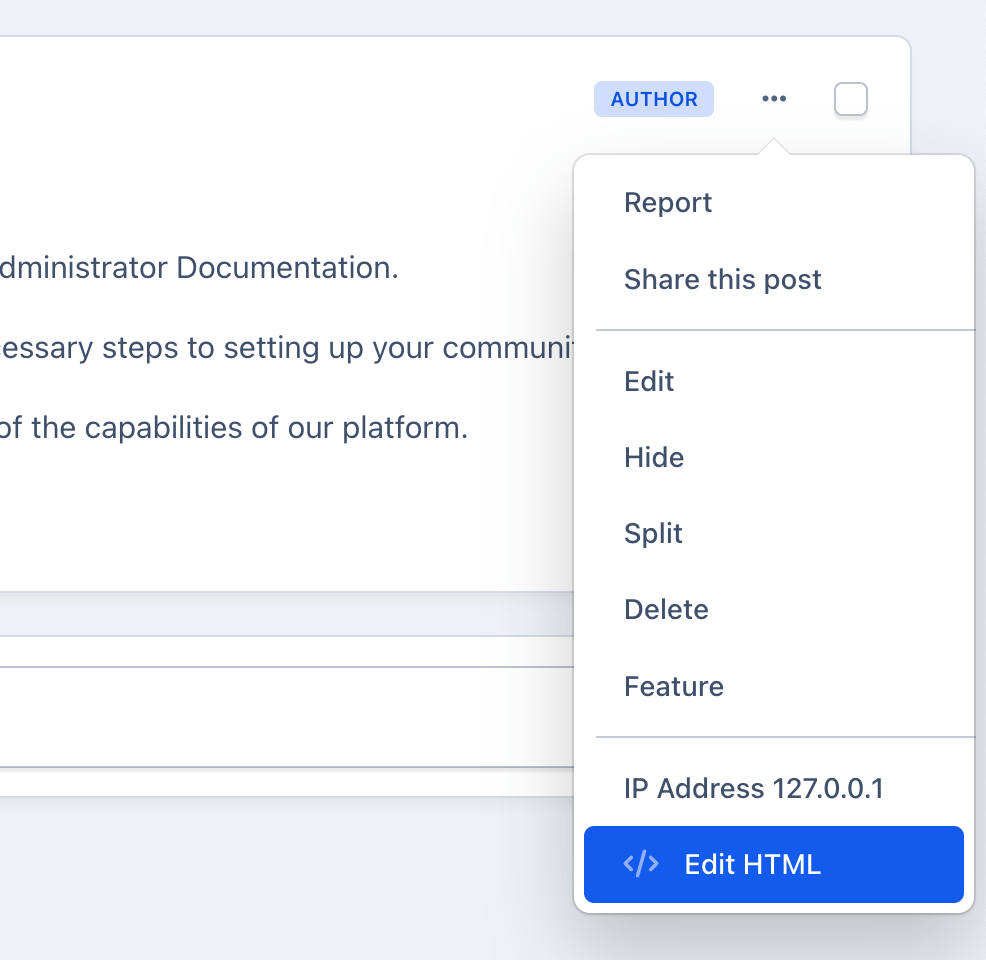
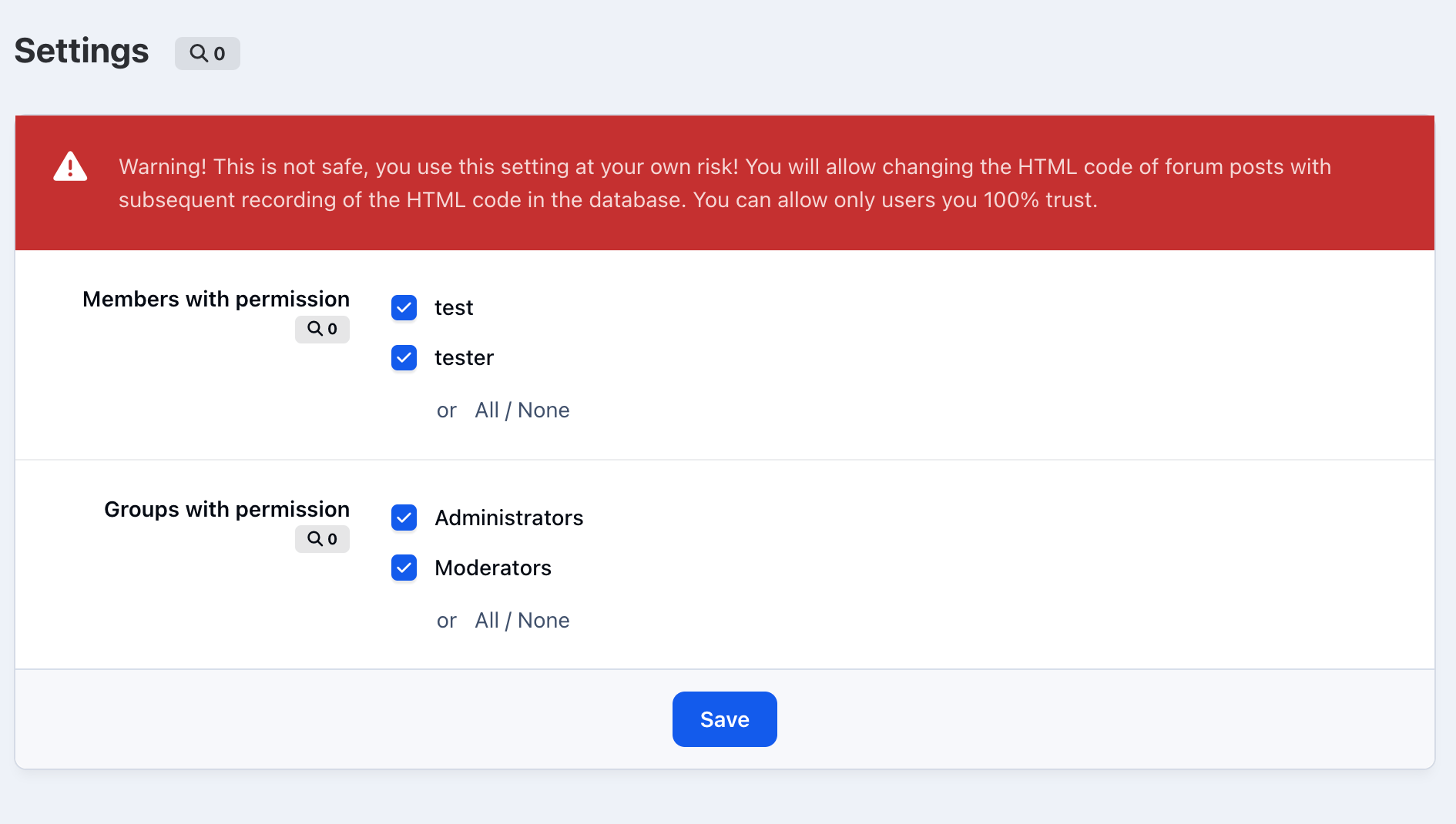
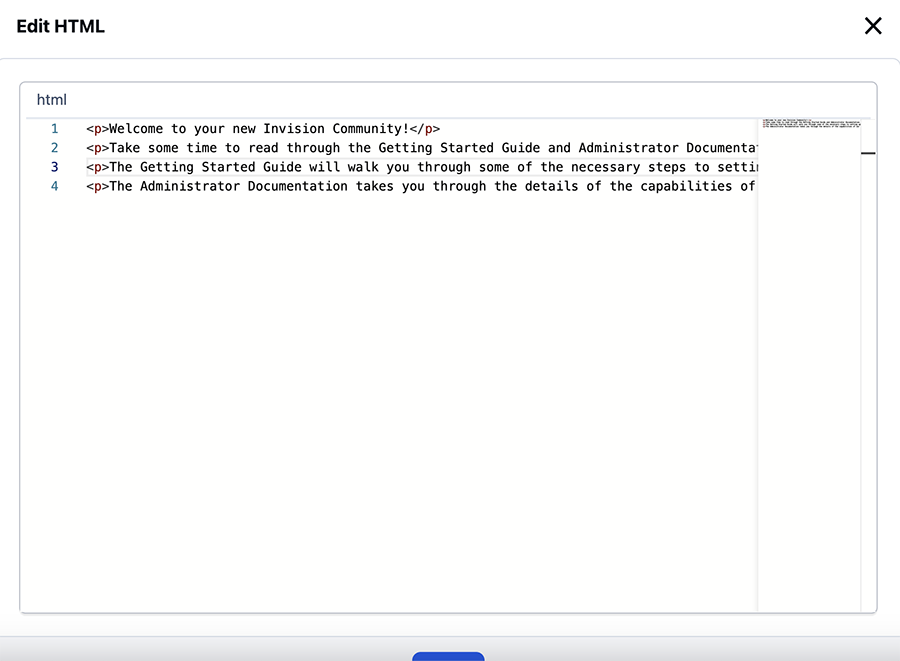
This application allows selected users or groups to change the HTML code of forum posts.

Overview

This application allows selected users or groups to change the HTML code of forum posts.

Description

This application allows selected users or groups to change the HTML code of forum posts.

User Feedback

Recommended Comments

Square Wheels

Members

This is a great app, I don't see a place to post for help, sorry to leave it here, feel free to delete it.

Every now and then, I need to save the settings again as I lose the ability to edit the HTML, it leaves the menu. I don't make any changes, just save it, and I can edit HTML again.

Kirill Gromov

Developer
18 hours ago, Square Wheels said:

This is a great app, I don't see a place to post for help, sorry to leave it here, feel free to delete it.

Every now and then, I need to save the settings again as I lose the ability to edit the HTML, it leaves the menu. I don't make any changes, just save it, and I can edit HTML again.

Hello. This issue has been resolved in version 1.0.1. Have you updated?

Square Wheels

Members
On 6/28/2025 at 5:18 AM, Kirill Gromov said:

Hello. This issue has been resolved in version 1.0.1. Have you updated?

Yes, still not displaying until I save the settings again.

image.png

image.png

Create an account or sign in to comment

Configure browser push notifications

Chrome (Android)
  1. Tap the lock icon next to the address bar.
  2. Tap Permissions → Notifications.
  3. Adjust your preference.
Chrome (Desktop)
  1. Click the padlock icon in the address bar.
  2. Select Site settings.
  3. Find Notifications and adjust your preference.