Topic Utilities
Invision Community 5
- Category Admin & Mod Tools
- Downloads 43
- Compatibility IC5: 5.0.0+
- App Version 5.0.15
- Updated

Overview
🚀 Topic Utilities is a powerful application designed to streamline forum discussions with automation and moderation tools. Whether you're managing an active community or optimizing engagement, this app provides essential features to keep discussions organized and efficient.Description
Key Features:
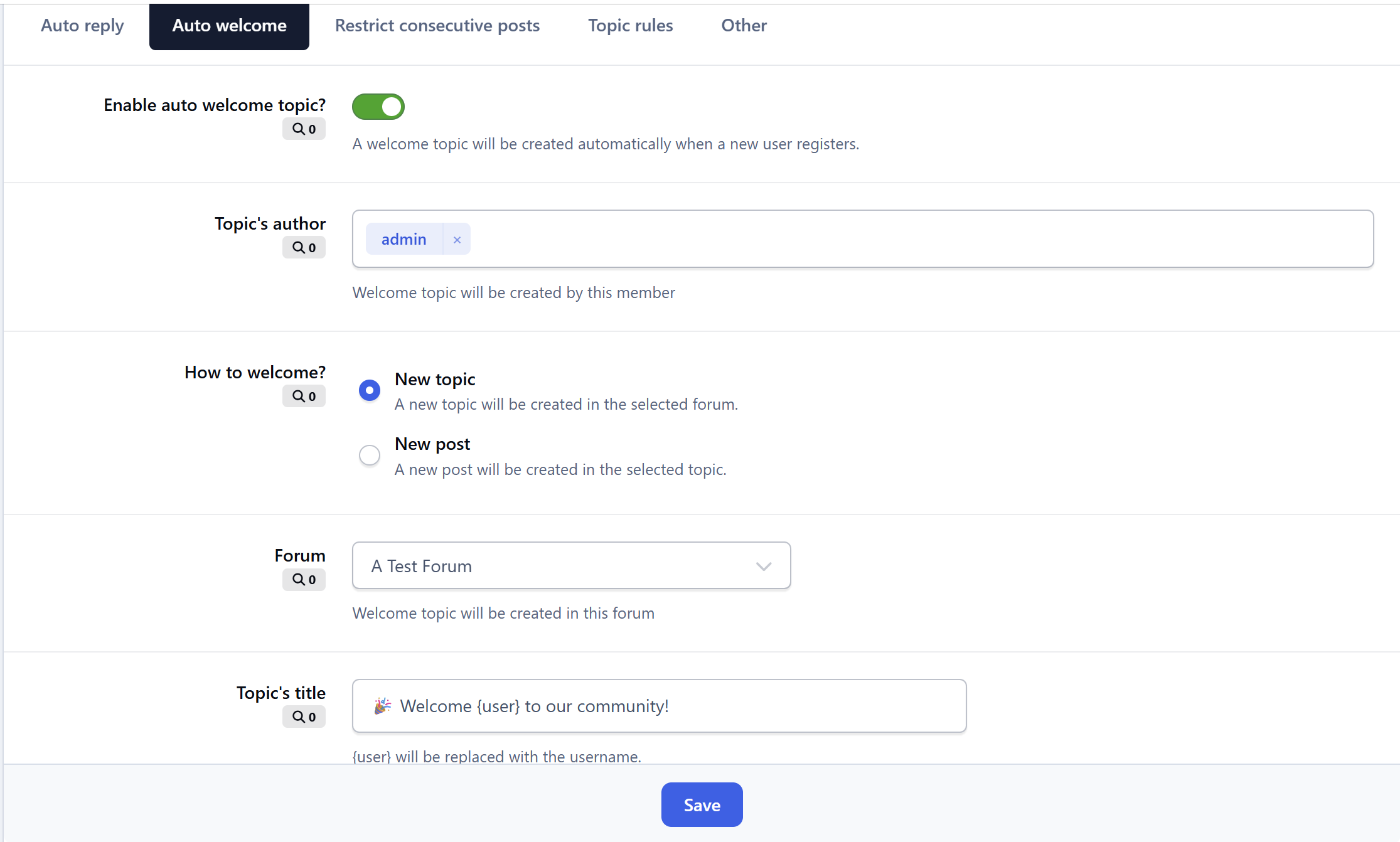
✅ Auto Welcome - Automatically creates a welcome topic when a new member registers, helping foster engagement (you can choose to create a new topic or reply to an existing topic when welcoming new members)
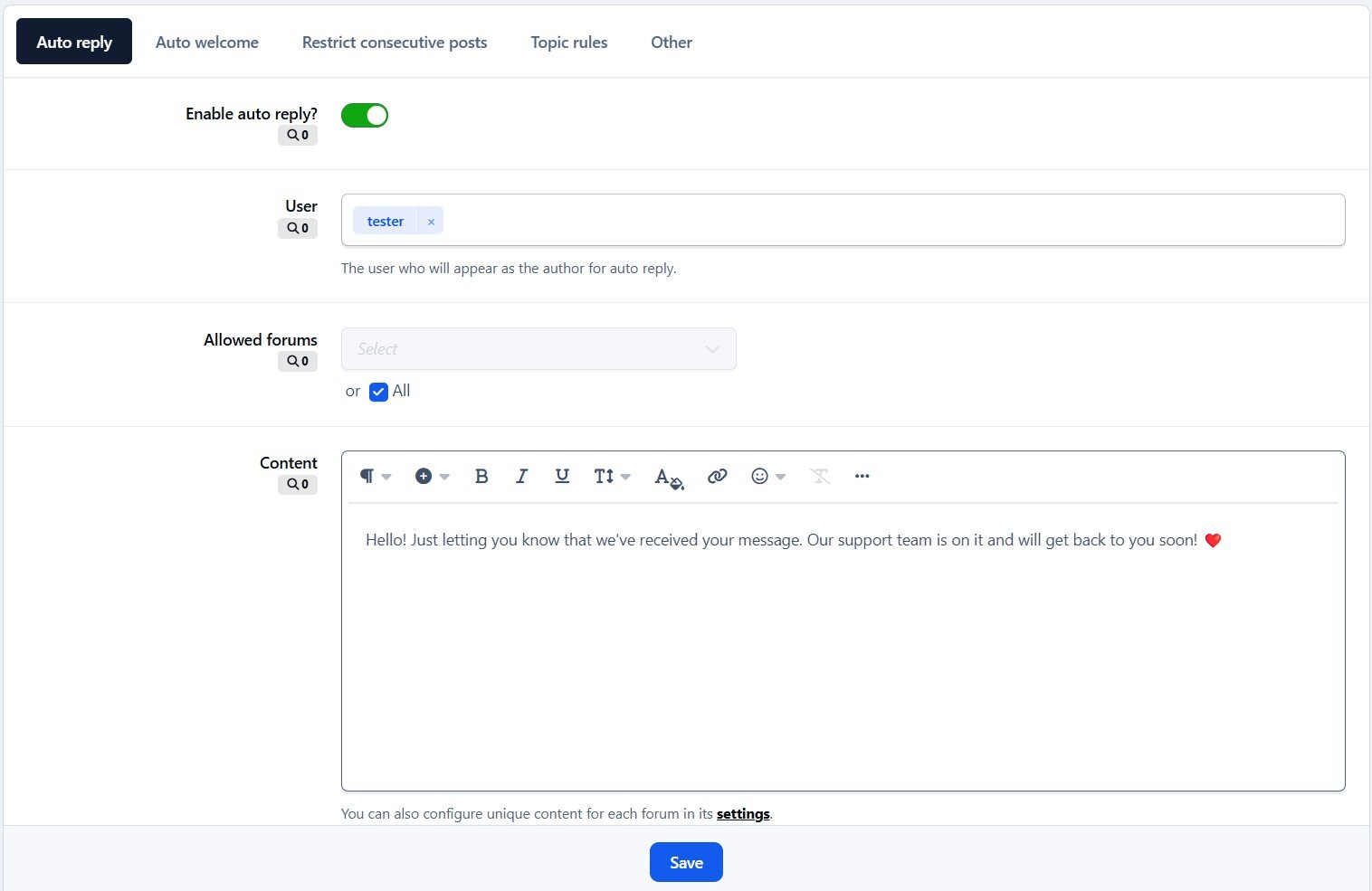
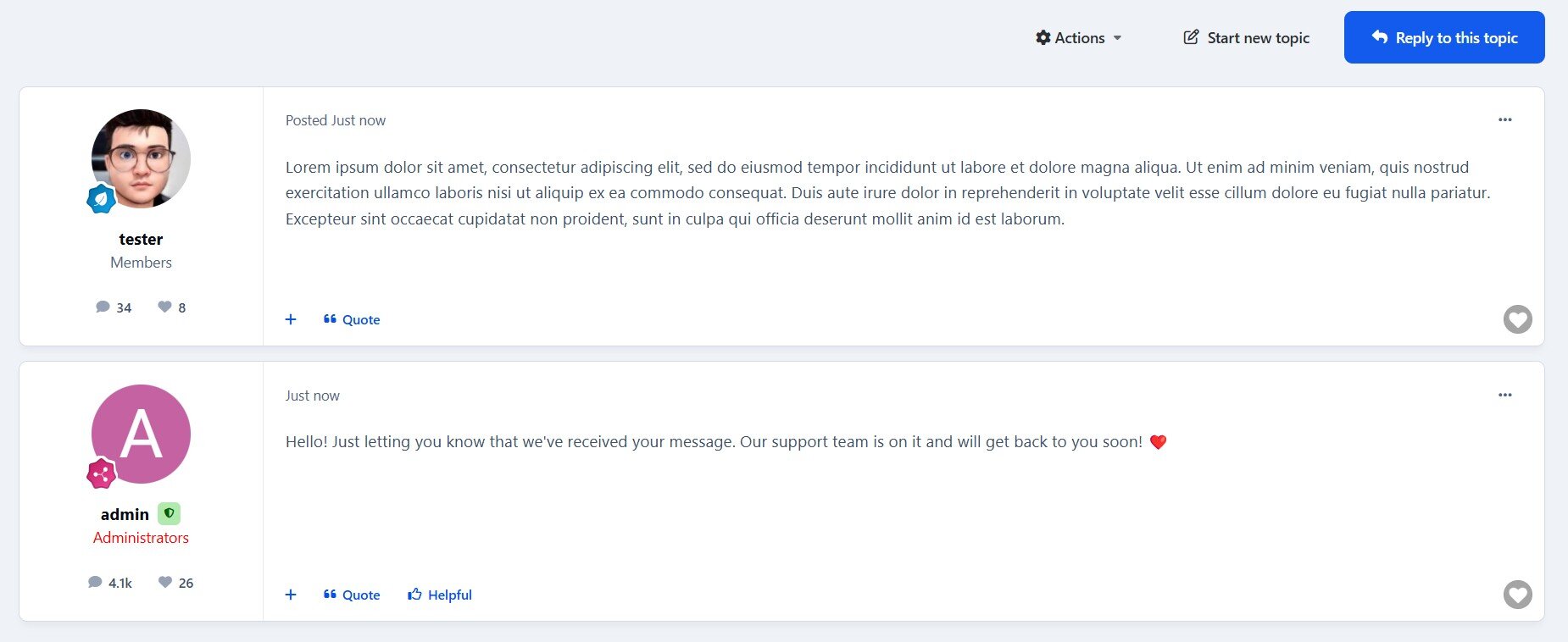
✅ Auto Reply - Automatically respond to new topics with a predefined message, perfect for support forums to confirm message receipt.
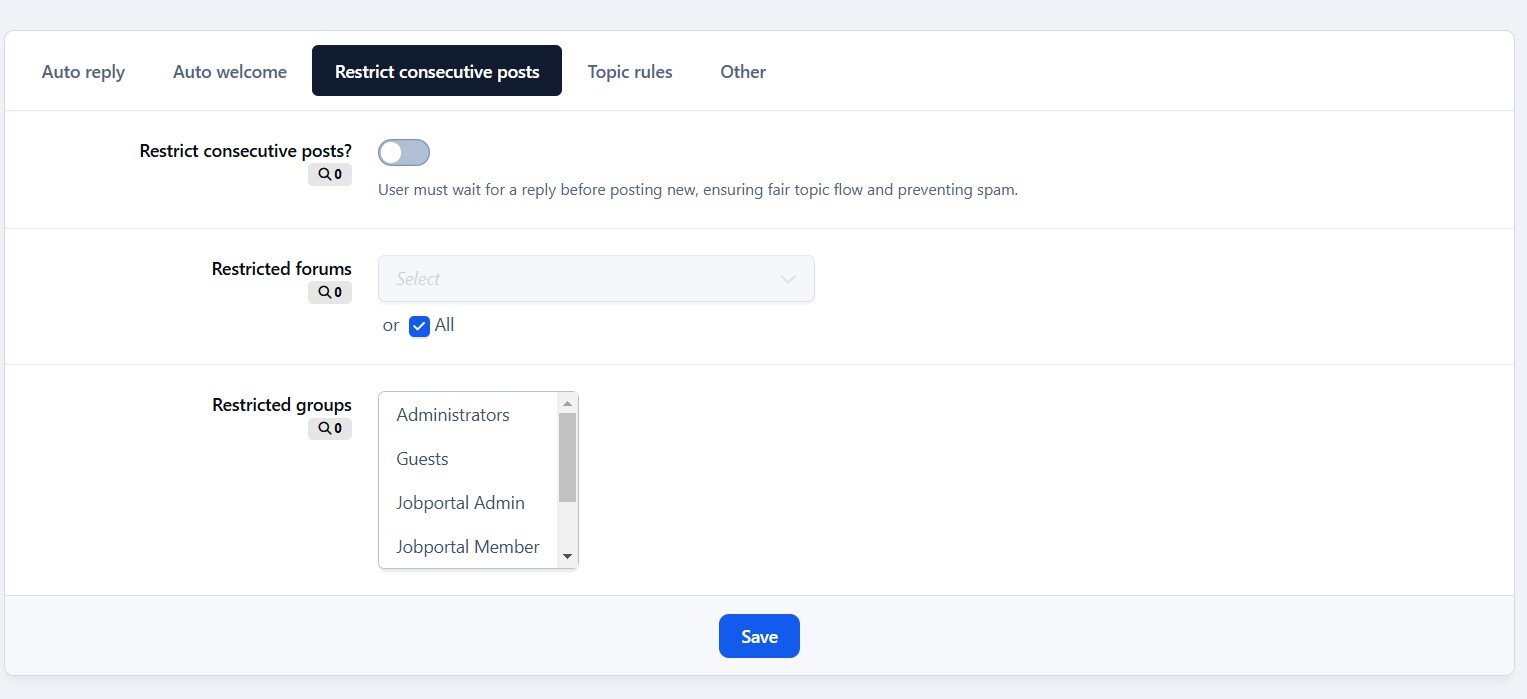
✅ Restrict Consecutive Posts - Prevent users from posting multiple consecutive replies. A user must wait for another member to reply before they can post again in the same topic, reducing spam and encouraging balanced discussions.
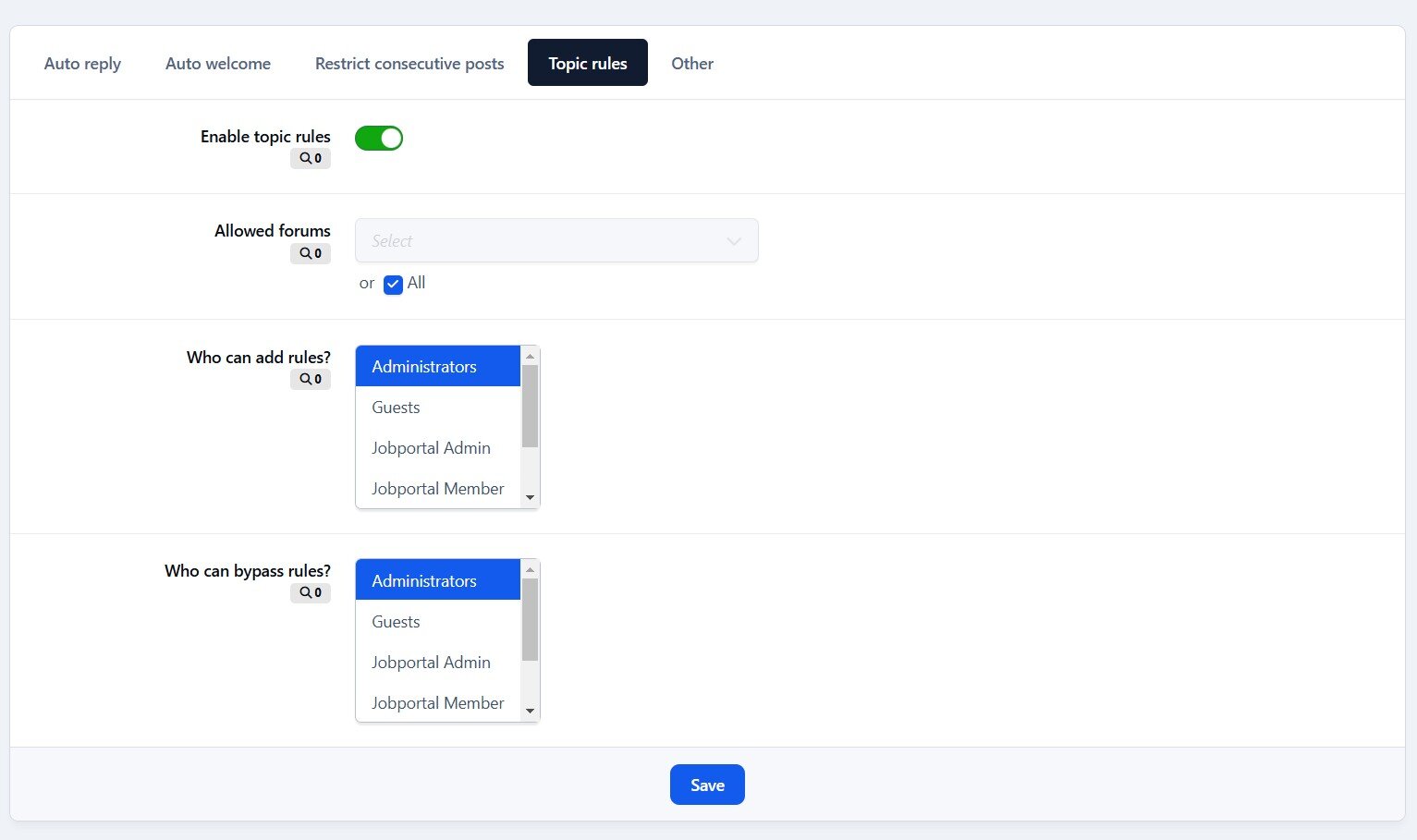
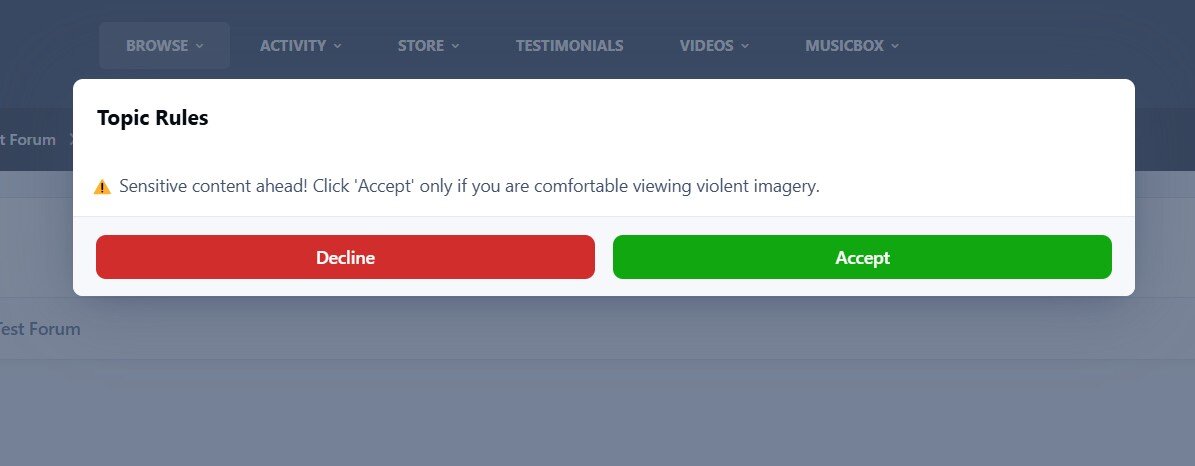
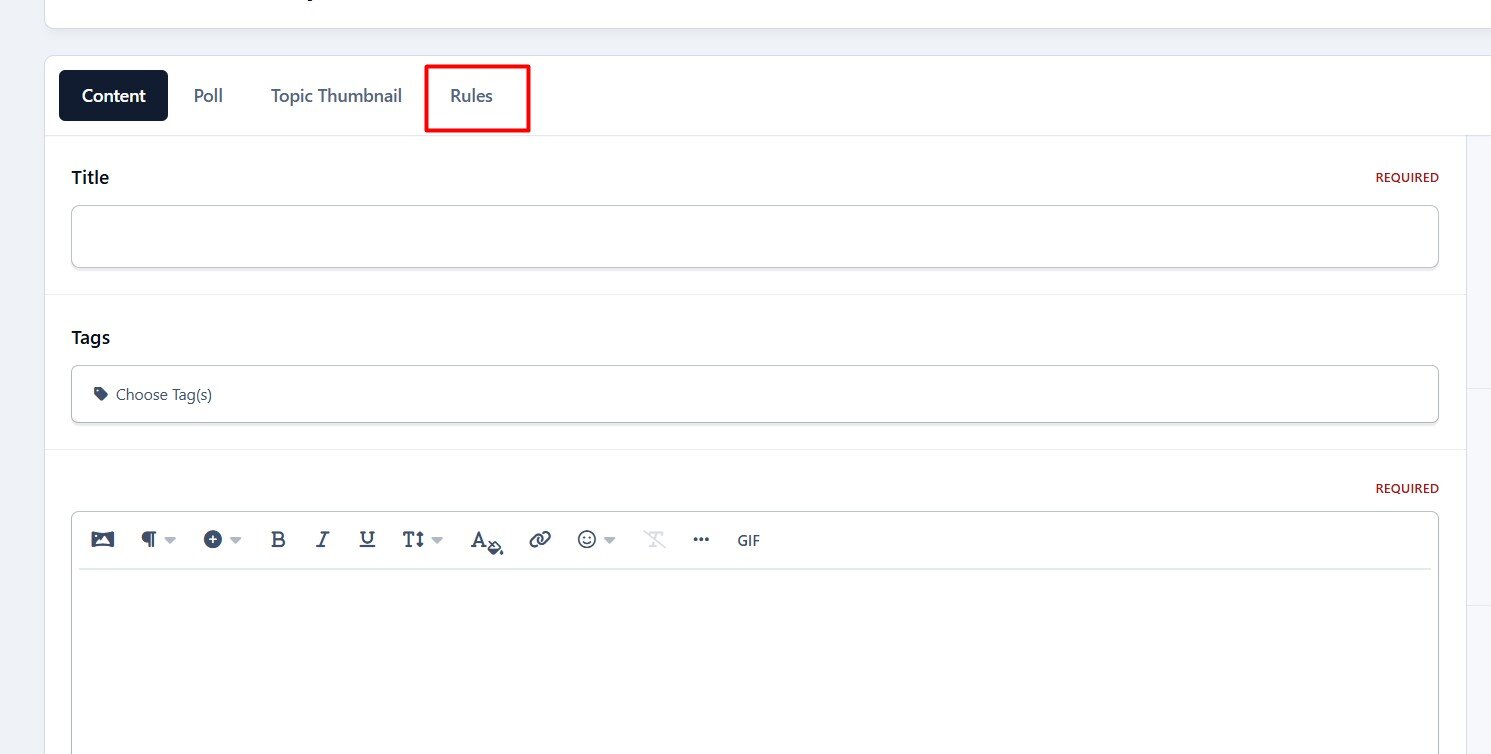
✅ Topic Rules - Define and display custom rules for specific topics, ensuring users understand and follow guidelines before participating.
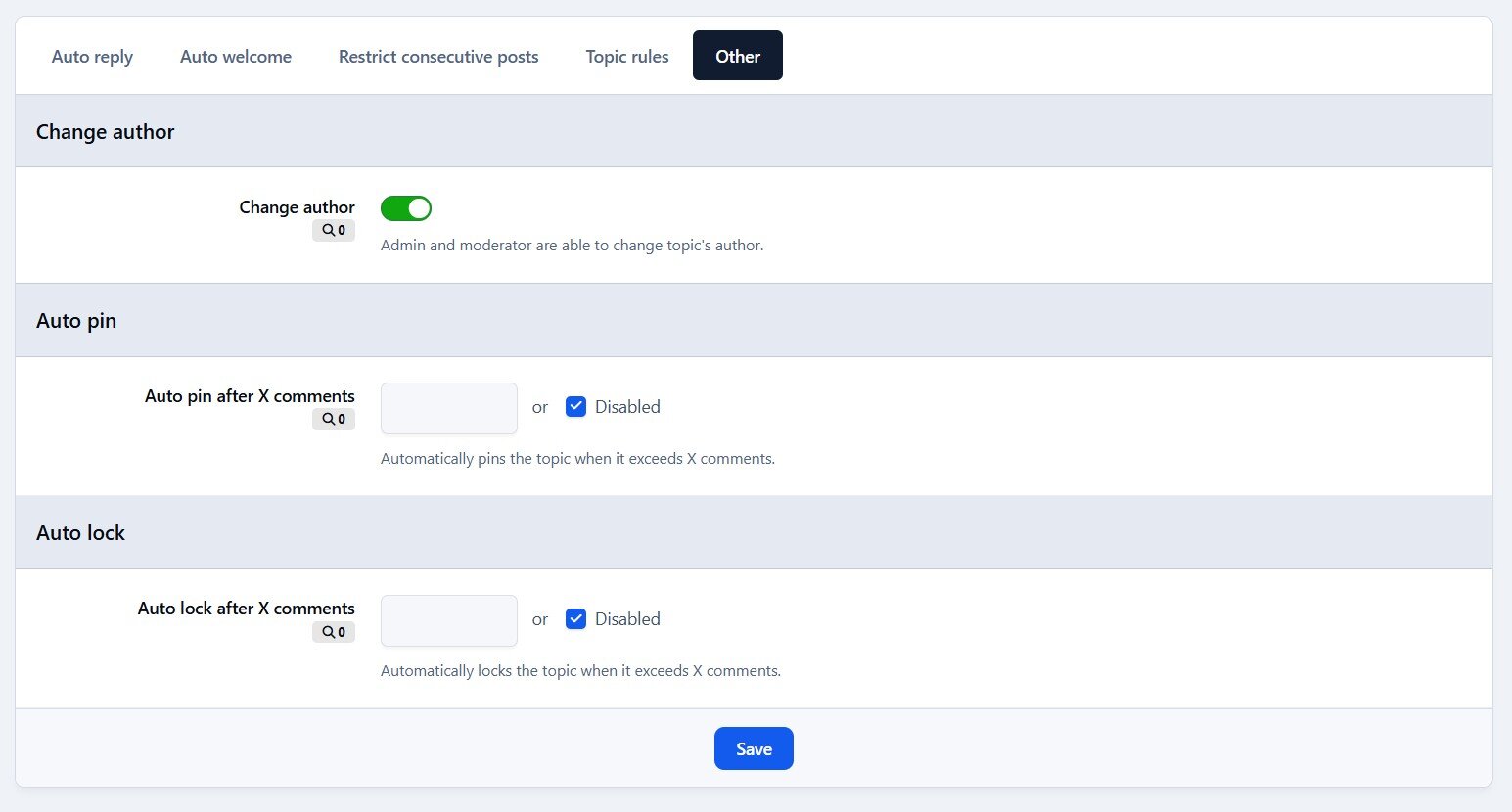
✅ Auto Pin - Automatically pin a topic when it reaches a predefined number of replies, keeping important discussions visible.
✅ Auto Lock - Automatically lock a topic when it reaches a set number of replies or after X days. Useful for limiting discussions in announcements, event promotions, job postings, or special offers to avoid irrelevant comments.
✅ Auto Delete - Permanently removes inactive topics based on the last post date (per-forum settings, with an option to exclude pinned/featured topics), helping keep the forum clean and efficient.
✅ Change Author - Change the author of a topic to another user, useful for content management or ownership transfers.
✅ Change Date - Easy to change topic's date.
✅ Edit title silently - Edit topic title without adding logs or history.
Recommended Comments
Create an account or sign in to comment