AI: Auto Reply to Topics
Invision Community 5
- Category AI Tools
- Downloads 126
- Compatibility IC5: 5.0.0+
- App Version 1.1.2
- Updated
Overview
This application utilizes Perplexity AI or Google Gemini AI to generate replies to new topics automatically.Description
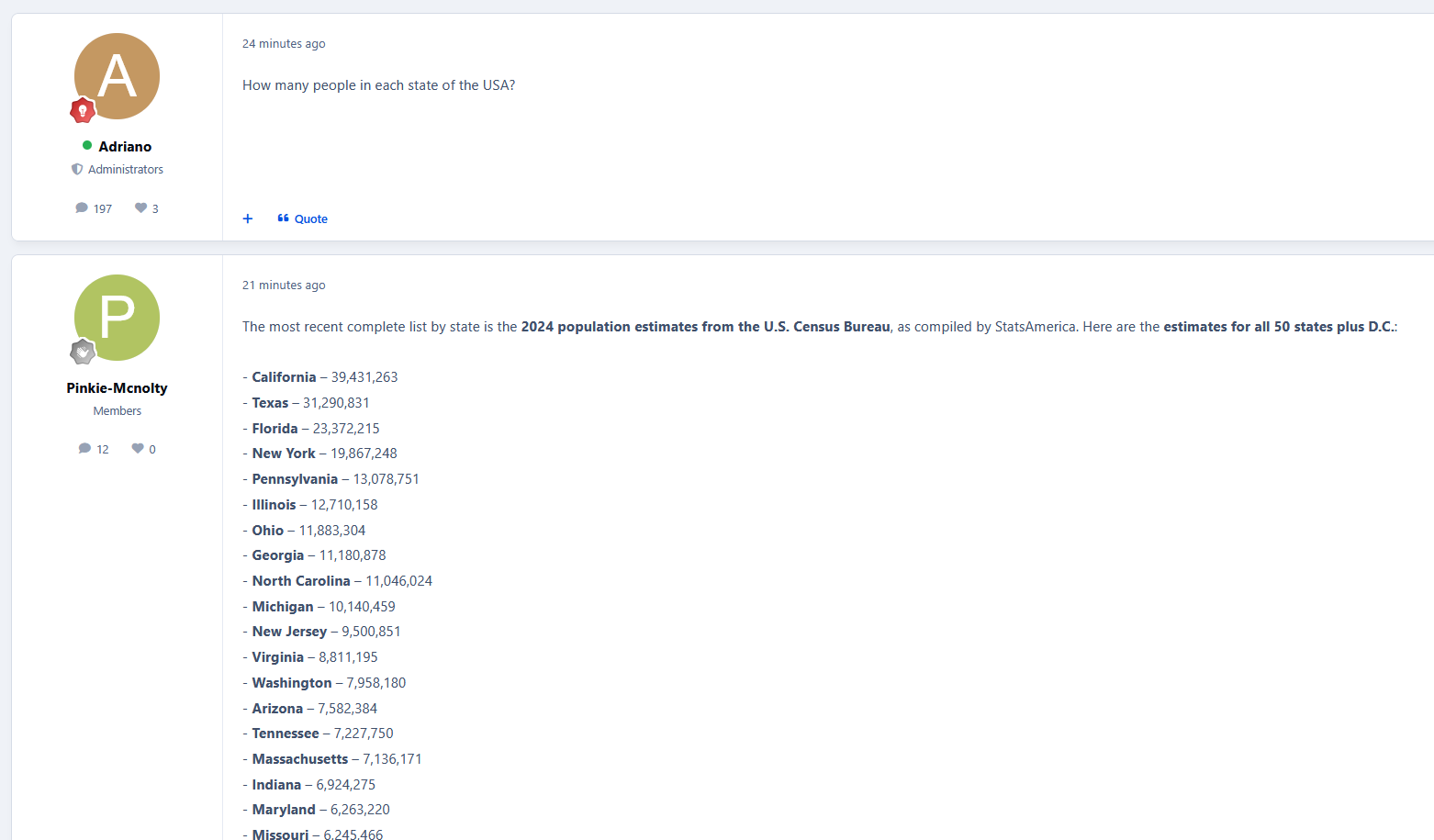
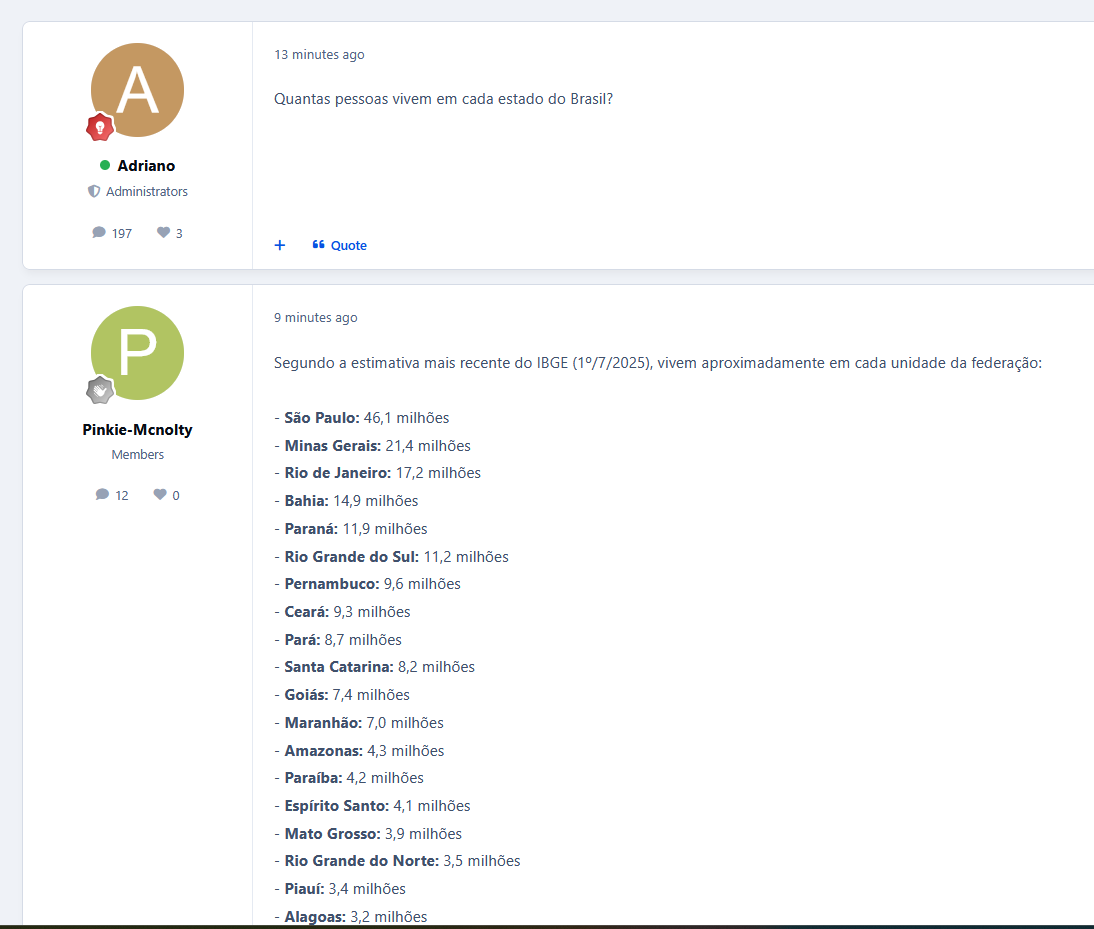
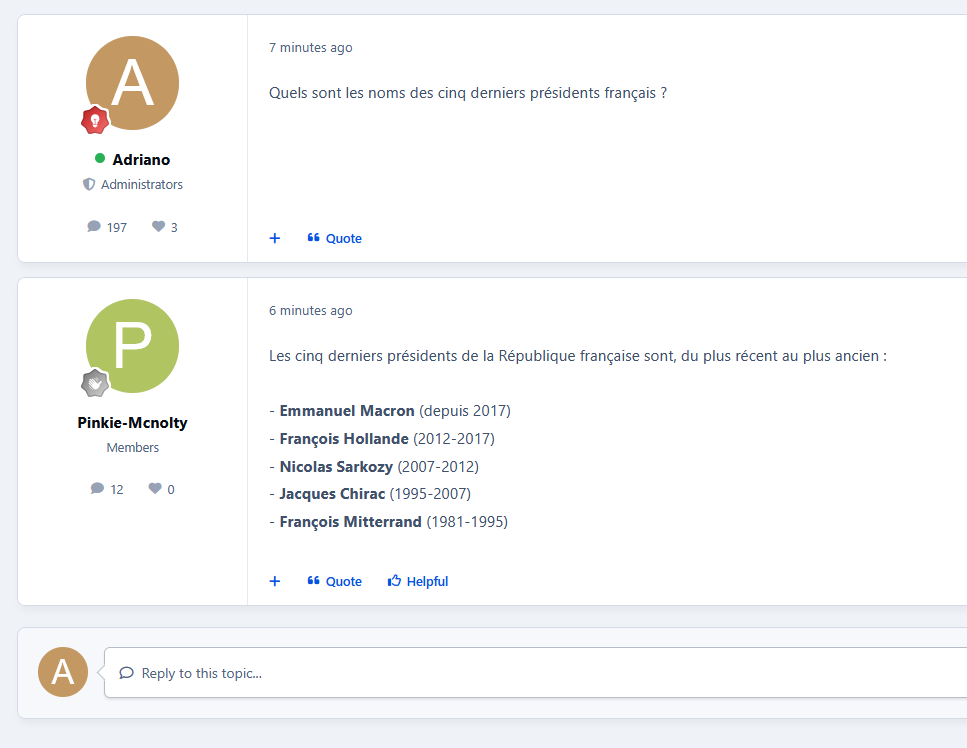
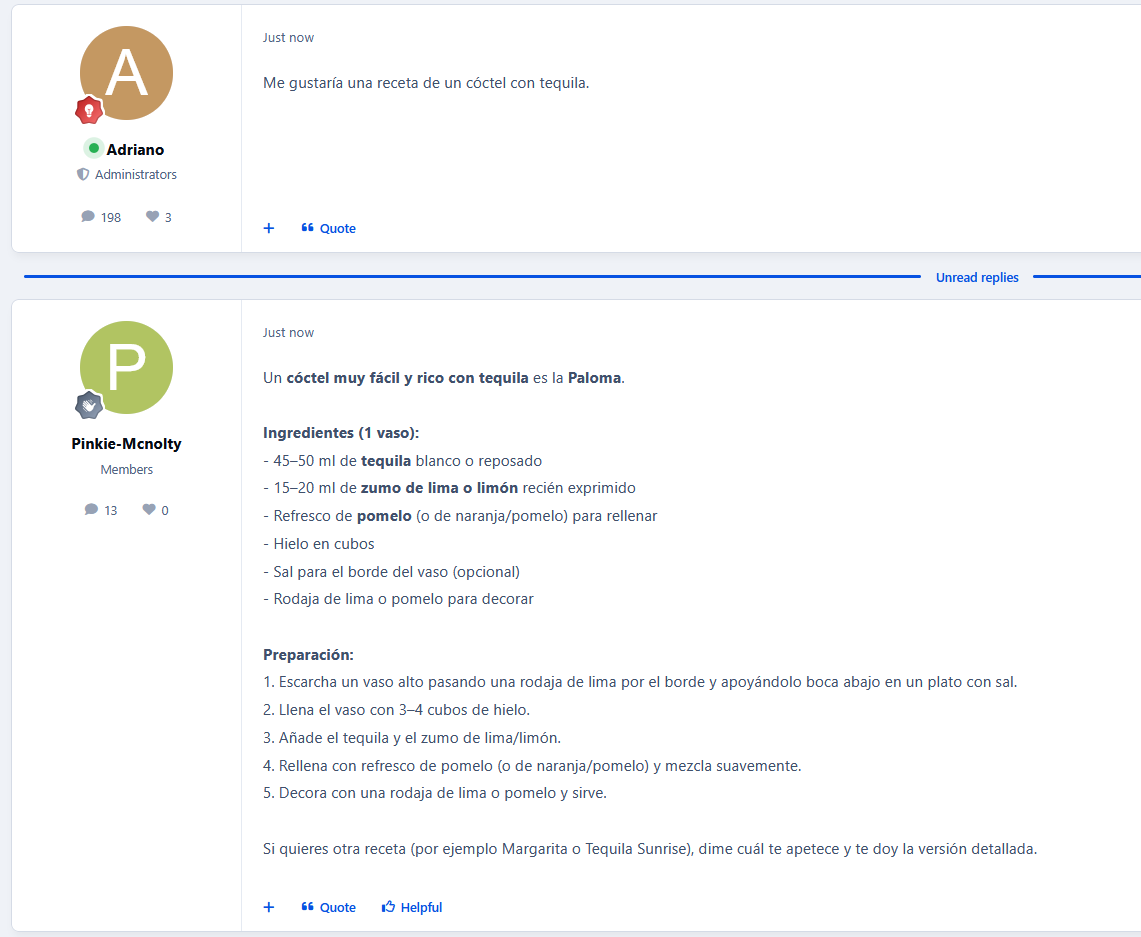
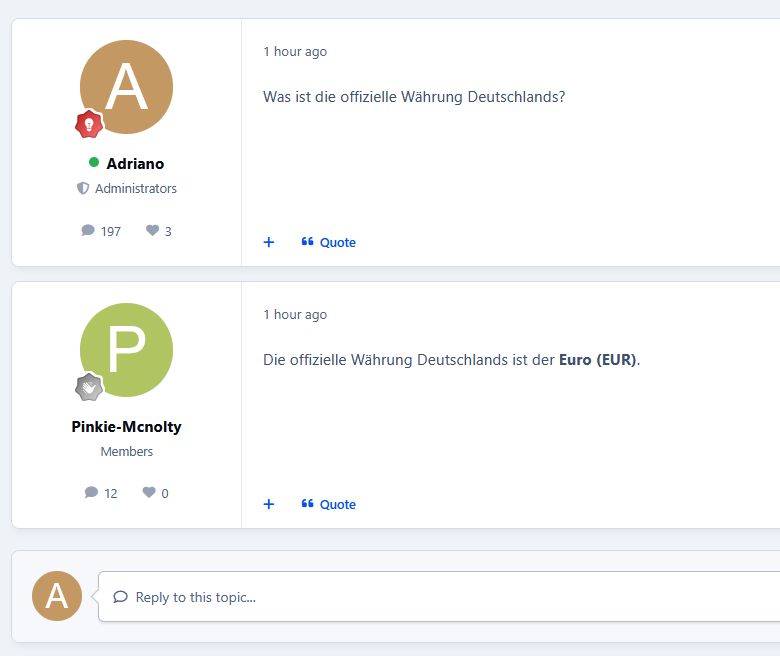
This application utilizes Perplexity AI or Google Gemini AI to generate replies to new topics automatically. Replies are processed via a background task (running every 5 minutes) to prevent delays during topic creation. All automated replies are written in the same language as the original post, helping to increase engagement and responsiveness across the community.
Perplexity AI is a paid artificial intelligence platform focused on delivering fast, accurate, and well-sourced answers. It combines large language models with real-time web search to produce clear and concise responses grounded in up-to-date information. Initially, only English is supported, with additional languages planned for future releases.
Google Gemini AI is Google’s generative AI platform, designed to provide high-quality, natural, and context-aware responses. It excels at understanding forum discussions and producing helpful replies efficiently, making it well-suited for automated background processing in community environments.
Settings
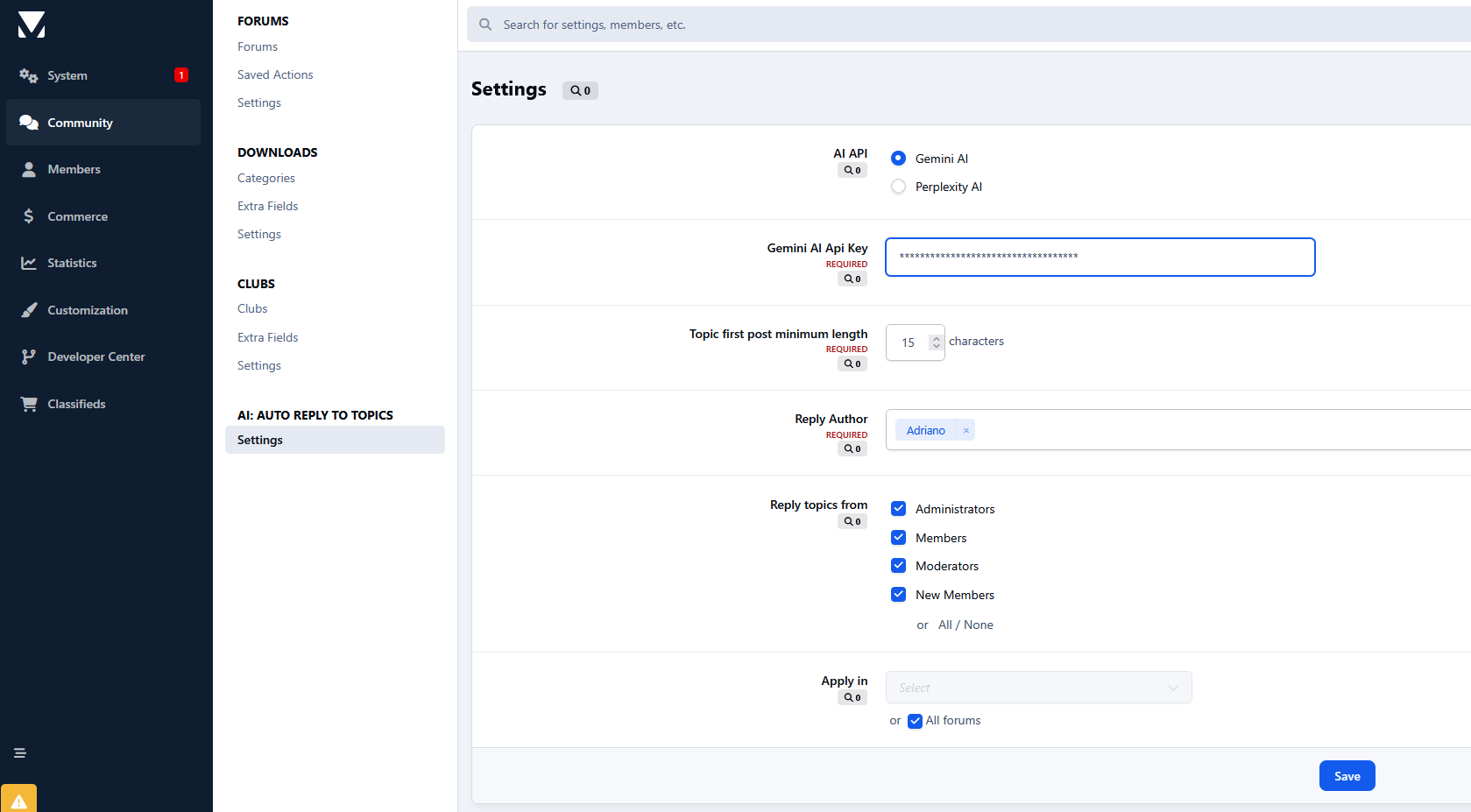
AI to use: Perplexity AI or Gemini AI
Select which forums the AI will generate automatic replies for
Select which member groups are allowed to receive automated replies on newly created topics
Topic first post minimum length
Reply Author
AI provider selection (Perplexity AI or Gemini AI)
Requirements
API key from Perplexity AI (for Perplexity AI)
API key from Google AI Studio (for Gemini AI)
Forums application
Create an account or sign in to leave a review
There are no reviews to display.