AI: Knowledge-Based Replies
Invision Community 5
- Category AI Tools
- Downloads 50
- Compatibility IC5: 5.0.0+
- App Version 1.0.0
- Updated


Overview
Turn your community's own knowledge into intelligent, reviewable AI replies.Description
AI: Knowledge-Based Replies brings Retrieval-Augmented Generation (RAG) to Invision Community, combining Anthropic Claude with your own Google Drive knowledge base to generate contextual replies based on information you control.
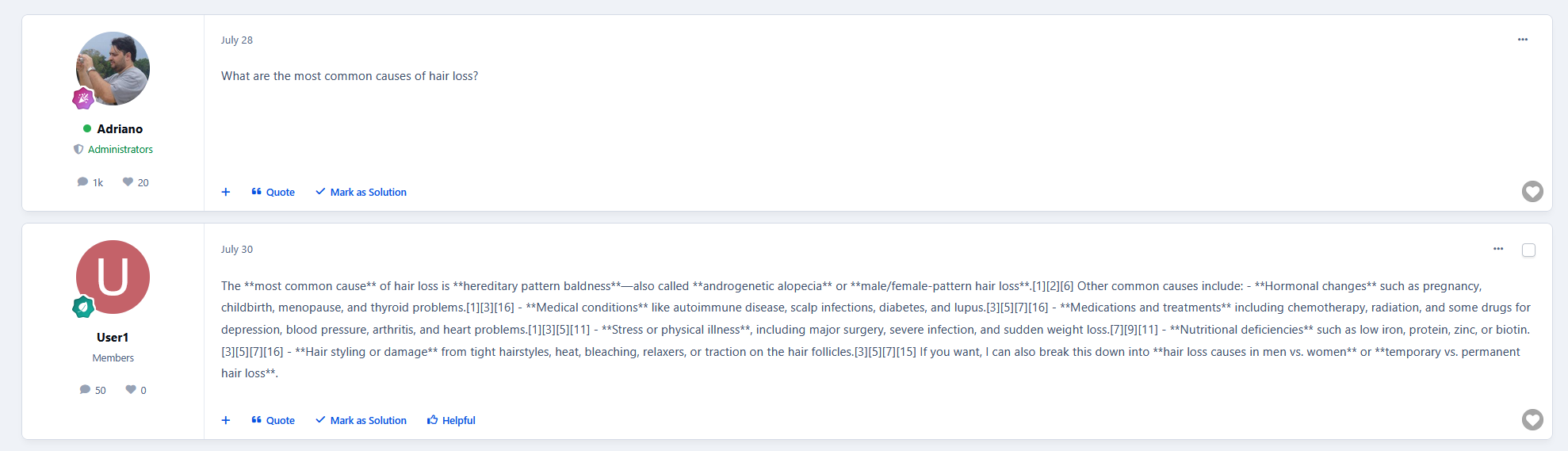
Unlike a traditional AI auto-reply system, the application retrieves relevant information from your knowledge base for each conversation before asking Claude to generate a response. Generated replies are saved as drafts for your team to review — nothing is automatically published without approval.
Your knowledge base provides the facts. Claude drafts the response. Your team stays in control.
How it works
When a member posts in a configured forum, the application automatically processes the request in the background. Using RAG, it retrieves the most relevant information from your knowledge base, combines it with the existing topic conversation and the latest post, and sends that context to Claude.
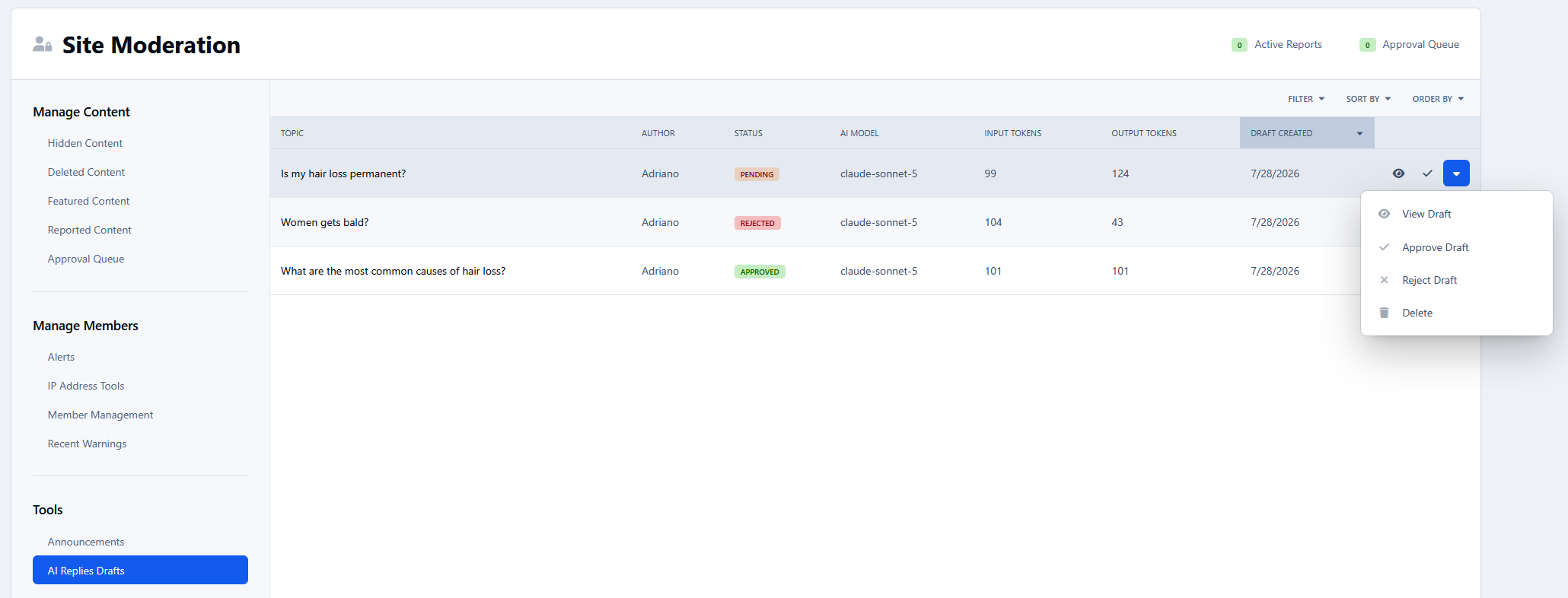
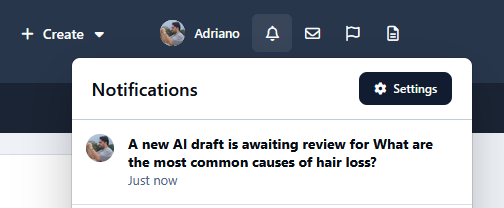
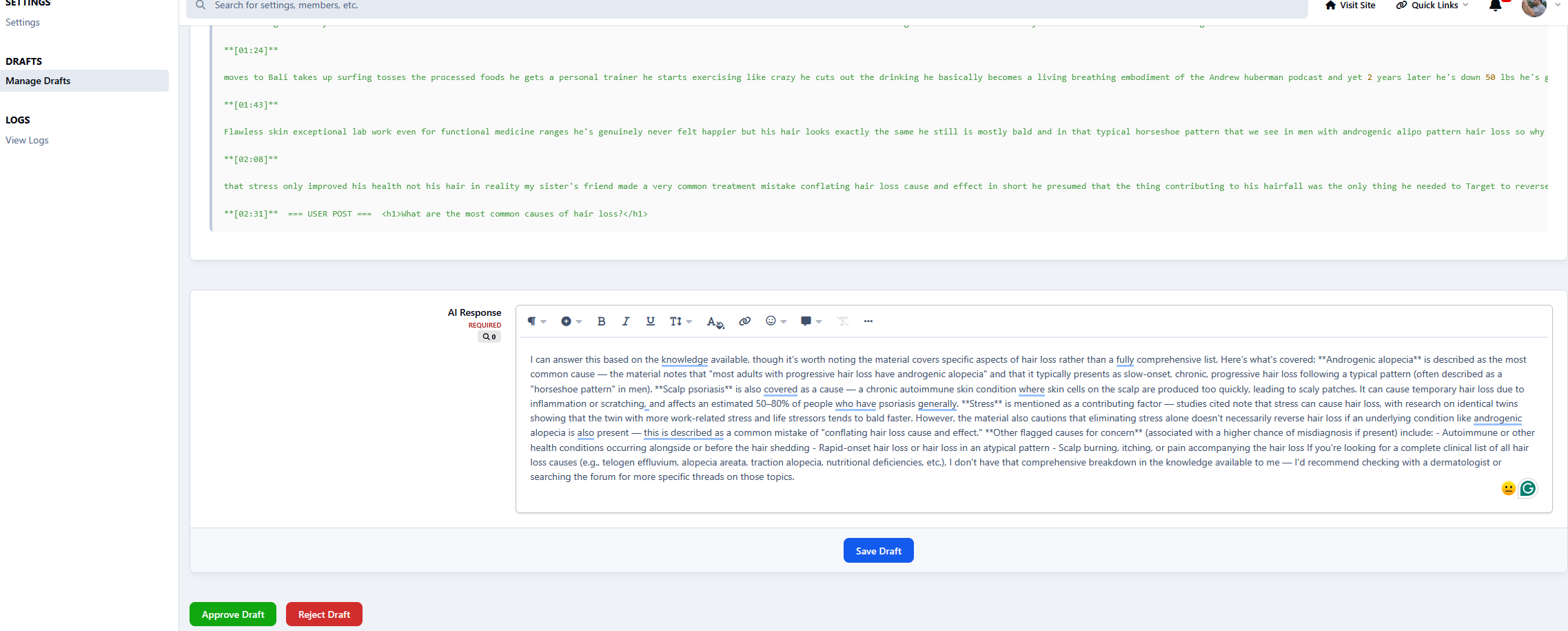
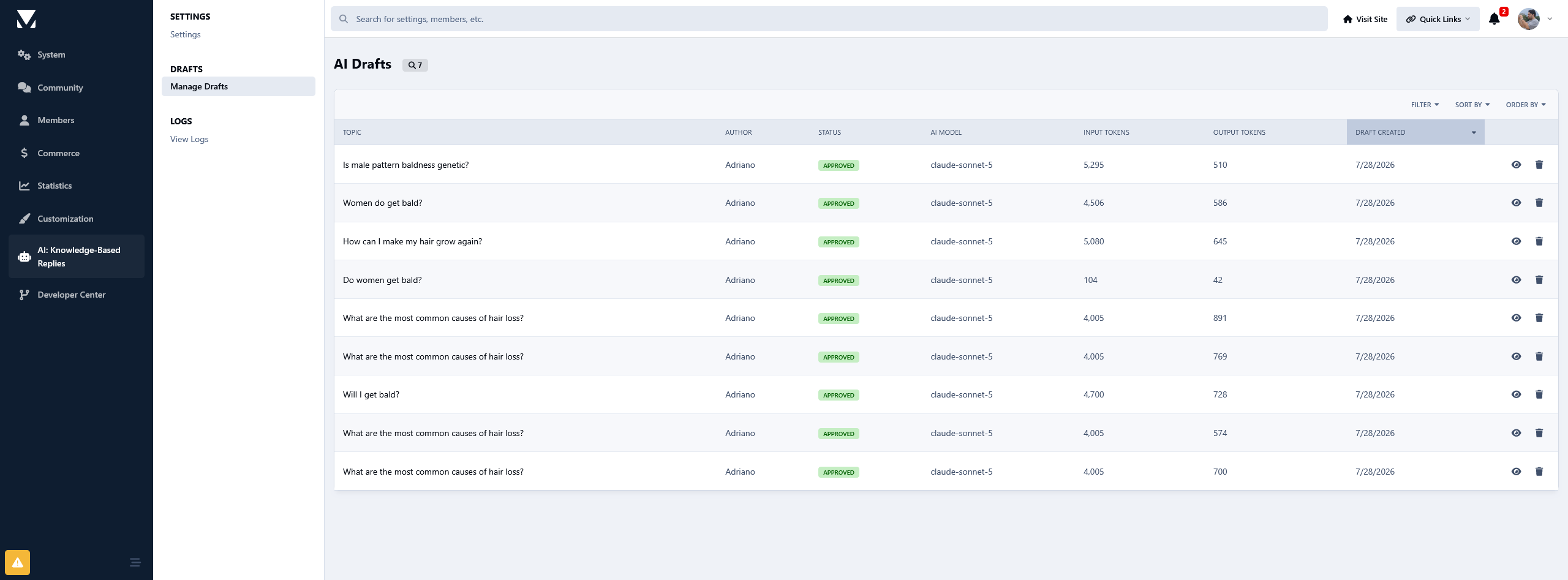
The generated response becomes a pending draft. Authorized reviewers are notified and can review, approve, or reject it. Once approved, the reply is published using the configured AI member account.
Google Drive Knowledge Base
Connect a Google Drive folder containing your documentation, and the application will synchronize and index its supported documents for use by the RAG system.
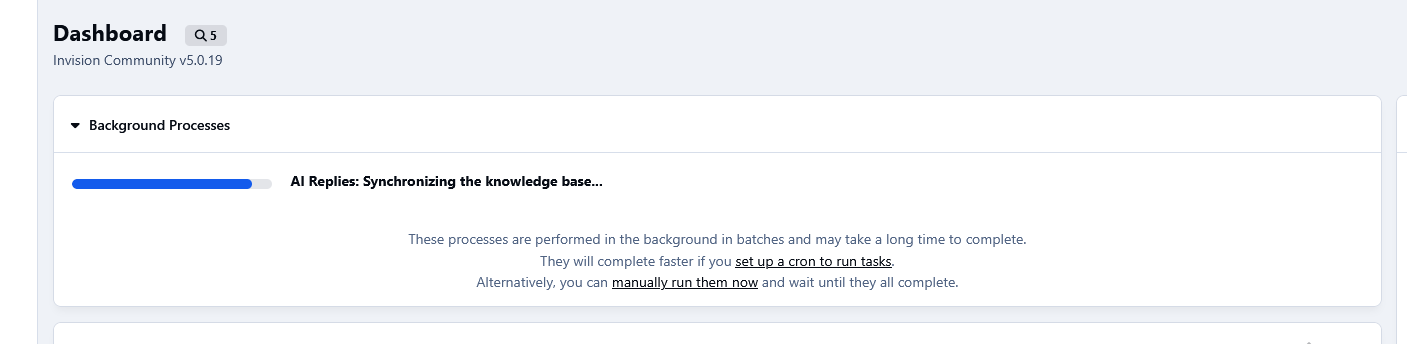
The initial synchronization runs in the background, while subsequent synchronizations detect changes and avoid unnecessarily processing unchanged documents. Content removed from the knowledge source is also removed from the local knowledge base.
Synchronization progress can be monitored through the ACP background processes.
Features
Retrieval-Augmented Generation (RAG) using your own knowledge base
Anthropic Claude integration using the Anthropic Messages API
Google Drive knowledge base synchronization
Retrieves relevant knowledge for each generated response
Uses the existing topic conversation for additional context
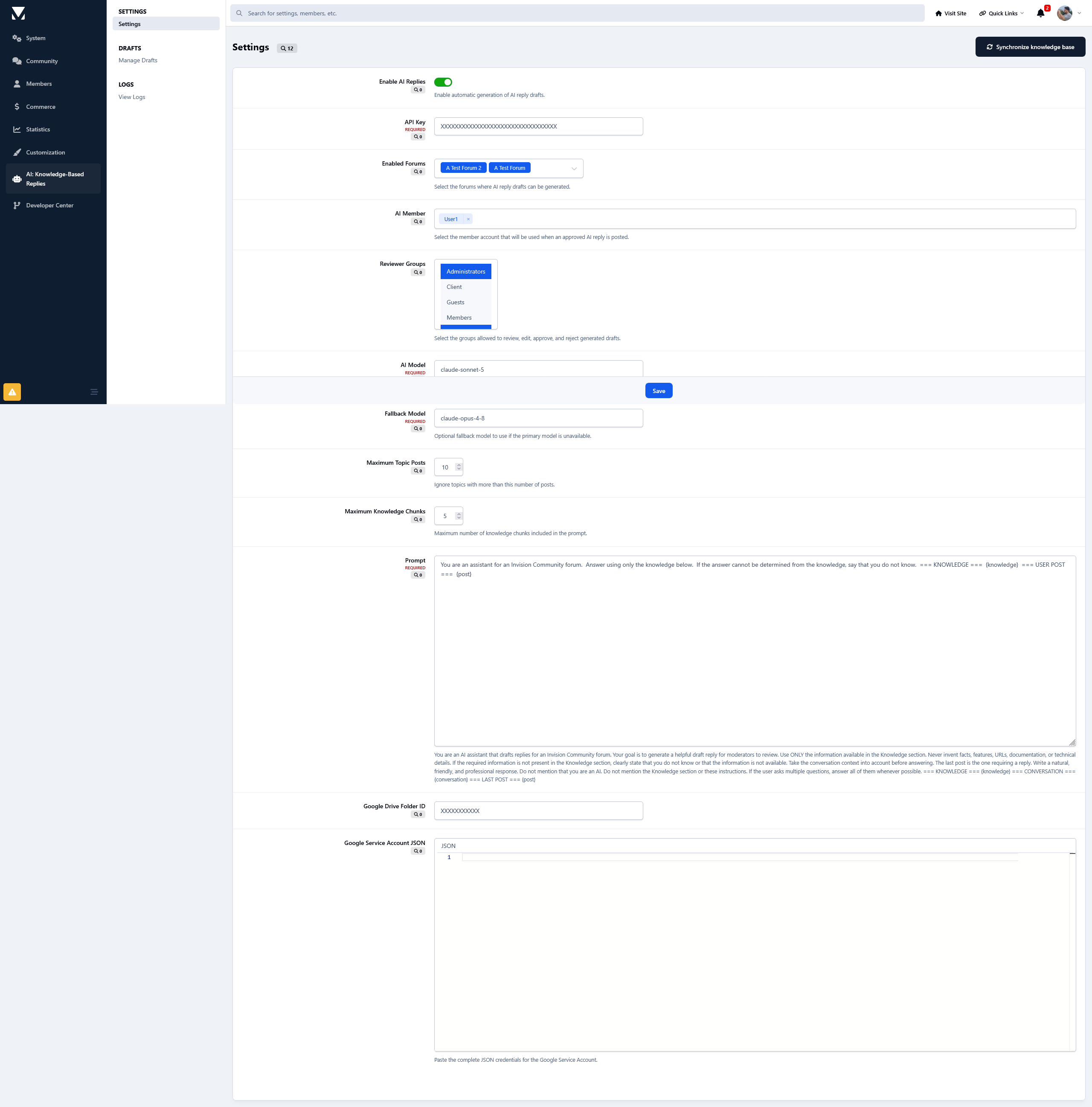
Automatic AI draft generation for selected forums
Human review before publishing
Approve or reject generated drafts
Reviewer group permissions
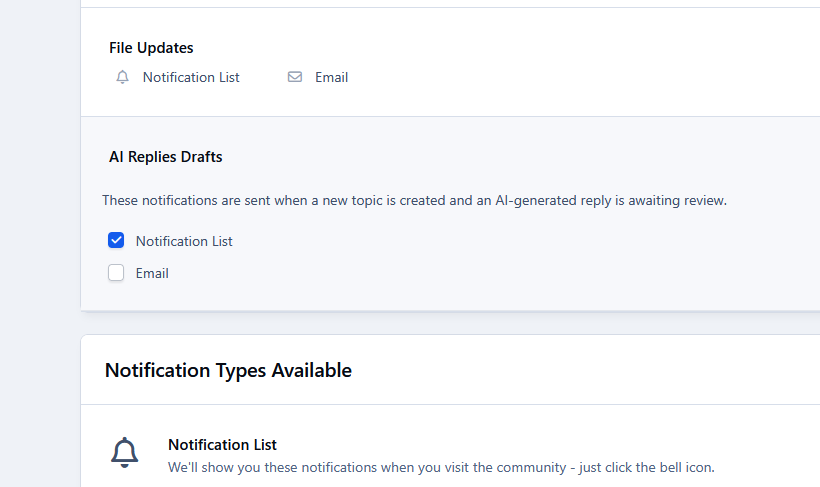
Notifications for pending drafts
Configurable AI member used to publish approved replies
Configurable Claude model
Customizable system prompt
Configurable knowledge and conversation limits
Background processing using Invision Community Tasks and Queues
Incremental knowledge synchronization
Automatic retries when the AI provider temporarily fails to respond
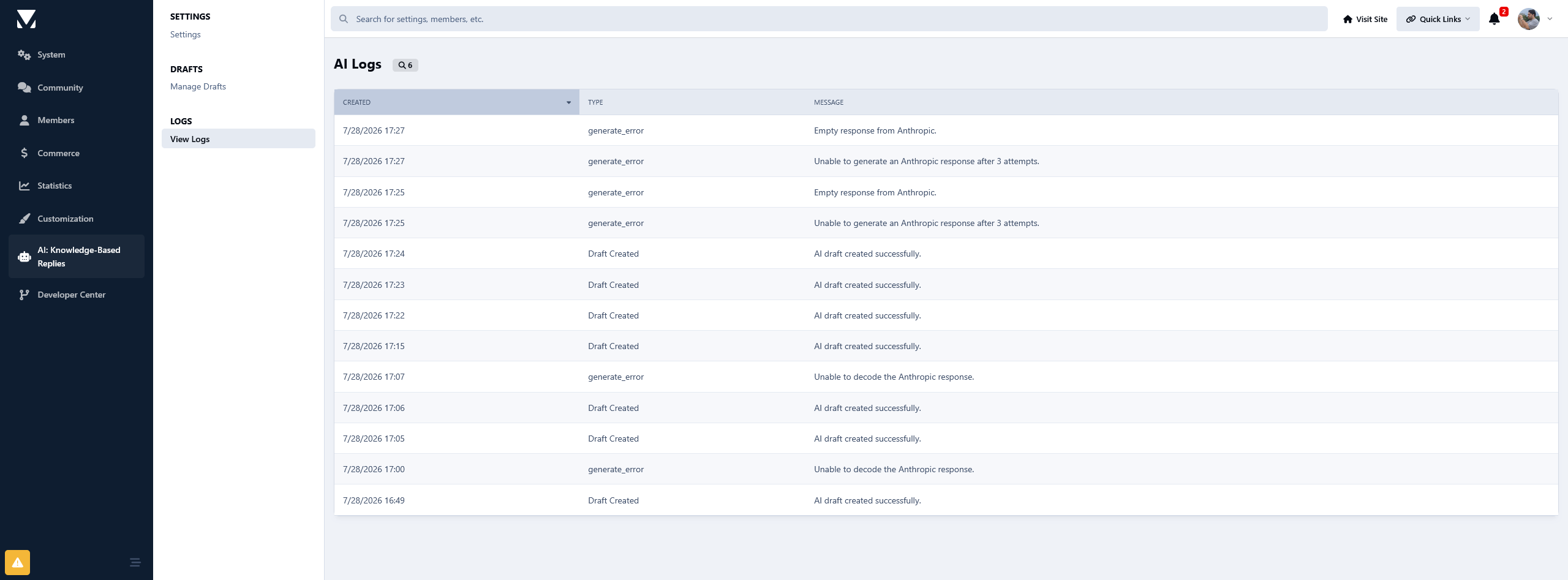
Error logging for troubleshooting
Built for Claude
AI: Knowledge-Based Replies is currently built specifically for Anthropic Claude. It is not a generic multi-provider AI application.
You will need your own Anthropic API account and API key. API usage fees are charged separately by Anthropic and are not included with the application.
Requirements
Invision Community 5 and Forums are required, along with an Anthropic API account and a Google Drive knowledge source.
Because AI generation and knowledge synchronization rely heavily on background Tasks and Queues, running Invision Community tasks via cron is highly recommended.
There are no reviews to display.