- Category AI Tools
- Downloads 27
- Compatibility IC5: 5.0.0+
- Updated
Description
Guardian — moderation that keeps your team away from the worst of it
Invision Community gives you the tools to remove bad content once somebody finds it. Guardian finds it first, ranks it by how bad it is, and puts it in one queue your moderators can actually work through.
And for the category of material nobody should have to look at, it does something different: it never shows it to them at all.
What it checks
Post text — spam, scams and phishing, harassment, hate, threats, and breaches of your rules. Paste your rules in and they are used when judging a post, so "against the rules" means yours rather than a generic idea of them.
Attached images — adult content, graphic violence, hate symbols, and images posted purely to advertise.
Known illegal material — attachments are matched against a vetted hash service you have arranged access to.
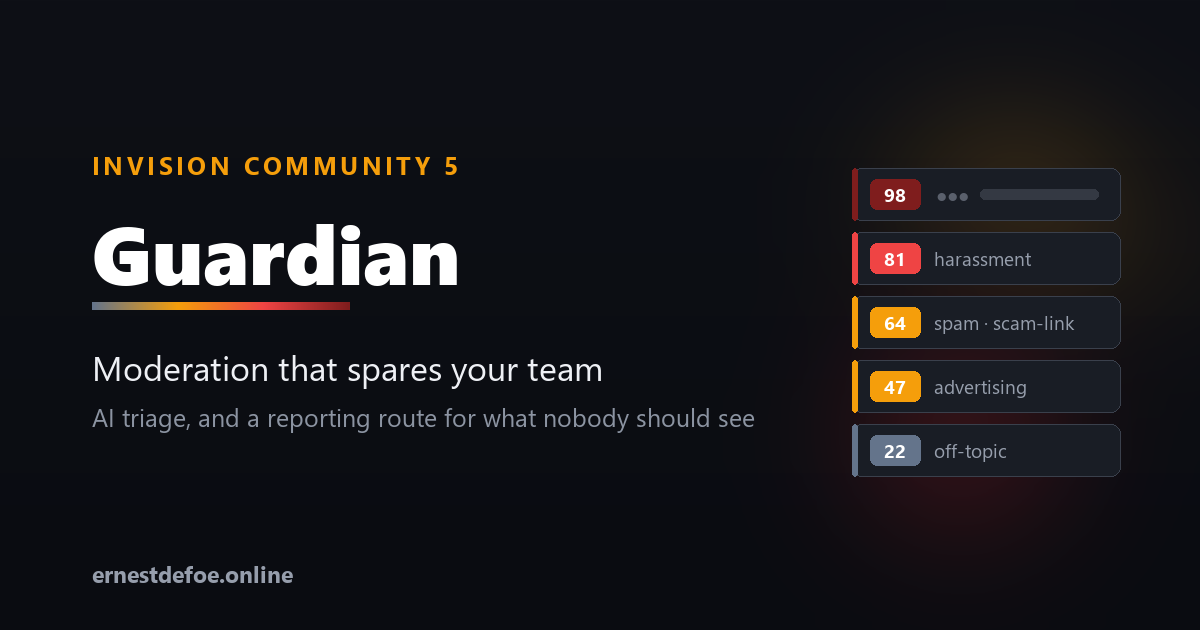
Everything is scored from 0 to 100. You choose the score at which something enters the queue, and the score at which it is hidden before a human sees it.
One queue, worst first
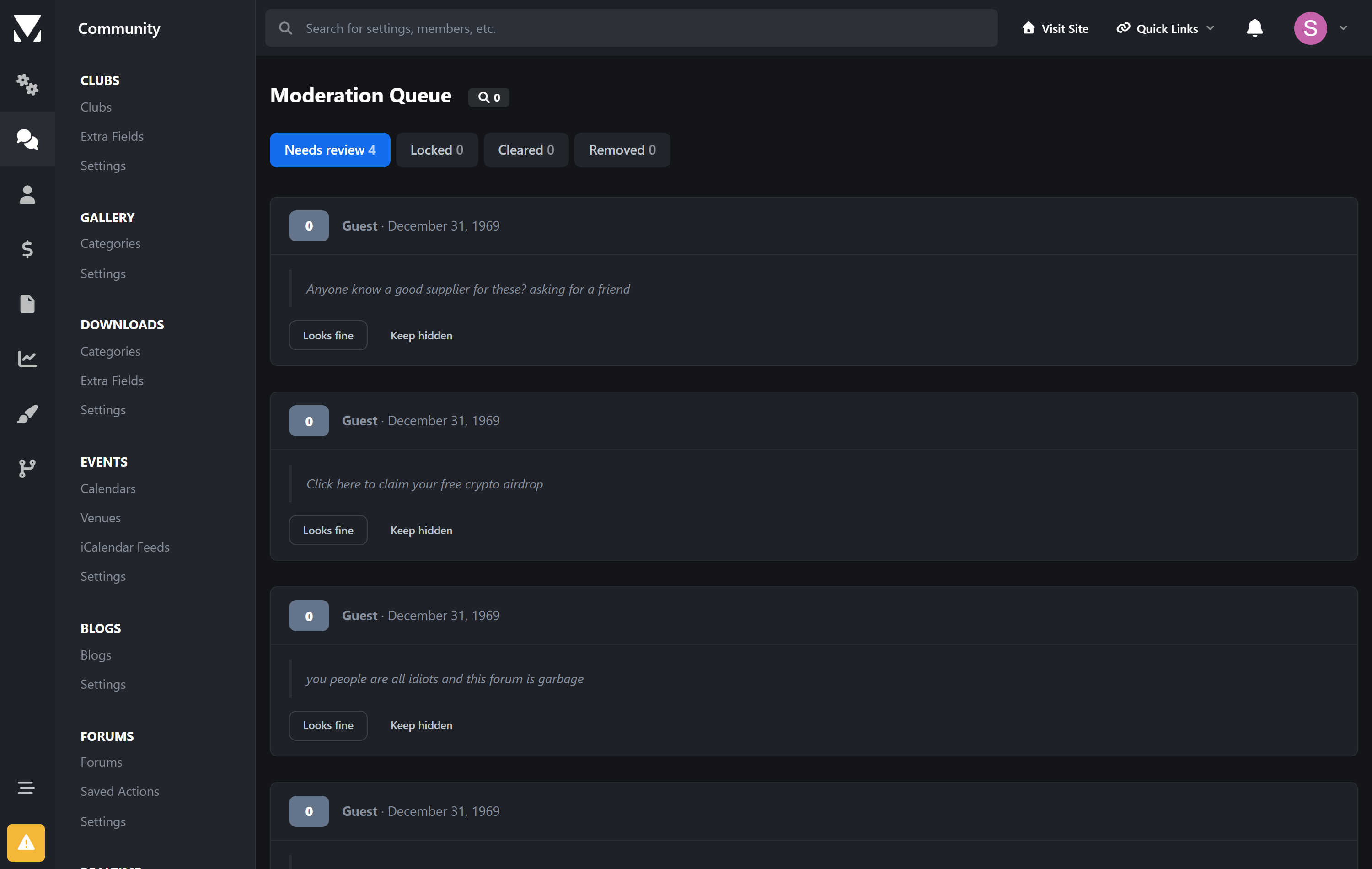
Flagged content arrives in a single triage screen ordered by severity, with the reason each check gave, the labels it applied, and the post excerpt. Two buttons: Looks fine puts it straight back, Keep hidden leaves it down. Cleared and removed items keep their own tabs so you have a record.
Guardian never deletes anything. Content is hidden using Invision Community's own moderation tools, so a wrong call is always reversible — and genuinely illegal material is preserved rather than destroyed, which matters if you later have to account for it.
The part that is handled differently
When an attachment matches a known-illegal hash set, Guardian does not treat it as a moderation decision, because it isn't one.
The post is hidden immediately and the file is preserved.
The queue entry shows no image, no post text, and no link to the content. There is no "view" button. Nobody on your team has to look at it in order to deal with it.
The identifying details — account, email, IP at the time of posting, timestamps, file hashes — are captured at the moment of detection, because by the time a report is filed the account may be gone and the IP record rotated away.
Clearing it is not offered. A moderator clicking "looks fine to me" is not the right way to overturn a hash match.
Reporting, wherever you are
Reporting duties are national, and the mechanisms differ. Guardian supports both shapes.
Destination | Region | How |
|---|---|---|
NCMEC CyberTipline | United States | Filed directly from your server |
Internet Watch Foundation | United Kingdom | Hotline form + reference recorded |
Canada | Hotline form + reference recorded | |
eSafety Commissioner | Australia | Hotline form + reference recorded |
INHOPE network | International | Routes you to your national hotline |
Your own endpoint | Any | Evidence package posted as JSON |
Where an API exists, the file goes straight from your server to the destination — never downloaded, never emailed, never handed to a staff member to upload by hand. Guardian submits under your credentials; it never reports under its own identity.
Where one doesn't, Guardian links you to the right hotline for your jurisdiction and records the reference number you are given. The evidence is preserved and the audit trail comes out identical either way.
Costs you can actually control
A monthly spend limit. When it is reached the paid checks pause — but hash matching keeps running, because that is the one you least want switched off.
Separate models for text and images. Image checks are the expensive half; point them at a cheaper model without giving up text checking.
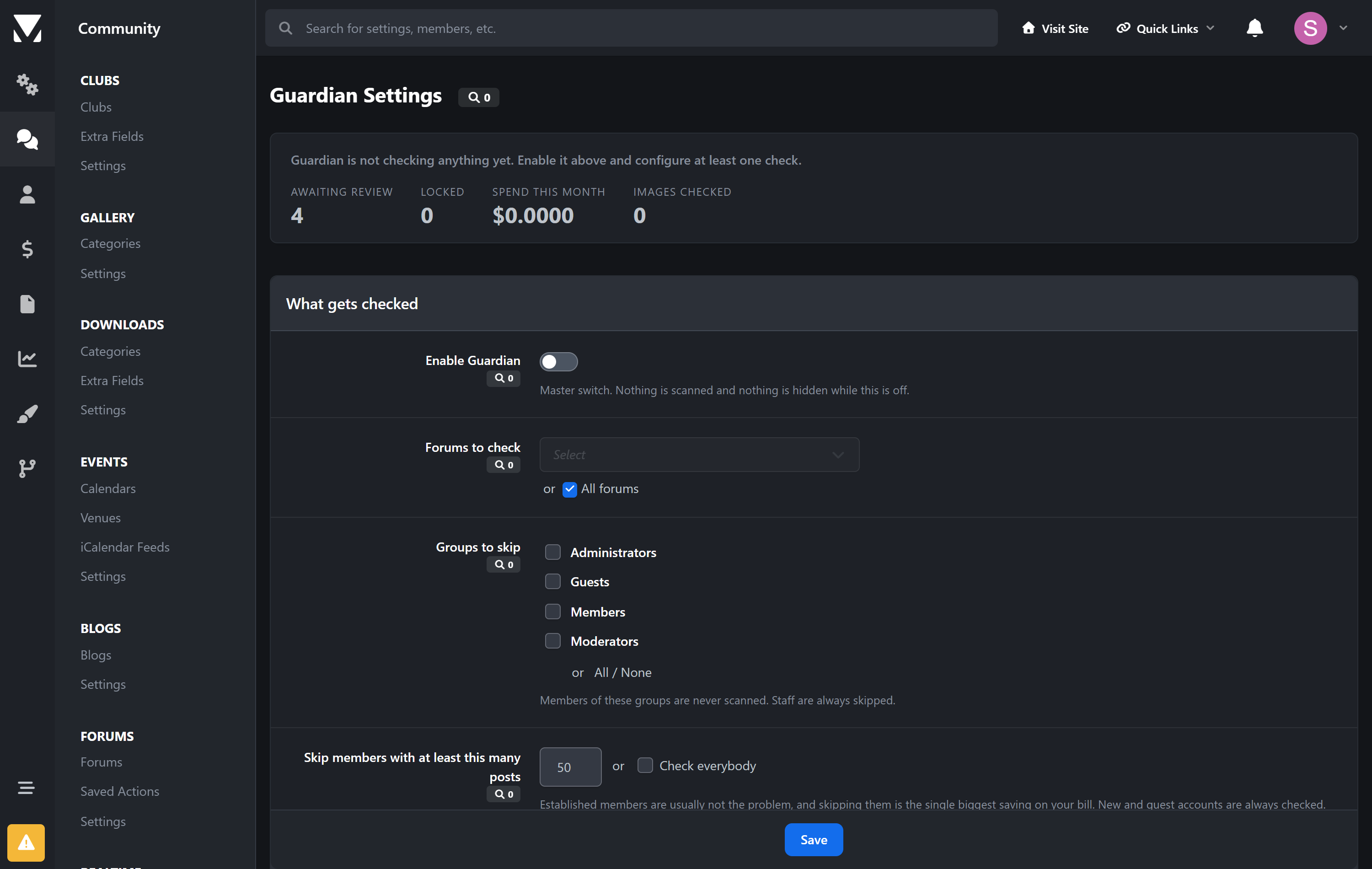
Skip established members. Set a post count above which members aren't scanned. New and guest accounts are always checked. This is the single biggest saving on a busy site.
Per-forum scope and trusted groups. Staff are always skipped.
The settings screen shows exactly what is running, how much you have spent this month, and how many images have been examined.
If you already run AI Assistant
Guardian works entirely on its own. But if AI Assistant is installed, one switch lets it use that application's provider, key and spend ledger — so you manage one key and one budget instead of two, and spend from both counts against the same limit. It is a convenience, never a dependency.
Built to stay out of the way
Nothing blocks posting. All checking happens on the background queue. An API outage means posts are unchecked, never that members can't post.
Silence is never read as safe. If a check cannot reach its service or the model refuses to assess something, that is recorded as needing a human — not quietly scored as clean.
No core files are edited. Upgrading Invision Community will not break it.
A full audit trail. Every decision, who made it, and when.
Requirements
Invision Community 5.0 or newer (self-hosted), with the Forums application
An API key from Anthropic or any OpenAI-compatible provider, for the text and image checks
For known-material matching and direct reporting: access to those services in your own name. Providers register with the relevant organisation themselves.
Create an account or sign in to leave a review
There are no reviews to display.