Translate your whole community, in their language
- Category AI Tools
- Downloads 61
- Compatibility IC5: 5.0.0+
- Updated
Description
Invision Community already lets a member pick their language. What it cannot do is give you one to pick. A finished language pack is 22,363 strings, which is a translator's contract rather than a download so most communities run in English, and everyone who does not read English comfortably reads a little less, posts a little less, and eventually stops.
This translates both halves of that problem: the software itself, and what your members write in it.
The interface
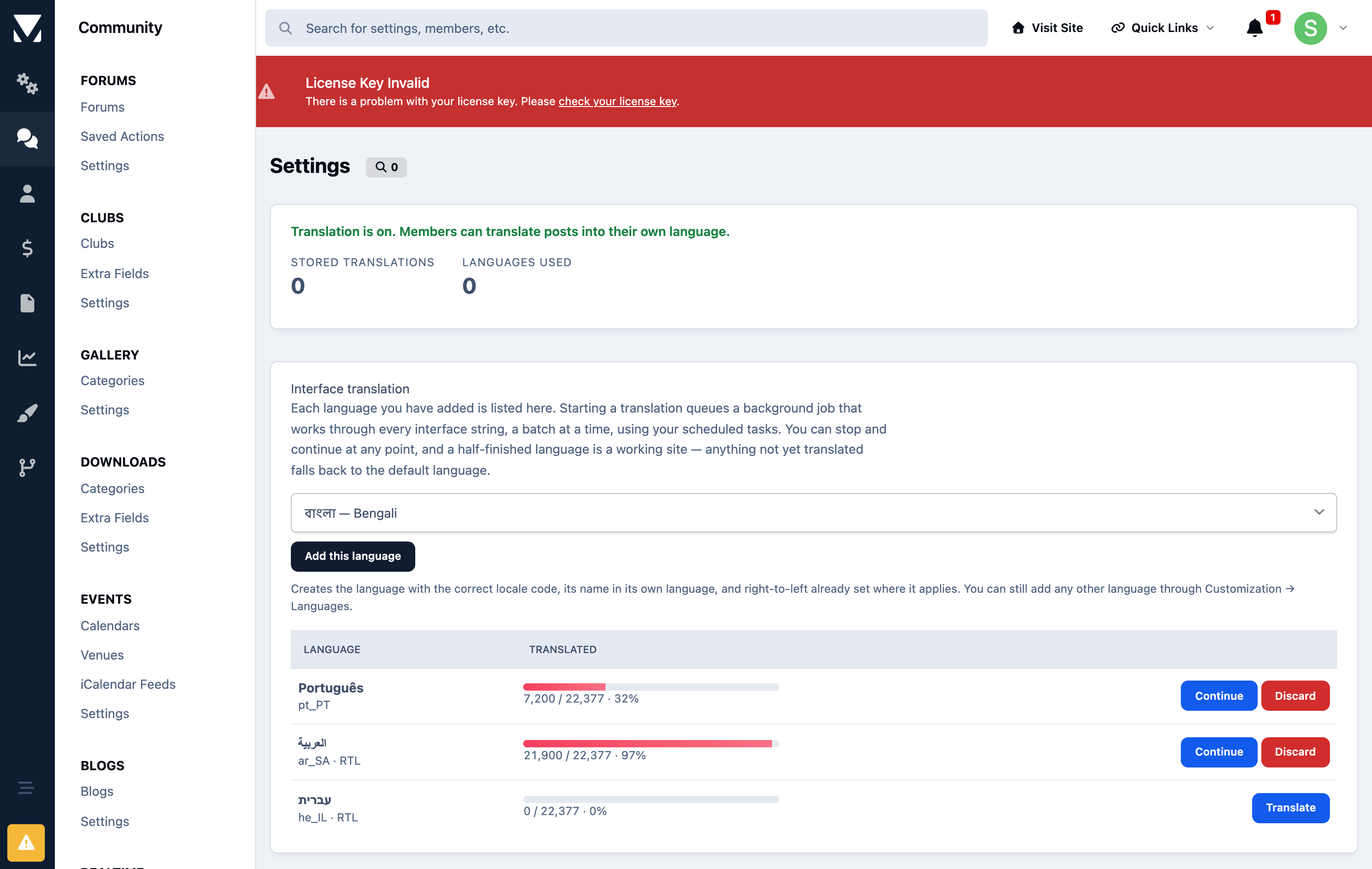
Add a language in the AdminCP, press start, and the application works through all 22,363 strings with a language model. There is no pack to buy, no translator to commission and nothing to import. When it finishes, your members pick that language from the footer and the entire site is in it menus, buttons, error messages, notification text, everything.
You can stop and restart it at any point, and a half-finished language is a working site. Invision falls back to English for anything not yet translated, so there is never a broken state — just a site that is progressively more translated as the job runs.
It runs in the background through your existing task system. Nothing is translated twice, and adding a second or third language costs the same again not a multiple of a translator's fee.
Right-to-left languages
Arabic, Hebrew, Persian and Urdu are marked right-to-left and Invision mirrors its own layout for them. This sets that flag as part of creating the language, so an RTL community reads correctly rather than as left-to-right text in a left-to-right shell.
The posts
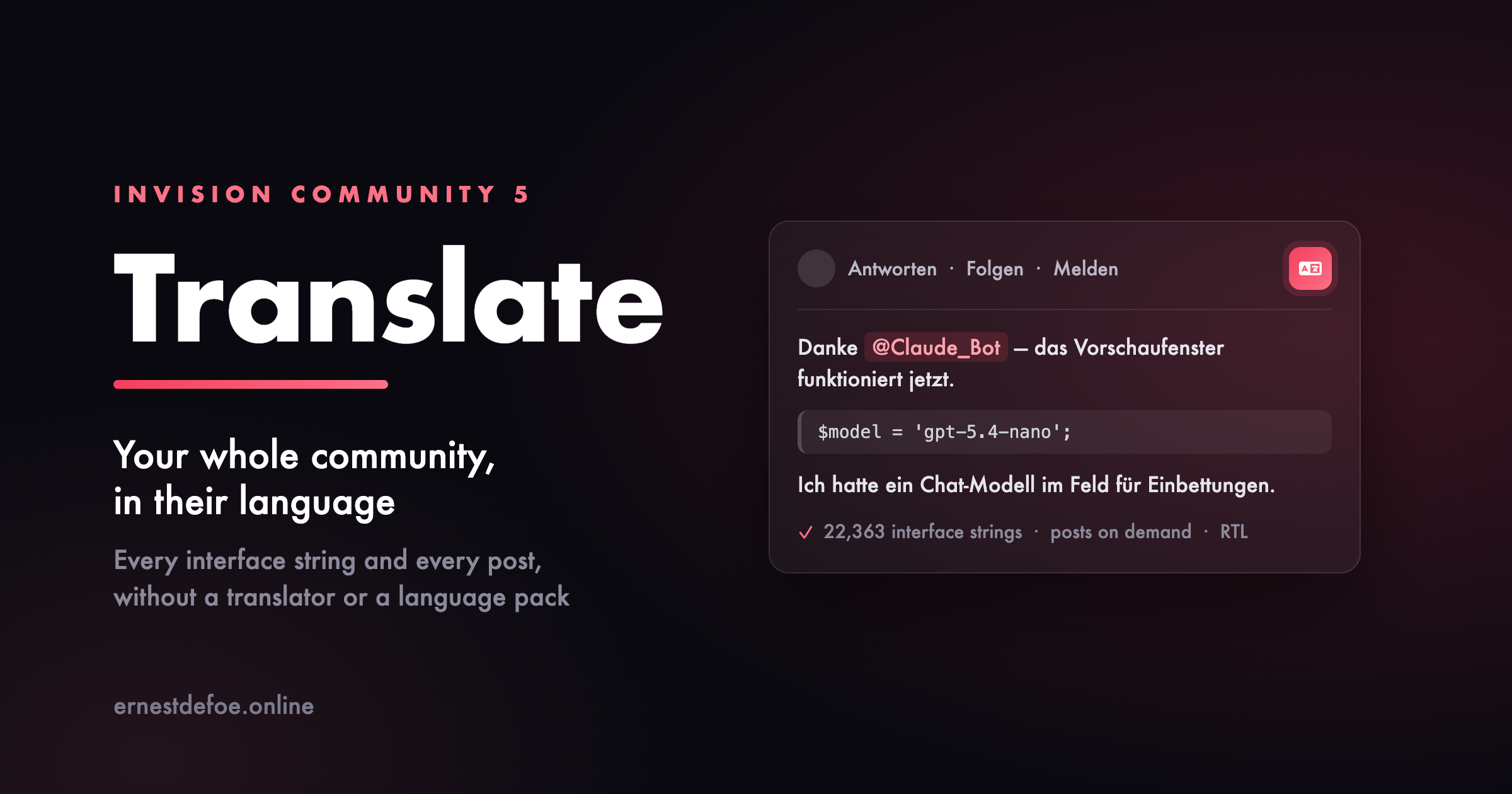
A translated interface does not help with a thread written in a language a member cannot read. Every post gets a translate control: one click and it is replaced, in place, in their own language, with a link back to the original.
Translations are stored the first time somebody asks, so the hundredth reader of that thread costs nothing. Editing a post invalidates its translation automatically, so nobody reads a translation of text that has changed.
It never damages what it translates
This is the part worth reading carefully, and it applies to both halves.
Interface strings are not prose. They carry substitution points like {1} and %s, HTML, and Invision's own plural syntax. A language model asked to translate them will occasionally return something that reads beautifully and is broken — a dropped placeholder throws an error on the page, and a flattened plural prints raw markup to your members.
So every translated string is checked before it is stored, and anything that fails the check stays in English. A missing translation is a missing translation; a broken placeholder is a support ticket. Plural forms are handled properly too — if the target language needs three or four forms where English has two, that is accepted rather than rejected.
Posts get the same treatment from the other direction: the model is never shown your markup at all. The post is taken apart, only the readable text is sent, and the translation is put back in the same places — so mentions keep linking to people, quotes keep their attribution and their link back, and code samples are never "corrected".
What it costs to run
You supply an API key for OpenAI or Anthropic, and you are billed by them for what you use. Translating a full interface is a few dollars of usage, once, per language. Posts are billed per post the first time each one is requested, with a length ceiling you control so a single enormous post cannot become a single enormous charge.
If you already run AI Assistant, this borrows its key and model so you keep one key and one bill.
What you need
Invision Community 5.0+, self-hosted
An API key for OpenAI or Anthropic — or AI Assistant already installed
A second language added in the AdminCP. This creates it; it does not need to contain anything.
Being straight about the limits. Machine translation is very good now and it is still not a human translator. For reading a forum comfortably in your own language it is more than enough. For anything legal, contractual or safety-critical, commission a person. And a translated interface is only as good as the model you point it at a small fast model is fine for most languages and noticeably weaker for a few.
Create an account or sign in to leave a review
There are no reviews to display.