AdBlock Extension Detector
Invision Community 5
- Category Member Tools
- Downloads 64
- Compatibility IC5: 5.0.0+
- Updated

Overview
With AdBlock Extension Detector, you can detect when users are blocking ads on your website and take action based on your community’s rules.Description
With AdBlock Extension Detector, you can detect when users are blocking ads on your website and take action based on your community’s rules.
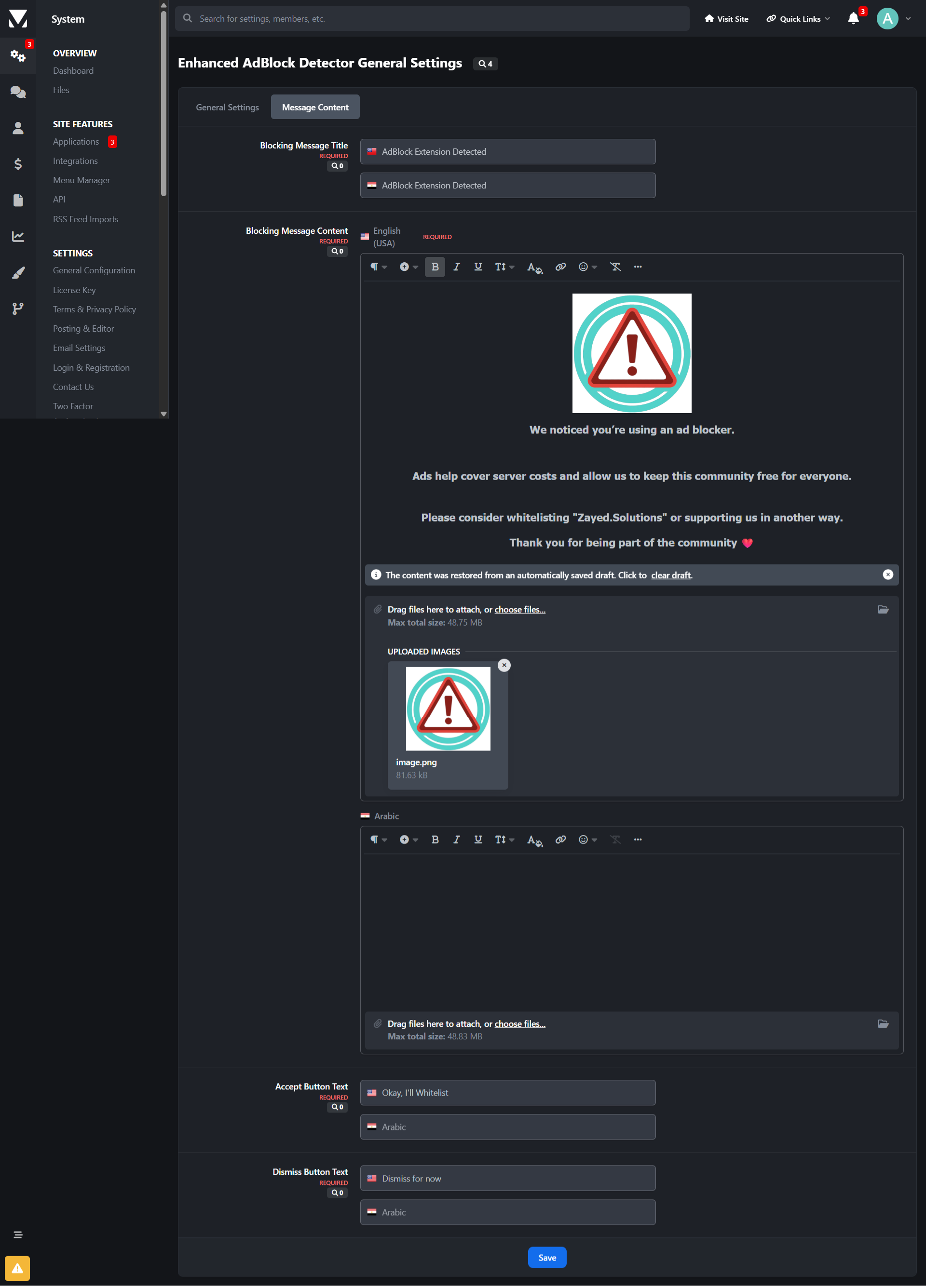
When an ad blocker is detected, the application displays a blocking message that can partially or fully restrict access to your website until the user disables their ad blocker or takes an allowed action.
The application is highly configurable and supports modern ad blockers, making it suitable for communities of all sizes.
Key Features
Advanced AdBlock Detection
Supports popular ad blockers including:AdBlock
AdBlock Plus
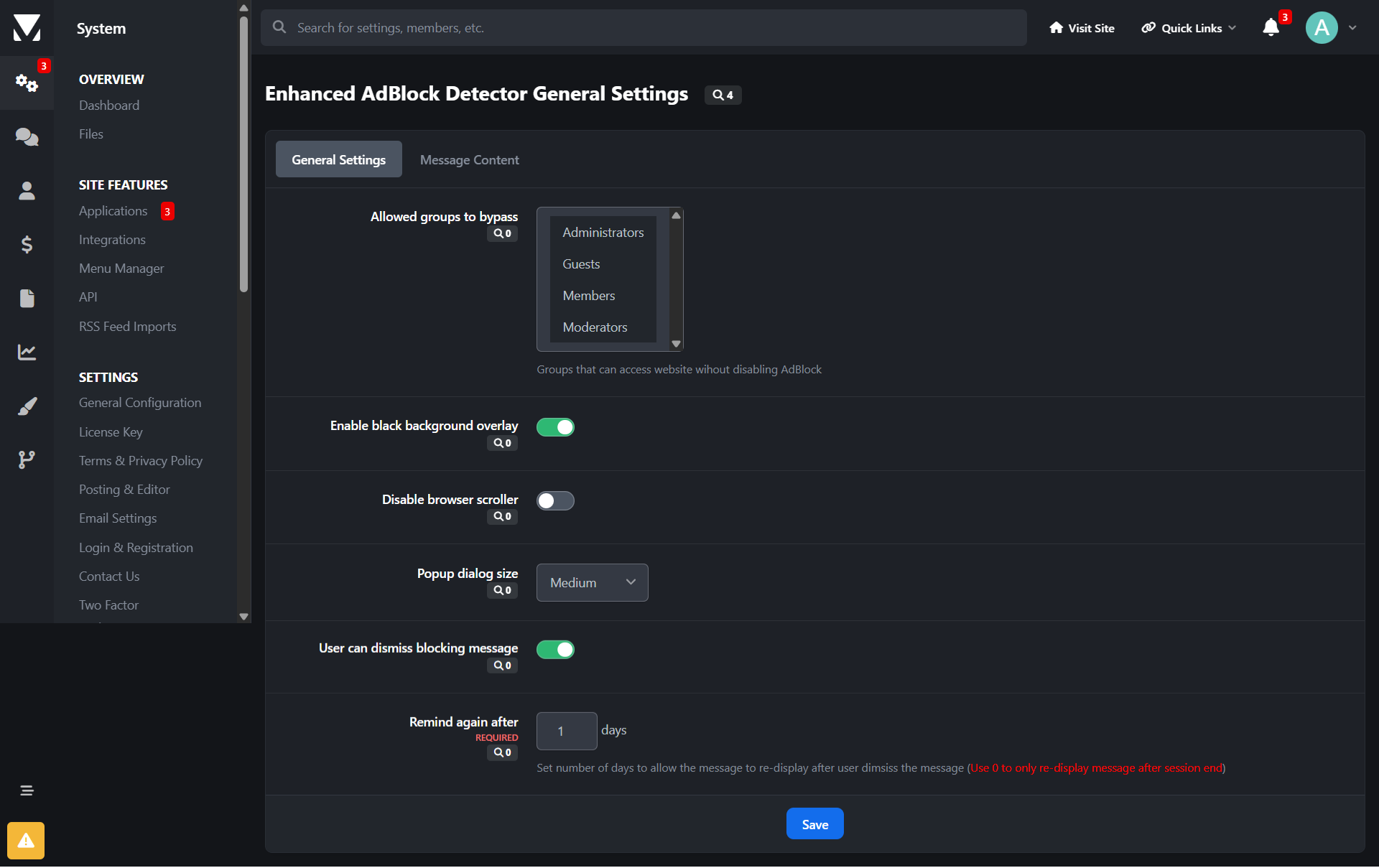
User Group Control
Choose exactly which user groups are affected when an ad blocker is detected.Optional Full Site Blocking
Display a modal message that can:Disable interaction
Prevent page scrolling
Dismiss & Remember Options
Allow users to dismiss the message (optional)
Remember the user’s choice via cookies
Fully Customizable Message
Custom header text
Rich-text message body (Translatable messages support)
Custom button labels
Flexible Display Modes
Small modal
Medium modal
Full-screen blocking message
UX Controls
Enable or disable the vertical scrollbar
Control how aggressive the enforcement should be
Optimized for Invision Community
AJAX-safe
Compatible with IPS dialogs
Works with modern IPS themes and navigation
Benefits
Helps increase advertising revenue
Encourages fair usage of your content
Offers balanced enforcement instead of hard lockouts
Reduces bounce rate compared to aggressive blockers
Suitable for forums, communities, news sites, and content platforms
⚠️Important Notice Before Purchasing
While AdBlock Extension Detector uses multiple detection techniques and is actively updated to improve detection accuracy, no client-side solution can guarantee 100% detection of all ad blockers.
Ad blockers continuously evolve, and some privacy-focused browsers or DNS-based solutions may partially or fully bypass detection.
By purchasing this application, you acknowledge that:
Detection accuracy may vary by browser and configuration
Updates may be required to adapt to new ad-blocking techniques
Results depend on how users configure their blockers
Create an account or sign in to leave a review
There are no reviews to display.