Advanced Reputation System
Invision Community 5
- Category Member Tools
- Downloads 79
- Compatibility IC5: 5.0.0
- Updated

Overview
This app will give the members at your forum the possibility to leave reputations feedback to each other.Description
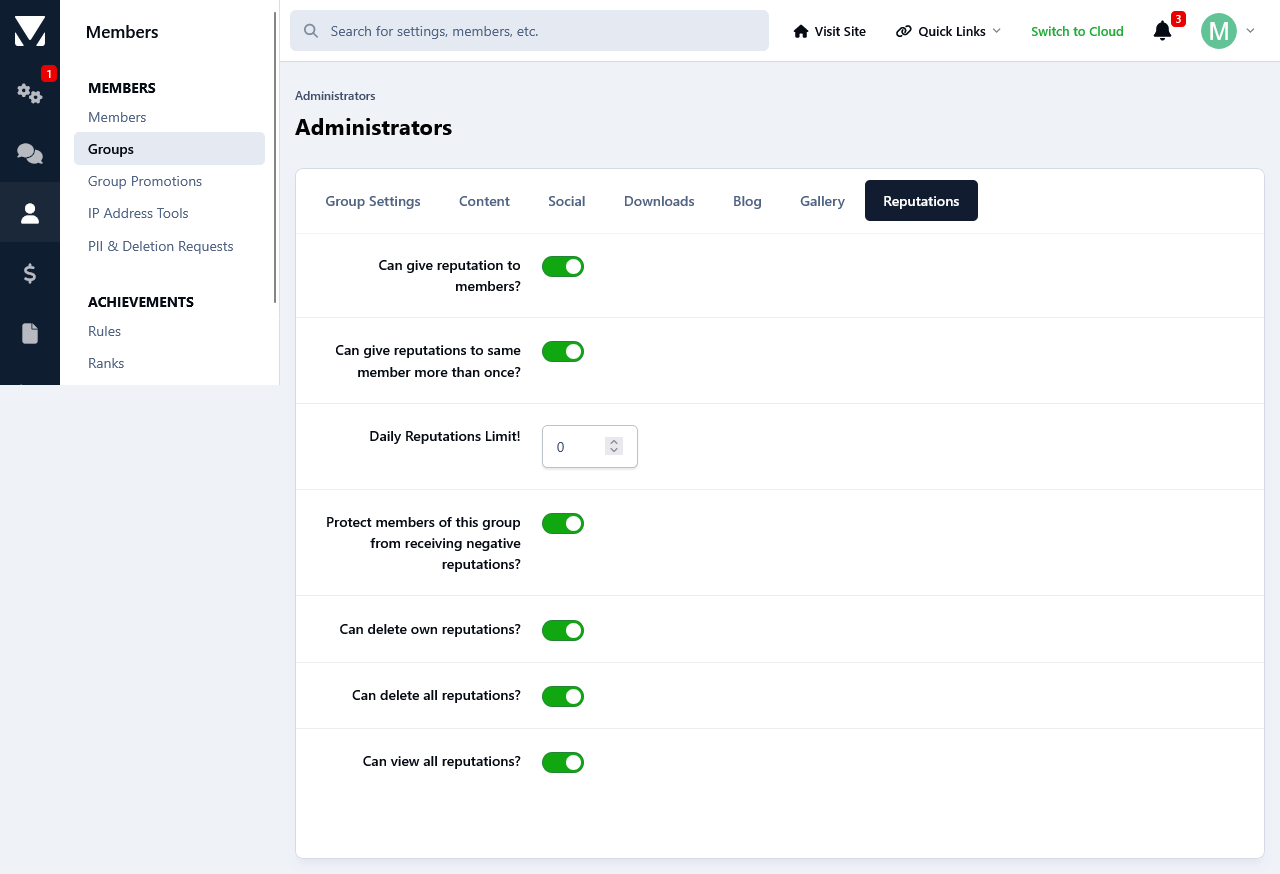
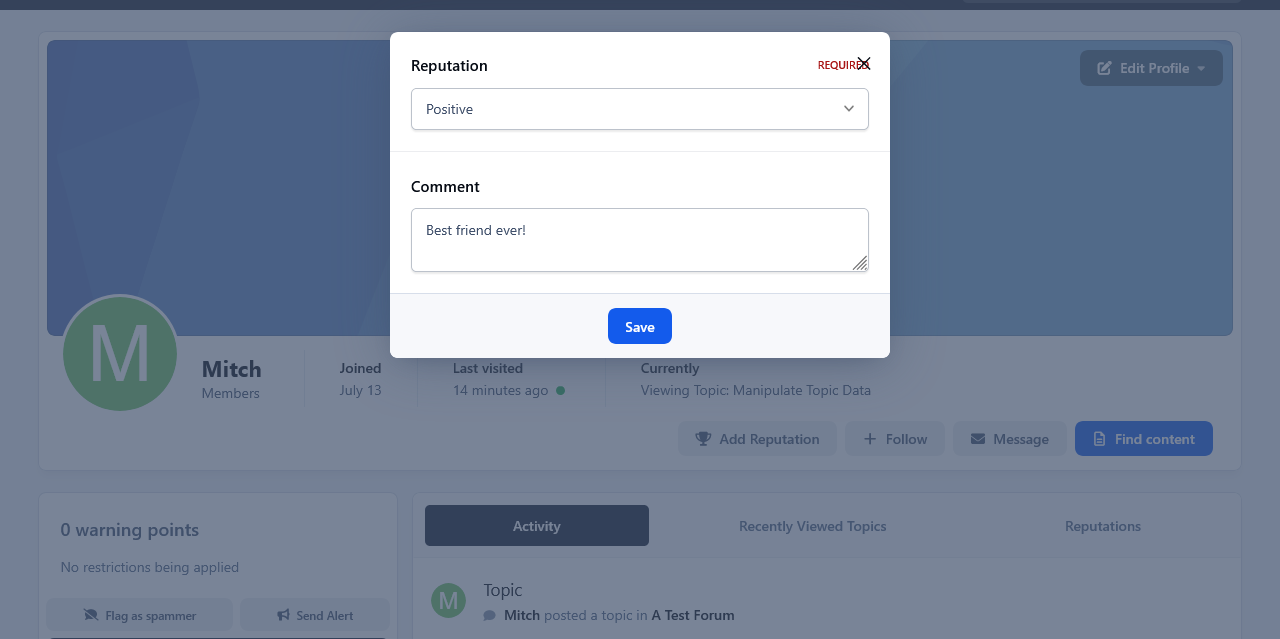
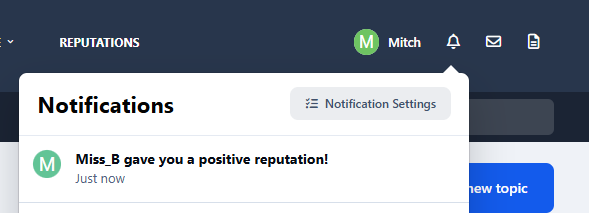
This app will give the members at your forum the possibility to leave reputations feedback to each other. Reputation feedback are positive,neutral and negative. After a member has received a reputation feedback, they will receive a notification letting them know about it. The Reputation notification can be enabled/disabled from members notification settings page. Depending on their permissions members can delete reputations that they have given themselves or all reputations.
Permissions:
You can set the permissions for groups to use it on a group per group basis.
Restrictions:
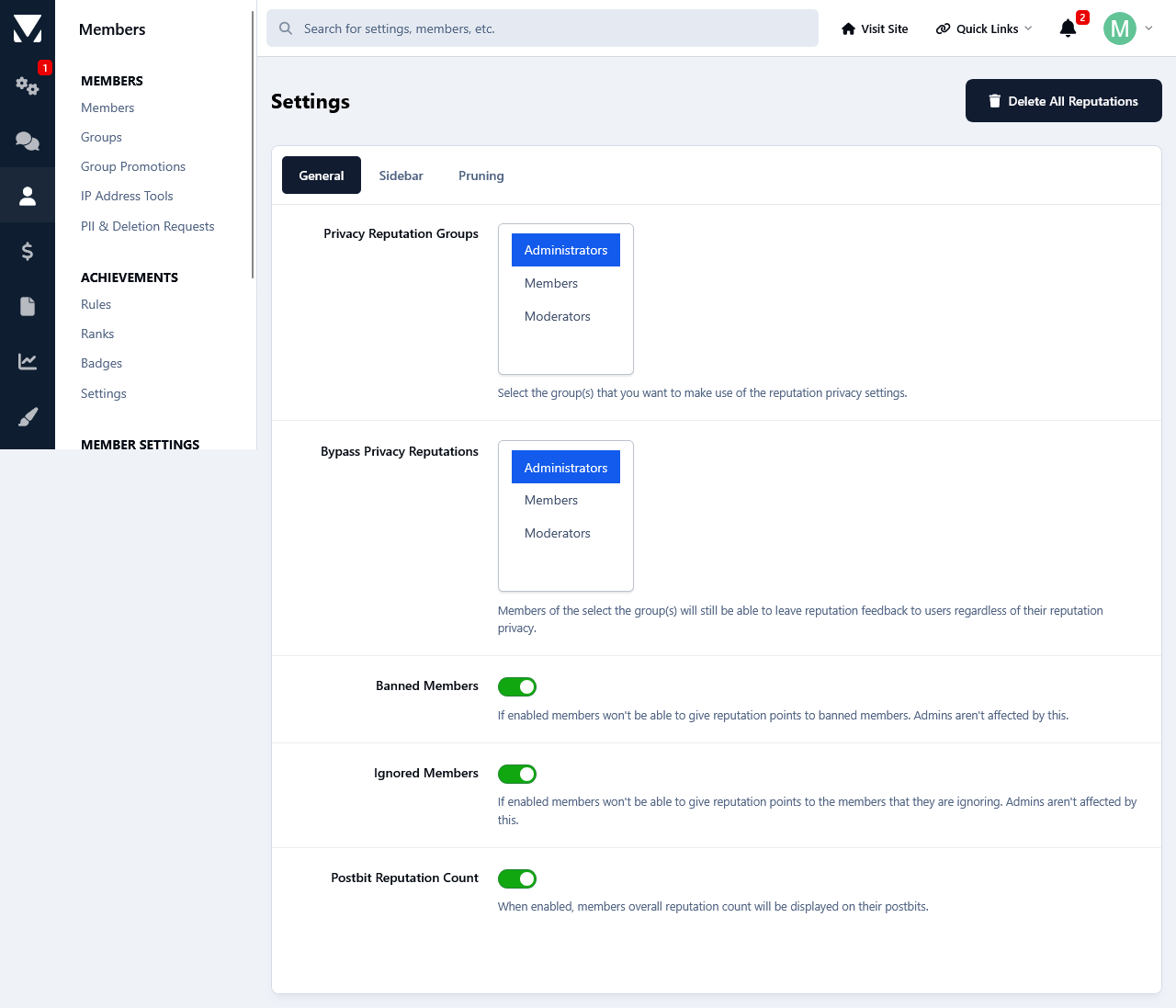
Banned members can't receive reputation feedback.
The same goes for members that are on someone's ignore list.
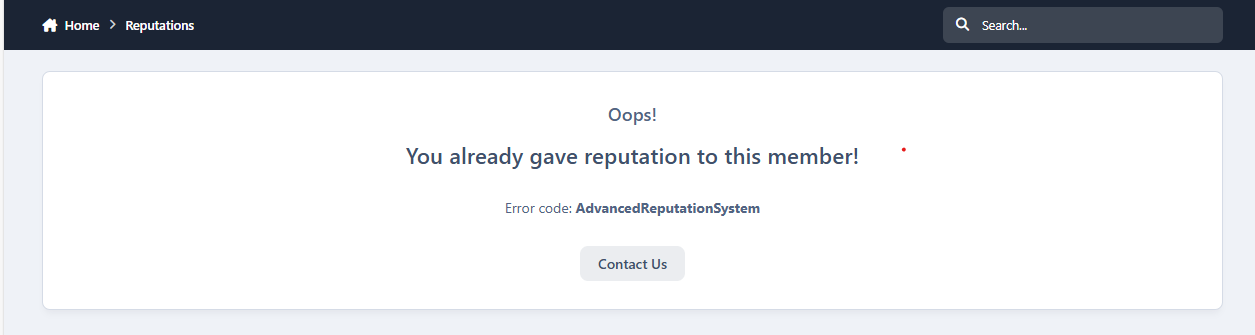
Depending on the group permissions members can give the same member either only one specific reputation feedback or unlimited.
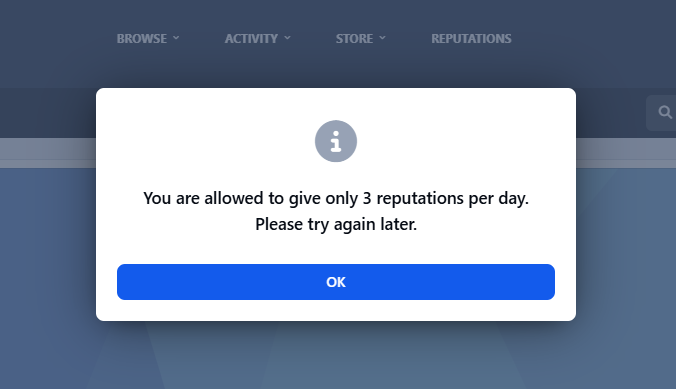
Group based daily reputation feedback limit.
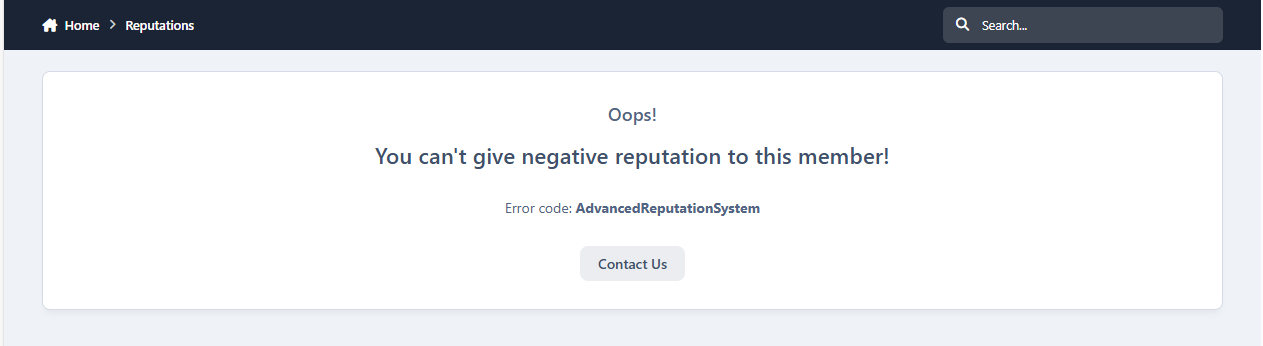
Group based negative feedback protection.
Privacy:
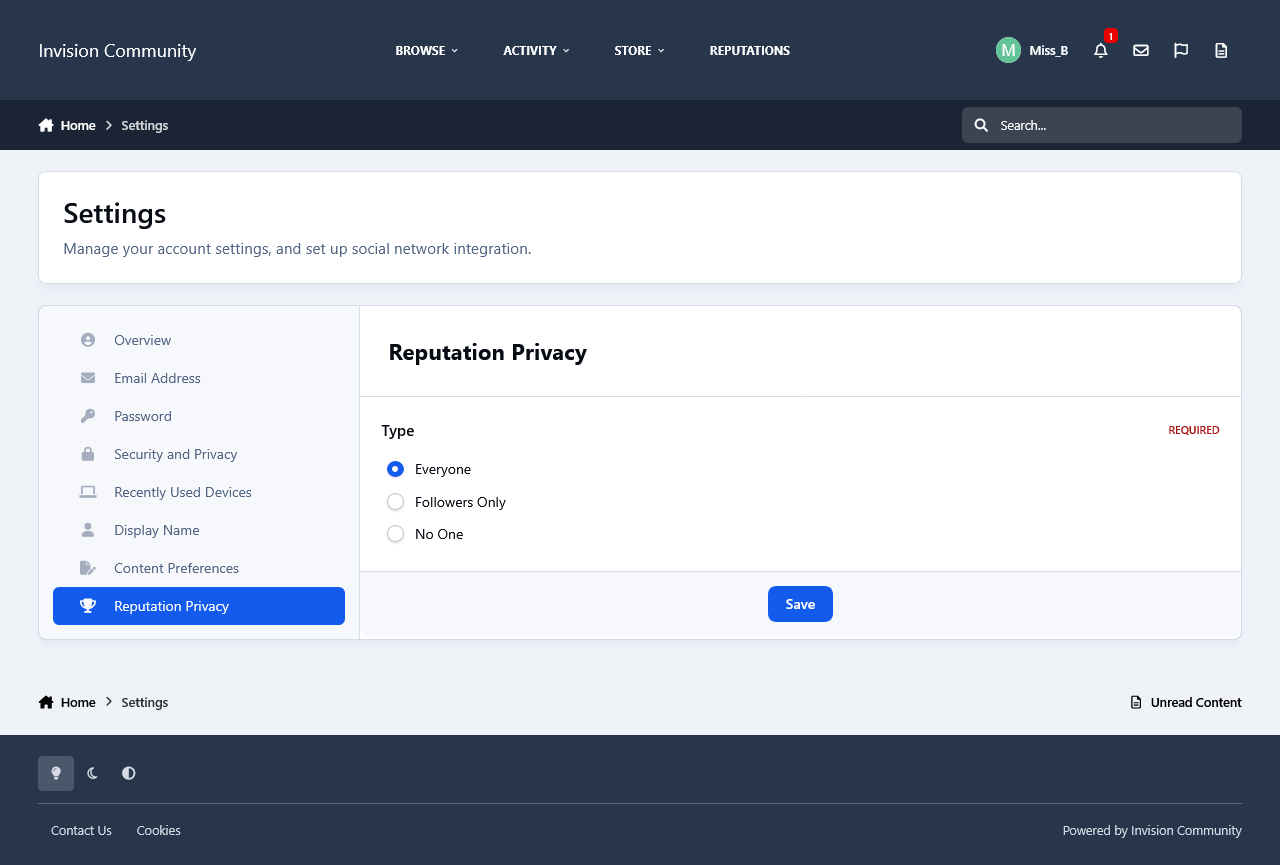
From their Account Settings->Reputation Privacy, members can set it so only their followers will be able to give them reputation feedback, everyone or disable it completely so none one will be able to send them reputations. Members with the appropriate permissions will still be able to give them reputation feedback regardless of the privacy setting.
Display:
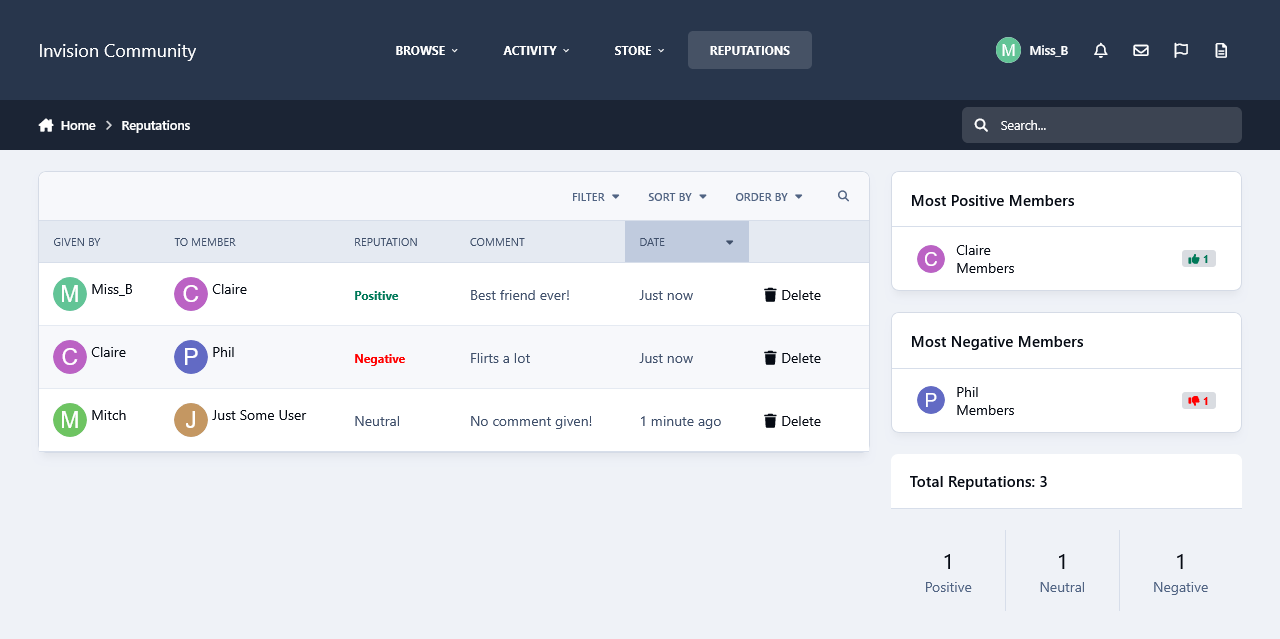
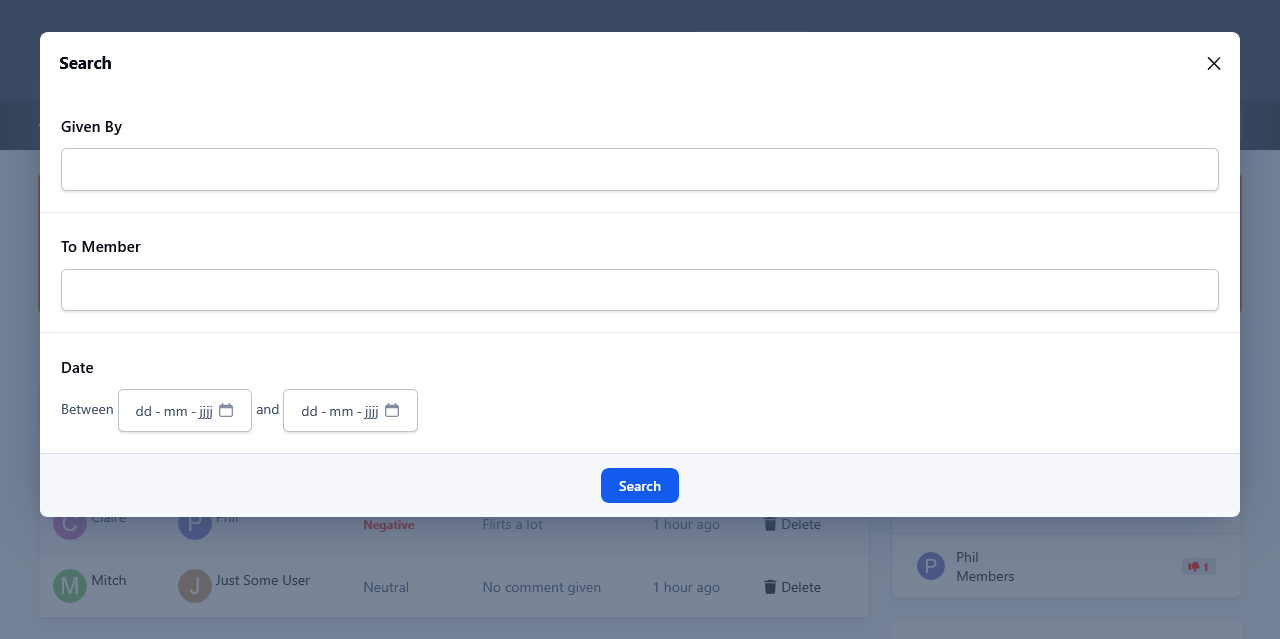
A new page linked to the navigation manager has been added that will display all the reputation feedback that members have given and received. Reputations can be filtered based on their status and a search option is available for member to search through the reputations.
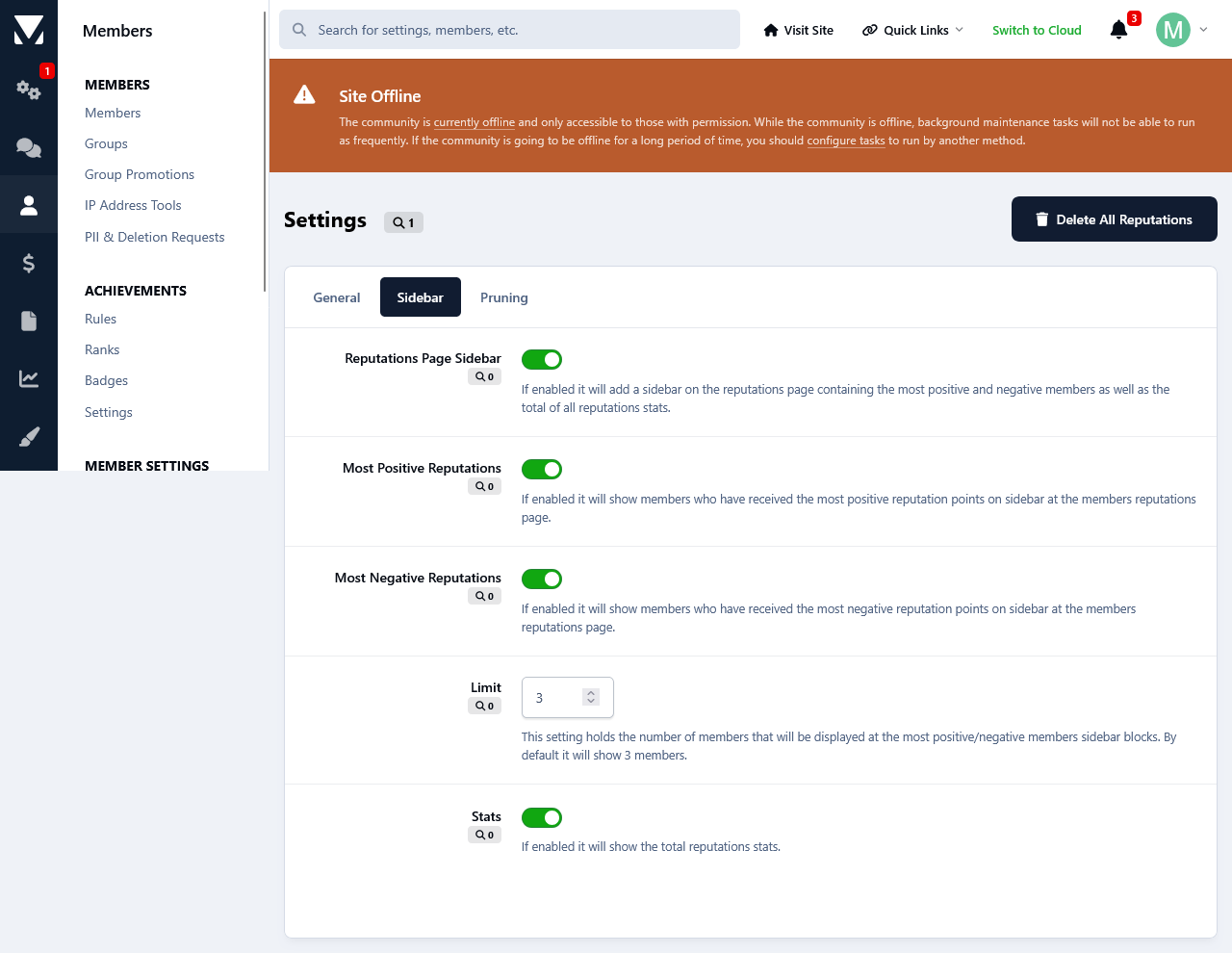
Three sidebar blocks are available that will list the most positive/negative members as well as a total of all reputations stats.
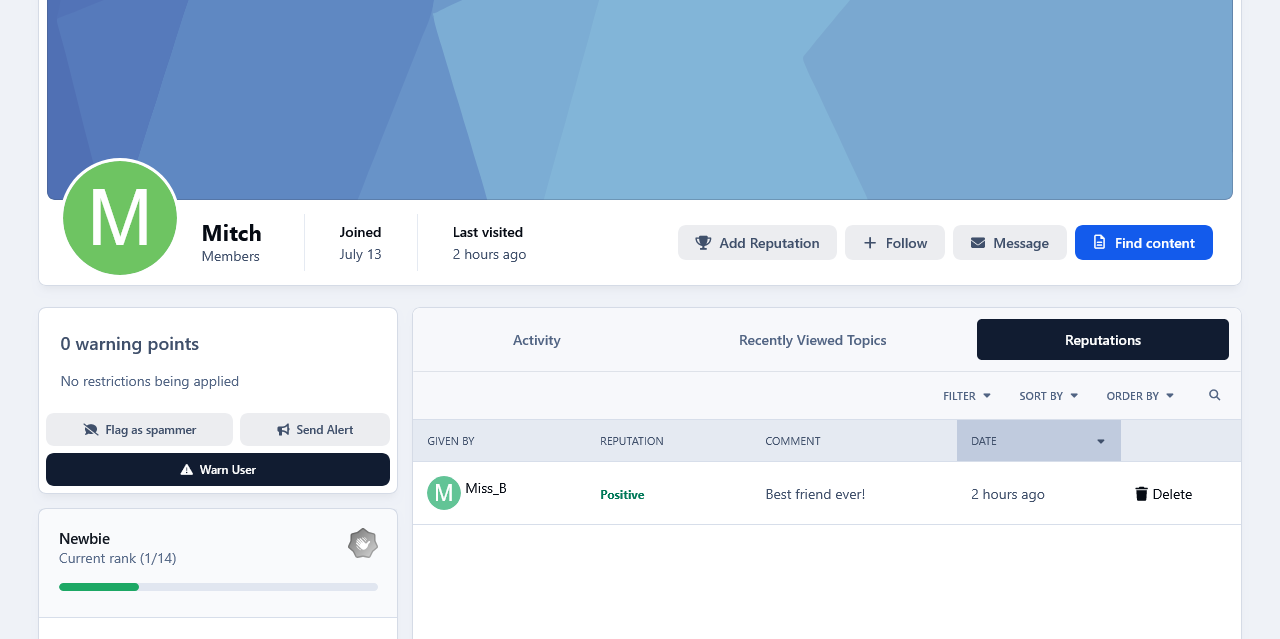
A new tab has been added on members profiles where they can see all reputations that they have received.
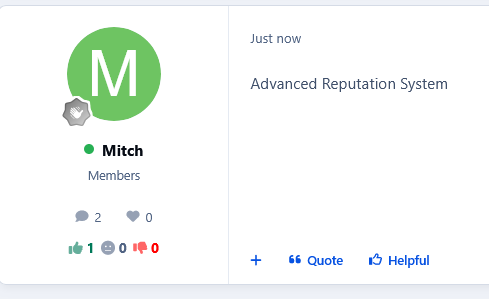
Members reputations stats will be displayed on their postbits.
Logs:
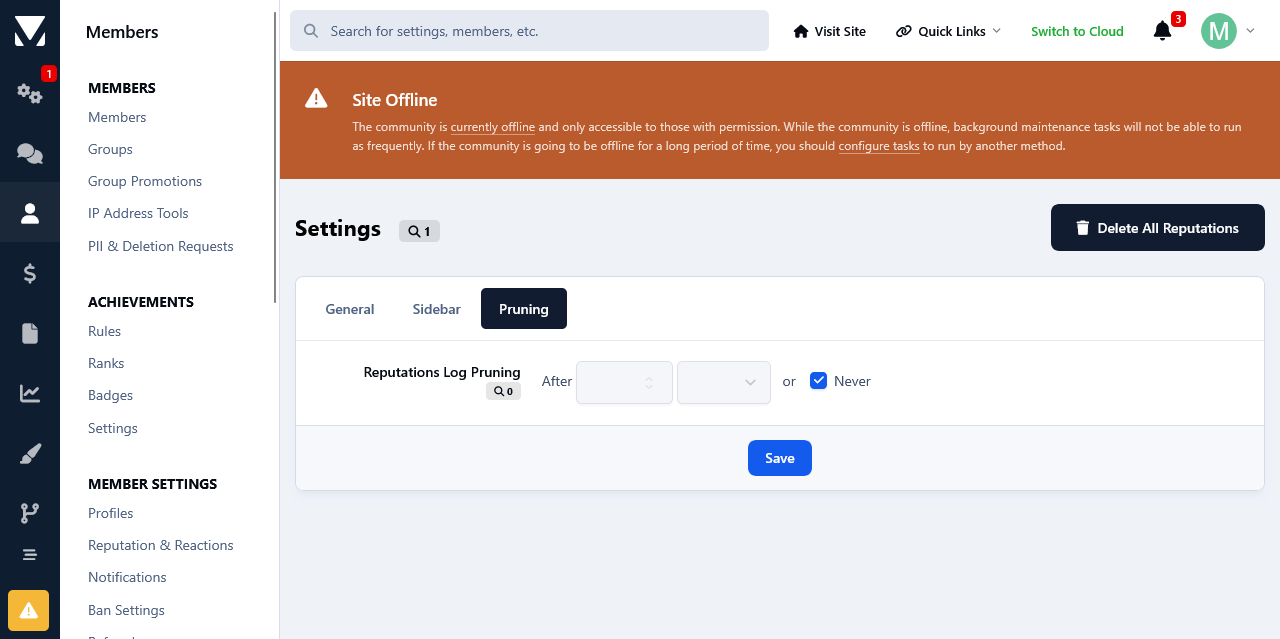
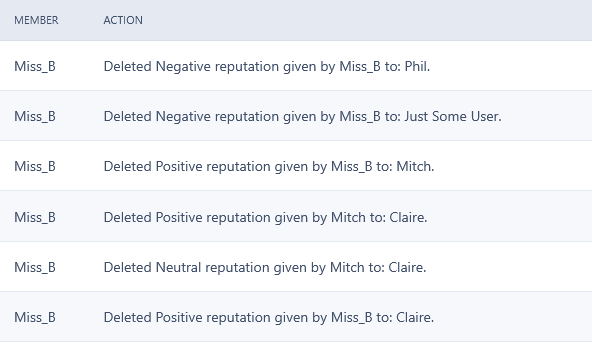
Whenever someone is deleting a reputation feedback, that action will be logged at the Moderators log page.
Create an account or sign in to leave a review
There are no reviews to display.