Community Experts 1.0.4.1
Invision Community 5
- Category Member Tools
- Downloads 148
- Compatibility IC5: 5.0.12+
- Updated

Overview
Recognize and showcase your community's most knowledgeable members with automatic or manual expert designation.Description
🎓 Community Experts for Invision Community
Recognize and showcase your community's most knowledgeable members with automatic or manual expert designation.
📋 Overview
Community Experts is a powerful application for Invision Community that identifies and highlights expert members within specific forums. The application displays visual badges next to expert posts, tracks expert assignments through comprehensive logging, and provides both manual and automatic expert assignment capabilities based on member reputation and activity.
✨ Key Features
Expert Badge System
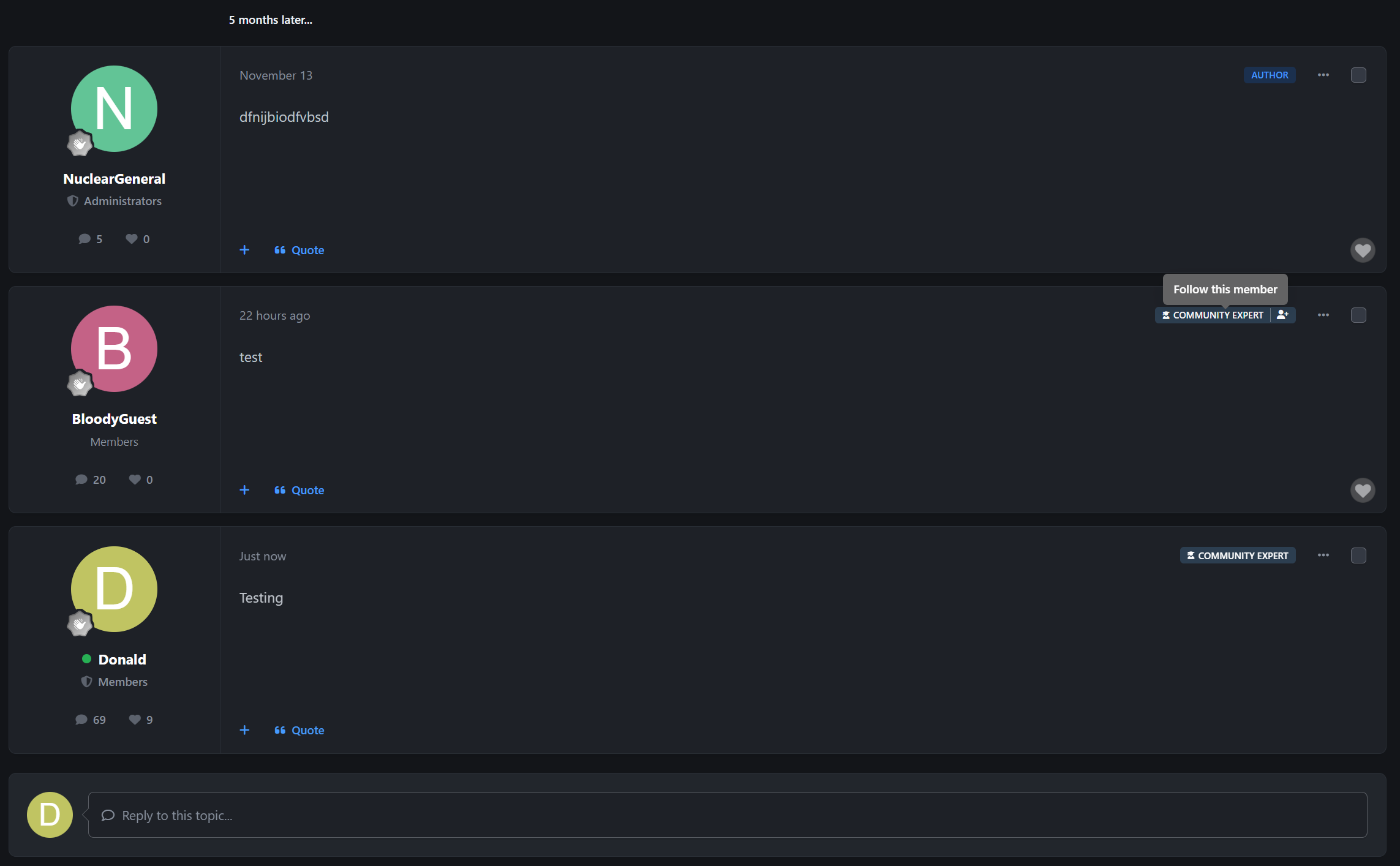
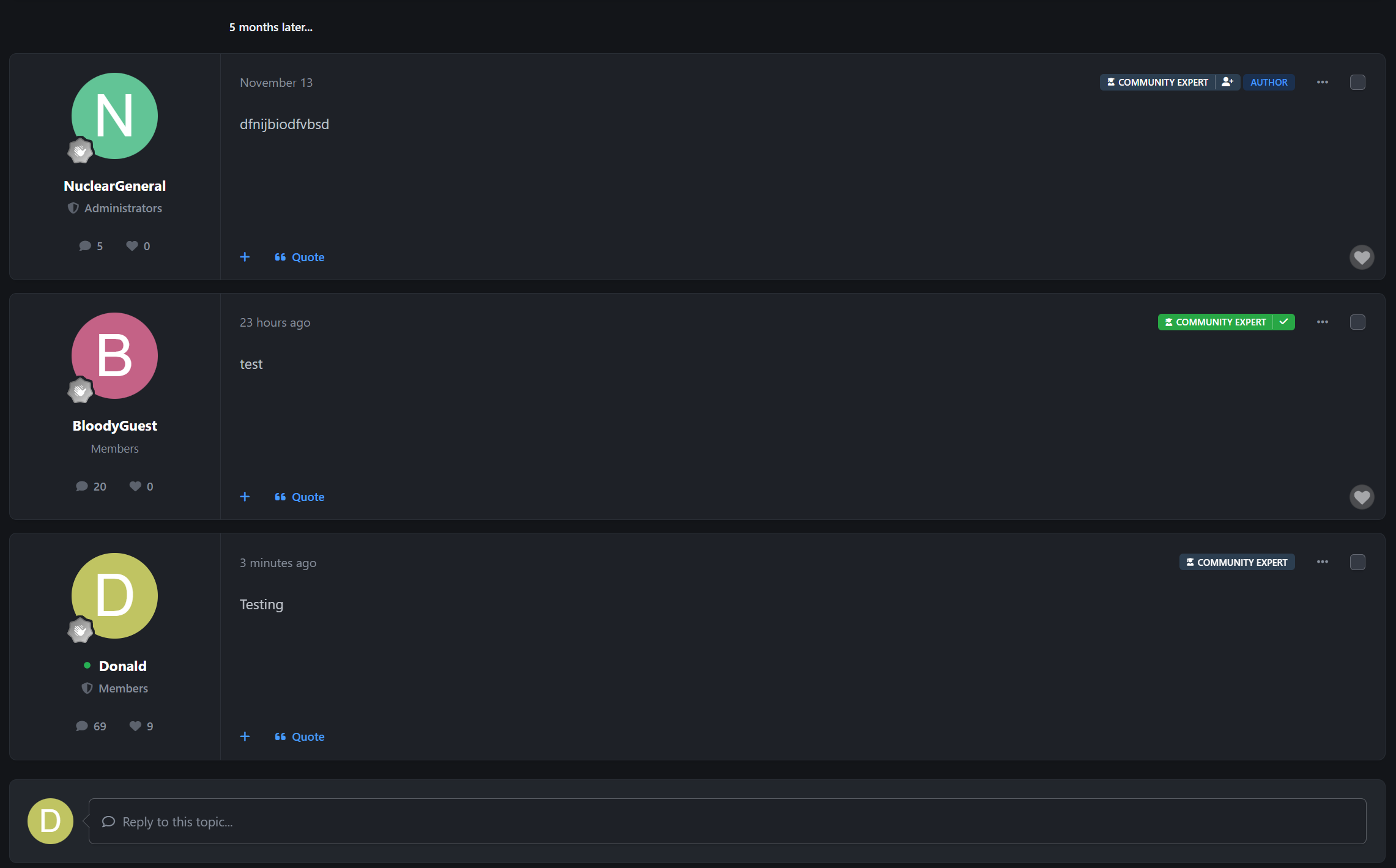
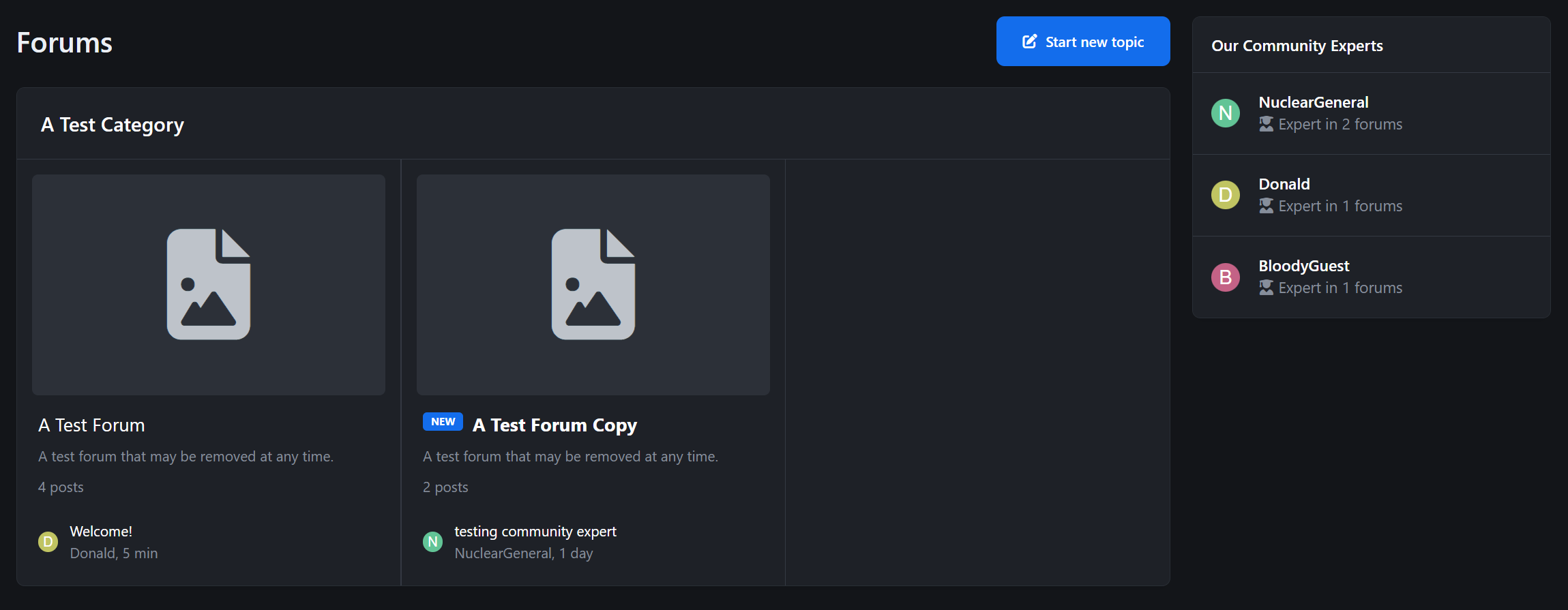
Visual Recognition - Display customizable expert badges on posts within designated forums
Custom Icons - Choose from Font Awesome icons or upload custom badge graphics
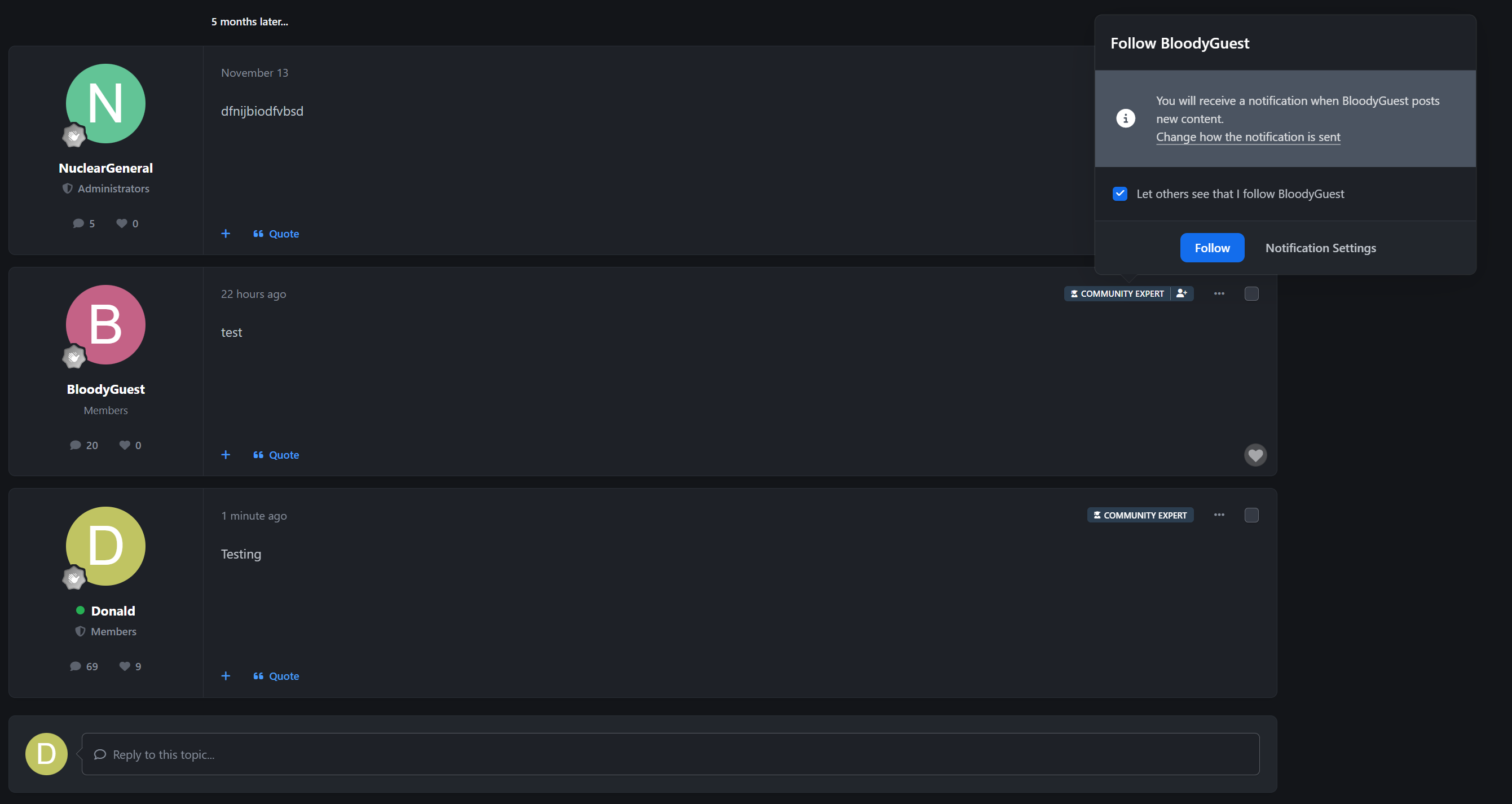
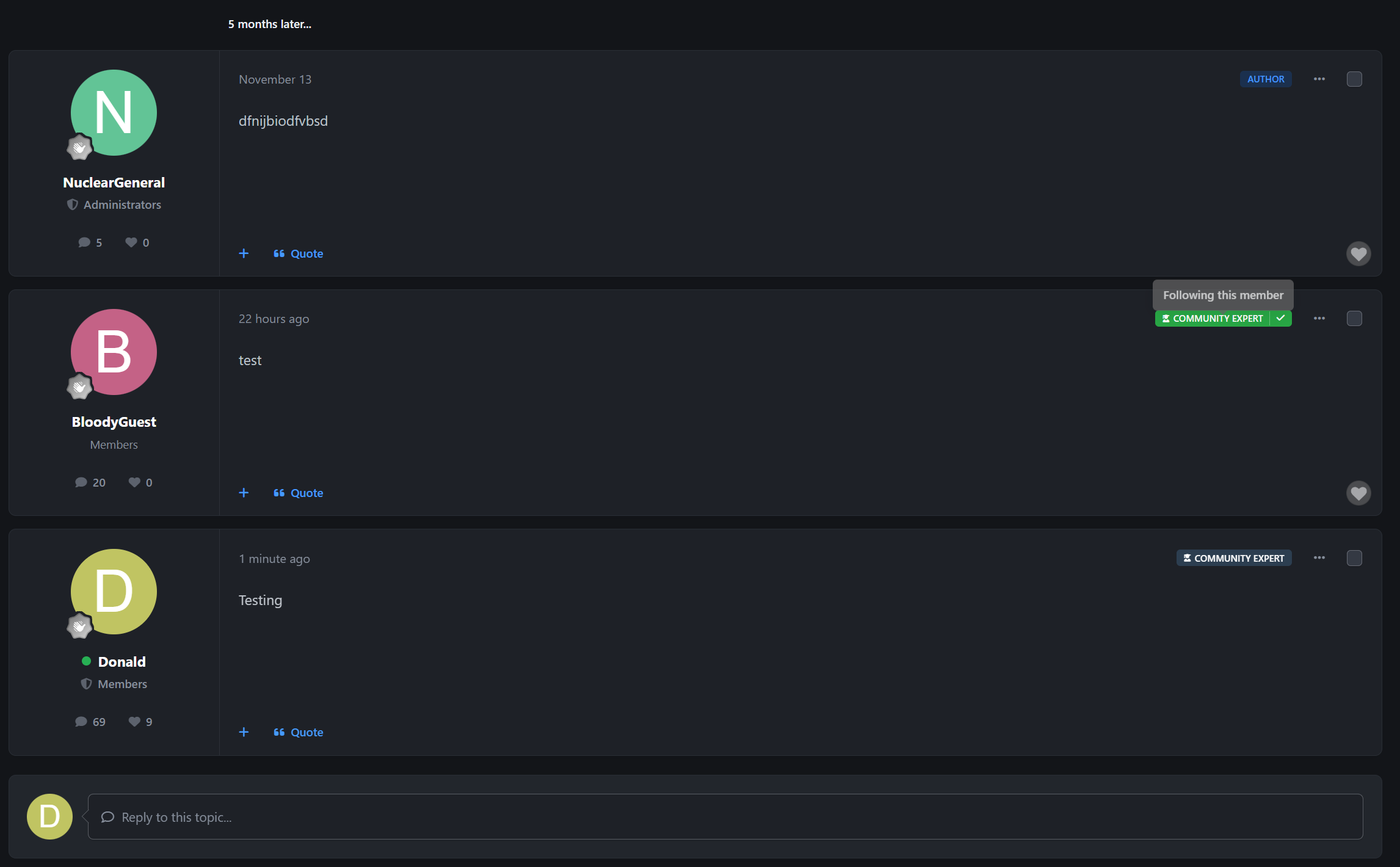
Follow Integration - Quick-follow buttons on expert badges for non-logged-in members
Forum-Specific - Experts are designated per-forum, allowing members to be experts in their areas of knowledge
Flexible Assignment Methods
Manual Assignment
Admin Control - Administrators can manually assign/remove expert status for any member
Forum Selection - Assign experts to specific forums through an intuitive interface
Reason Tracking - Optional reason field for documenting why expert status was granted/removed
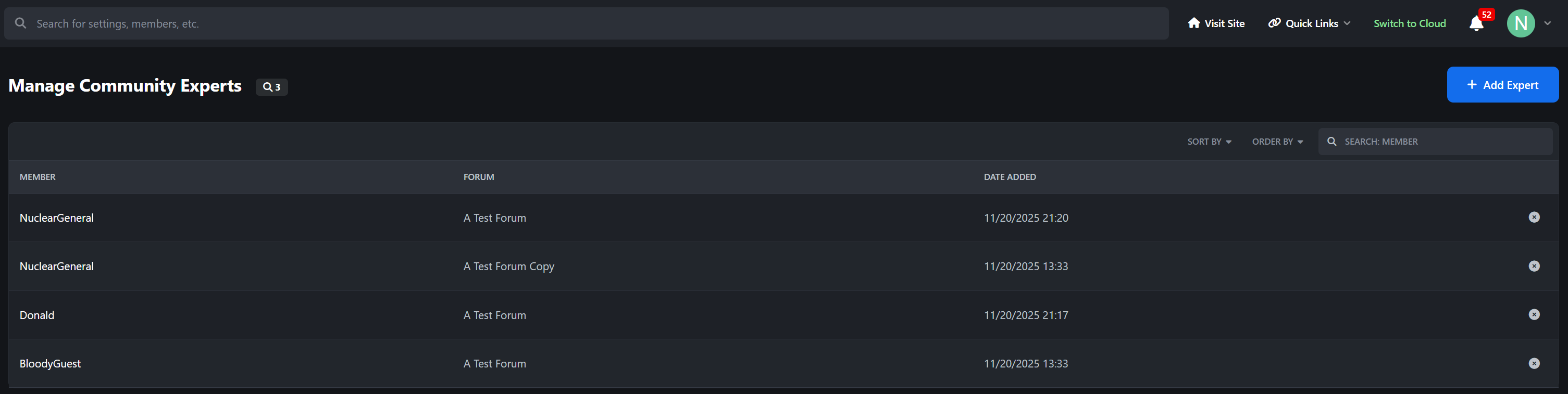
Bulk Management - Manage all experts from a centralized table view
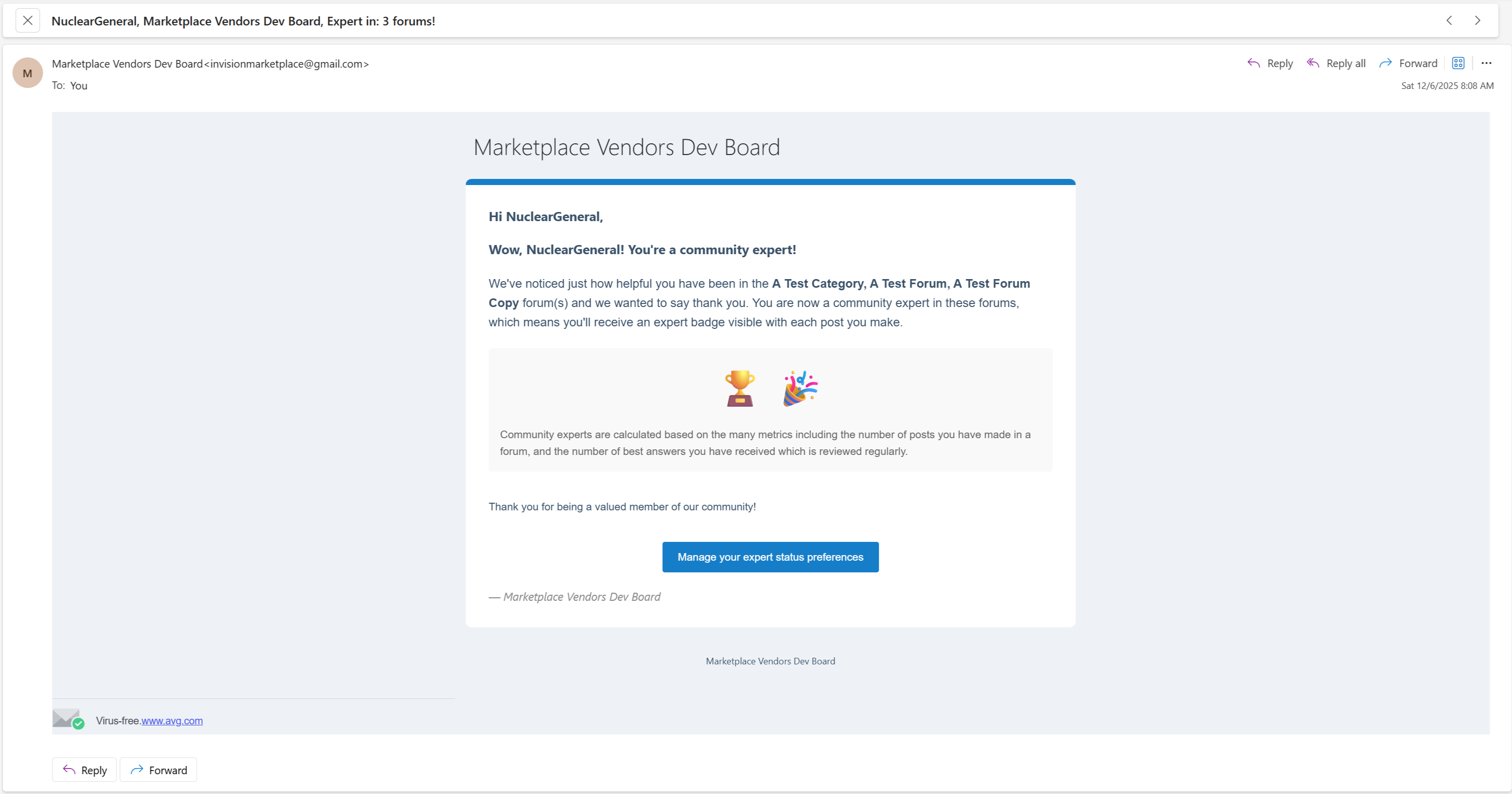
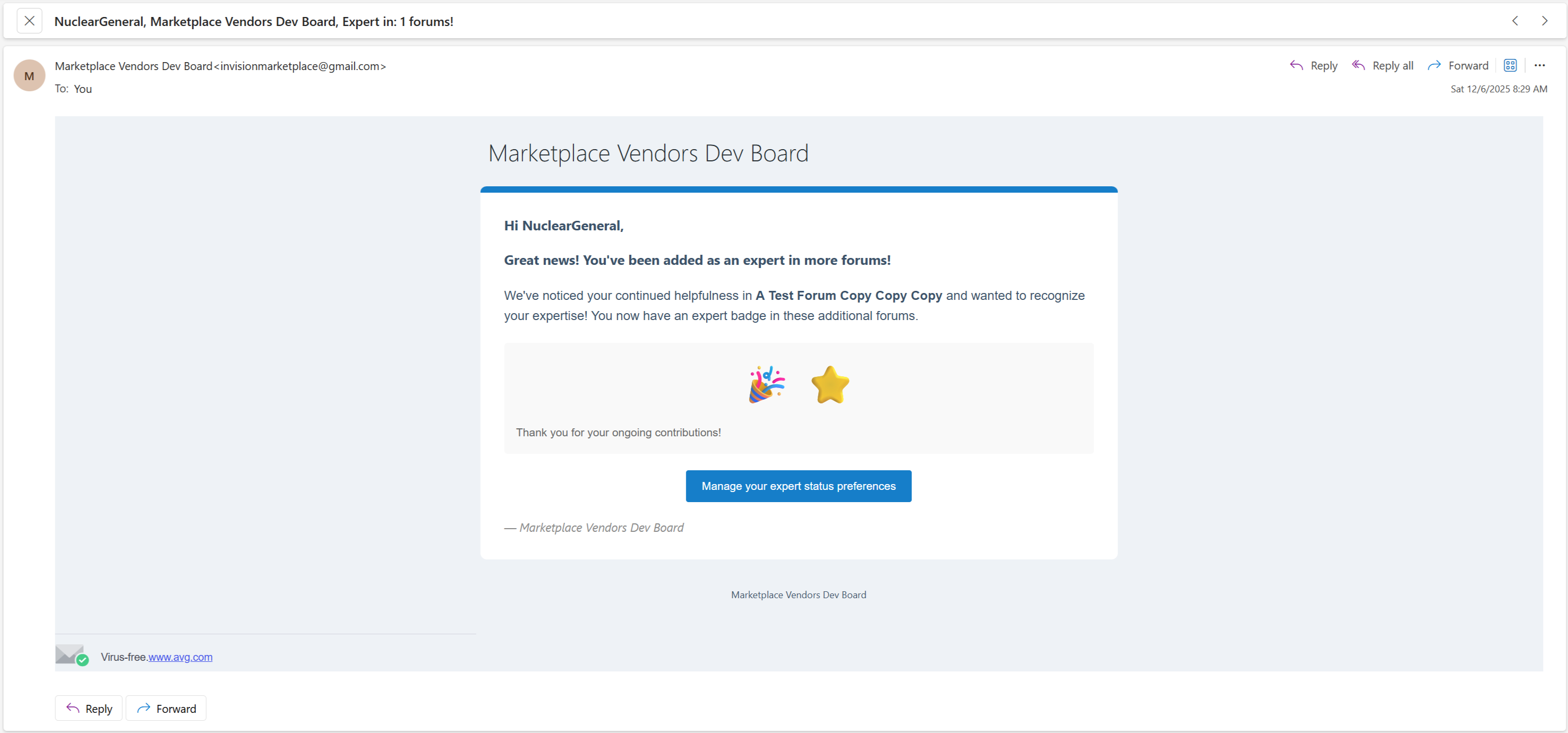
Automatic Assignment
Reputation-Based - Automatically promote members based on reputation points
Post Count Criteria - Set minimum post requirements for automatic expert status
Smart Forum Detection - Multiple strategies for determining which forums to assign:
Active Forums - Assign to forums where member is most active
All Forums - Assign expert status across all forums
Top Forums - Assign to member's top-performing forums by reputation
Scheduled Task - Background task processes automatic assignments periodically
Real-time Sync - Member listener detects reputation changes and triggers automatic updates
Hybrid Mode
Both Manual & Automatic - Combine manual assignments with automatic promotion
Flexible Control - Administrators can override automatic assignments
🎯 Member Features
Opt-In/Opt-Out System
Member Choice - Members can opt-out of expert designation in account settings
Privacy Respect - Automatic assignments respect member preferences
Account Settings Integration - Easy toggle in member account preferences
Expert Status Visibility
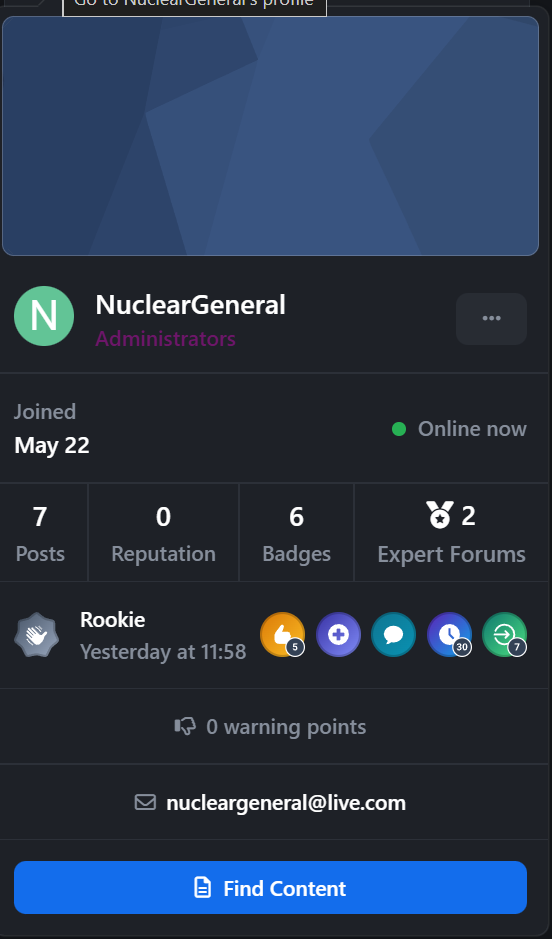
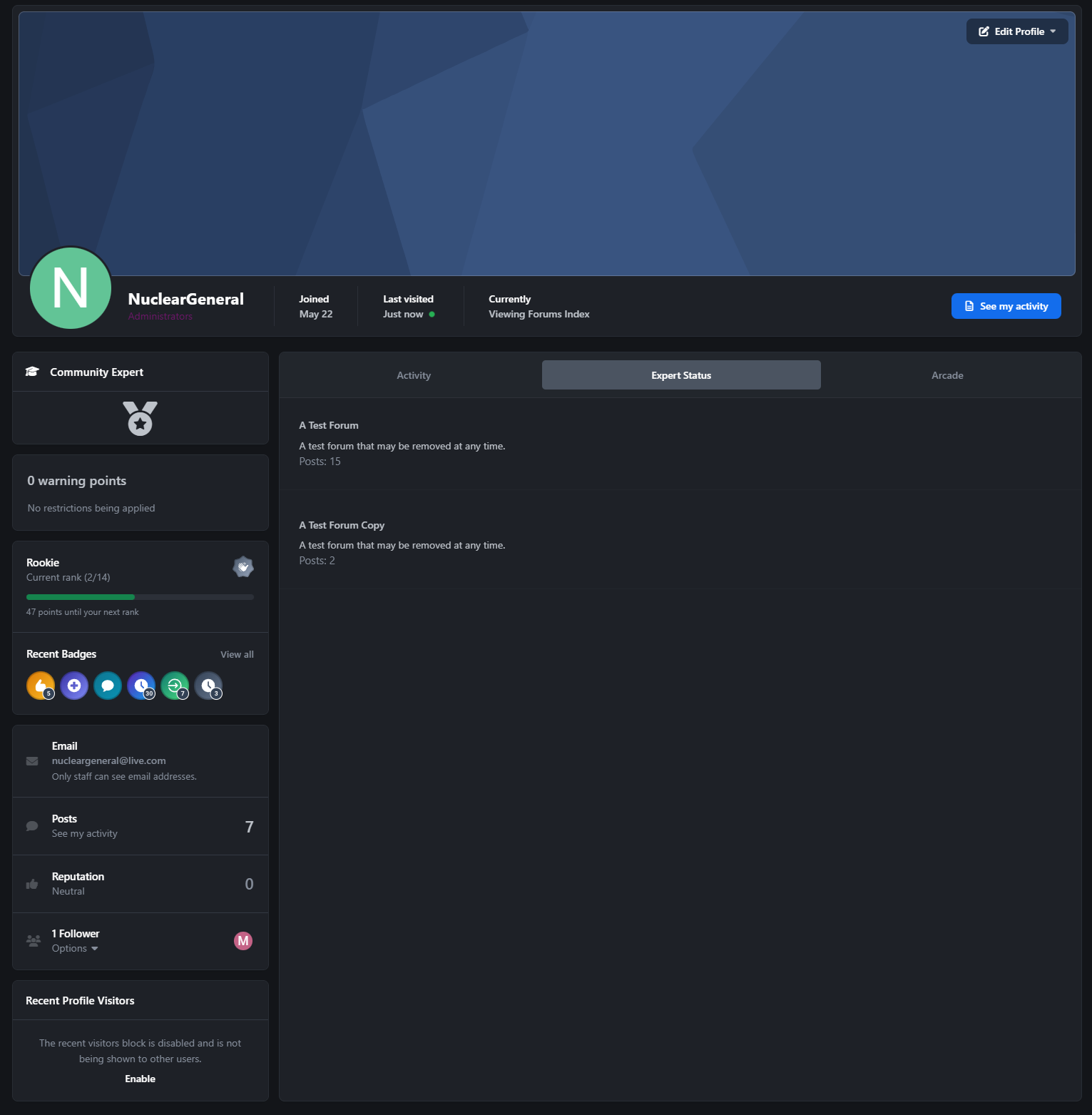
Profile Integration - Expert status visible on member profiles
Profile Hovercard - Expert status visible in member hovercard
Post Badges - Badges appear on posts within designated forums
Member History - Expert assignments logged in member history with full details
🛠️ Administrative Tools
Settings & Configuration
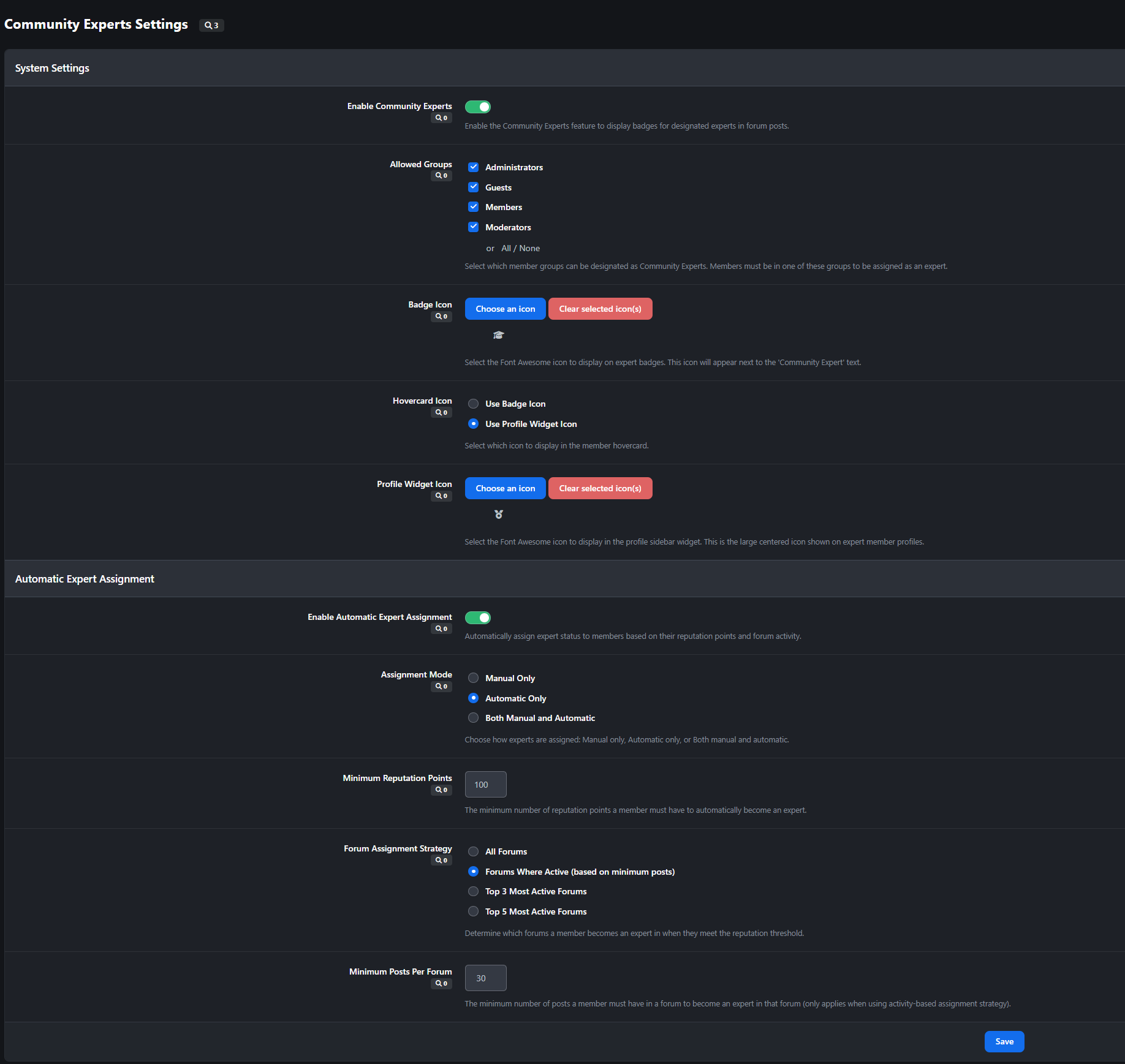
Enable/Disable - Global on/off switch for the entire feature
Group Restrictions - Limit expert eligibility to specific member groups
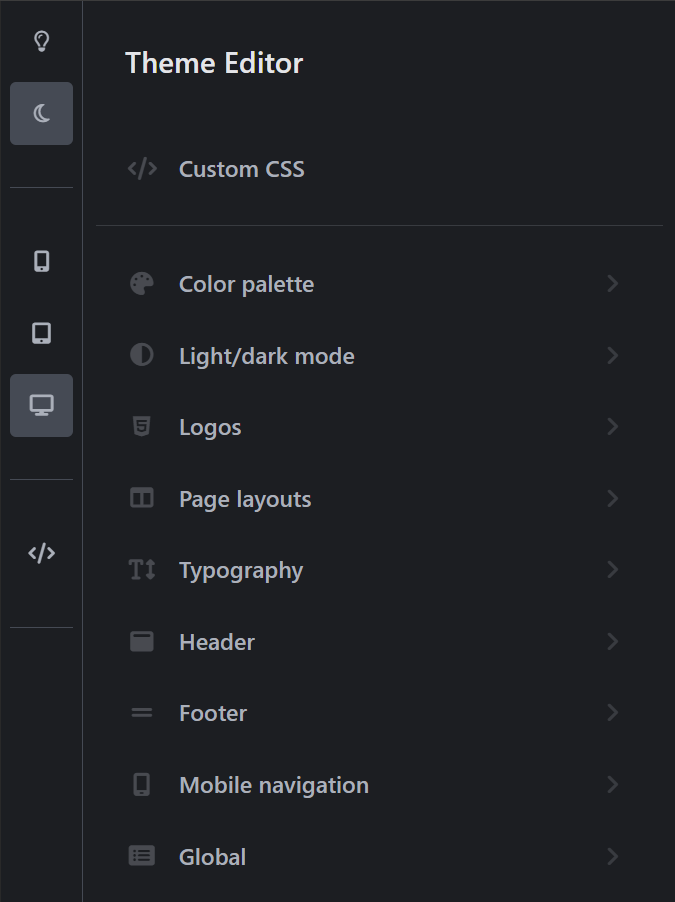
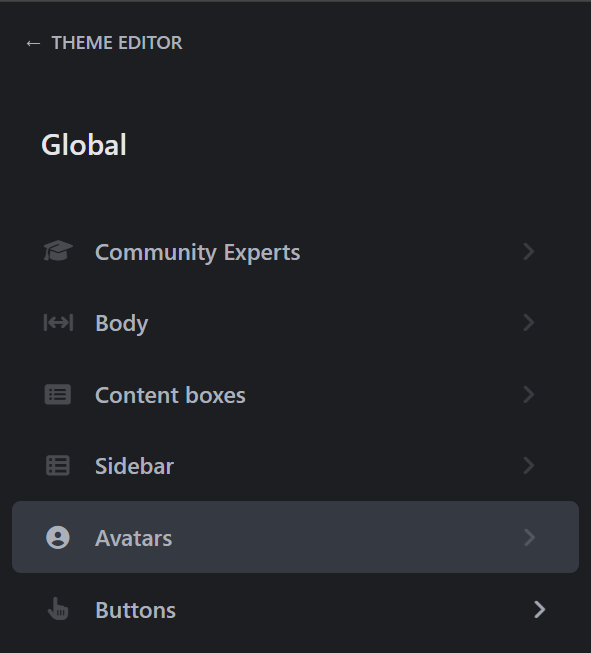
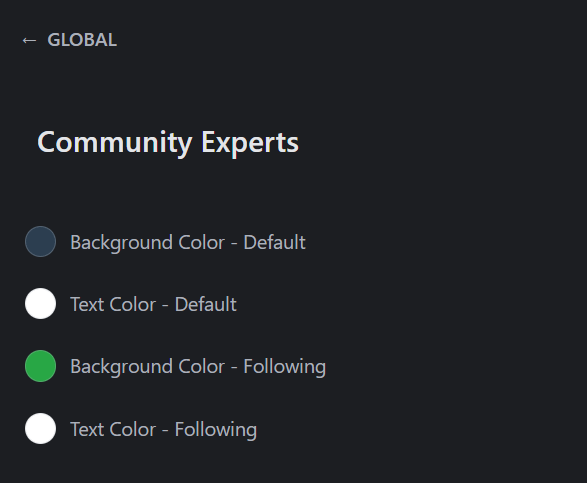
Badge Customization - Configure badge icon and appearance
Assignment Mode - Choose between Manual, Automatic, or Both
Reputation Threshold - Set minimum reputation points for automatic assignment (default: 100)
Post Threshold - Set minimum post count for automatic assignment (default: 30)
Forum Strategy - Configure how automatic assignments determine target forums
Expert Management
Centralized Table - View all current experts in a sortable, searchable table
Quick Actions - Add or remove experts with one click
Member Search - Find and manage experts by member name or ID
Forum Filtering - Filter experts by forum assignment
Batch Operations - Manage multiple expert assignments efficiently
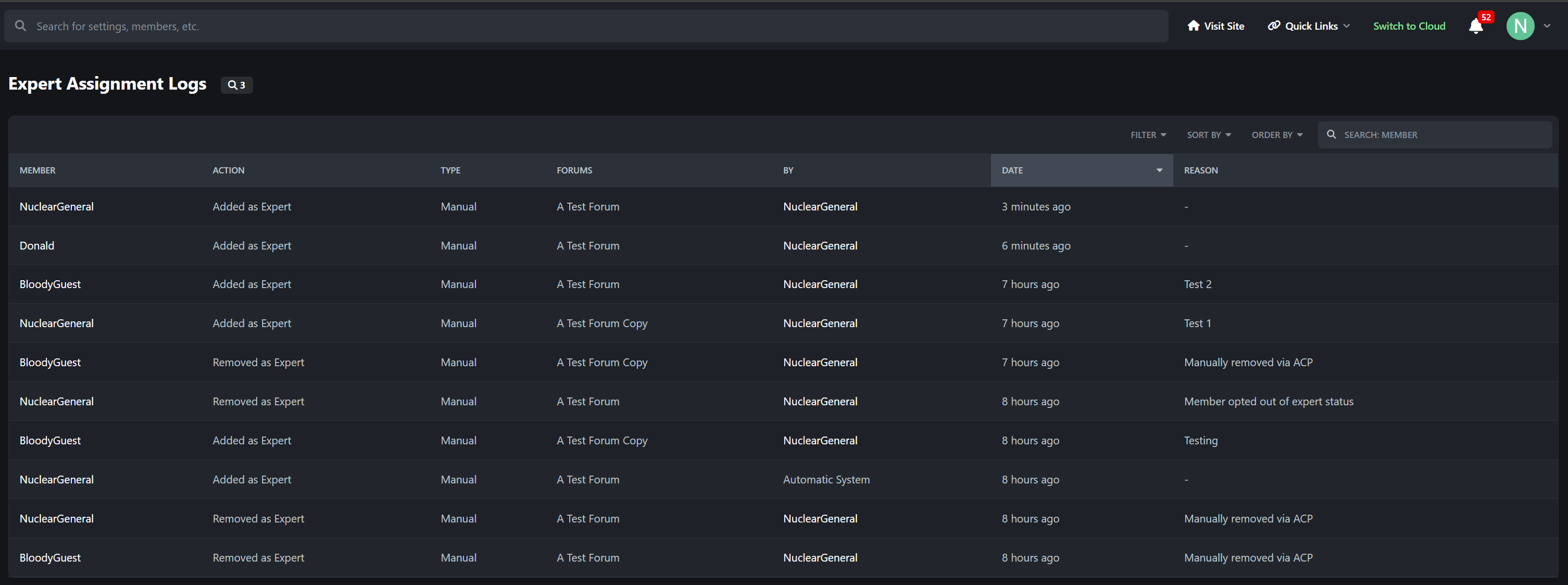
Comprehensive Logging
Action Tracking - Every expert assignment/removal is logged
Assignment Type - Distinguish between manual and automatic assignments
Administrator Attribution - Track which admin made manual changes
Reason Documentation - Store reasons for manual assignments
Forum Details - Log which forums were affected
IP Address Logging - Security tracking for all actions
Date/Time Stamps - Full audit trail with timestamps
Member History Integration - Expert changes appear in member's ACP history
ACP Integration
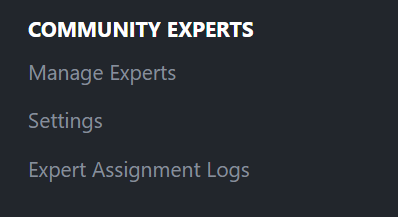
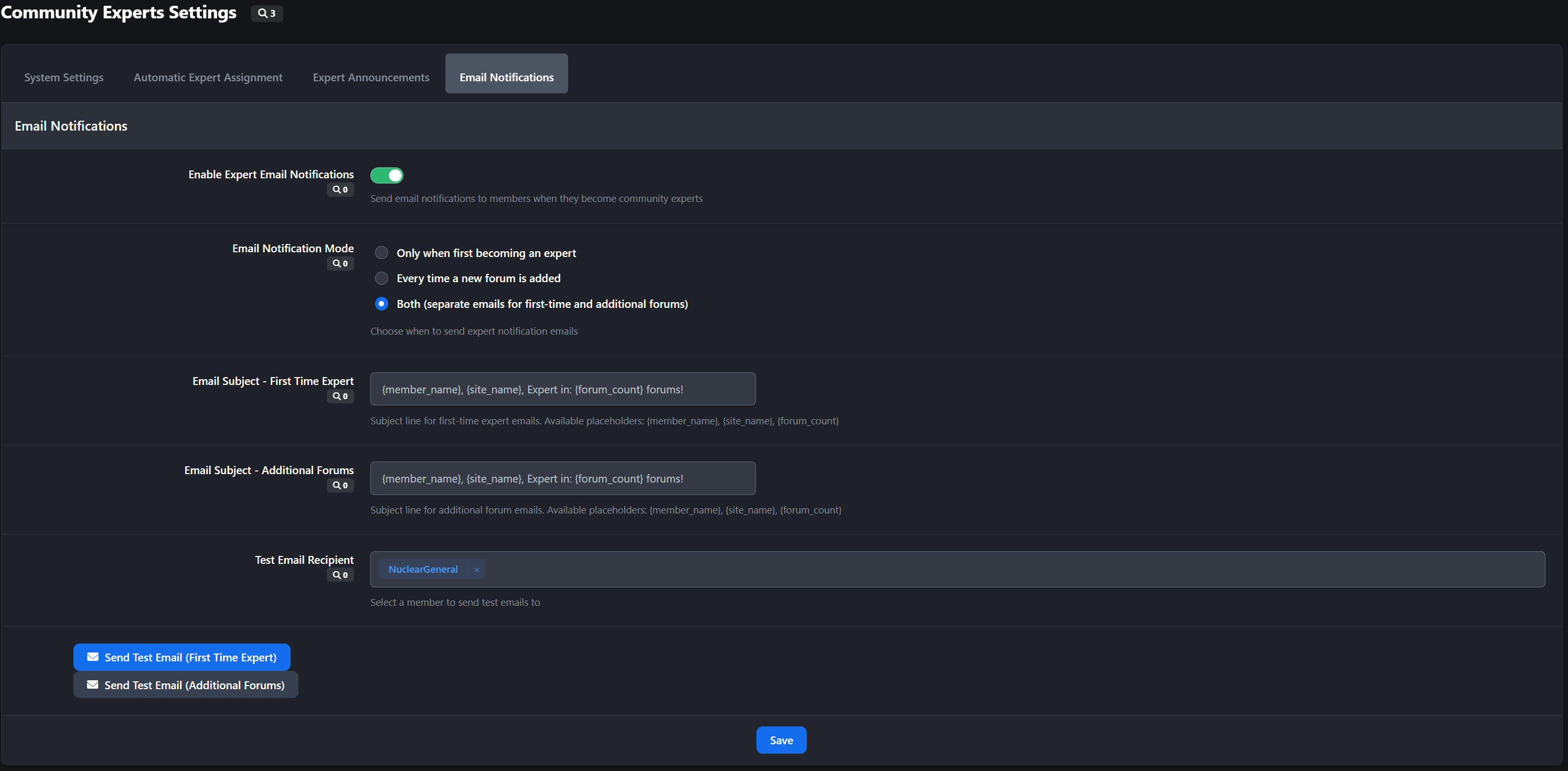
Dedicated Menu - "Community Experts" section in ACP
Three Controllers:
Settings - Configure all application options
Manage Experts - Add, remove, and view current experts
Logs - View comprehensive audit trail of all expert actions
Permission System - Granular ACP permissions for each controller
📊 Use Cases
Support Communities
Identify members who consistently provide helpful answers
Build trust by highlighting knowledgeable support providers
Encourage quality contributions through recognition
Technical Forums
Showcase subject matter experts in specific technology areas
Help members find reliable information sources
Build credibility for your community
Educational Communities
Recognize educators and experienced practitioners
Guide students to trusted knowledge sources
Foster mentorship relationships
Gaming Communities
Highlight expert players in specific game modes or characters
Build competitive credibility
Encourage knowledge sharing
🎨 Customization Options
Badge Icon - Choose any Font Awesome icon or upload custom graphics
Badge Text - Customize the "Expert" label text
CSS Styling - Full control over badge appearance through custom CSS
Language Strings - All text is translatable for multi-language communities
🔒 Security & Privacy
Member Opt-Out - Respects member privacy preferences
Group Restrictions - Control which member groups can become experts
Permission System - Granular ACP permissions for administrators
Audit Trail - Complete logging of all administrative actions
IP Tracking - Security logging for accountability
📈 Benefits
✅ Increase Engagement - Recognize and reward knowledgeable members
✅ Build Trust - Help members identify reliable information sources
✅ Reduce Moderation - Experts can help answer questions and guide discussions
✅ Encourage Quality - Incentivize members to provide valuable contributions
✅ Improve Retention - Recognition keeps valuable members engaged
✅ Enhance Credibility - Professional appearance builds community reputation
-
 2
2
Create an account or sign in to leave a review
There are no reviews to display.