- Category Member Tools
- Downloads 38
- Compatibility IC5: 5.0.0+
- App Version 1.0.4
- Updated
Description
Country Consent
Give your Invision Community a privacy-first way to handle member country display. Country Consent detects a member's country privately, keeps it hidden by default, and only shows a public country flag after the member explicitly chooses what to do. It is built for communities that want country visibility without forcing automatic public disclosure.
🔒 What It Does
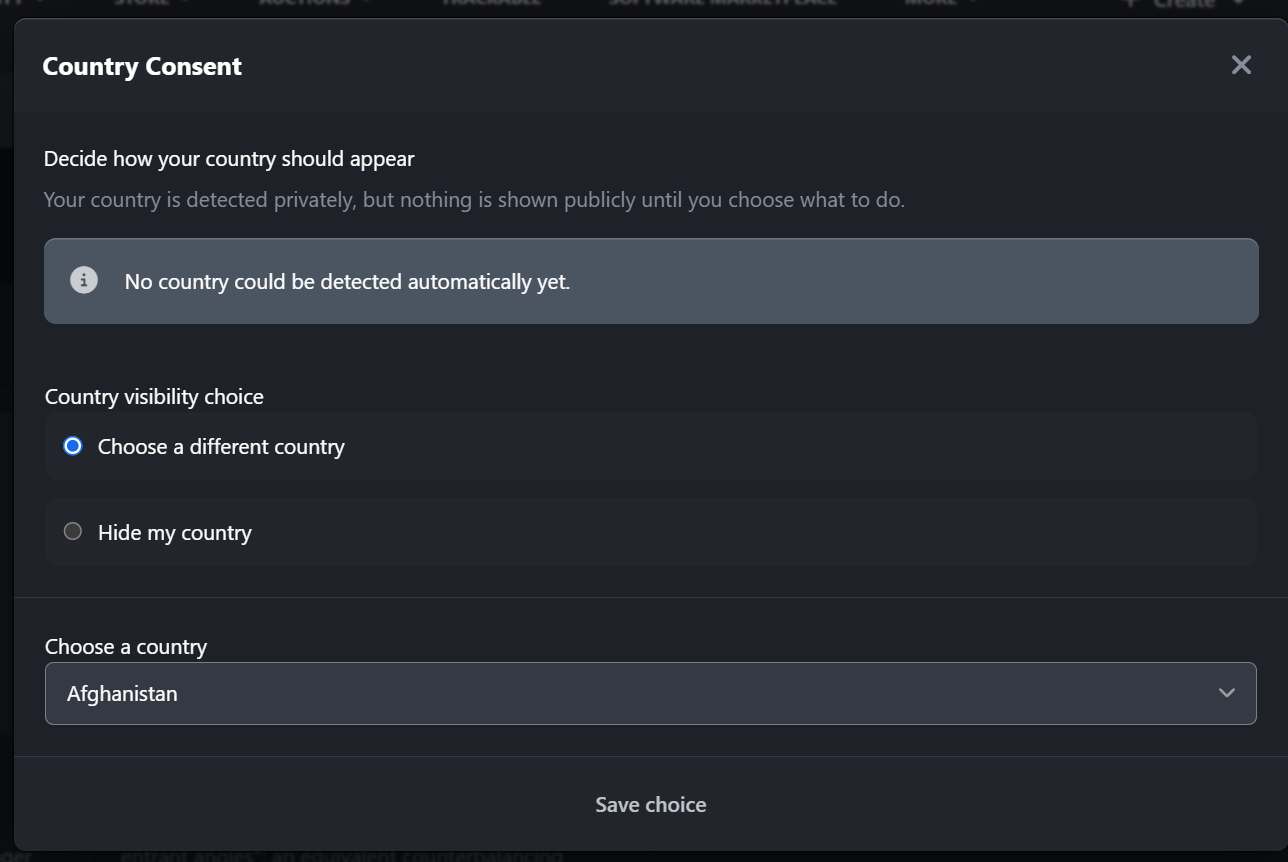
Country Consent introduces an approval-based country workflow for member accounts. Instead of auto-publishing a detected country or flag, the app prompts the member to confirm the detected country, choose a different one, or hide their country entirely. Nothing is displayed publicly until that decision is made.
✨ Key Features
Privacy-First Country Display
Private Detection: Detect a member's country without immediately exposing it on their profile or across the community
Consent Before Display: Require an explicit member decision before any public flag is shown
Default Hidden State: New and existing members remain non-public until they make a choice
Member-Controlled Visibility: Let members hide their country entirely if they do not want it displayed
Clear Member Choice Workflow
Confirm Detected Country: Members can approve the country detected for their account
Choose a Different Country: Members can override detection and pick a country manually
Hide Country: Members can opt out completely and keep their country private
Persistent Prompting: Pending members are reminded until they make a final choice
Public Display with Consent Only
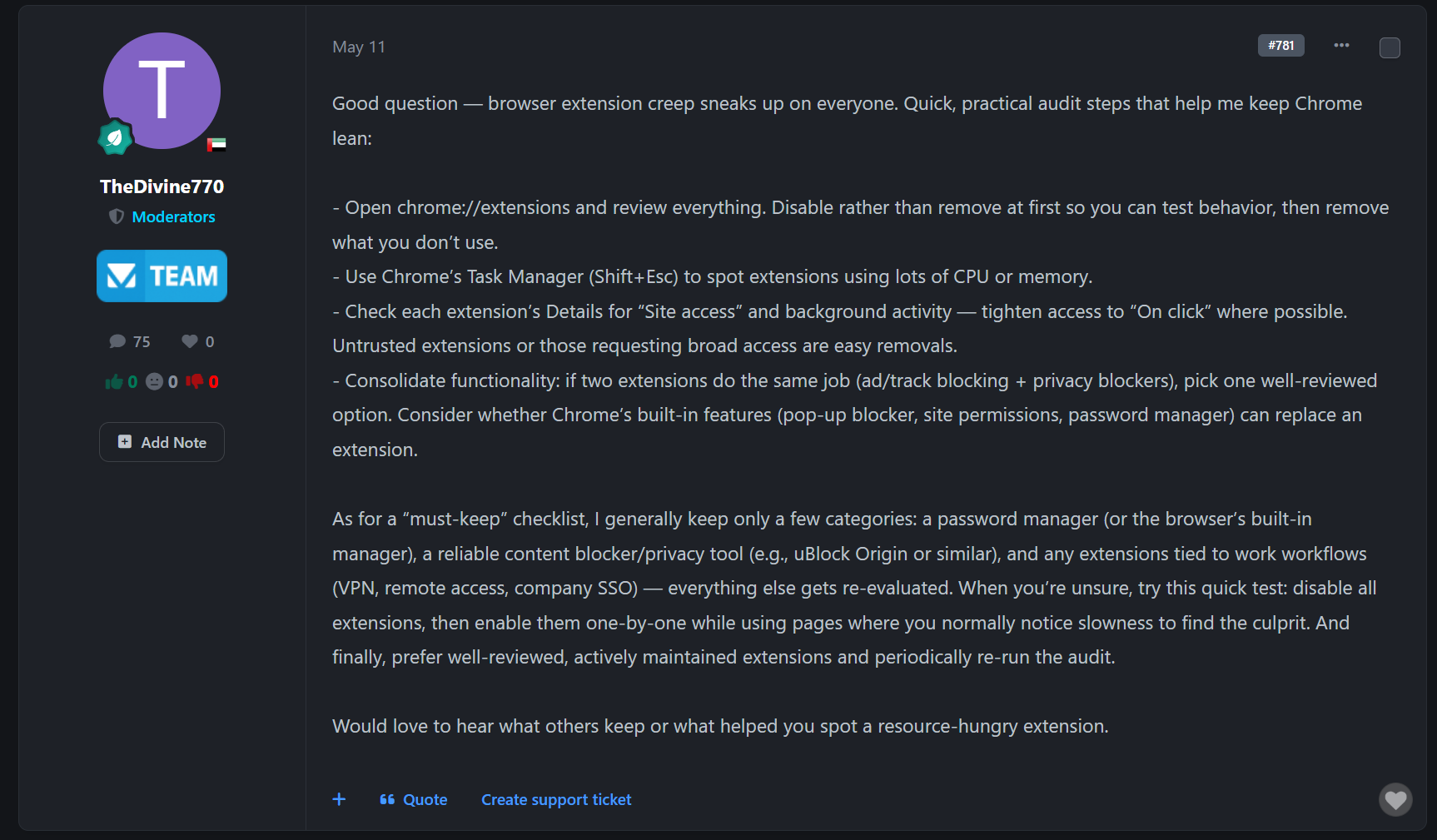
Flag-Only Output: Public display focuses on the member's approved country flag
No Pending Leaks: Detected countries are never shown publicly while a member is still undecided
Approved Members Only: Public flags appear only for members who have explicitly approved visibility
Targeted Front-End Hooks: Display approved flags in selected community areas without relying on broad JS link injection
Directory and Account Controls
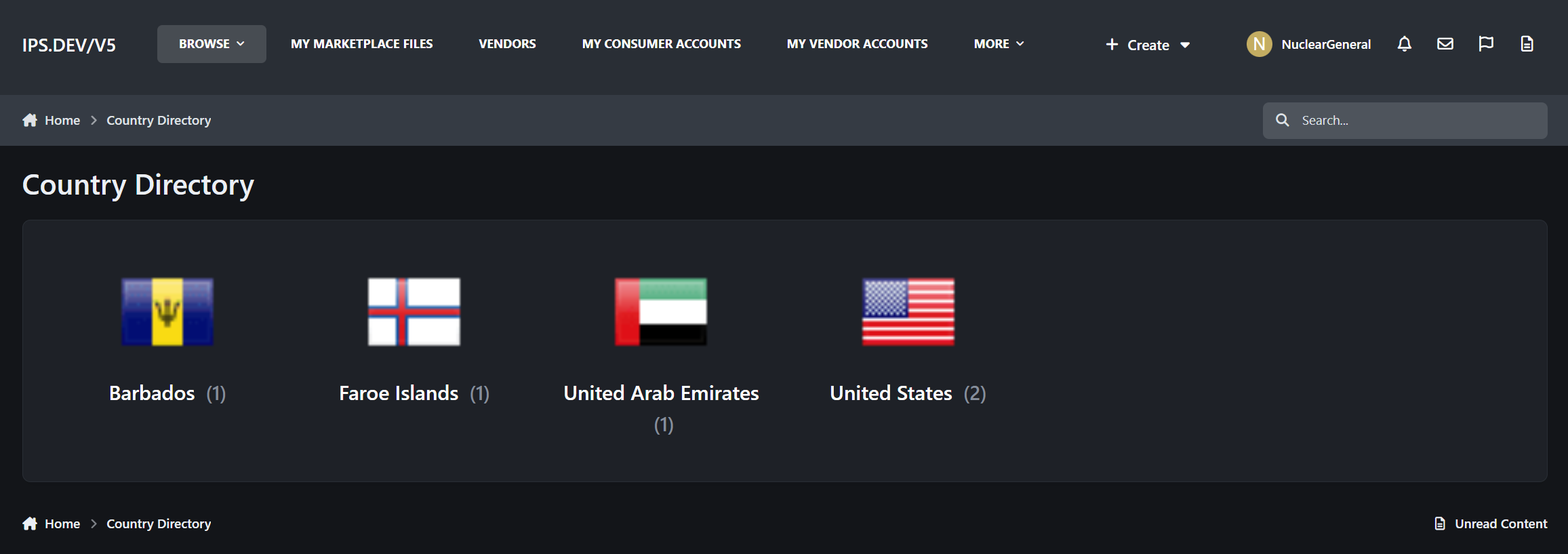
Public Country Directory: Browse countries and view only members who approved public visibility
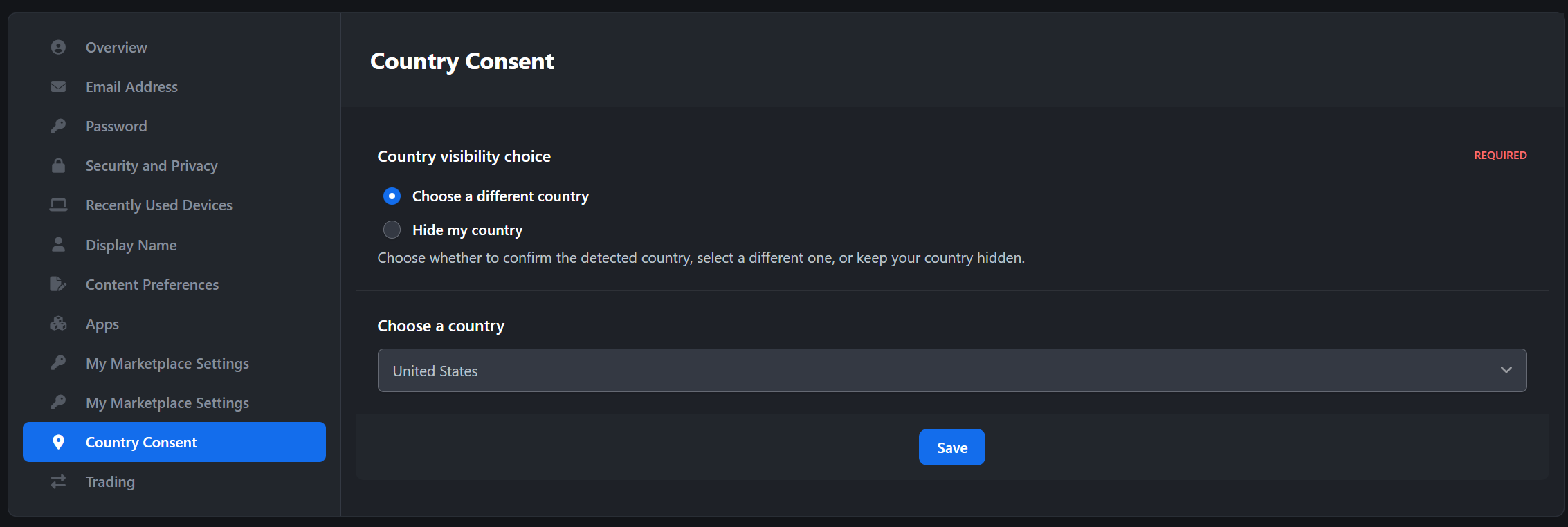
Account Settings Integration: Members can revisit and change their country decision later
Privacy State Tracking: Separate private detection from public approval for cleaner data handling
Minimal ACP Settings: Keep administration simple while preserving the privacy-first model
🚀 Perfect For
Privacy-Conscious Communities: Give members control over whether location-related profile details are public
International Boards: Show country flags only when members actually want them shown
Communities in Sensitive Regions: Avoid exposing country information by default
Modern IPS Sites: Replace older auto-flag behavior with a consent-driven workflow
Administrators Who Want Simplicity: Use a straightforward member-choice flow instead of complex moderation rules
🎯 Technical Specifications
Platform: Invision Community 5
Detection Model: Private detection with separate approved visibility state
Member States: Pending, approved, or hidden
Public Output: Flag-only display for approved members
Member Controls: Confirm detected country, choose manually, or hide entirely
Directory: Public country listing limited to consented visible members
💡 Why Choose Country Consent?
Built Around Consent: Country display is treated as a member decision, not an automatic assumption
Better Privacy Defaults: Nothing is shown publicly until the member says yes
Cleaner Data Separation: Private detection and public approval are stored independently
More Respectful UX: Members are asked how they want their country handled instead of being silently assigned a visible flag
Designed for IPS: Integrates with account settings, profile output, directory views, and selected front-end hook areas
🔧 Easy Setup
Install the Application: Upload and install Country Consent in your Invision Community AdminCP
Enable the Prompt: Turn on the consent prompt and decide whether to enable the public directory
Let Members Choose: Members confirm, change, or hide their country the next time they are prompted
Display Approved Flags: Only approved members appear with public country flags and directory visibility
Adjust Later: Members can revisit their account settings whenever they want to change their choice
With Country Consent, your community gets a safer and more transparent way to handle country display. It preserves the usefulness of member country flags while putting the final decision where it belongs: with the member.
Developed by InvisionMarketplace.com - Professional Invision Community applications with privacy-aware member experience design.
What's New
ChangedCountry Directory flag size is now 48x48 instead of 96x96Changed the popup dialog for "Members from This Country" to show a responsive grid instead of a list.-
 1
1
Create an account or sign in to leave a review
There are no reviews to display.