- Category Member Tools
- Downloads 36
- Compatibility IC5: 5.0.0+
- App Version 1.0.3
- Updated

Description
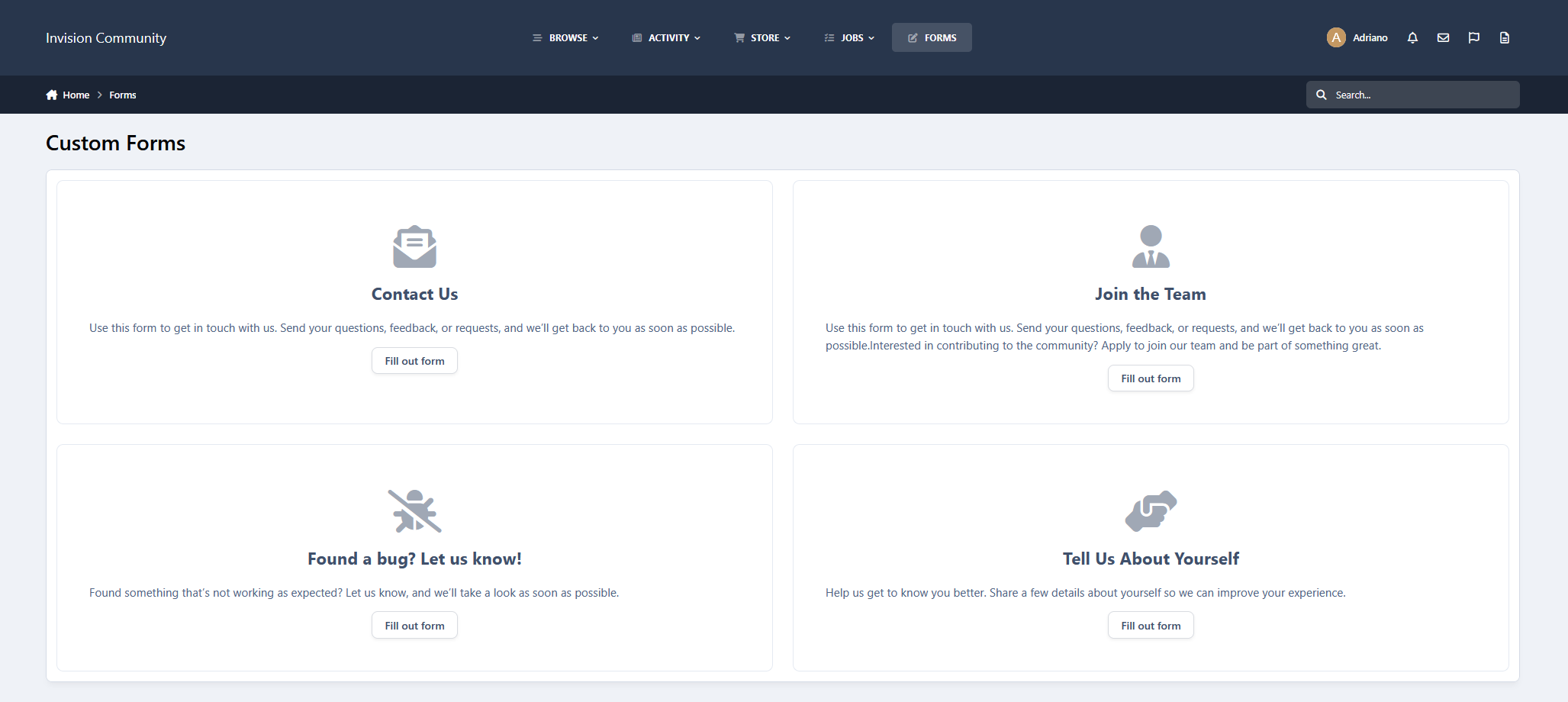
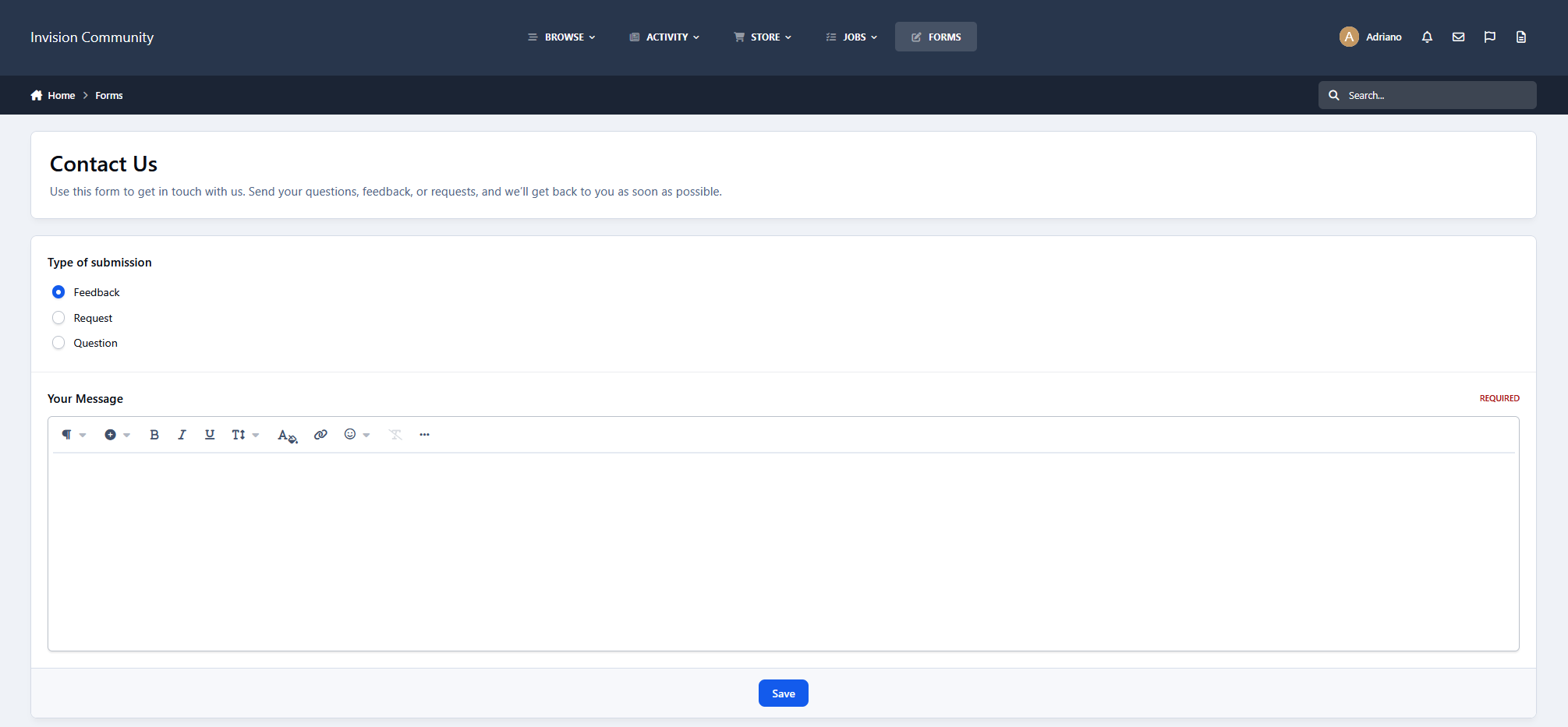
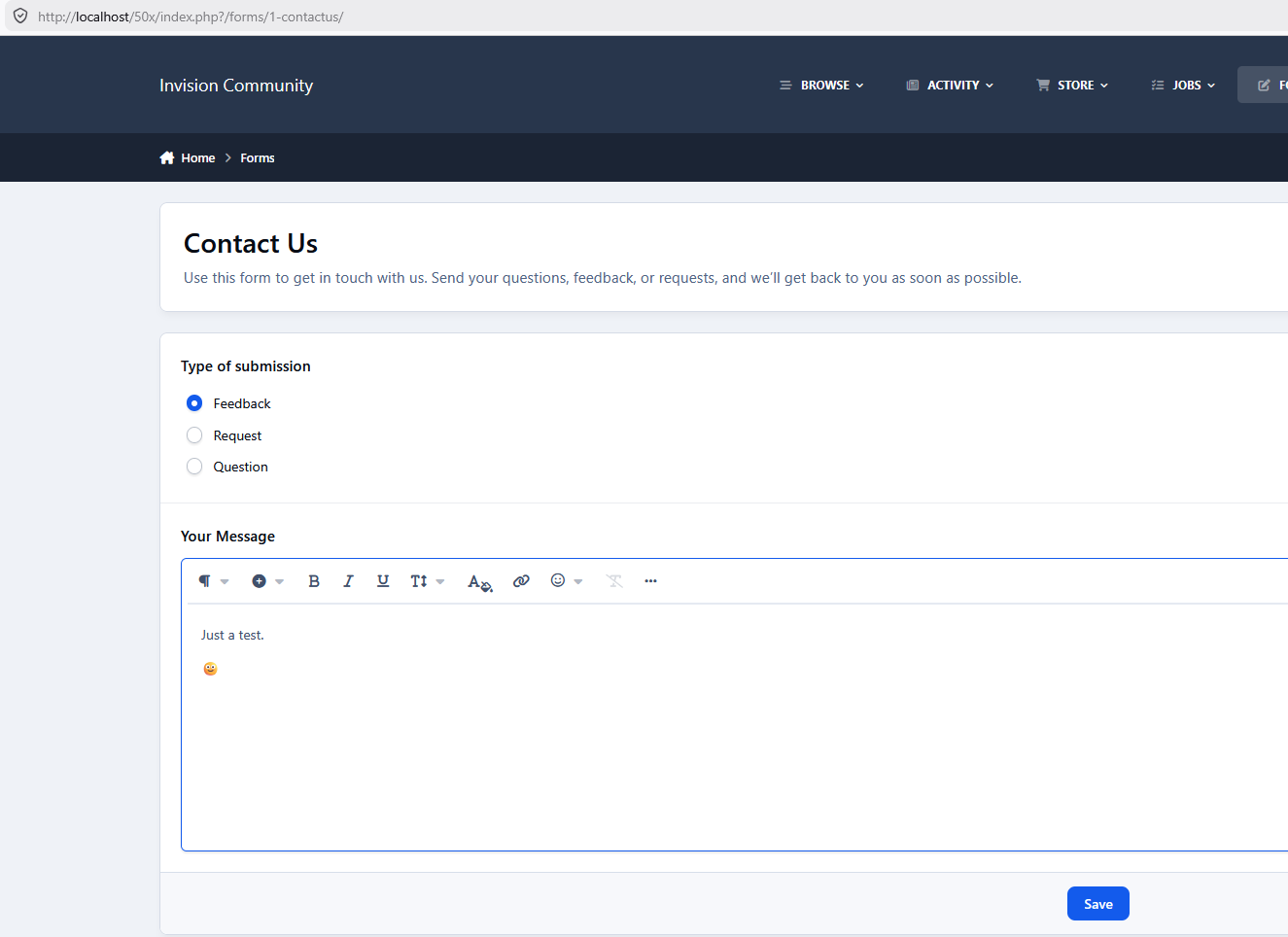
Turn your community into a powerful data collection tool with fully customizable forms for feedback, applications, bug reports, contact requests, and more.
This application introduces a completely custom-built field system, removing the limitations of the default CustomField model. Each field type is handled independently, allowing greater flexibility, better validation, and more control over how data is collected and displayed.
Types of forms:
You can create two types of forms:
Regular: users can fill them out at any time directly within the app.
Registration: users will fill them out only during account creation.
Types of fields:
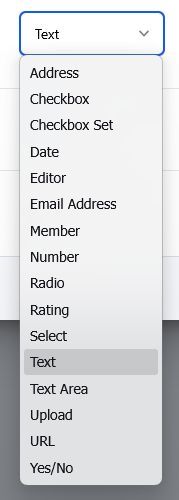
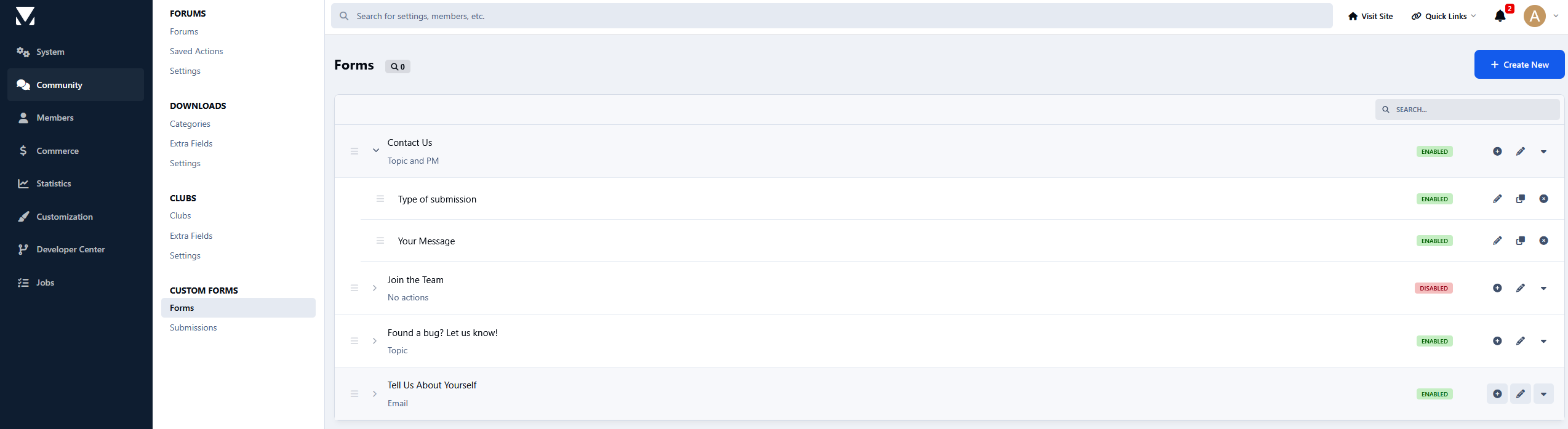
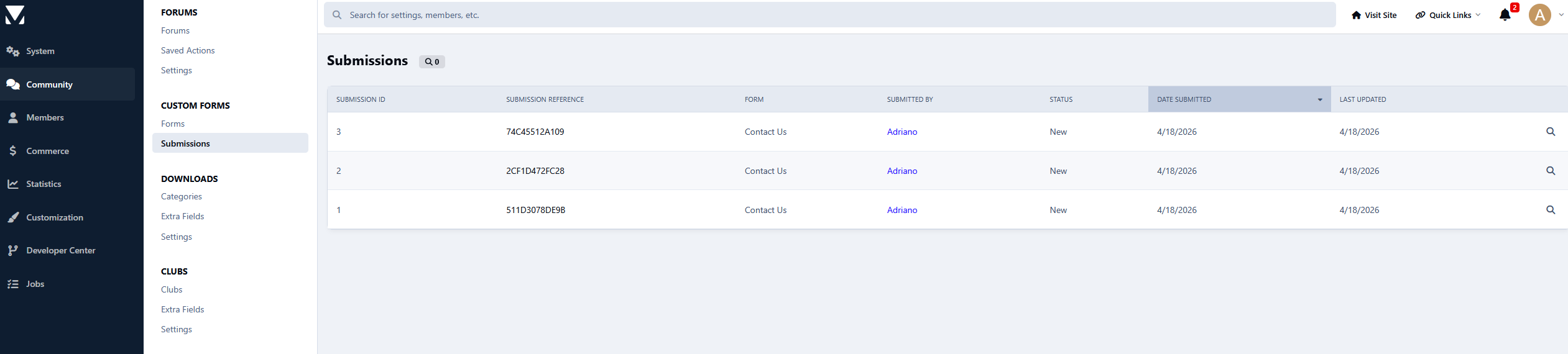
Every submission is stored in your database, giving you full control and a complete history inside the ACP.
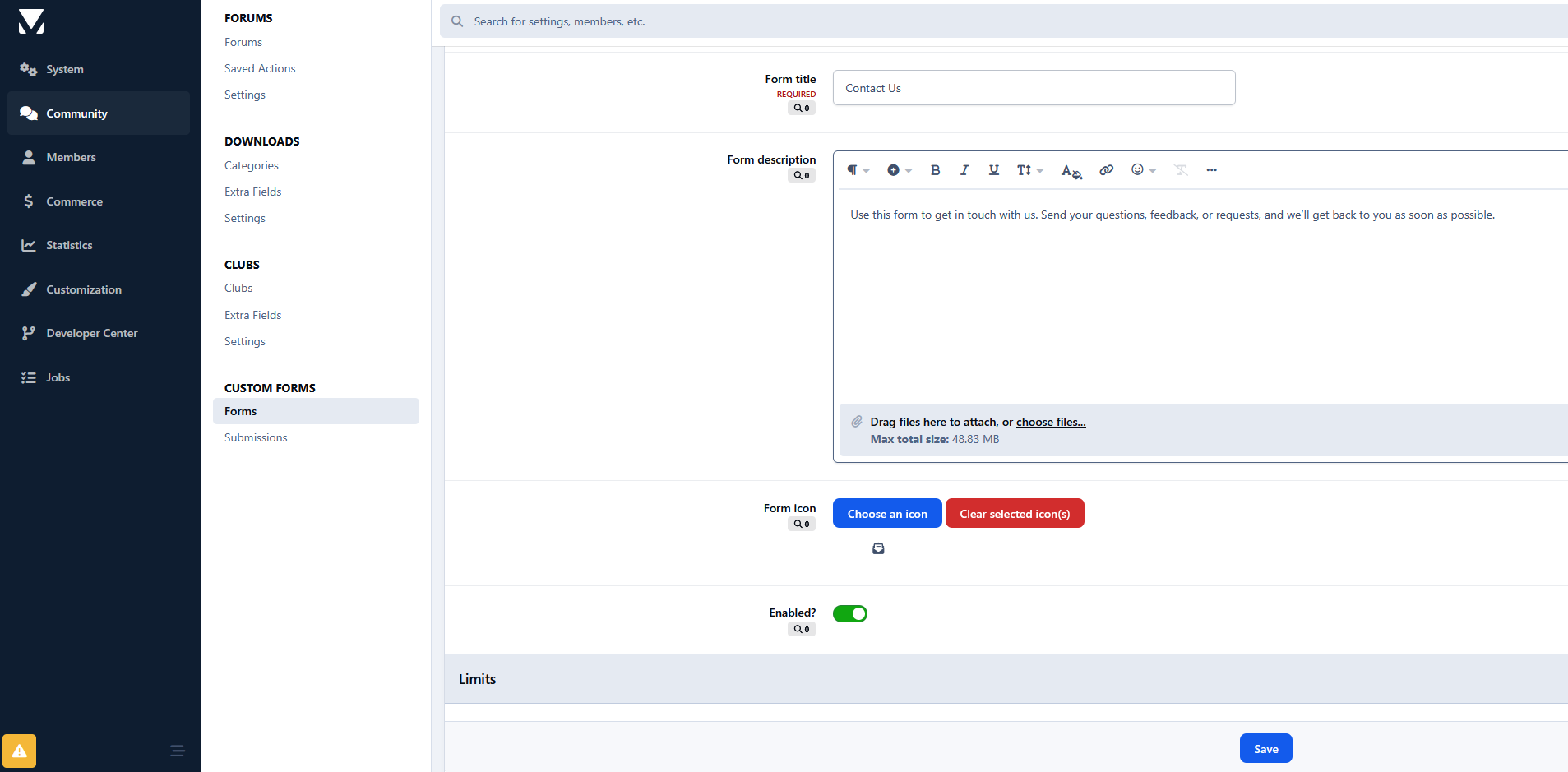
Take it further with automation:
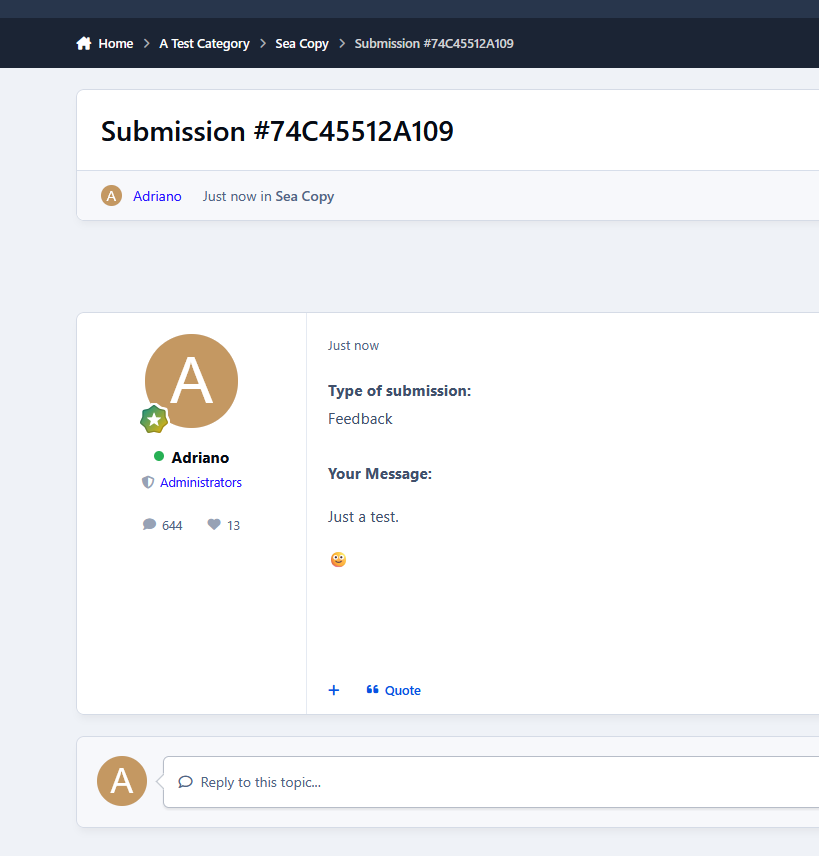
Instantly create topics in your forums
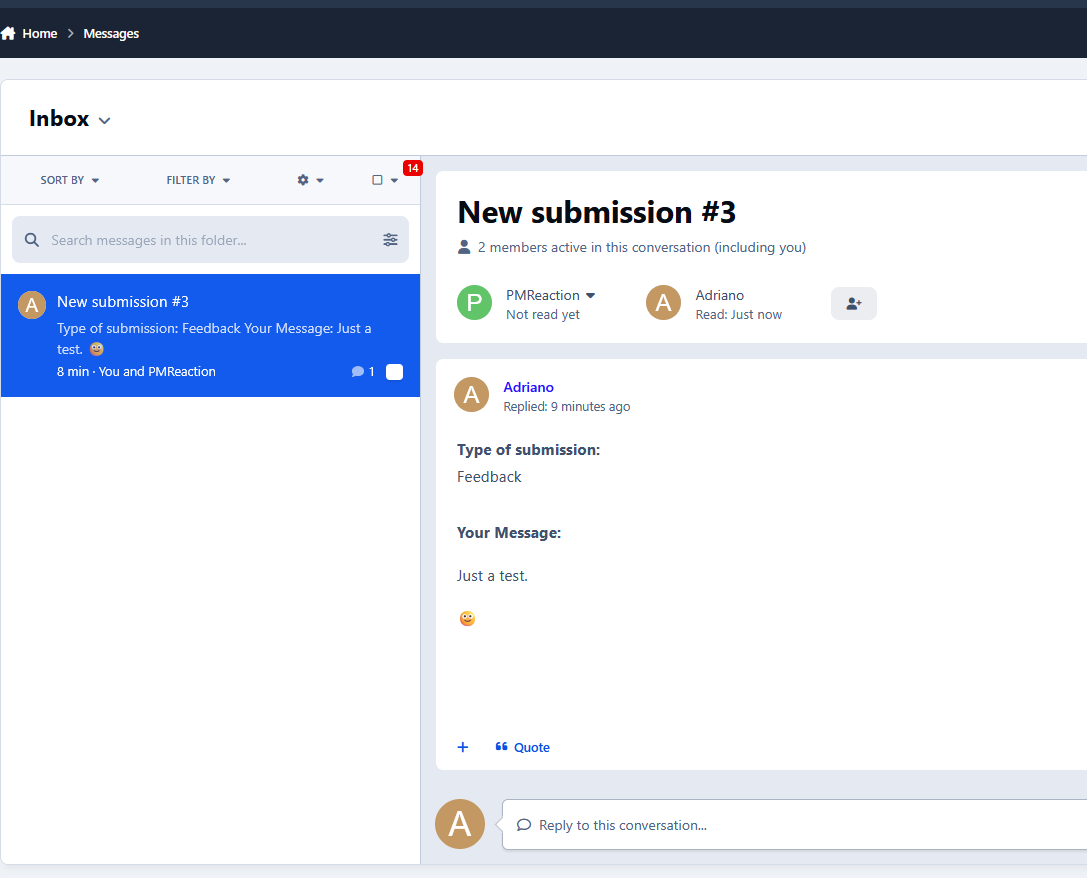
Send private messages to members
Trigger email notifications to one or multiple recipients
Redirect users or display custom success messages
Built-in protections keep everything under control:
Flood protection to prevent spam
Limit members to a single submission per form
Fast, flexible, and built for IPS5, this system gives you complete control over data collection, validation, and presentation. All without relying on core field limitations.
-
 1
1
Create an account or sign in to leave a review
There are no reviews to display.