Jump to content
View in the app

A better way to browse. Learn more.

Invision Marketplace

A full-screen app on your home screen with push notifications, badges and more.

To install this app on iOS and iPadOS
  1. Tap the Share icon in Safari
  2. Scroll the menu and tap Add to Home Screen.
  3. Tap Add in the top-right corner.
To install this app on Android
  1. Tap the 3-dot menu (⋮) in the top-right corner of the browser.
  2. Tap Add to Home screen or Install app.
  3. Confirm by tapping Install.

Everything you need for your community

We will be moving to a new server soon, some downtime is expected.

Everything you need for your community

Invision Community 5
Invision Community 4
  • Category Member Tools
  • Downloads 47
  • Compatibility IC5: 5.0.11+ IC4: 4.7.X
  • App Version 2.0.0
  • Updated

Description

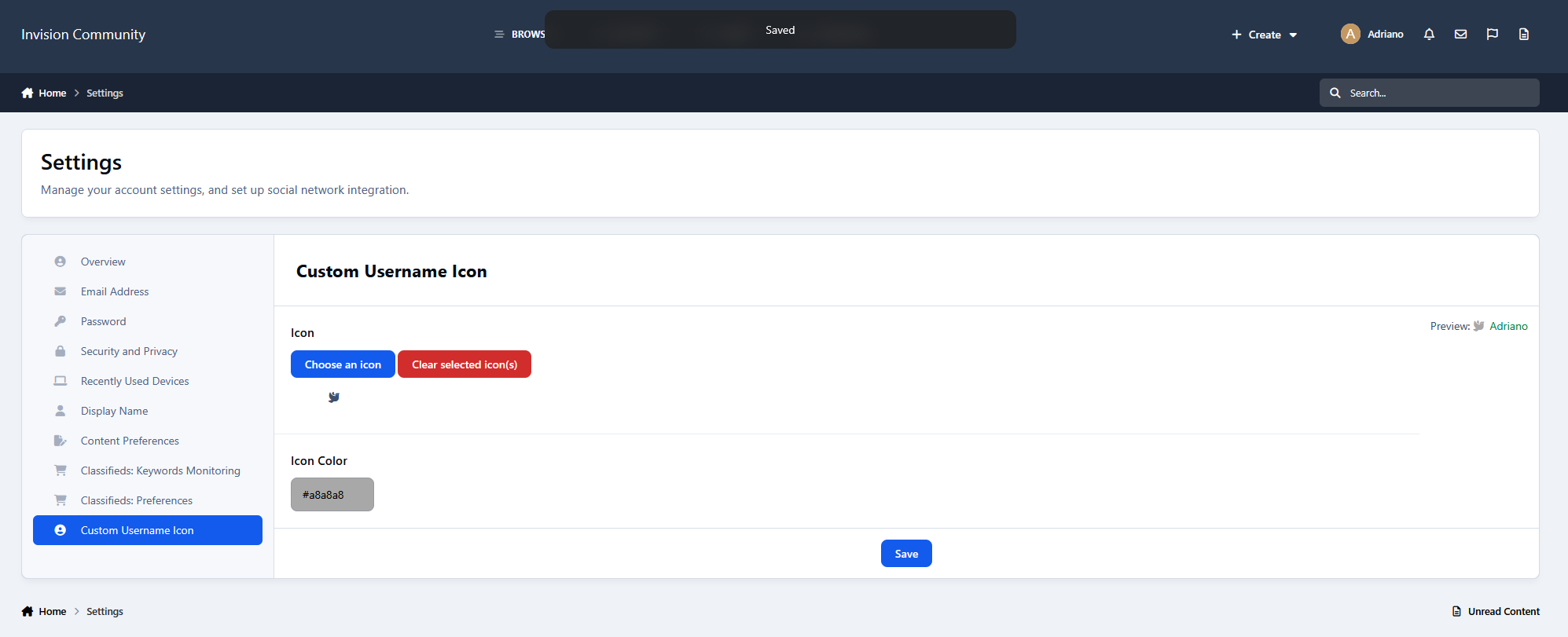
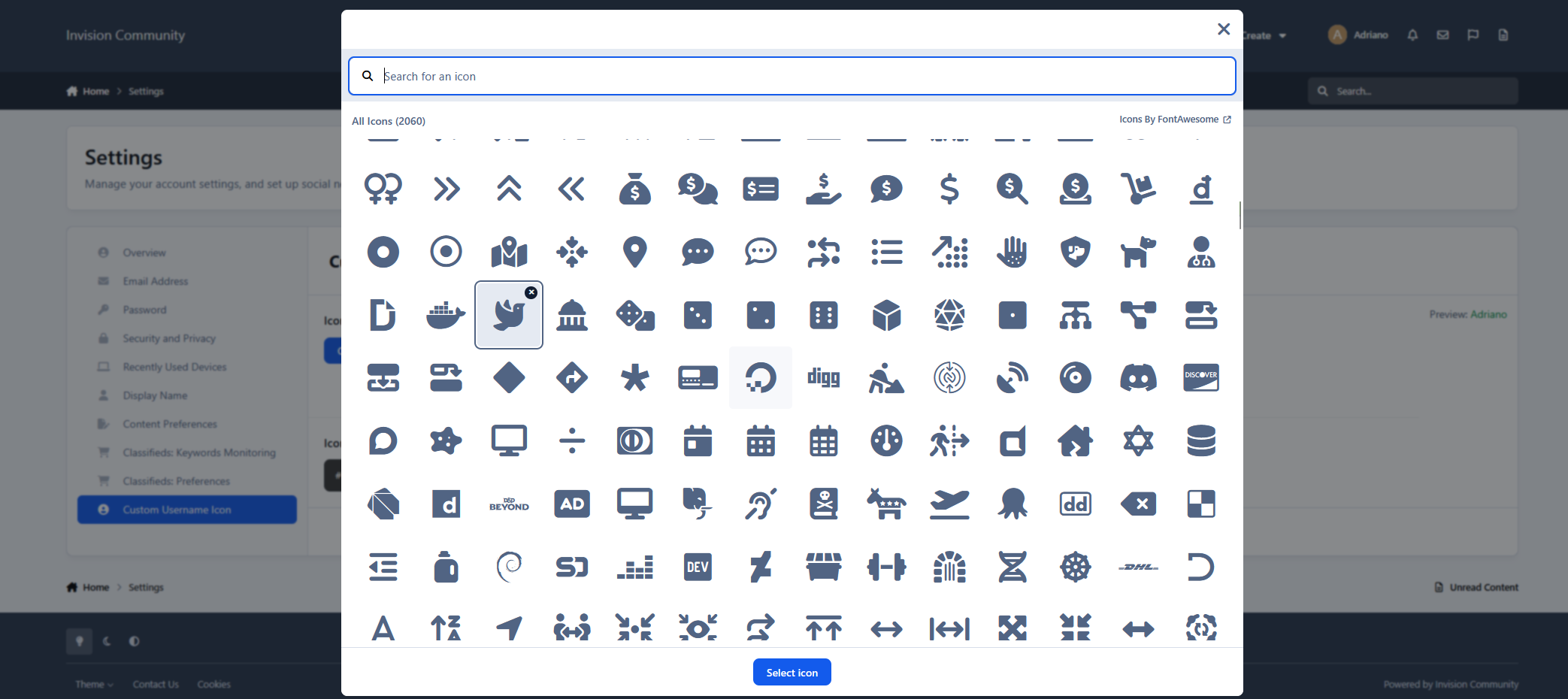
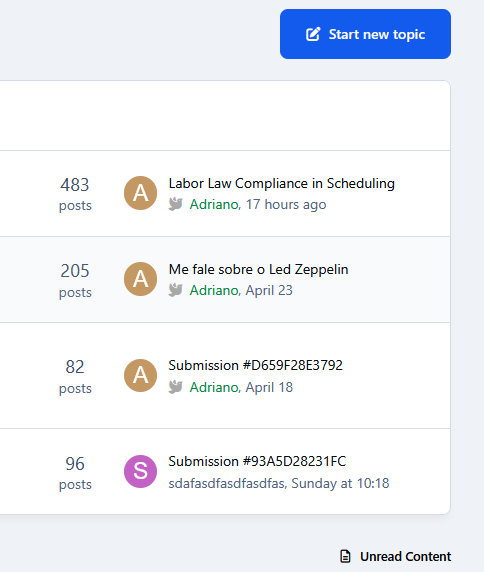
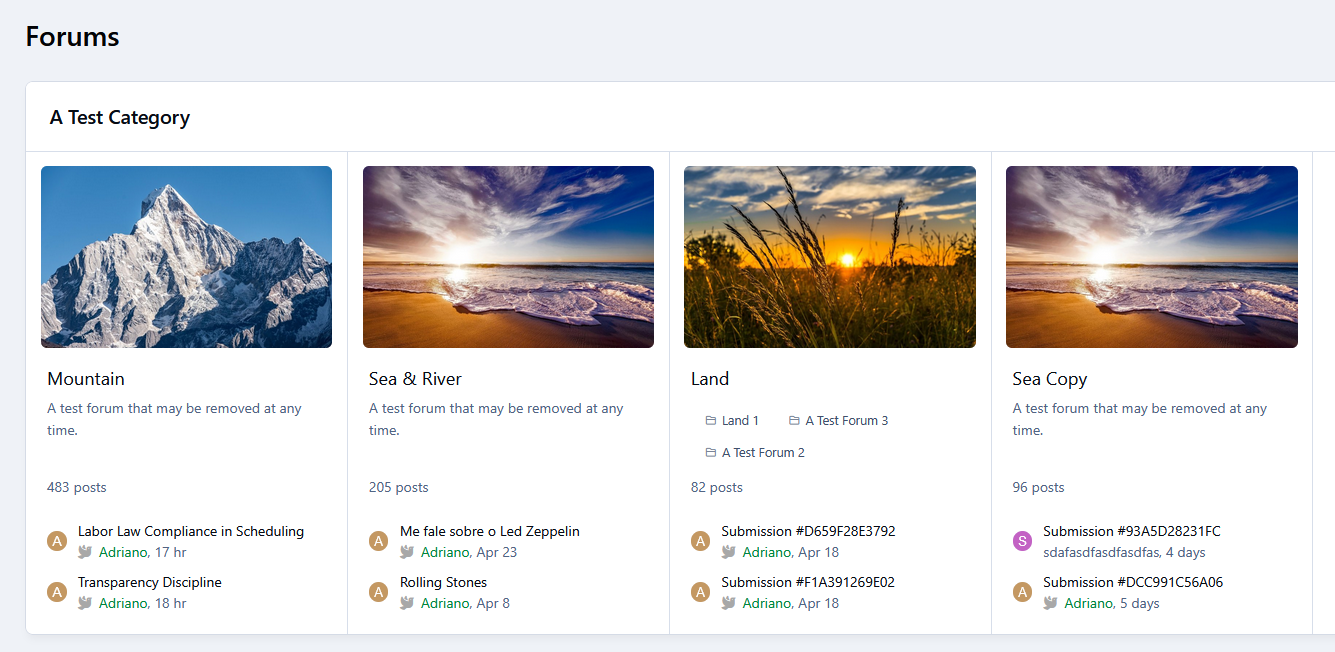
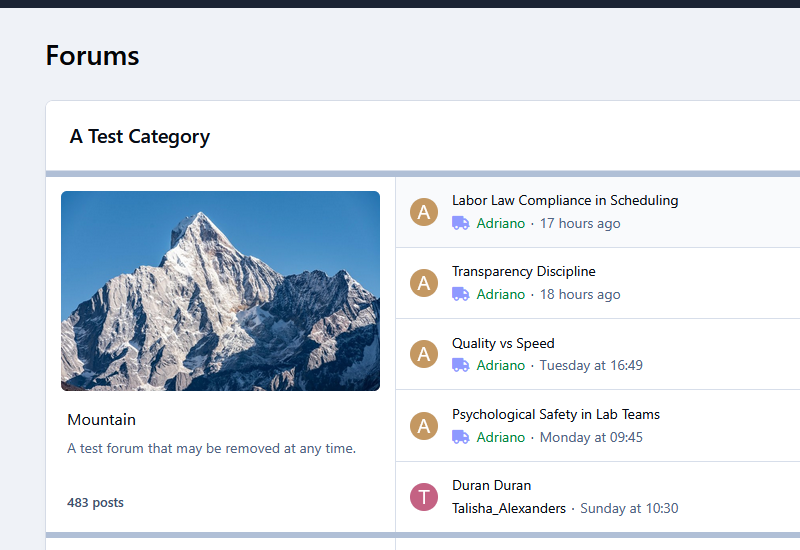
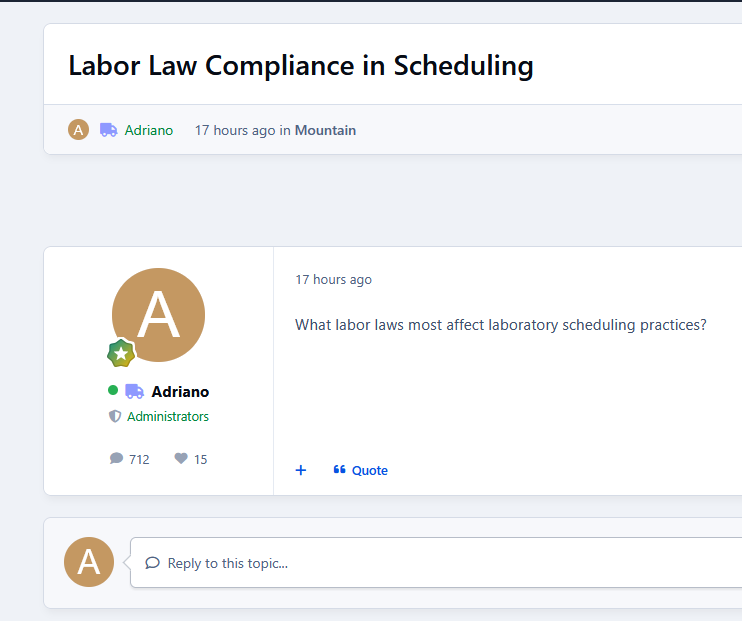
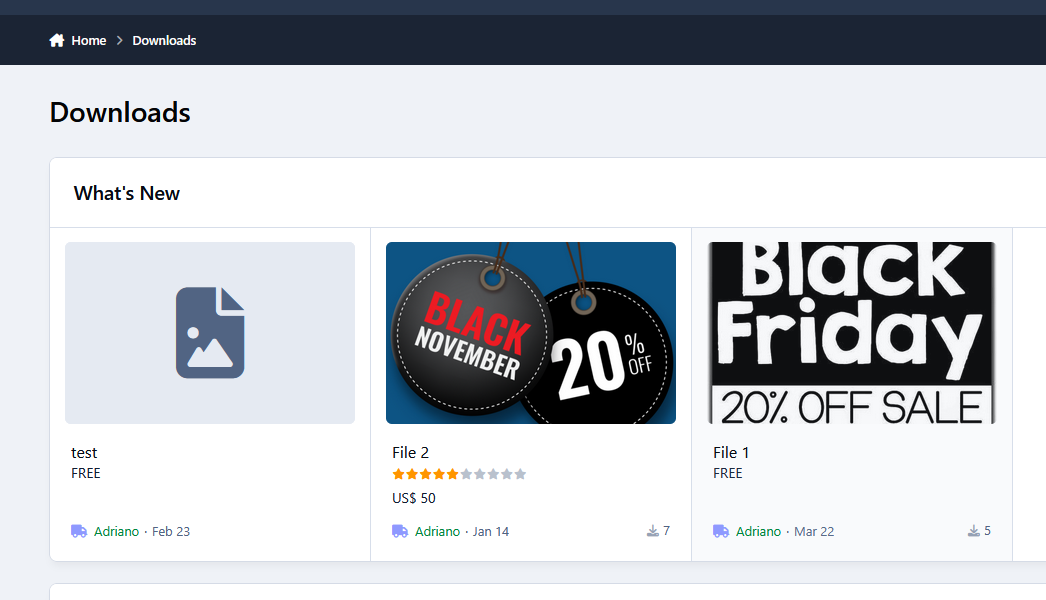
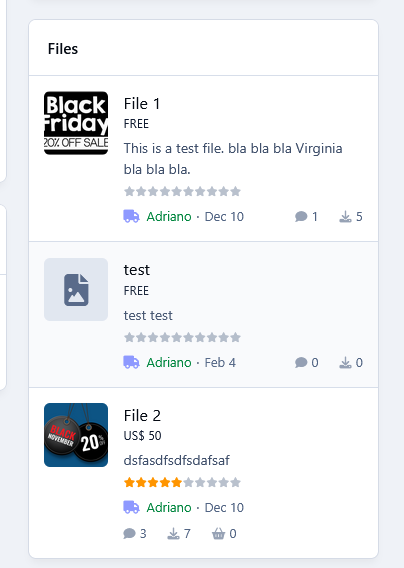
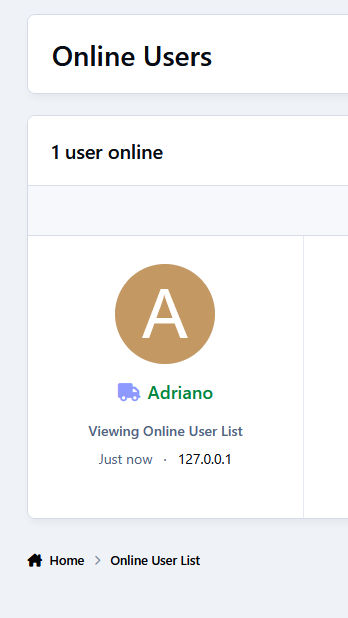
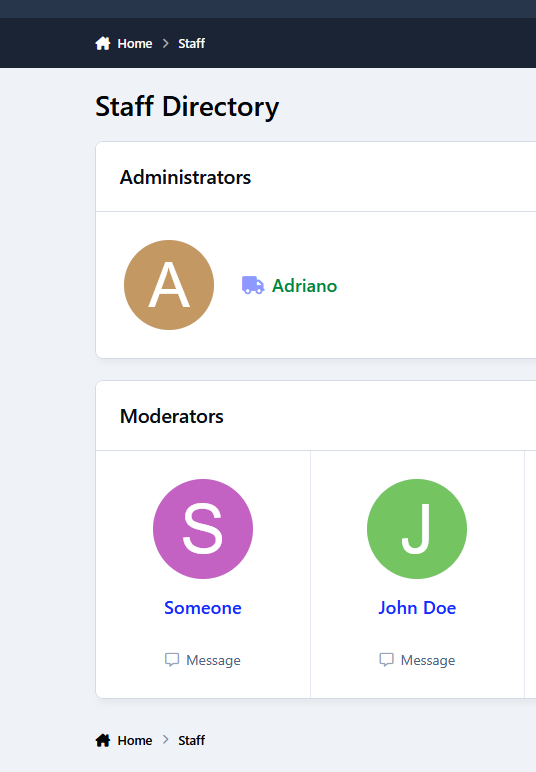
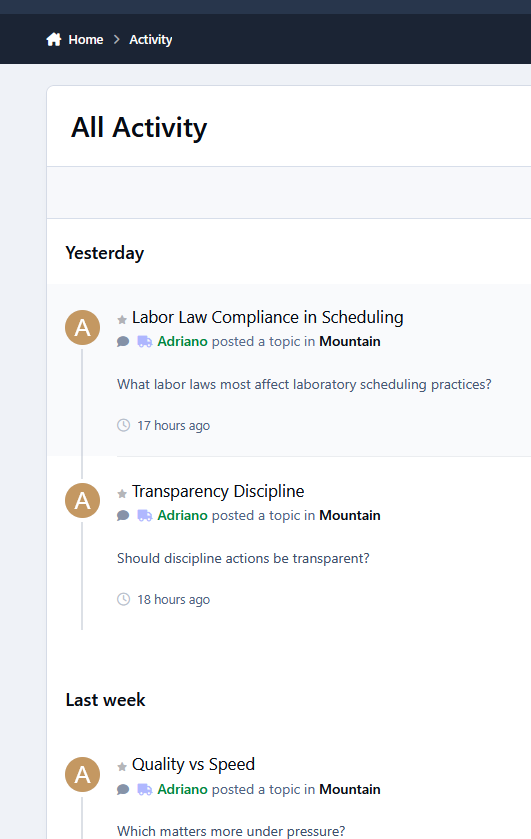
Allow members to choose a Font Awesome icon and color displayed before their username across the community. Supports per-app or global display, using a lightweight approach with minimal performance impact.

Note

Works with user links using the default ipsUsername class.

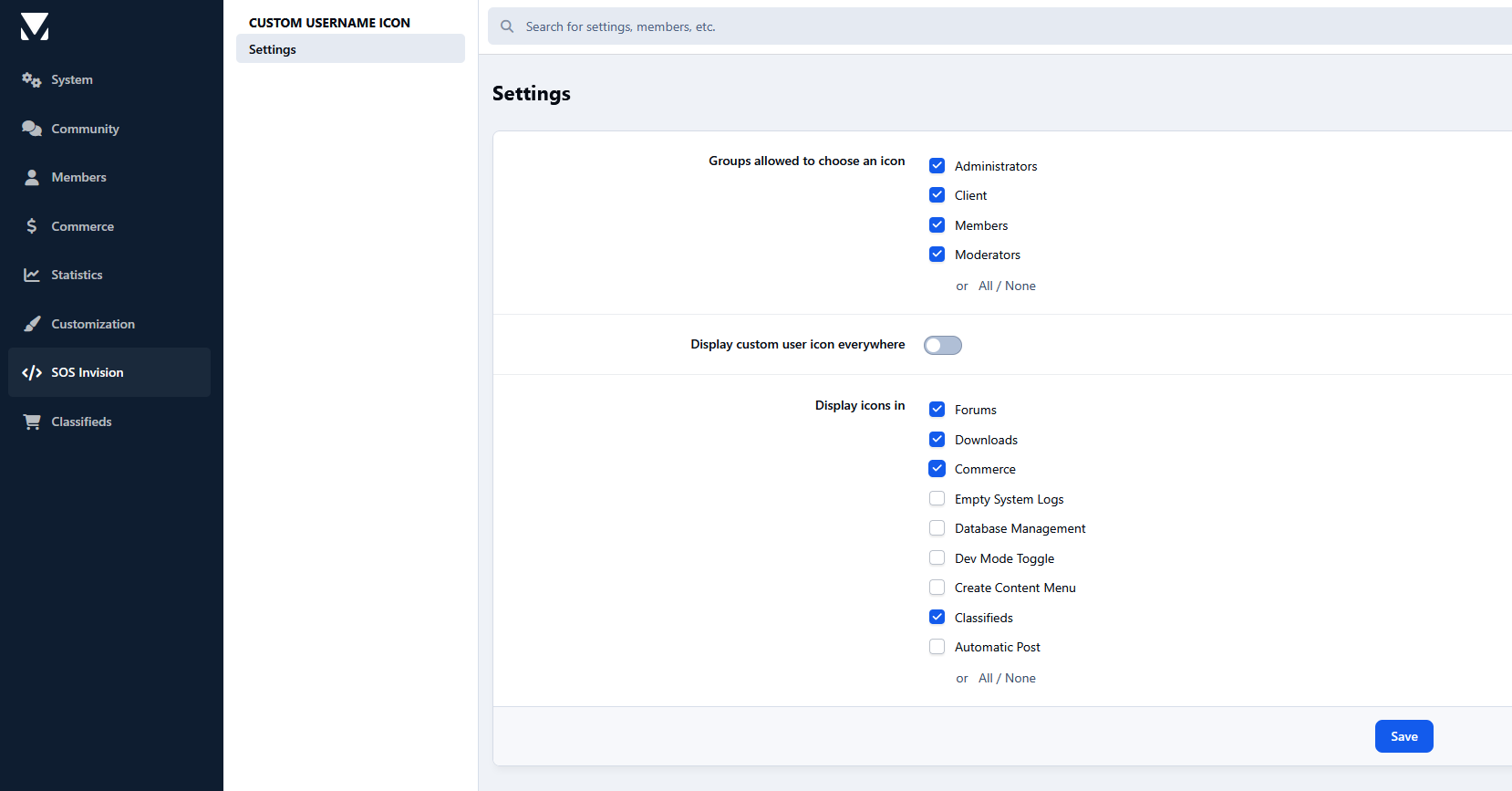
Settings:

  • Groups allowed to choose an icon

  • Display custom user icon everywhere (or in specific apps)

User Feedback

Create an account or sign in to leave a review

There are no reviews to display.

Configure browser push notifications

Chrome (Android)
  1. Tap the lock icon next to the address bar.
  2. Tap Permissions → Notifications.
  3. Adjust your preference.
Chrome (Desktop)
  1. Click the padlock icon in the address bar.
  2. Select Site settings.
  3. Find Notifications and adjust your preference.