Jump to content
View in the app

A better way to browse. Learn more.

Invision Marketplace

A full-screen app on your home screen with push notifications, badges and more.

To install this app on iOS and iPadOS
  1. Tap the Share icon in Safari
  2. Scroll the menu and tap Add to Home Screen.
  3. Tap Add in the top-right corner.
To install this app on Android
  1. Tap the 3-dot menu (⋮) in the top-right corner of the browser.
  2. Tap Add to Home screen or Install app.
  3. Confirm by tapping Install.

Everything you need for your community

Everything you need for your community

Invision Community 5
  • Category Member Tools
  • Downloads 13
  • Compatibility IC5: 5.0.0+
  • App Version 1.0.0
  • Updated

Description

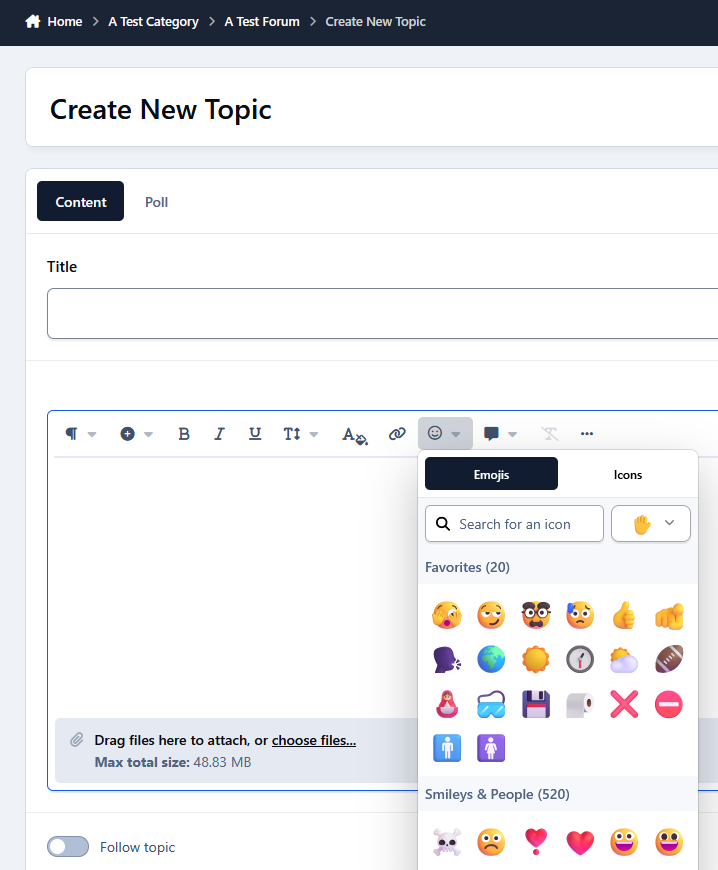
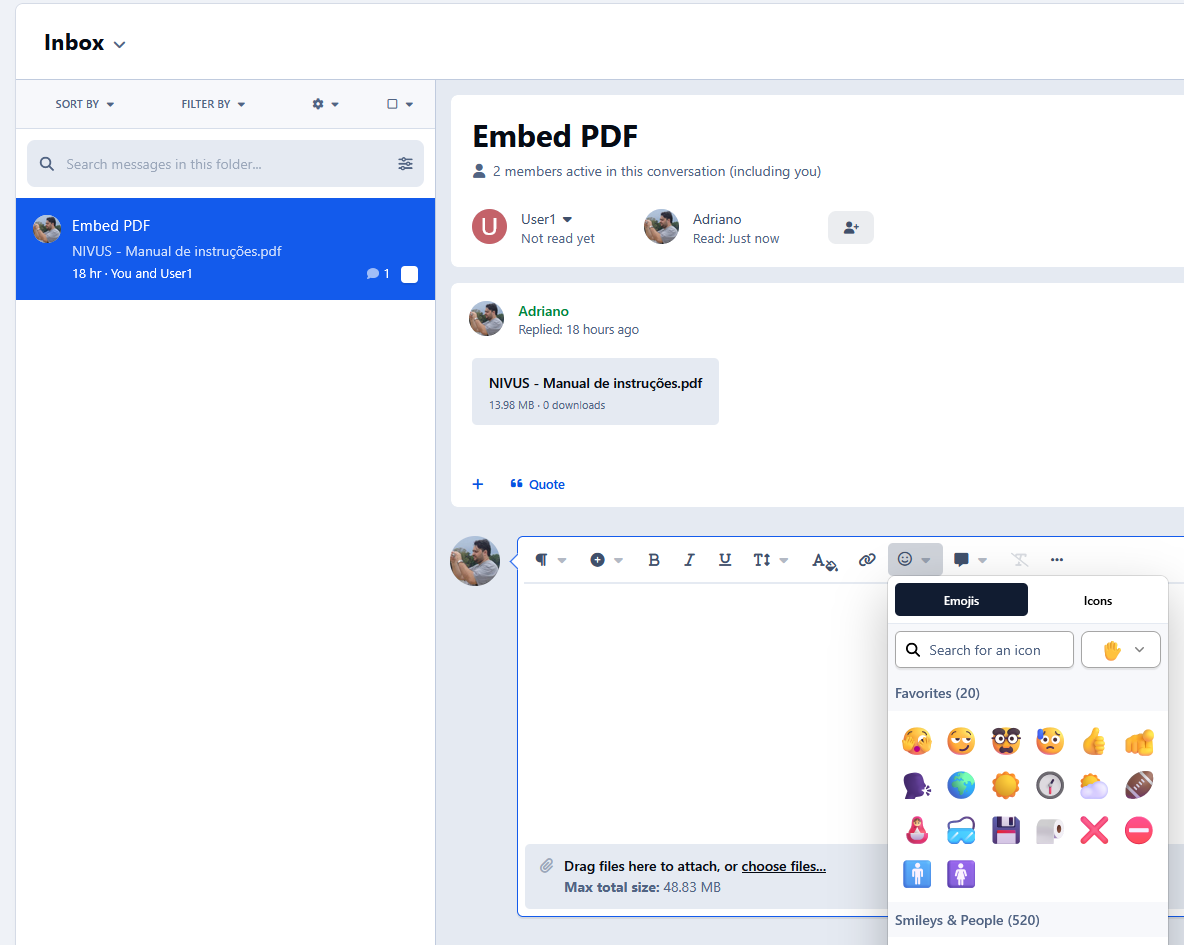
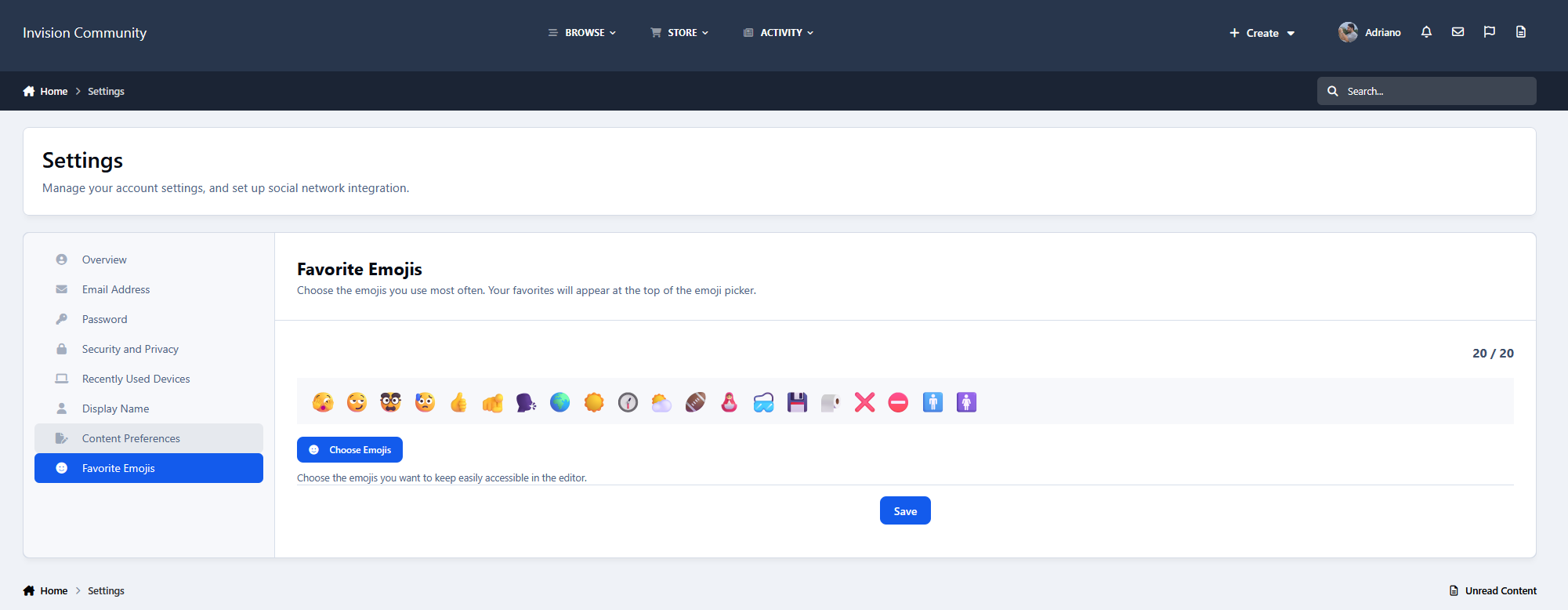
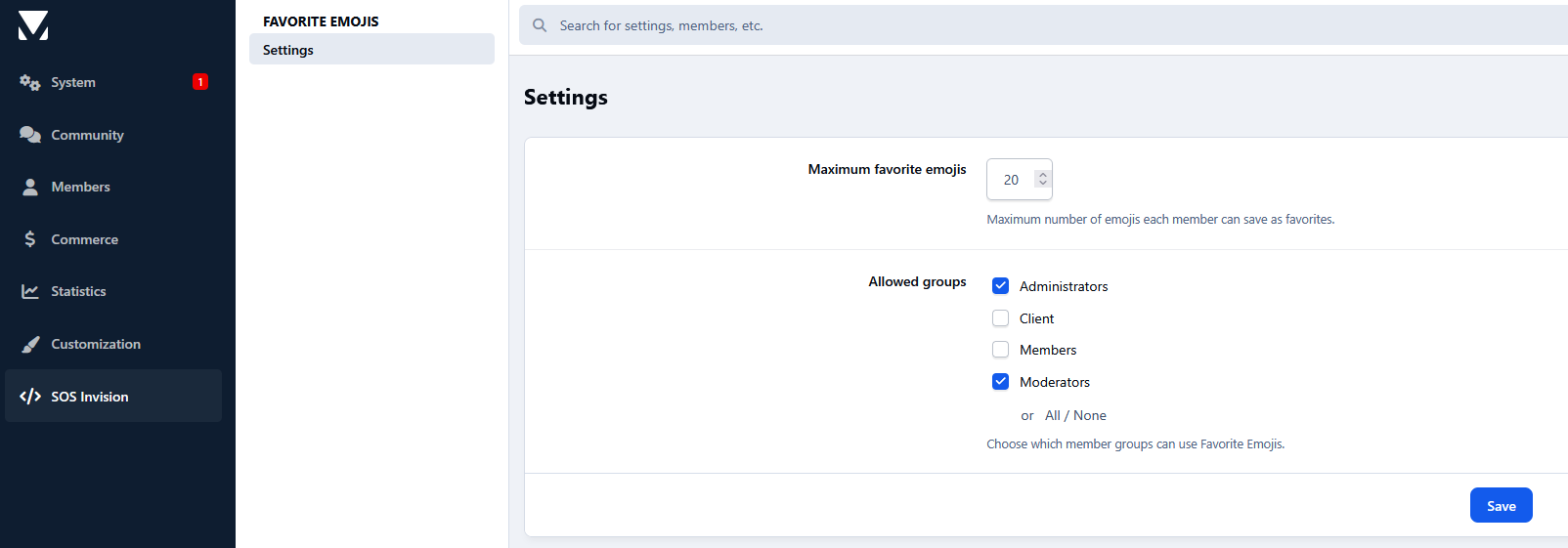
Favorite Emojis lets members save their most-used emojis and access them instantly from a Favorites section at the top of the IPS emoji picker. Members manage their favorites from Account Settings, while admins can define the maximum number of favorites and which groups can use the feature.

Features

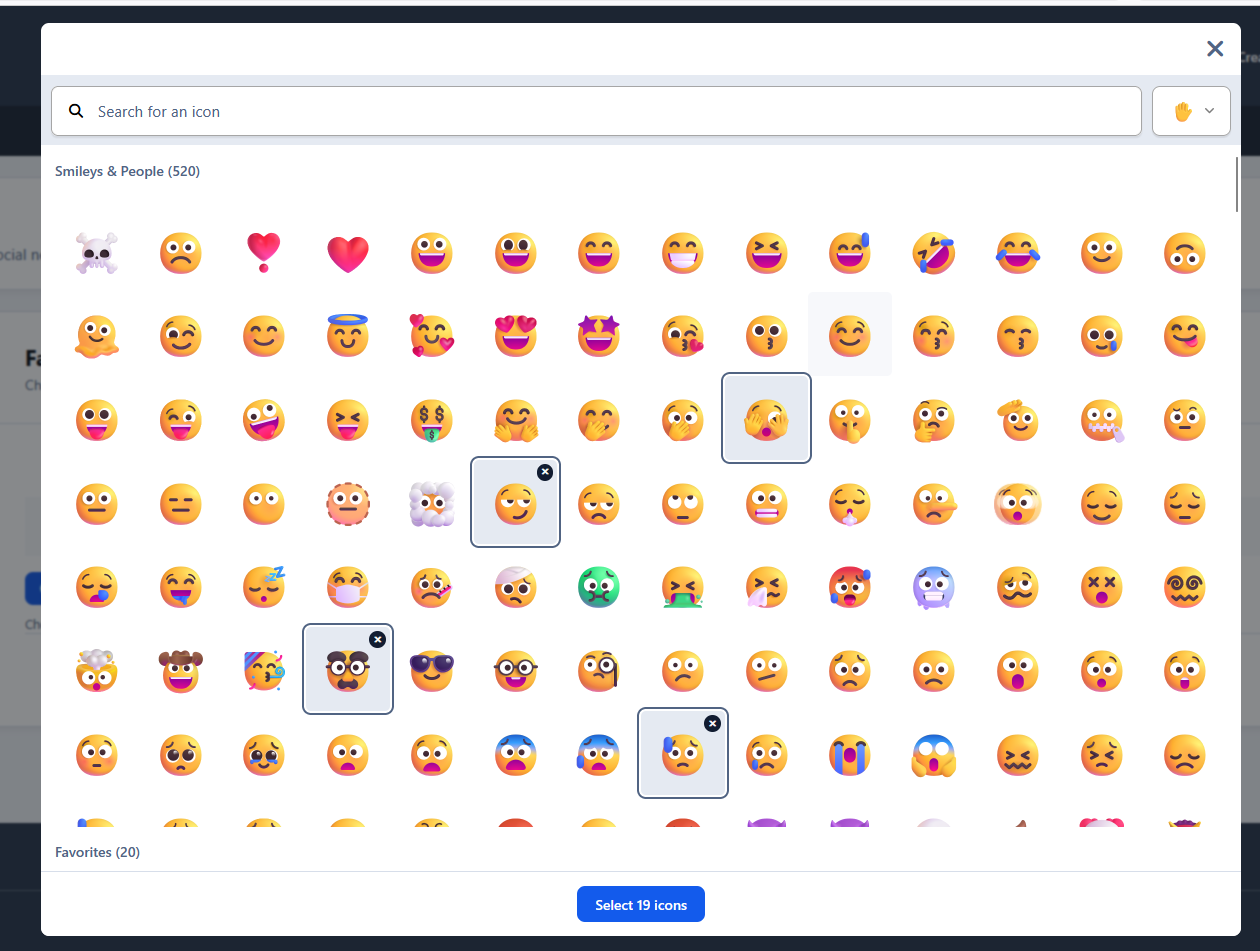
  • Personal favorite emojis

  • Favorites shown at the top of the editor picker

  • Native IPS emoji picker integration

  • Quick add/remove

  • Maximum favorites setting

  • Group restrictions

  • Supports native and custom emojis

User Feedback

Create an account or sign in to leave a review

There are no reviews to display.

Configure browser push notifications

Chrome (Android)
  1. Tap the lock icon next to the address bar.
  2. Tap Permissions → Notifications.
  3. Adjust your preference.
Chrome (Desktop)
  1. Click the padlock icon in the address bar.
  2. Select Site settings.
  3. Find Notifications and adjust your preference.