Invision Community 5
- Category Member Tools
- Downloads 42
- Compatibility IC5: 5.0.10+
- App Version 1.0.0
- Updated




Overview
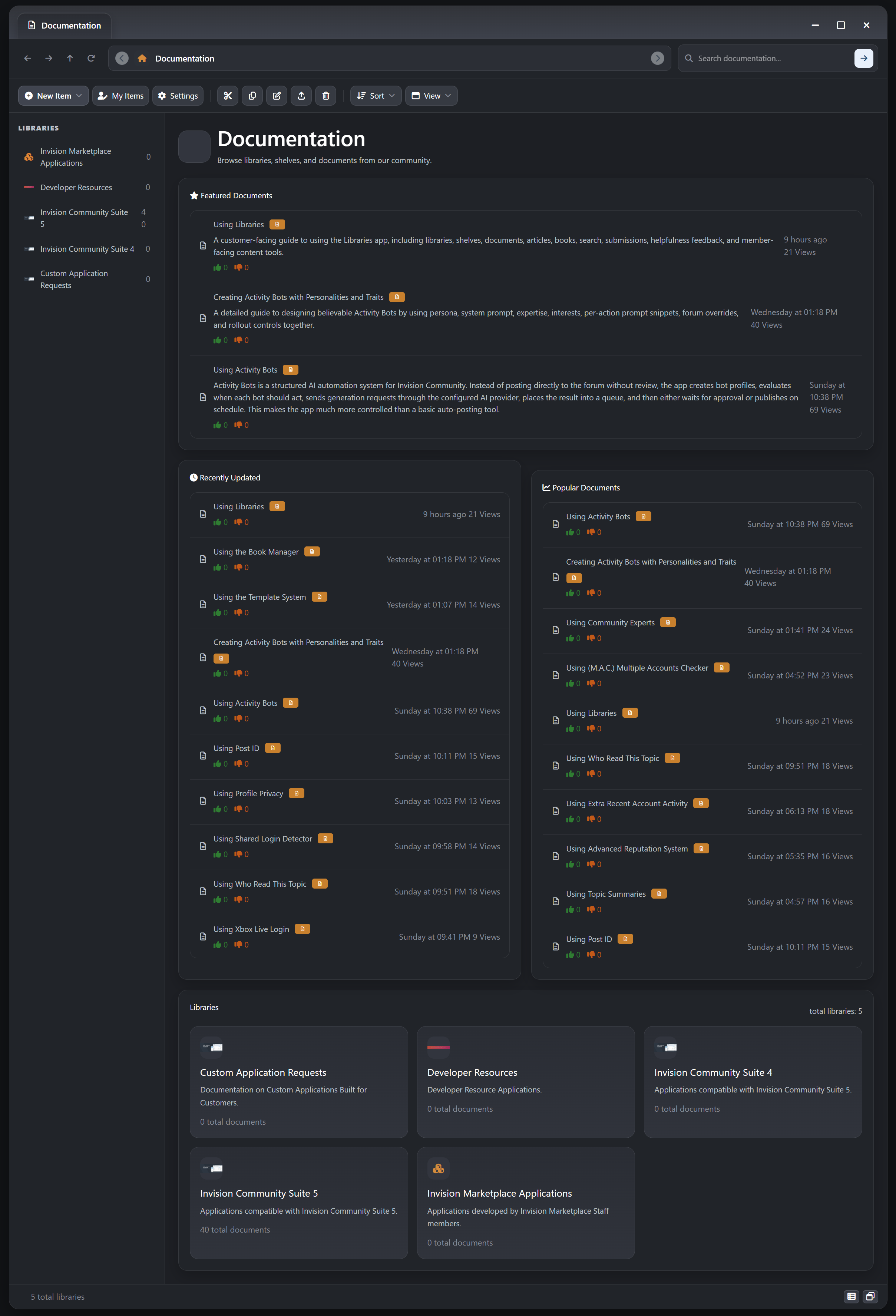
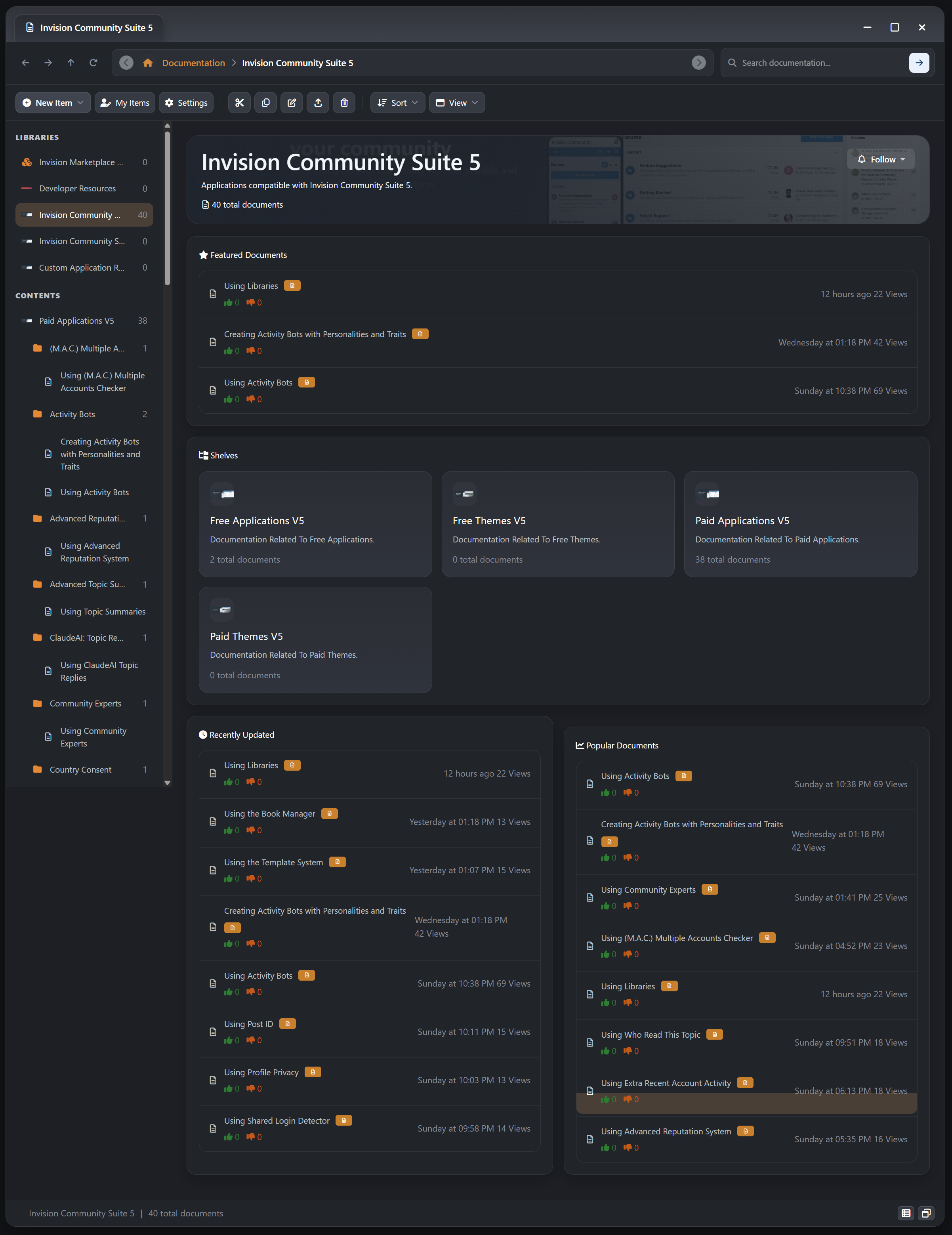
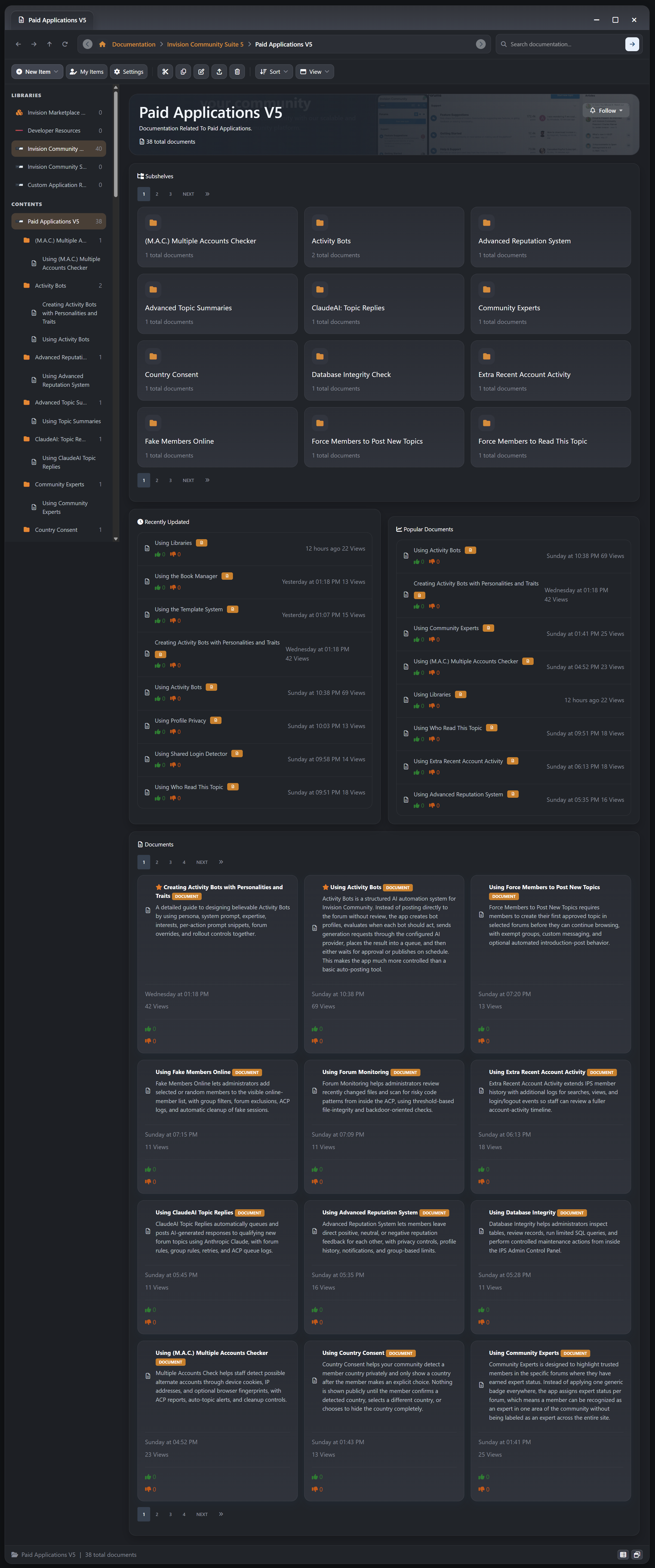
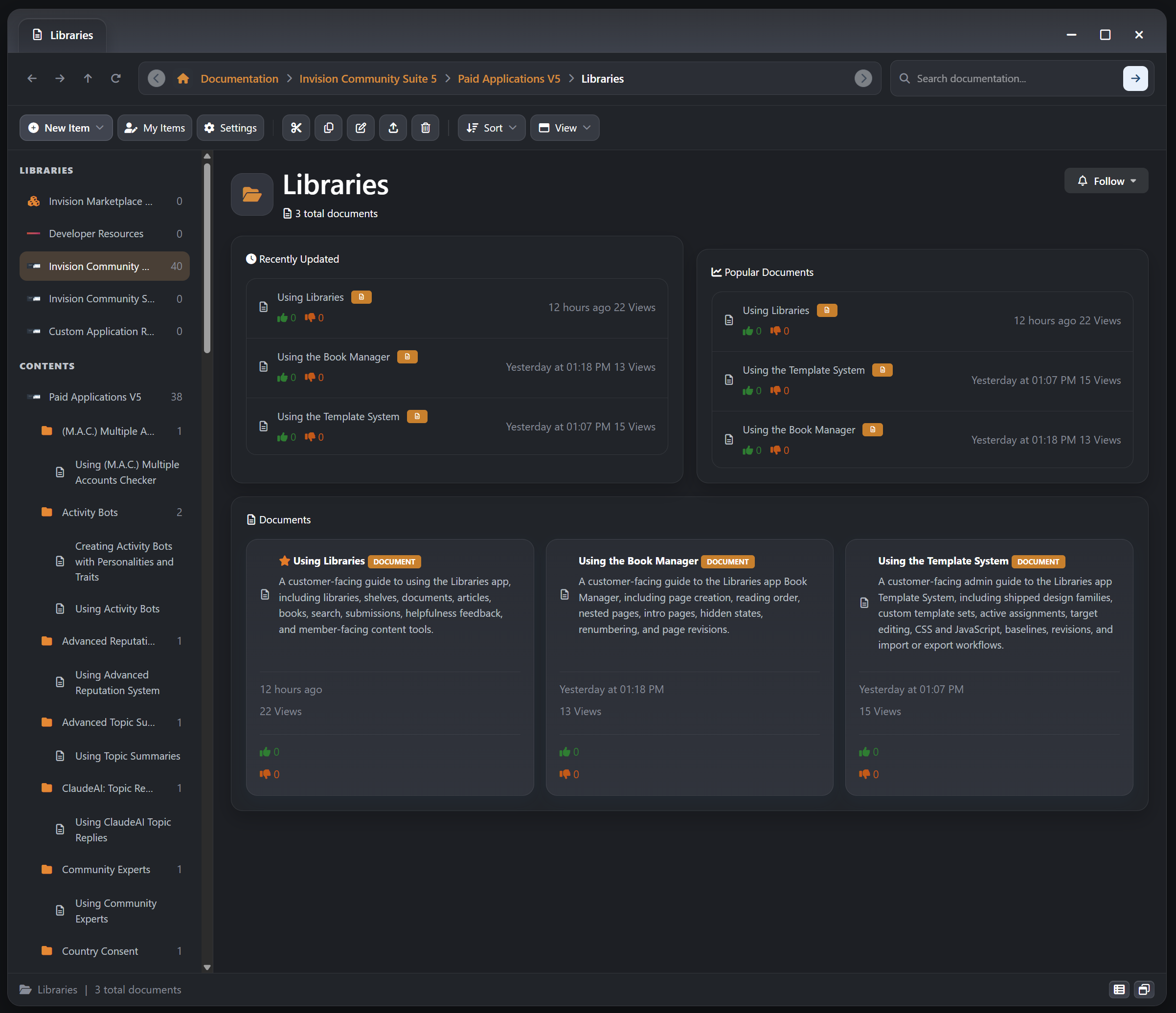
Build a richer publishing and knowledge experience for Invision Community with a native system for articles, books, and documents. Libraries is designed for communities that need more than a flat docs area. It gives you structured libraries, nested shelves, multi-format content, reader-friendly navigation, and IPS-native moderation and engagement tools in one app.Description
DEMO
Documentation
Libraries
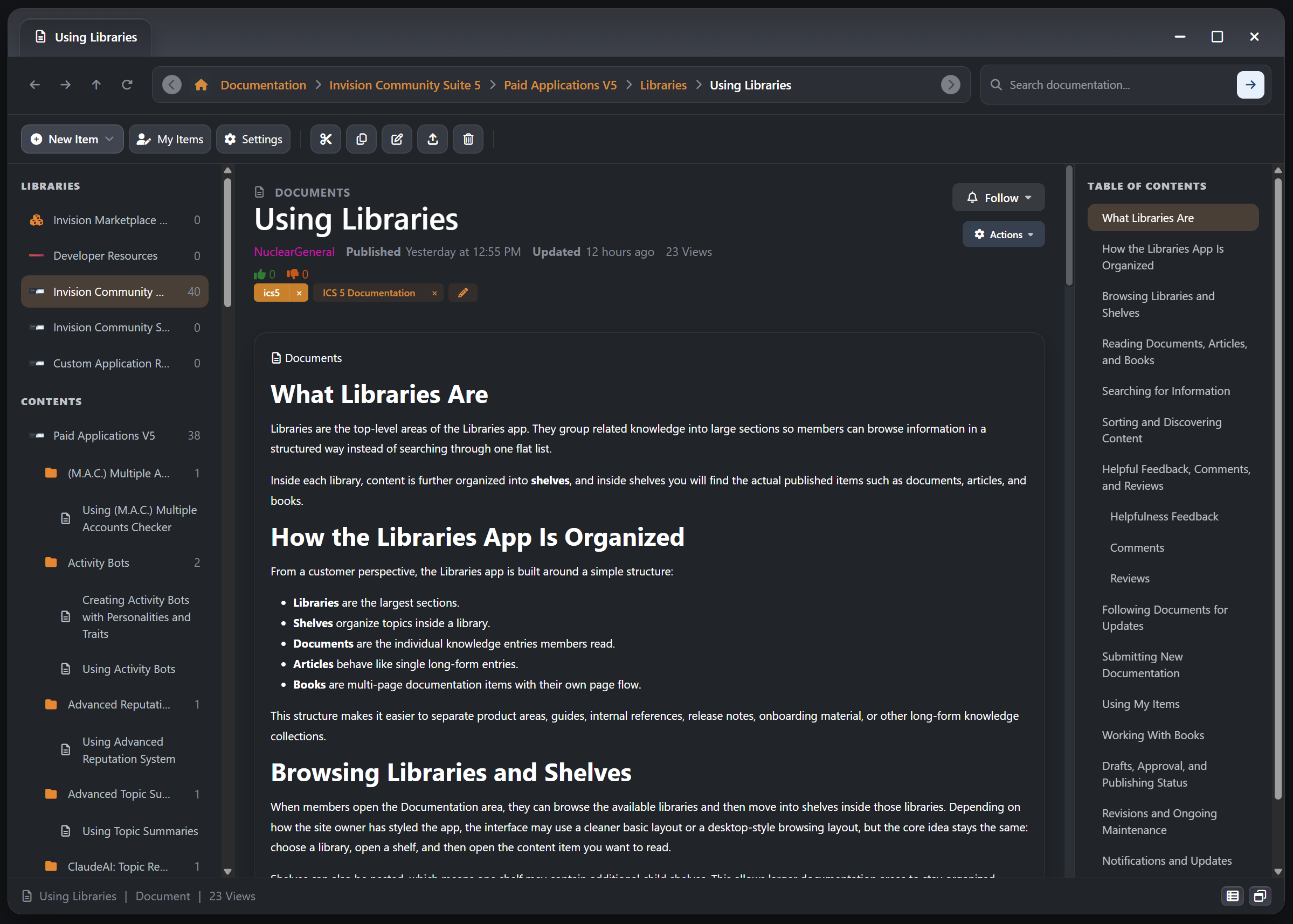
Build a richer publishing and knowledge experience for Invision Community with a native system for articles, books, and documents. Libraries is designed for communities that need more than a flat docs area. It gives you structured libraries, nested shelves, multi-format content, reader-friendly navigation, and IPS-native moderation and engagement tools in one app.
What It Does
Libraries lets administrators and approved members organize long-form knowledge content into a clear hierarchy:
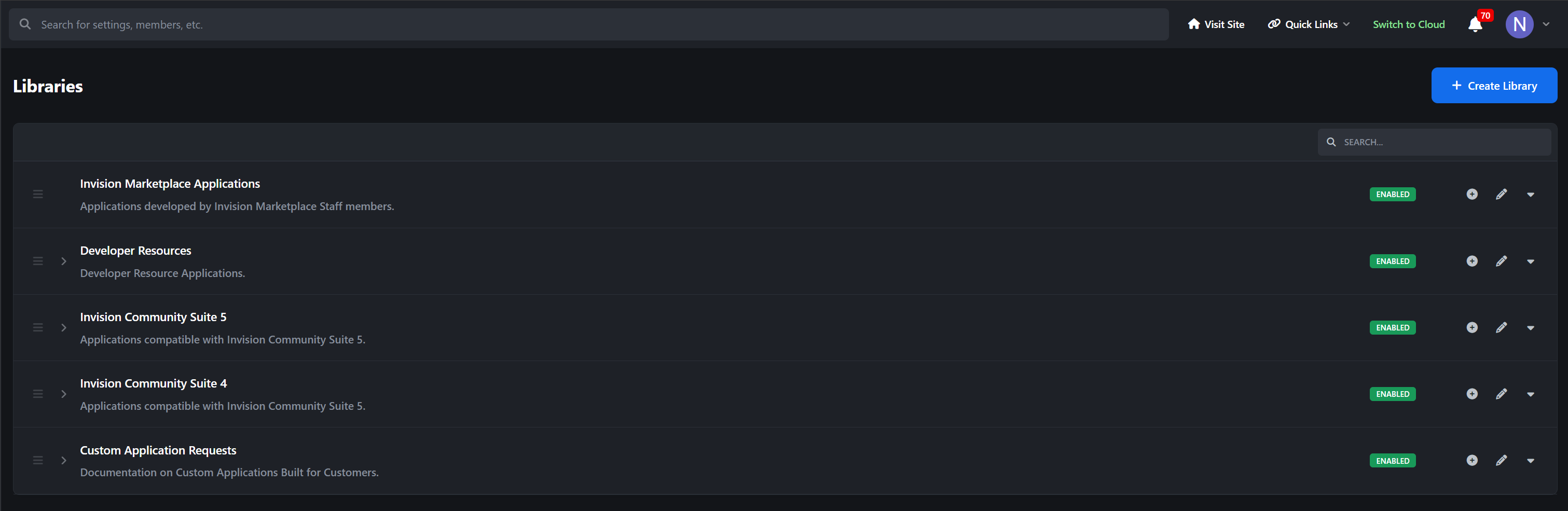
Libraries group major knowledge areas, product collections, or publishing sections
Shelves organize topics inside each library, including nested shelf structures
Articles, Books, and Documents give you the right content format for editorial writing, multi-page manuals, and reference material
Instead of forcing every piece of content into the same shape, Libraries supports different reading experiences while still keeping everything inside IPS-native content workflows.
Key Features
Articles for Editorial and Guide Content
Dedicated Article Type: Publish articles as their own content type instead of treating everything like a plain document entry
Single-Page Reading Flow: Ideal for announcements, tutorials, opinion pieces, changelog explainers, release writeups, and in-depth guides
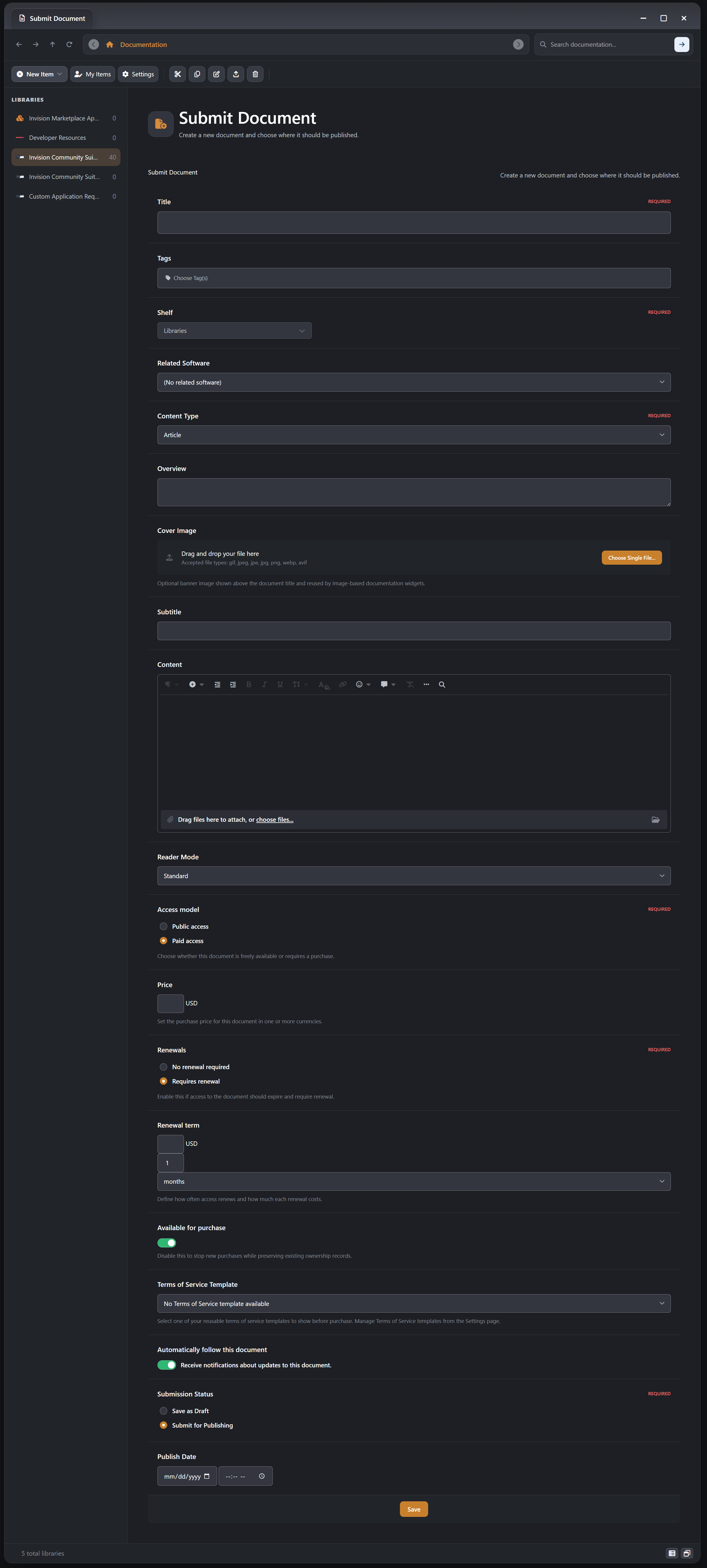
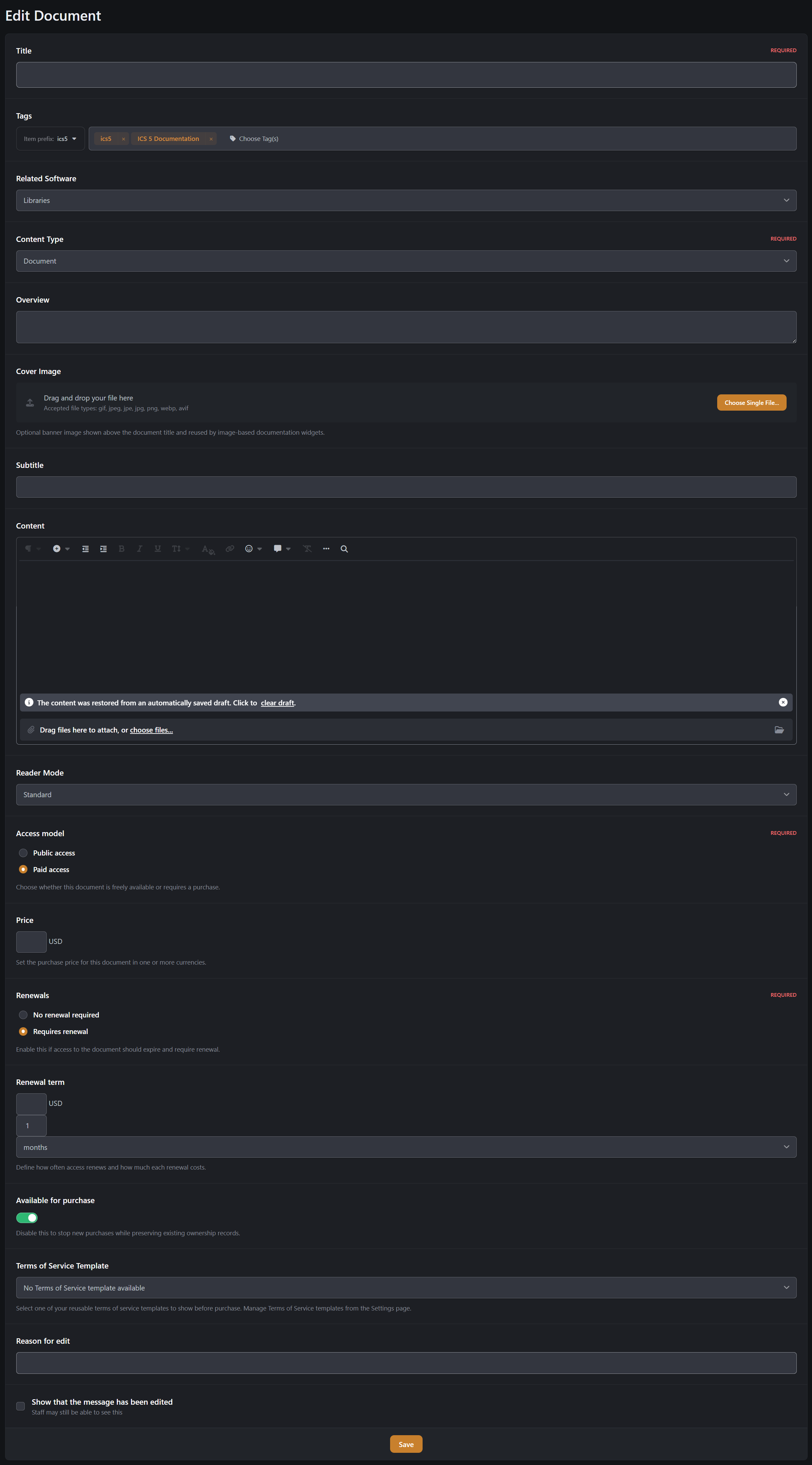
Rich Presentation: Articles support cover images, subtitles, overview text, tags, prefixes, and formatted editor content
Native IPS Engagement: Articles participate in follows, reactions, reporting, comments, reviews, ratings, and read tracking
Software Linking: Articles can be tied directly to Software Marketplace items when you want release or feature documentation attached to a product
Books for Multi-Page Manuals and Structured Reading
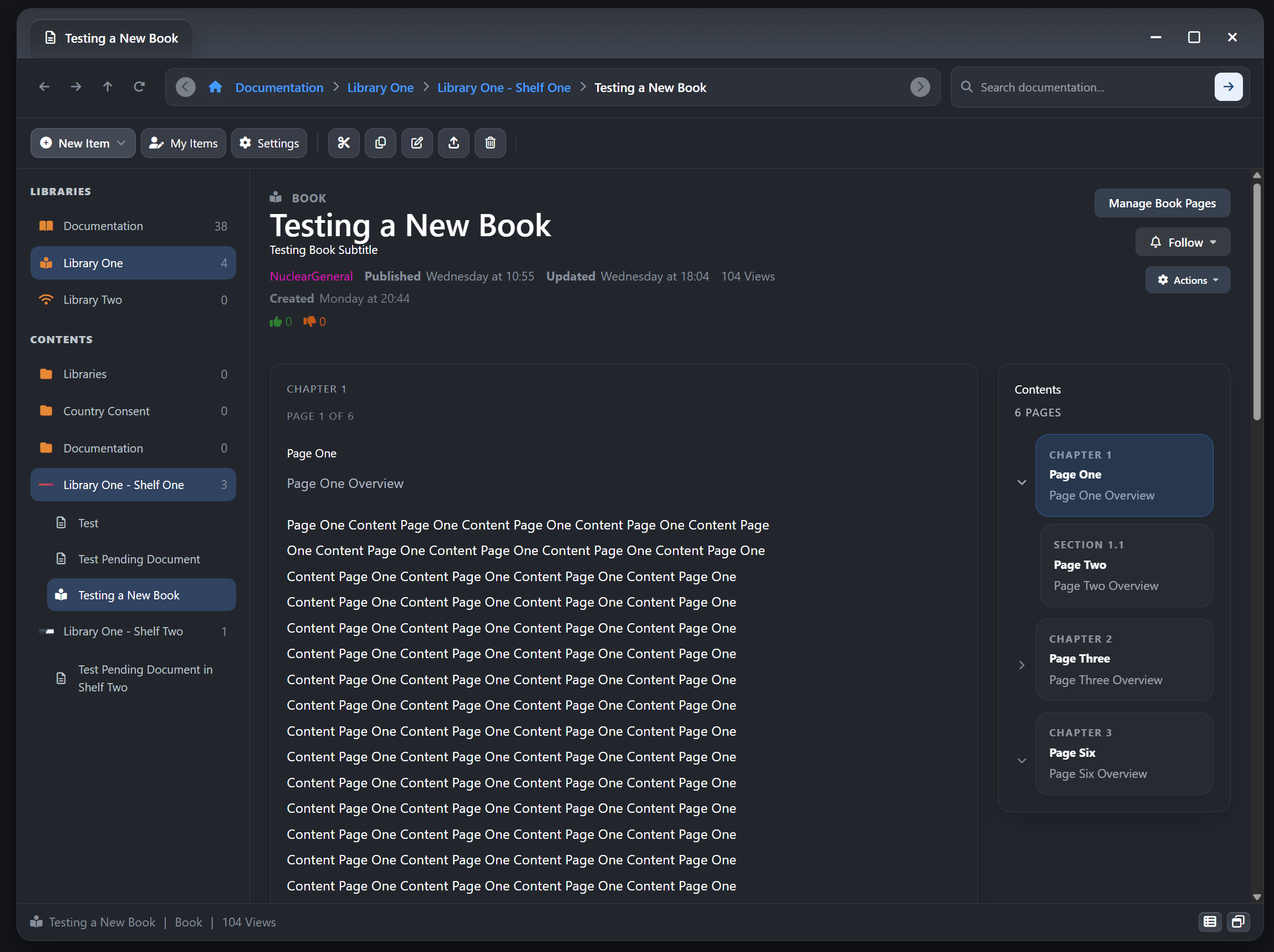
True Book Content Type: Create multi-page books instead of splitting manuals into disconnected posts or standalone documents
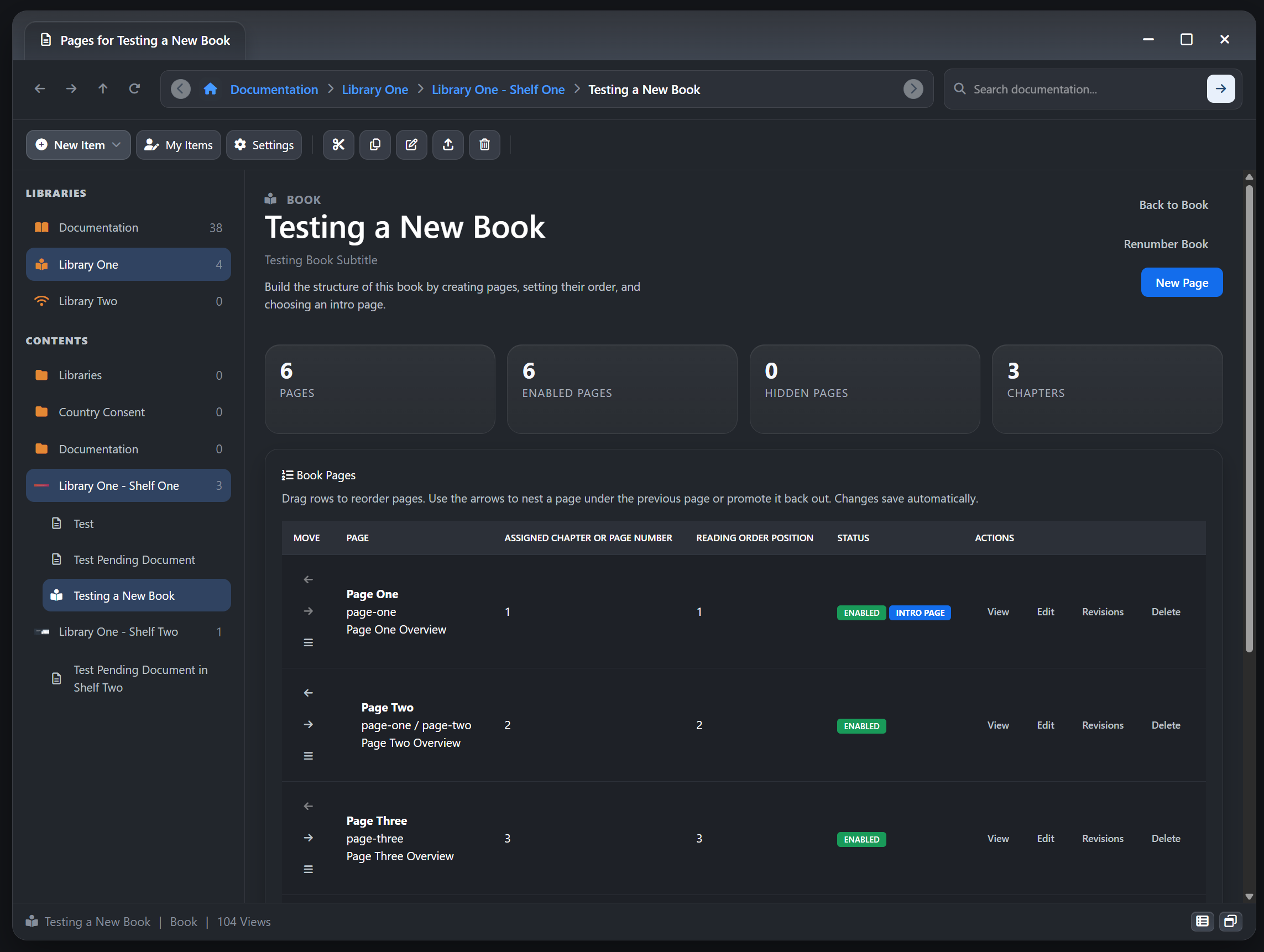
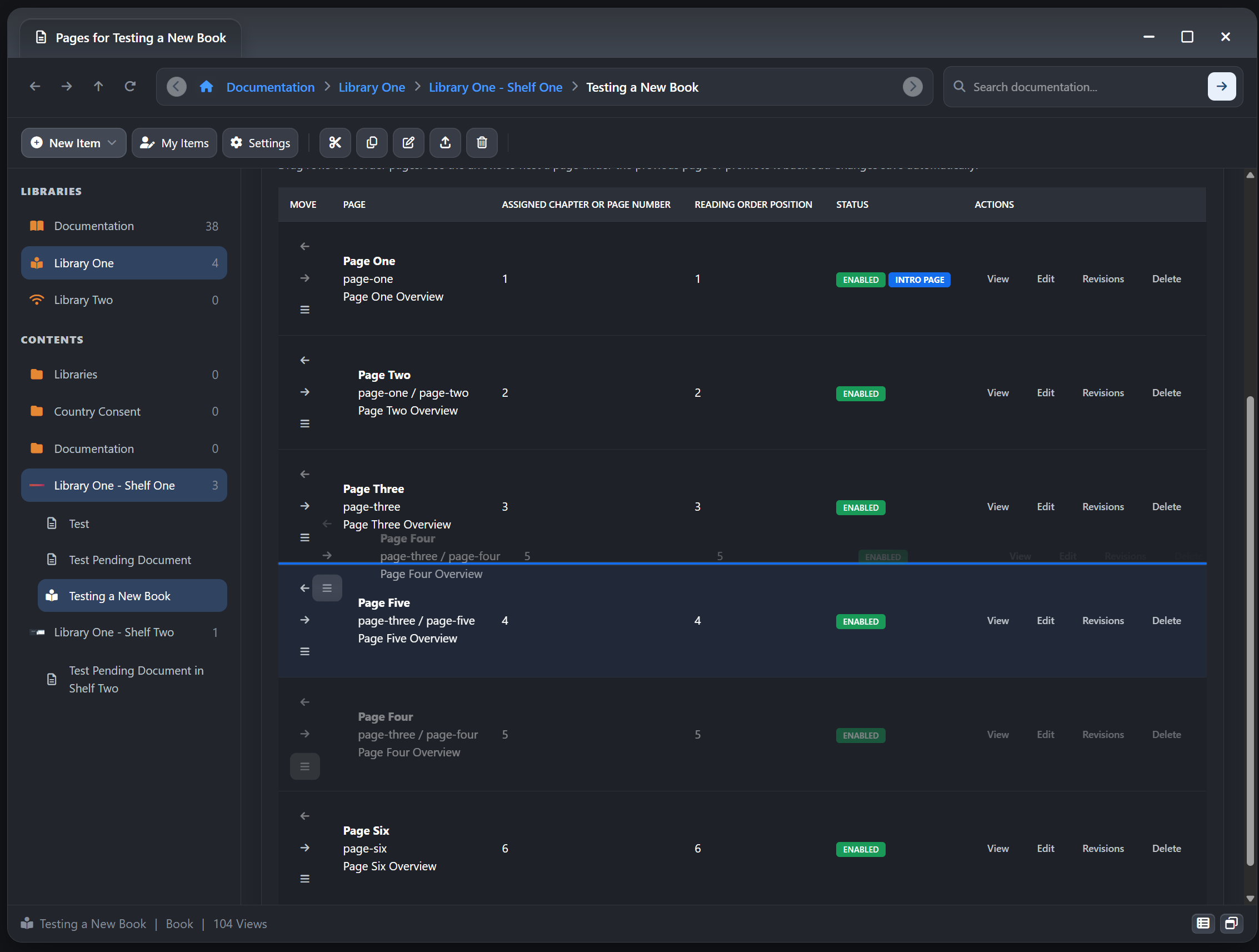
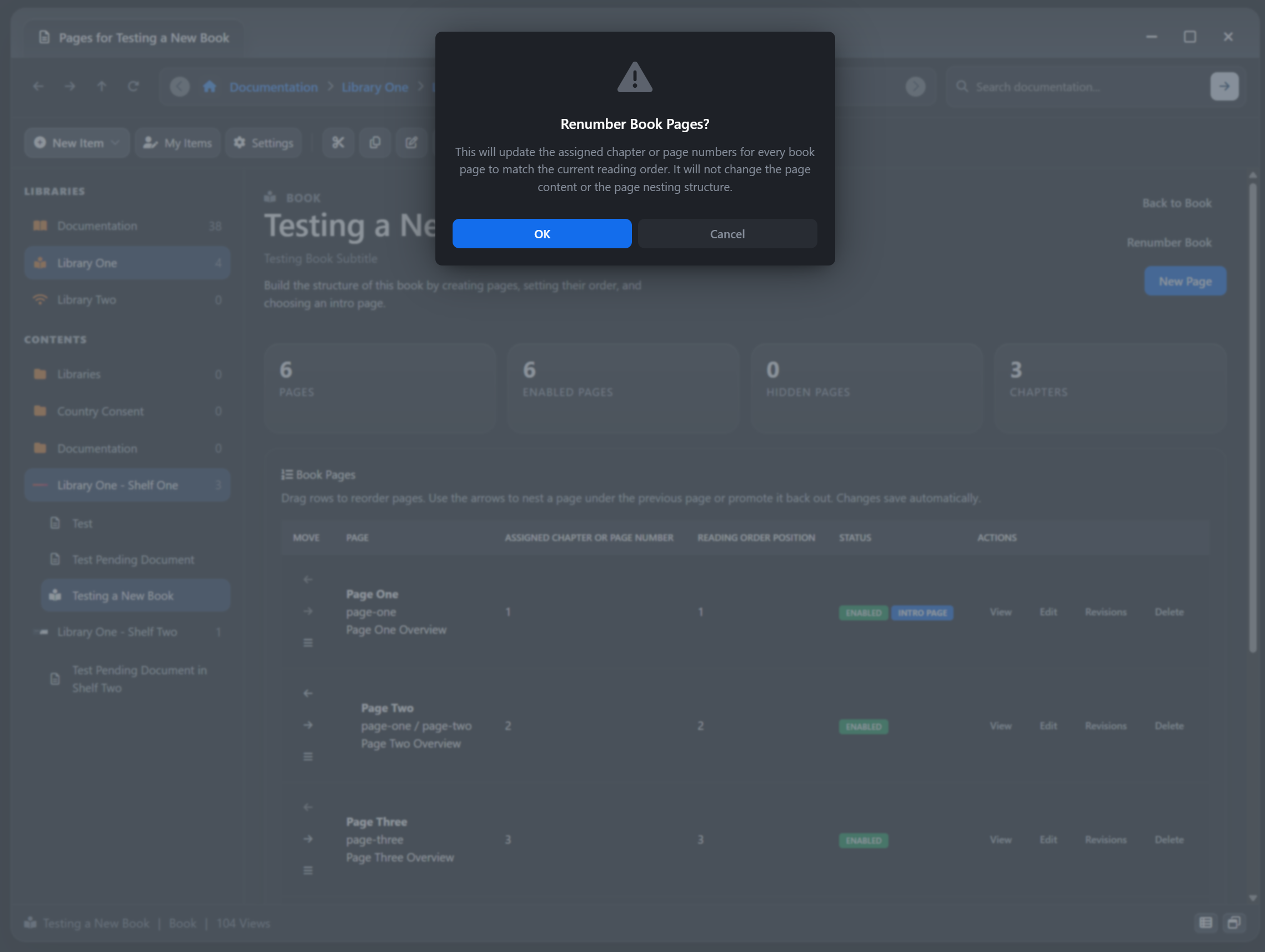
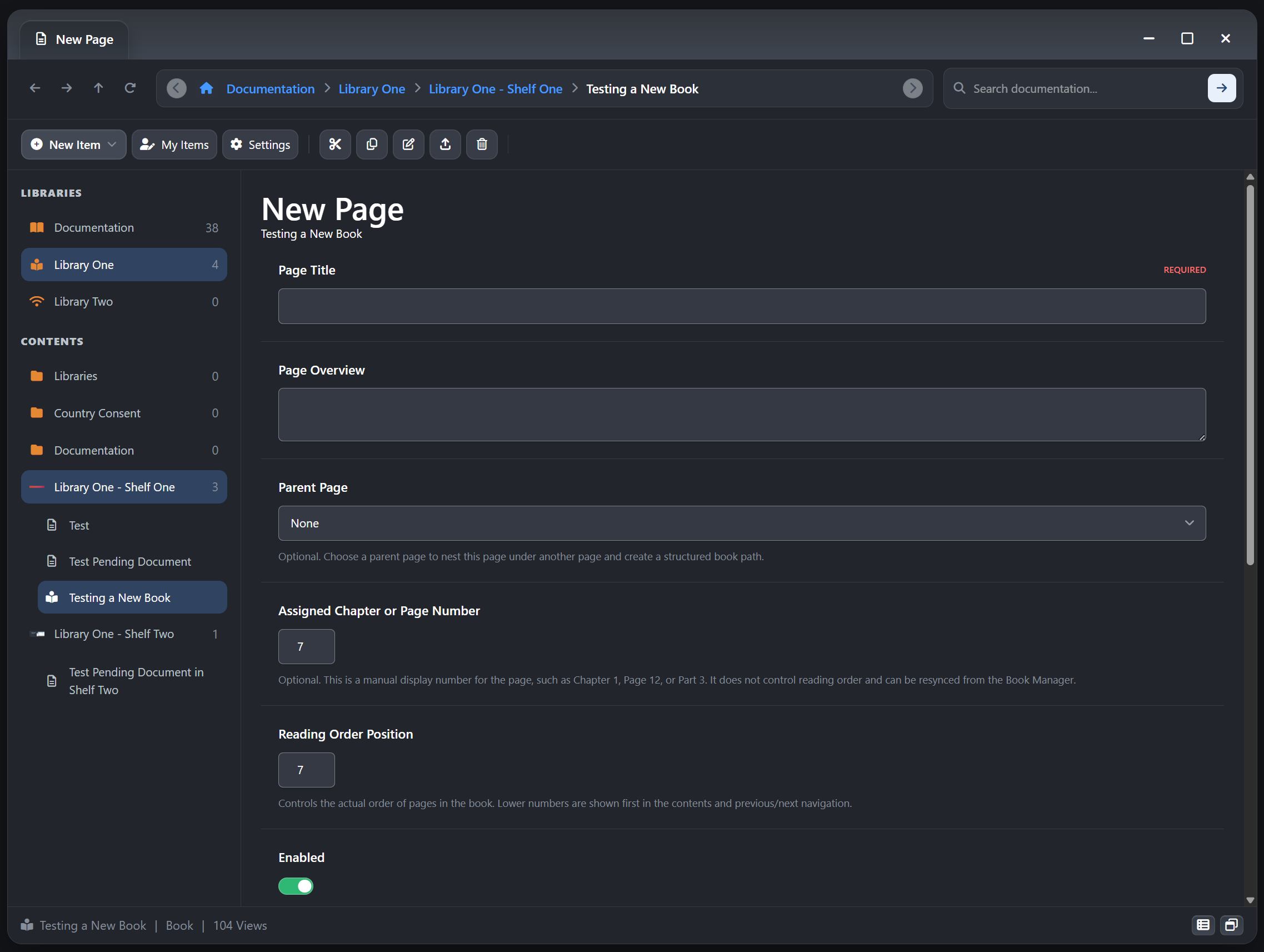
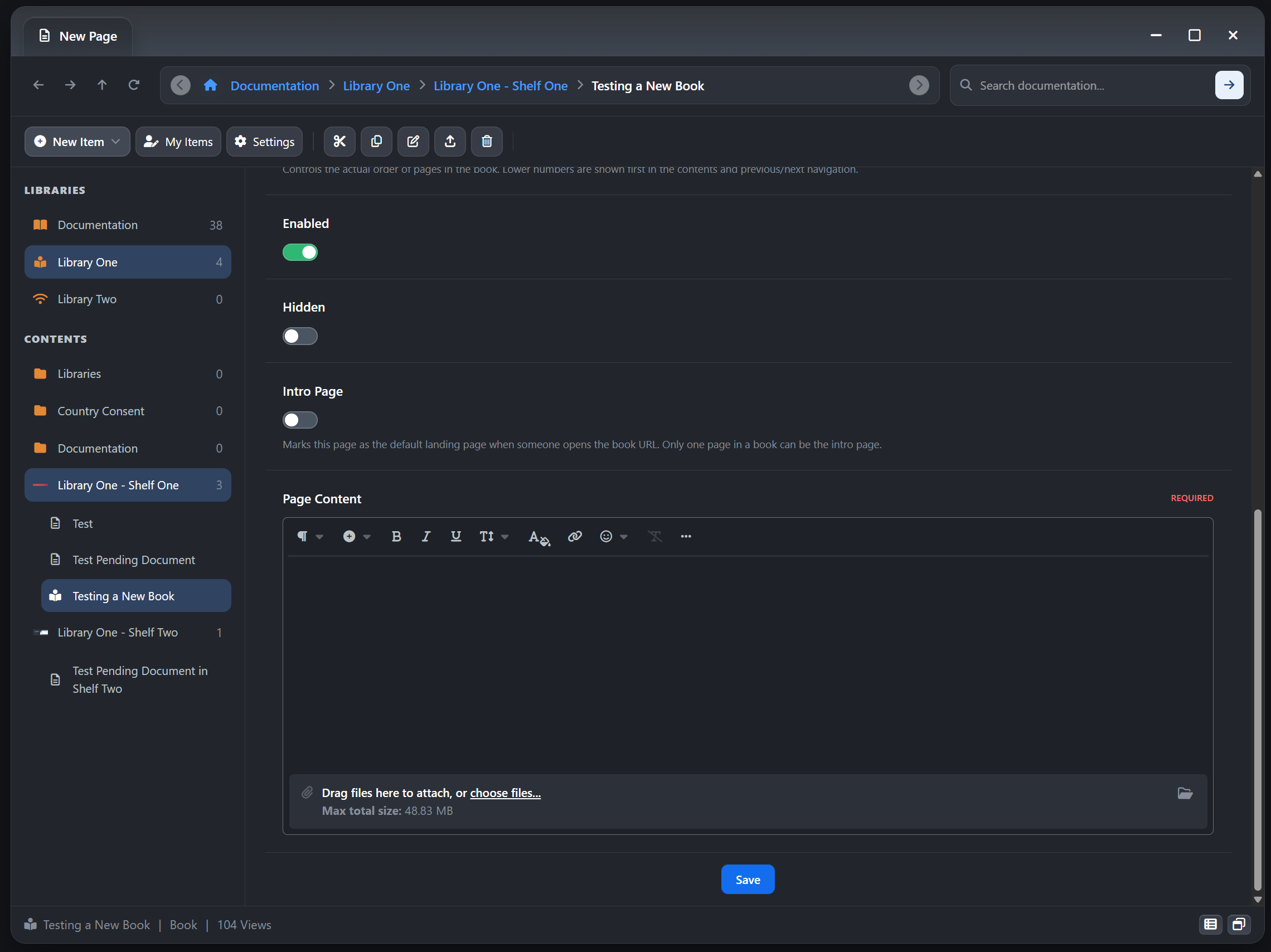
Book Page Manager: Add, edit, delete, reorder, enable, disable, and organize pages from a dedicated management workspace
Intro Page and Reading Paths: Books can open on a preferred intro page, then continue through a structured chapter flow
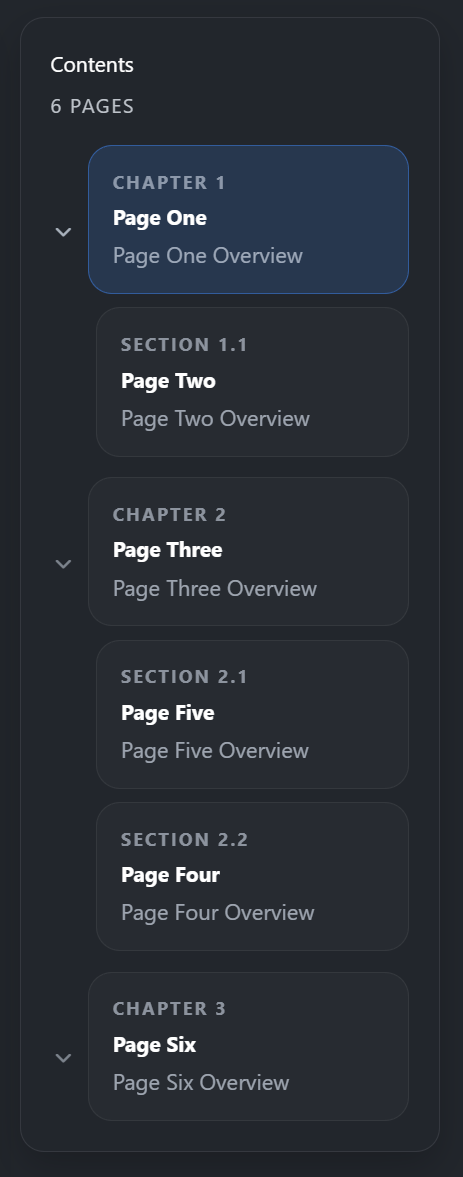
Nested Page Structure: Build parent and child page relationships for more advanced manuals, handbooks, and product guides
Reader-Friendly Navigation: Books can expose page outlines, current-page table of contents blocks, and clean page-specific URLs inside the parent book
Draft-First Workflow: New books start in draft so authors can build page structure before publishing
Publishing Safeguards: Books are protected from being published as empty shells without readable pages
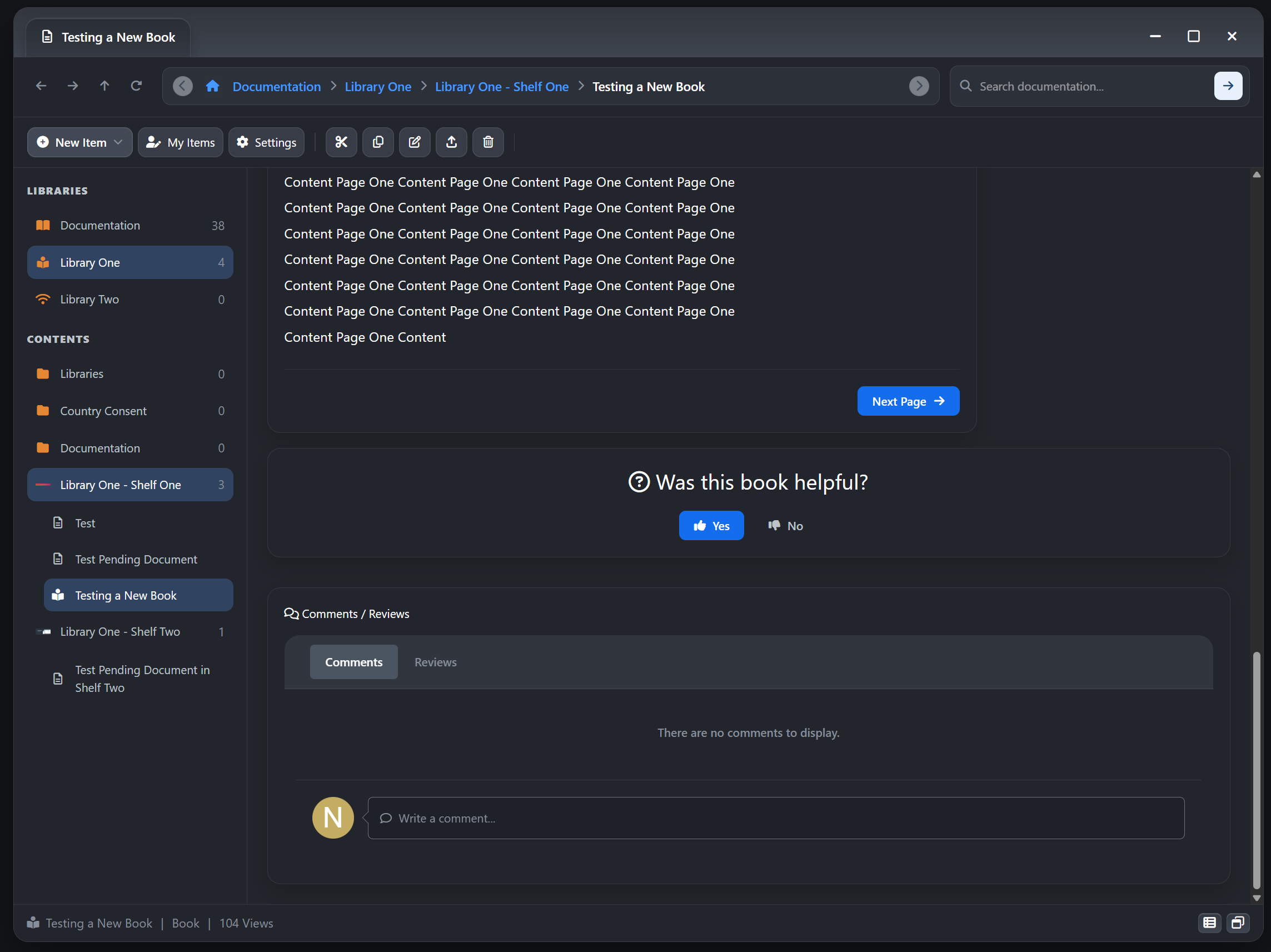
Unified Discussions: Comments, reviews, follows, helpfulness, moderation state, and other IPS content behavior stay attached to the parent book item
Revision-Aware Authoring: Book pages and book changes fit into the app revision-oriented publishing workflow for ongoing maintenance
Documents for Straightforward Reference Content
Single-Page Reference Format: Use documents for FAQs, support notes, internal reference material, setup steps, quick answers, or short technical explanations
Cleaner Than Forum Posts: Documents keep knowledge content separate from discussion-first areas while still supporting IPS engagement where needed
Shared Feature Set: Documents also support editor content, overview text, cover images, tags, related software links, comments, reviews, and moderation controls
Structured Libraries and Shelf Navigation
Library and Shelf Hierarchy: Organize content in a way that feels closer to a real documentation center or digital publishing library
Nested Shelves: Use parent and child shelf structures to separate products, departments, categories, chapters, or knowledge domains
Finder-Style Browsing: Members can browse through index, library, shelf, and item views instead of relying on one flat listing
On-Page Navigation Aids: Heading-aware table of contents support helps readers move through long-form content more easily
Related Content Discovery: Surface more items from the same shelf to keep readers moving through connected material
Native IPS Publishing, Community, and Moderation Tools
Comments and Reviews: Let members discuss and review articles, books, and documents directly on the content item
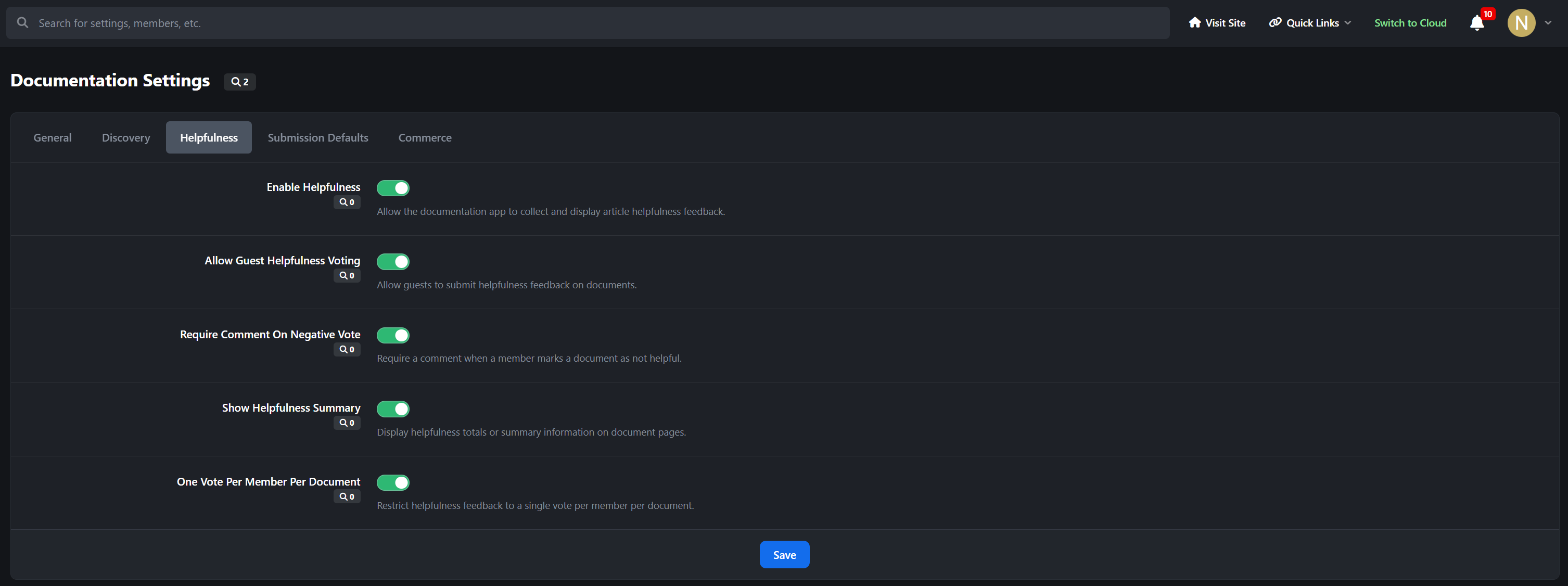
Helpfulness Voting: Readers can mark content as helpful or not helpful for lightweight quality feedback
Private Negative Feedback Threads: Not-helpful responses can include private written feedback, with author or staff replies when needed
Drafts and Approval Workflows: Shelf-level controls can govern draft saving, approval requirements, and moderated publishing behavior
Silent Editing and Revision Tracking: Maintain content cleanly without losing control over edit visibility and history
Read Markers, Reporting, Embeds, and Follows: The app uses familiar IPS content behaviors instead of reinventing them in a parallel system
Marketplace and Commerce Integration
Software Marketplace Bridge: Link content directly to Marketplace software items and surface it in the software item Documentation tab
Related Software Panels: Show readers which Marketplace item a piece of content belongs to, with pricing and product context where relevant
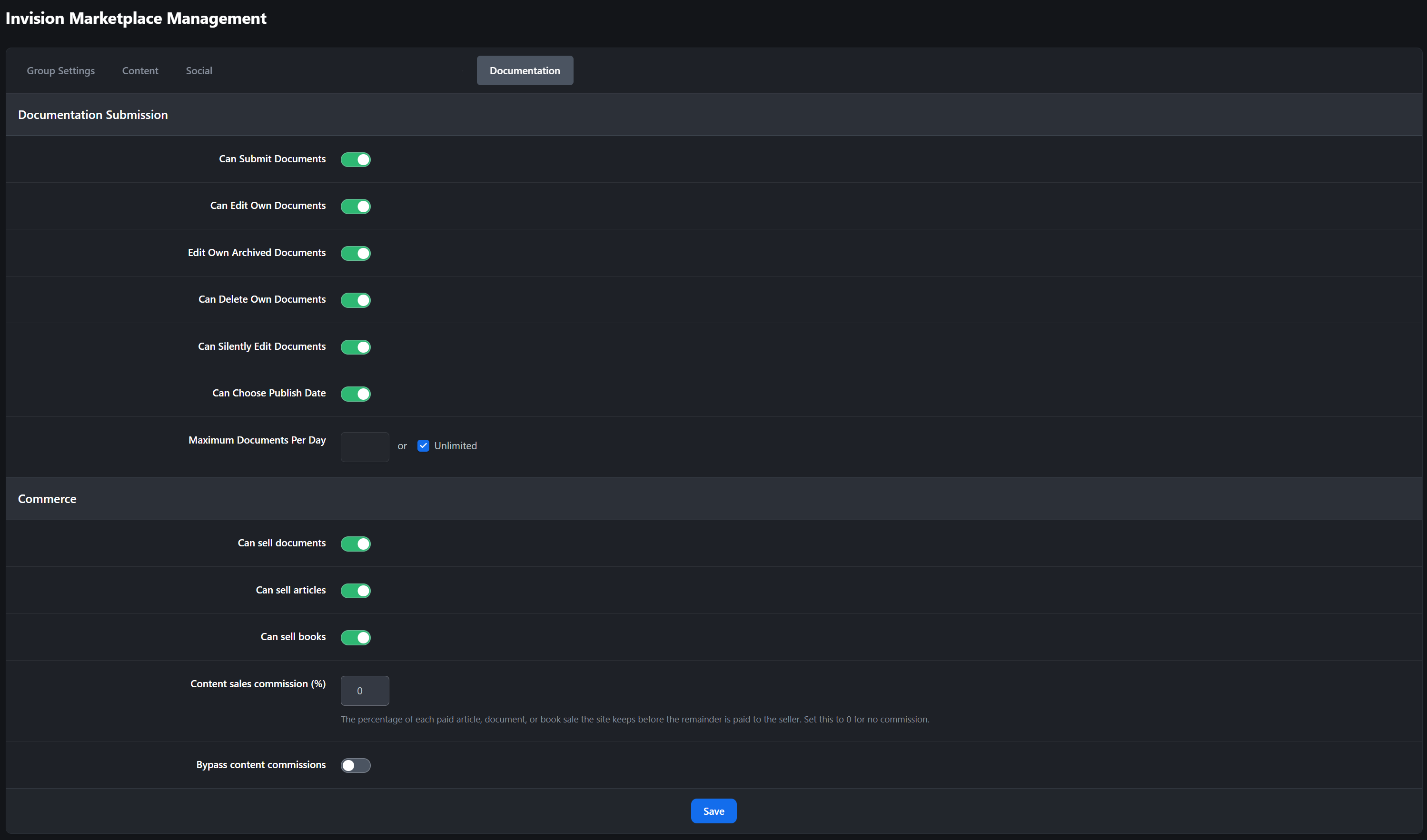
Paid Content Support: Documents, articles, and books can participate in paid-access workflows when Commerce integration is enabled
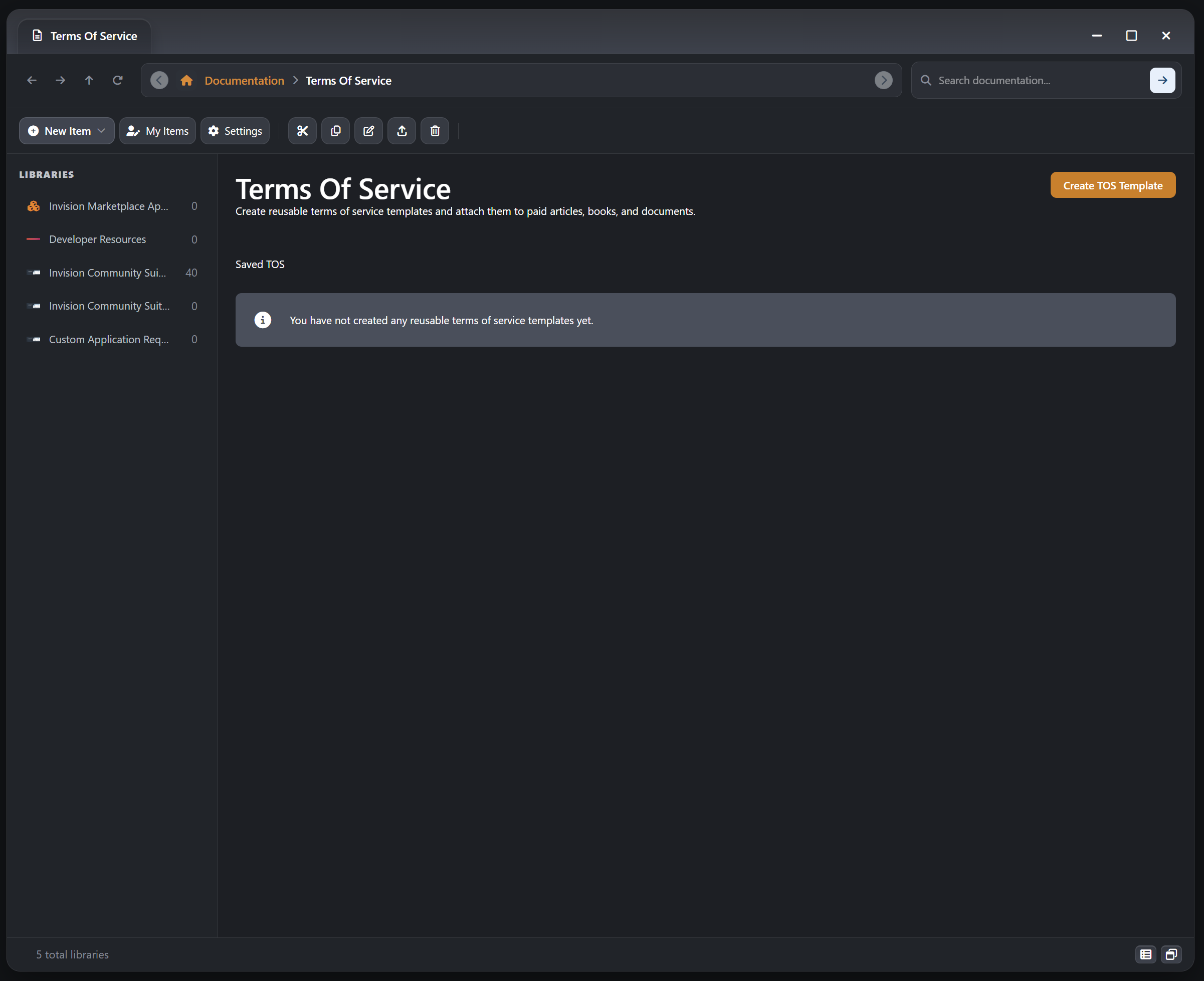
Purchase Terms and Renewals: Support monetized documentation workflows with terms acceptance, renewals, and entitlement-aware access control
Template System and Visual Families
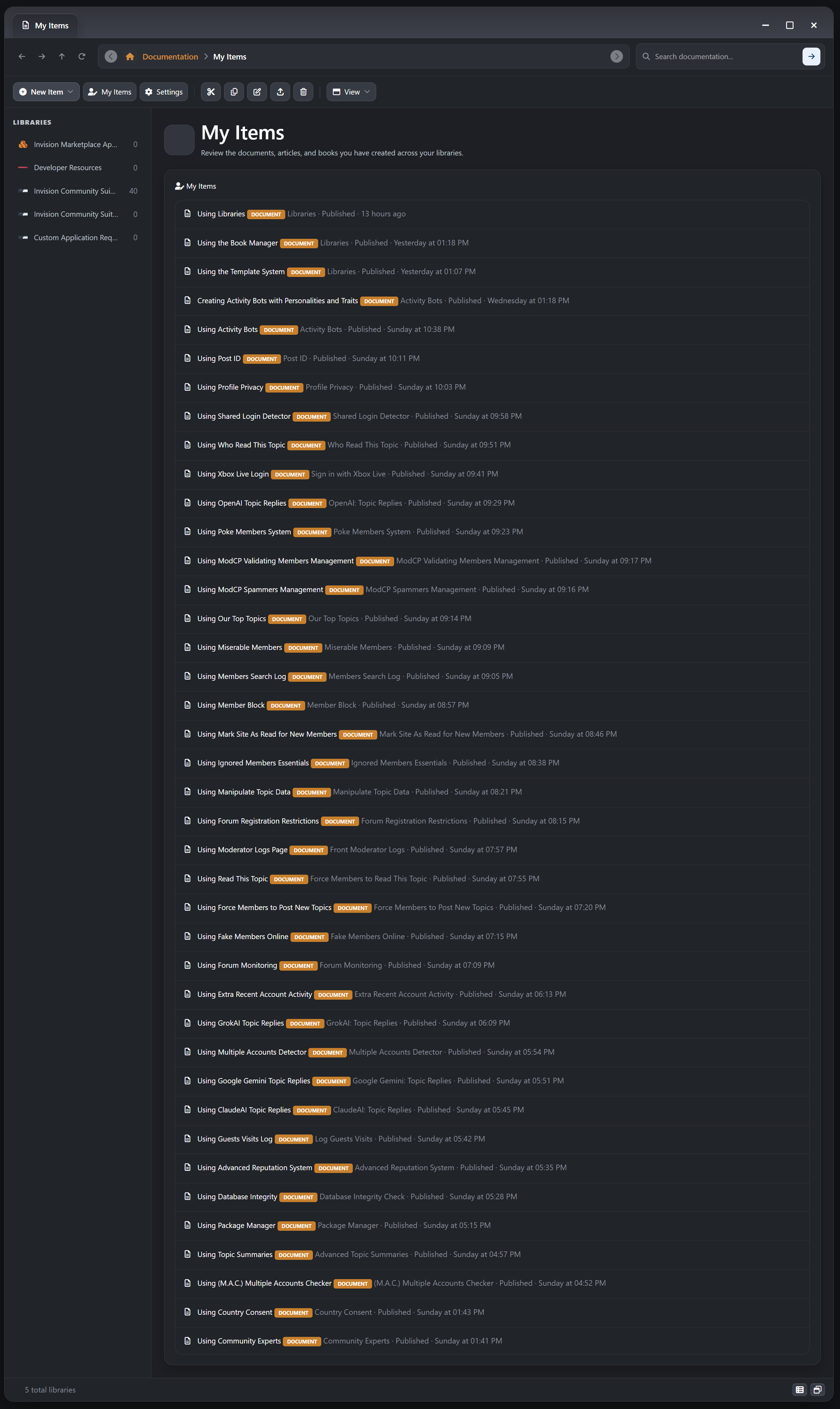
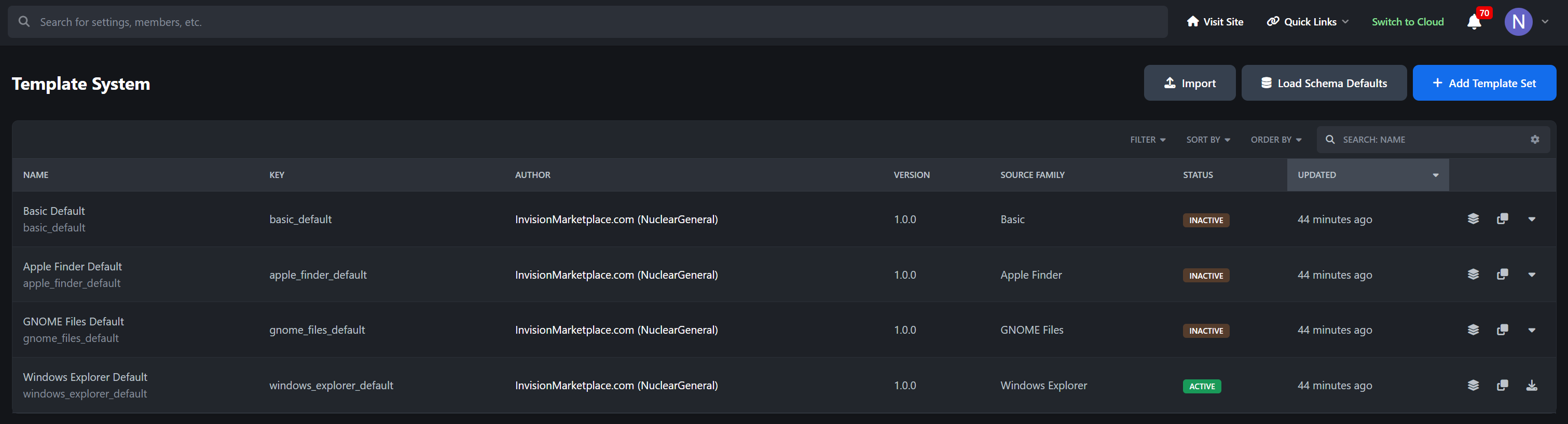
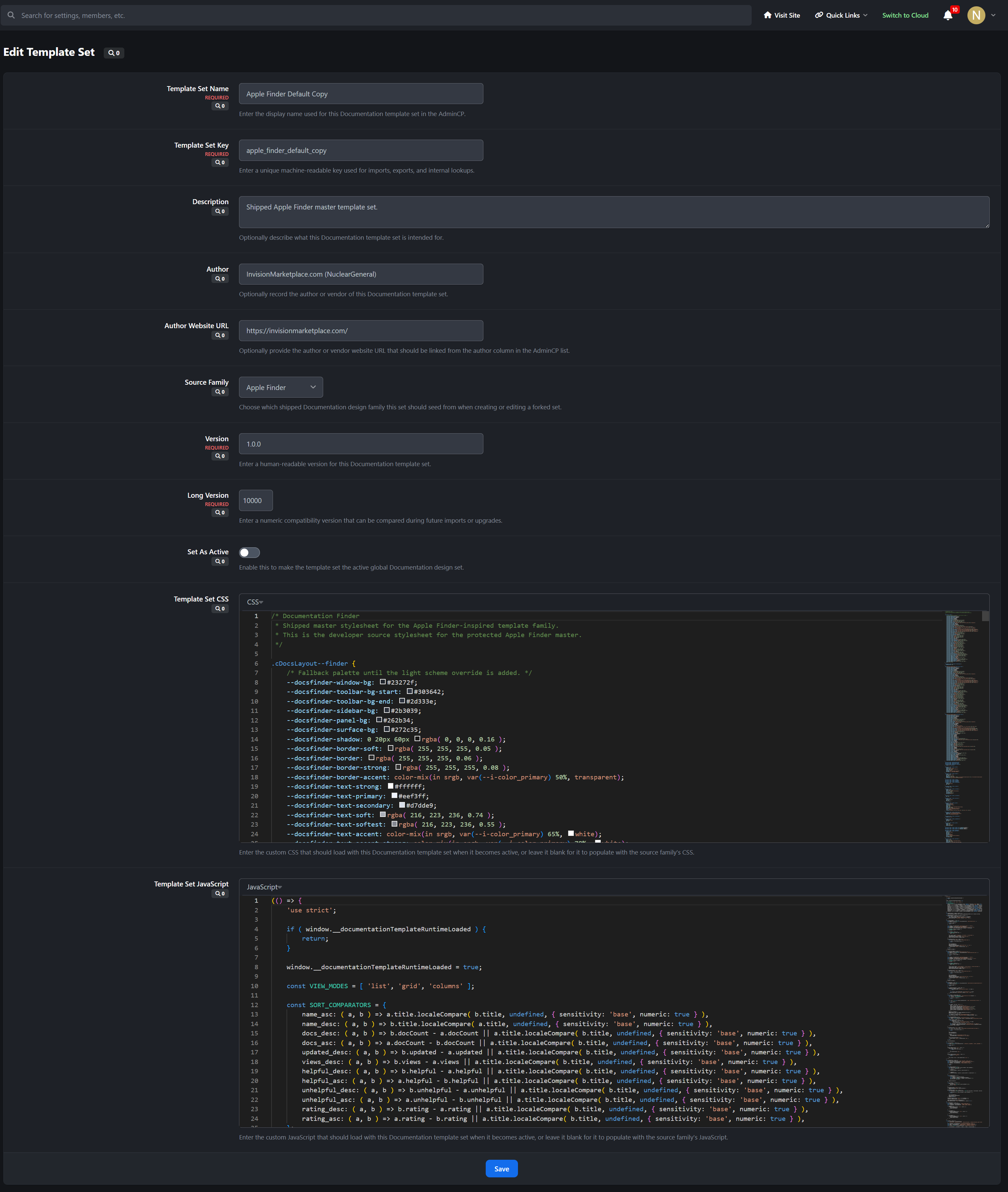
Multiple Shipped Design Families: The app includes distinct visual family foundations inspired by Basic, Apple Finder, GNOME Files, and Windows Explorer
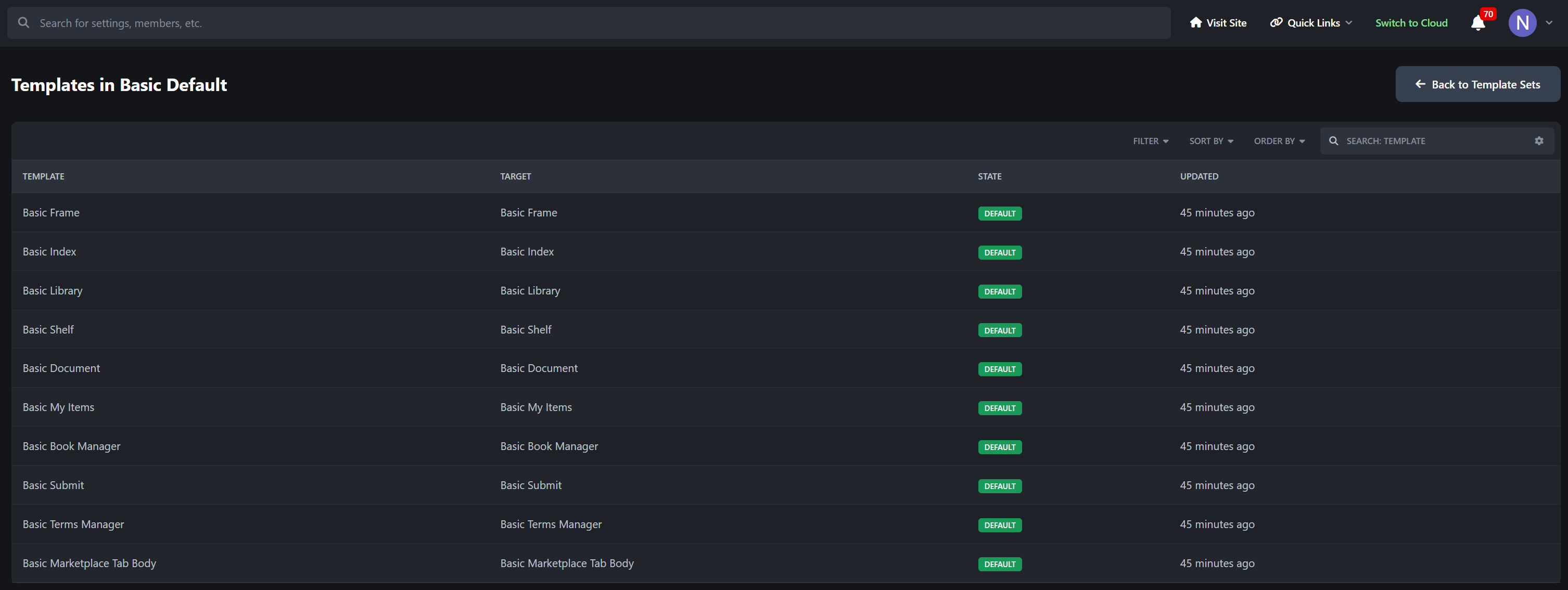
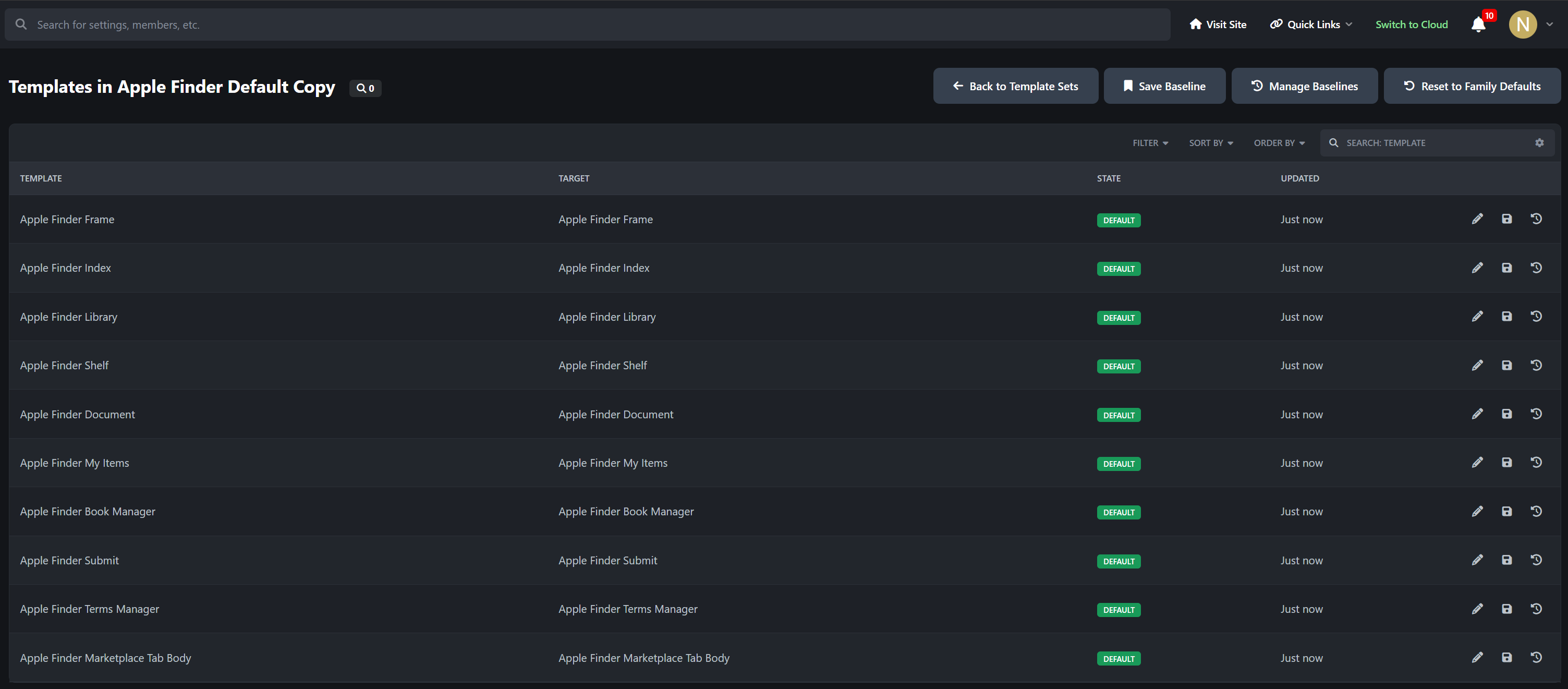
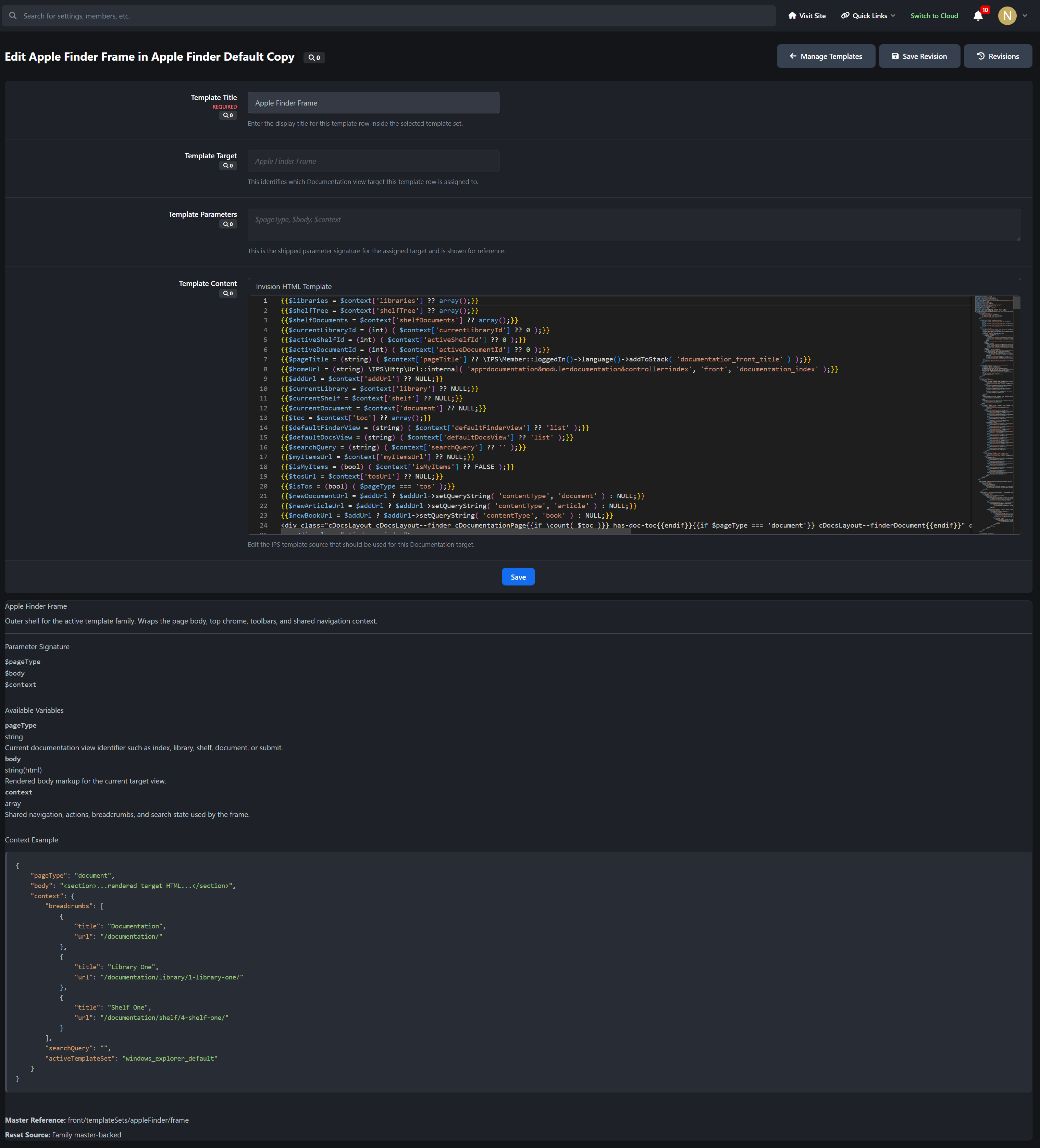
Full Template Set Architecture: The front end is split into managed runtime targets for the frame, index, library, shelf, document, My Items, book manager, terms manager, submit flow, and Marketplace tab body
ACP Template System: Administrators can manage template sets directly from the AdminCP instead of editing one hard-coded front-end layout
Fork, Clone, Import, and Export: Start from a shipped family, create blank sets, clone existing sets, or move full template sets between installs as JSON packages
Per-Set CSS and JavaScript: Each template set can carry its own custom CSS and JavaScript for deeper visual and interaction customization
Baselines and Revisions: Save set-wide baselines for restore points and keep template-level revisions for safer iterative design work
Global Theme Switching for the App: Activate a template set to change the Documentation and Libraries experience across the app from a single managed system
Use Cases
Libraries is especially well suited for:
software product documentation
release notes and feature explainers
premium article publishing
multi-page manuals and handbooks
customer knowledge bases
internal team documentation
developer guides and API references
training materials and onboarding content
AdminCP Areas
The app includes dedicated AdminCP management areas for:
Libraries
Shelves
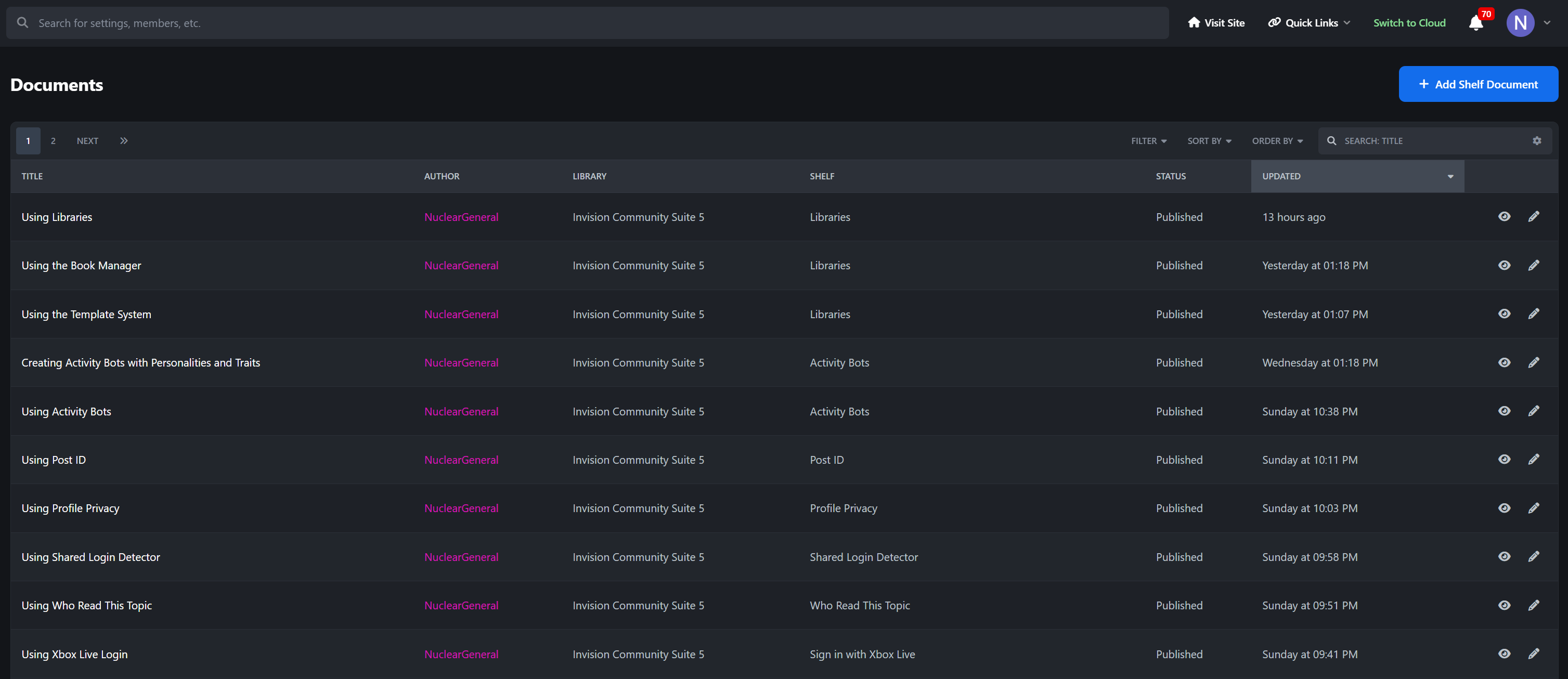
Documents and content items
Helpfulness Ratings
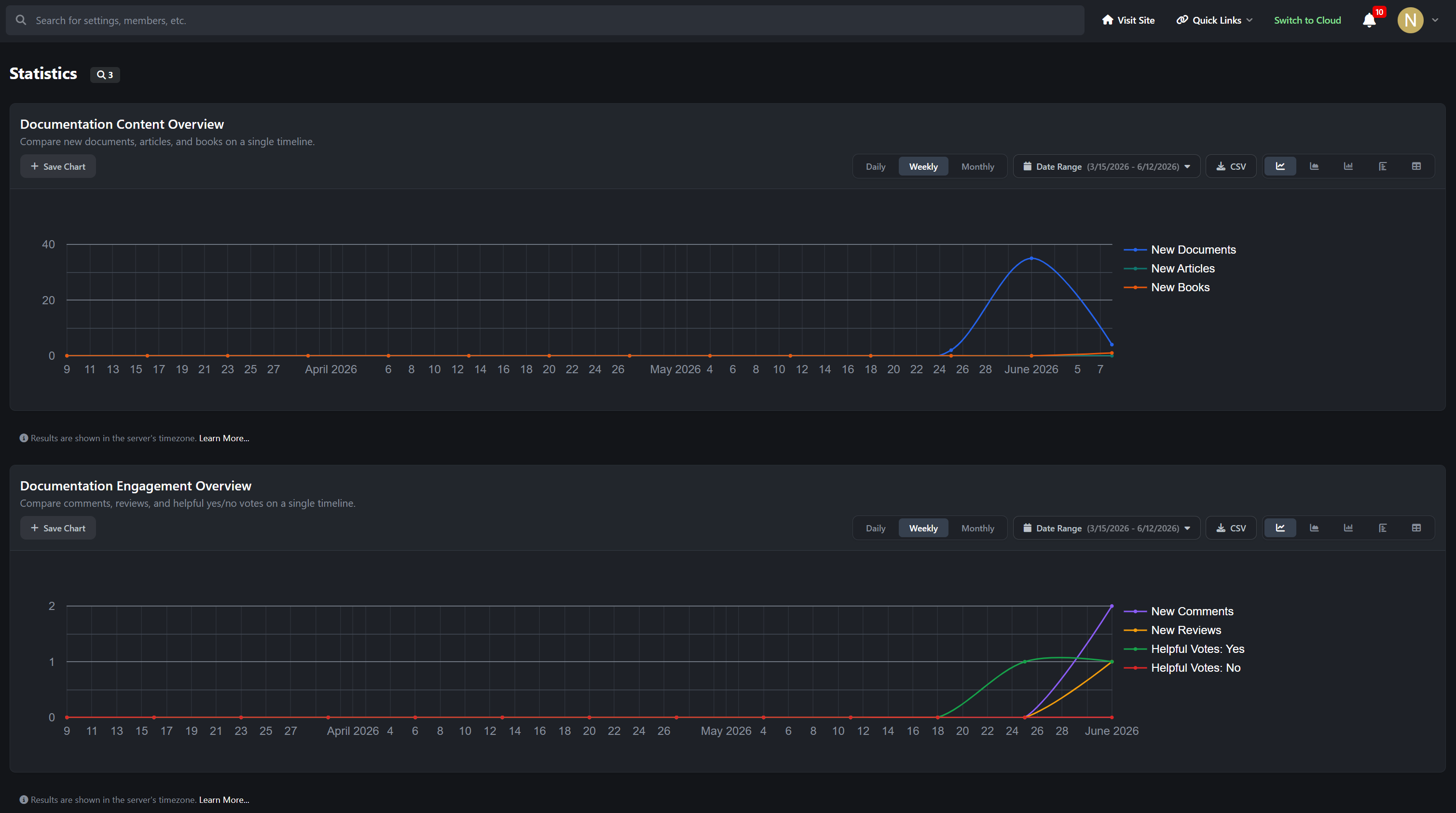
Statistics
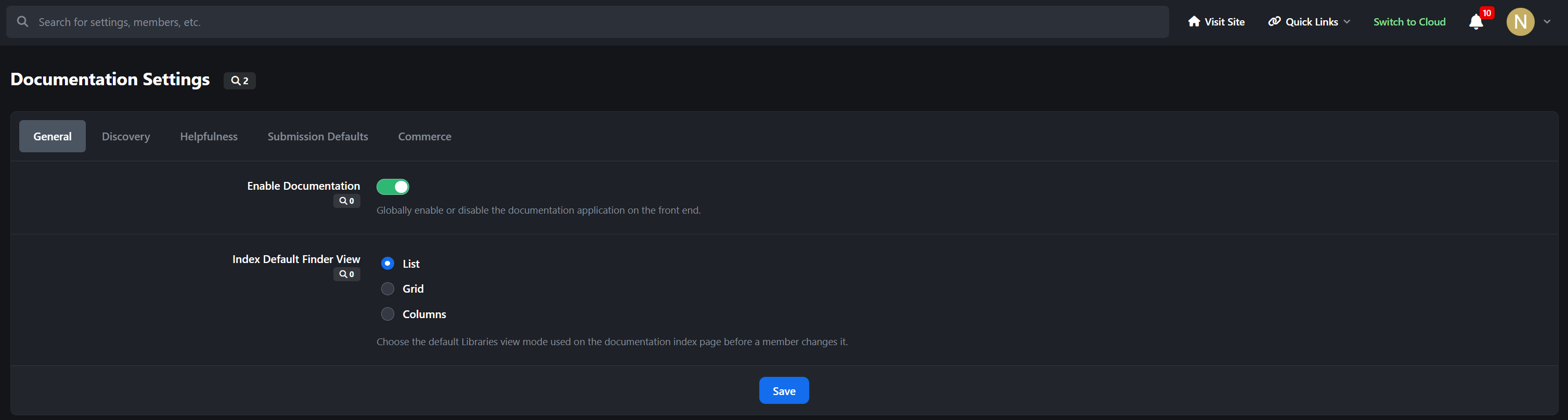
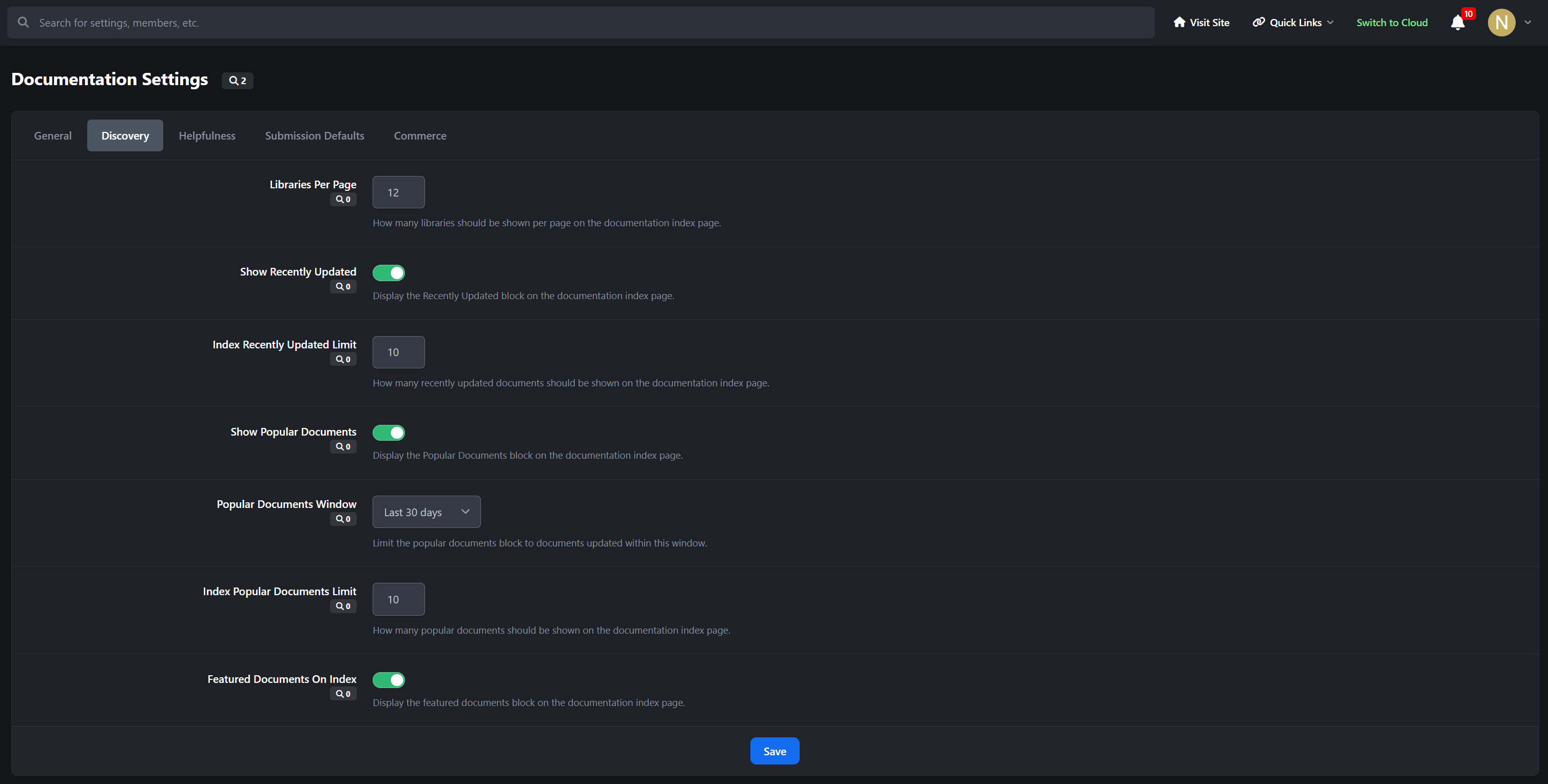
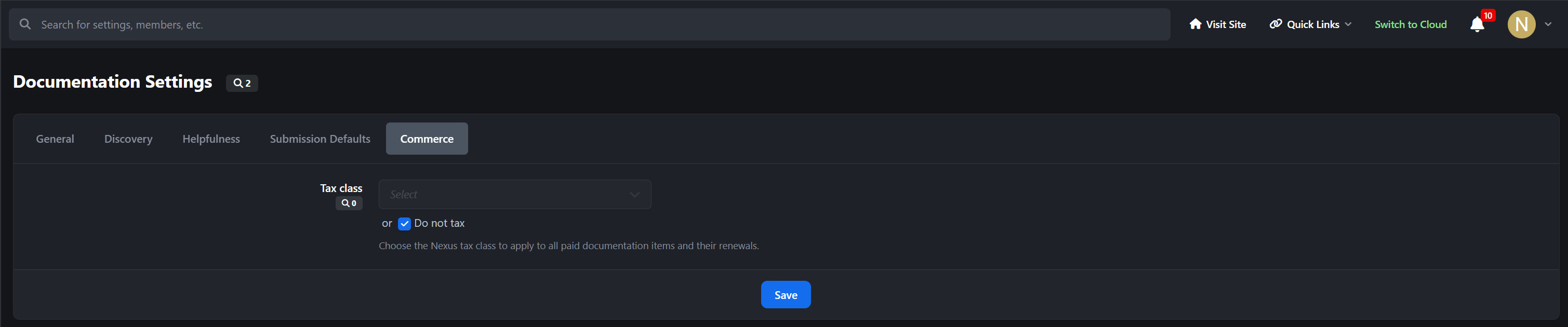
Settings
Why It Stands Out
Most IPS knowledgebase-style solutions focus on a single document format. Libraries goes further by giving you a broader publishing model: articles for polished single-page reading, books for structured multi-page content, and documents for quick reference material, all inside one organized library and shelf system.
Developed by InvisionMarketplace.com - Professional Invision Community Applications
Create an account or sign in to leave a review
There are no reviews to display.