- Category Member Tools
- Downloads 65
- Compatibility IC5: 5.0.0+
- Updated
Description
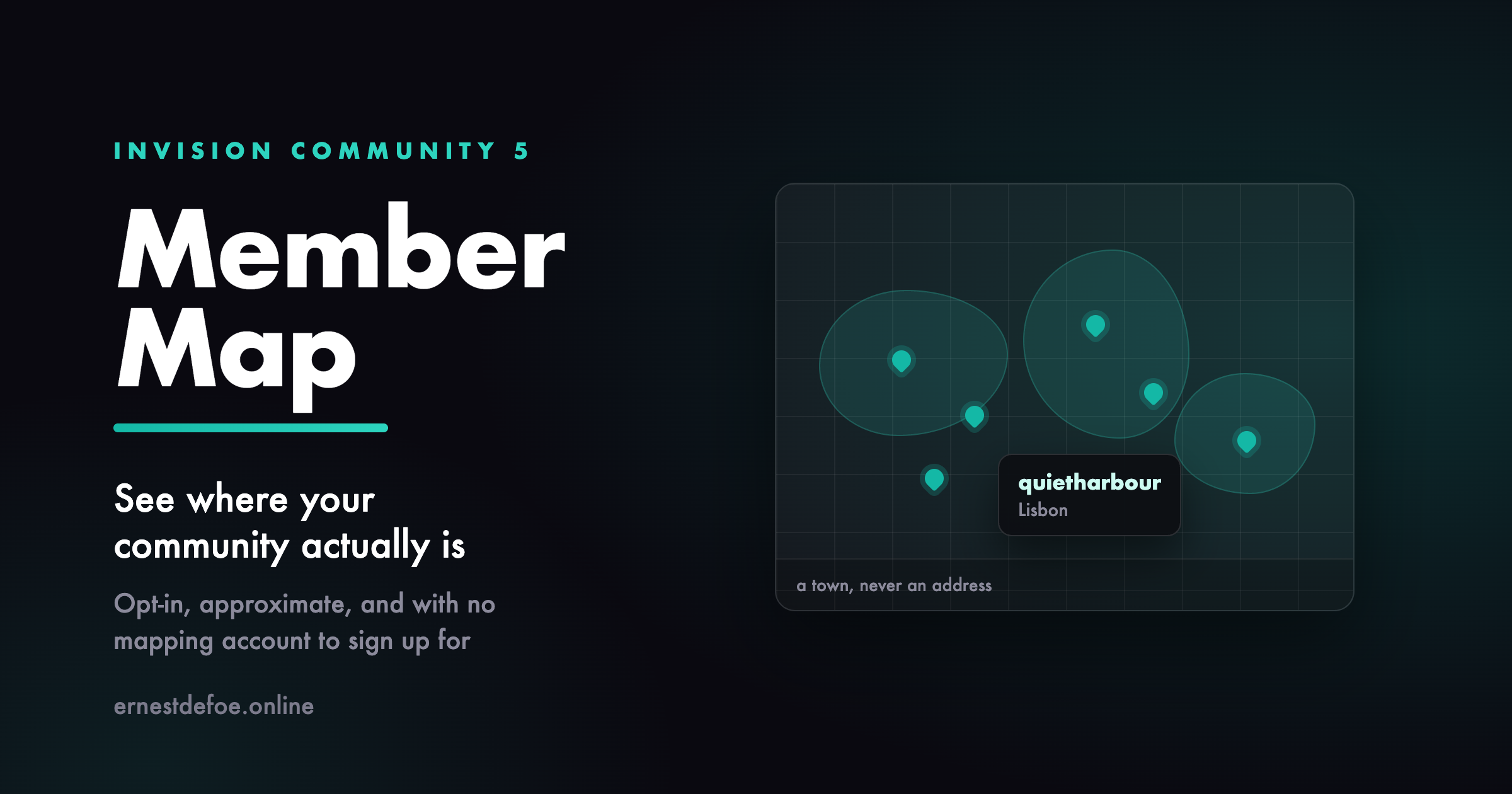
Member Map see where your community actually is
Most communities have no idea where their members are. You can guess from the timezone spread in your statistics, but you cannot see it, and neither can anyone else. A map turns a list of usernames into a group of people in places, and it is one of the few features that members genuinely enjoy adding themselves to.
Nobody appears without choosing to
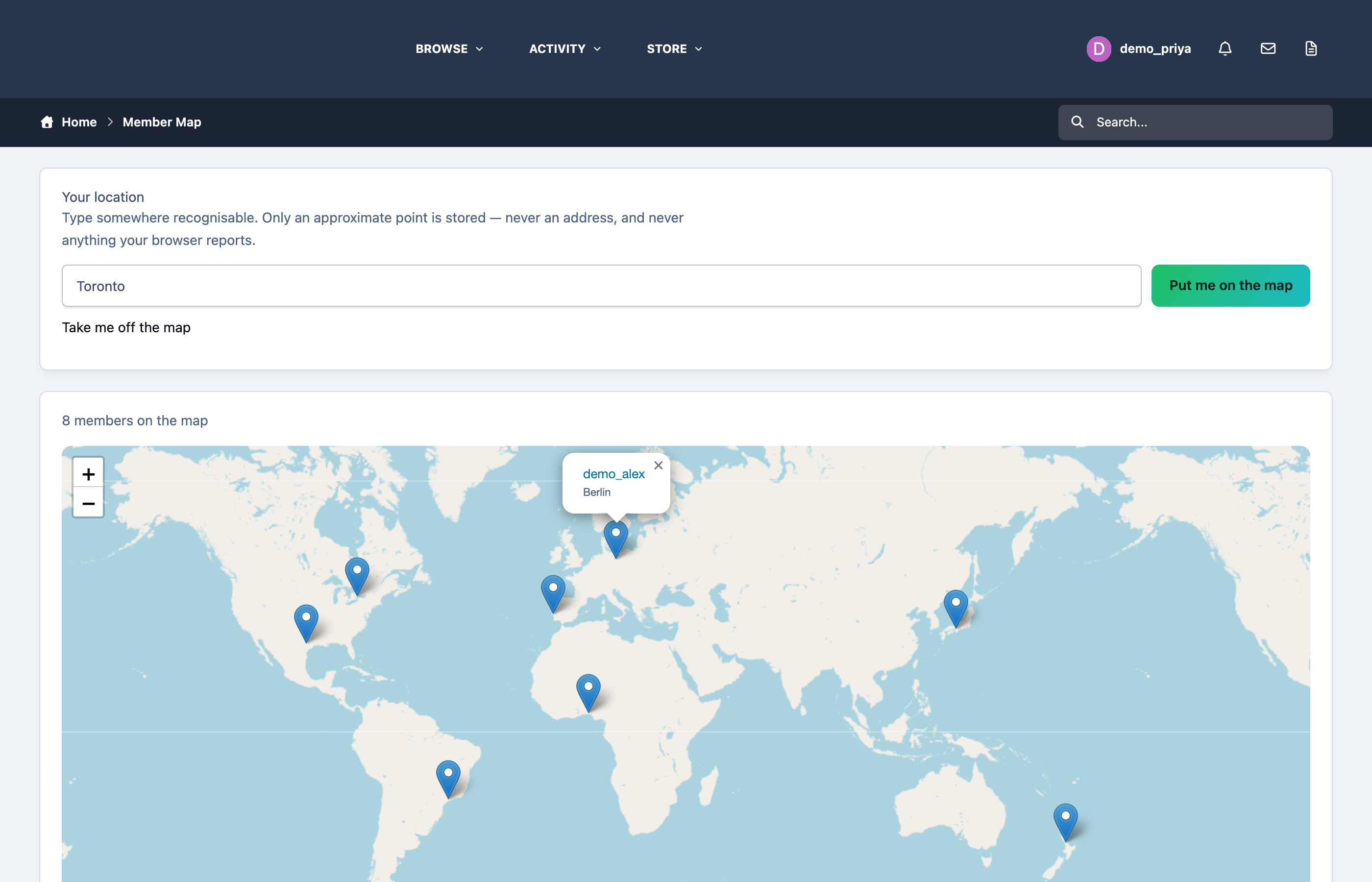
There is no import, no bulk geocoding of profile fields, and no automatic placement of anyone. A member types a town on the map page and presses a button. That is the only way a pin ever appears. They can take themselves off again at any time, and doing so deletes the row rather than hiding it.
Nothing is ever read from a member's browser. No location prompt, no IP lookup, no GPS. Somebody types "Berlin" because they want you to know they are in Berlin.
It stores a town, never an address
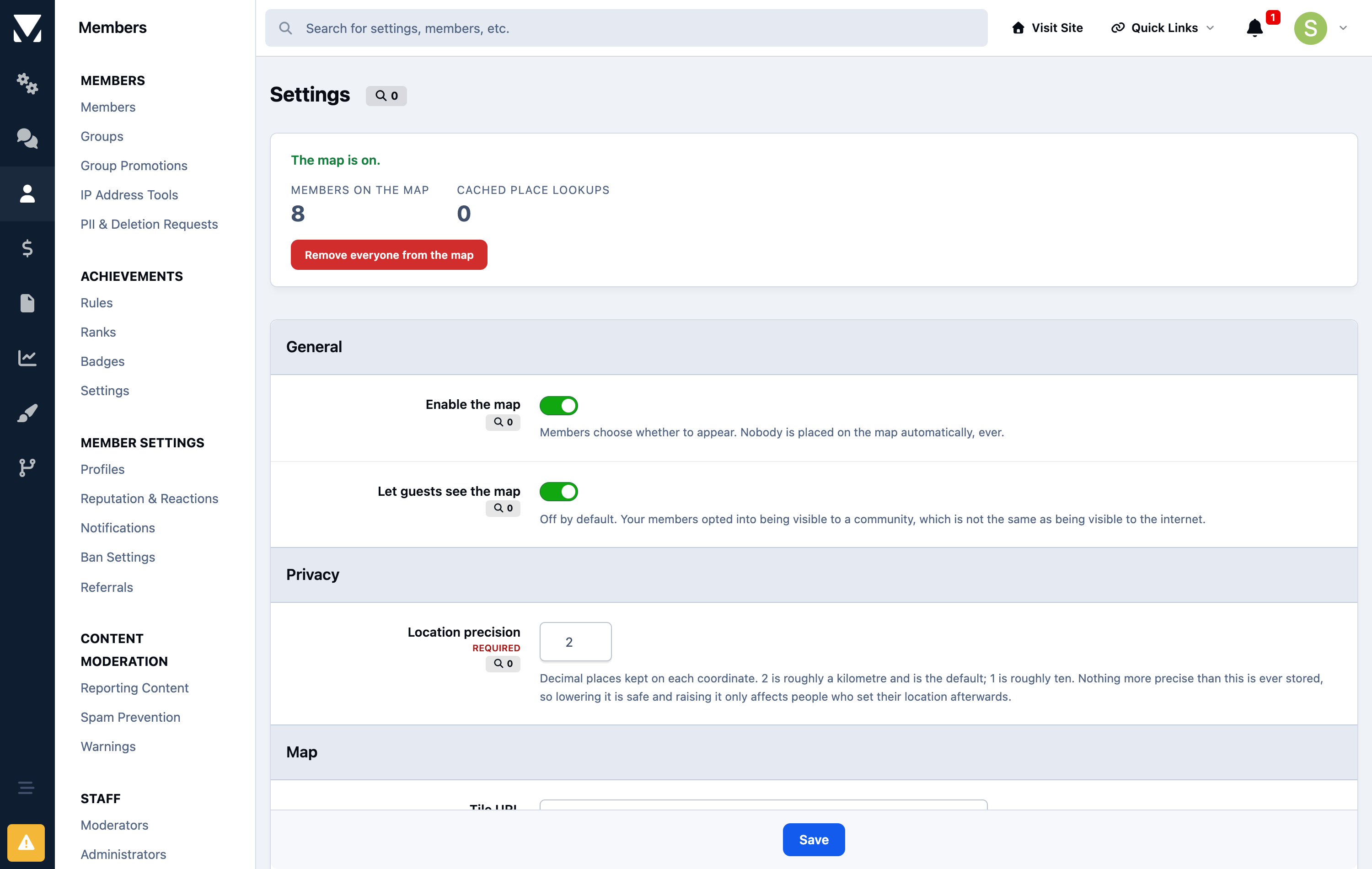
This is the part that matters, and it is a design decision rather than a setting you have to get right. Coordinates are rounded before they are written, and the precise ones are never stored at all. At the default precision a pin describes roughly a kilometre enough to show someone is in Lisbon, not enough to show which street. A database that never held the exact point cannot leak it, and a member who removes themselves leaves nothing behind.
You can make it vaguer still. One decimal place is roughly ten kilometres, which suits a community that would rather show countries than cities.
No mapping account, no card on file
The map uses OpenStreetMap, and place names are looked up with OpenStreetMap's own geocoder. Neither needs an account, an API key, or a billing relationship, so this app costs nothing to run and there is no quota to blow through on a busy day.
Every lookup is cached, so a hundred members in Berlin cost one lookup between them. If you would rather use your own tile server or a commercial provider, both the tile URL and the geocoder URL are settings.
Guests do not see it by default
Your members agreed to be visible to a community, which is not the same as being visible to the internet. Guest access is off until you turn it on.
What you get
A map page listing everyone who has opted in, each pin linking to their profile
A single field for members to add or change where they are
Adjustable precision, so you decide how vague a pin is
Your choice of tile server and geocoder
A count of who is on the map, and a one-click purge in the AdminCP
Two honest limits. OpenStreetMap's tiles and geocoder are run by a volunteer project and their usage policy expects modest traffic — fine for a forum map, and the settings let a large community point at its own tile server instead. And the map draws in the browser using Leaflet, so a member browsing with JavaScript disabled sees the page but not the map.
Create an account or sign in to leave a review
There are no reviews to display.