Member's Country
Invision Community 5
Invision Community 4
- Category Member Tools
- Downloads 88
- Compatibility IC5: 5.0.0+ IC4: 4.7.X
- App Version 2.0.3
- Updated

Overview
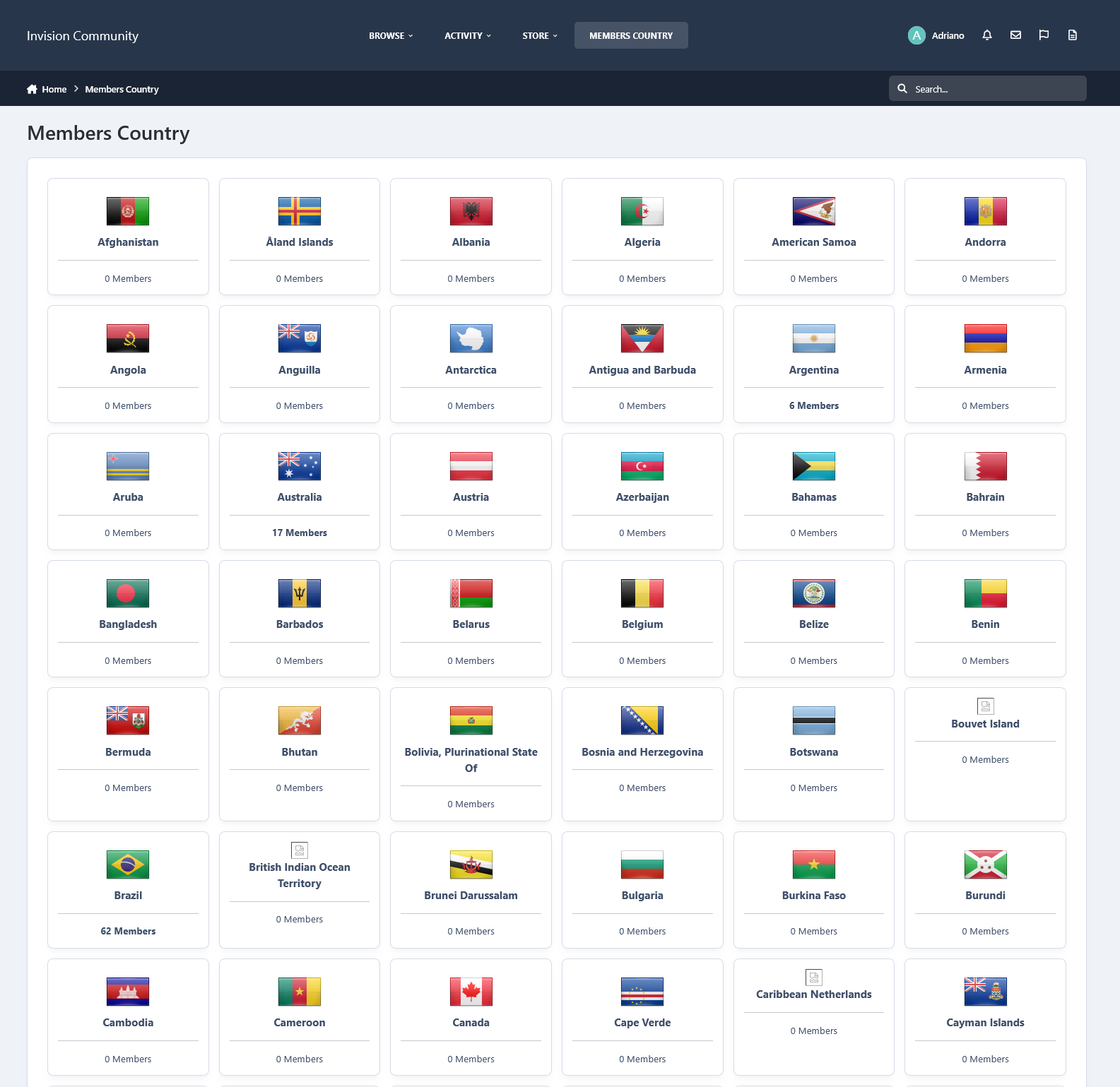
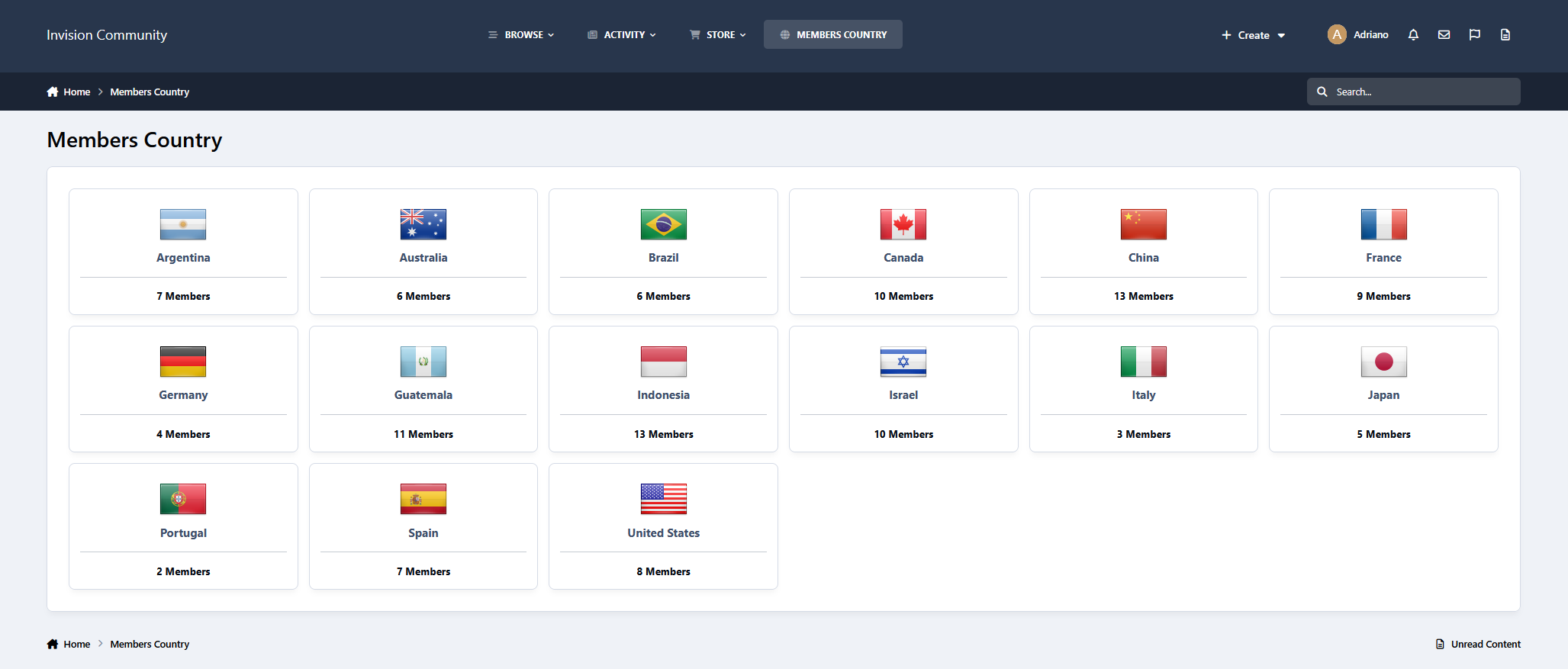
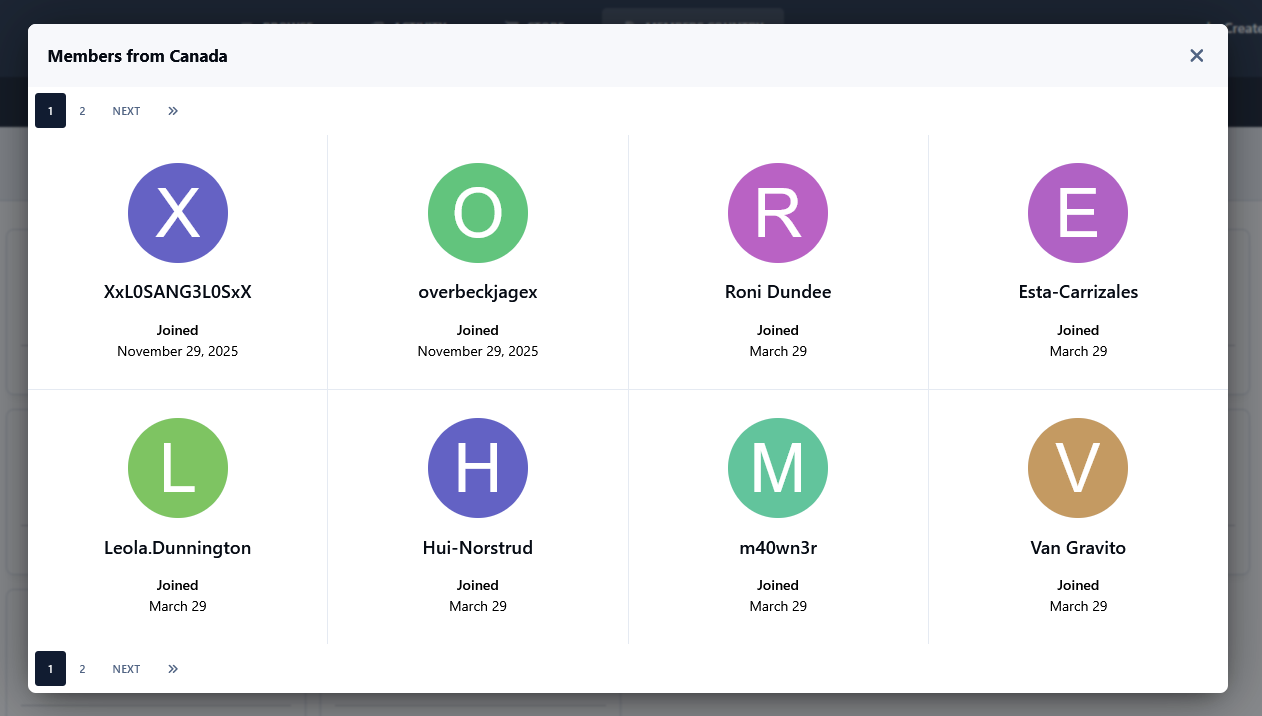
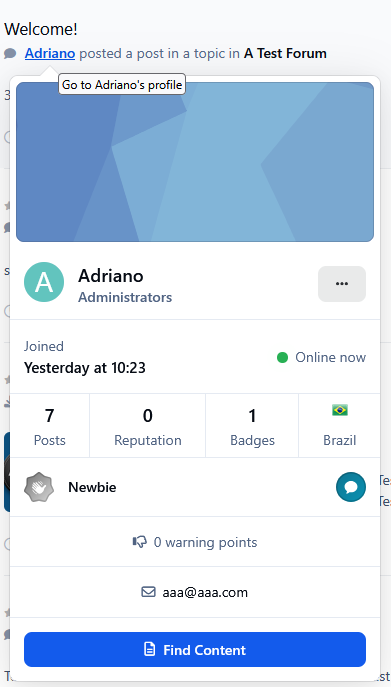
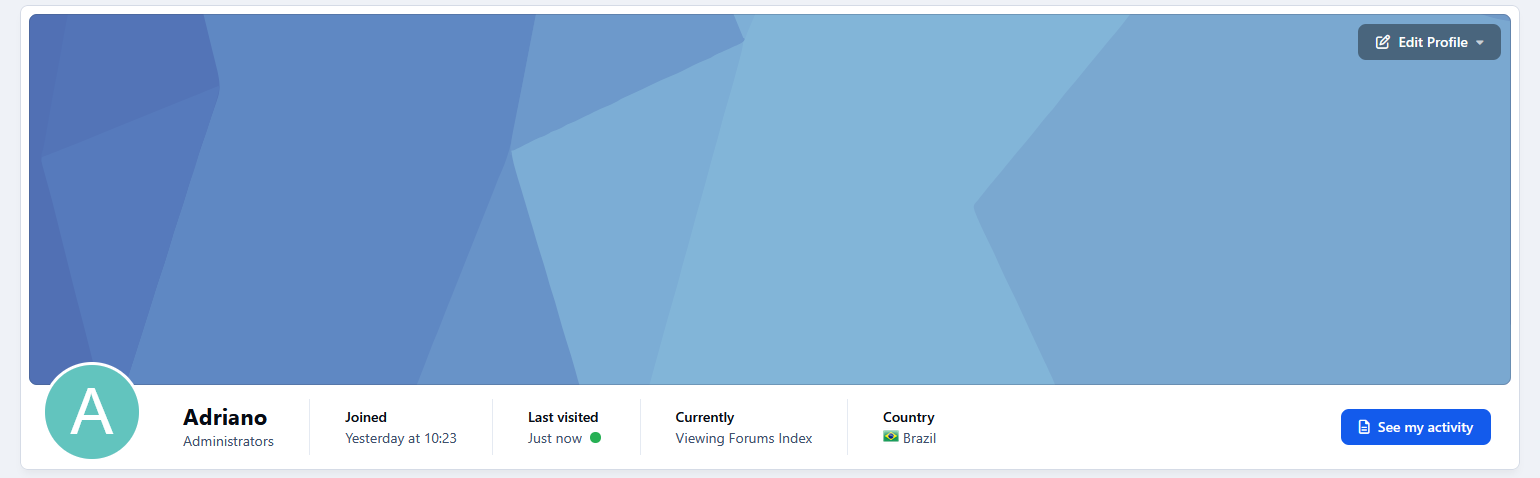
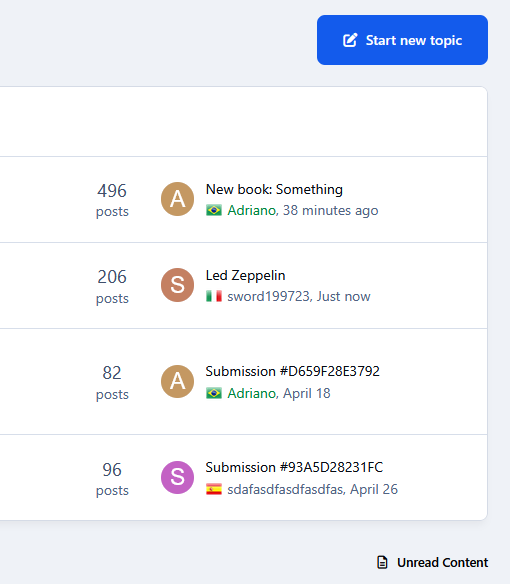
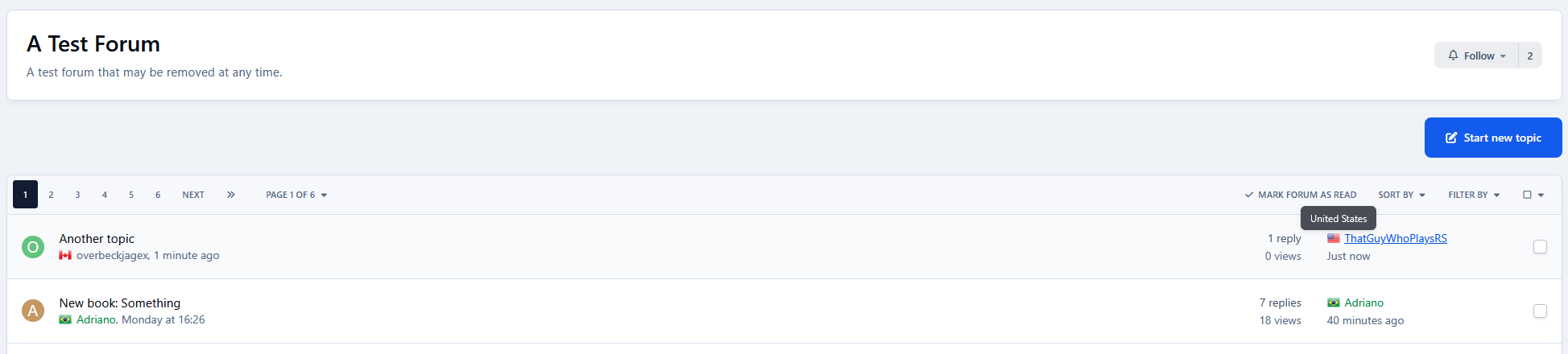
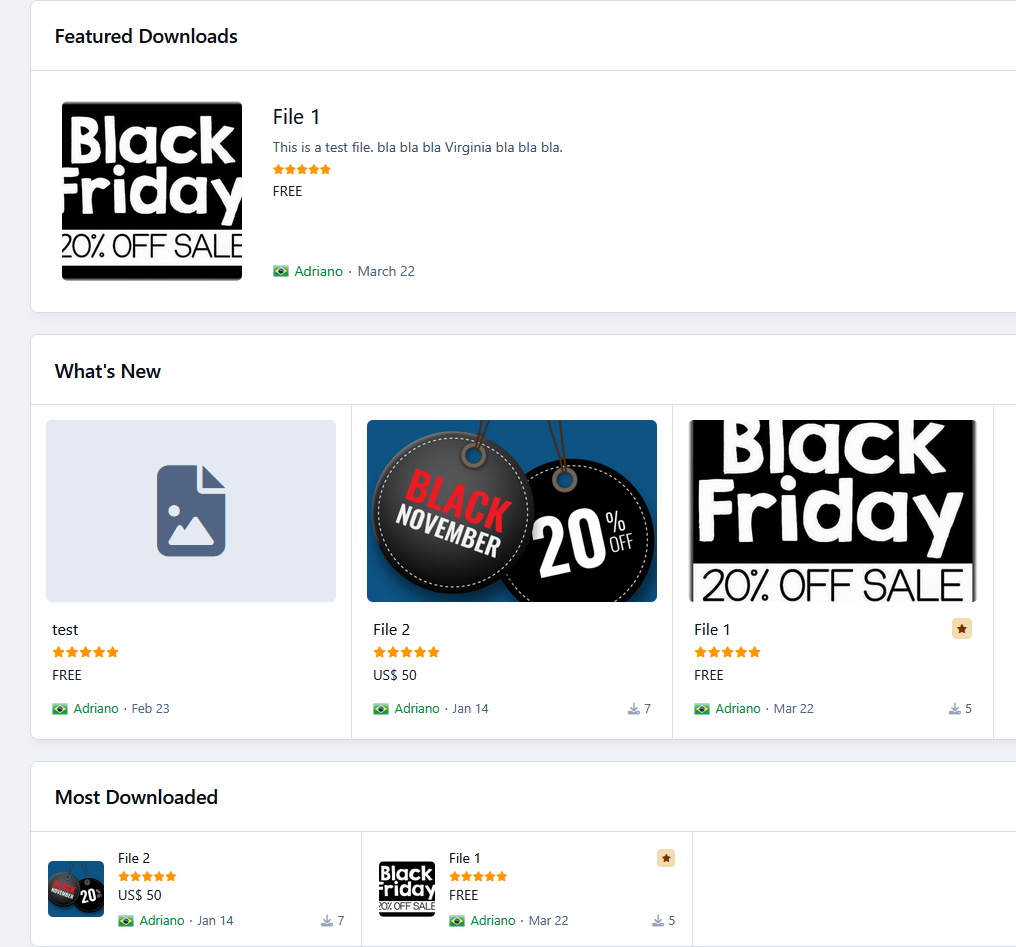
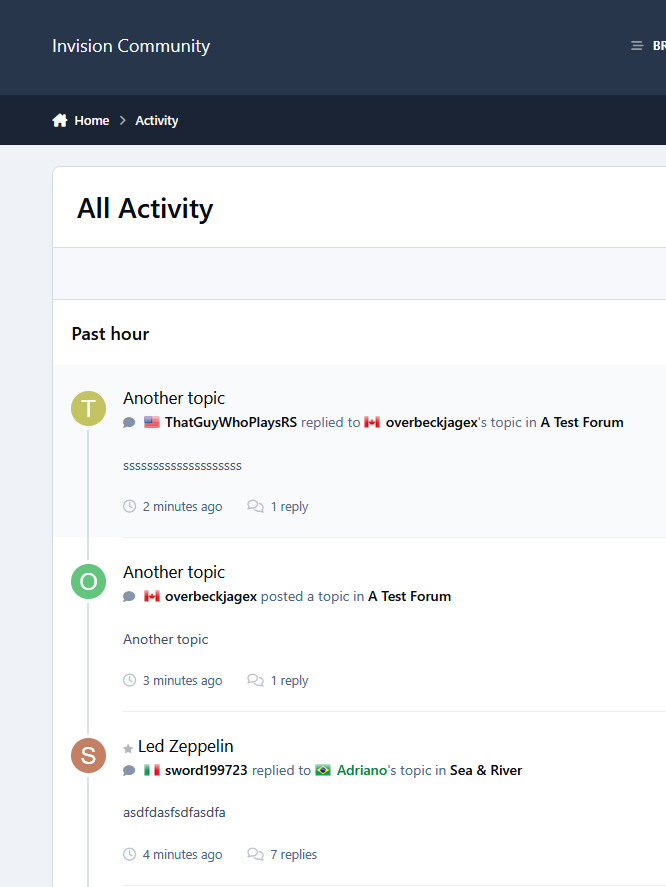
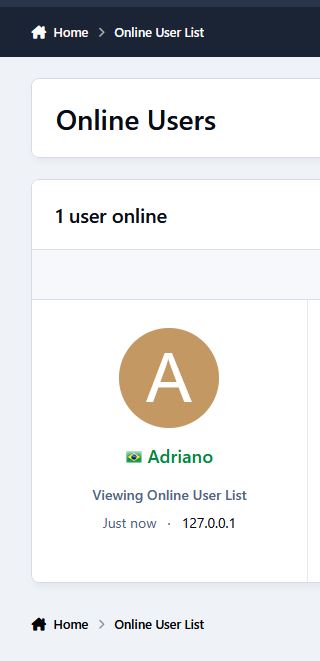
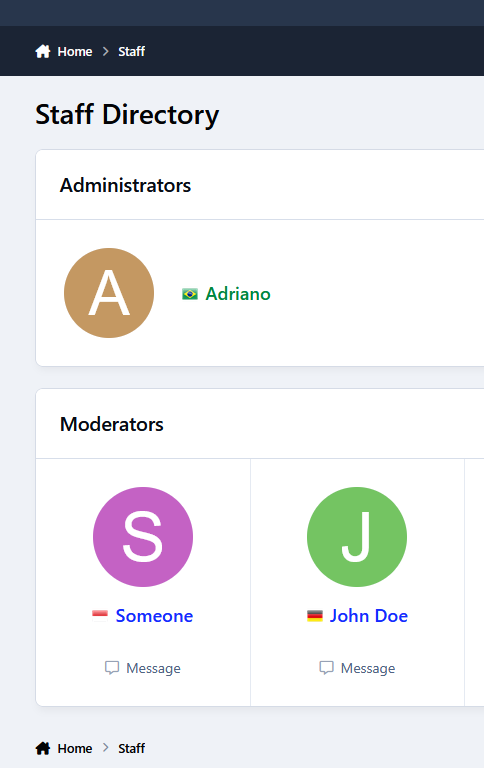
This application will display the country flag of users in several places of the entire suite, including third-party resources. It uses Geolocation to grab the country when a new user registers an account or when existing users log in on your board. Clicking on the flag will give you a list of all users from that country.Description
This application will display the country flag of users in several places of the entire suite, including third-party resources. It uses Geolocation to grab the country when a new user registers an account or when existing users log in on your board. Clicking on the flag will give you a list of all users from that country.
Important Notice:
IPS Geolocation is an active license perk so you need to have an active license to countries get picked by IP Address.
Usage:
New members: new members will have their country detected when they register the account
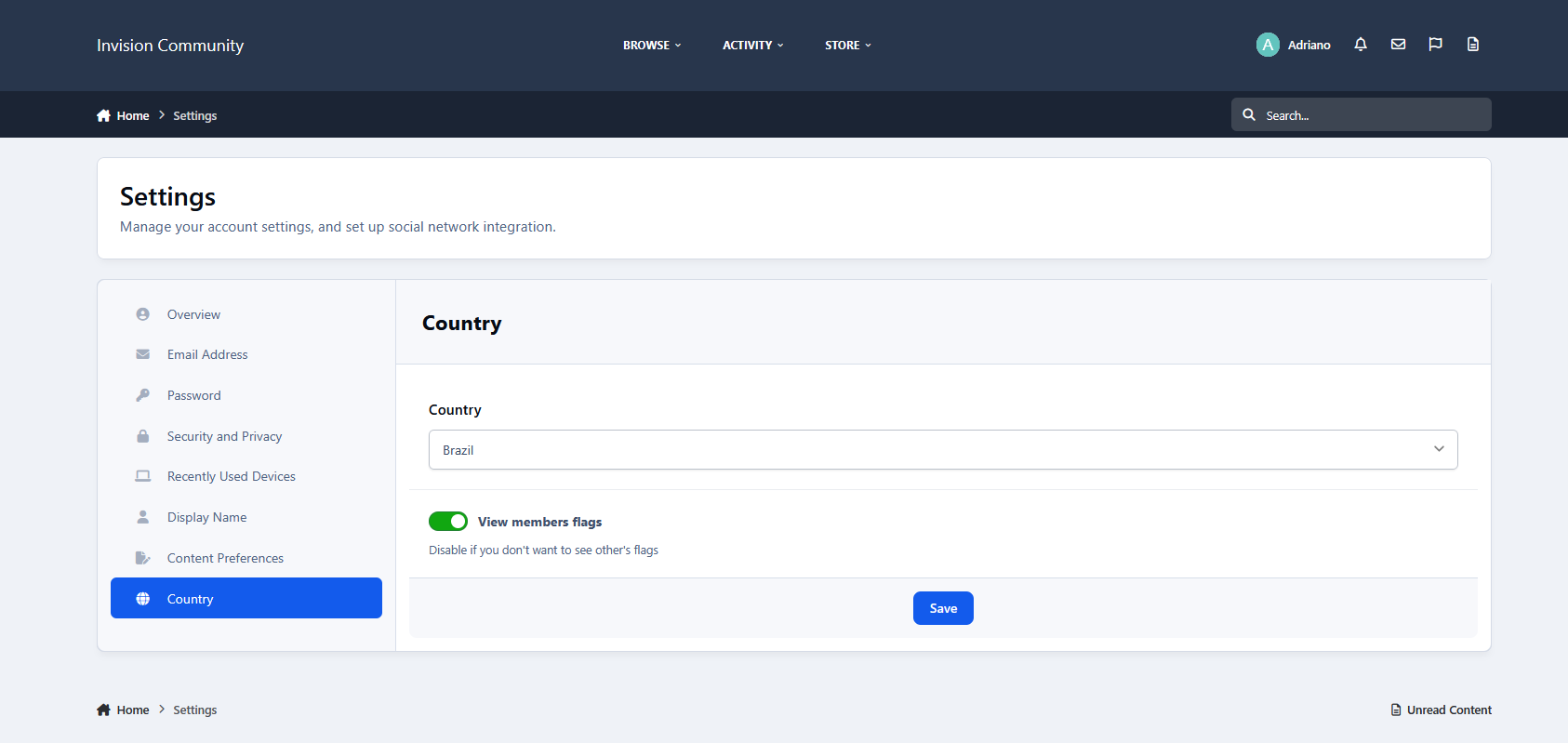
Existing members: Country will be recognized when a member is online or if allowed by the admin, go to Account Settings and pick your country.
Settings:
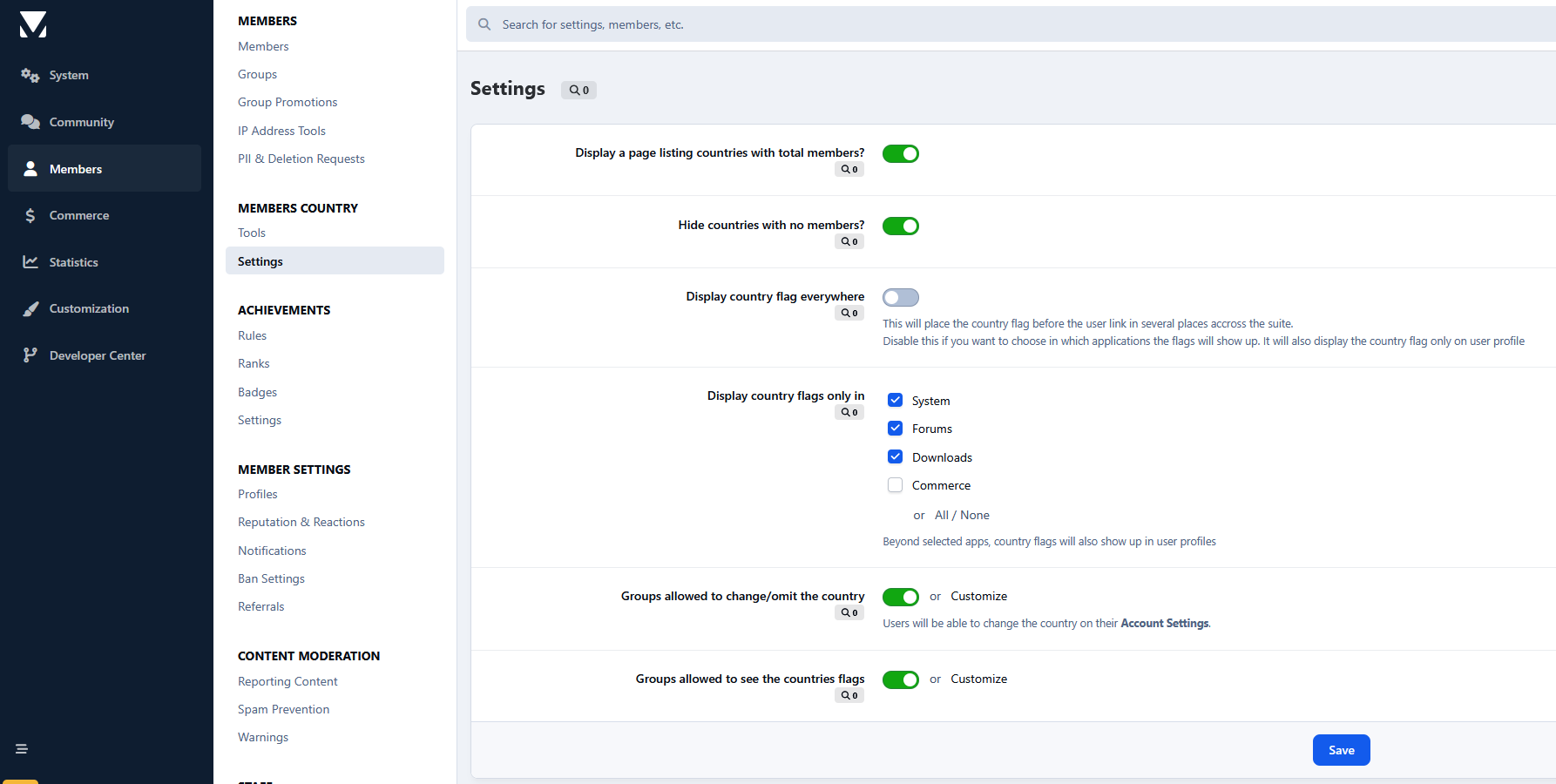
Display country flag everywhere: This option displays the country flag beside the user photo in several places on official apps like Forums, Gallery, Blogs, Pages, and Downloads, including its widgets and third-party resources. If disabled, it displays the country name + flag only on the user profile.
Groups allowed to change the country: users from selected groups can change their country on Account Settings. Sometimes Geolocation picks the wrong country, so the user will be able to fix it.
Notes:
Since IPS chose not to add a hook point in the userLink template, this app may not display the flag in the same locations as IPS4. Instead, flags will now appear wherever the userPhoto template is used.
The main page of this application uses flags from https://flagsapi.com/
Create an account or sign in to leave a review
There are no reviews to display.