- Category Member Tools
- Downloads 12
- Compatibility IC5: 5.0.0+
- Updated
Description
LIVE DEMO
Patch Pilot
Plan it. Fix it. Ship it.
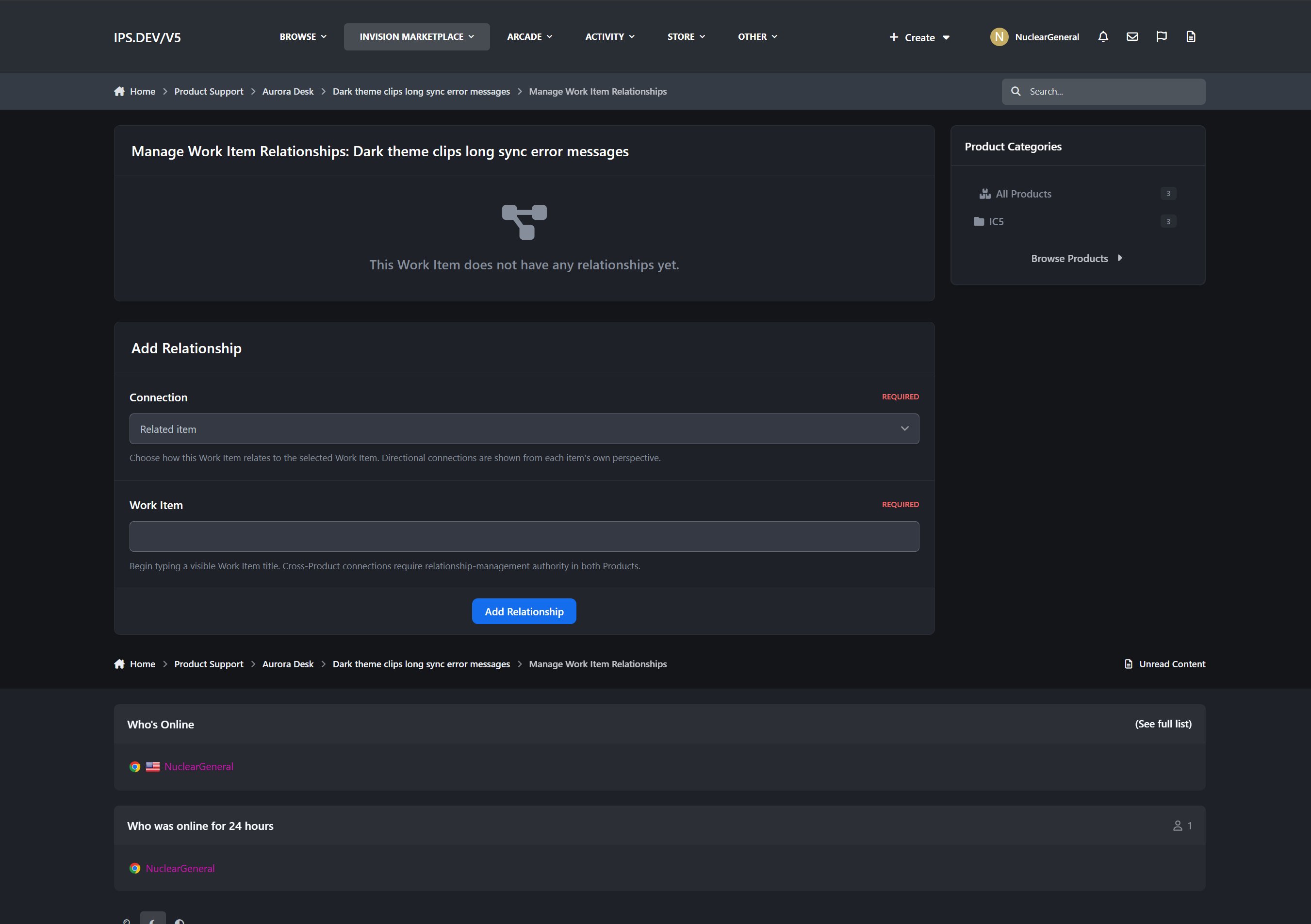
Patch Pilot brings structured product development and release management directly into Invision Community 5. It gives your community and product team one shared workspace for collecting feedback, planning work, managing development workflows, preparing releases, and communicating progress.
Community members can report bugs, suggest features, and follow the work that matters to them, while Product Teams retain control over internal planning, assignments, verification, release readiness, and publication.
What It Does
Patch Pilot organizes development around three connected areas:
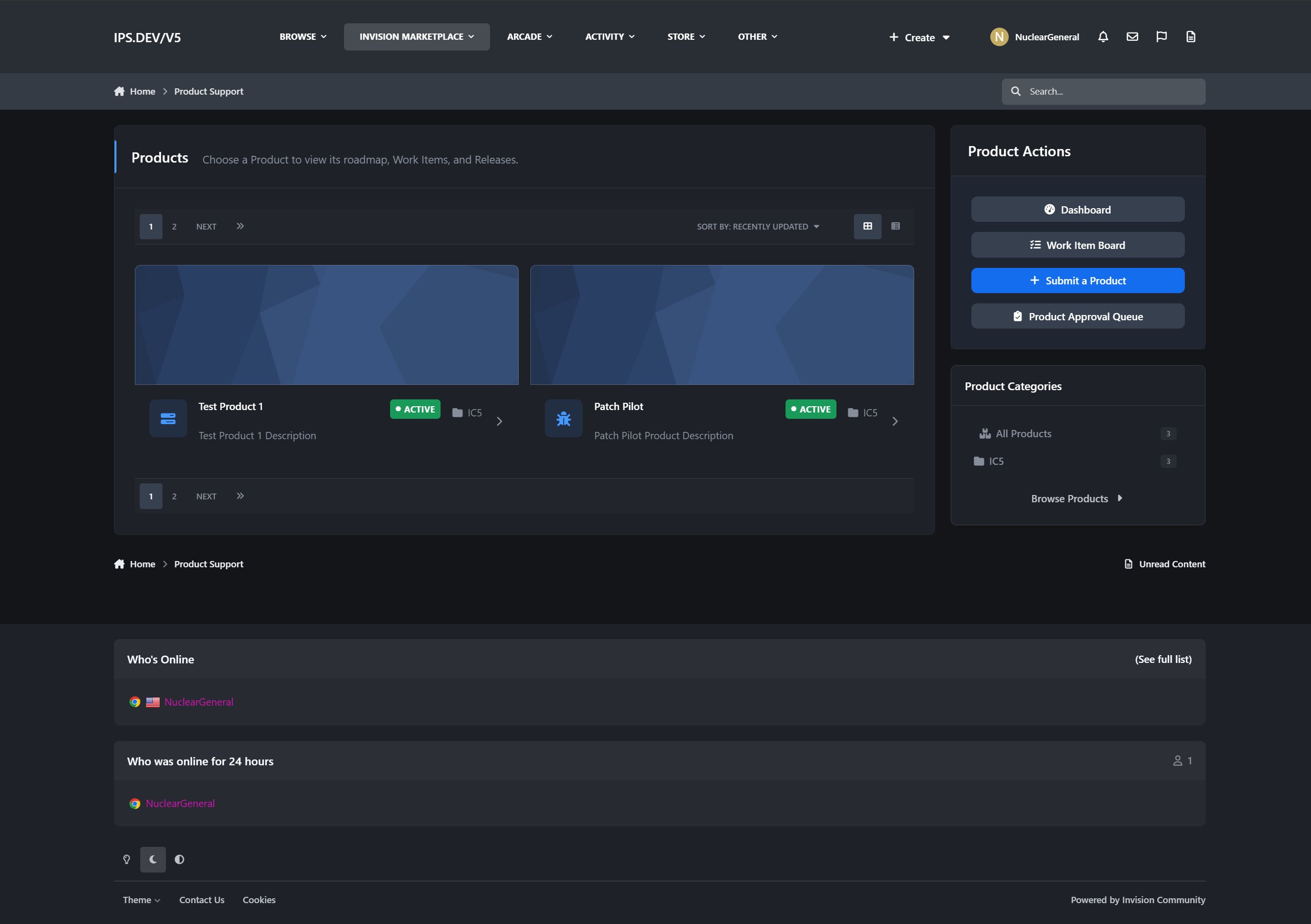
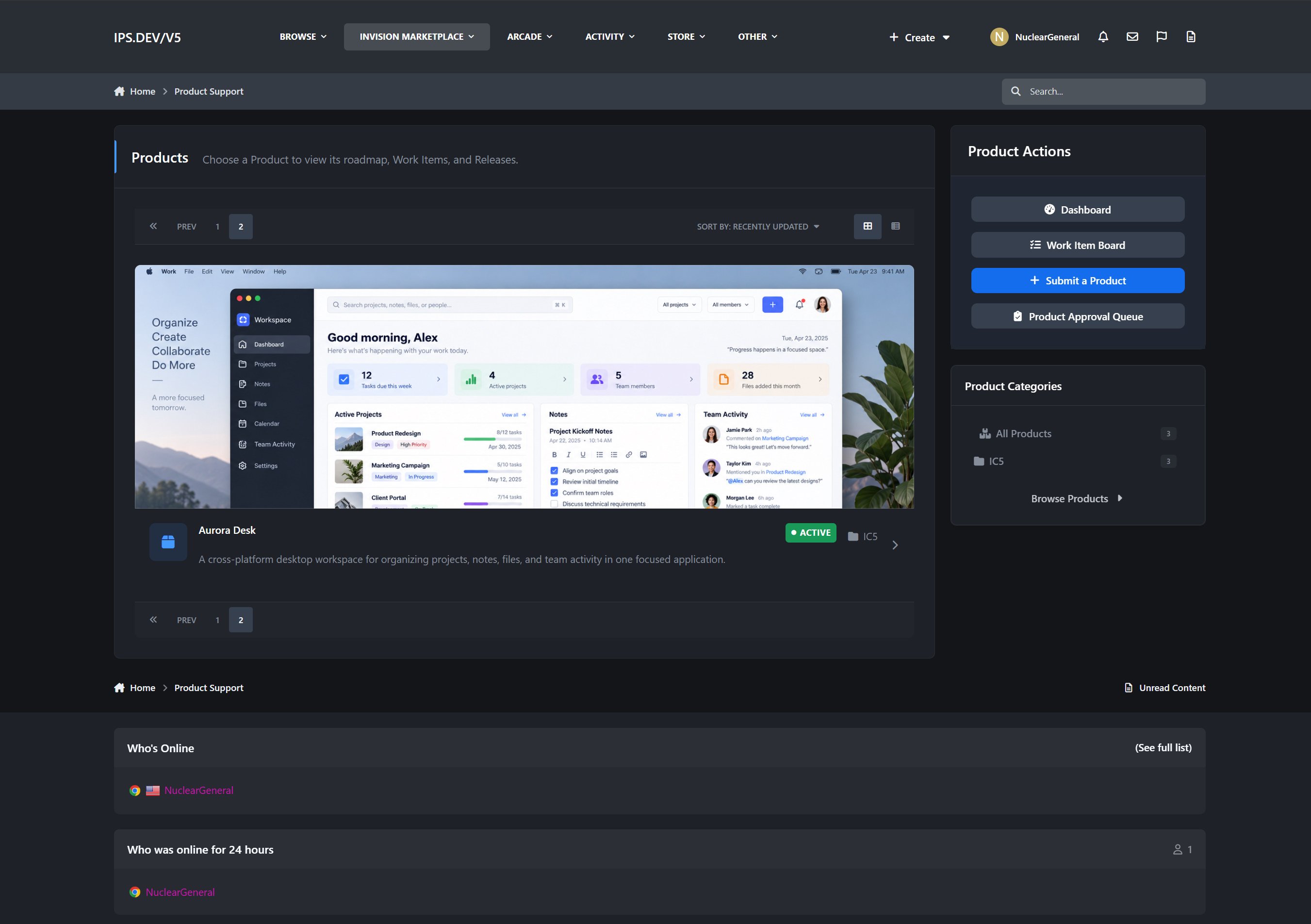
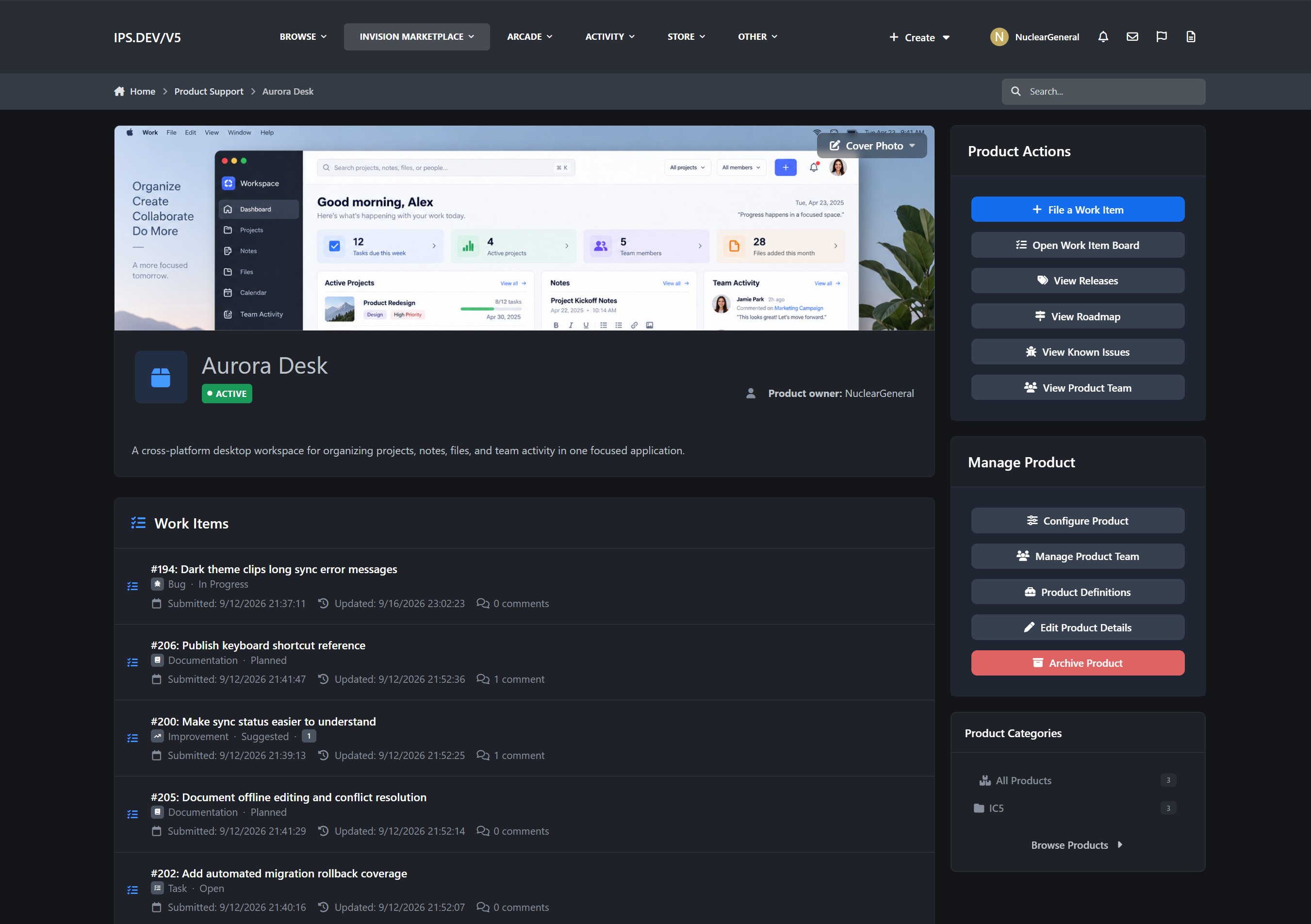
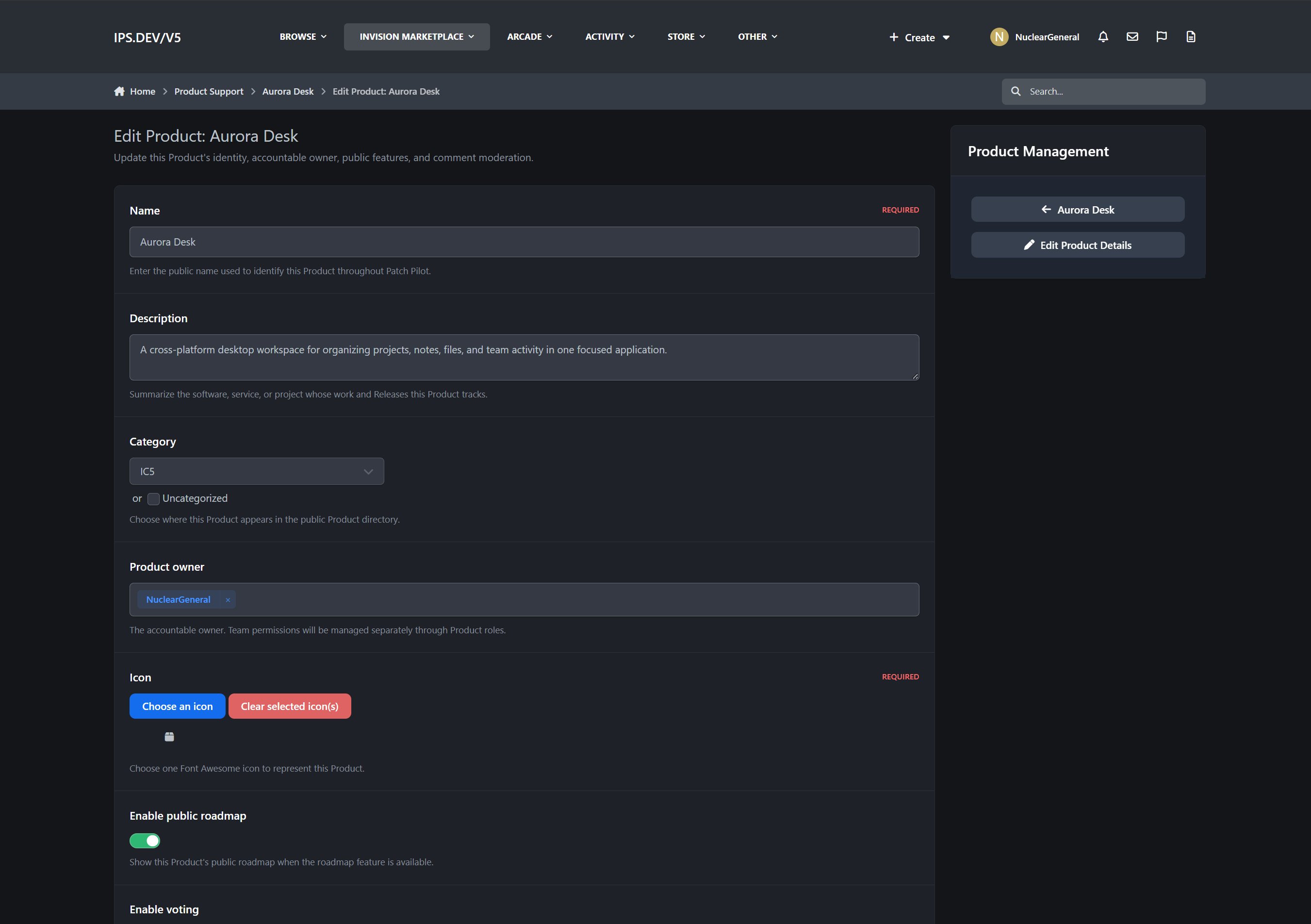
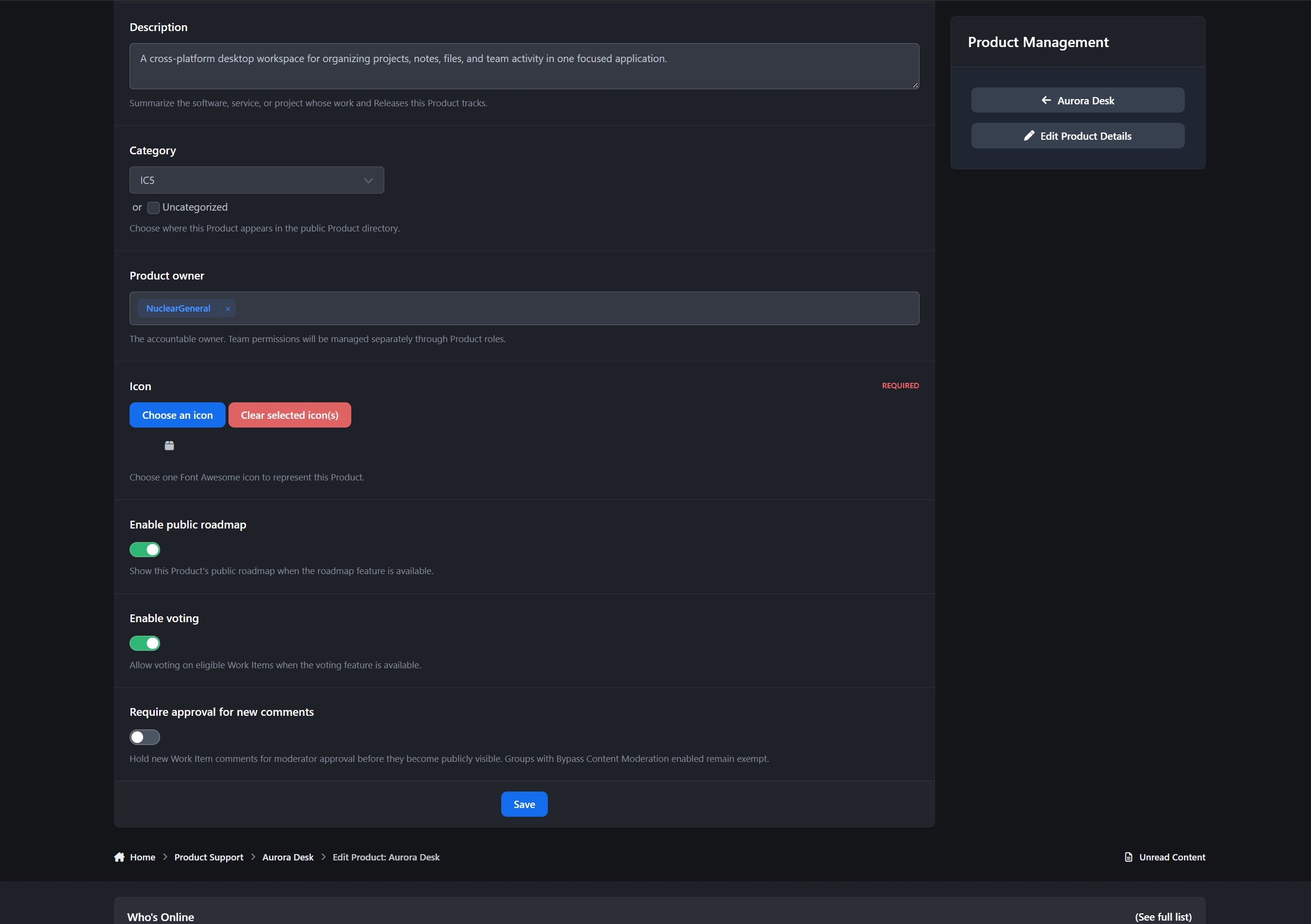
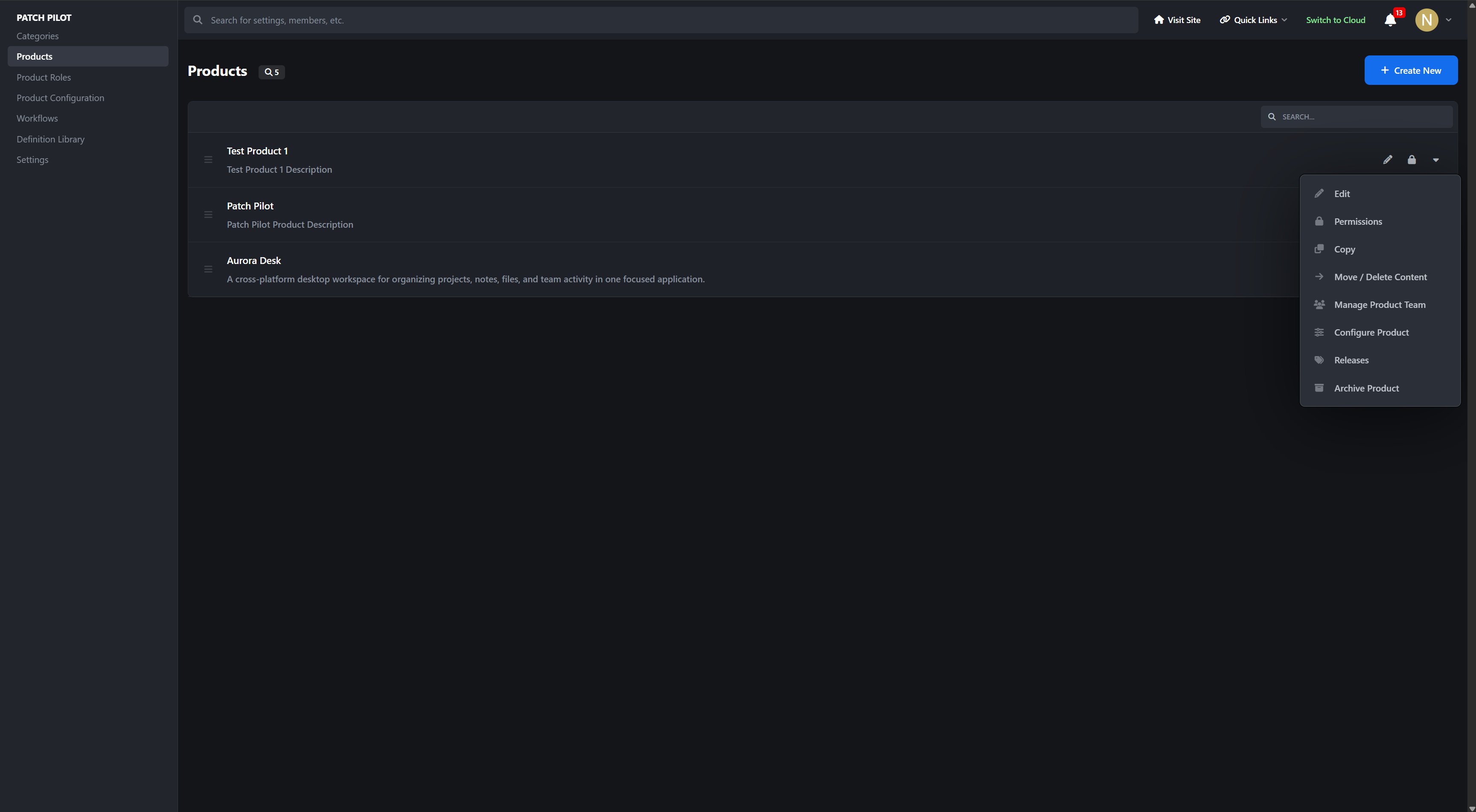
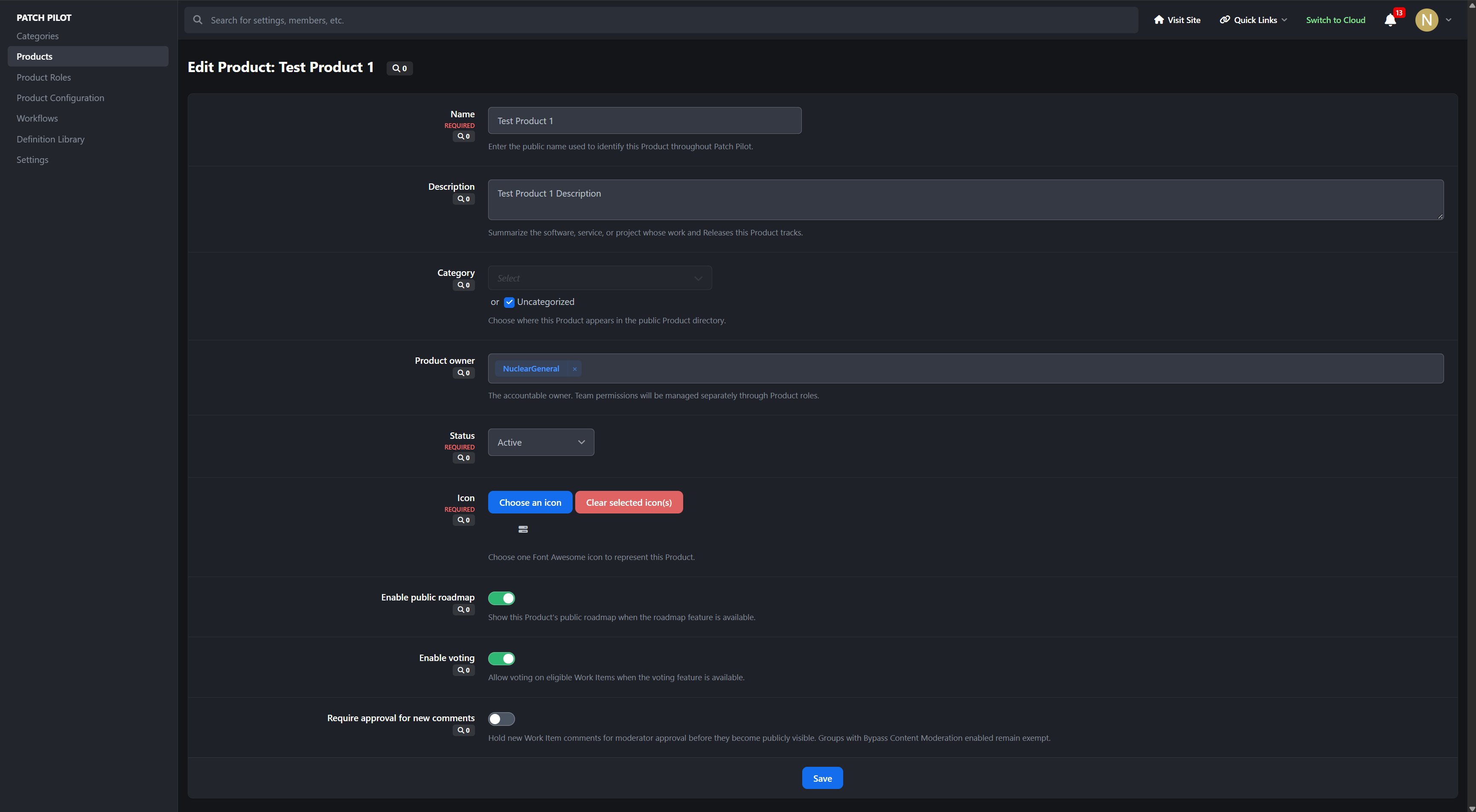
Products provide dedicated workspaces with their own teams, permissions, configuration, roadmap, known issues, and releases.
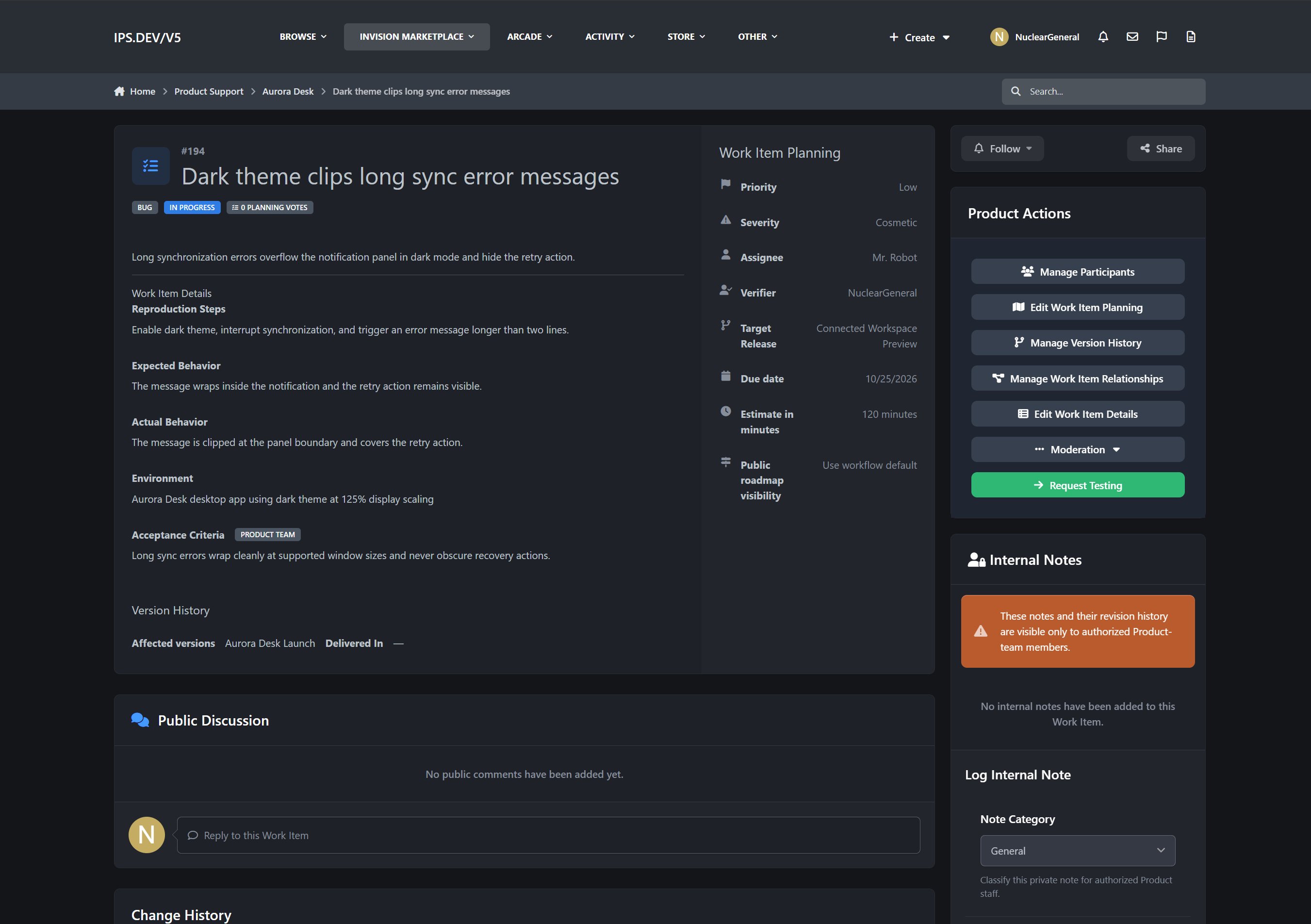
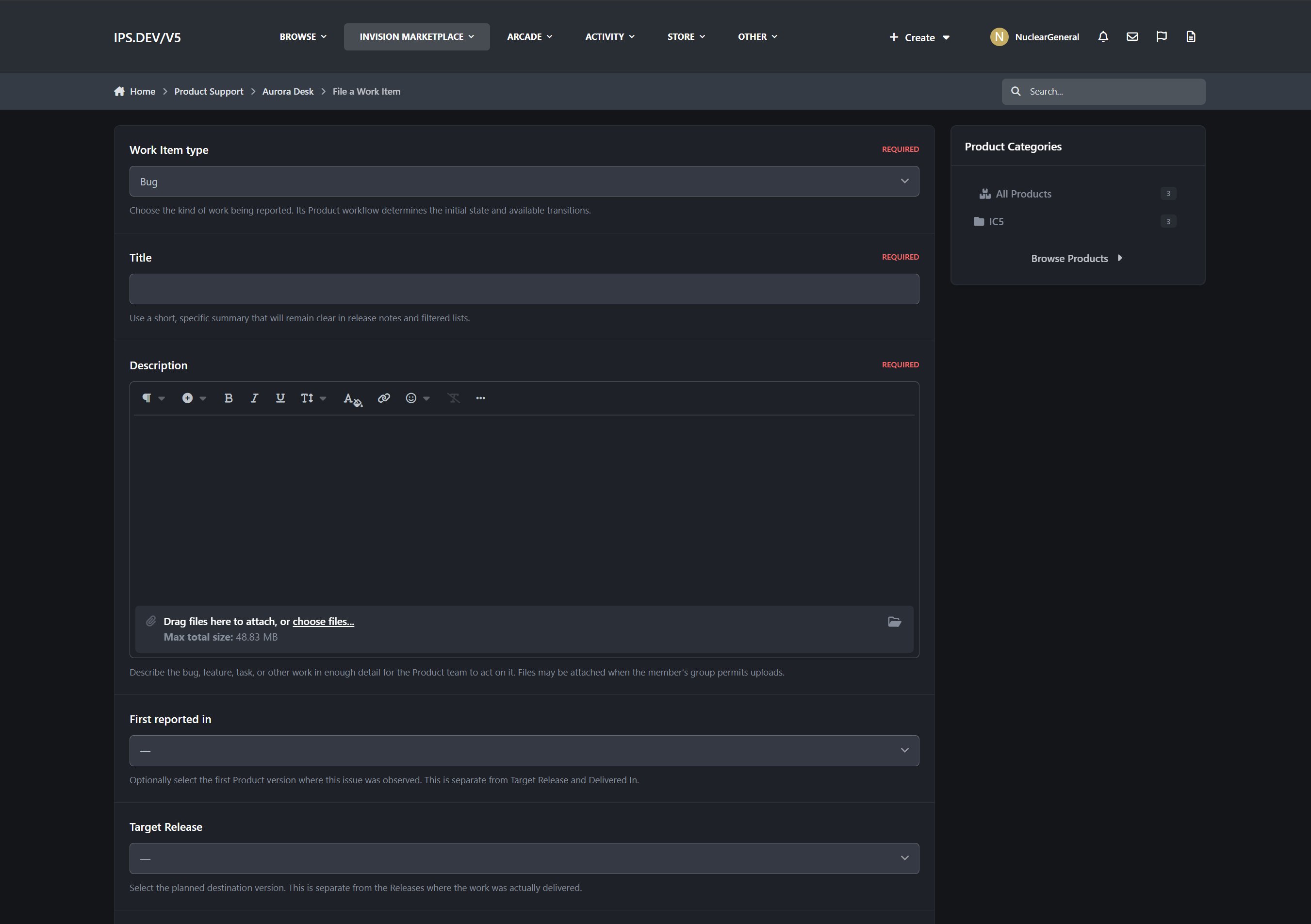
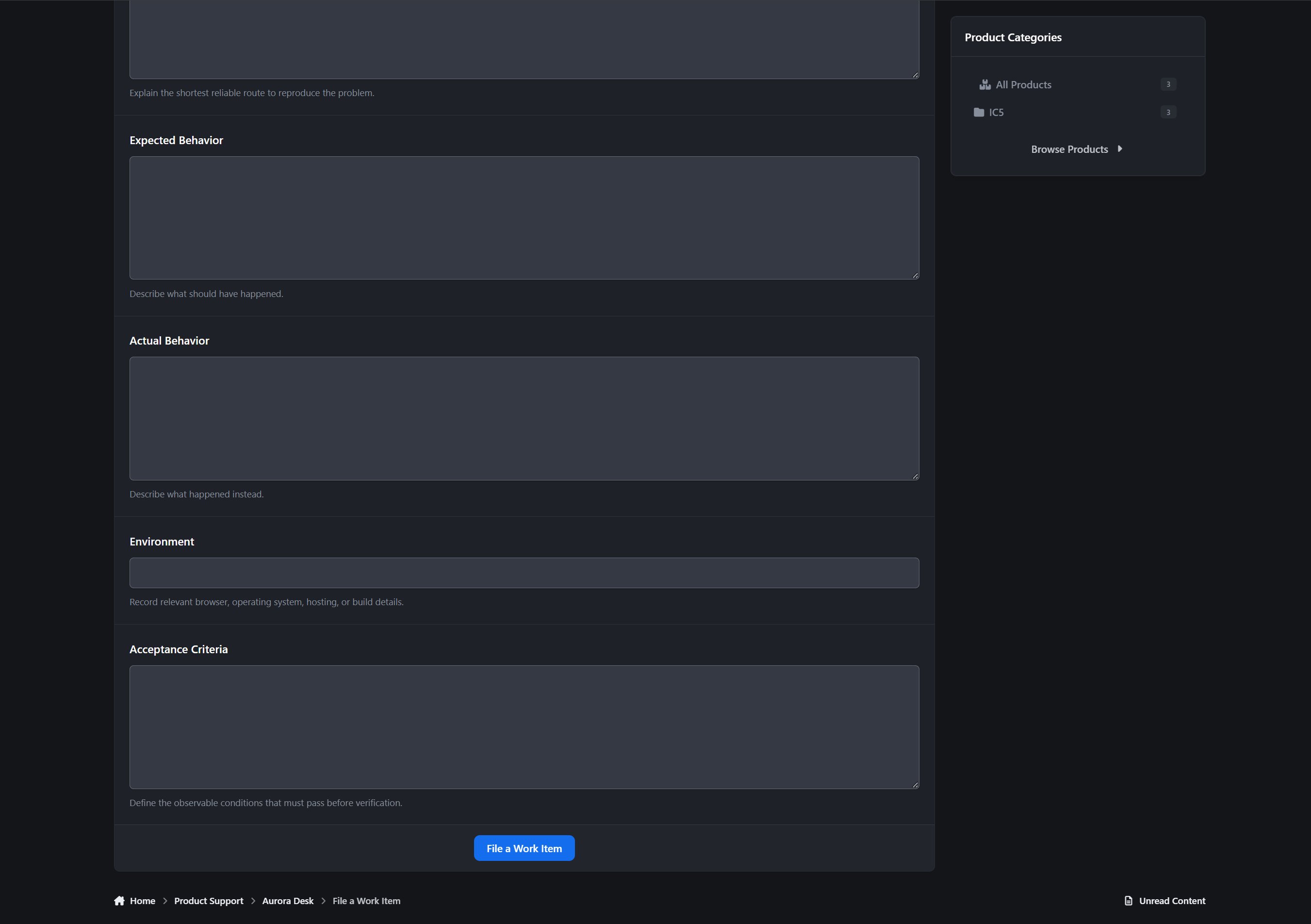
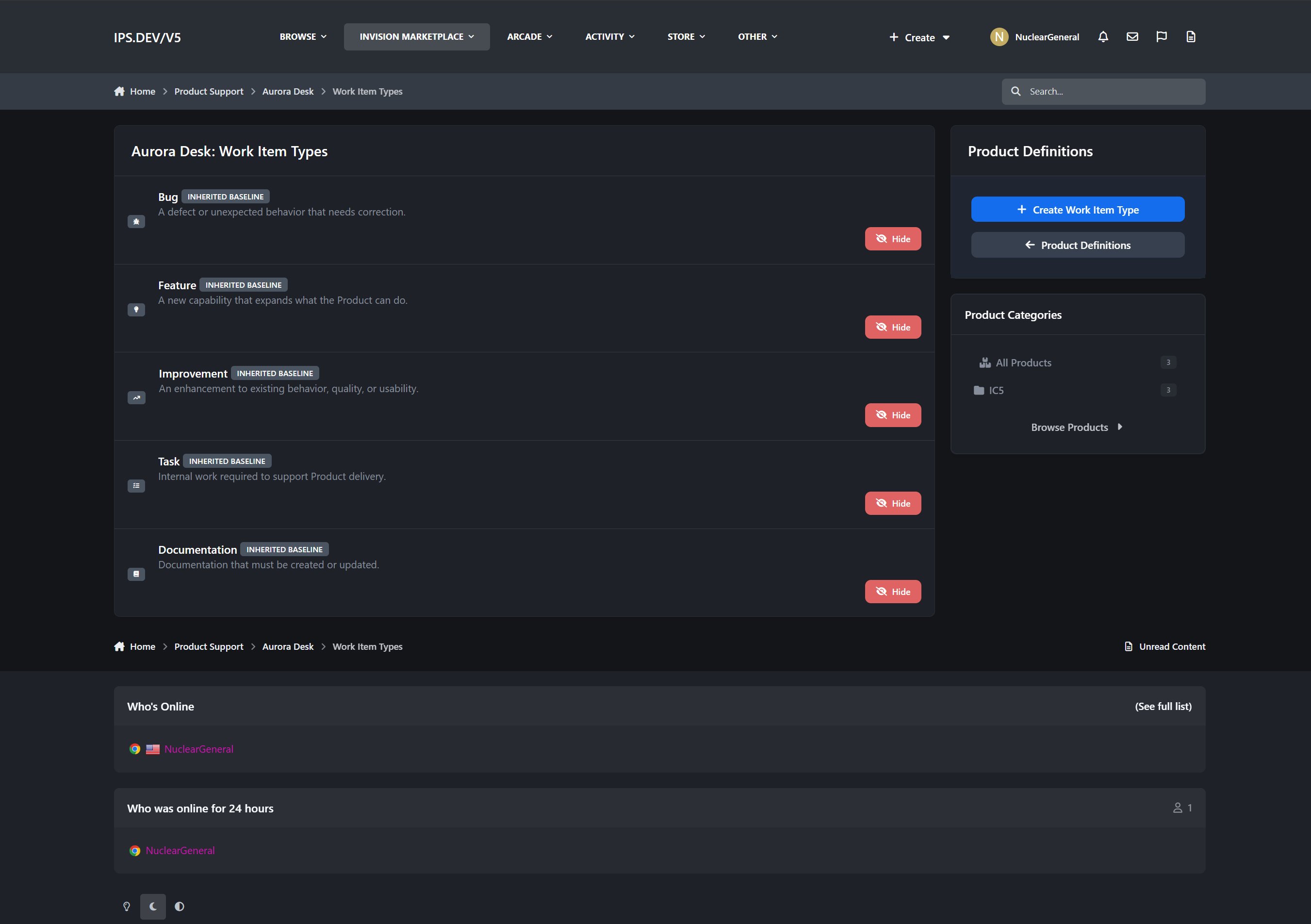
Work Items capture bugs, features, improvements, tasks, and documentation work using configurable fields and workflows.
Releases bring planned work, readiness checks, version history, and customer-facing release notes together.
Every Work Item belongs to a Product, follows a defined workflow, and can contribute directly to a Release.
Key Features
Product Workspaces and Teams
Create dedicated workspaces for each application, service, plugin, theme, or other deliverable you manage.
Product directory with cover photos, icons, descriptions, owners, and status
Public and permission-restricted Products
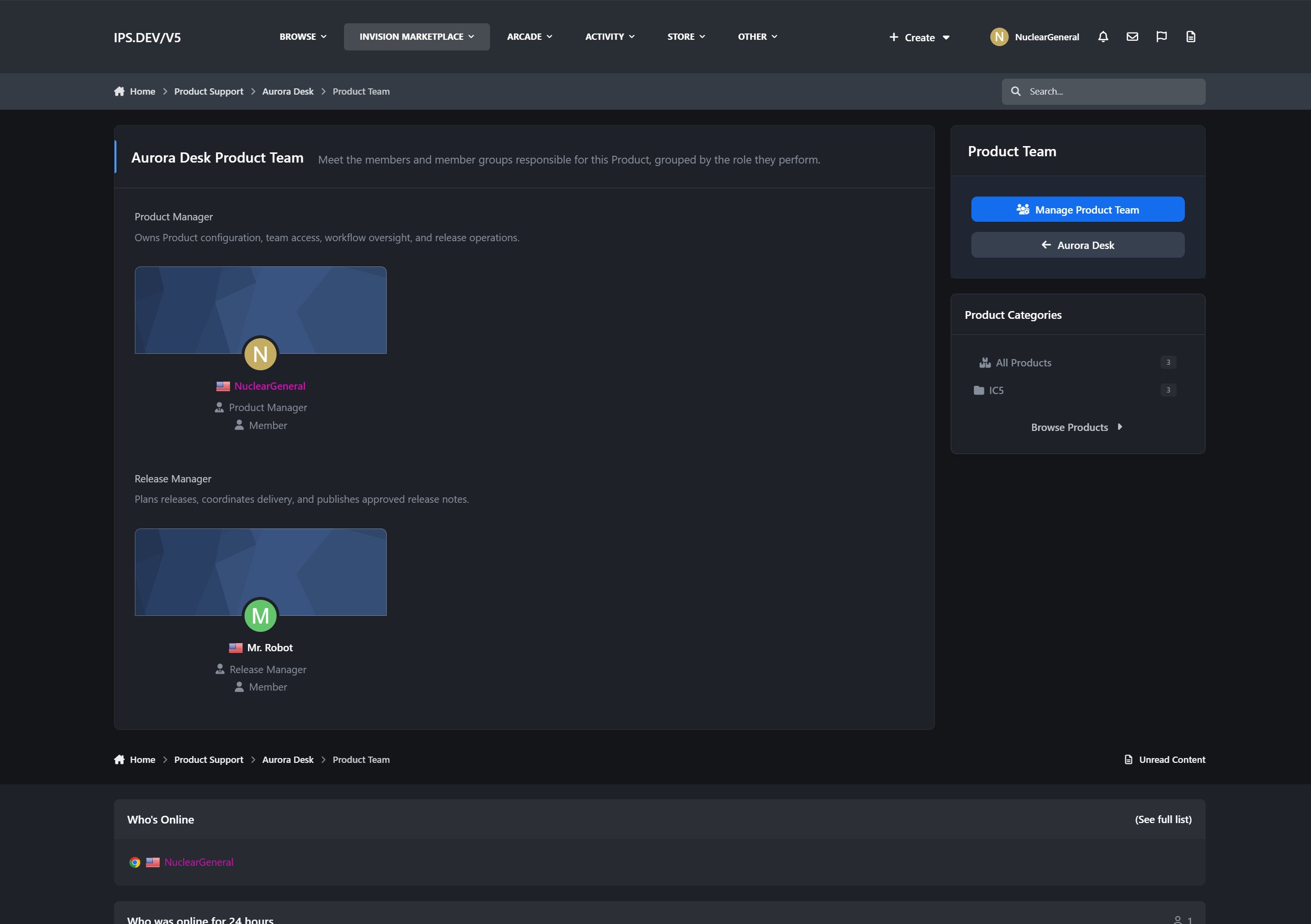
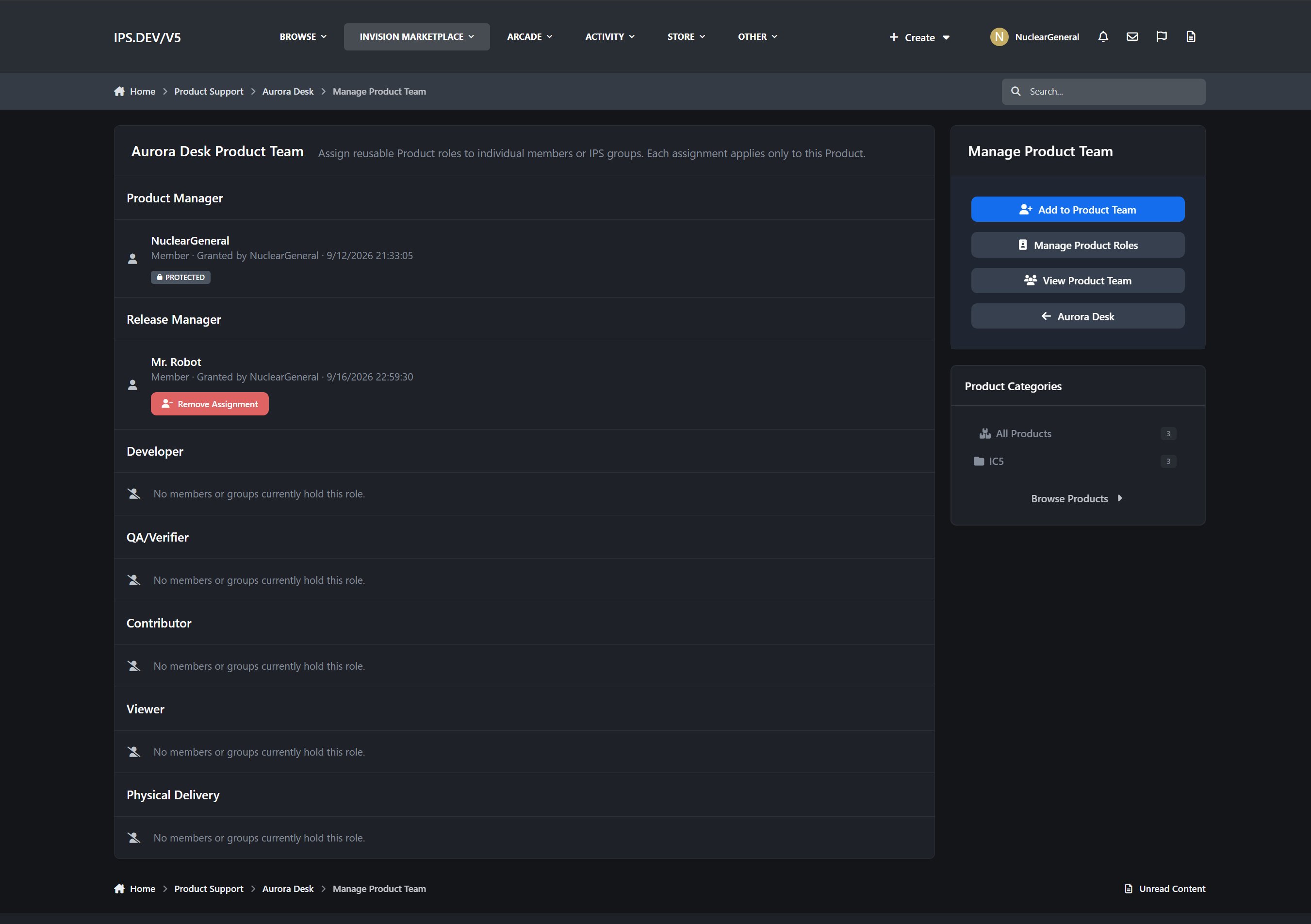
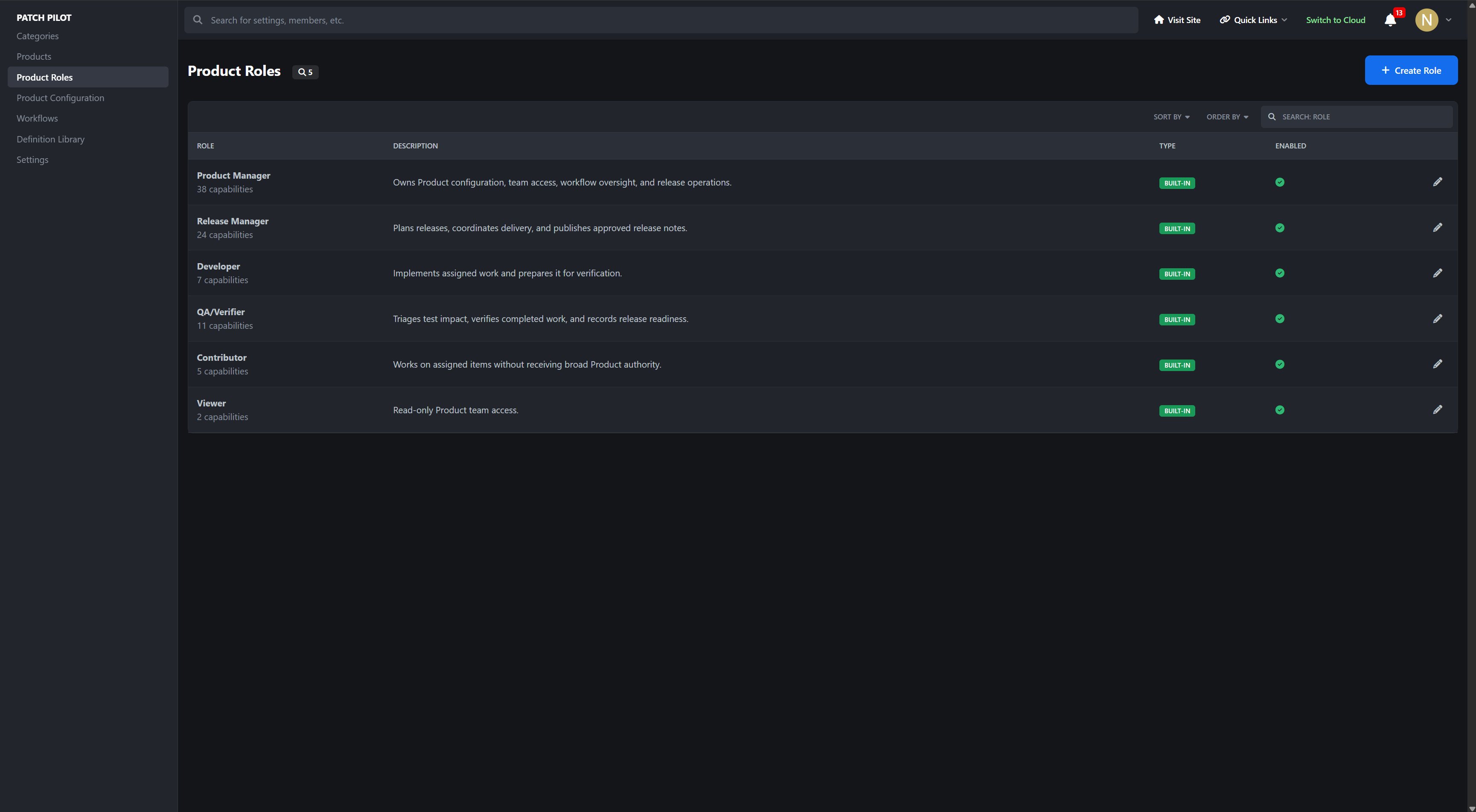
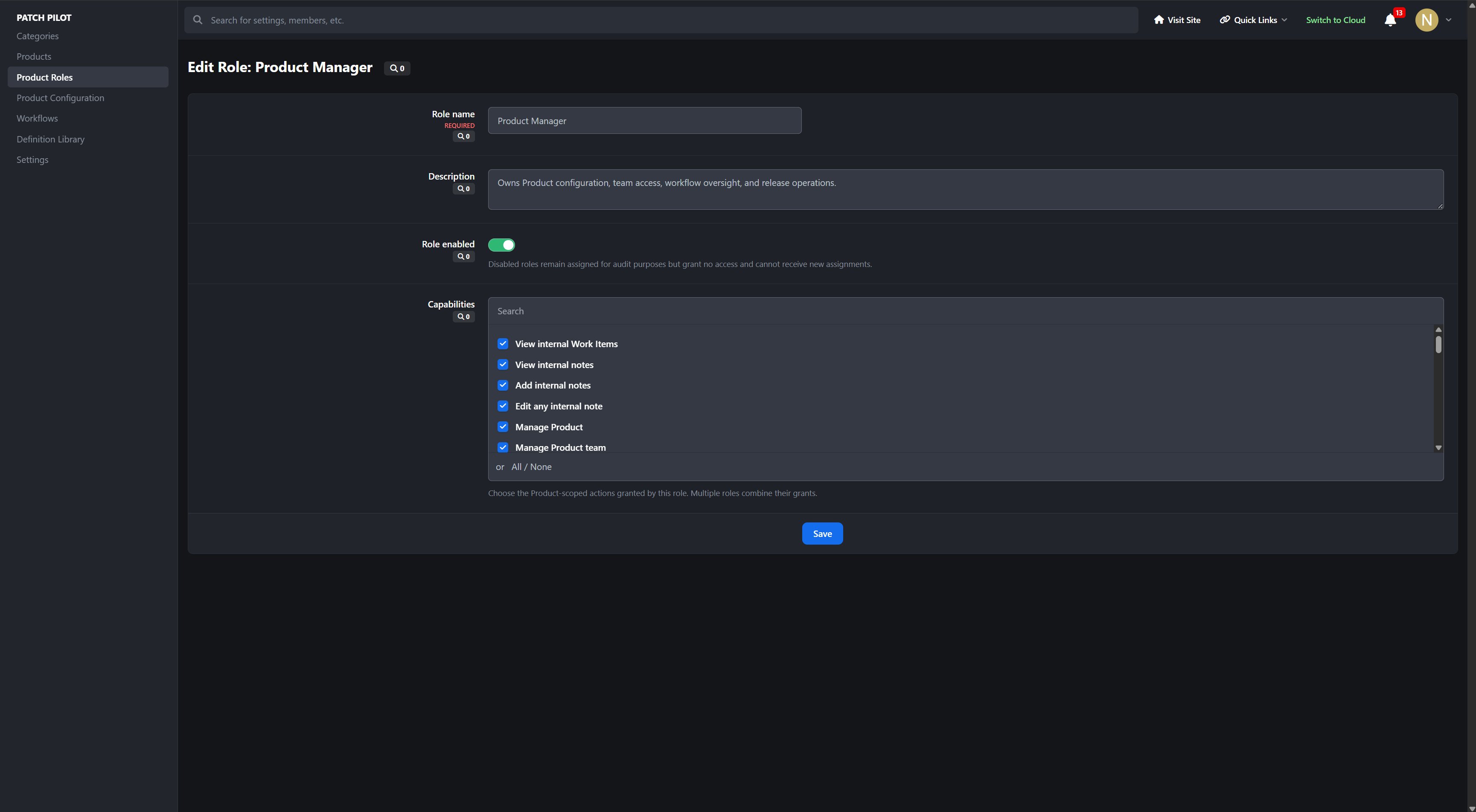
Product-specific teams organized by configurable roles
Public Product Team directory with member profile cards
Front-end Product management for authorized team members
Product submission and approval workflow
Safe default access permissions applied during Product creation
Product archiving, restoration, and guarded deletion controls
Flexible Work Item Tracking
Track the different kinds of work involved in maintaining a Product.
Bugs
Feature requests
Improvements
Development tasks
Documentation work
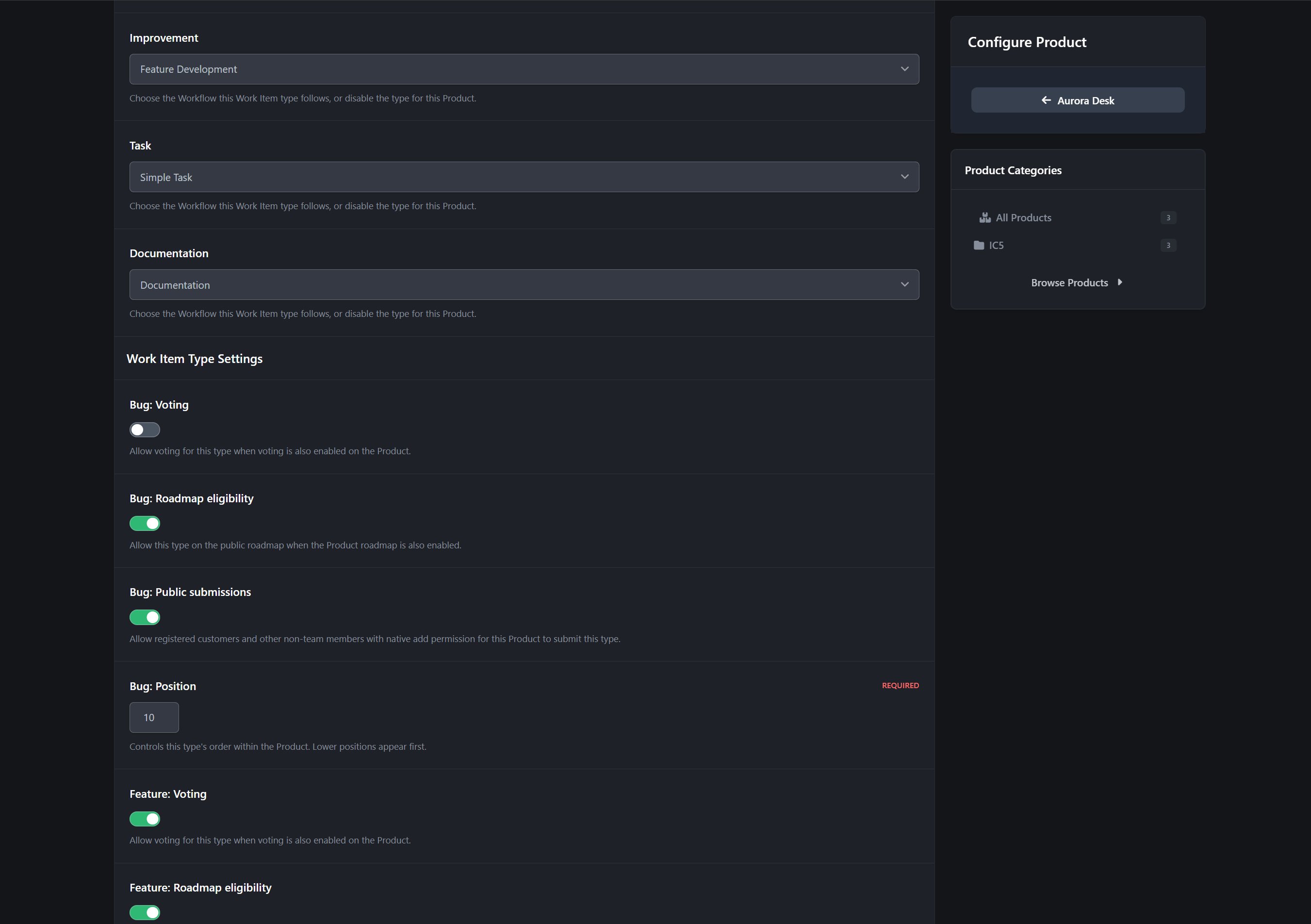
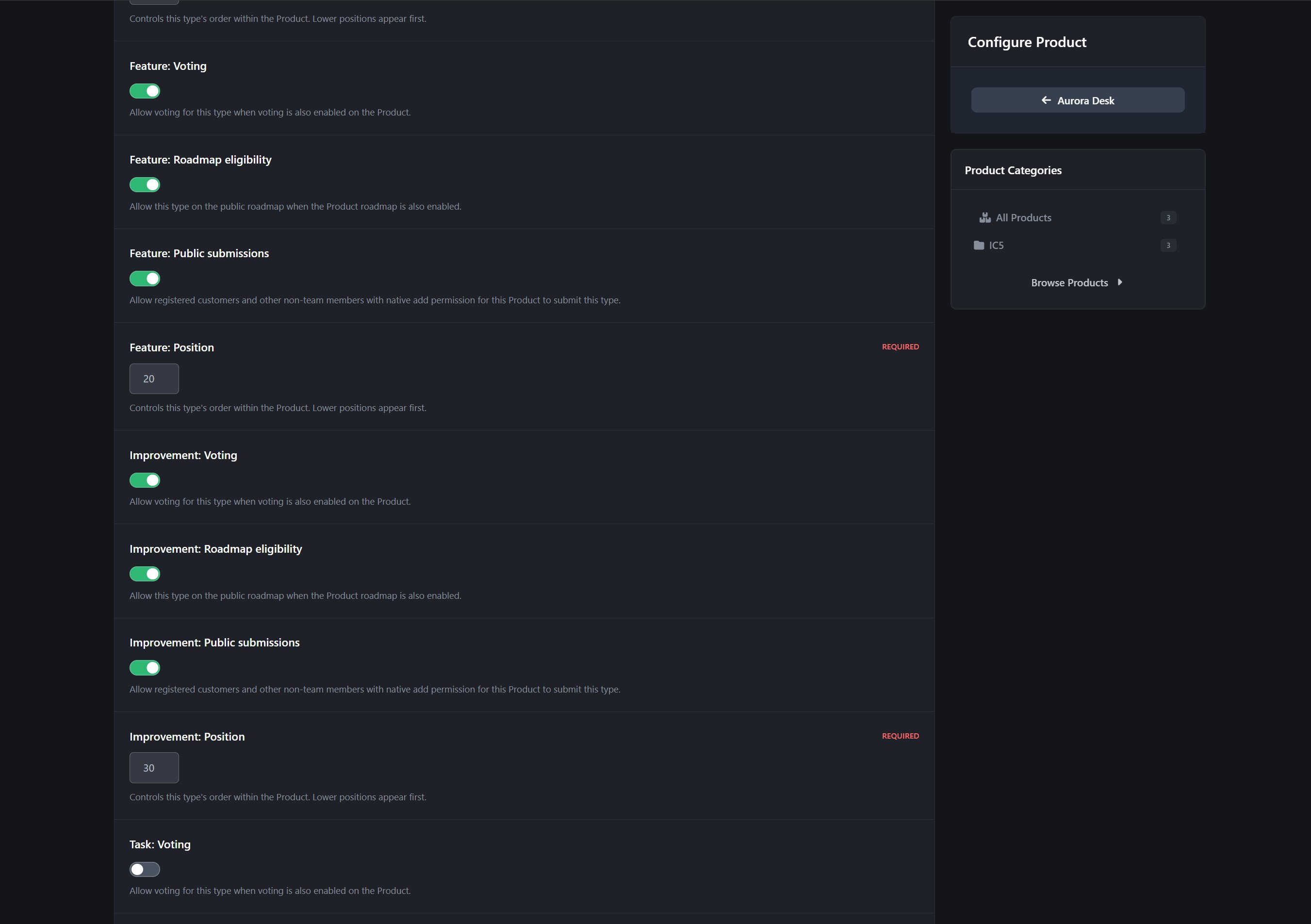
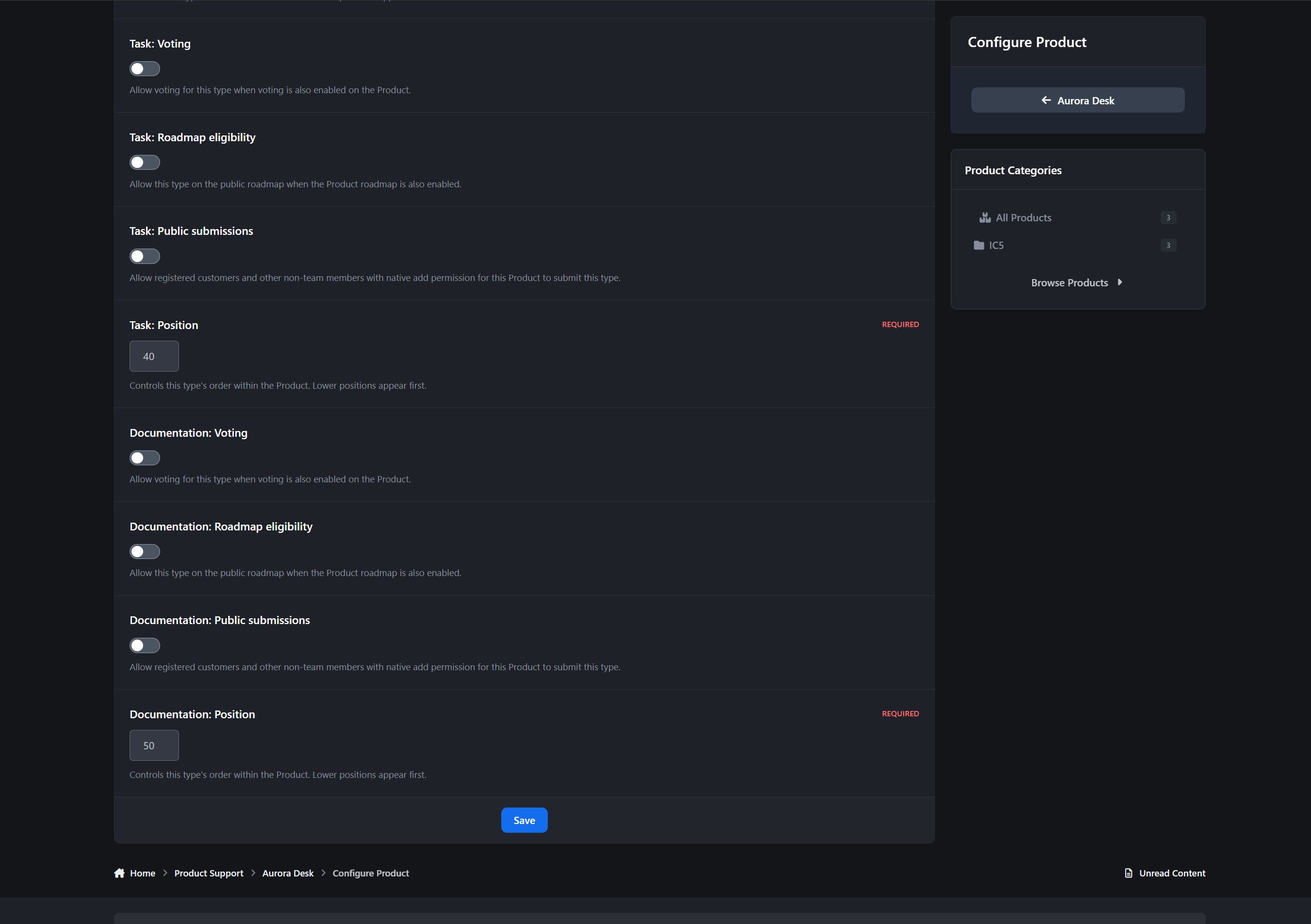
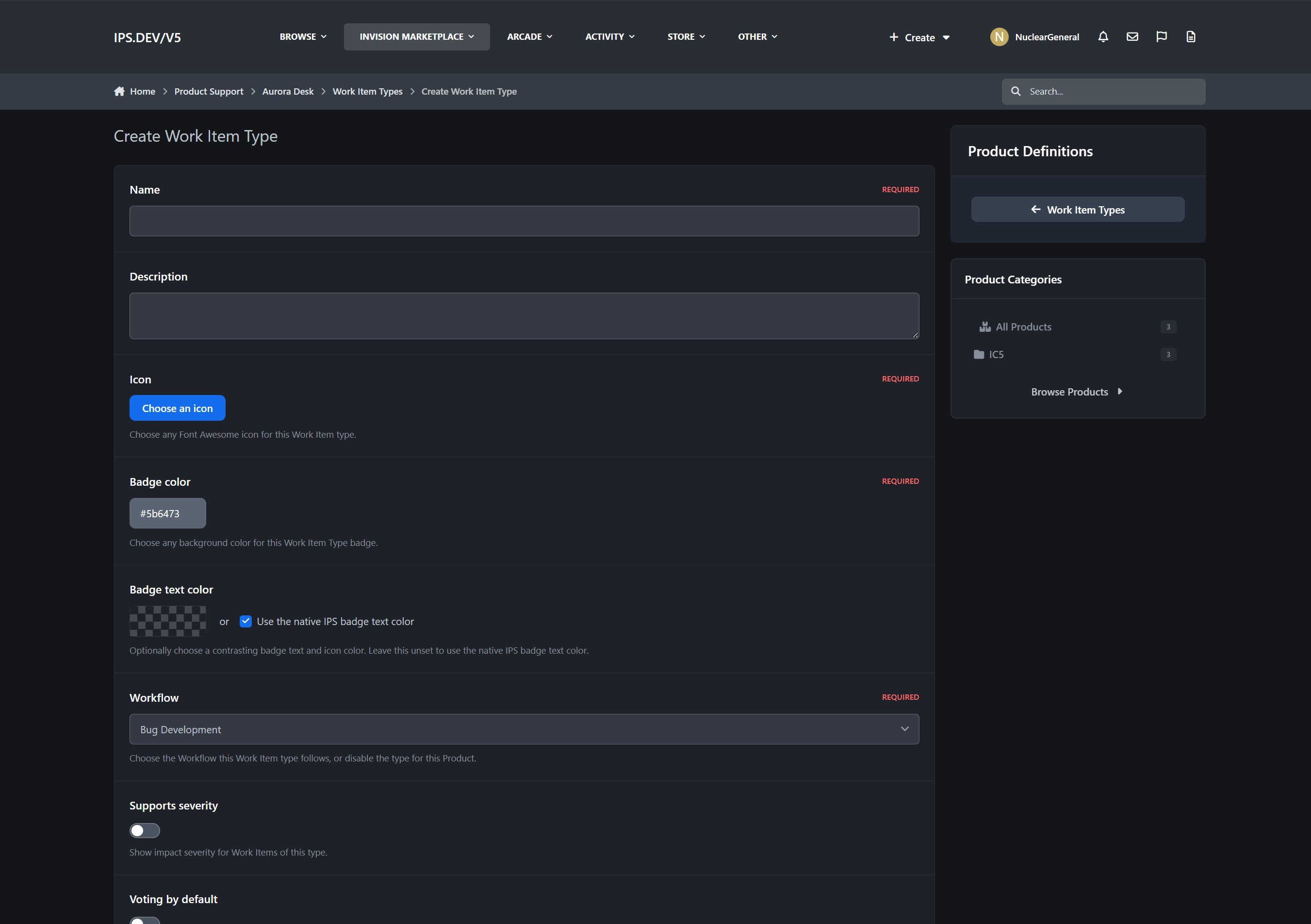
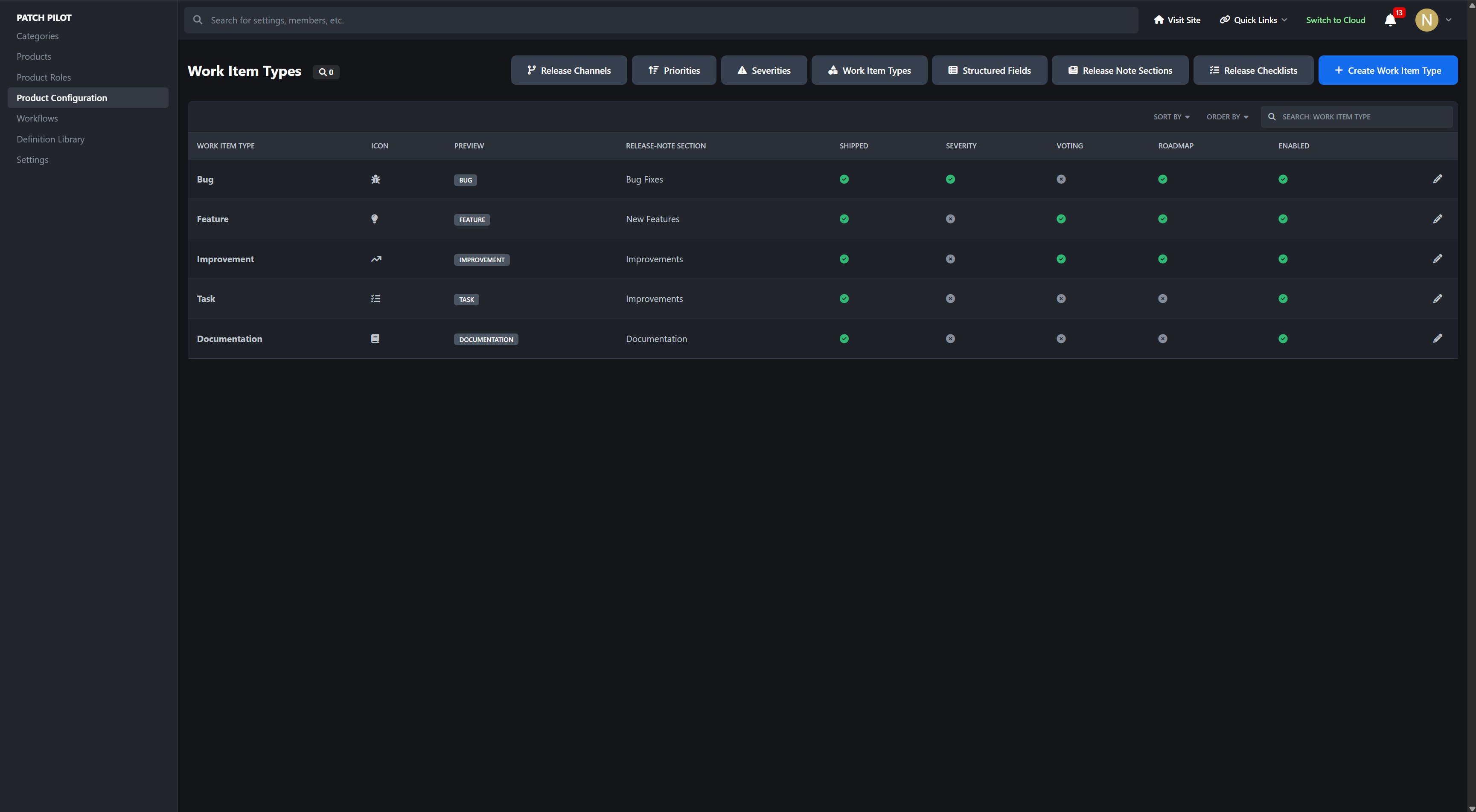
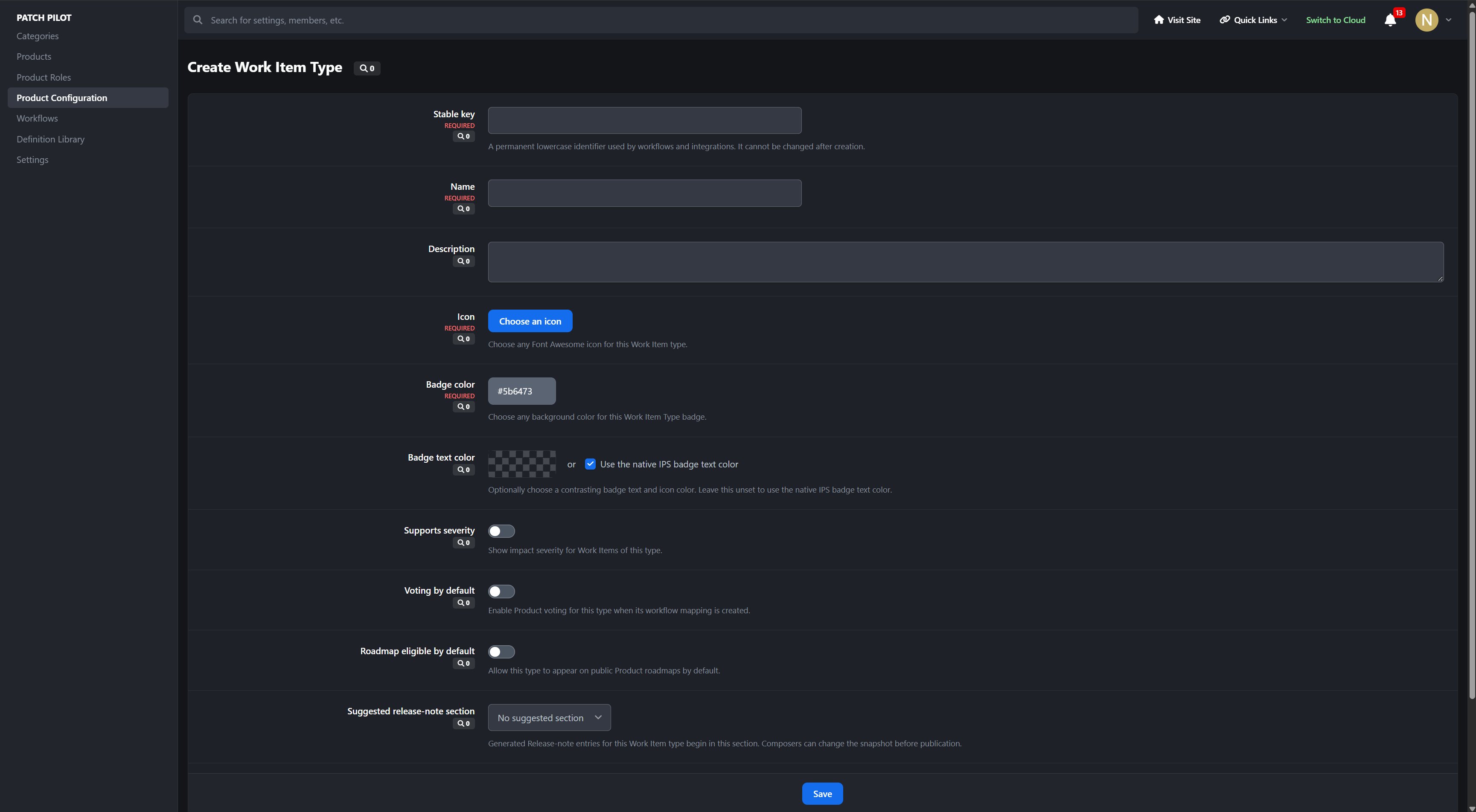
Configurable Work Item Types
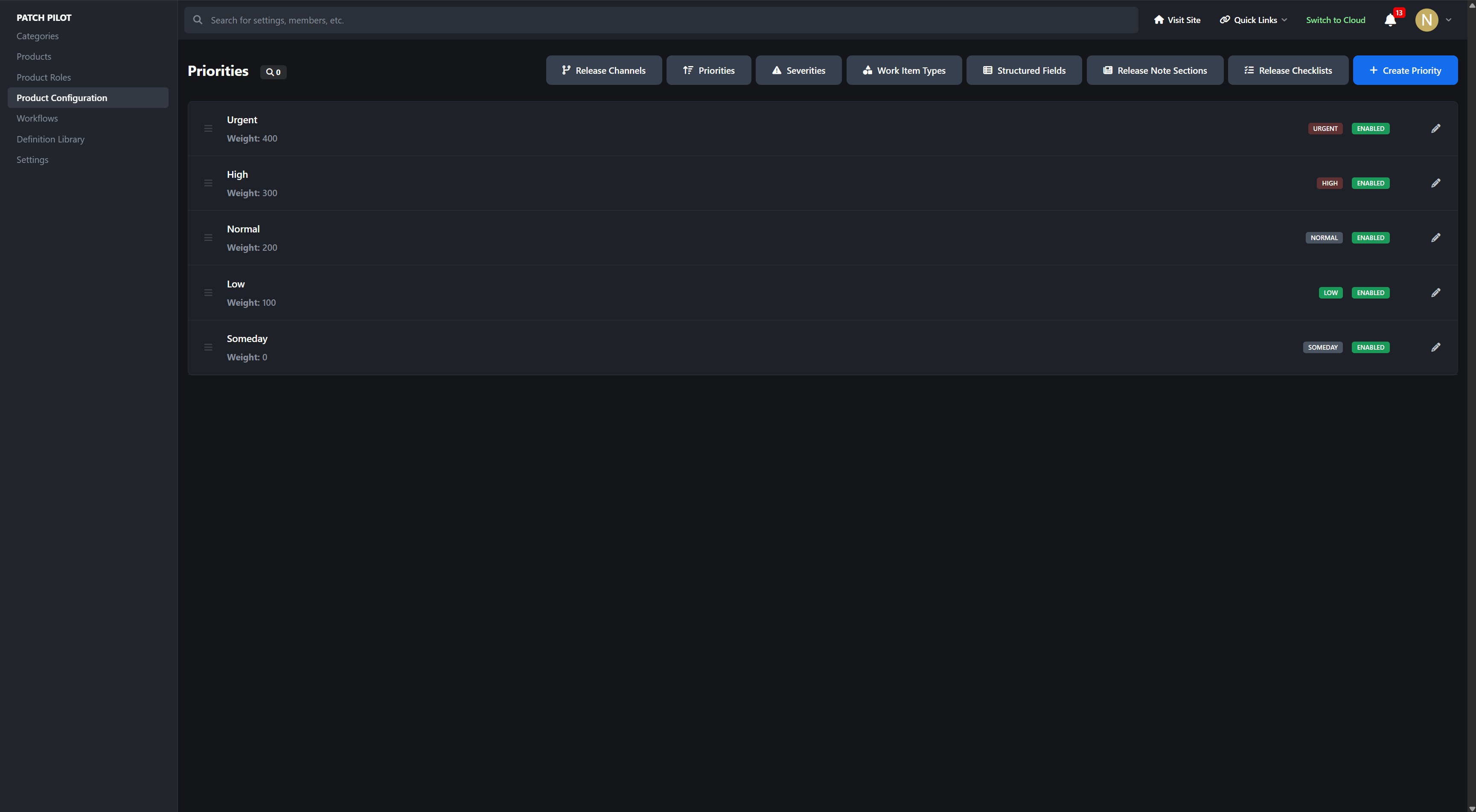
Priorities and optional severities
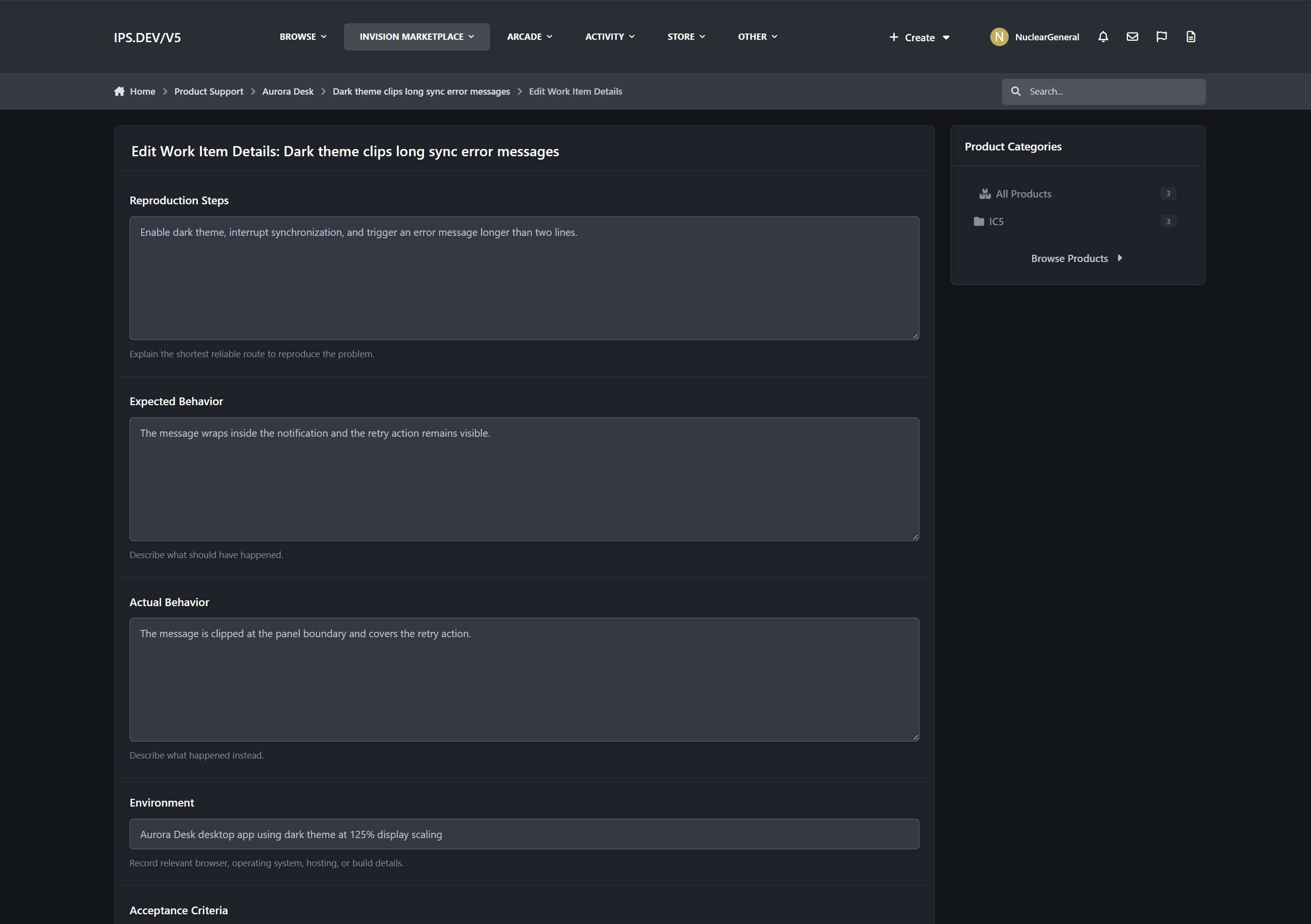
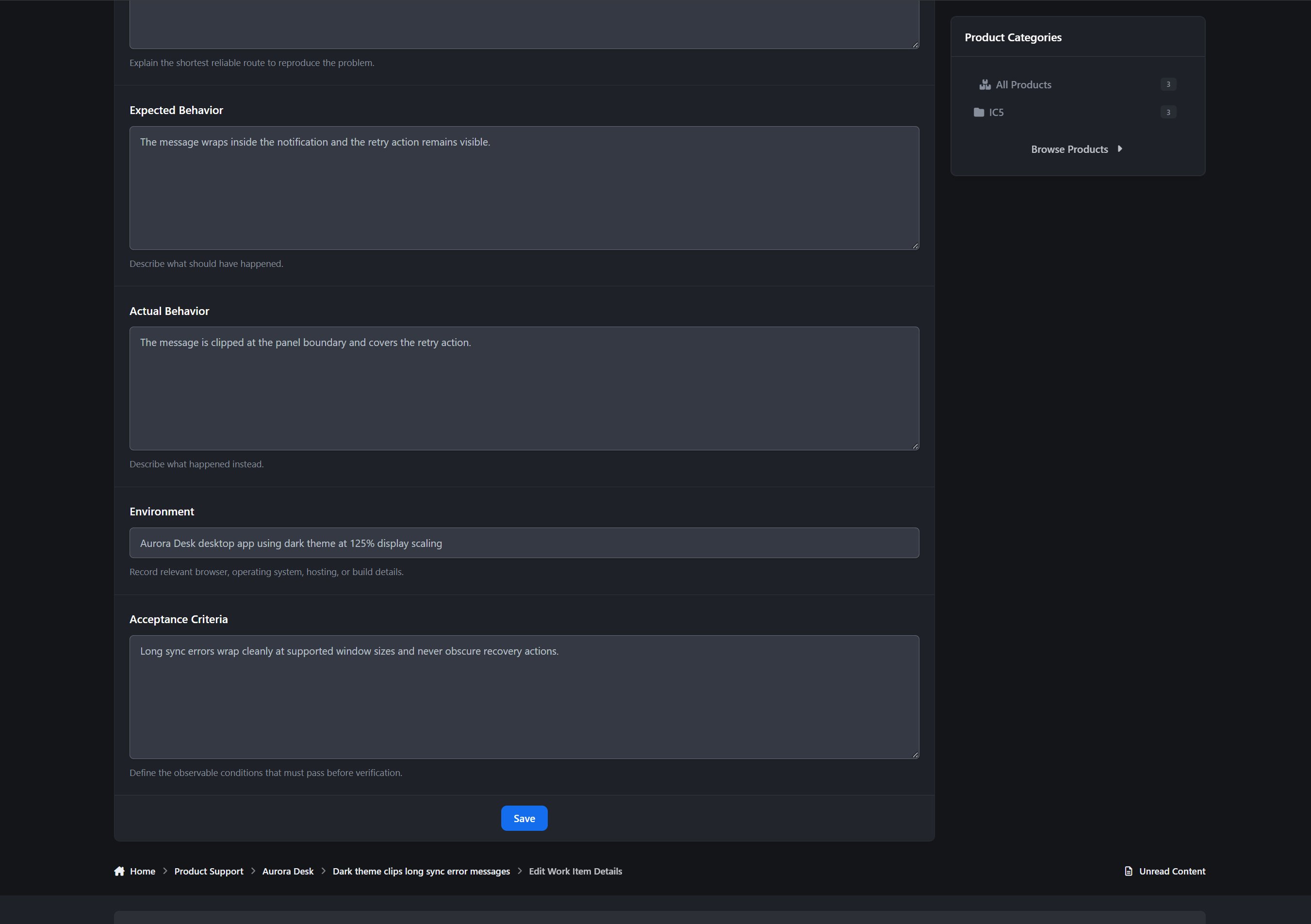
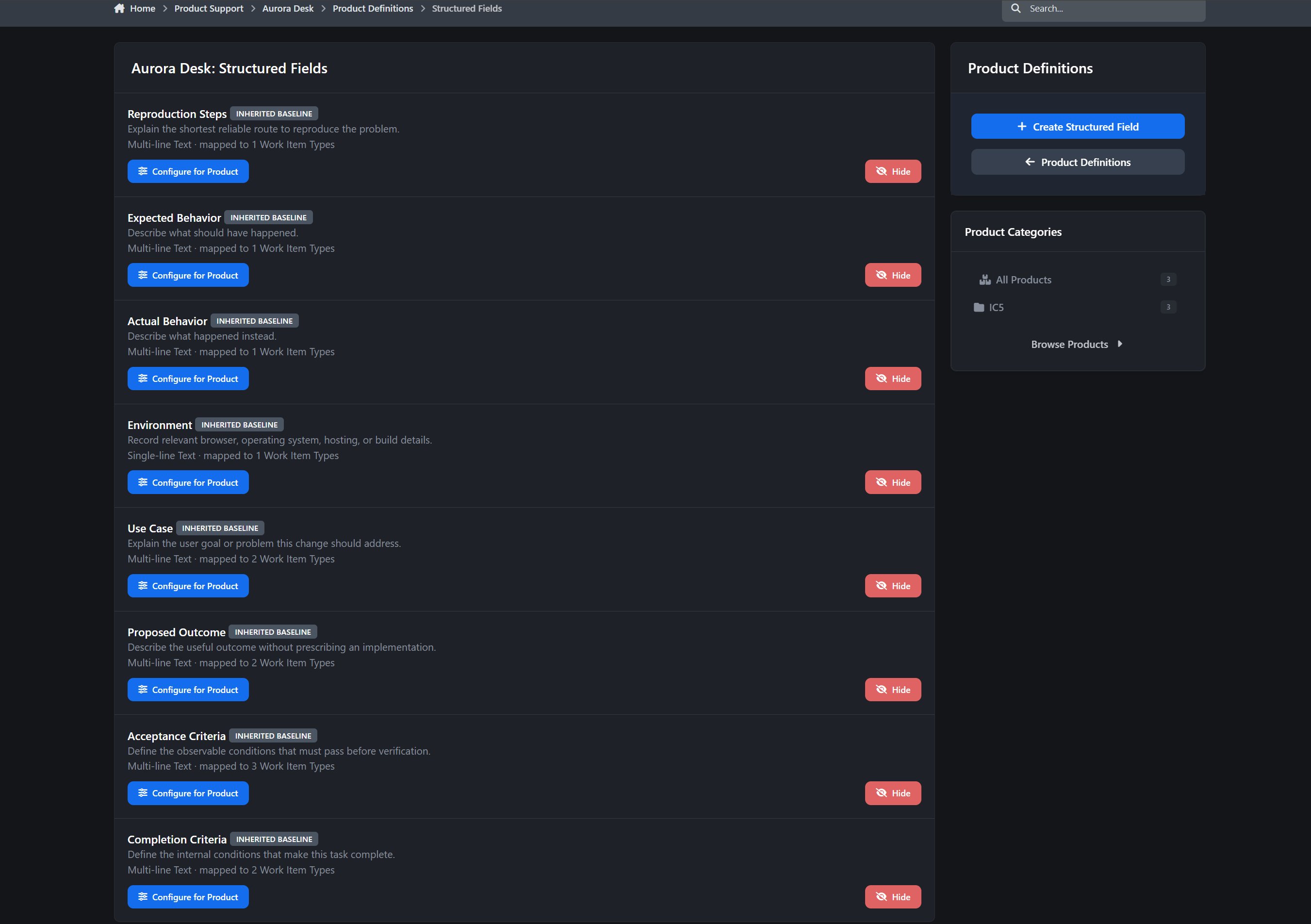
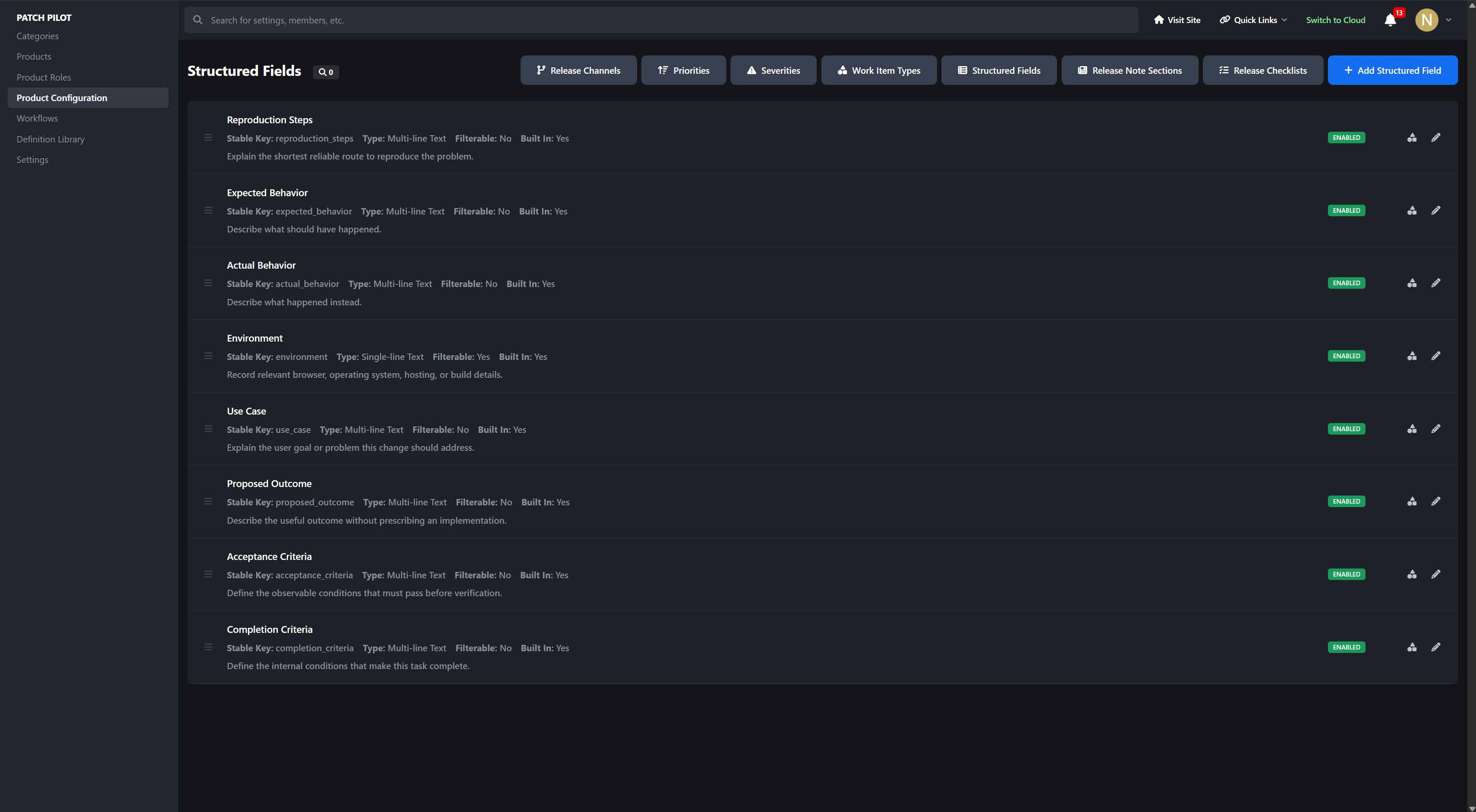
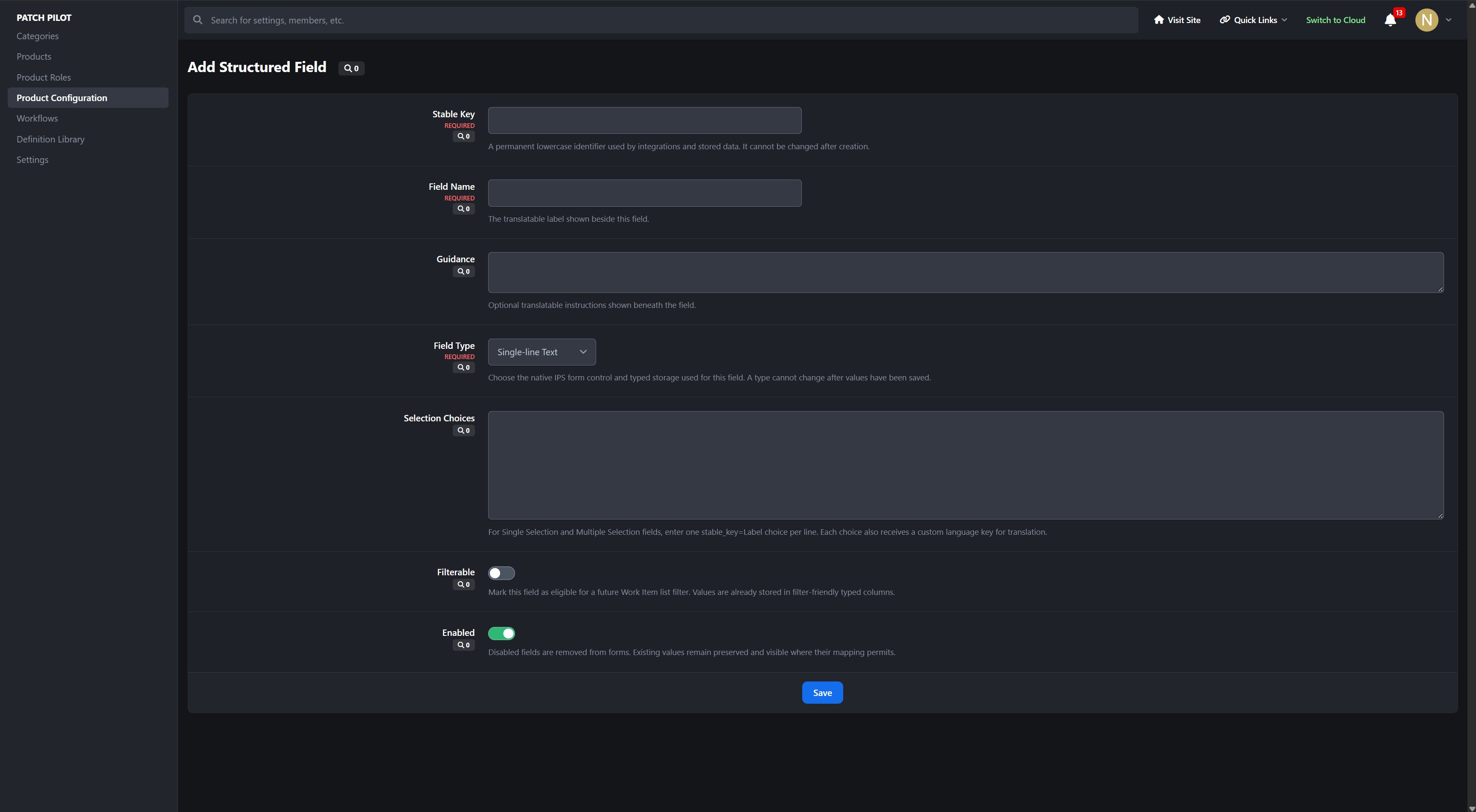
Public and Product Team-only structured fields
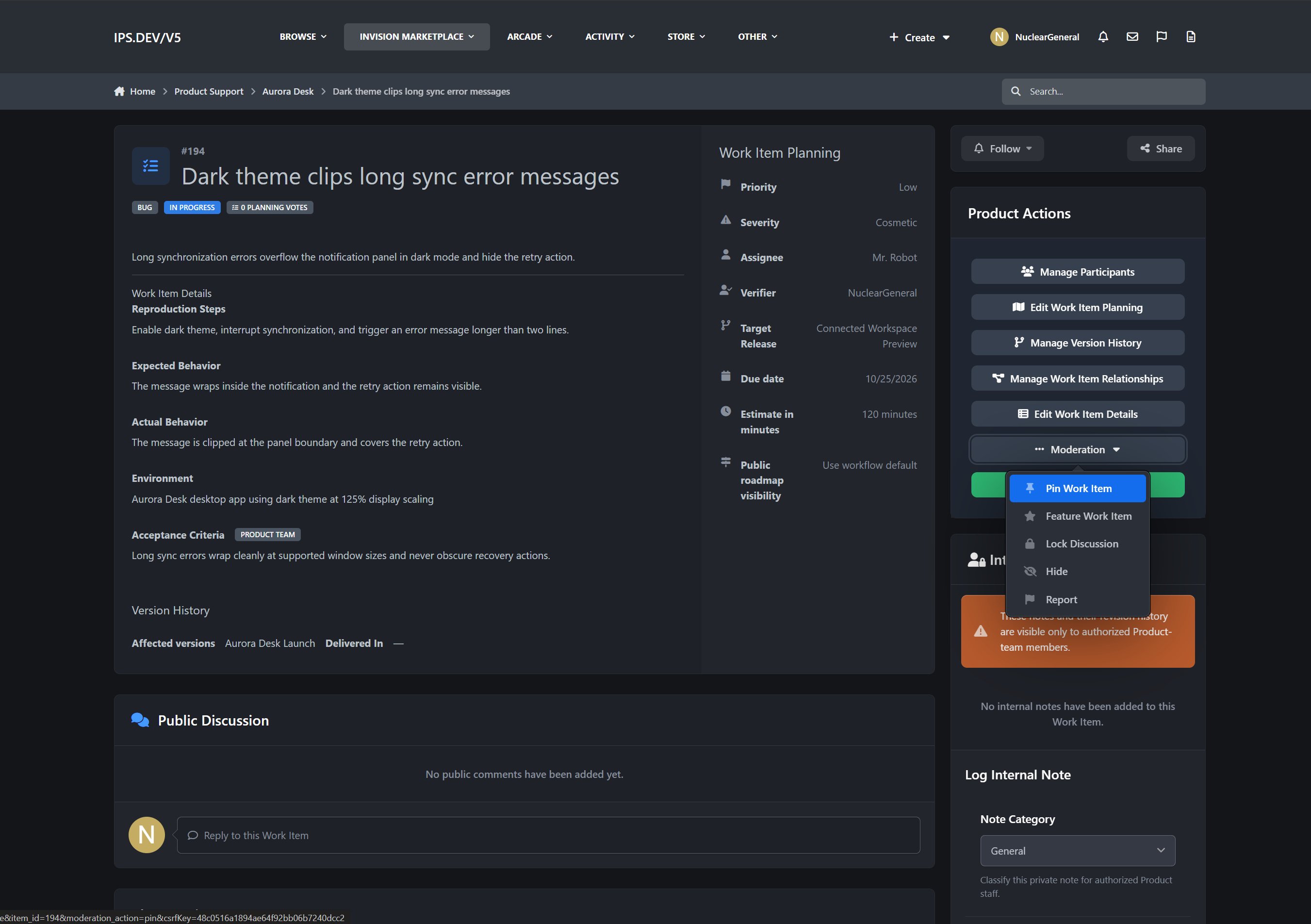
Assignee and verifier tracking
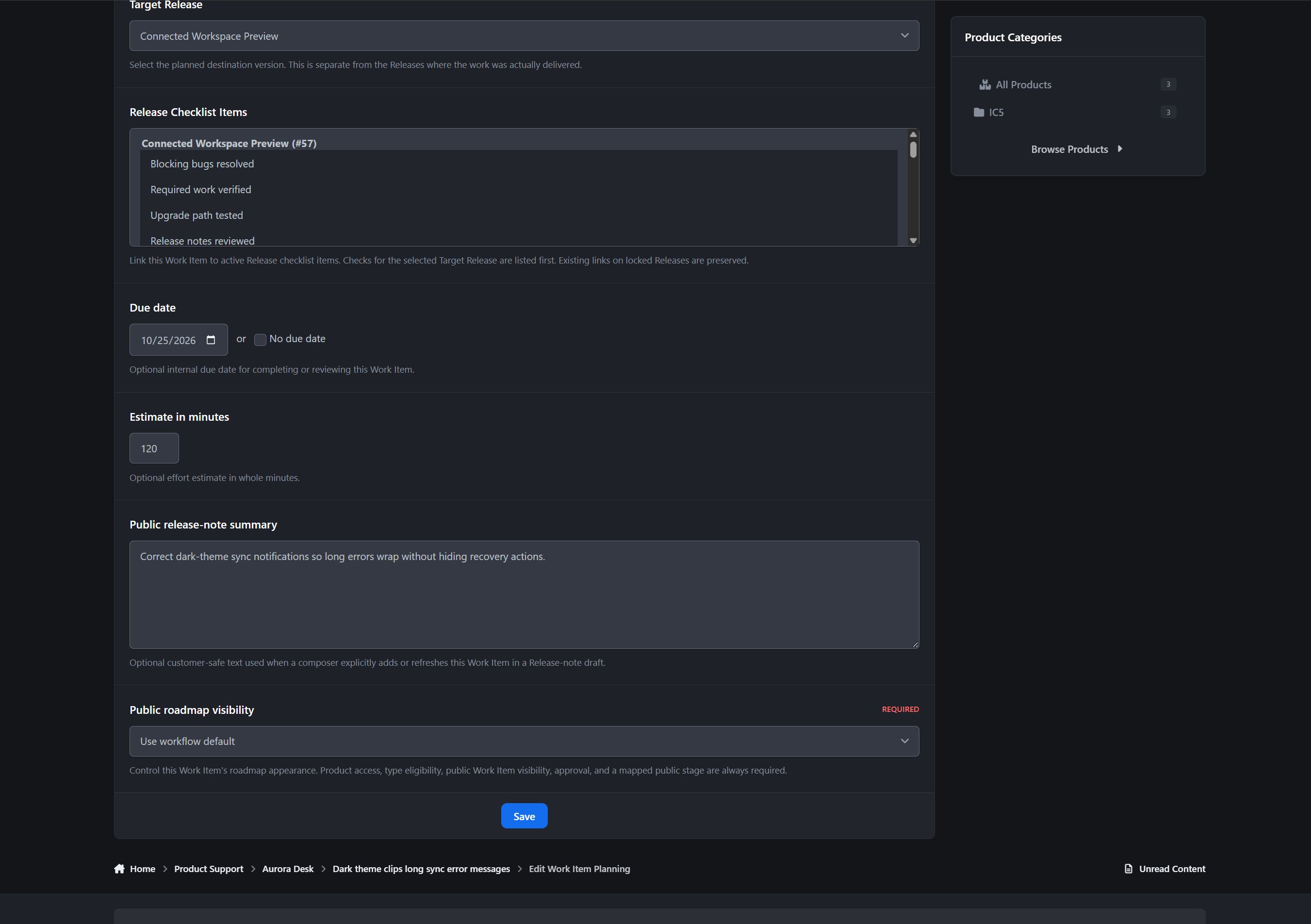
Target Release, due date, and estimate planning
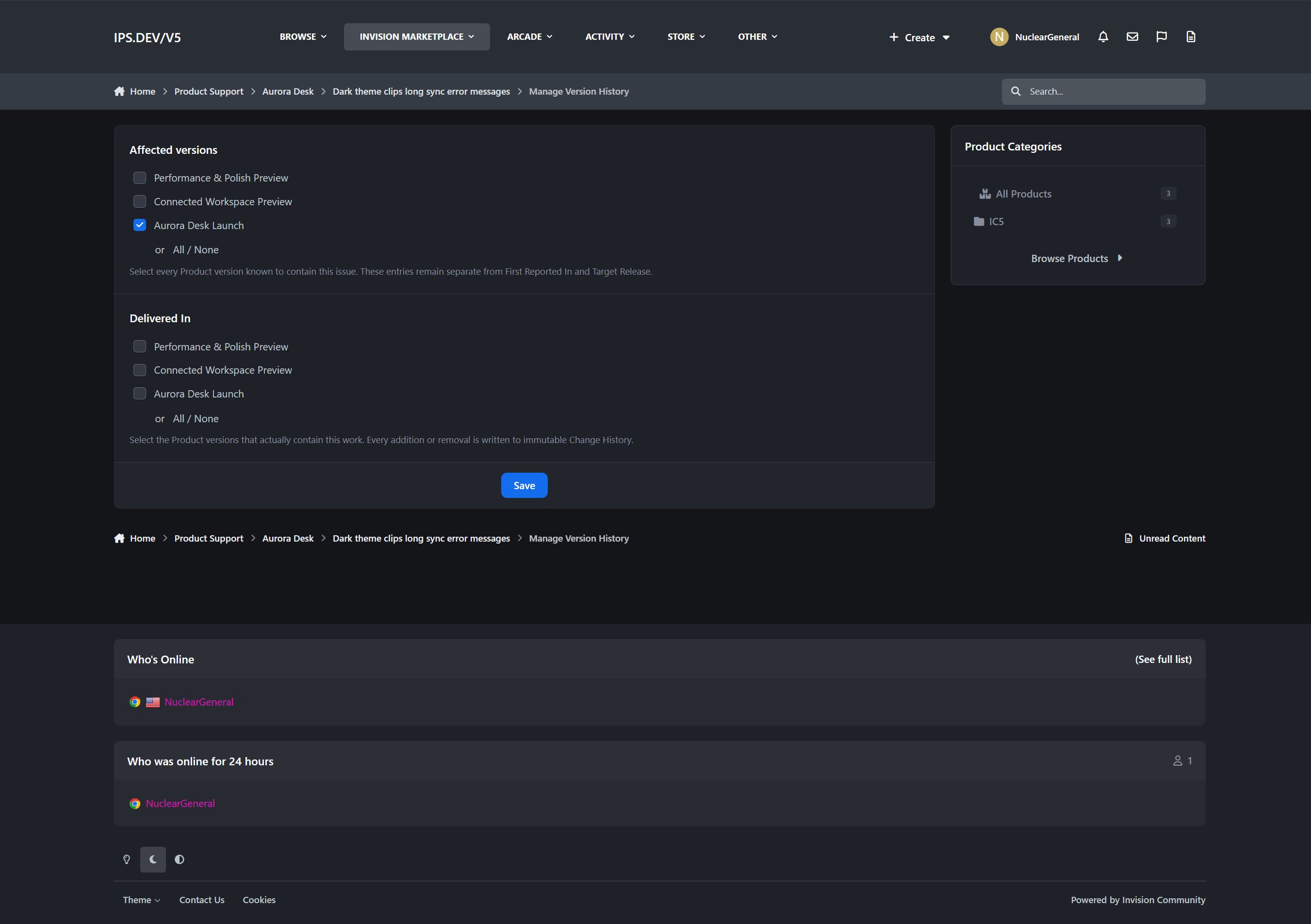
Affected In and Delivered In version history
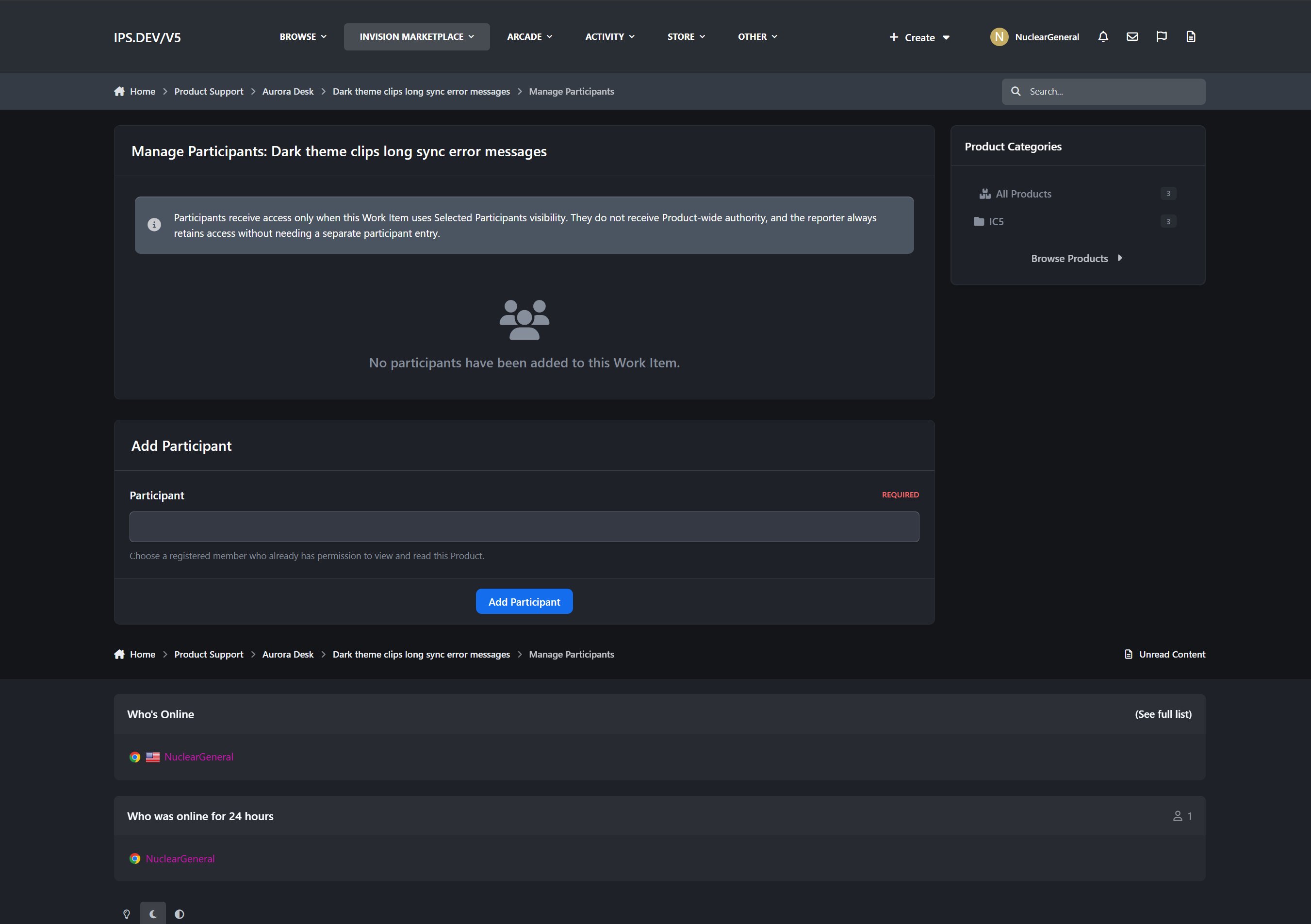
Work Item participants
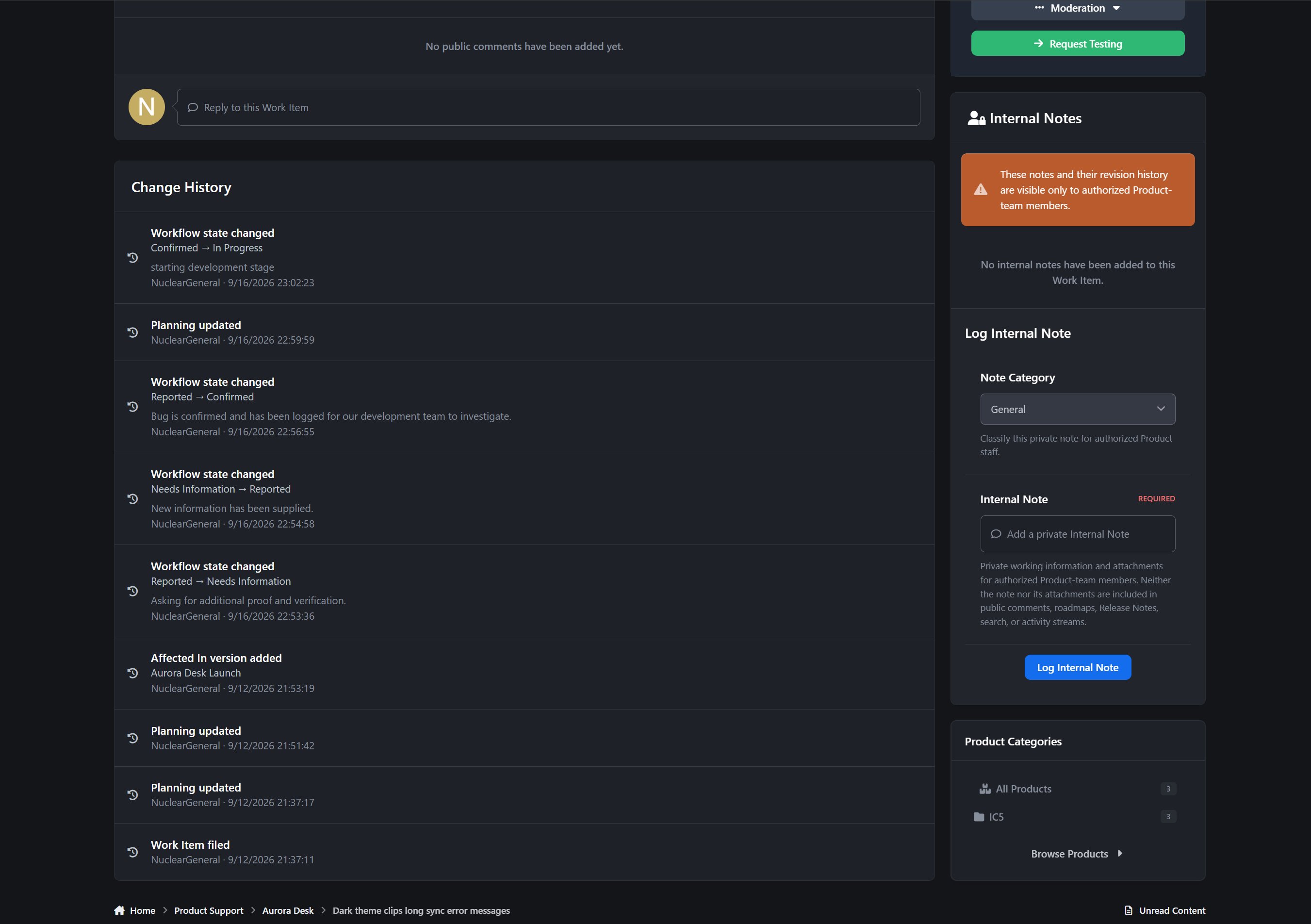
Internal Product Team notes
Related, duplicate, blocking, dependency, backport, and follow-up relationships
Immutable Change History
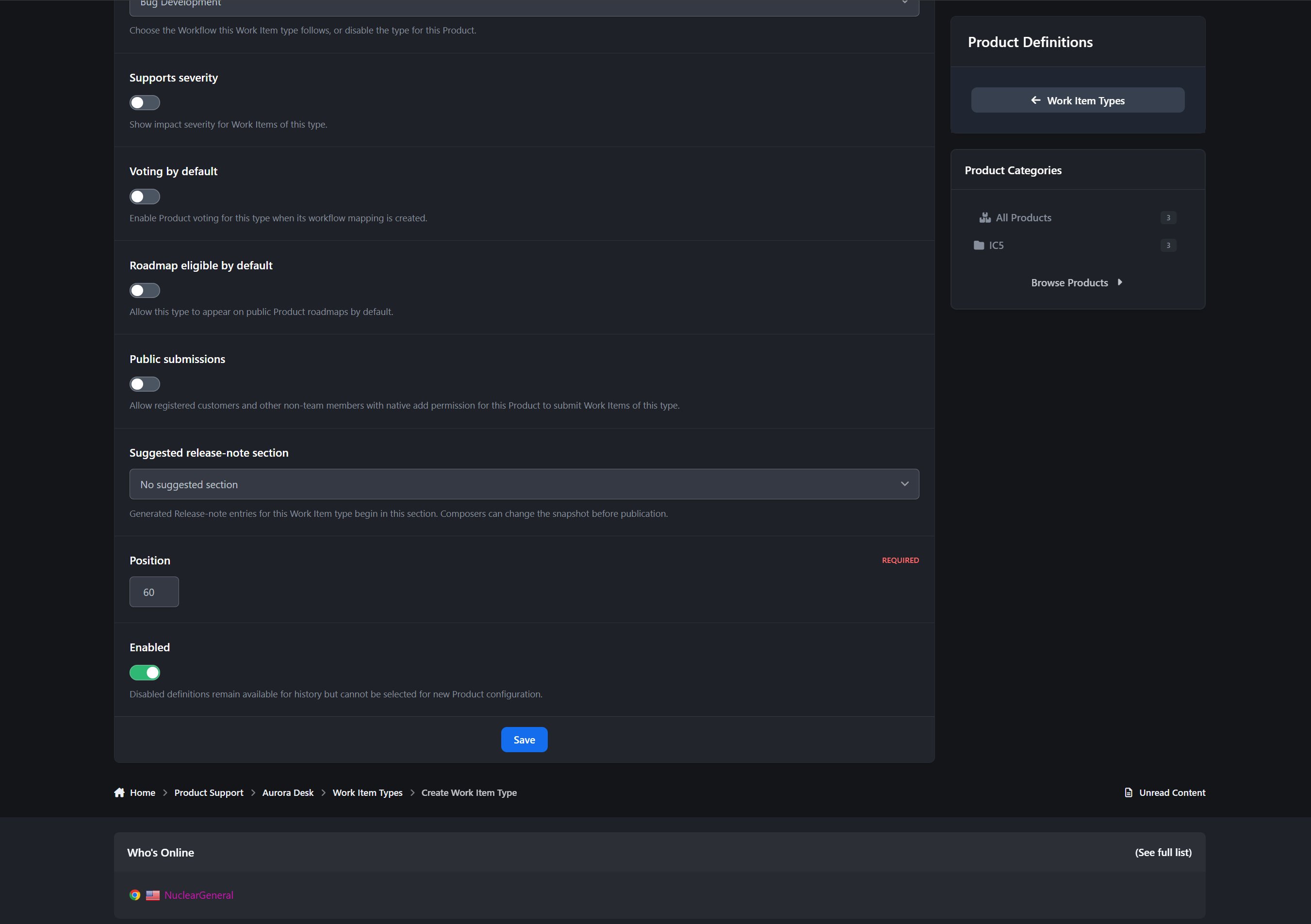
Each Work Item Type can control whether public submissions, planning votes, severity, roadmap placement, and other features are available.
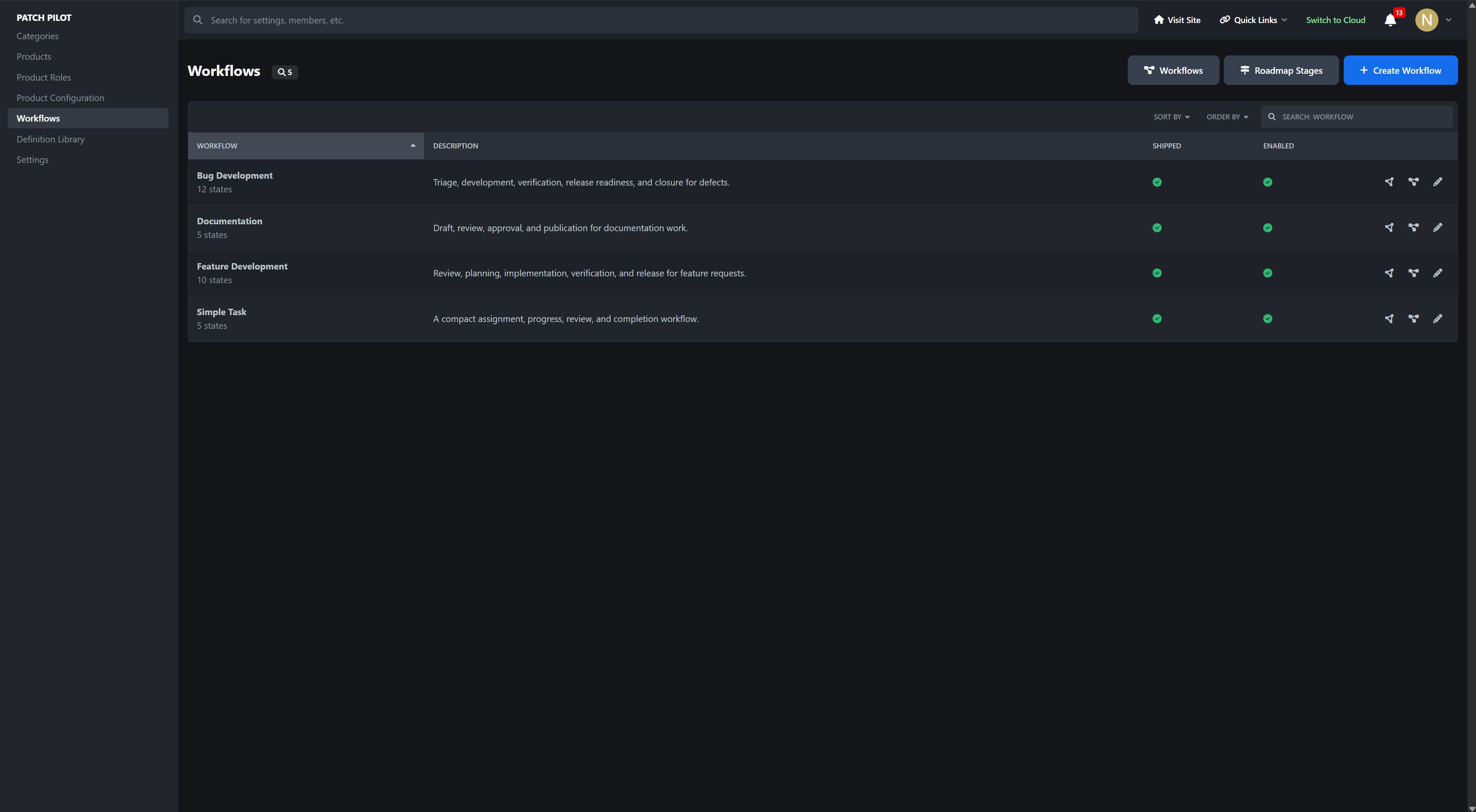
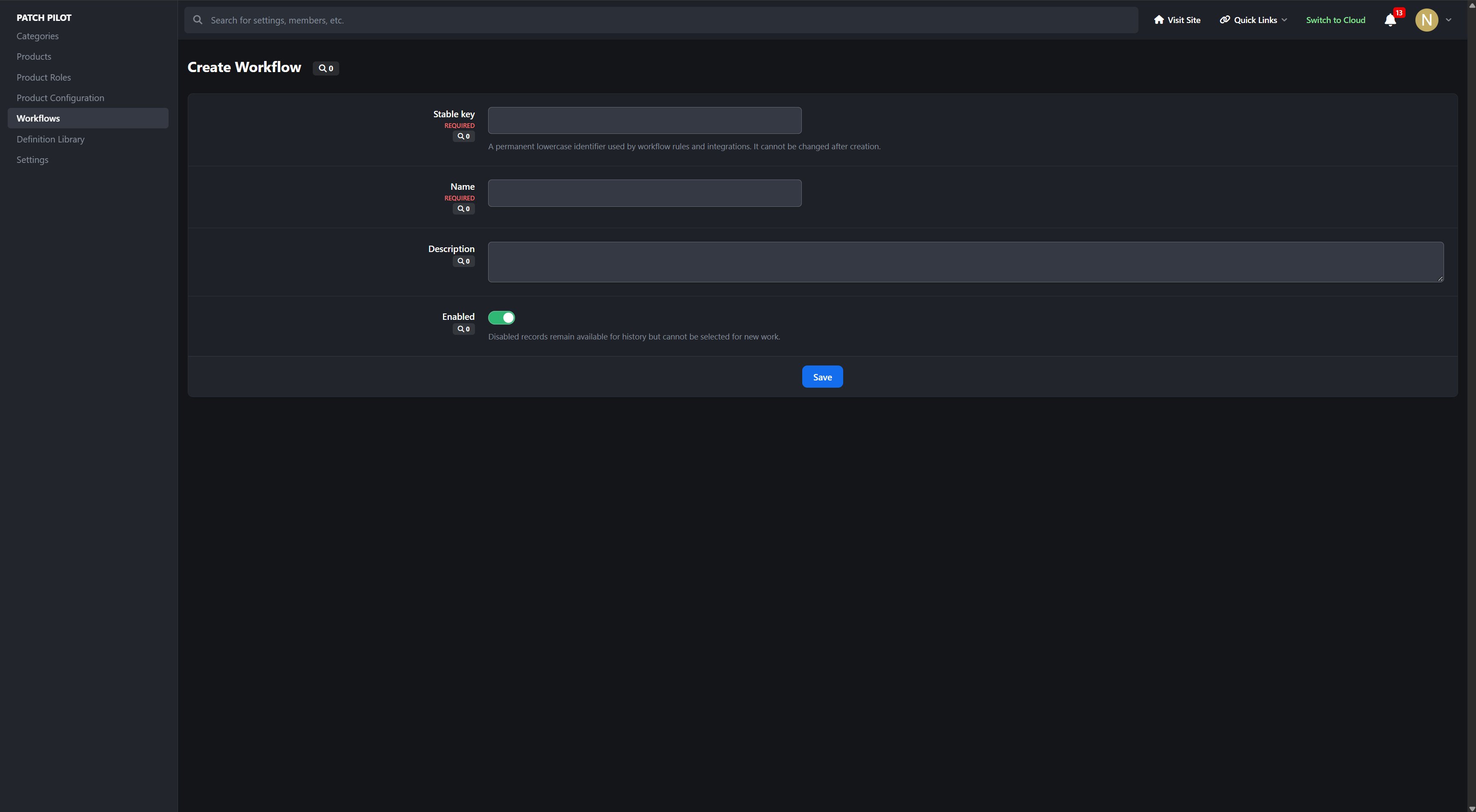
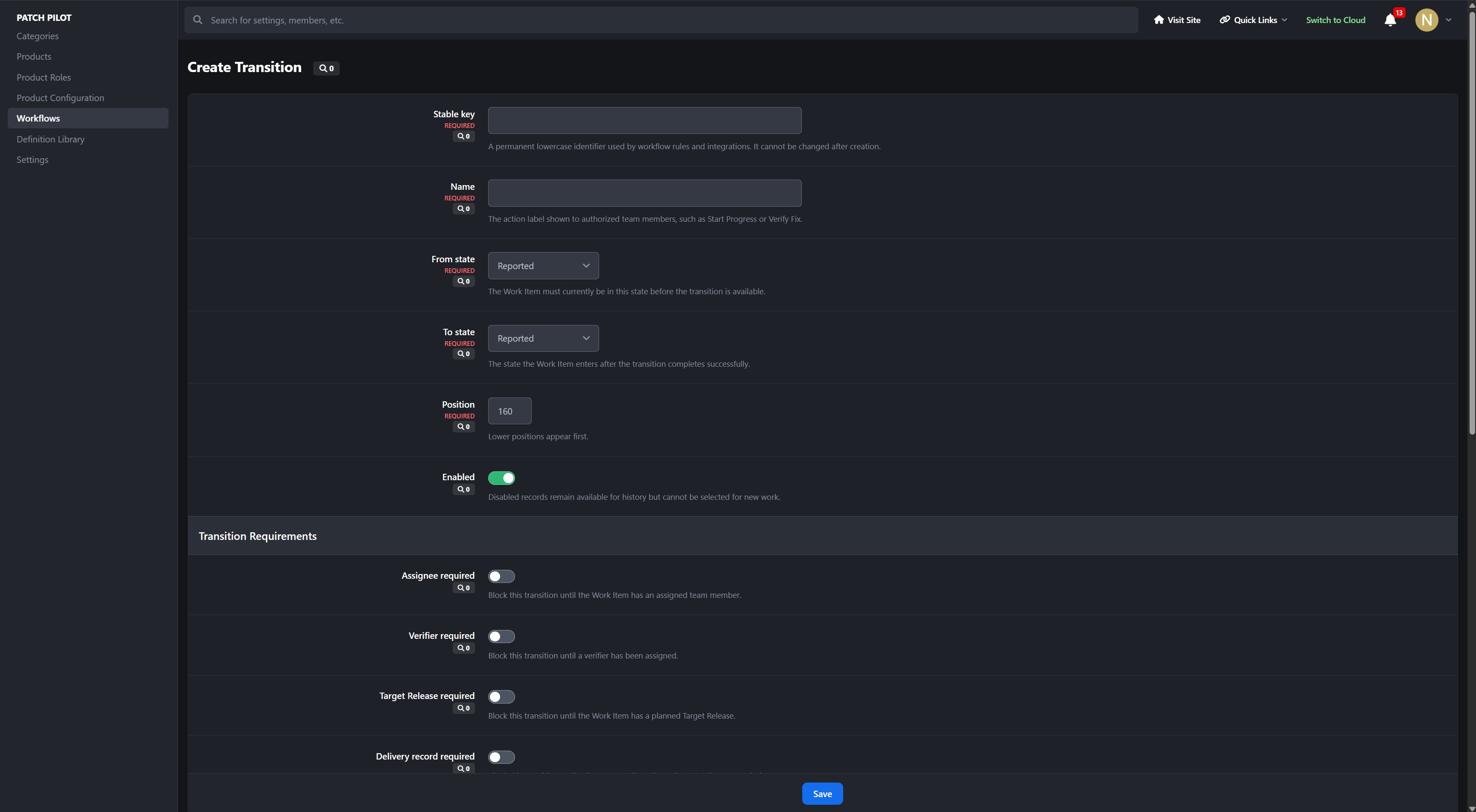
Configurable Workflows
Build development processes that match the way your team actually works.
Reusable Workflows
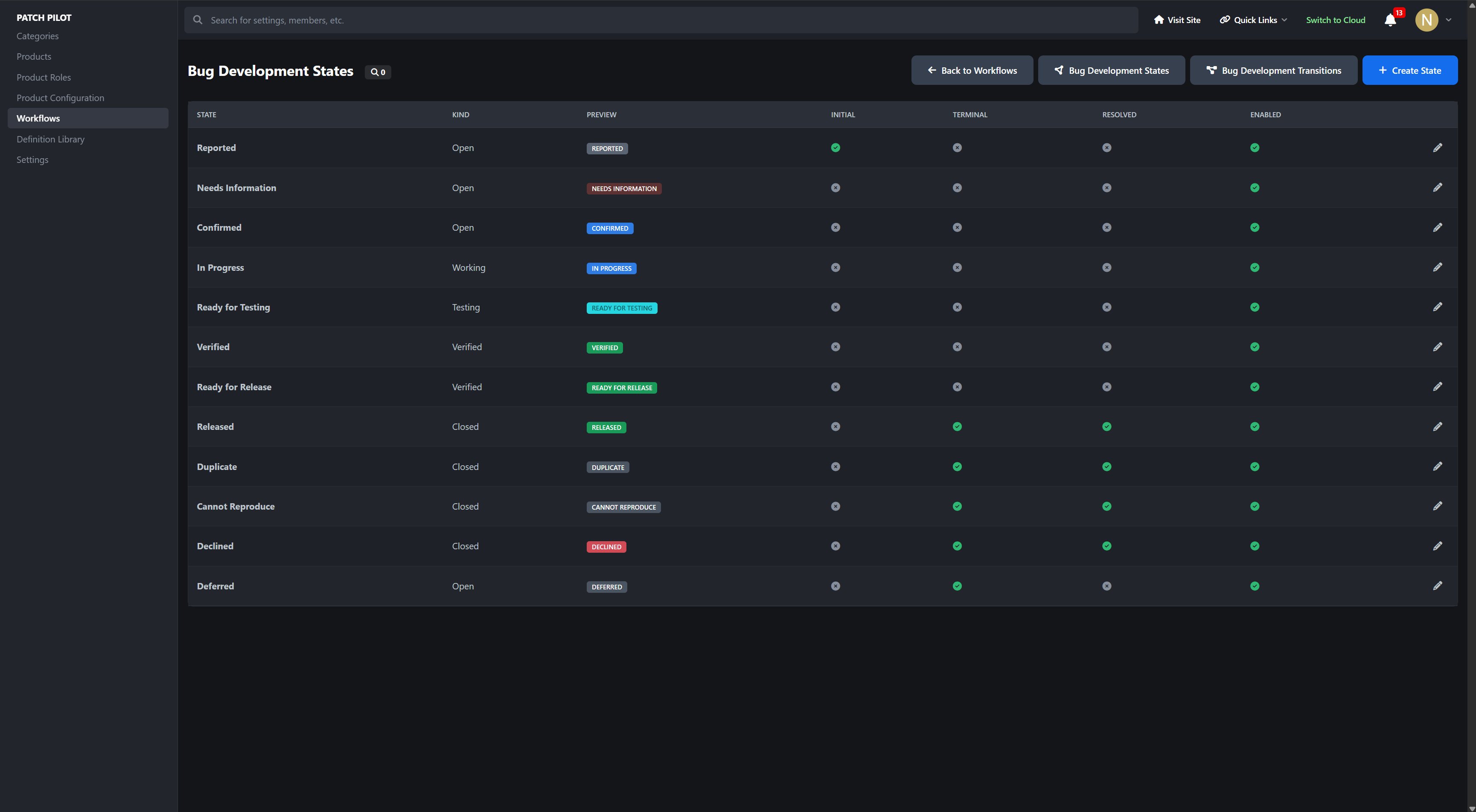
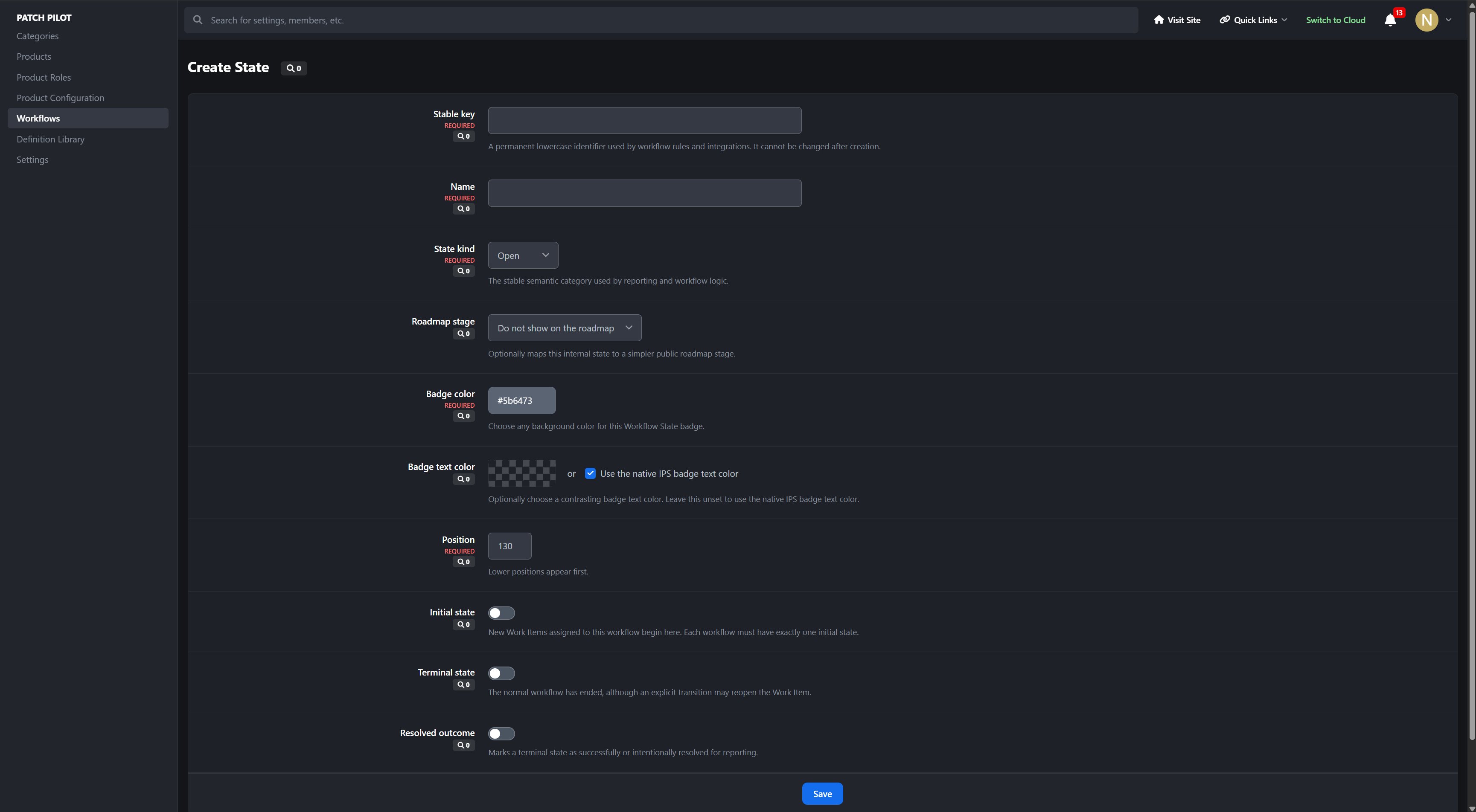
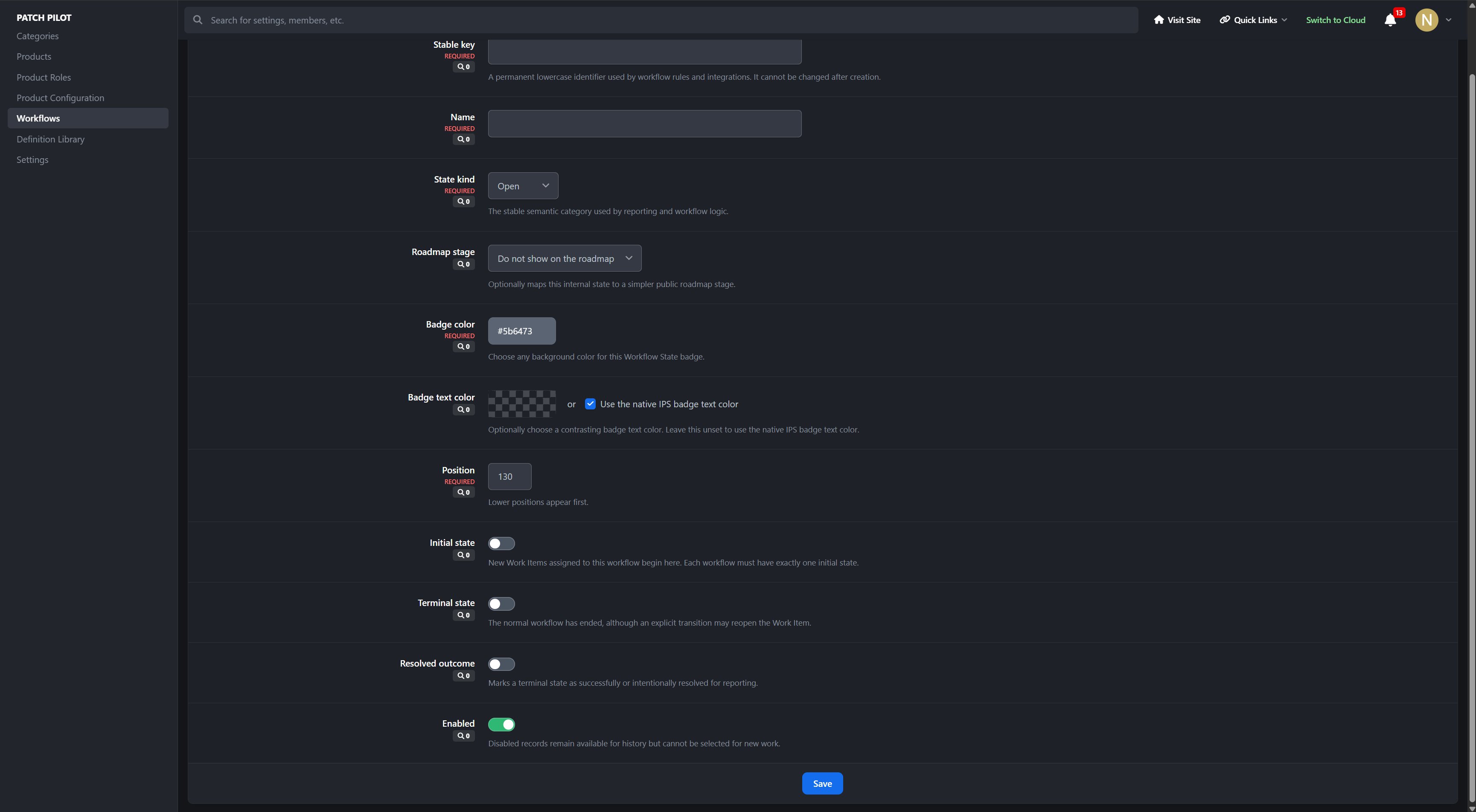
Ordered Workflow States
Public roadmap-stage mappings
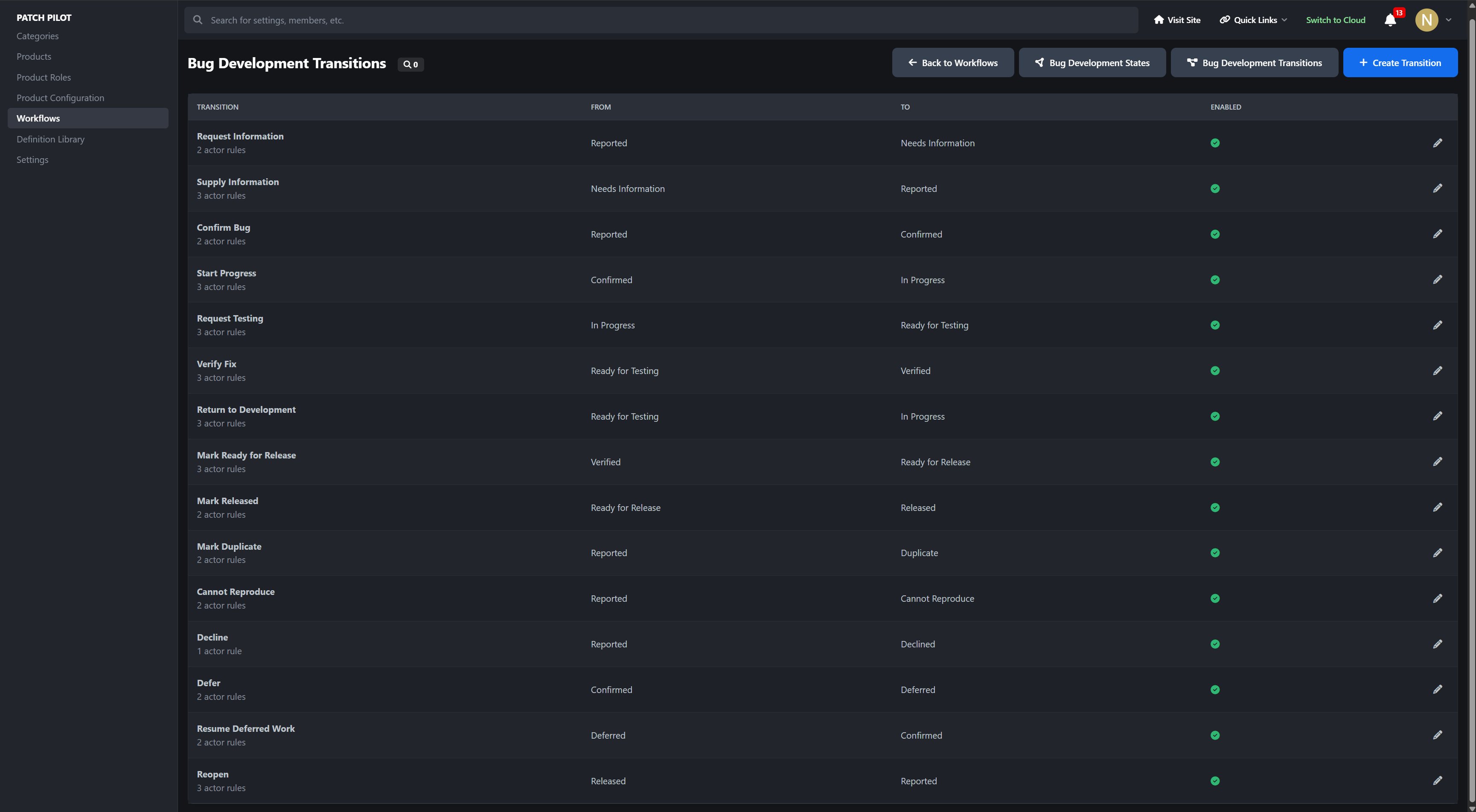
Directed state transitions
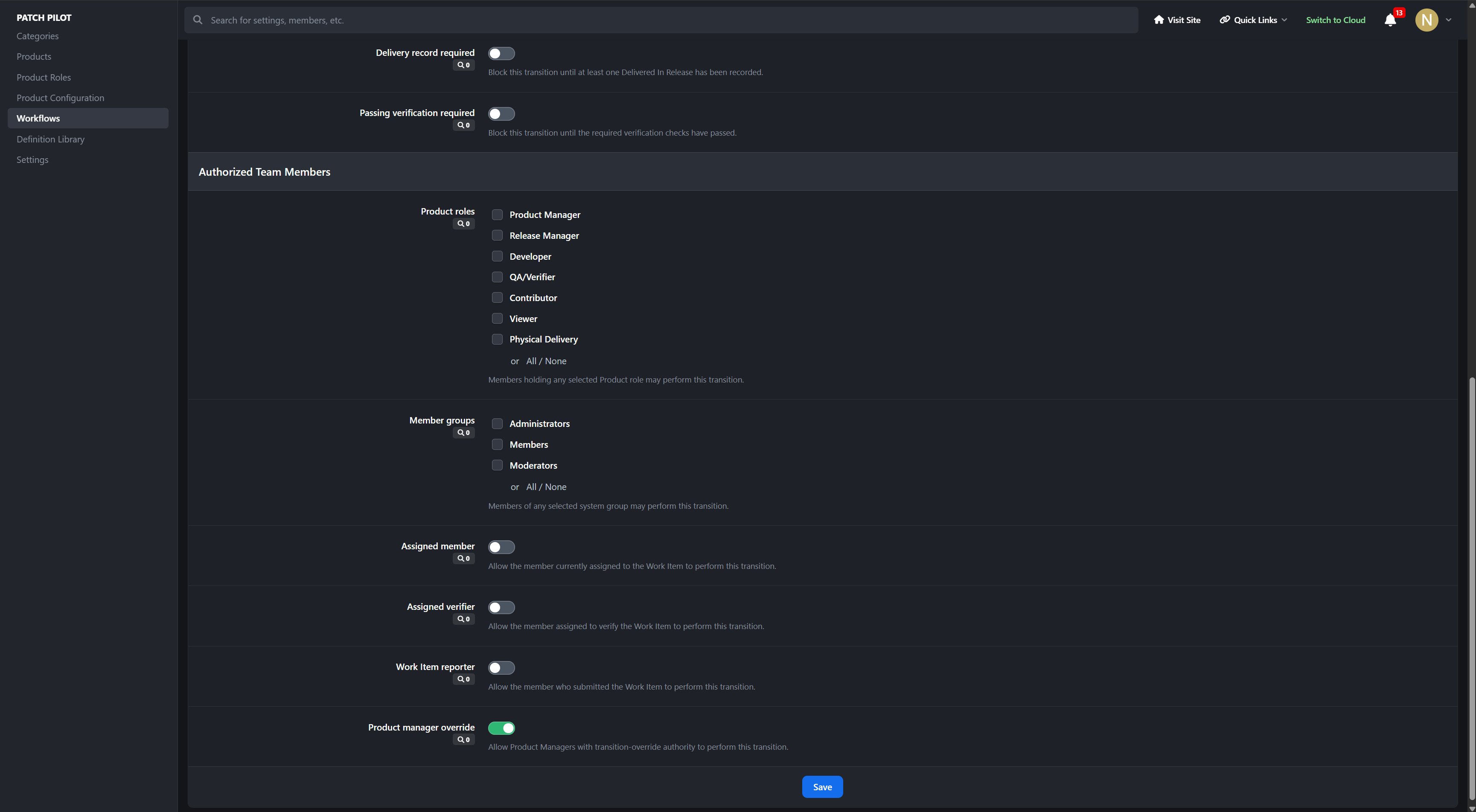
Role, group, reporter, assignee, and verifier authorization
Required assignee, verifier, Release, delivery record, or verification gates
Transition notes with meaningful prompts and descriptions
Audited state changes
Patch Pilot includes practical starting workflows for bugs, features, simple tasks, and documentation.
Native Community Participation
Patch Pilot’s Work Items use the native IPS content framework rather than operating as an isolated external tracker.
Native comments and reply forms
Reactions and comment moderation
Follow and Share controls
Content reporting
Hide, approve, pin, feature, and lock support
Search and activity-stream integration
Planning votes through the Support This Work Item action
Inline, email, and push notification preferences
Per-Product comment moderation settings
Public submissions can be enabled by Work Item Type, allowing customers to report an issue or propose an idea without becoming members of the Product Team.
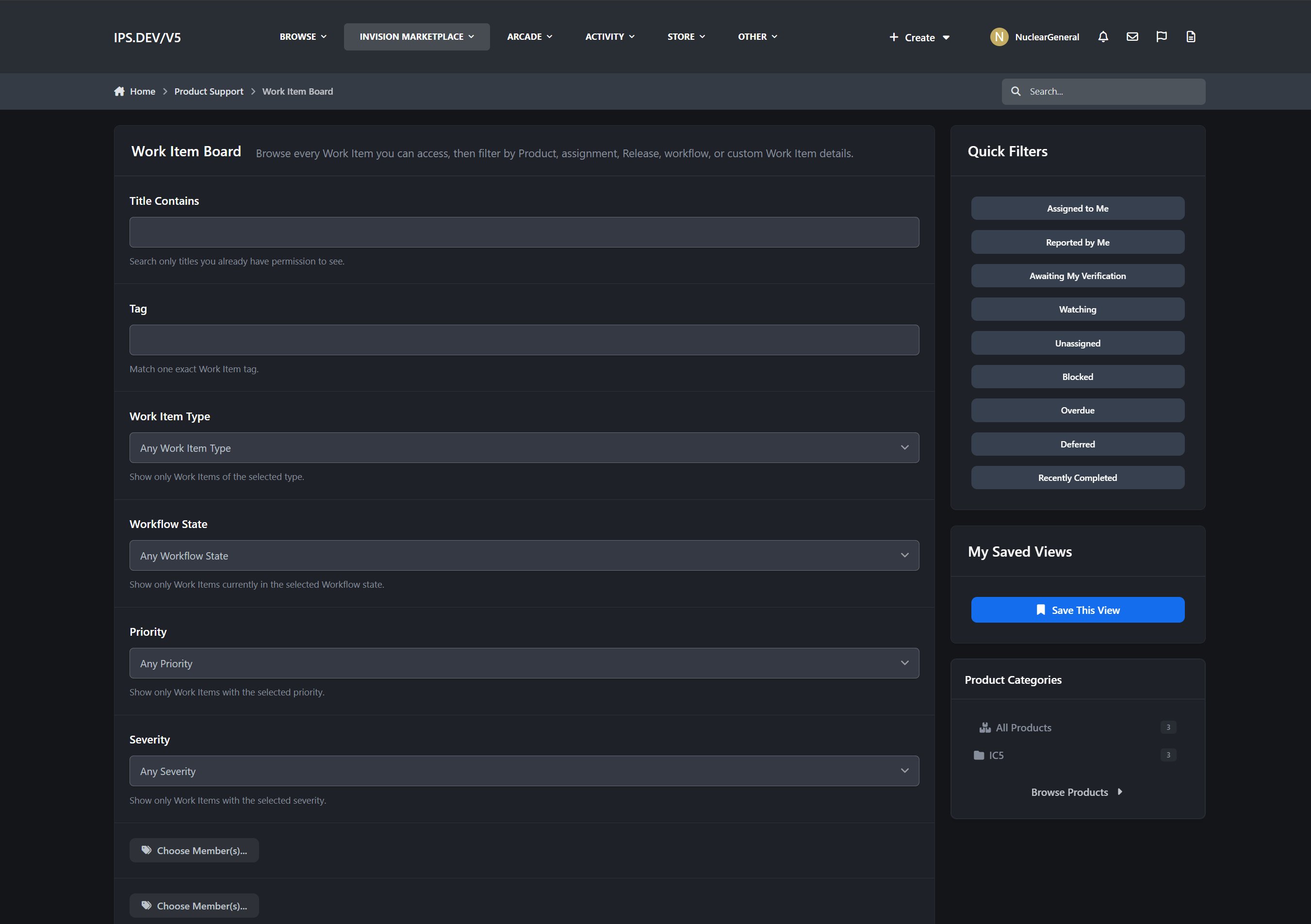
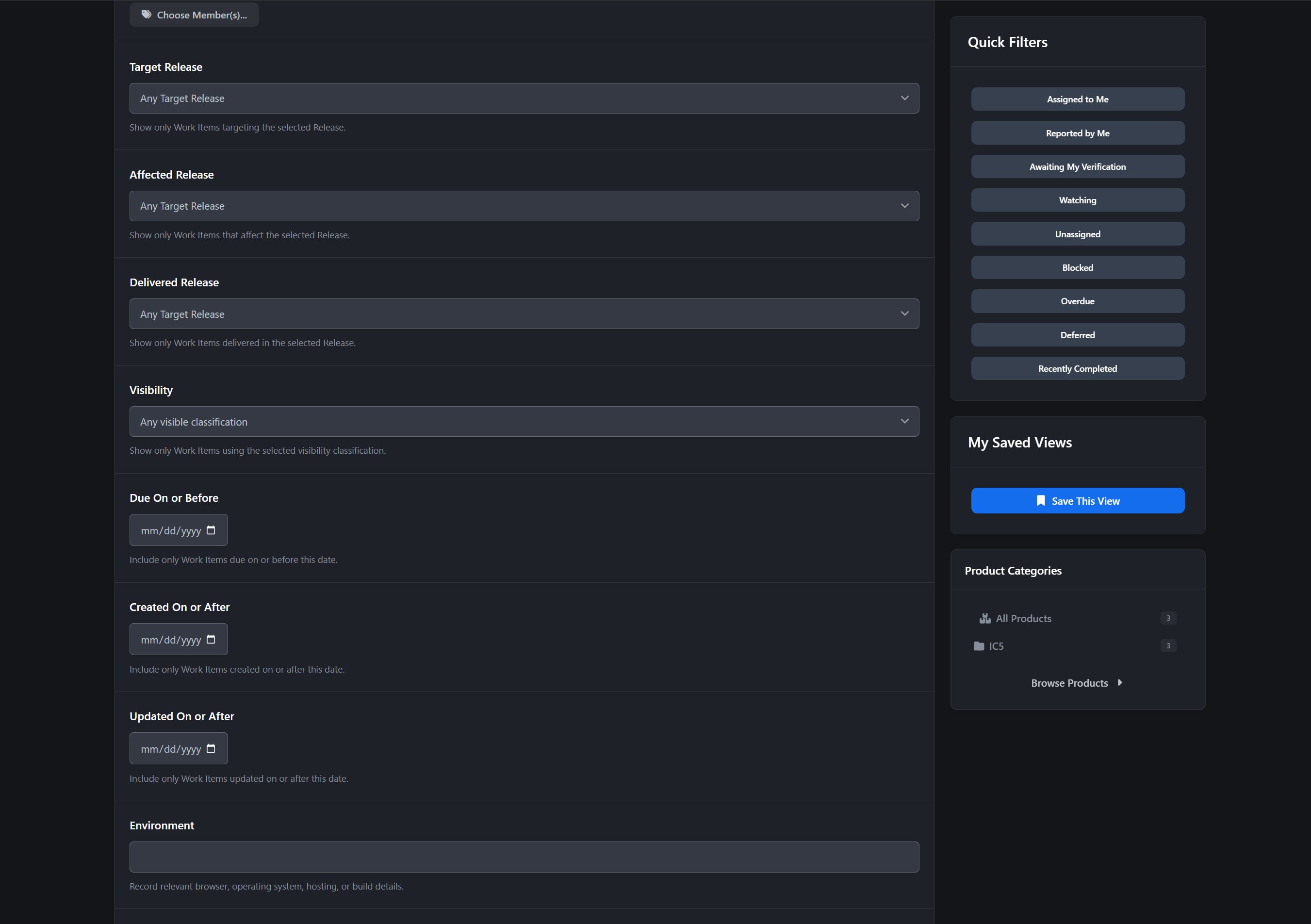
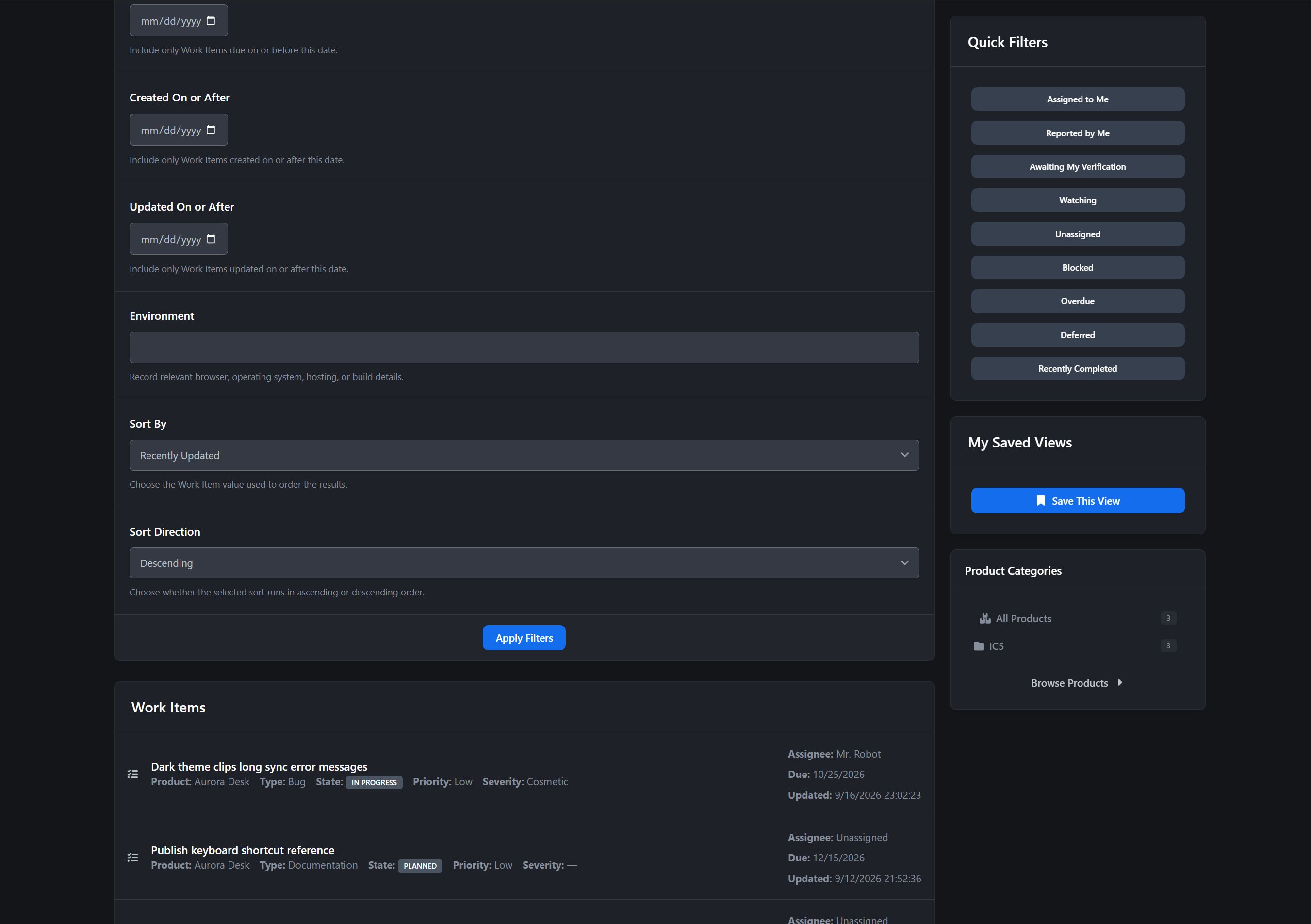
Work Item Board
The Work Item Board provides a focused view of current development activity.
Filter and organize Work Items by:
Product
Work Item Type
Workflow State
Priority
Severity
Target Release
Submission and update date
Assignment and other planning information
Rows include clear type and state indicators, planning-vote totals, comment counts, and submitted and updated timestamps.
Release Planning and Readiness
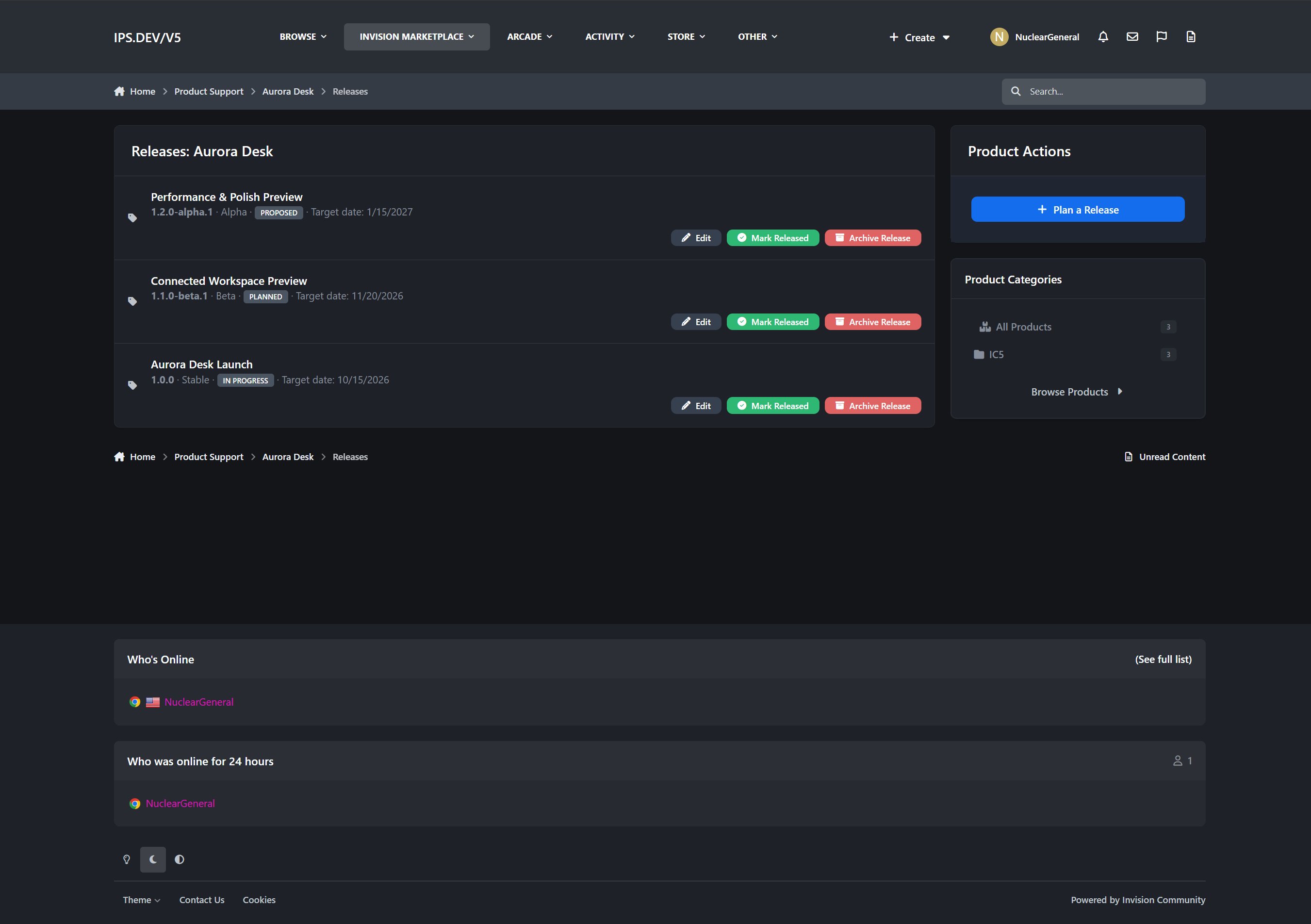
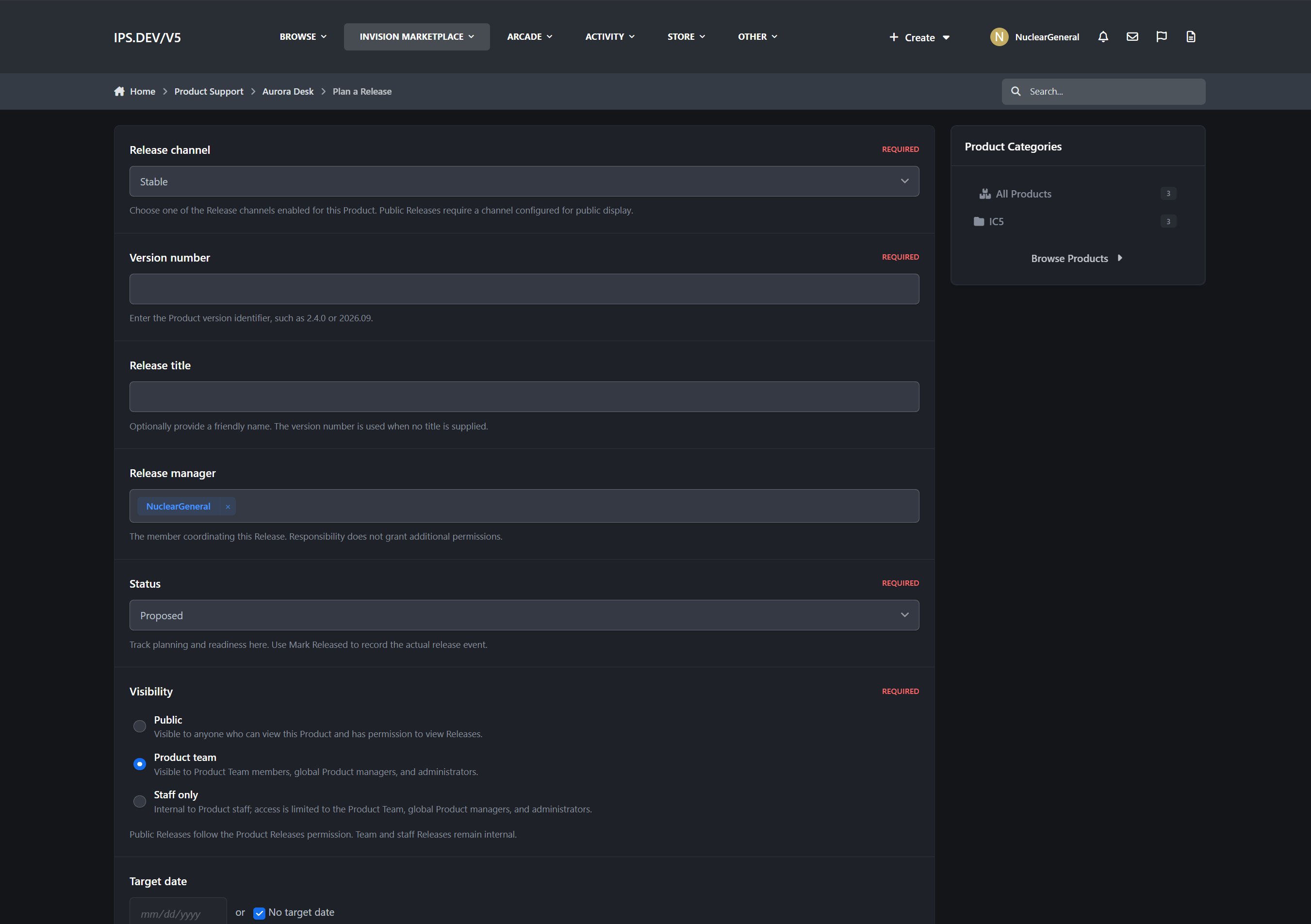
Releases are first-class records with their own lifecycle and planning information.
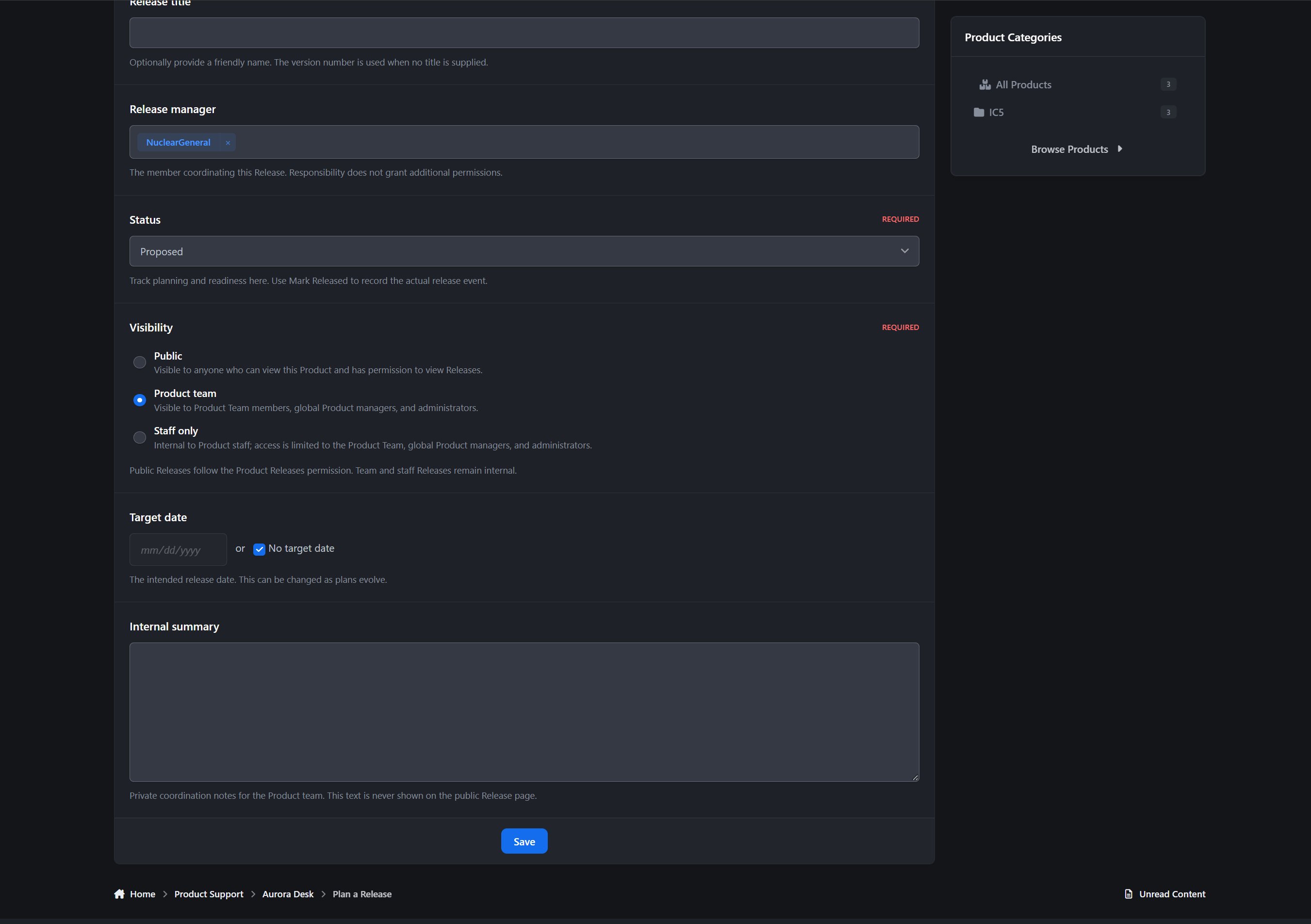
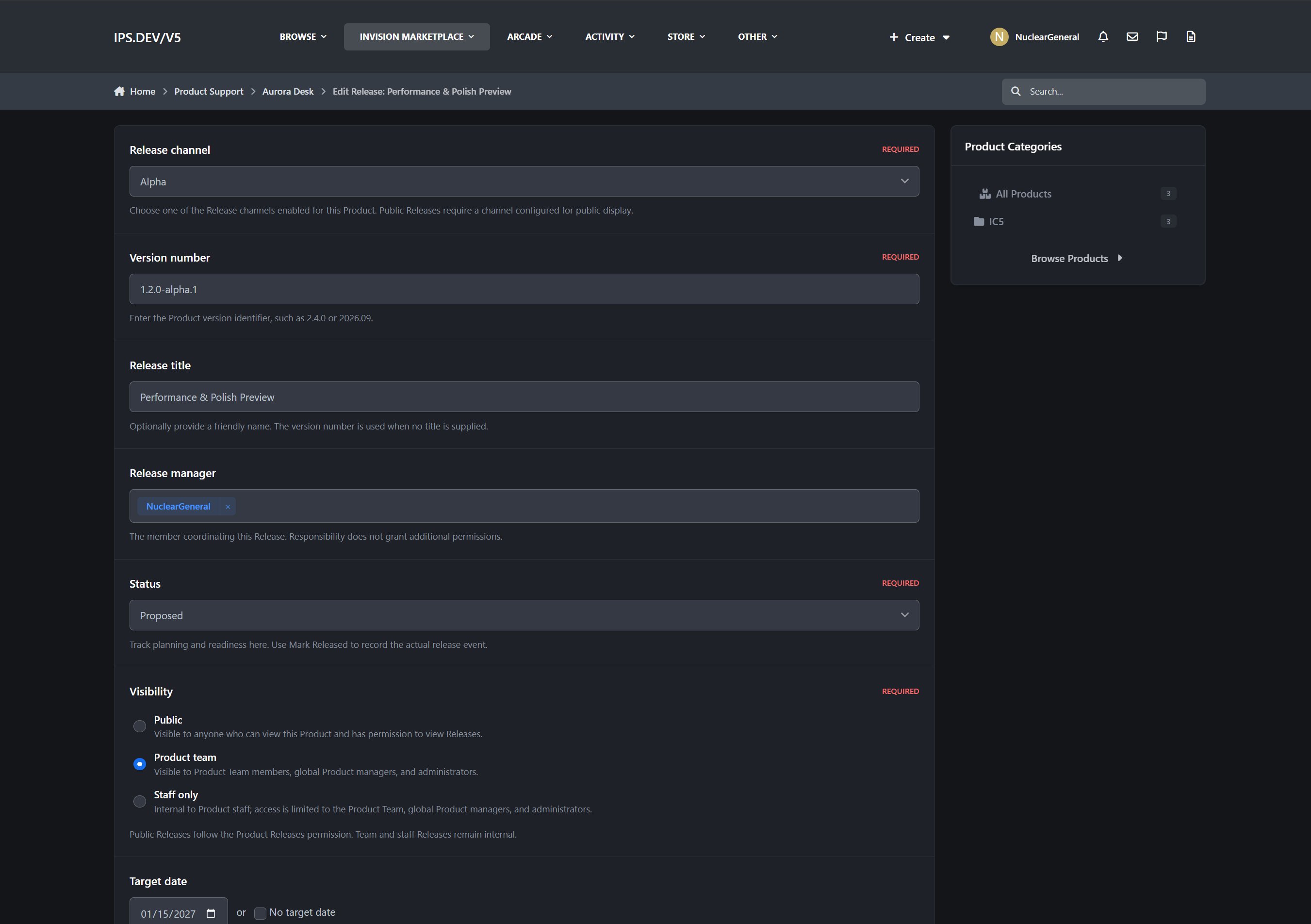
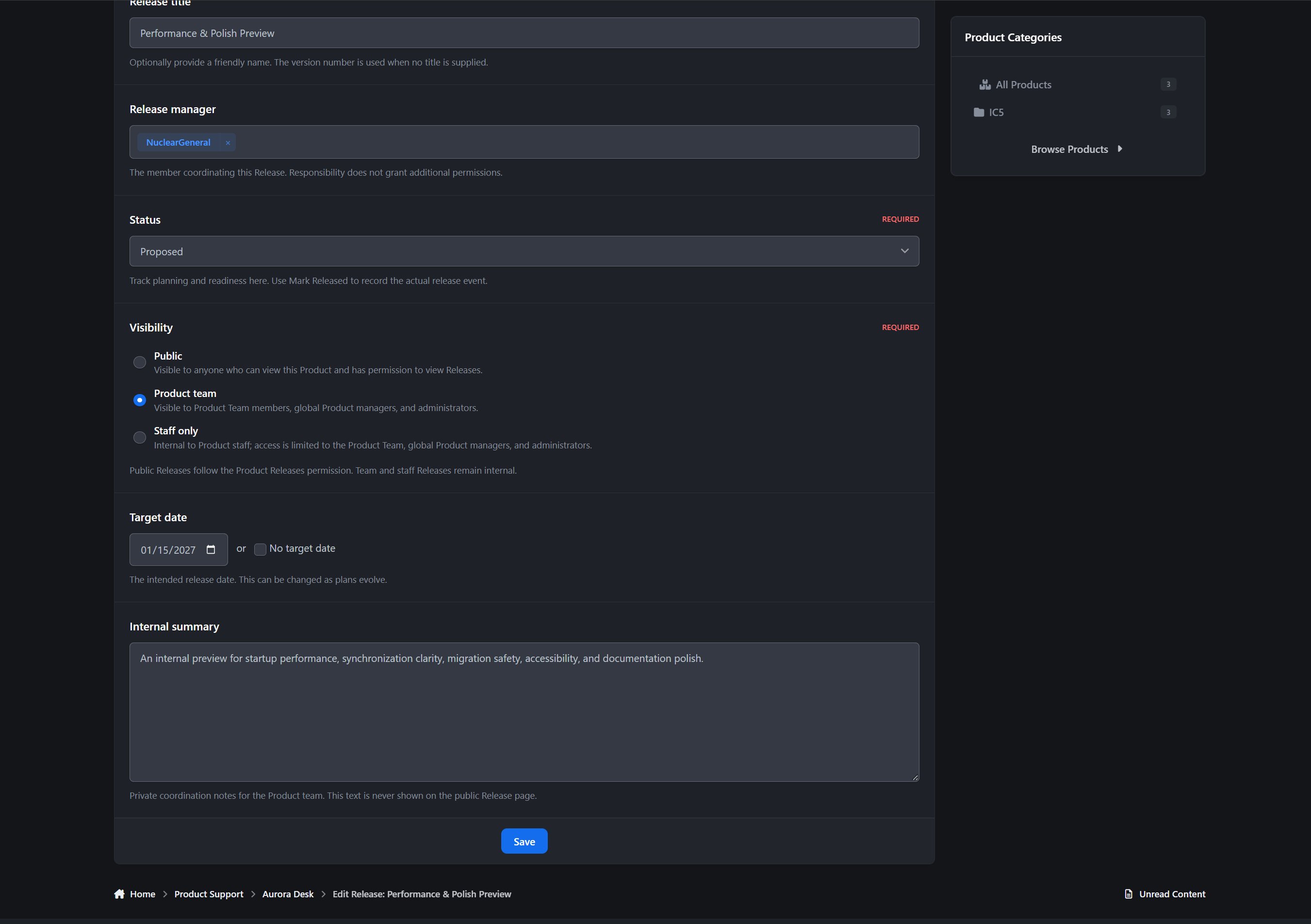
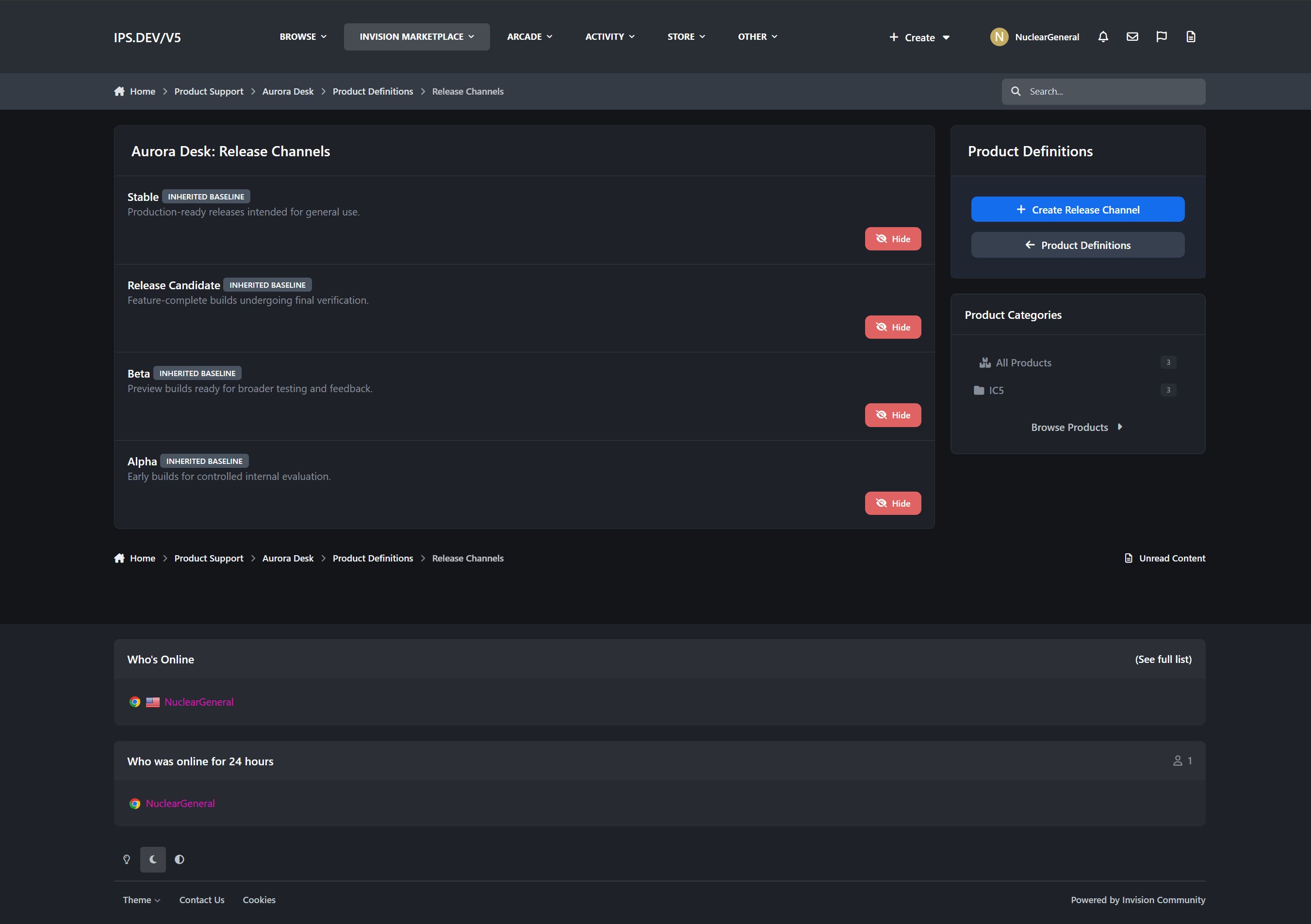
Release channels and version numbers
Planned, active, released, and archived Releases
Target and released dates
Release manager assignment
Public or internal visibility
Planned and resolved Work Item totals
Completion progress
Automated blocker detection
Release Readiness Review
Audited launch overrides
The readiness panel helps answer the most important release question: What is preventing this Release from being delivered?
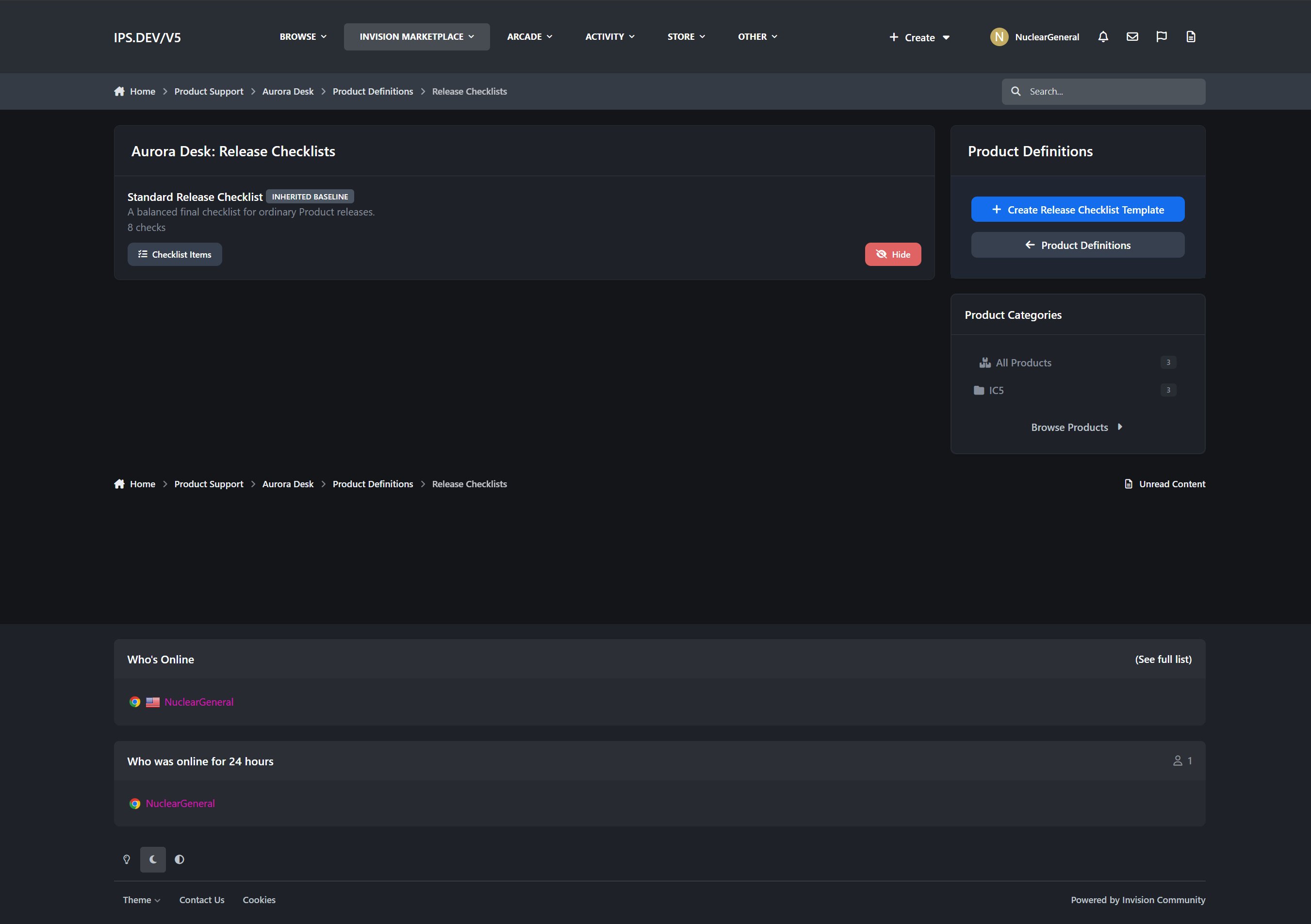
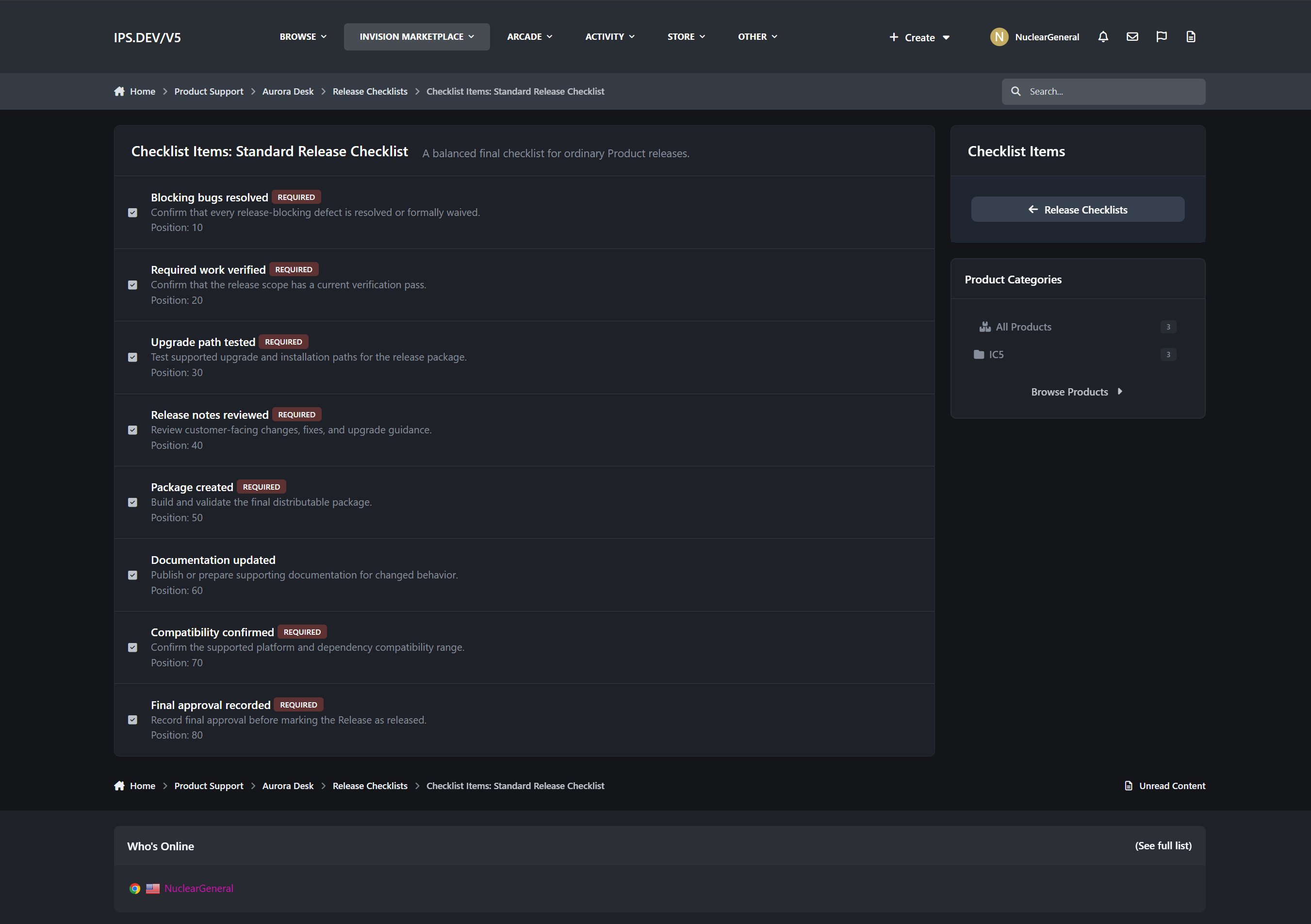
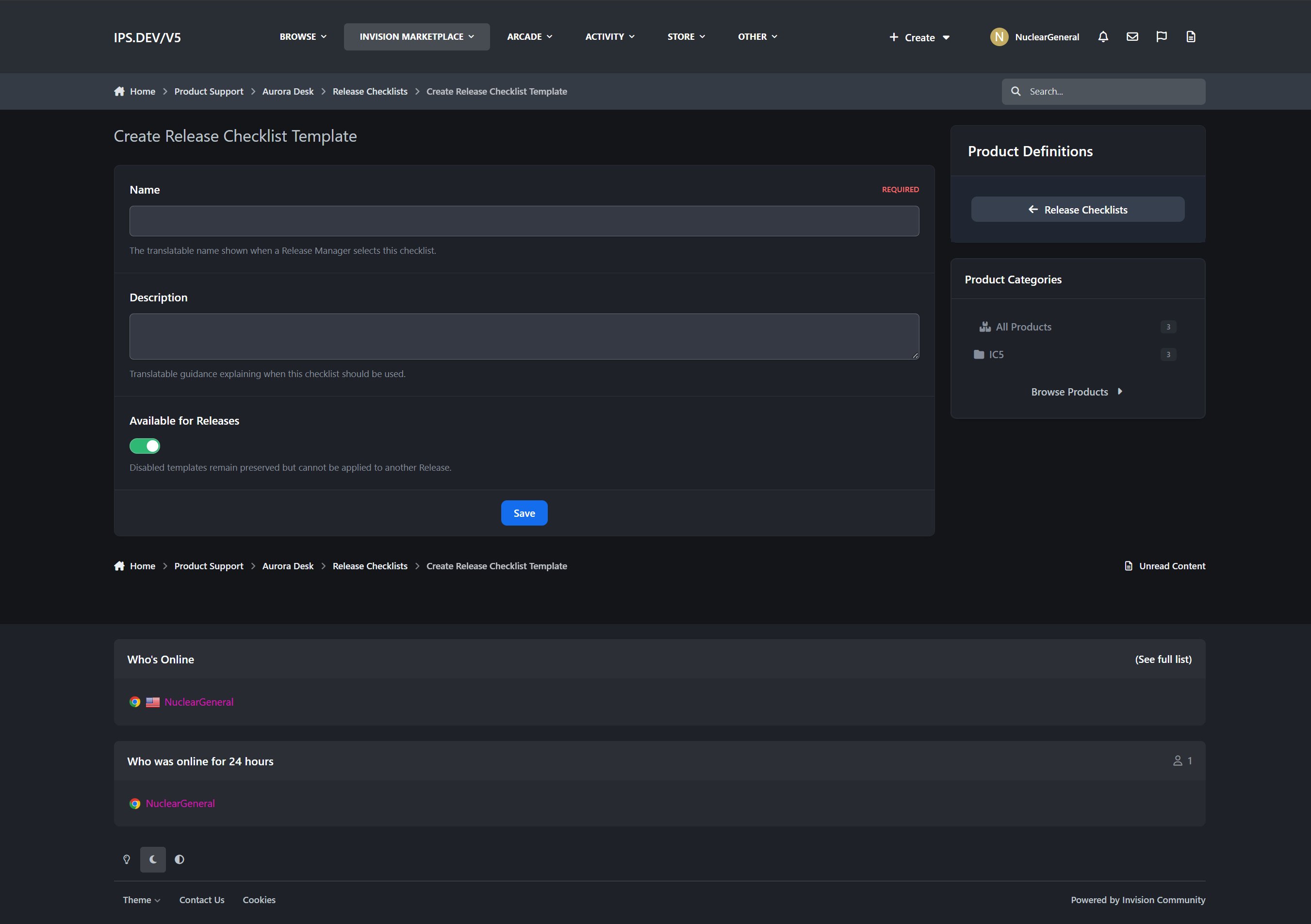
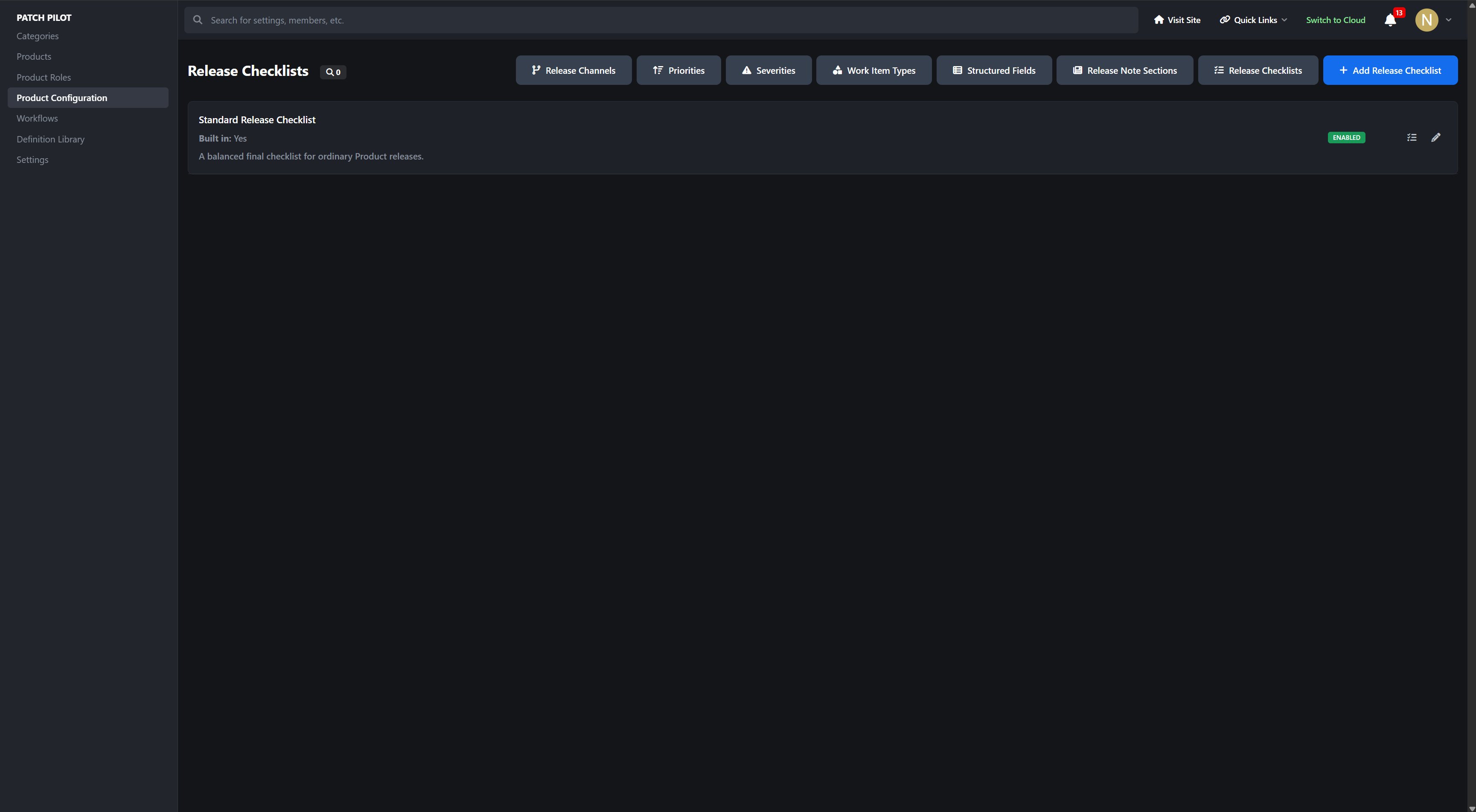
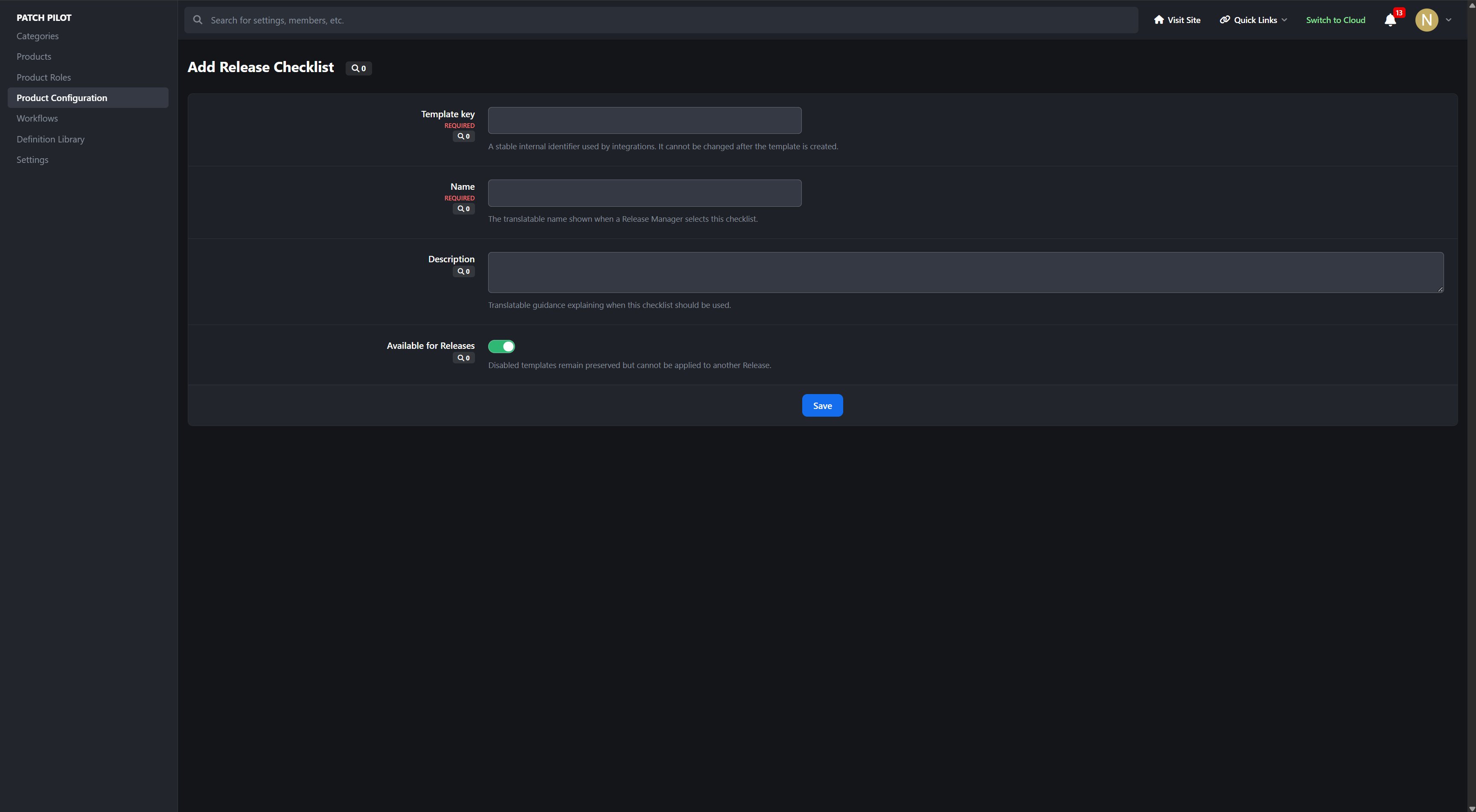
Release Checklists
Turn repeated release procedures into reusable checklists.
Reusable checklist templates
Ordered required and optional checks
Release-specific checklist snapshots
Assignees and completion notes
Checklist progress bars and completed/total statistics
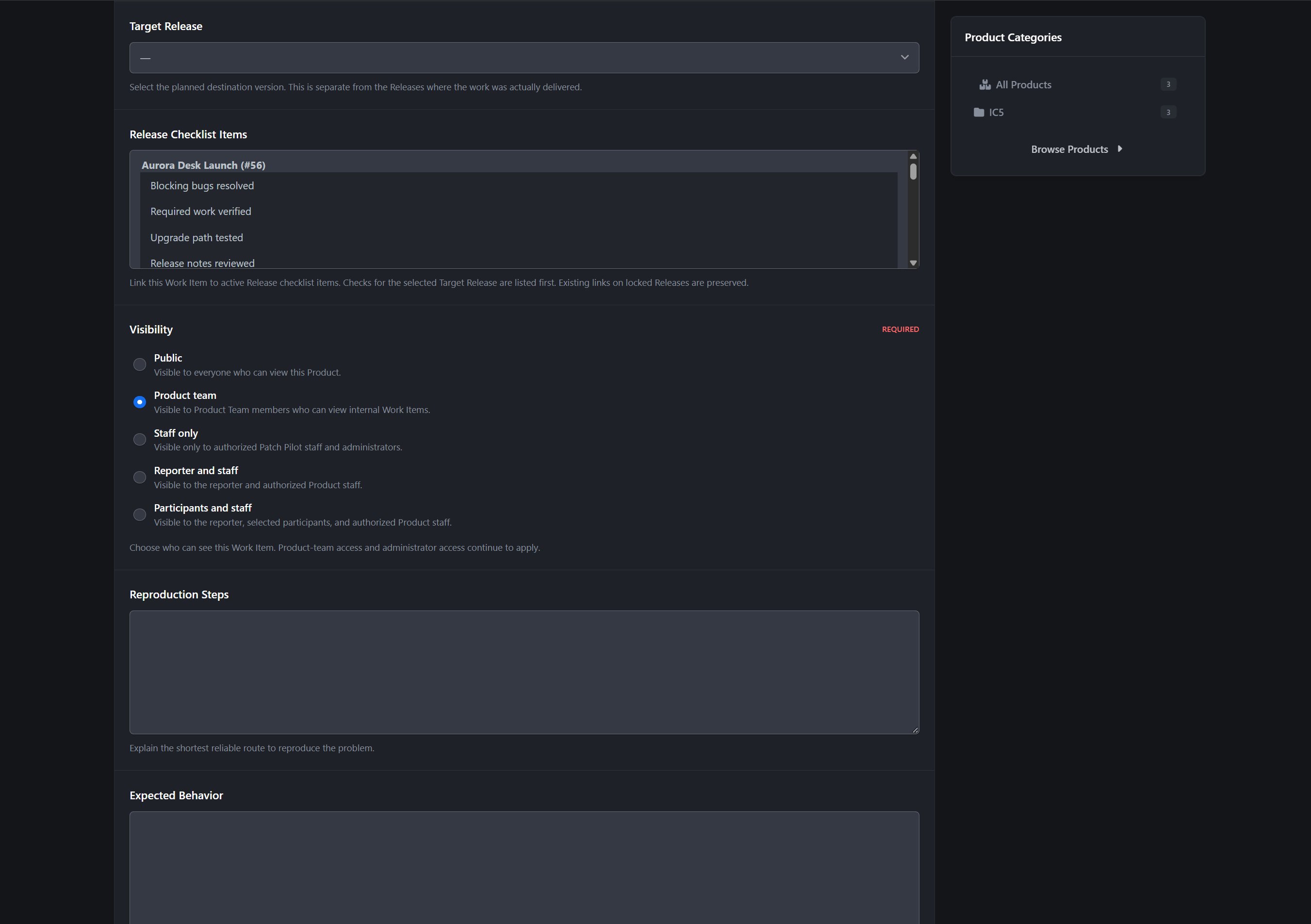
Work Items linked directly to individual checks
Resolved/total linked-work progress
Warnings when completed checks still contain unresolved work
Required checks enforced as Release blockers
Work Items can be linked to checks from either the Release checklist or the Work Item form, keeping the process convenient for the team.
Release Notes
Compose polished customer-facing Release Notes from completed Work Items.
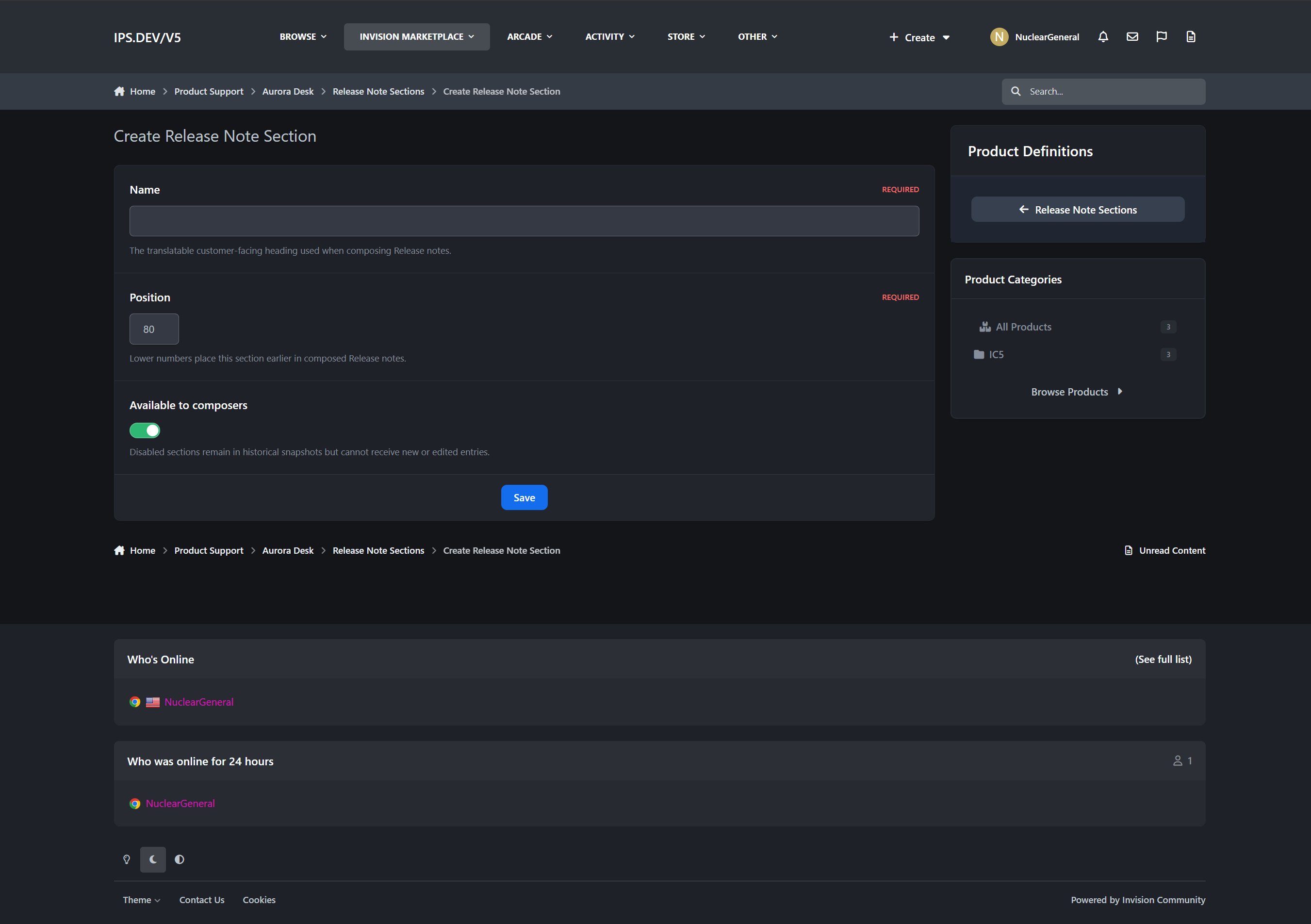
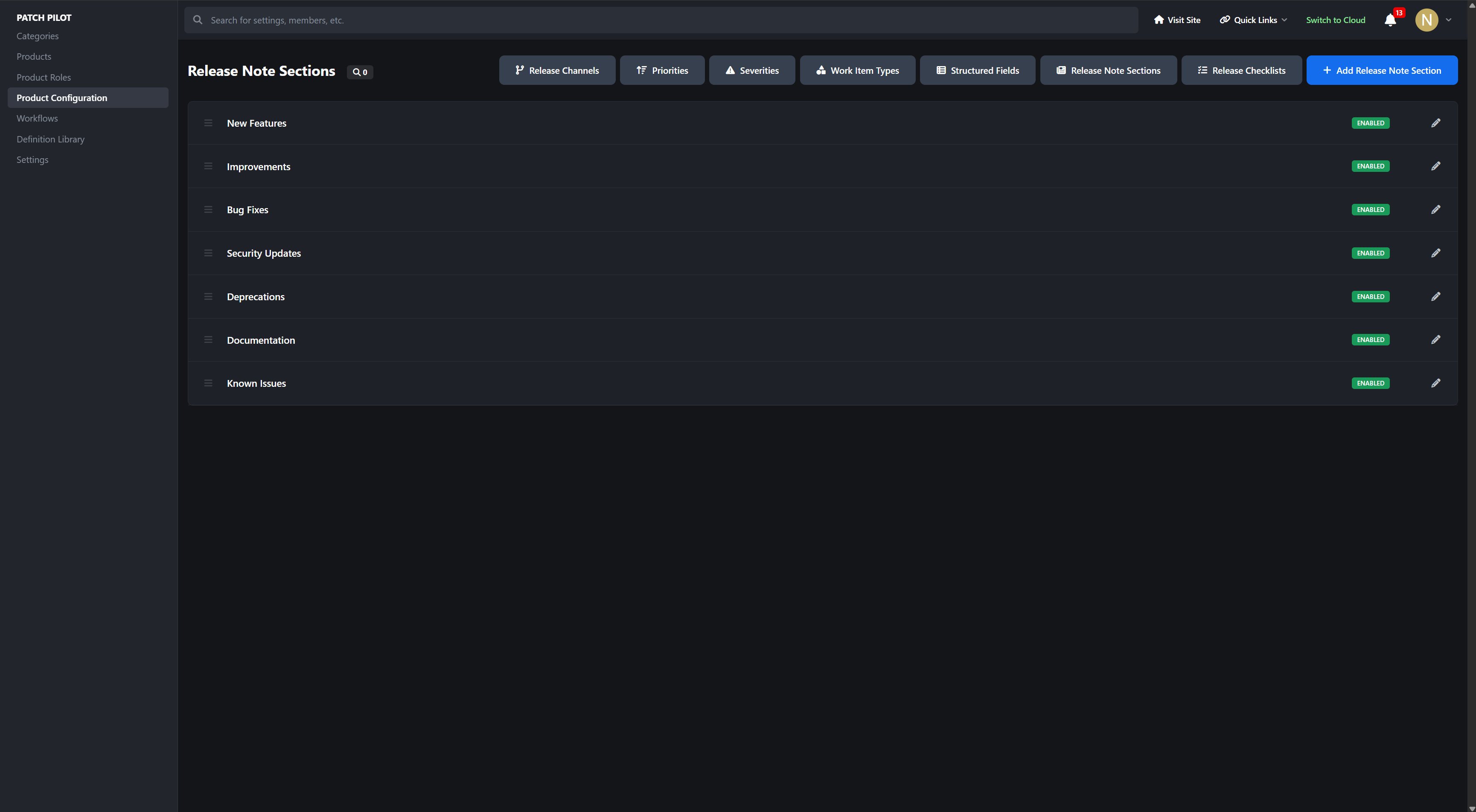
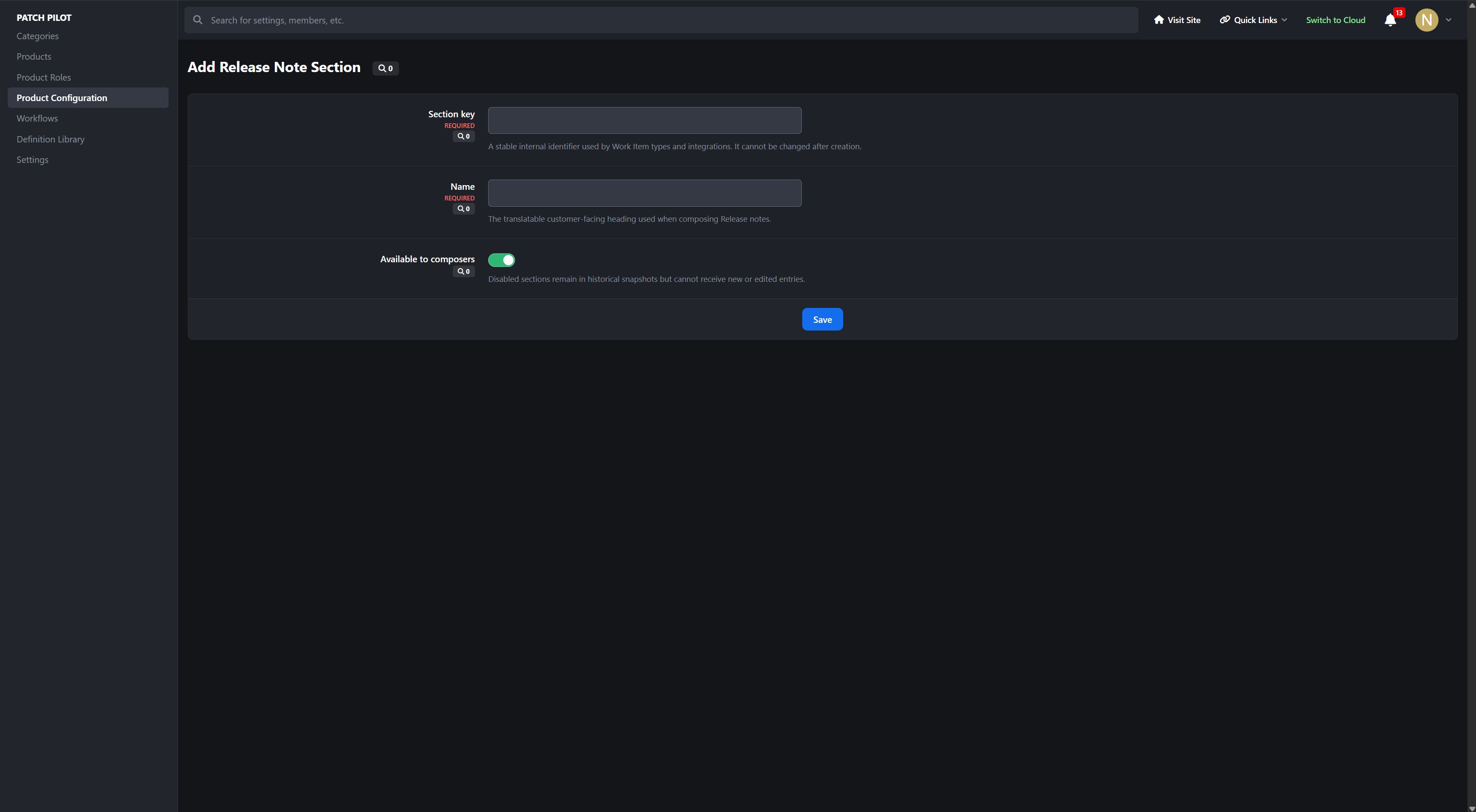
Configurable Release Note Sections
Work Item Type-to-section suggestions
Draft revisions
Generated entries from approved Delivered In work
Editable customer-facing snapshots
Manual entries
Entry ordering and exclusion
Deliberate source refresh
Immutable published revisions
Correction drafts without destroying previously published history
Internal Work Item descriptions, staff notes, assignments, and other restricted information are kept out of public Release Notes.
Public Roadmaps and Known Issues
Keep customers informed without exposing internal planning data.
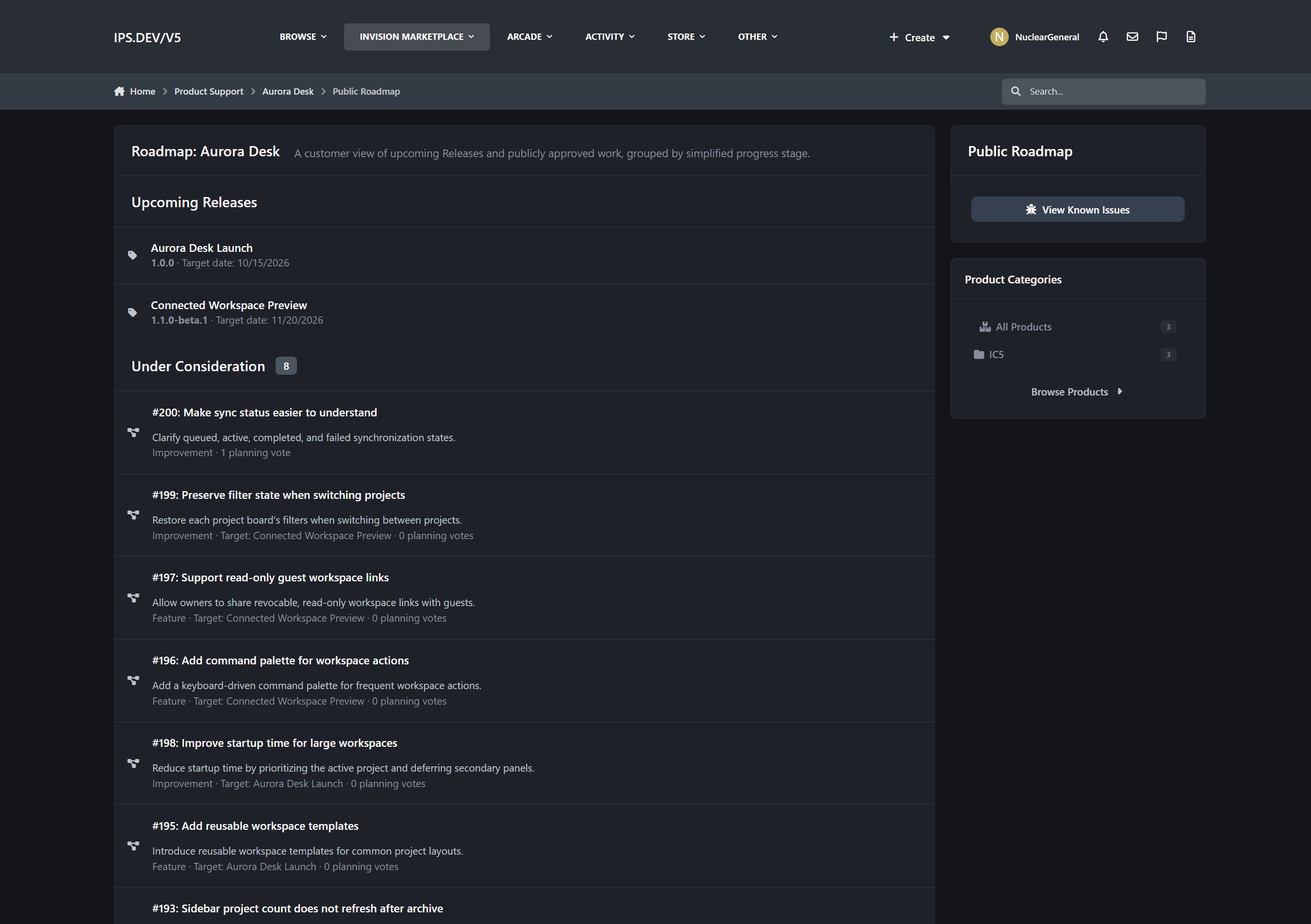
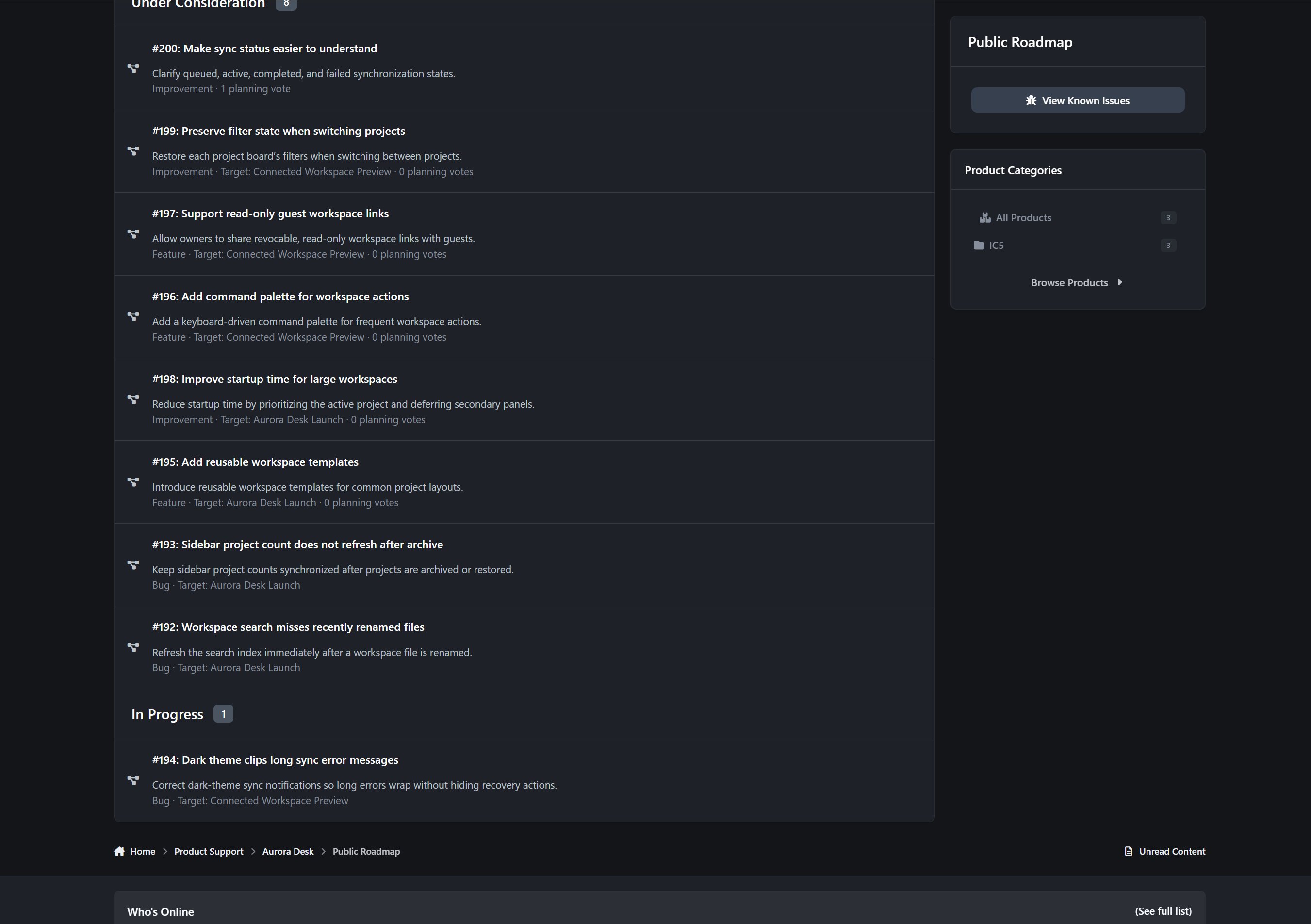
Optional public Product roadmap
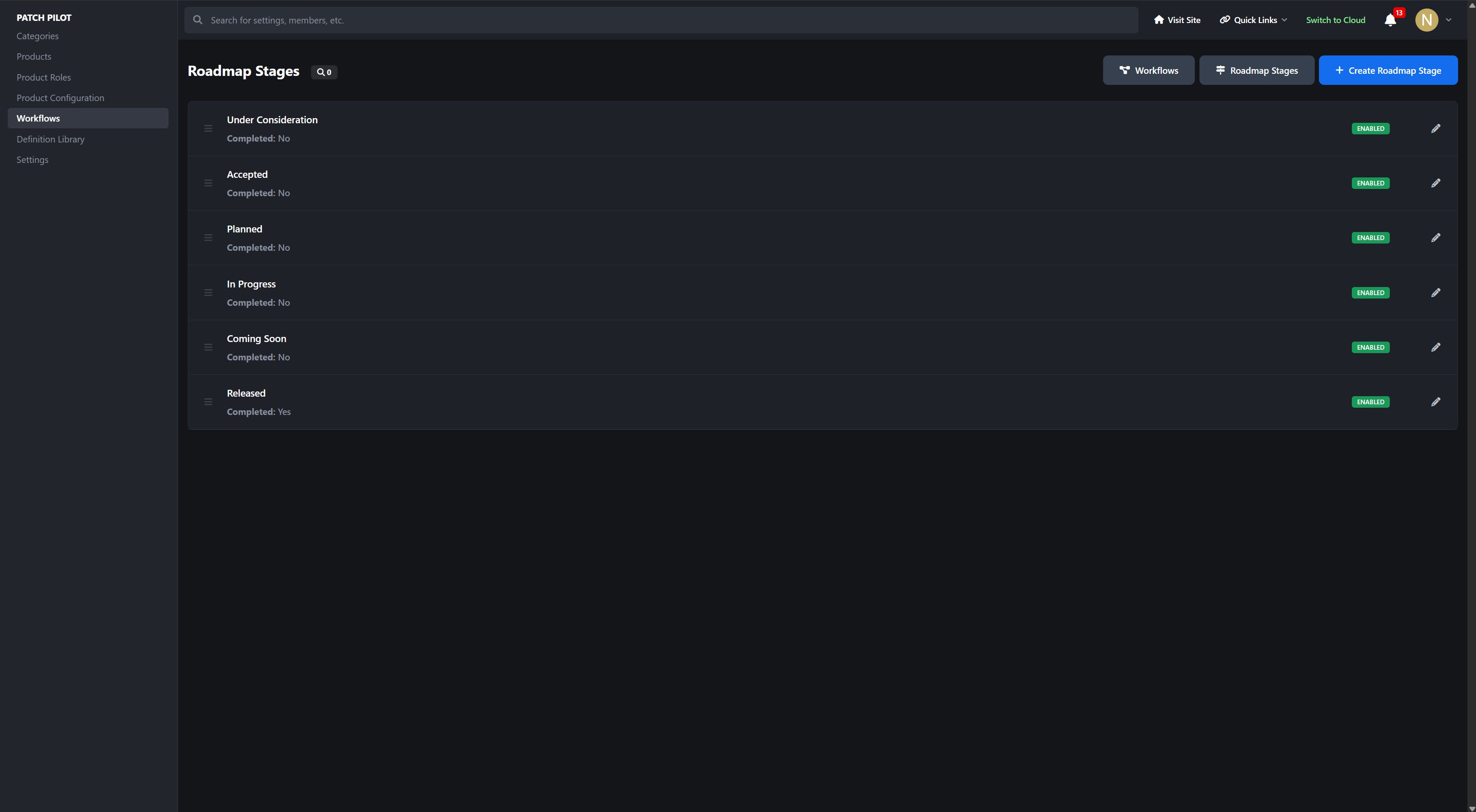
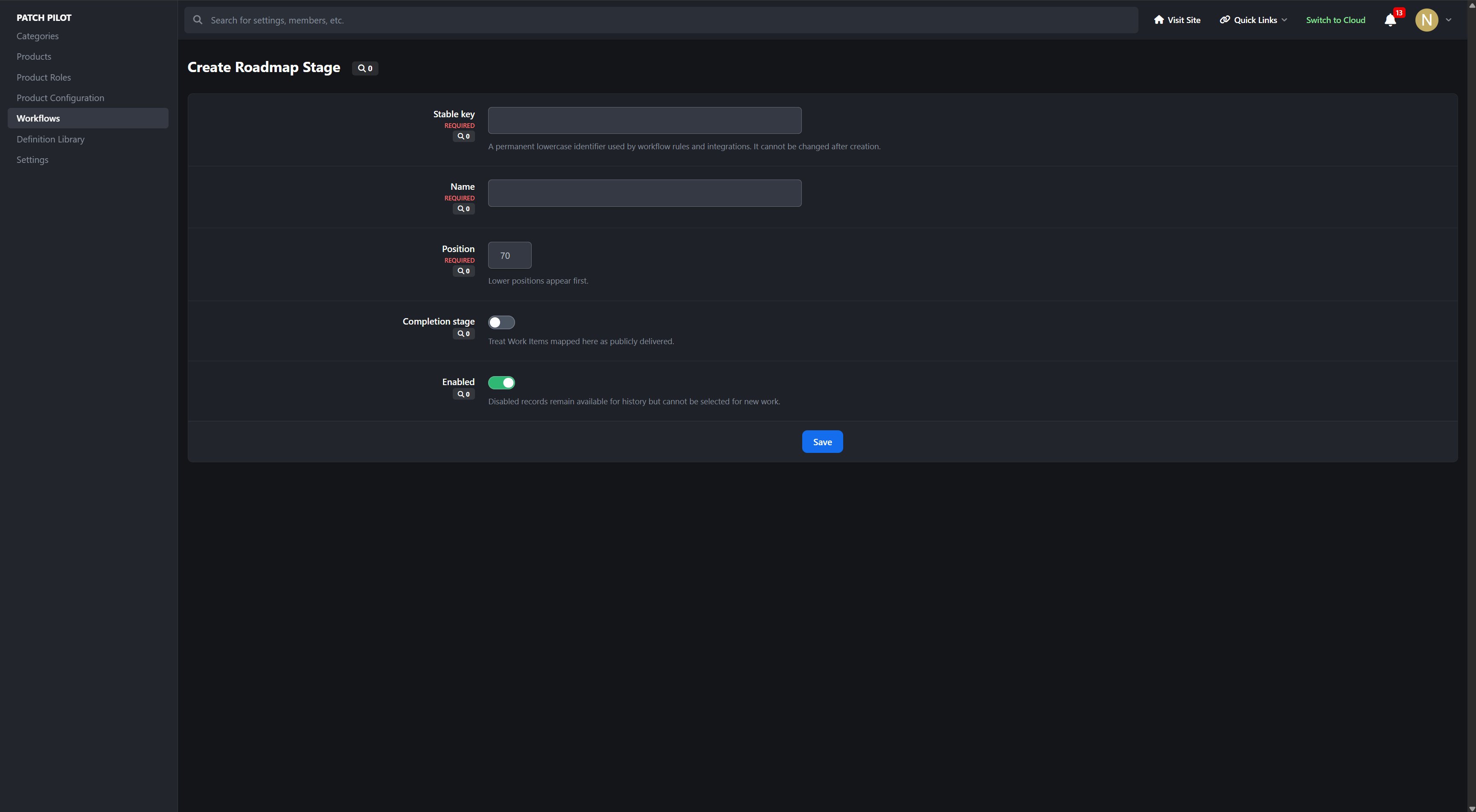
Configurable roadmap stages
Per-Work-Item roadmap visibility
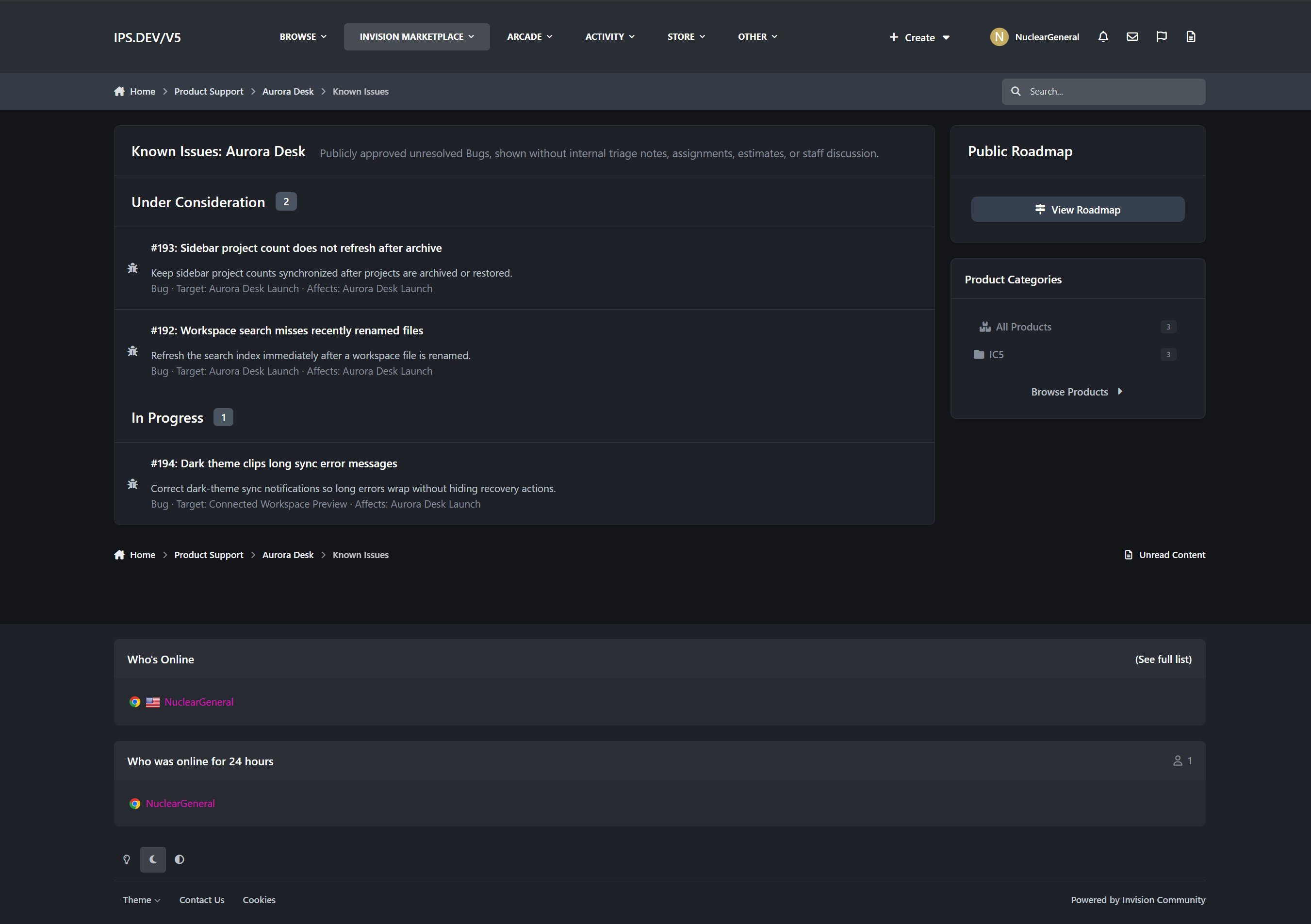
Publicly approved Work Items only
Customer-safe roadmap cards
Dedicated Known Issues view
Permission-aware links and Product navigation
Internal estimates, assignments, discussions, private descriptions, and non-public Releases remain protected.
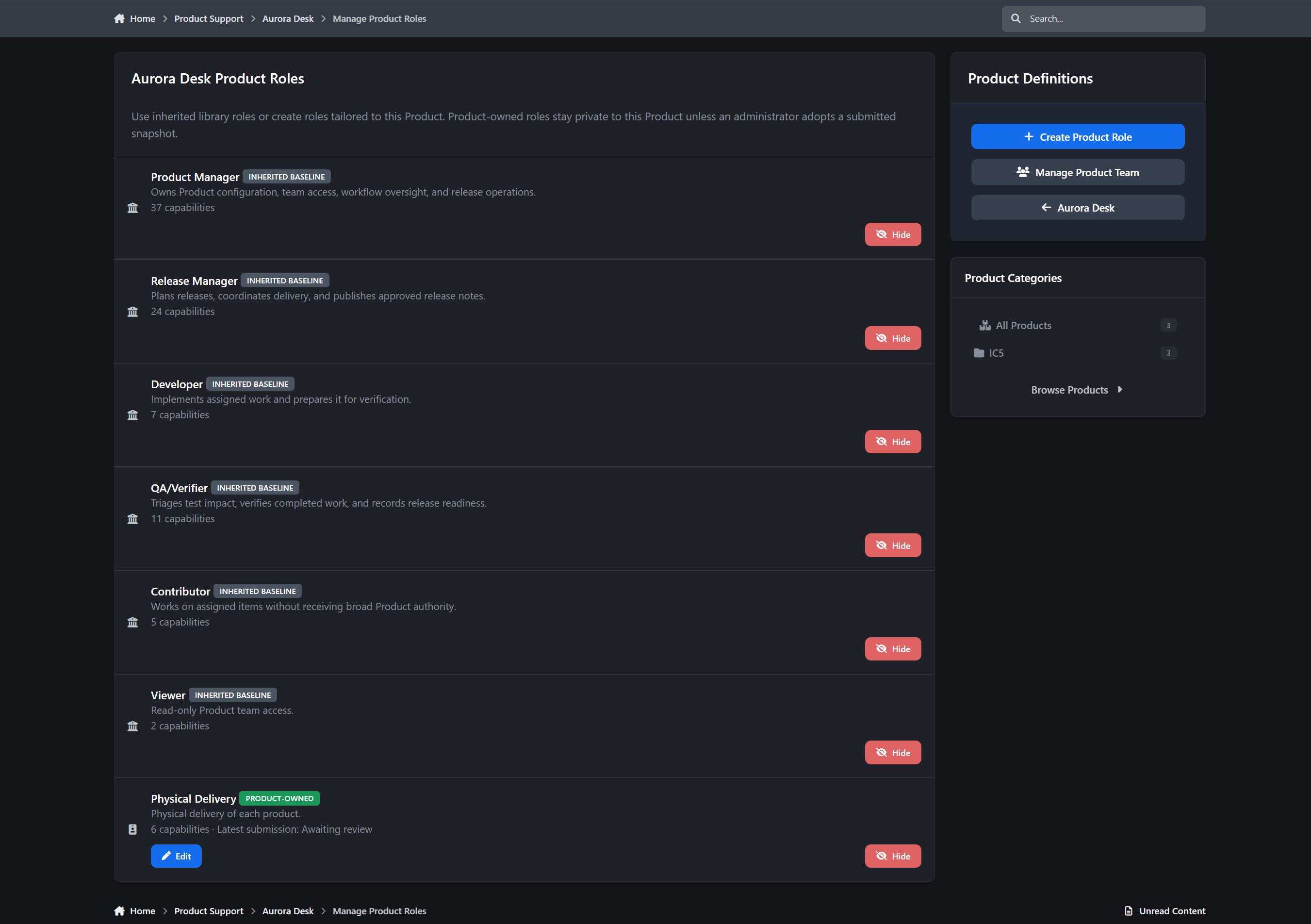
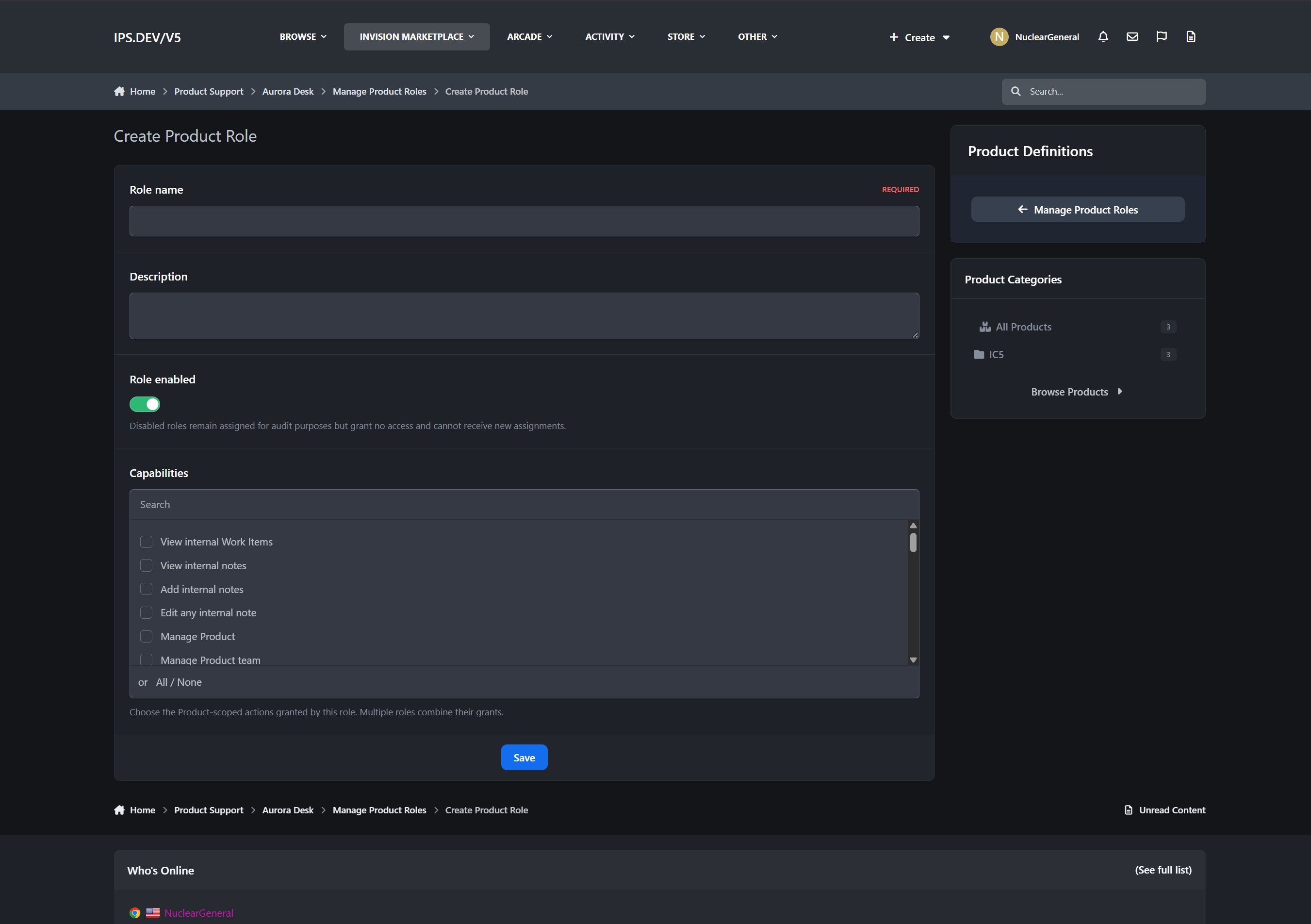
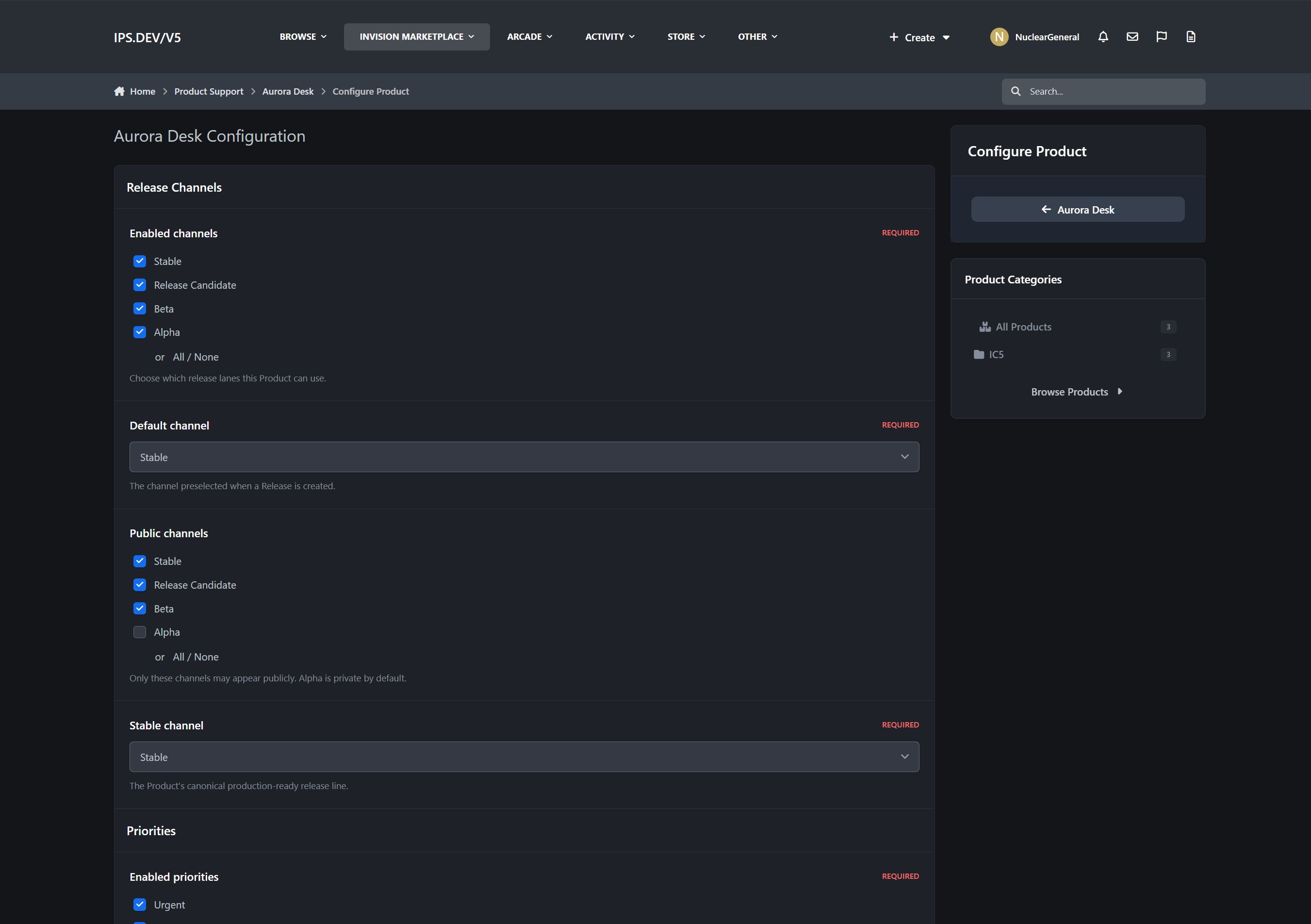
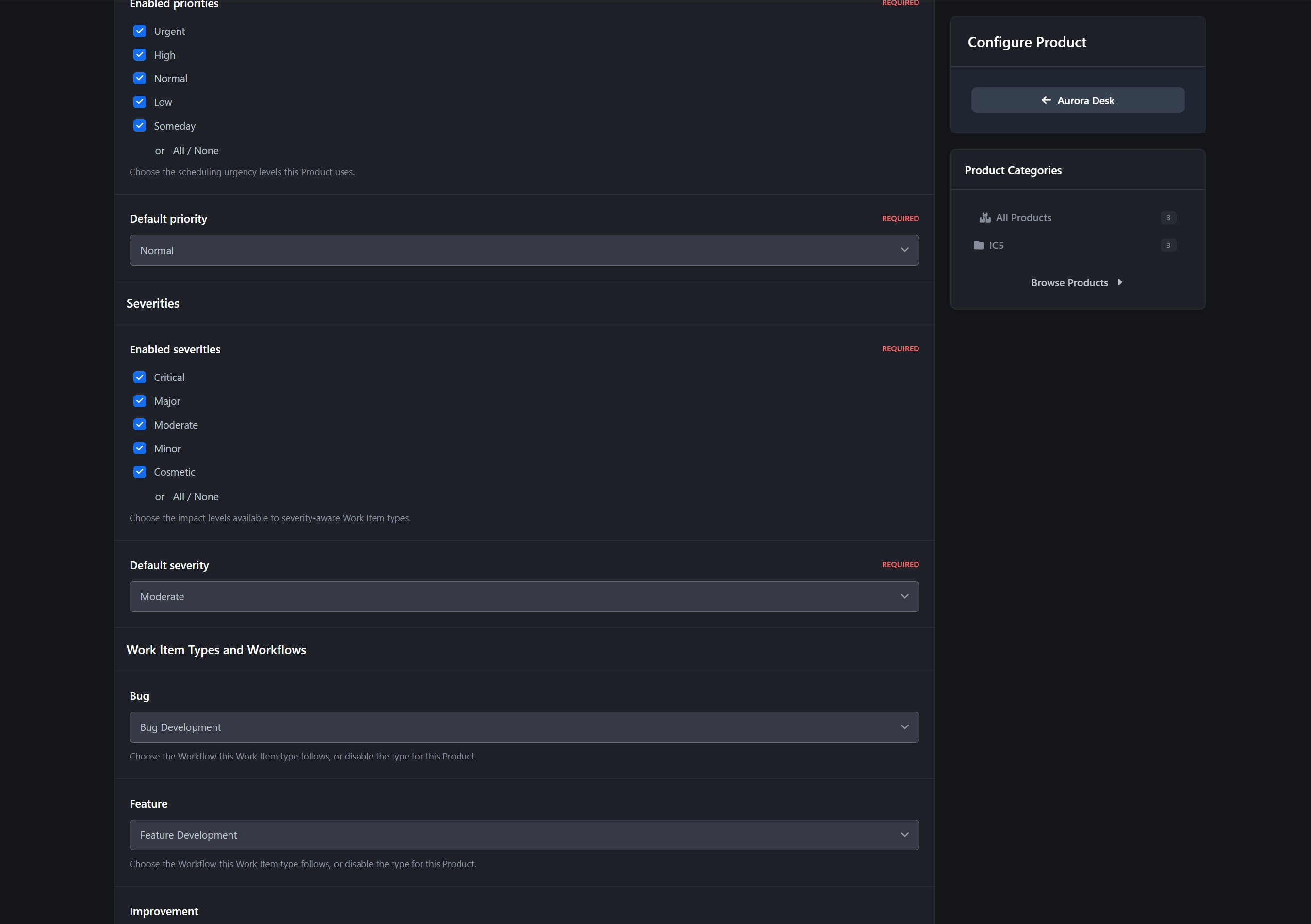
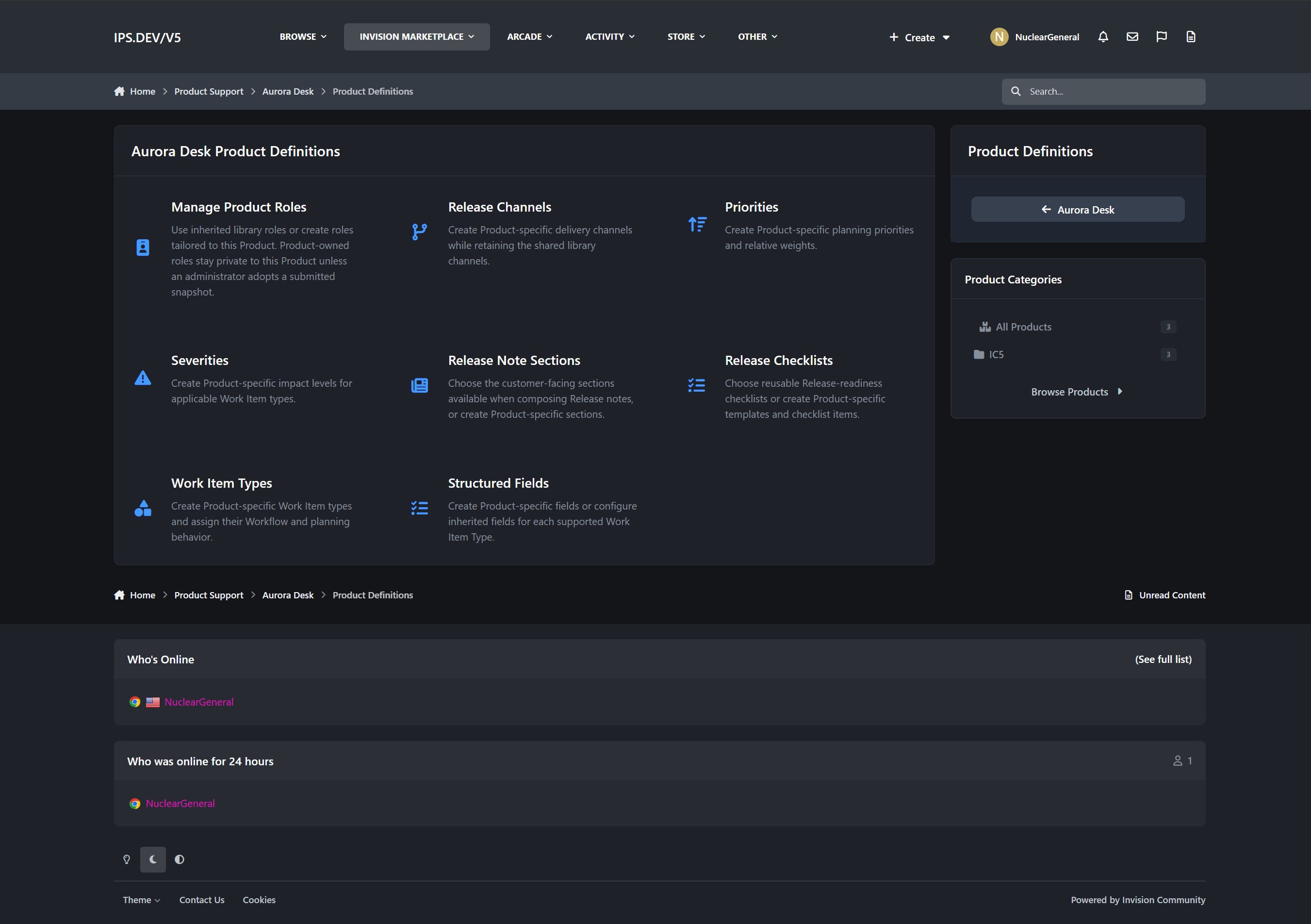
Product-Specific Configuration
Every Product can begin with administrator-managed baseline definitions while still adapting to its own needs.
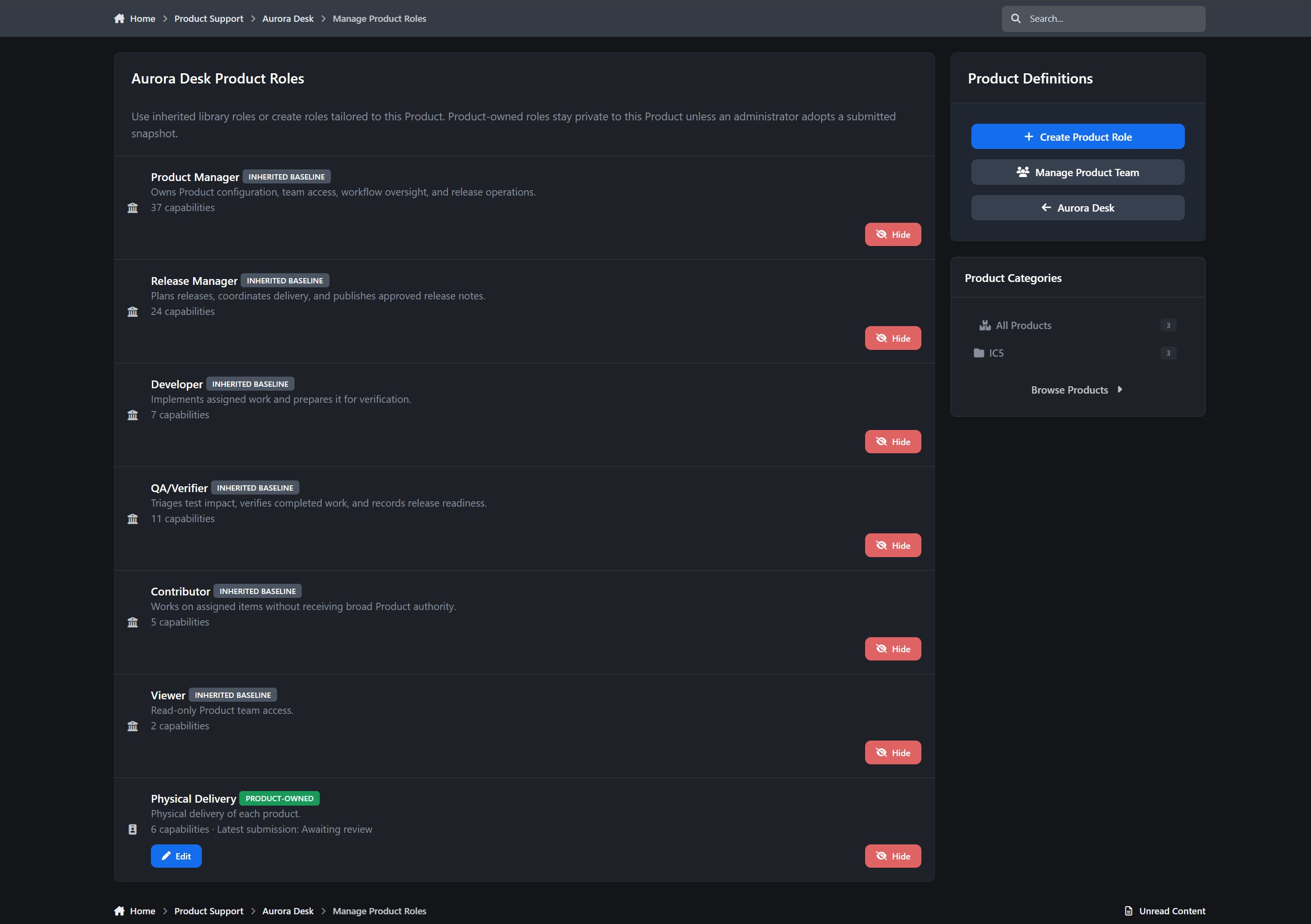
Authorized Product managers can work with Product-specific:
Roles
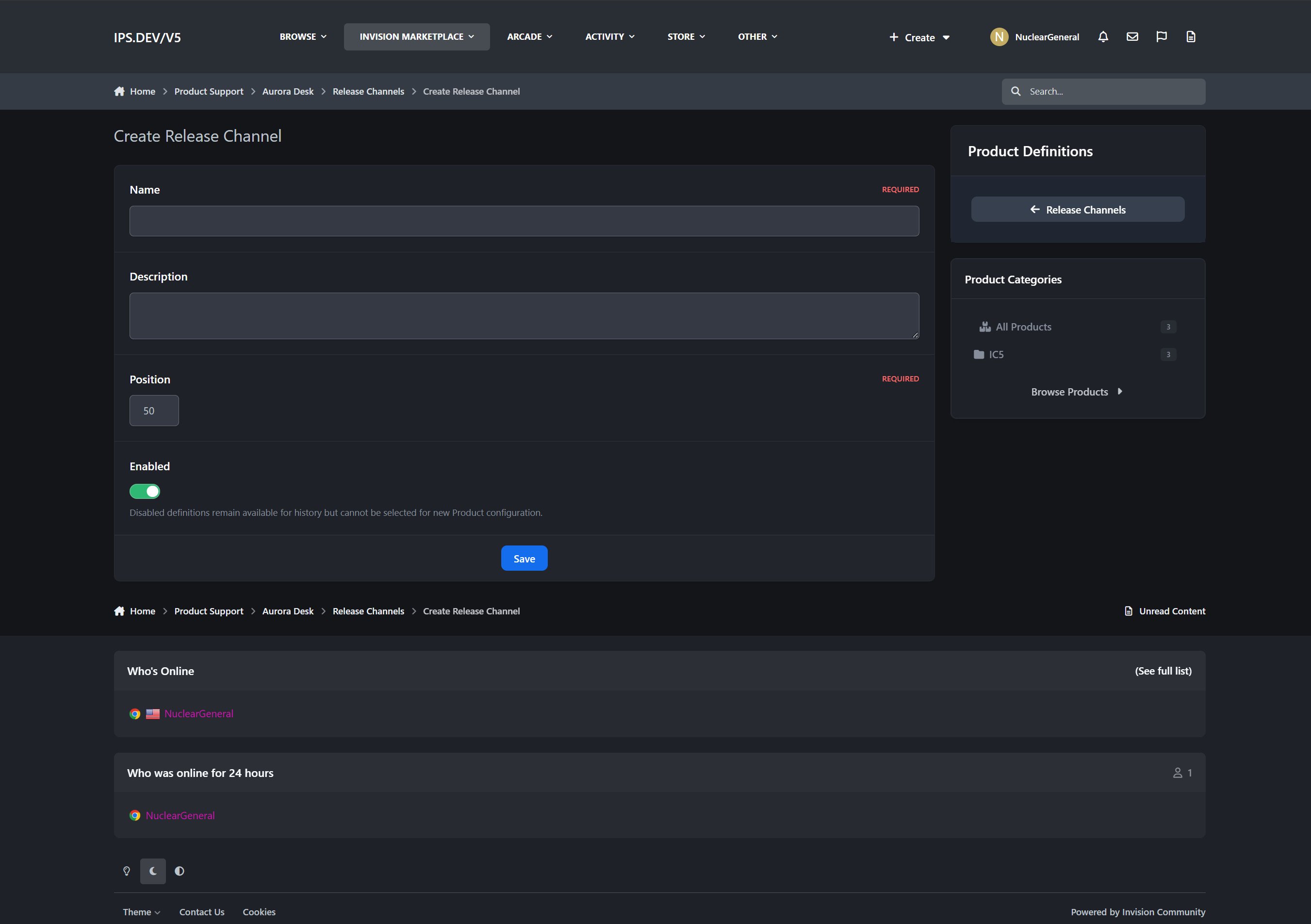
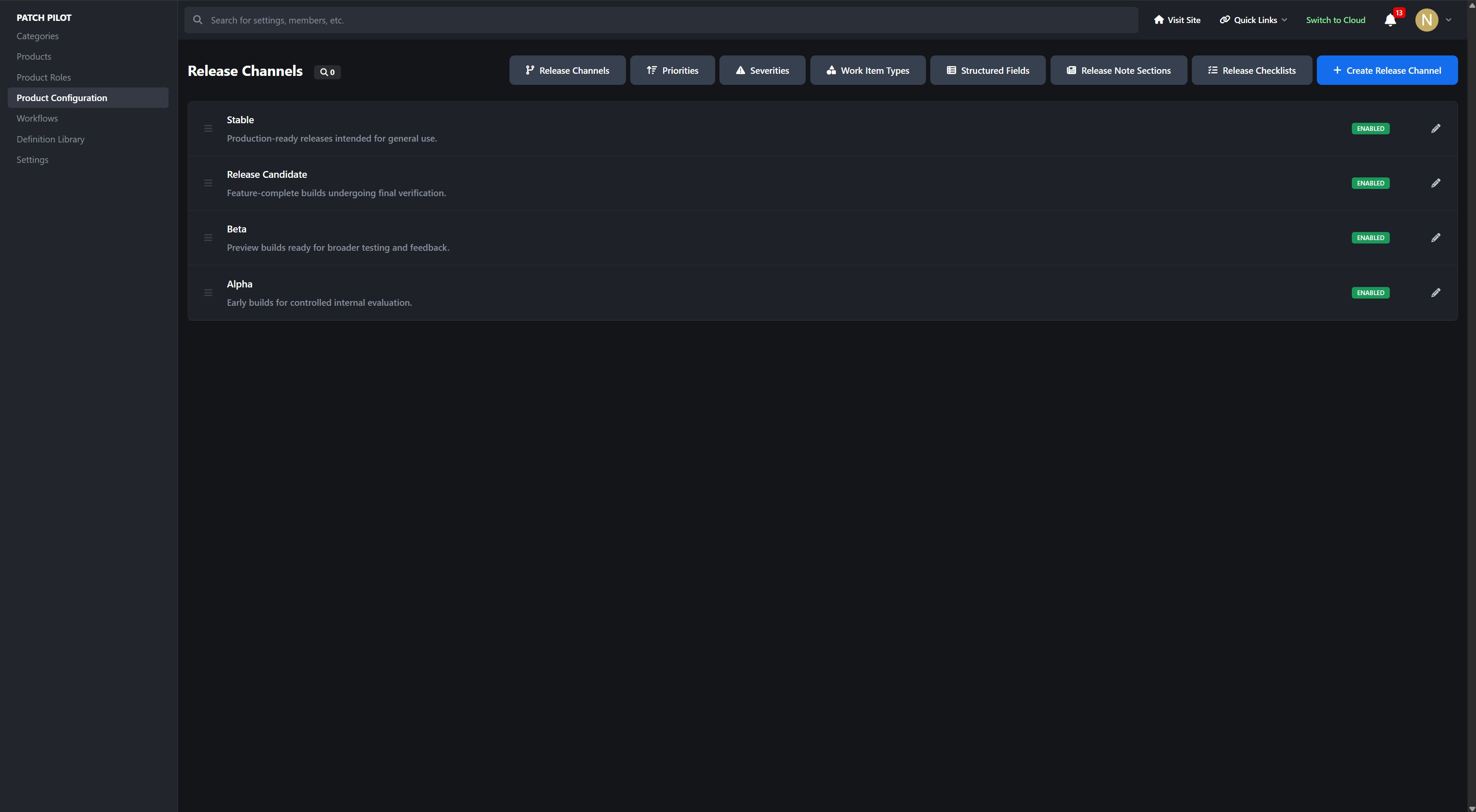
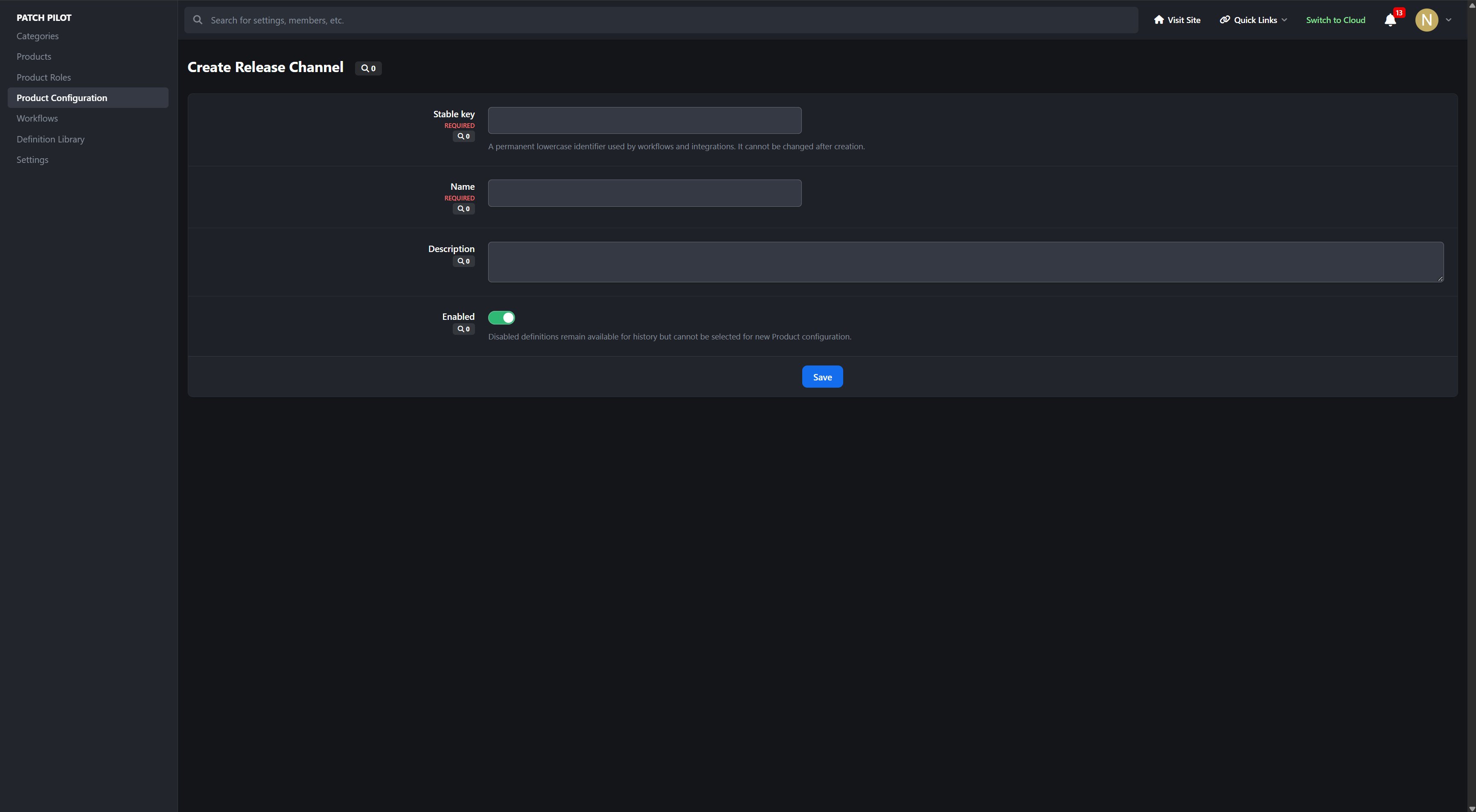
Release channels
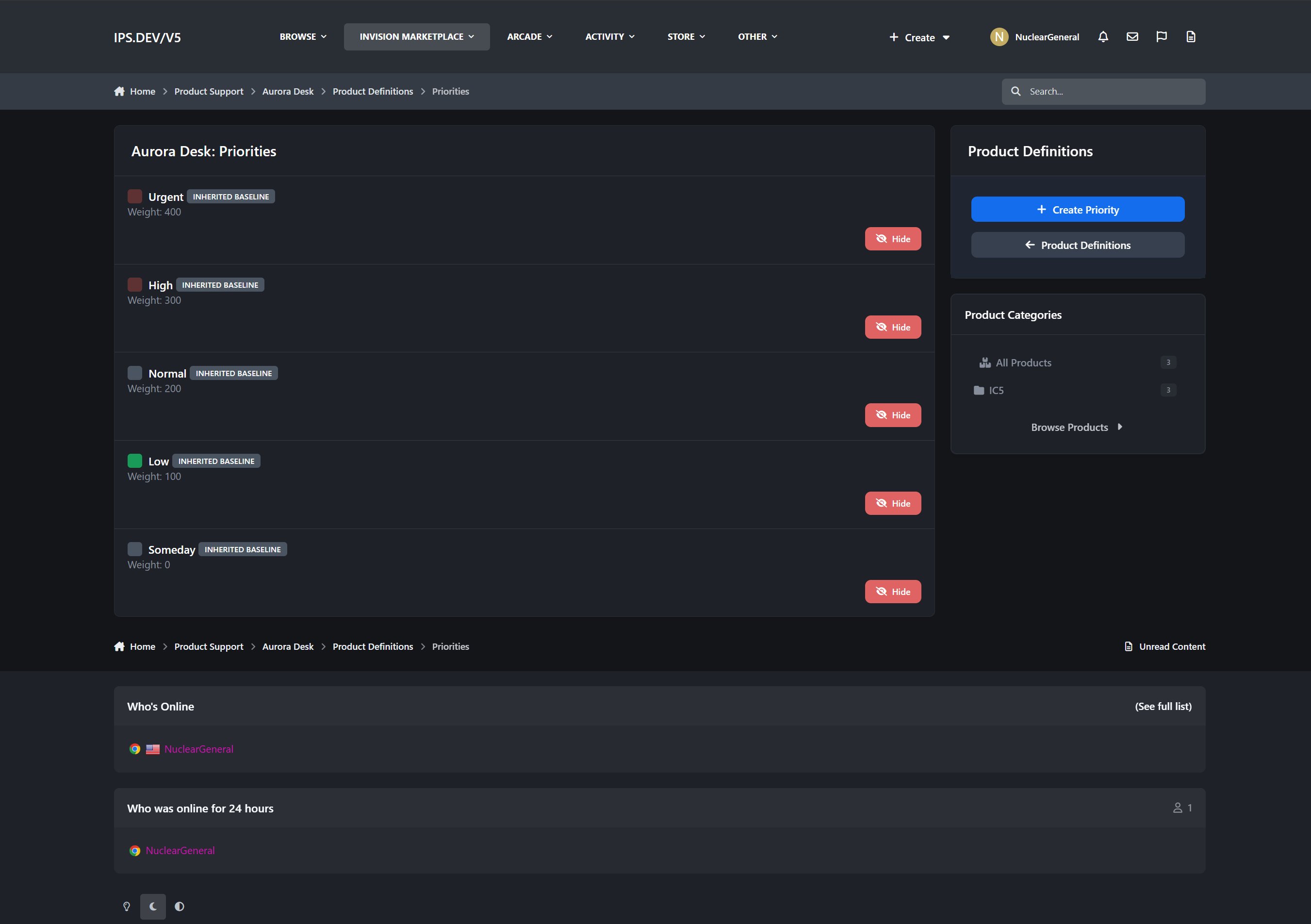
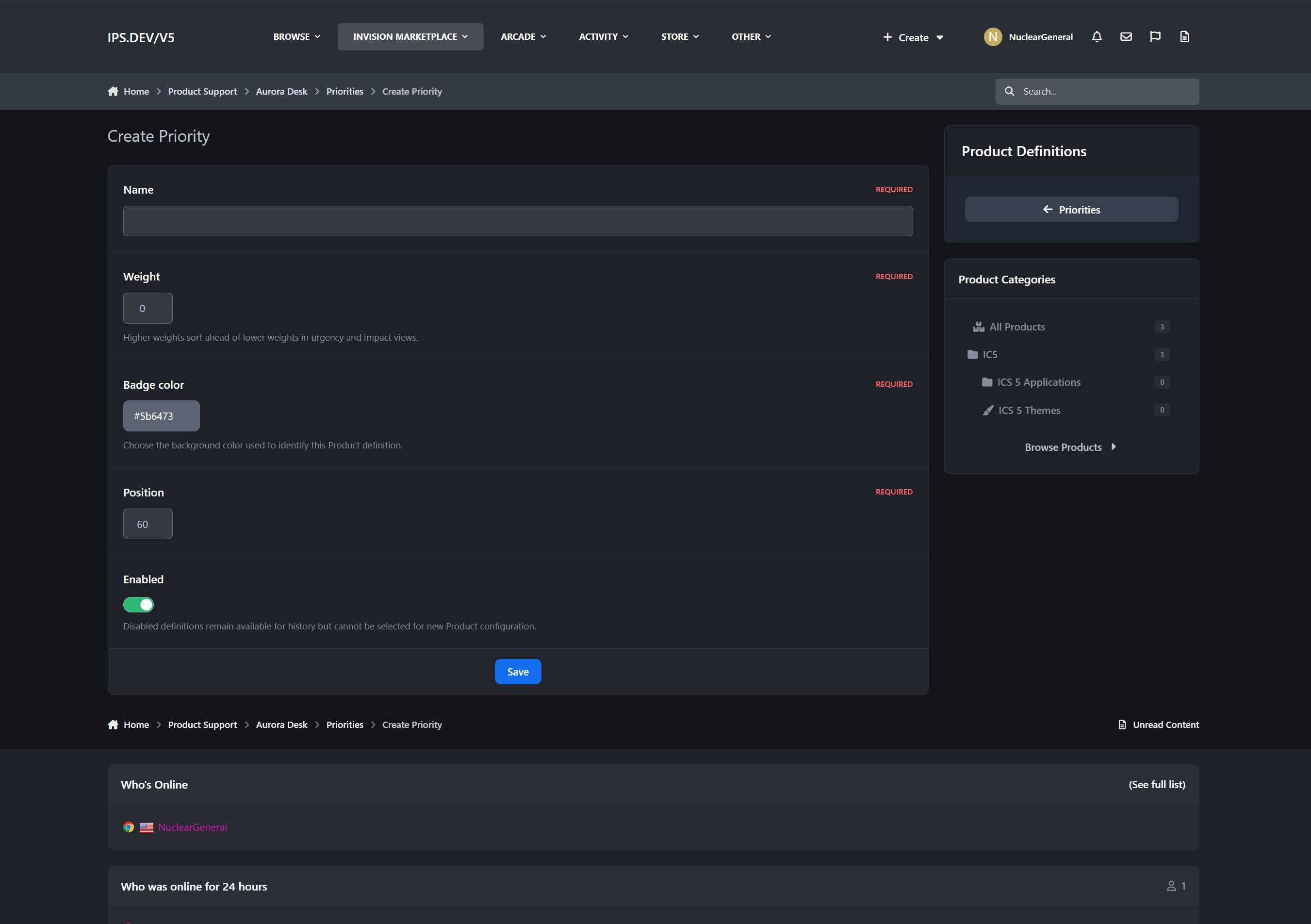
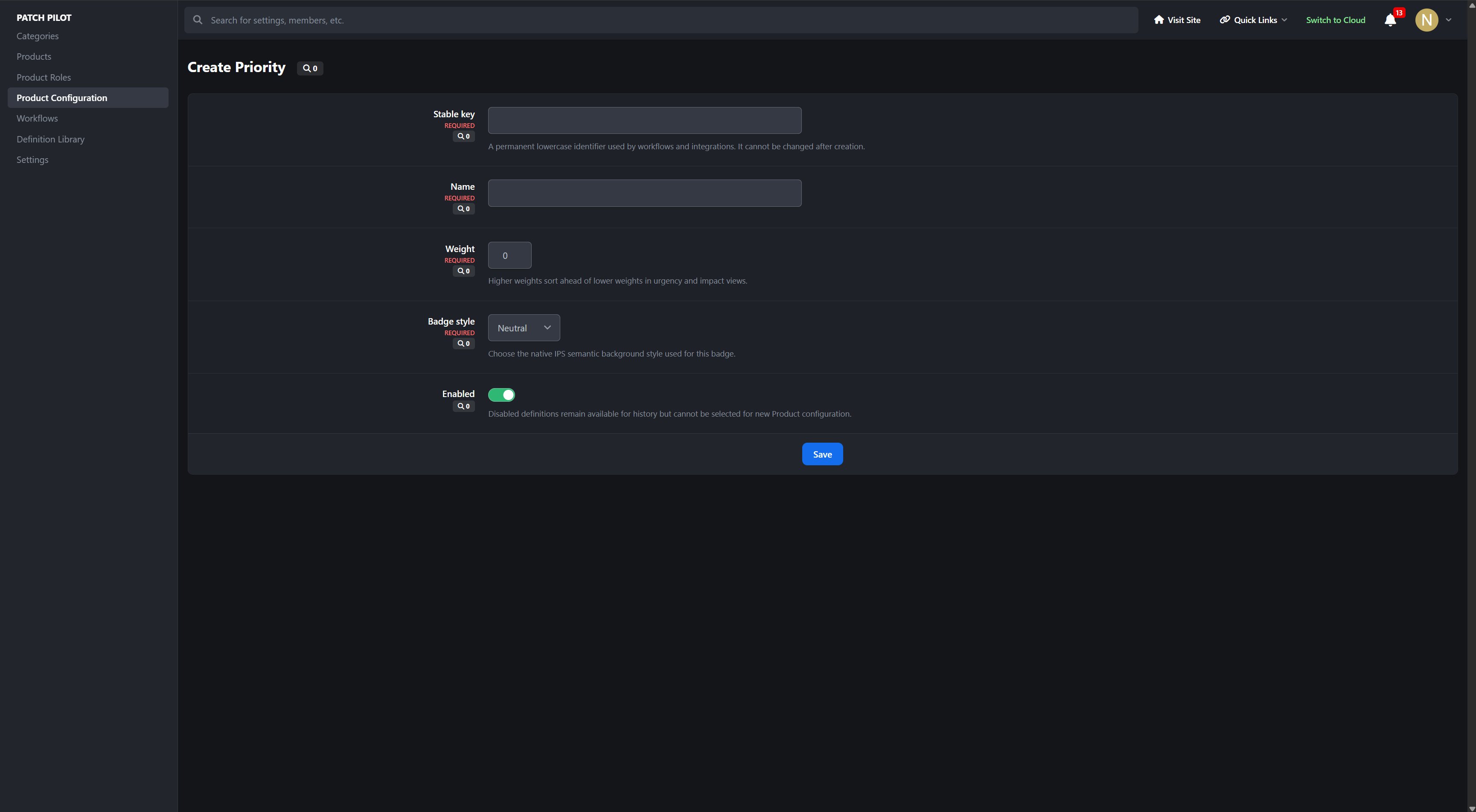
Priorities
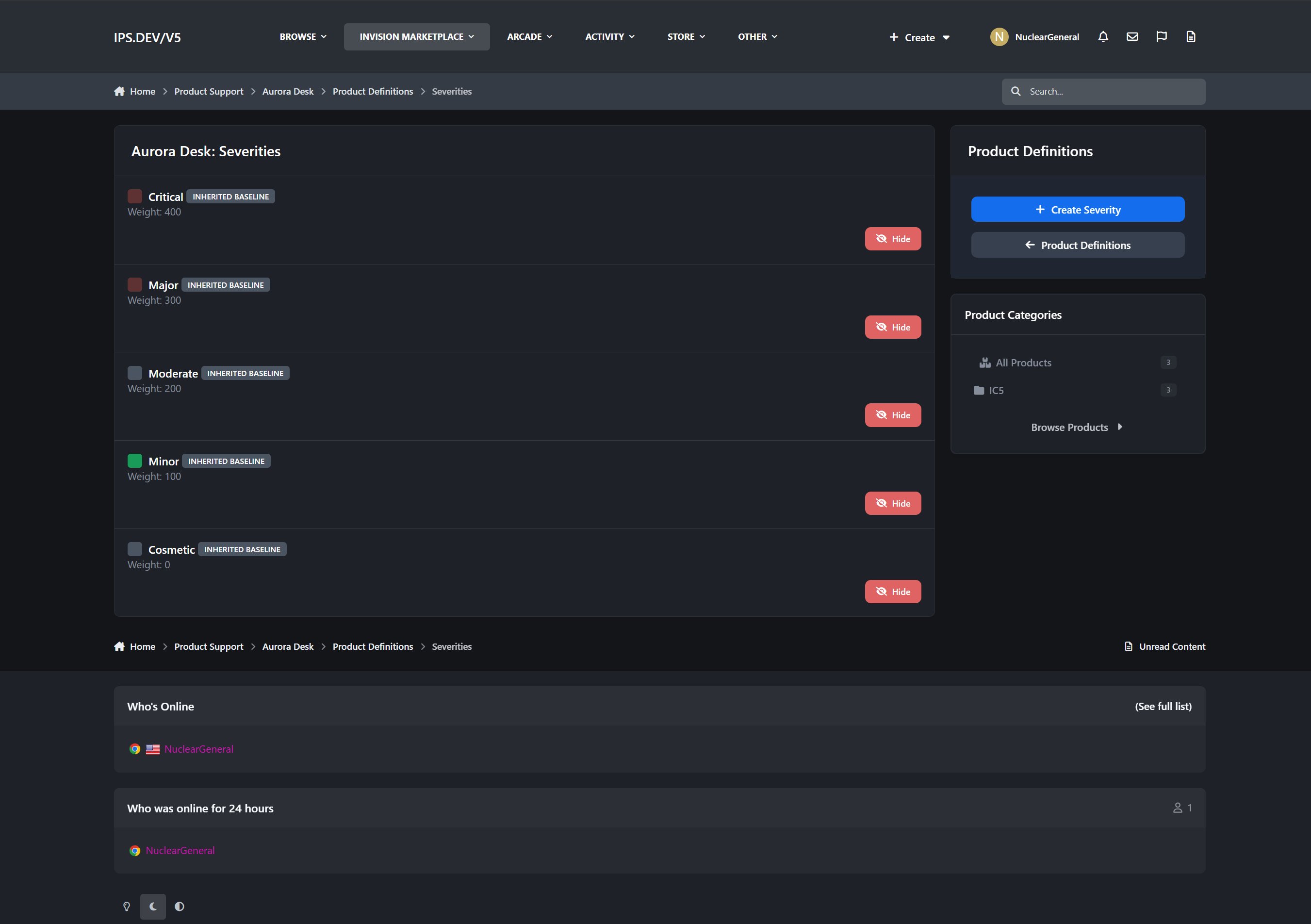
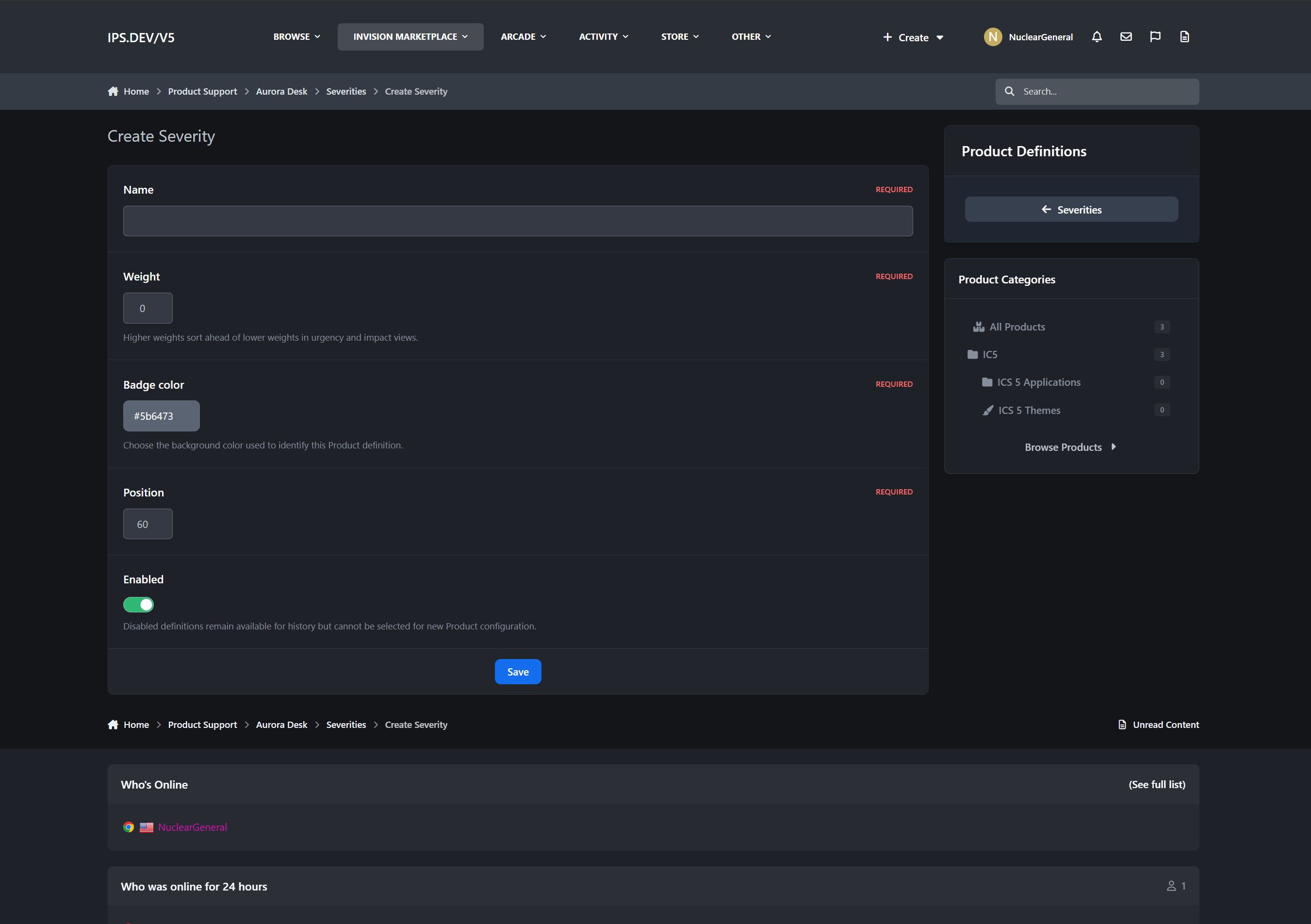
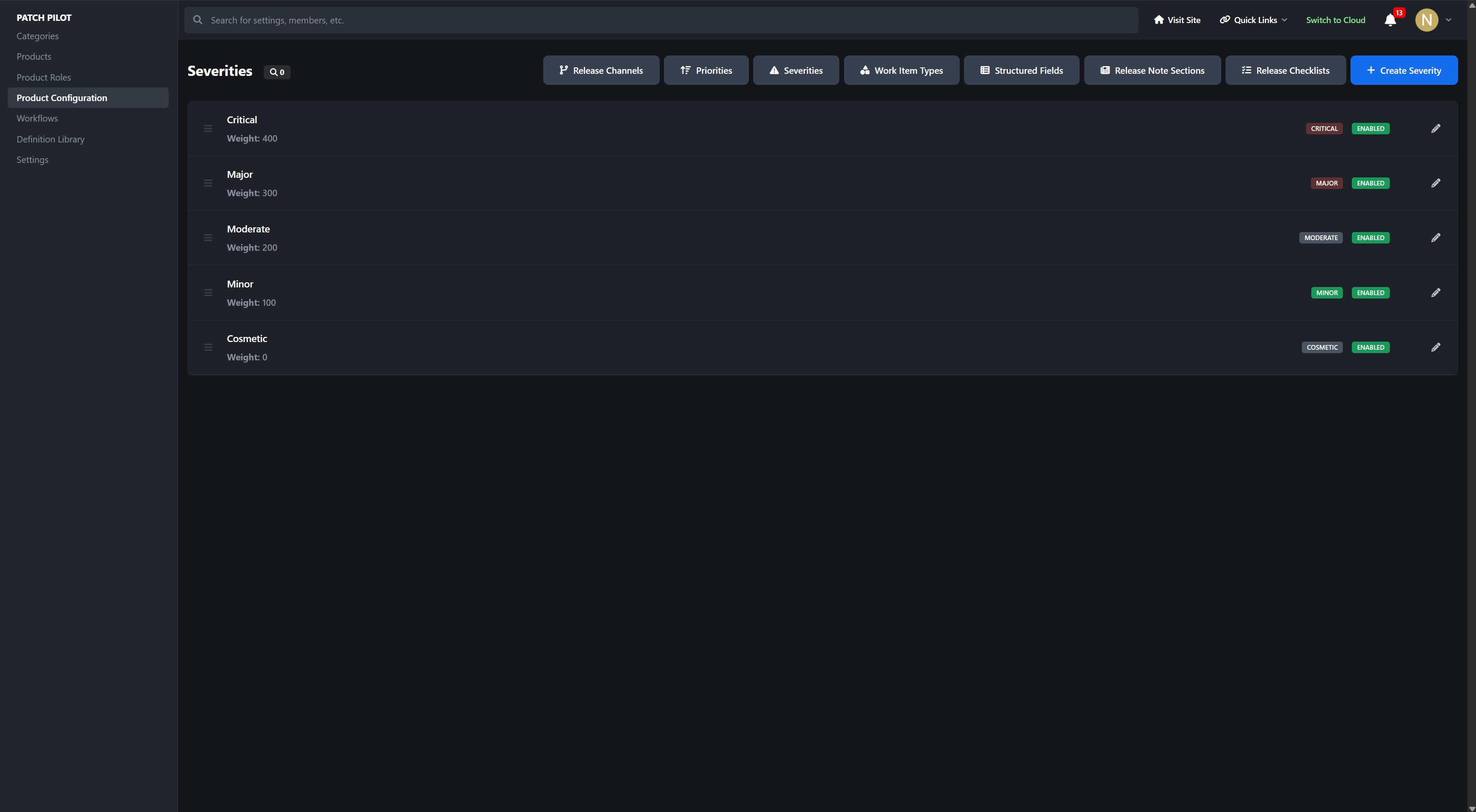
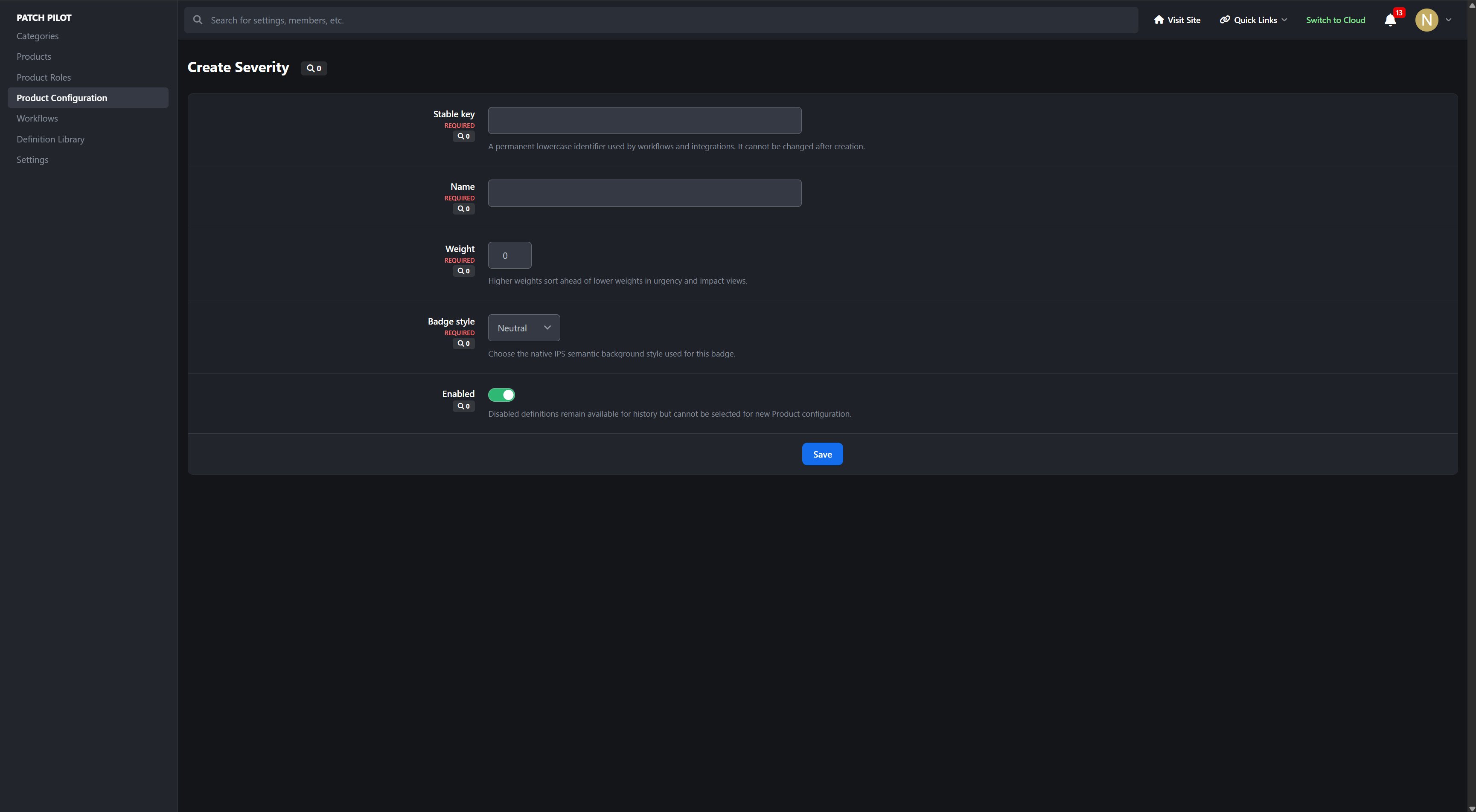
Severities
Work Item Types
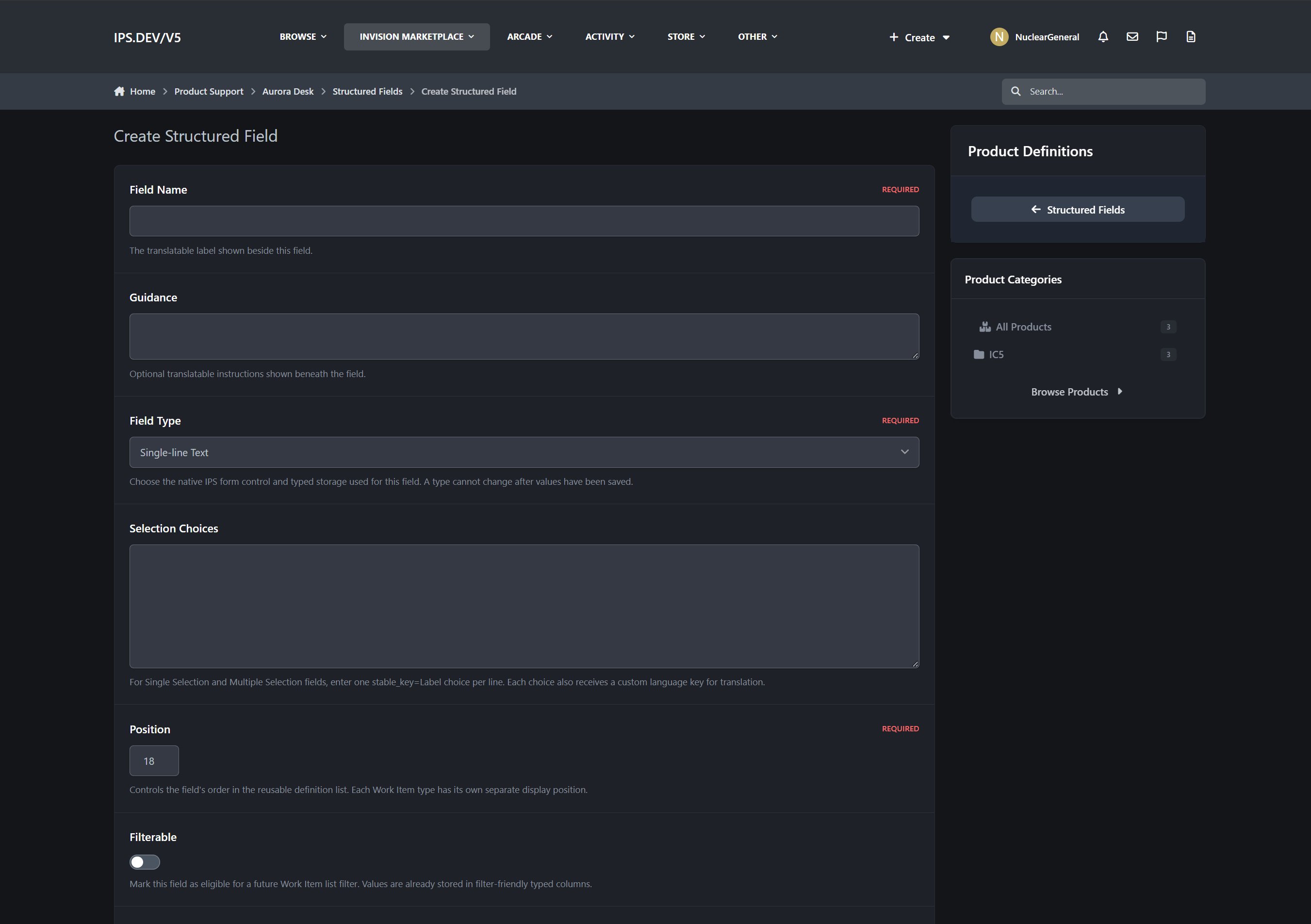
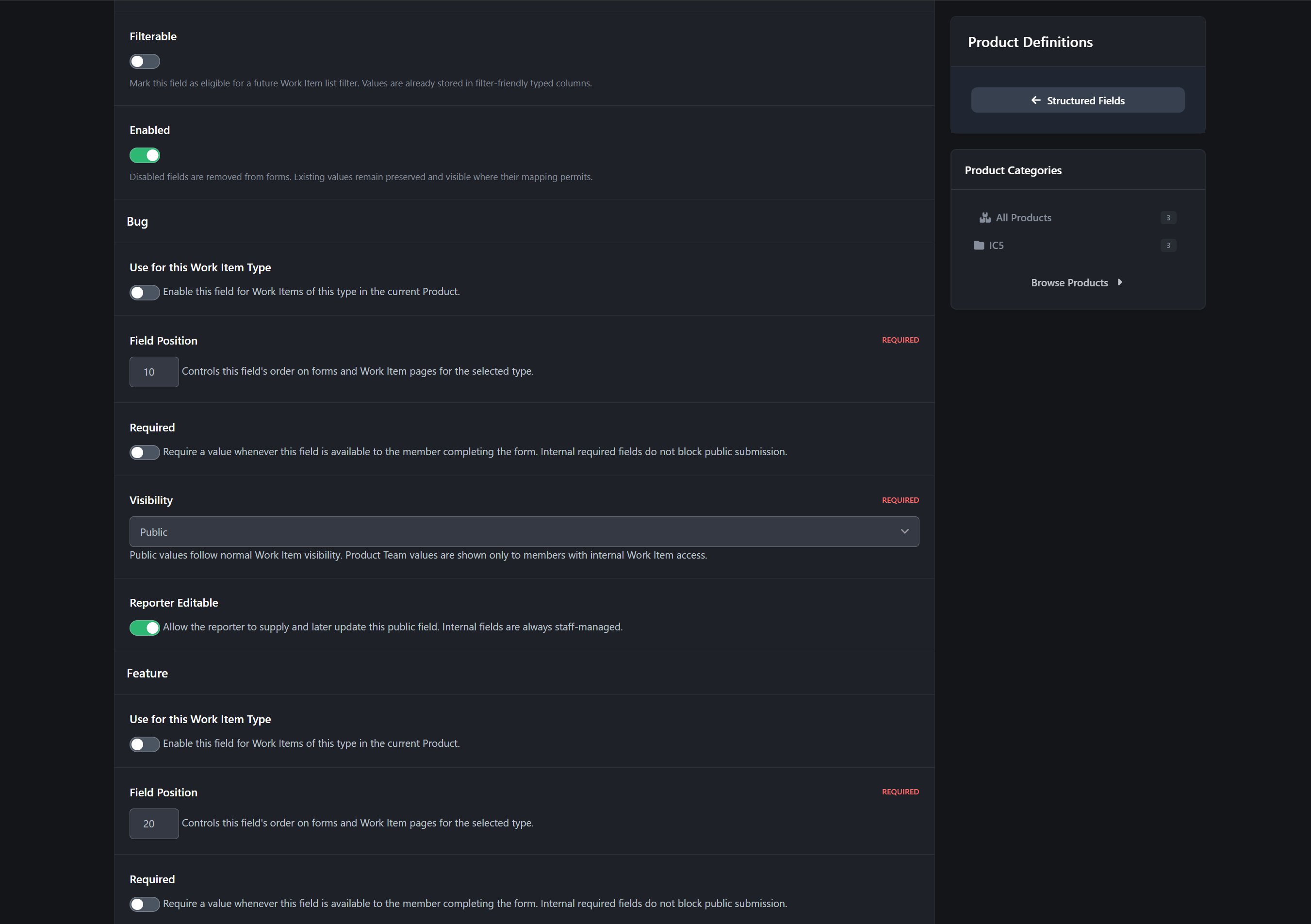
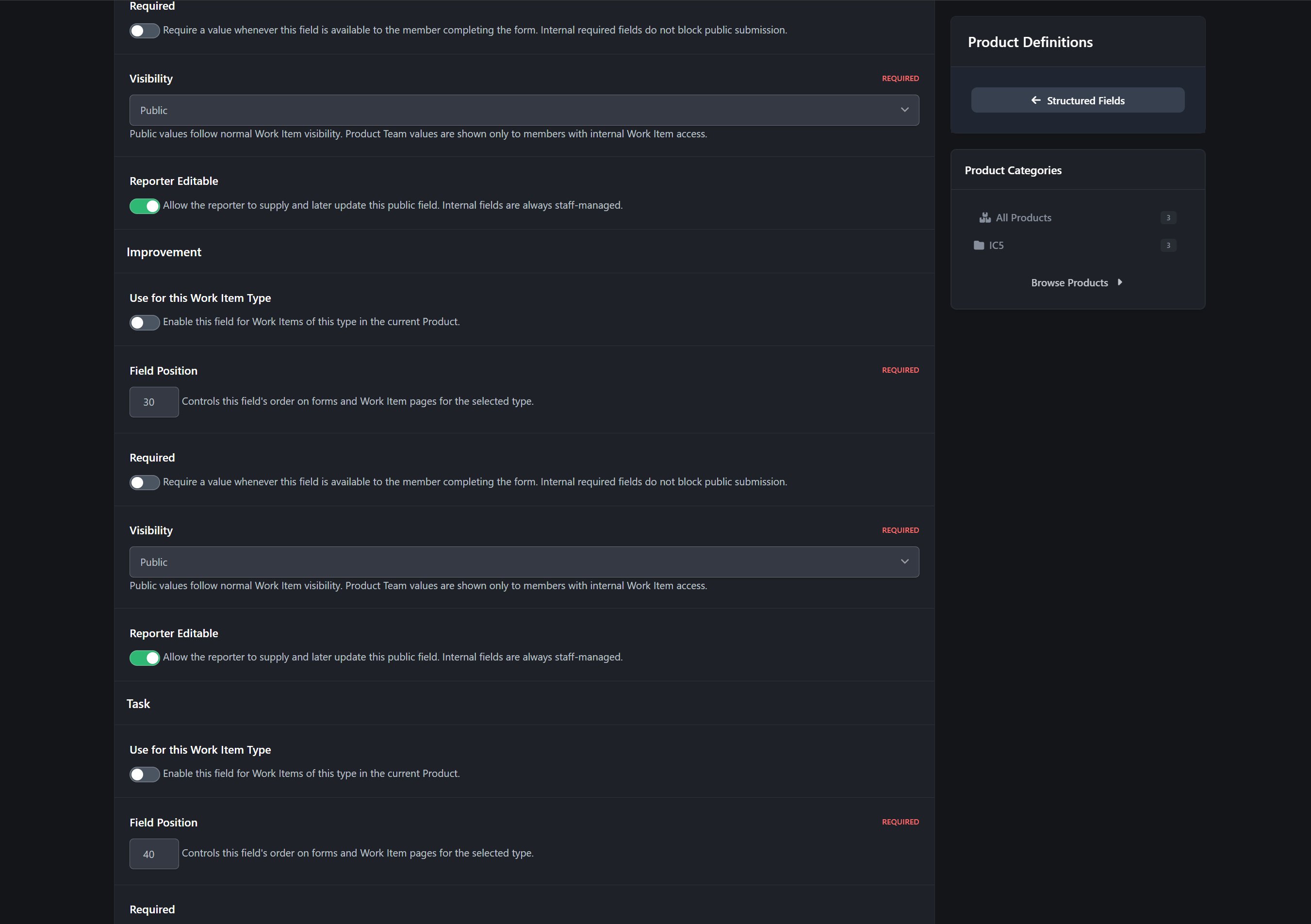
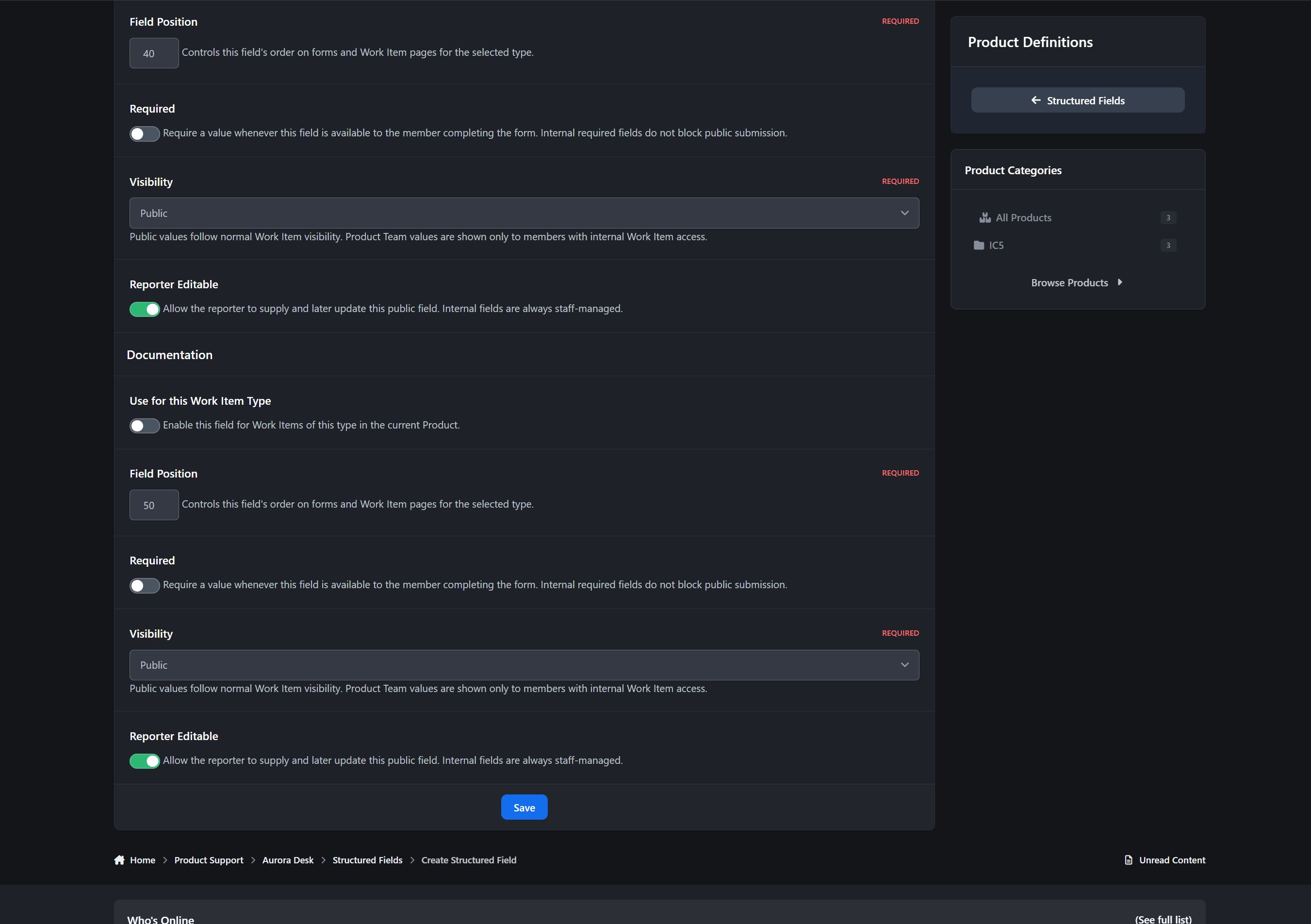
Structured Fields
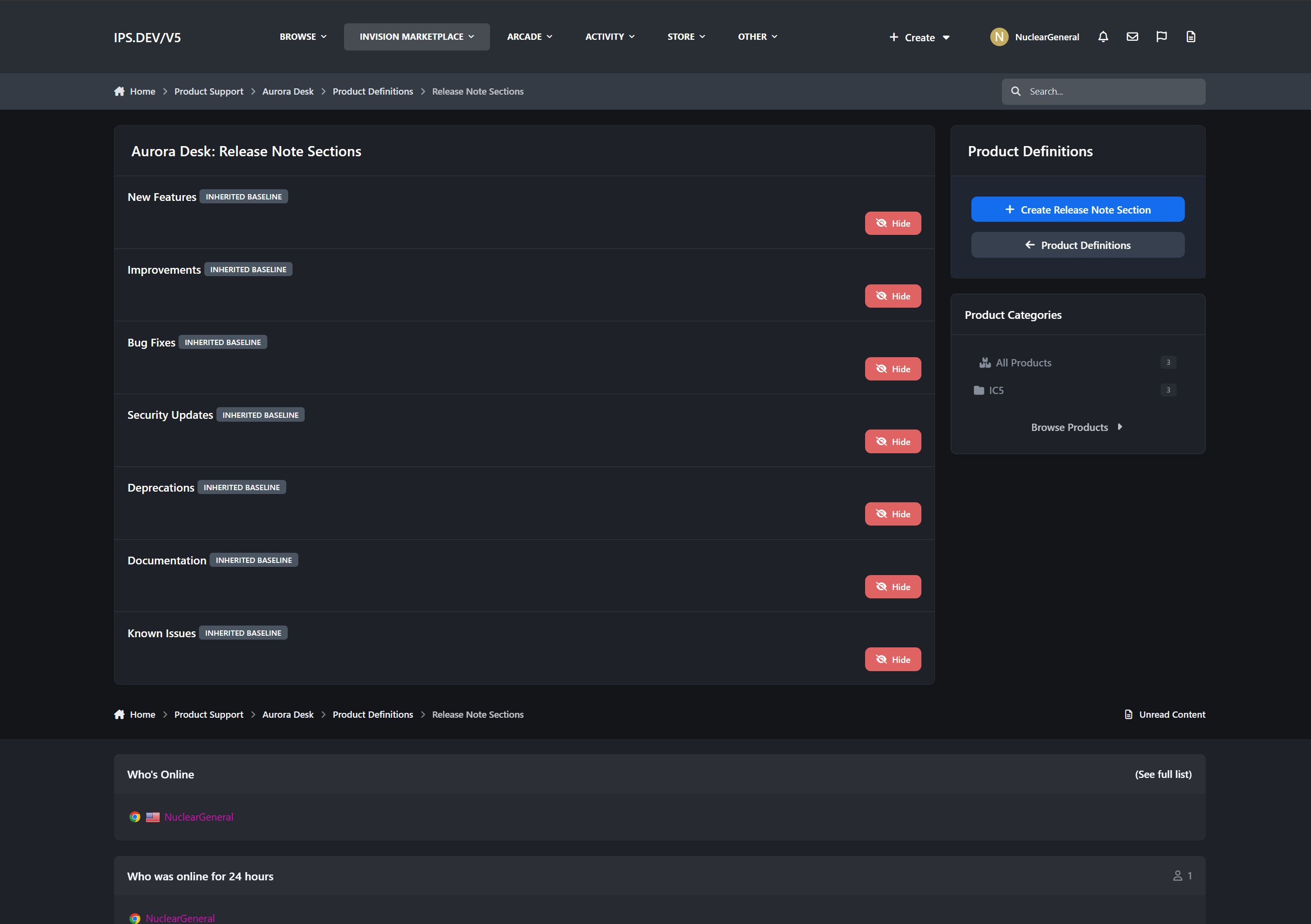
Release Note Sections
Release Checklist Templates
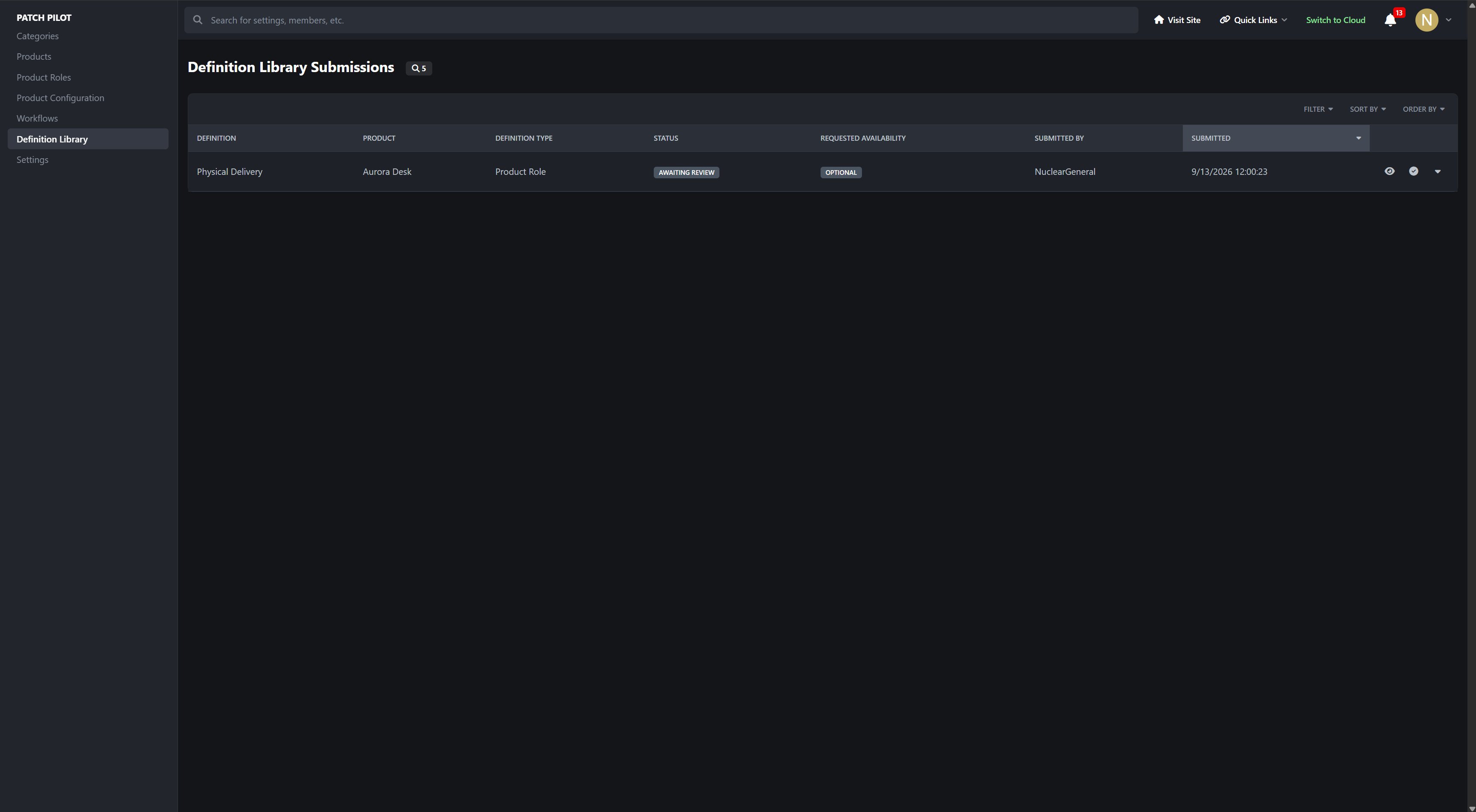
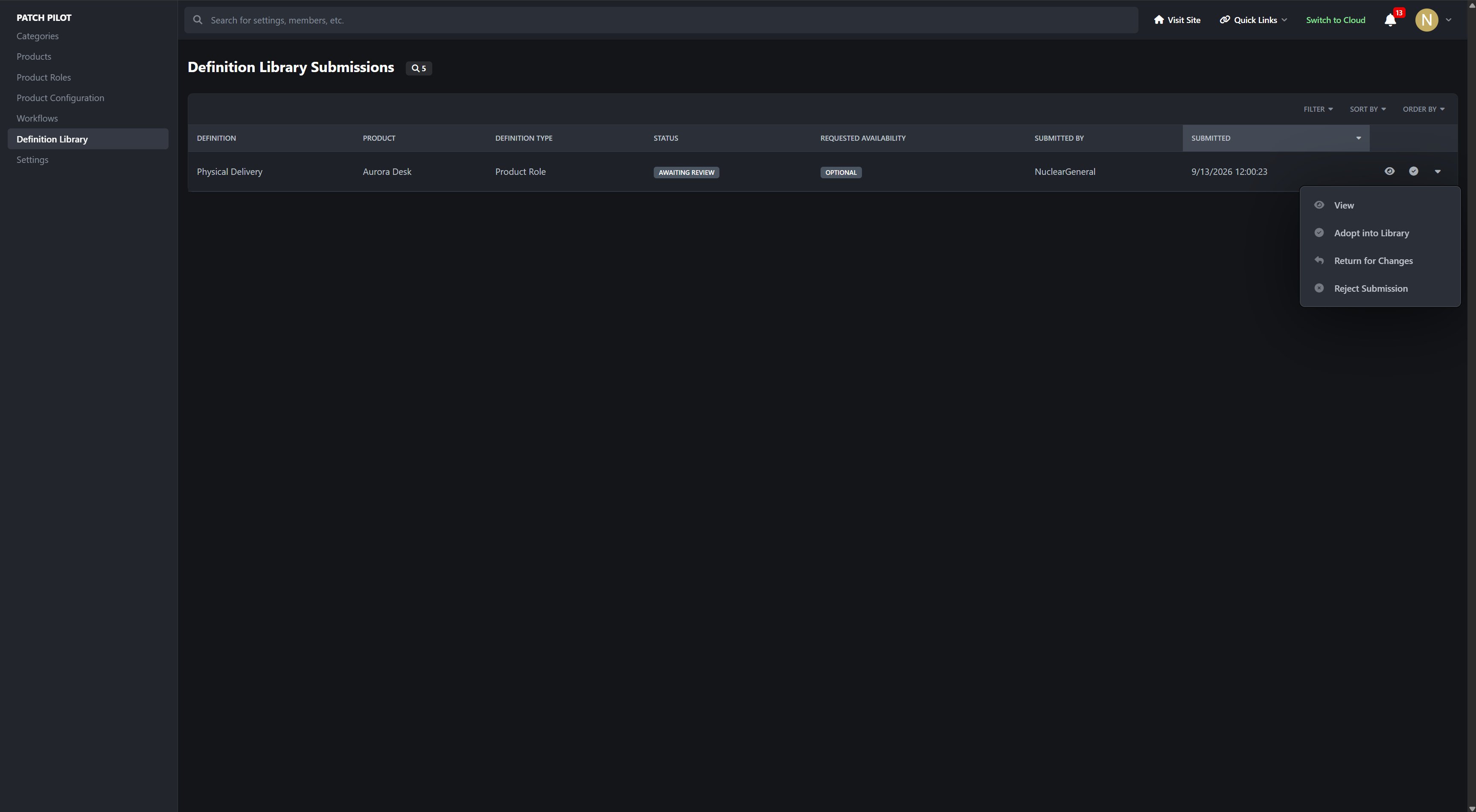
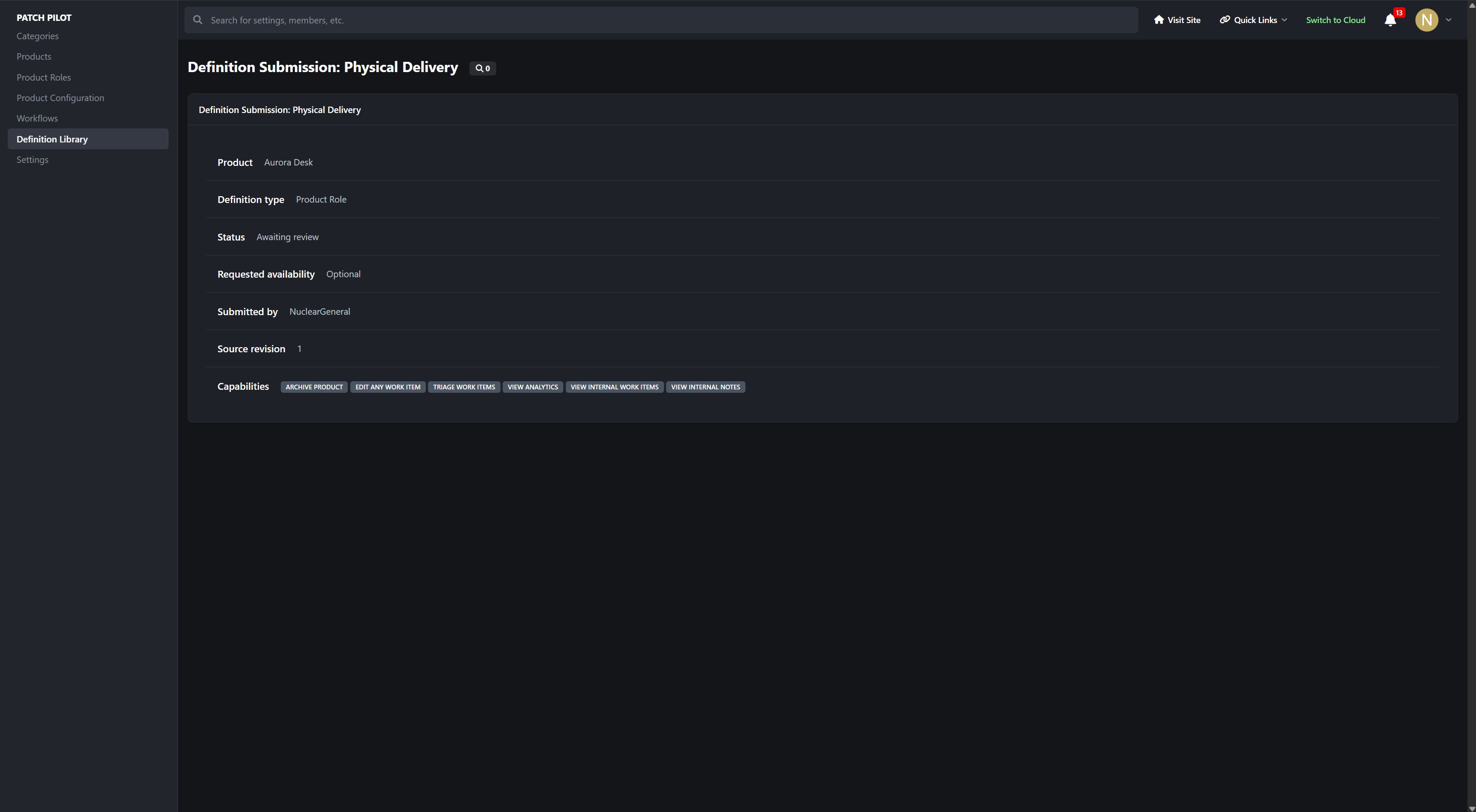
Unused definitions can be hidden without deleting their history. Supported Product-created definitions can also be submitted to the Definition Library, where administrators may adopt them as baseline or optional definitions for future Products.
This allows individual Products to evolve without exposing another Product’s private configuration or weakening administrator control.
Dashboards and Notifications
The Product Dashboard provides an overview of activity across everything a member can access.
Product status summaries
Upcoming Release targets
Personal assignment and verification queues
Blocked work
Recent permission-safe activity
Product Team workload information
Pending Product approvals for authorized reviewers
Notifications cover assignments, verification, workflow changes, due dates, planning escalations, managed Releases, watched Work Items, and watched Products.
IPS-Native Design
Patch Pilot is designed to feel like part of Invision Community.
Native content
Native comments
Native moderation
Native following
Native sharing
Use Cases
Patch Pilot is well suited for:
Software communities collecting bug reports and feature requests
Application and plugin developers managing public roadmaps
Product teams coordinating development and verification
Support communities turning customer reports into planned work
Teams preparing structured release checklists
Developers generating clear Release Notes from completed work
Organizations balancing public participation with private internal planning
Communities managing several independent Products from one installation
AdminCP Areas
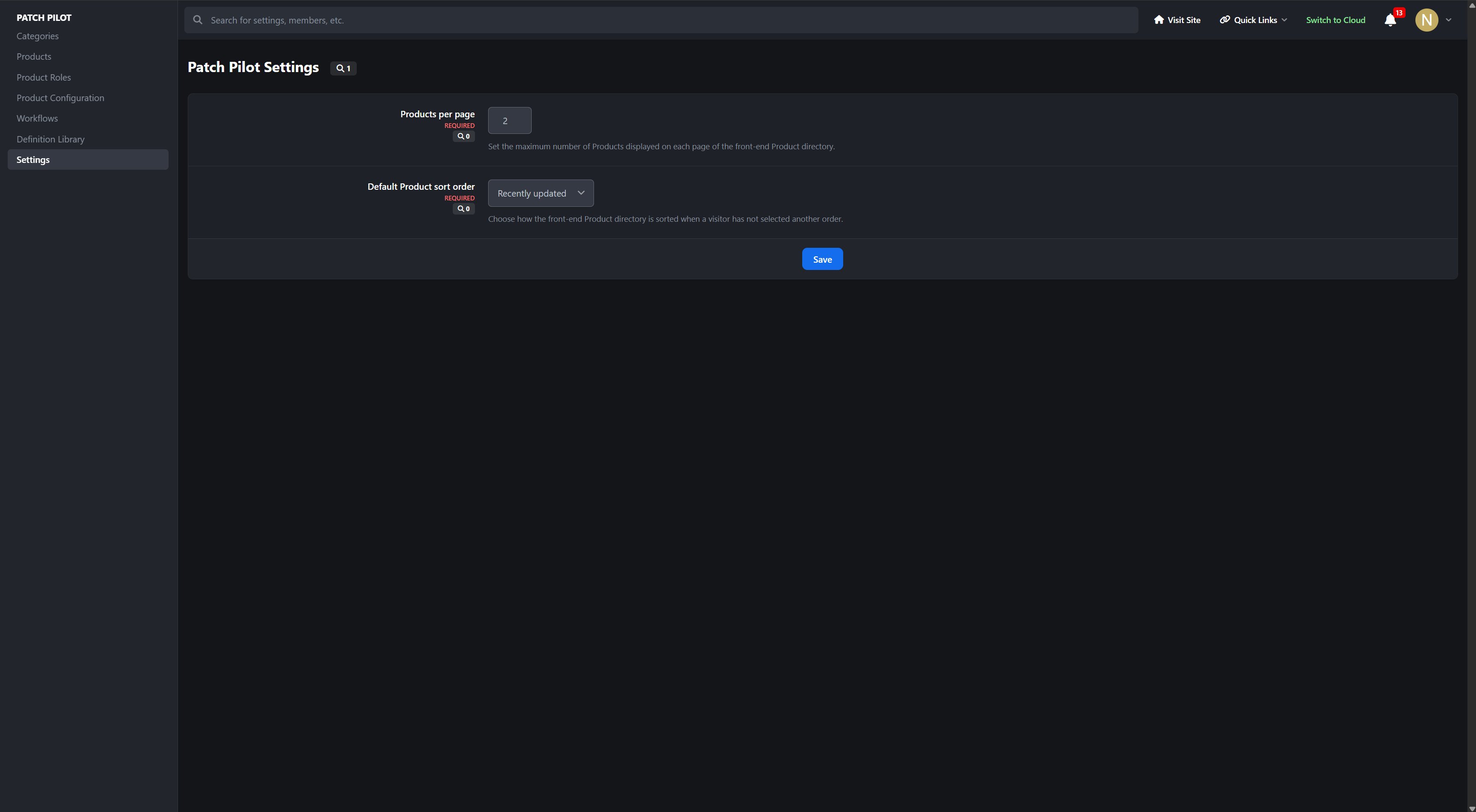
Patch Pilot provides dedicated AdminCP management for:
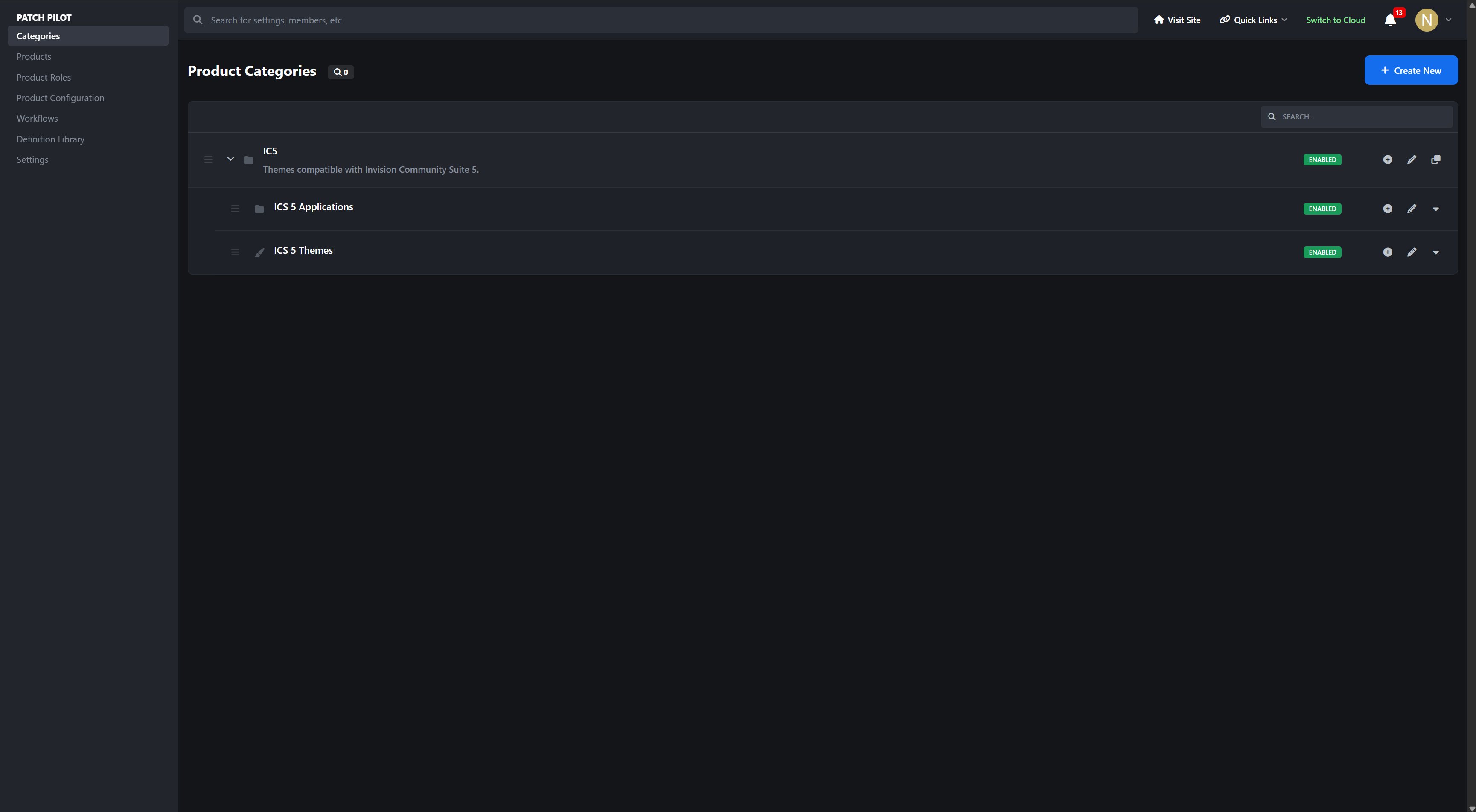
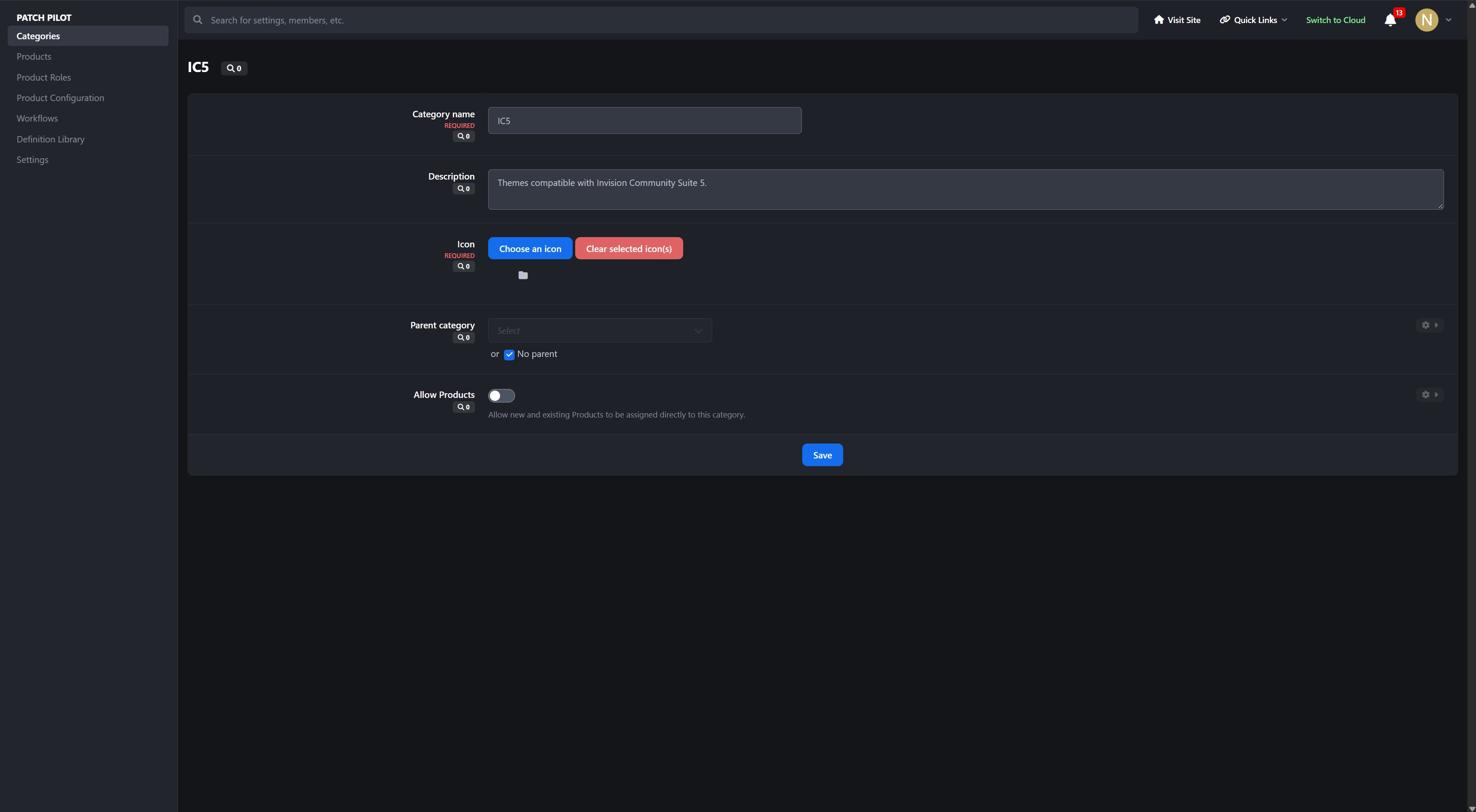
Products, permissions, teams, lifecycle, and approval
Product Roles and capabilities
Release channels, priorities, severities, Work Item Types, Structured Fields, Release Note Sections, and checklist templates
Workflows, states, transitions, and roadmap stages
Product-submitted Definition Library reviews and adoption
Why It Stands Out
Patch Pilot is more than a bug tracker placed inside a community. It connects community feedback, Product Team planning, configurable workflows, verification, release readiness, and public communication in one continuous system.
Members can participate using their existing community accounts, while Product Teams receive the structured controls needed to move work from its first report through planning, development, verification, and final release.
Track the work. Prepare the release. Deliver with confidence.
Developed by InvisionMarketplace.com — Professional Invision Community Applications
App Suggested by @Square Wheels https://invisionmarketplace.com/suggestions/idea/7-task-manager/?do=getNewComment
There are no reviews to display.