Poke Members System
Invision Community 5
- Category Member Tools
- Downloads 62
- Compatibility IC5: 5.0.0
- Updated






Overview
Adds a poke system to your forum.Description
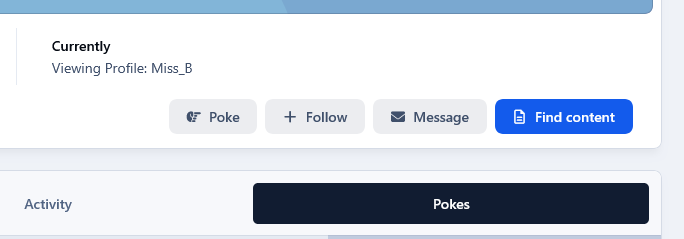
This app will add a poking system giving your members the ability to poke each other. Members with the appropriate permissions can poke other members from either their profiles or hoover card. Once a member pokes someone, they can't poke the same member twice, unless that member pokes them back. Then they can poke them again.
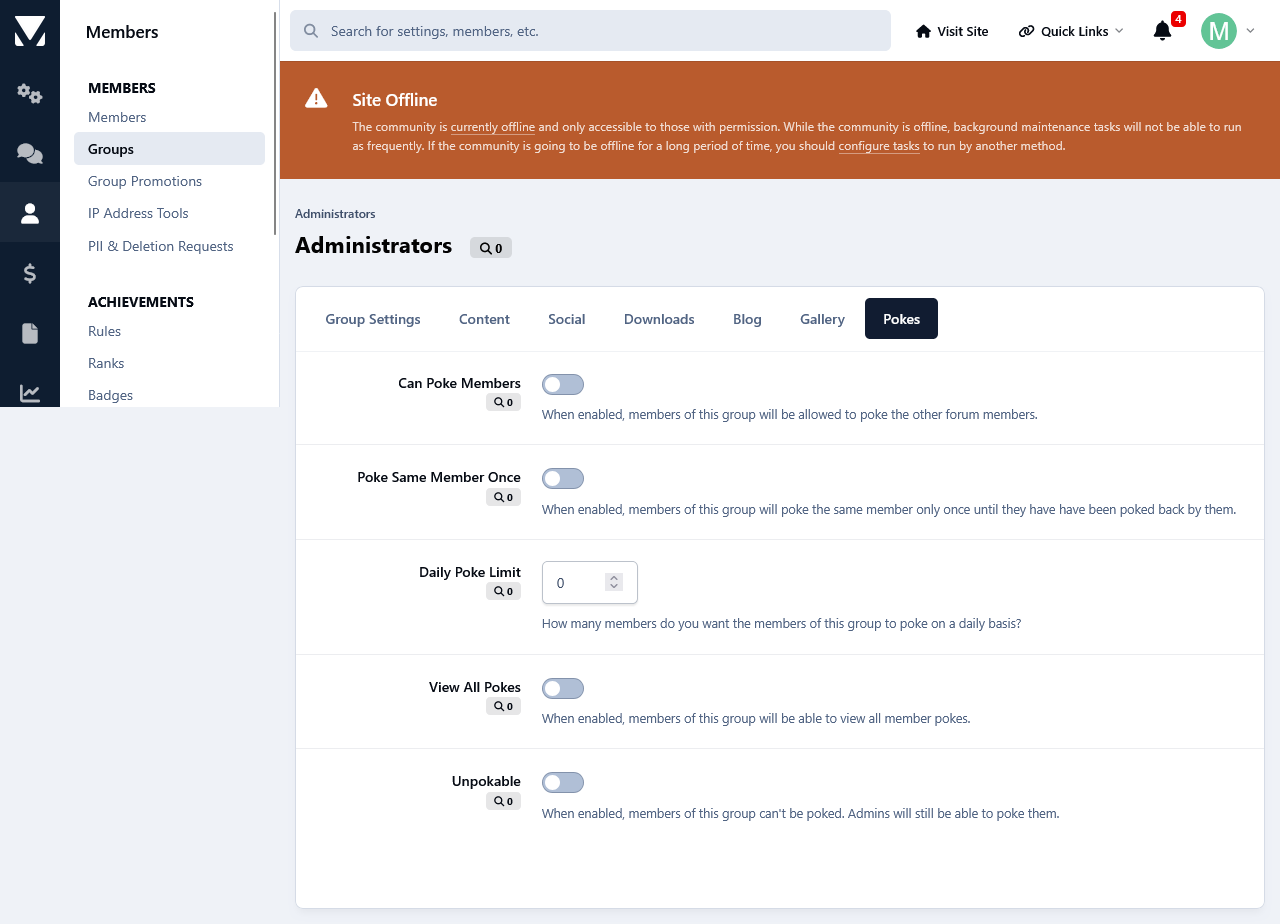
Individual Group Permissions.
Can poke members.
Poke Same Members Only Once.
Daily Poke Limit.
View All Pokes.
Unpockable.
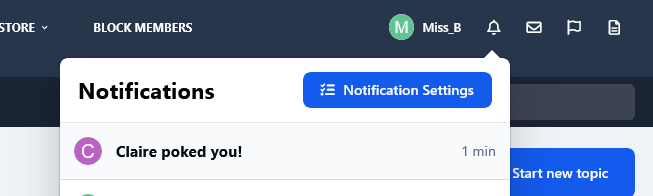
Notification System Integration:
Whenever a members gets poked, they will receive an alert. Members can disable the poke alert at their Notification Settings.
Profile Pokes Tab:
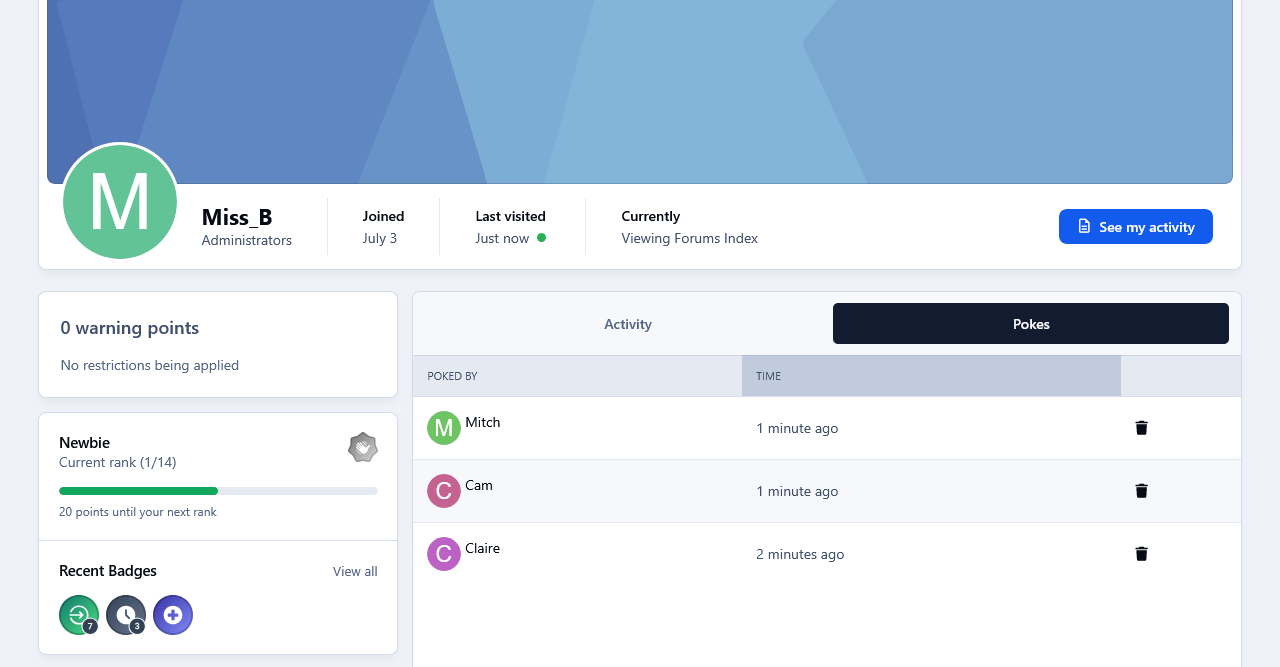
A new tab has been added on members profiles containing all the pokes that they have received. Members can view their own pokes. Whereas all members pokes are viewable only to members with the appropriate permissions.
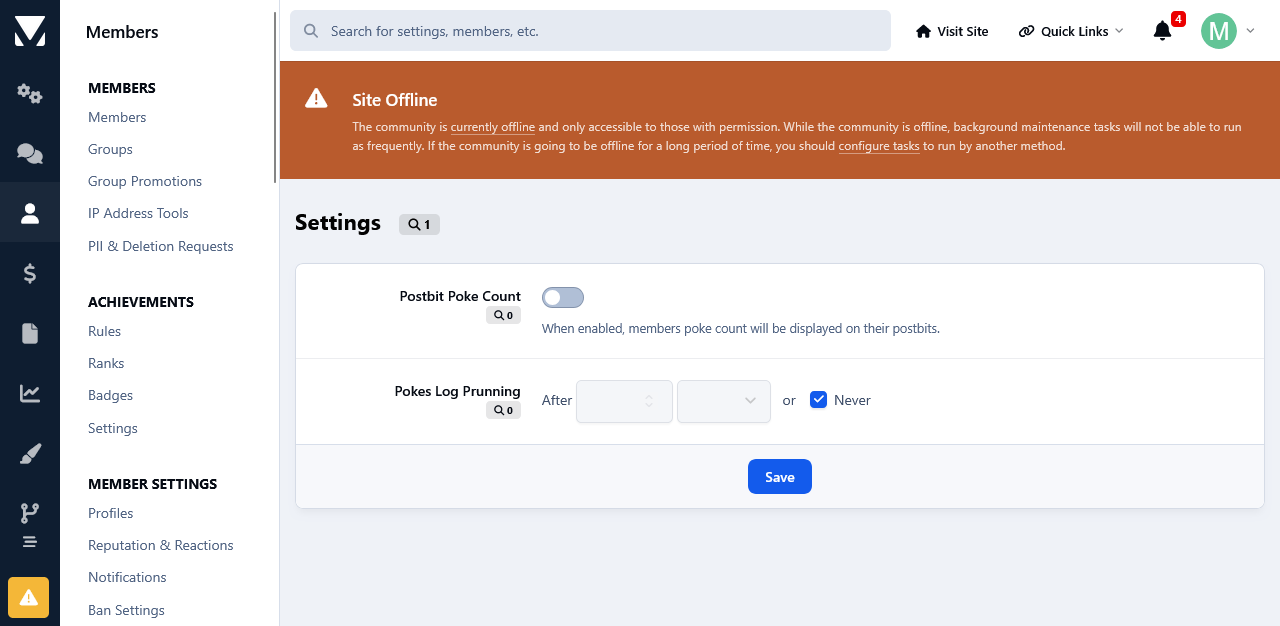
Postbit Poke Count:
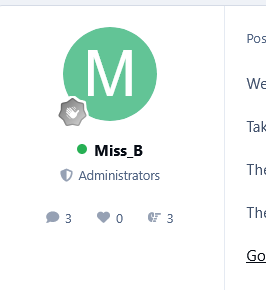
A settings to show members poke count on their postbit is available.
Recent Activity Integration:
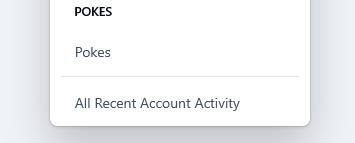
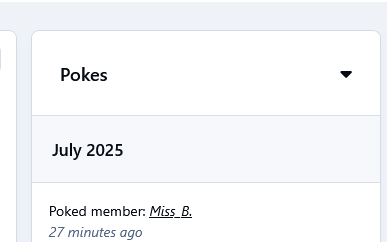
Whenever a members pokes someone, it will will be displayed on their Recent Activity block on their profile in the Admin Panel.
Task System Integration:
A task has been added for pruning of old poke stats.
Admin Logs:
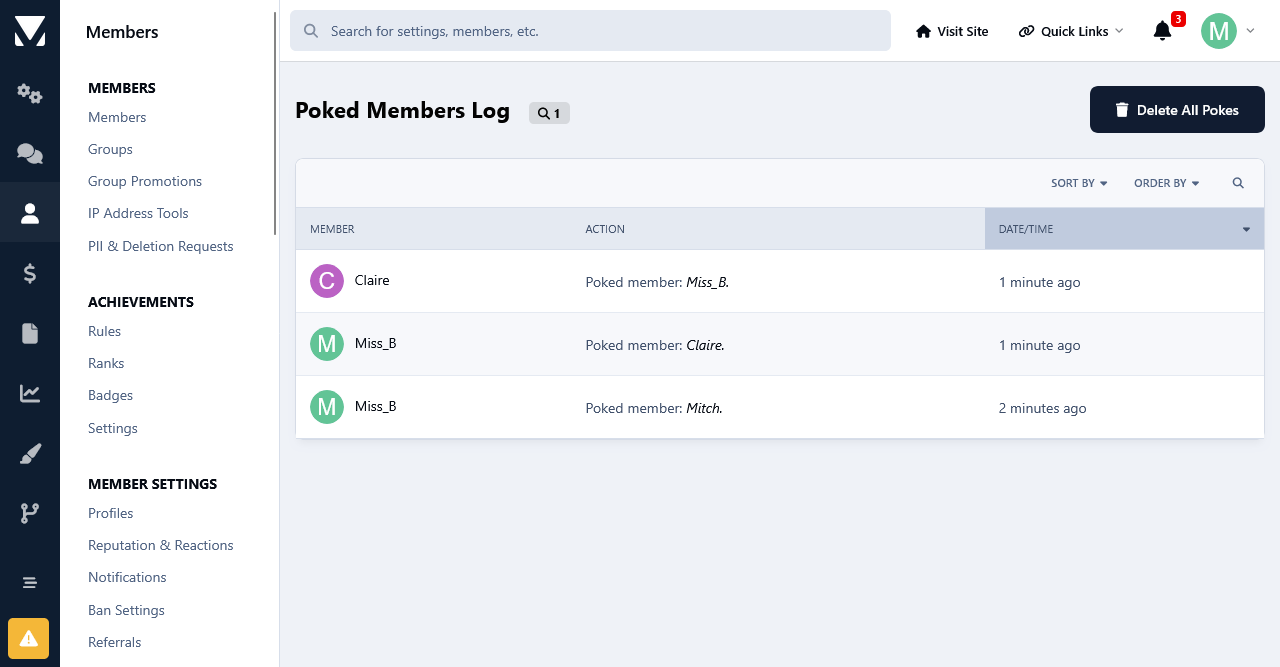
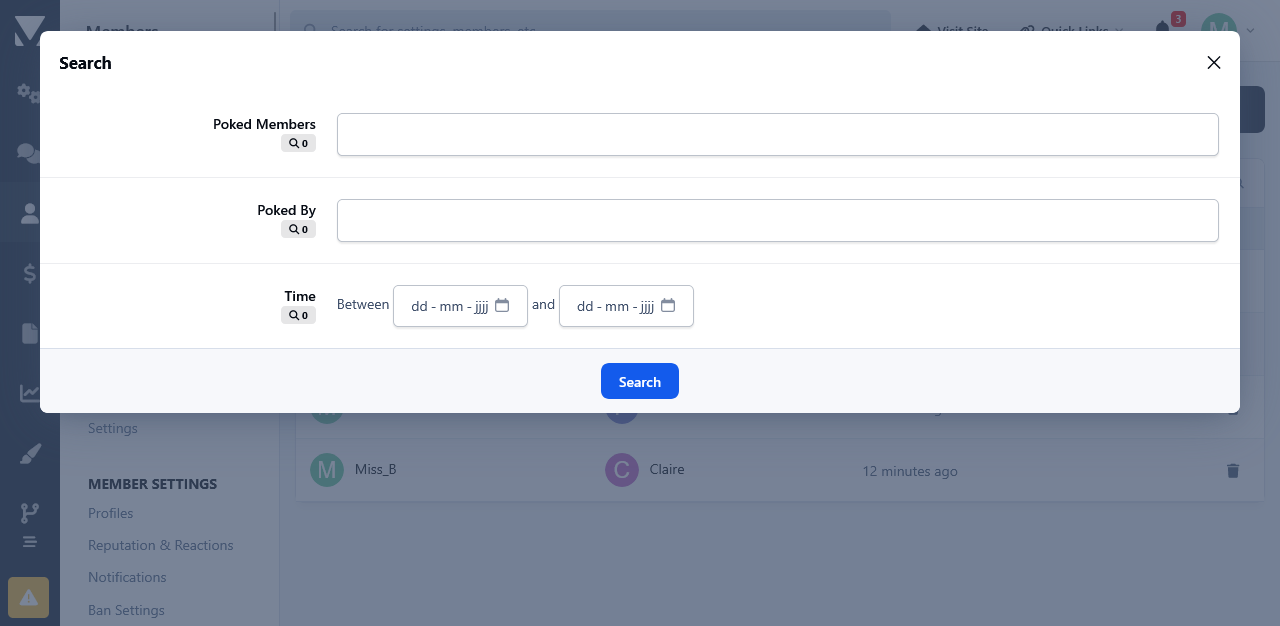
An overview of all members pokes is available in the admin panel as well as an advanced search form. Admins can search for who was poked and by whom and they can also select a time frame for the results.
Moderator Log Integration:
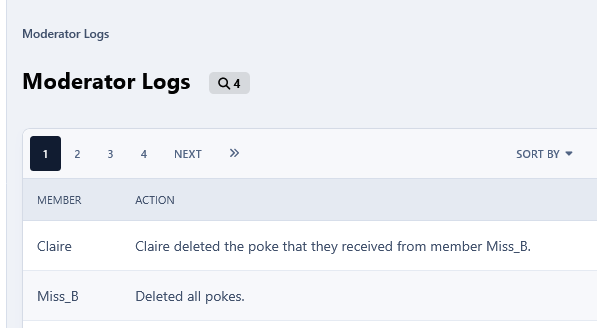
Anytime that an admin will delete a poke, the action will be logged in the Moderator Logs.
-
 1
1
Create an account or sign in to leave a review
There are no reviews to display.