Realtime Gateway
- Category Member Tools
- Downloads 66
- Compatibility IC5: 5.0.0+
- Updated
Description
Works with: Realtime, Live Notifications, Chat, Chat Calls and the Chat Bundle — all of which need this to deliver anything live. Live Topics can use it but does not require it. Nothing else needs it, and on its own it adds no feature to your community.
Realtime Gateway
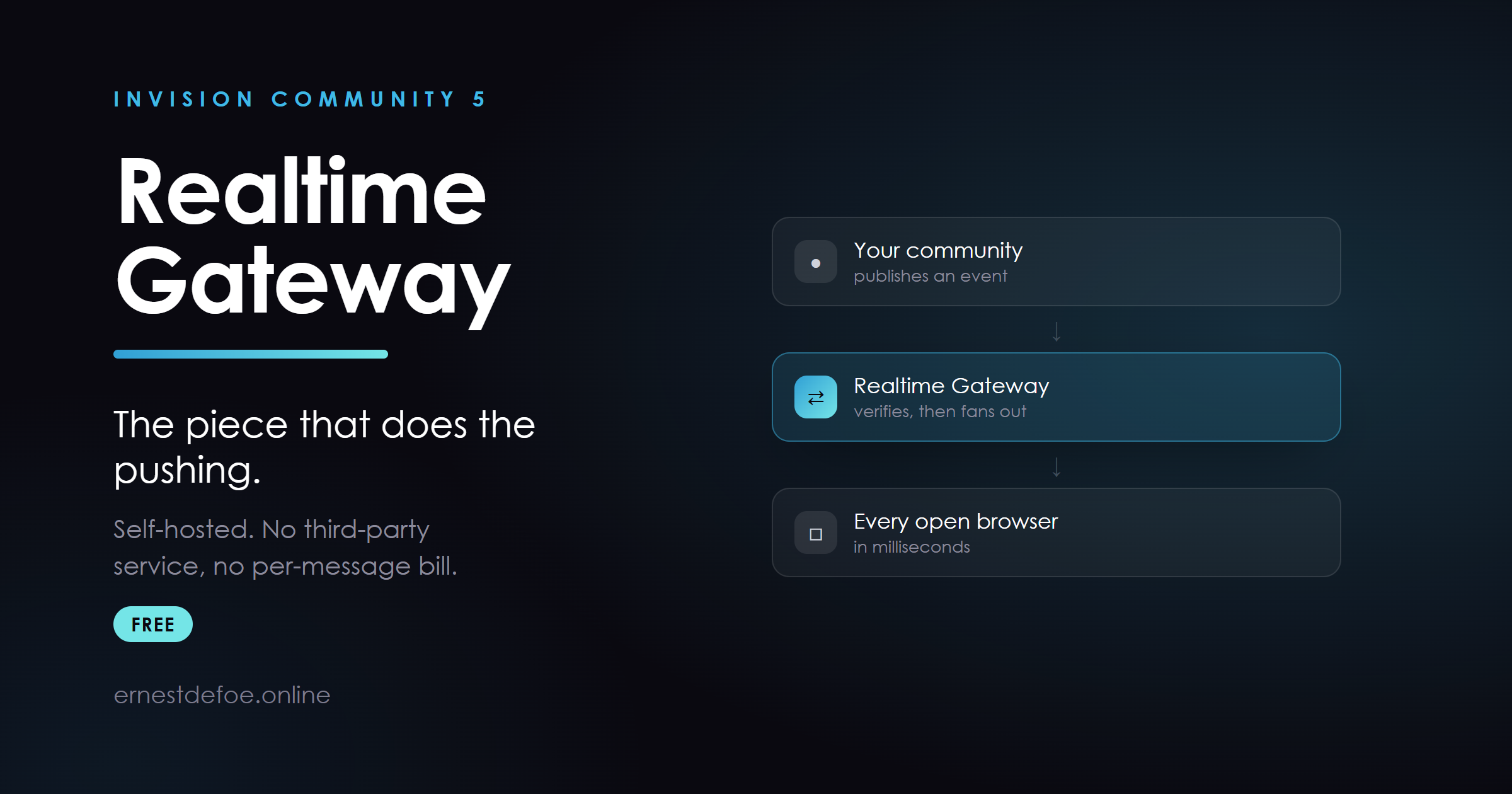
Free. The small WebSocket server that Realtime, Live Notifications, Chat and Chat Calls all push through. If you own any of those, this is the piece that runs alongside your community and delivers to browsers.
It has always shipped inside the Realtime download. It now has a listing of its own, because a shared dependency deserves its own version number.
Why it is separate
Several applications depend on this one file, and it changes when any of them gains a new kind of channel. Buried inside another product's download, its version was whatever you happened to download last — and the only notice you got was a paragraph in somebody else's changelog.
That matters more than it sounds, because of how the gateway fails. An older gateway does not reject a channel it does not recognise. It drops it in silence: no error, no log line, nothing in the browser console. The socket stays open and looks perfectly healthy, and the feature simply never does anything.
With its own listing you can see at a glance whether yours is current, and you get told when it is not.
What it is
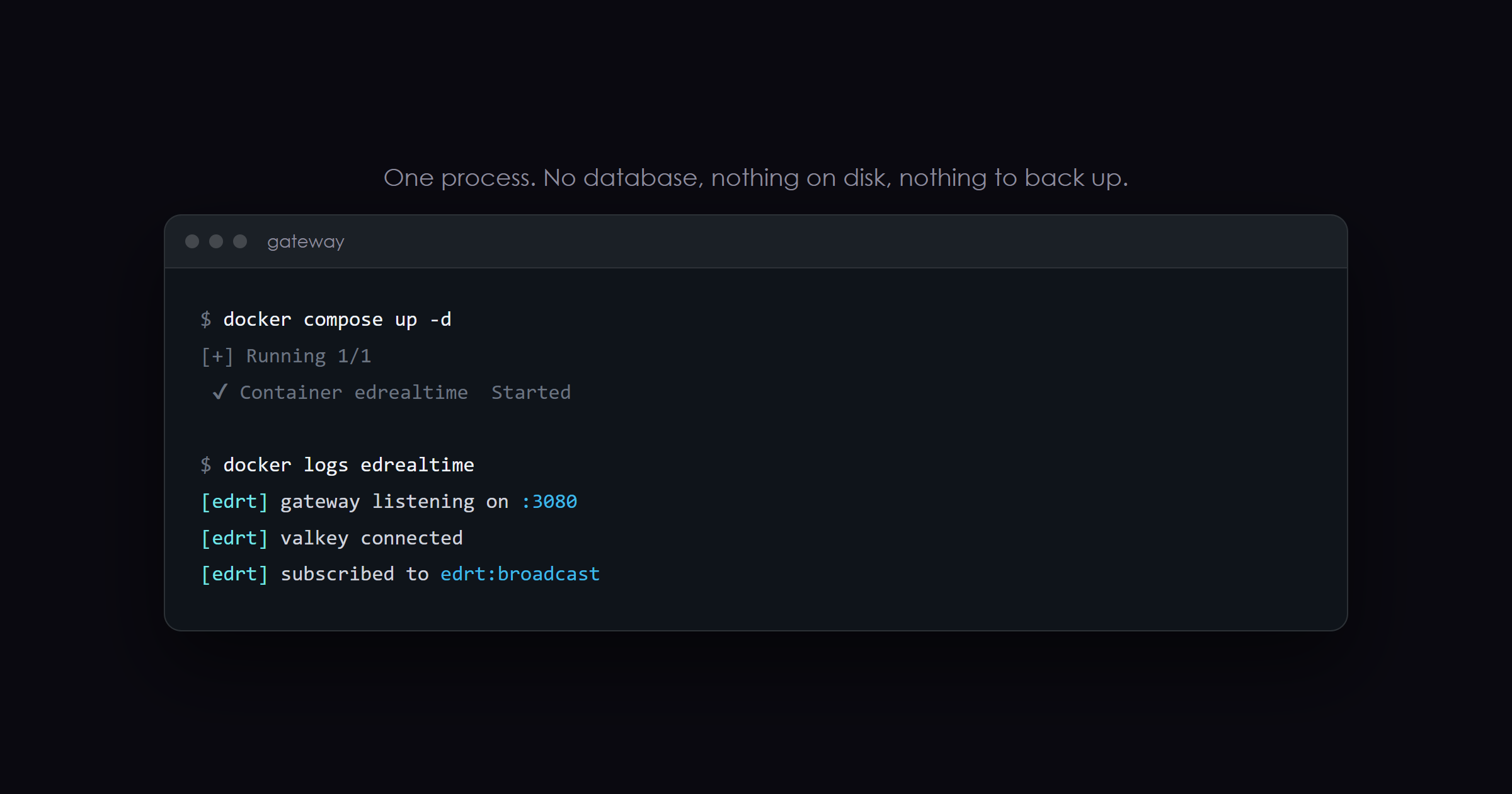
- About 250 lines of Node.js. No database, no state on disk, nothing to back up.
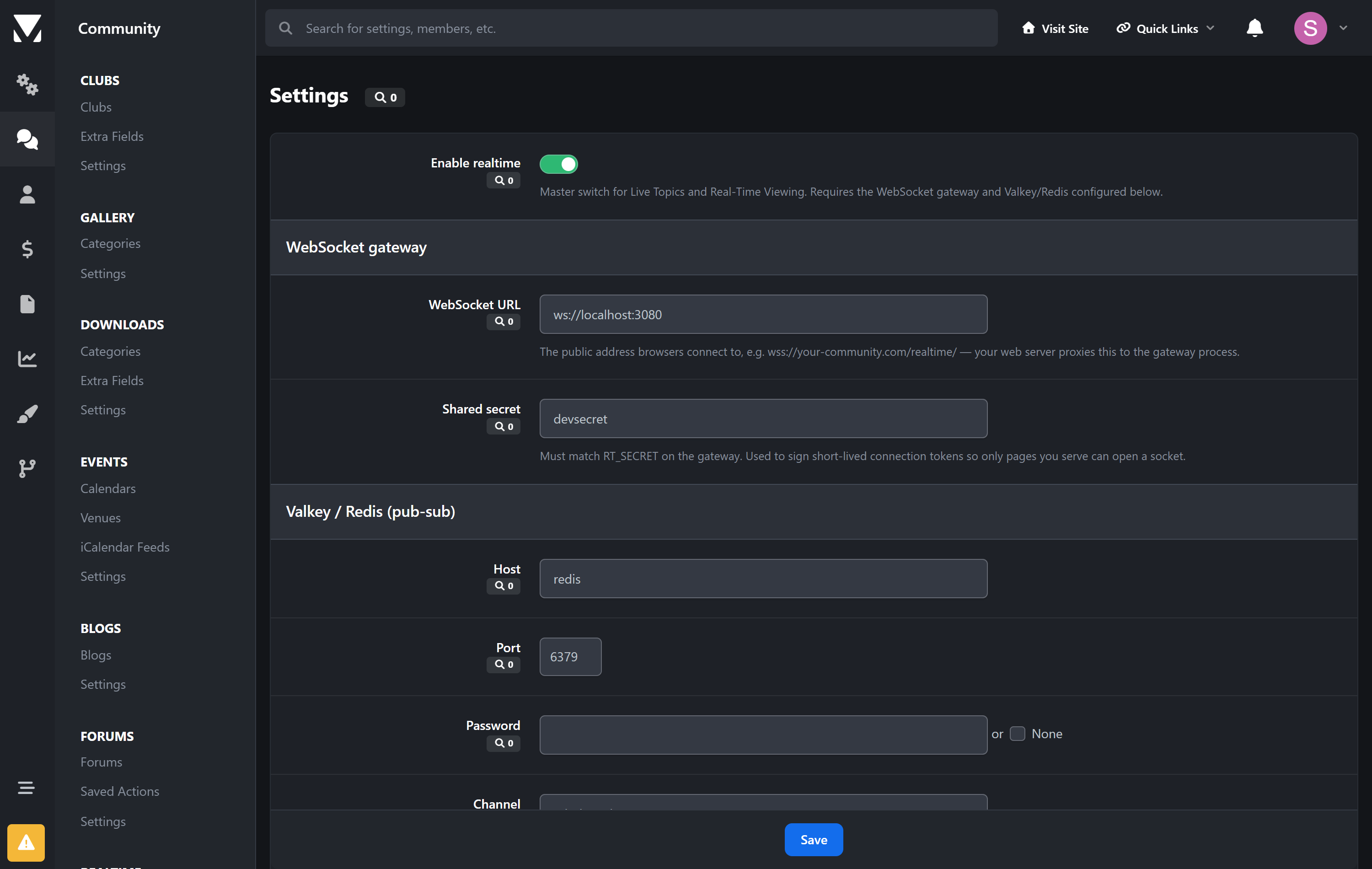
- Subscribes to your Valkey/Redis, fans messages out to the browsers that are entitled to them.
- Verifies every connection against an HMAC signature your community generates. It knows nothing about your permissions — your server decides who may hear what, and the gateway only checks the signature.
- Ships with a
Dockerfile, apackage.jsonand an.env.example. Docker or plain Node, whichever you prefer. - If it goes down your community carries on normally; realtime features simply stop updating until it is back.
You need this if you run
- Realtime — live topics, presence, typing indicators
- Live Notifications — notifications the moment they are sent
- Chat — private messages and rooms
- Chat Calls — voice and video, through the same connection Chat uses
- Chat Bundle — both of the above
Live Topics can use it and does not require it: without a gateway it falls back to a timed refresh, so it works either way and simply feels less immediate.
Nothing else I publish needs it, and it does nothing on its own. If you do not own one of the applications above, there is nothing here to install.
Already have it?
The copy attached to the Realtime listing is the same file. Take whichever is newer — they are built together and released together. Going forward this listing is the one to watch.
Create an account or sign in to leave a review
There are no reviews to display.