Realtime — Live Topics, Presence & Typing
Invision Community 5
- Category Member Tools
- Downloads 45
- Compatibility IC5: 5.0.0+
- Updated
Overview
Bring the "live" experience of the big platforms to your self-hosted community — without paying for a cloud subscription. Realtime makes topics feel alive: new posts appear the instant they're written, members can see who's in the room, and a typing indicator lets conversations flow like chat. It all runs on your own server, with no third-party service in the loop.Description
Bring the "live" experience of the big platforms to your self-hosted community — without paying for a cloud subscription. Realtime makes topics feel alive: new posts appear the instant they're written, members can see who's in the room, and a typing indicator lets conversations flow like chat. It all runs on your own server, with no third-party service in the loop.
Three features, one lightweight app
⚡ Live Topics — New replies and reactions arrive the moment they're posted. Instead of hammering refresh, members get a tasteful "3 new replies" bar that loads the latest with a tap.
👀 Real-Time Viewing — A live "…is also here" presence pill sits by the topic title, showing who else is reading this very second. It turns a quiet thread into a room.
⌨️ Real-Time Typing — When someone starts writing a reply, everyone else sees a subtle "…is typing" indicator. Fewer duplicate posts, and the natural rhythm people expect from modern chat.
Why members and admins love it
Instant, no refresh over a persistent WebSocket connection
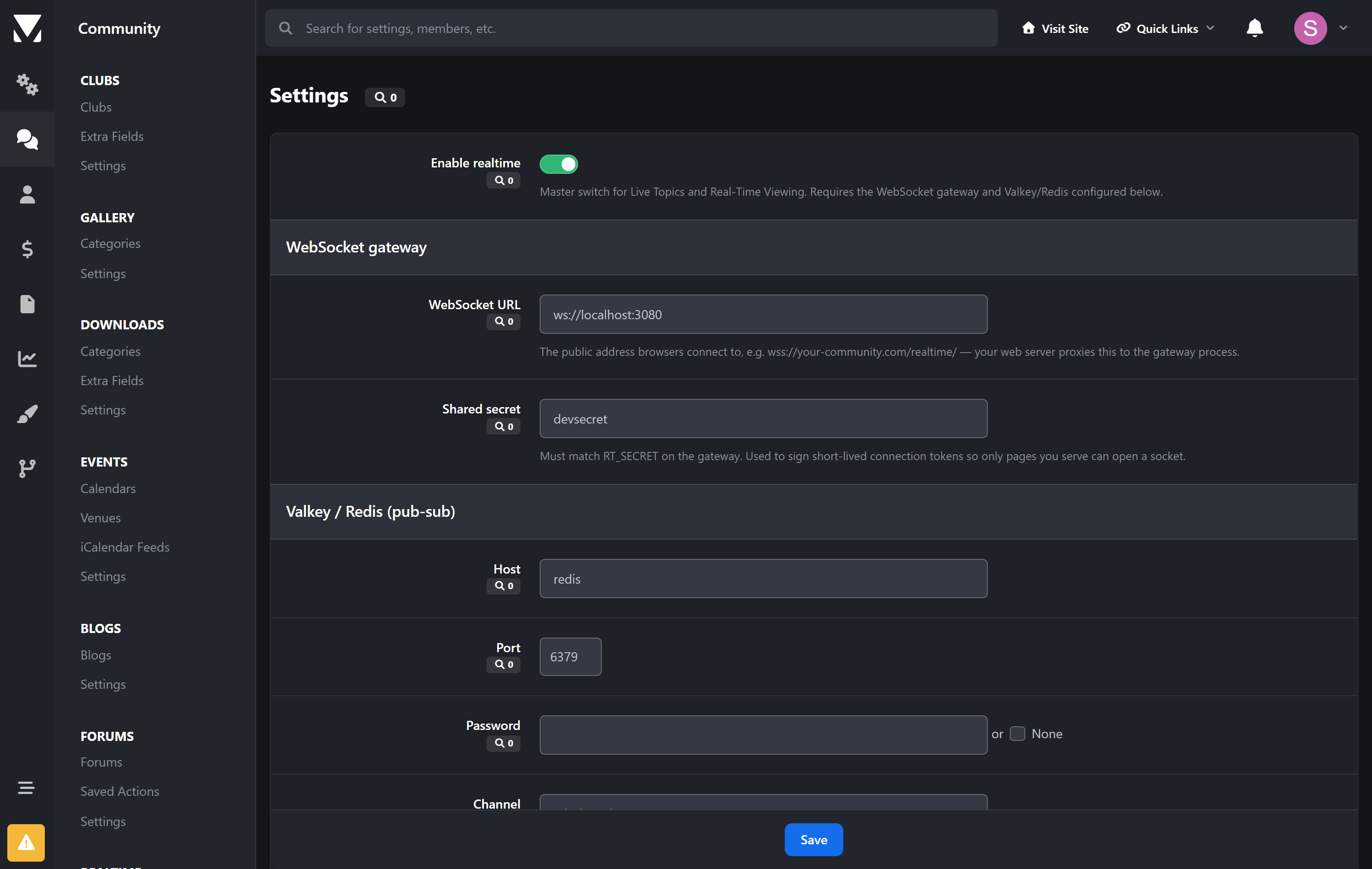
Runs entirely on your infrastructure — no SaaS, no per-seat pricing, no data leaving your servers
Never gets in the way — if the service is down, the community keeps working; realtime just pauses
Upgrade-safe — listens to IPS content events, never edits core files
Light on resources — a tiny Node.js process handling thousands of concurrent readers
Create an account or sign in to leave a review
There are no reviews to display.