Invision Community 5
- Category Member Tools
- Downloads 51
- Compatibility IC5: 5.0.0+
- App Version 5.0.2
- Updated

Overview
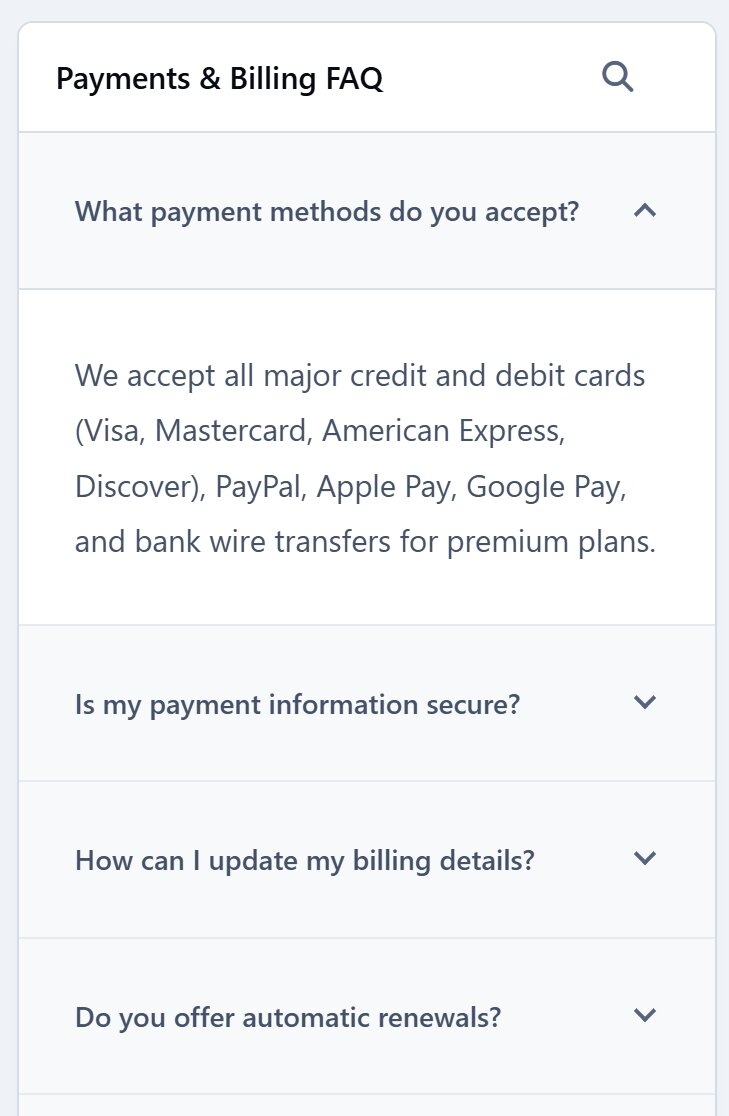
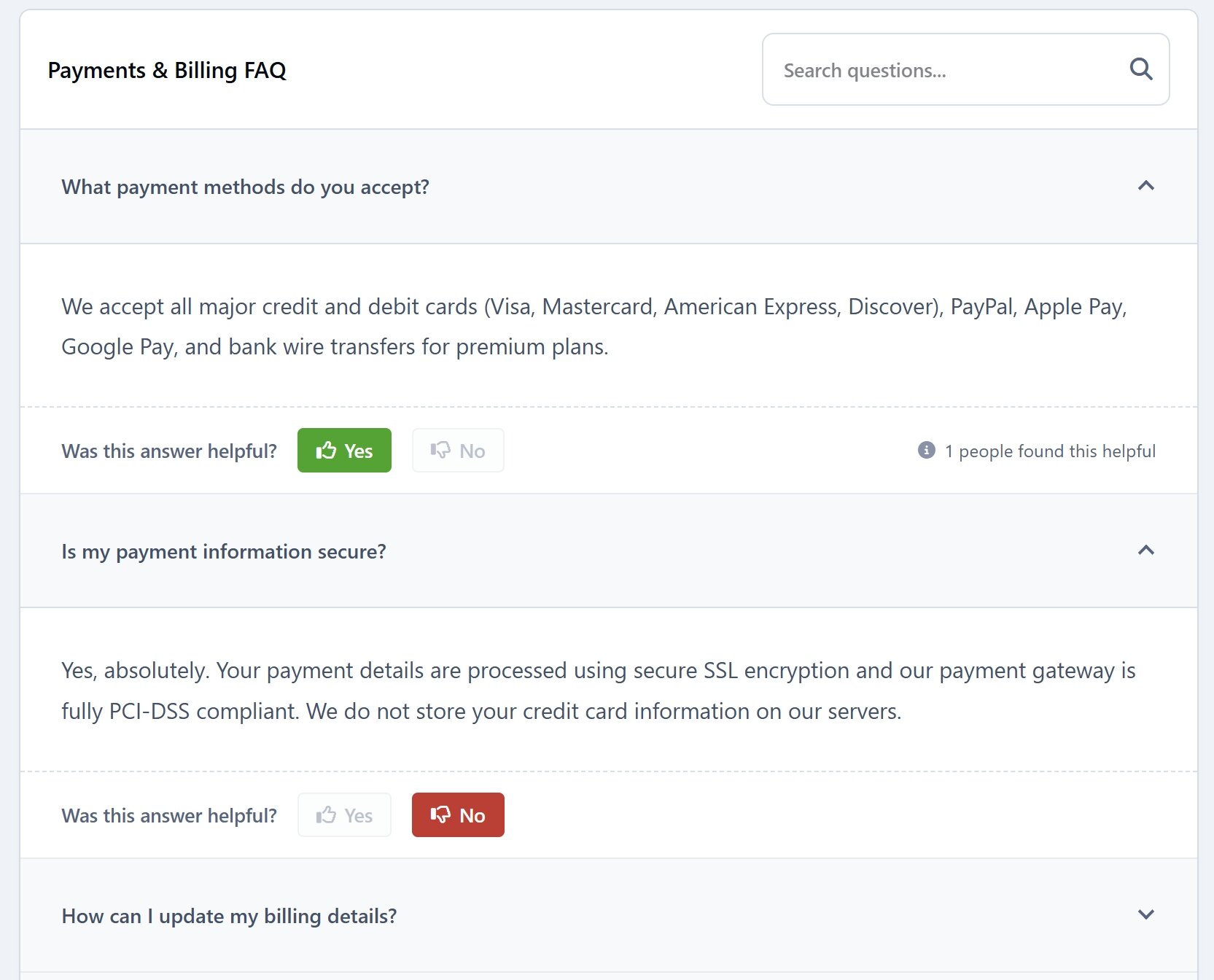
Simple FAQ is a fast, lightweight, and easy-to-use application designed to build a beautiful, modern Frequently Asked Questions (FAQ) section on your website. With an elegant accordion layout and smart interactive features, it helps your users find answers instantly while keeping your forum interface clean and engaging.Description
Simple FAQ is a fast, lightweight, and easy-to-use application designed to build a beautiful, modern Frequently Asked Questions (FAQ) section on your website. With an elegant accordion layout and smart interactive features, it helps your users find answers instantly while keeping your forum interface clean and engaging.
Key Features:
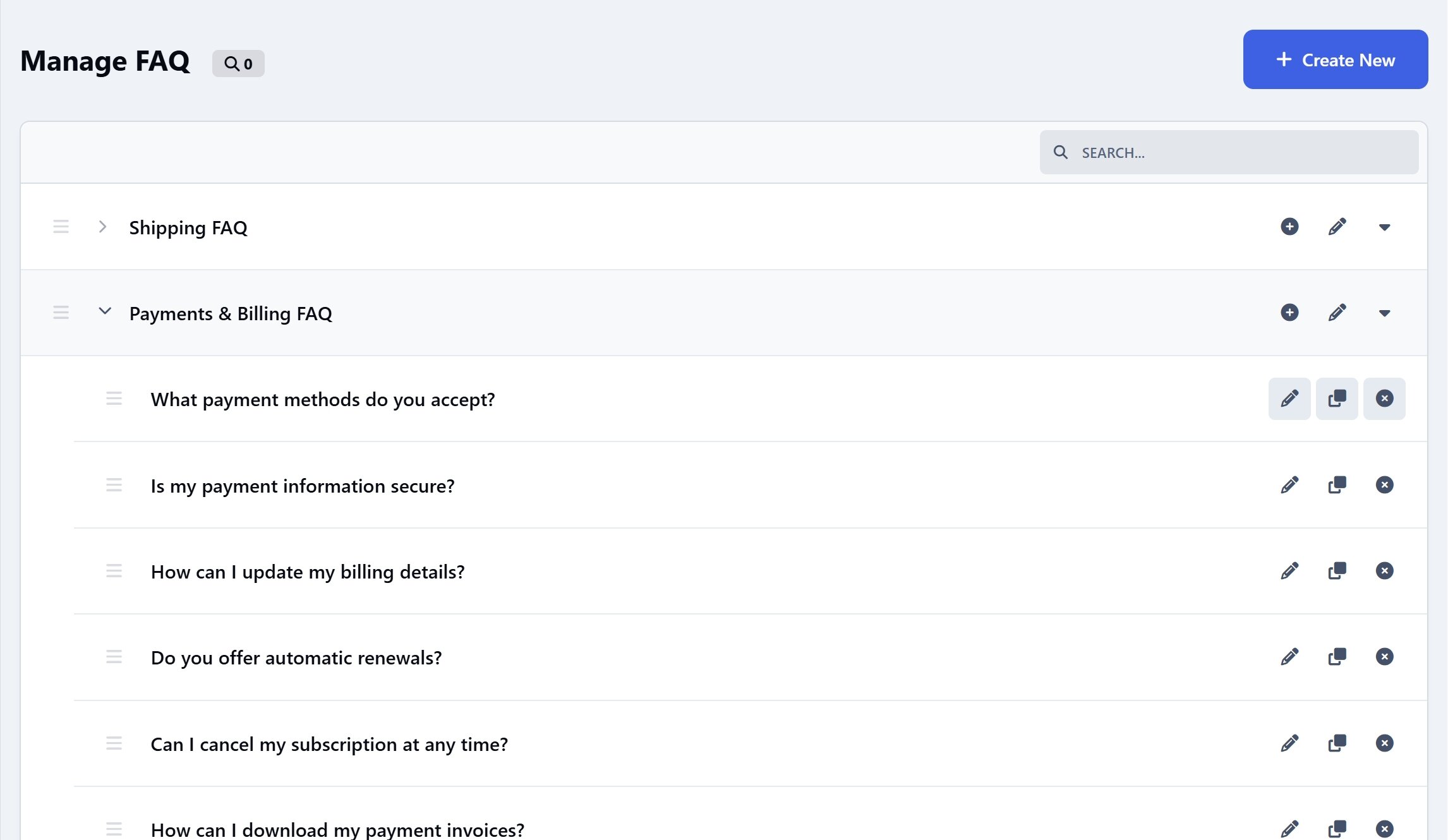
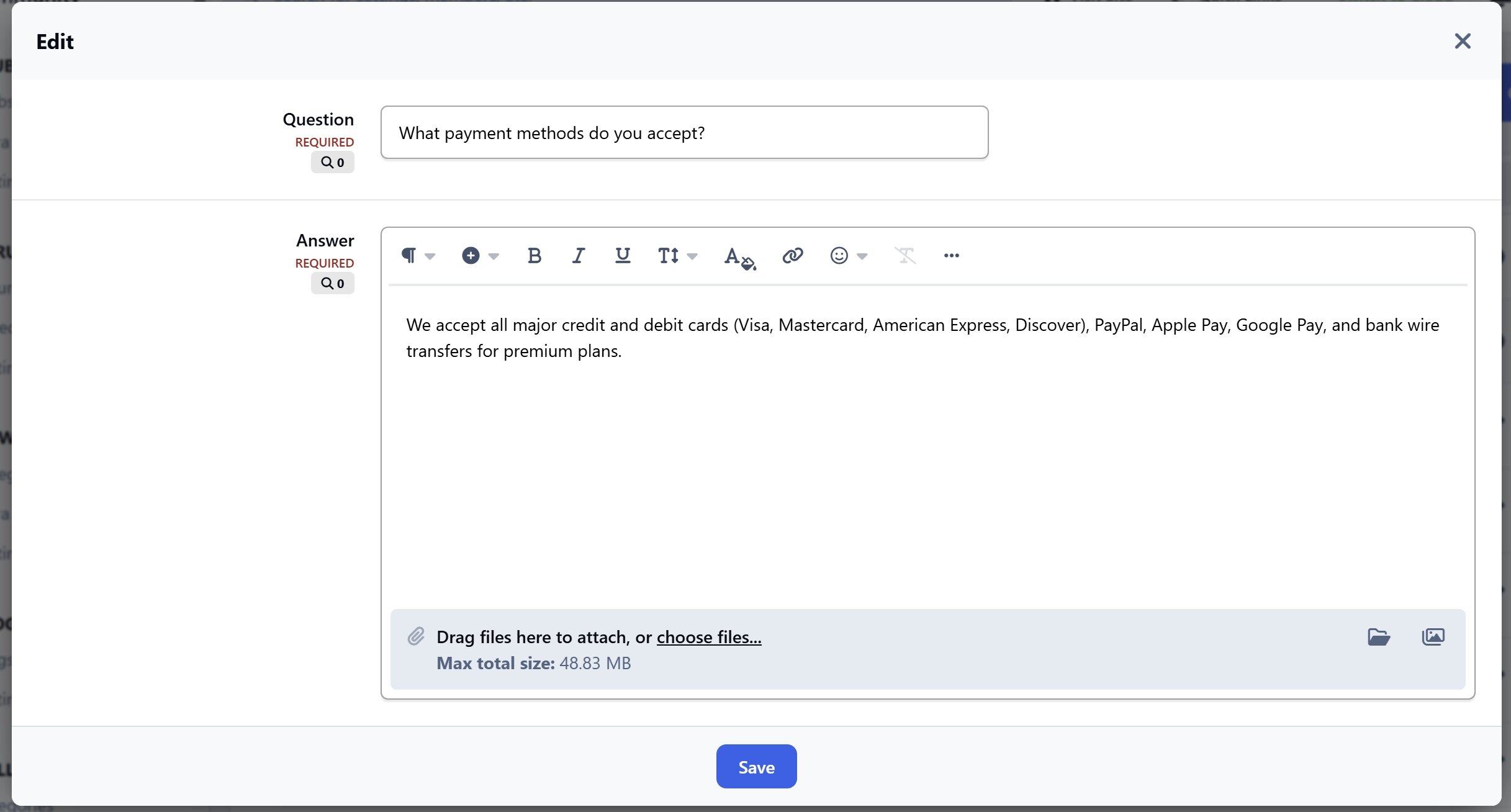
Create different FAQ pages and lists on various subjects (such as Shipping, Payments, or Account Help) to easily organize your questions by topic.
Users can click to smoothly expand or collapse answers with beautiful sliding animations.
Control who can view each FAQ.
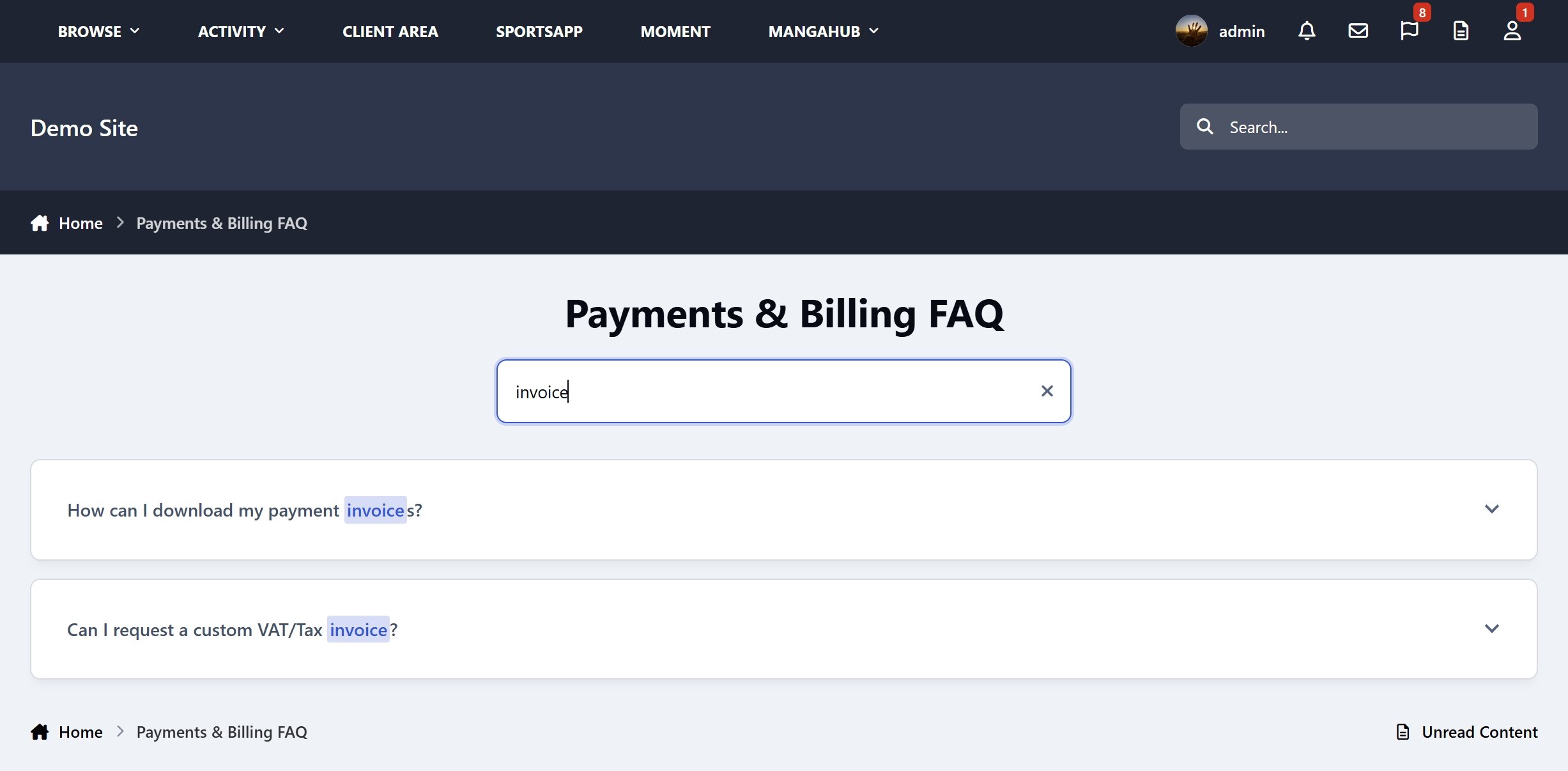
Instant Search: Filter questions instantly as users type, complete with:
Keyword Highlighting: Automatically bolds and highlights matched words in both questions and answers so users spot results immediately.
Mobile-Friendly Layout: On mobile phones and narrow sidebars, the search bar shrinks into a small magnifying glass icon to save screen space, smoothly sliding open only when tapped.
Helpfulness Feedback System: Allow users to vote whether each answer was helpful or not to capture valuable community insight.
Interactive Voting: Sleek YES / NO dynamic buttons with instant AJAX feedback, allowing users to smoothly change their mind or retract their vote at any time.
Helpfulness Dashboard: Monitor user feedback statistics in a dedicated admin view to easily identify and improve your FAQ content.
Flexible Widgets System: Drag and drop your FAQ block anywhere on your website with fully customizable settings:
FAQ Selection: Choose which specific FAQ to display.
Default State: Choose whether answers are closed or open by default on page load.
Solo Mode: Choose to allow only one question to be open at a time.
Toggle Search: Easily show or hide the instant search bar depending on your layout.
Simple FAQ is the perfect solution to present your community's help center in a clean, modern, and highly interactive format.
-
 1
1
-
 1
1
Create an account or sign in to leave a review
There are no reviews to display.