Invision Community 5
- Category Member Tools
- Downloads 199
- Compatibility IC5: 5.0.0+
- Updated

Overview
Bringing back lightweight social interaction.Description
Statuses are back.
Invision Community v5 removed status updates, and a lot of communities felt that loss. Sometimes members don’t want to start a full topic - they just want to share a quick thought, update, or reaction.
Status Updates brings that back in a modern, clean, and fully integrated way.
It adds a lightweight social layer to your community, giving members an easy way to stay active, visible, and connected without cluttering your forums.
Live Demo: https://demo.invisionite.com/
What Is Status Updates?
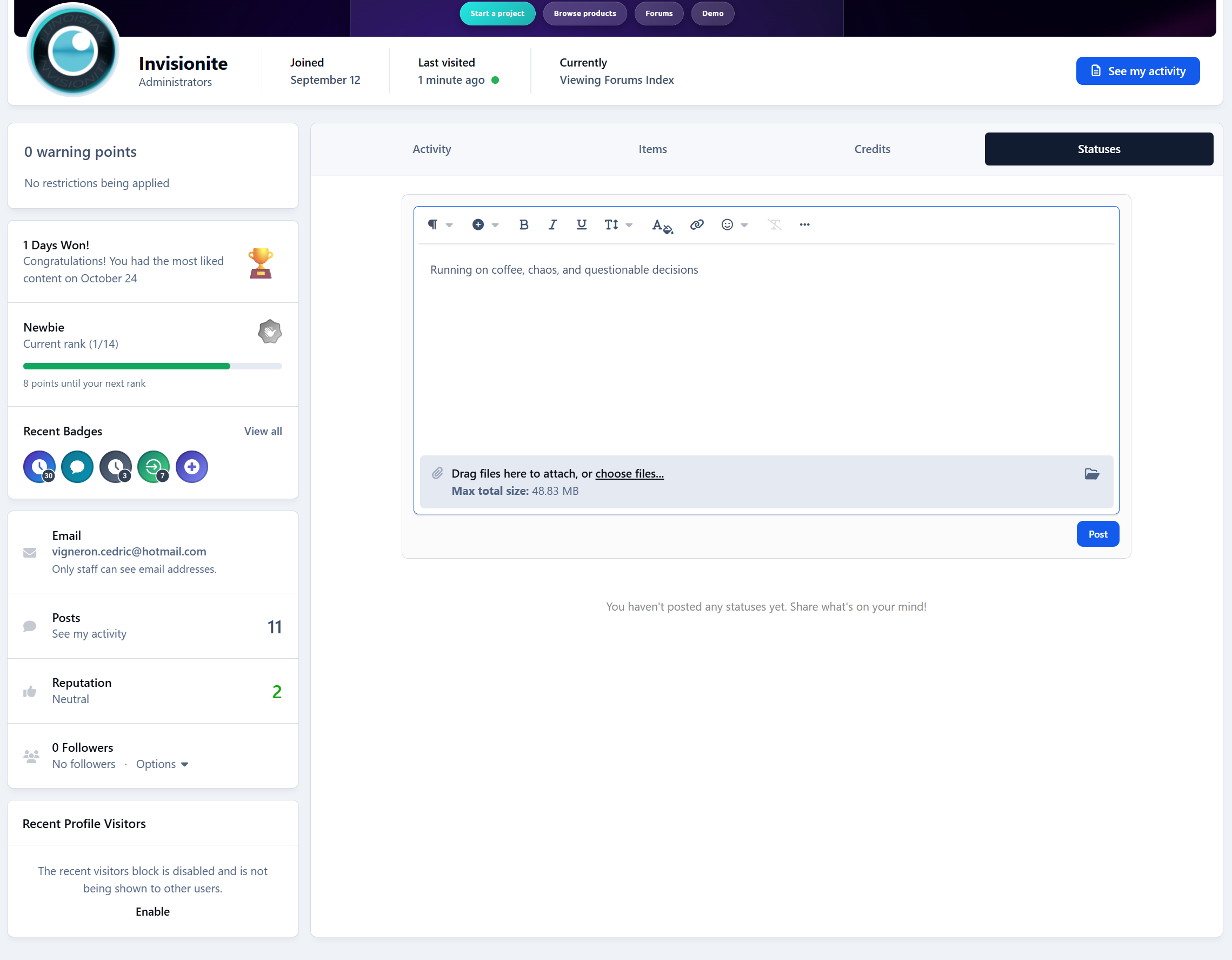
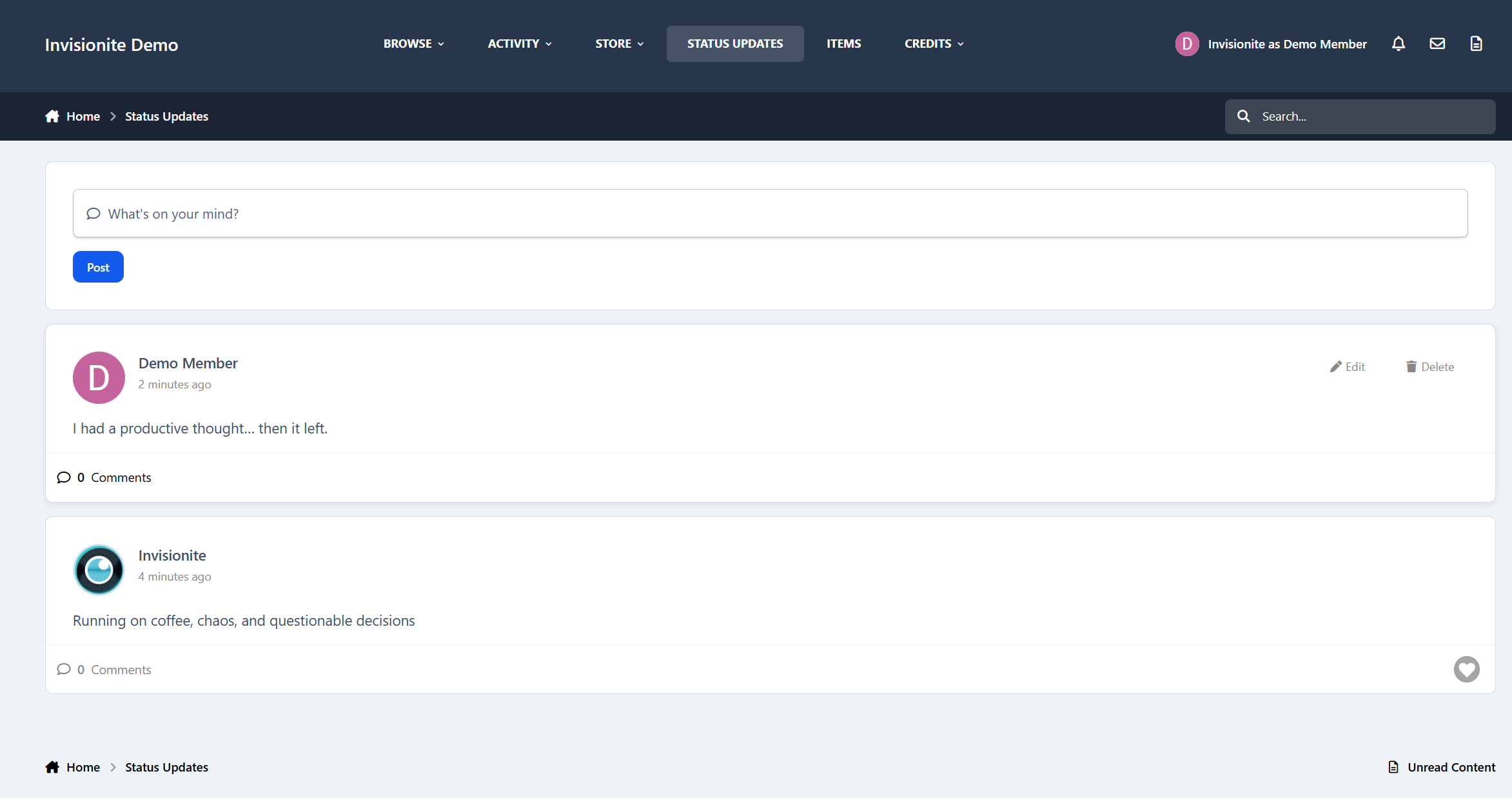
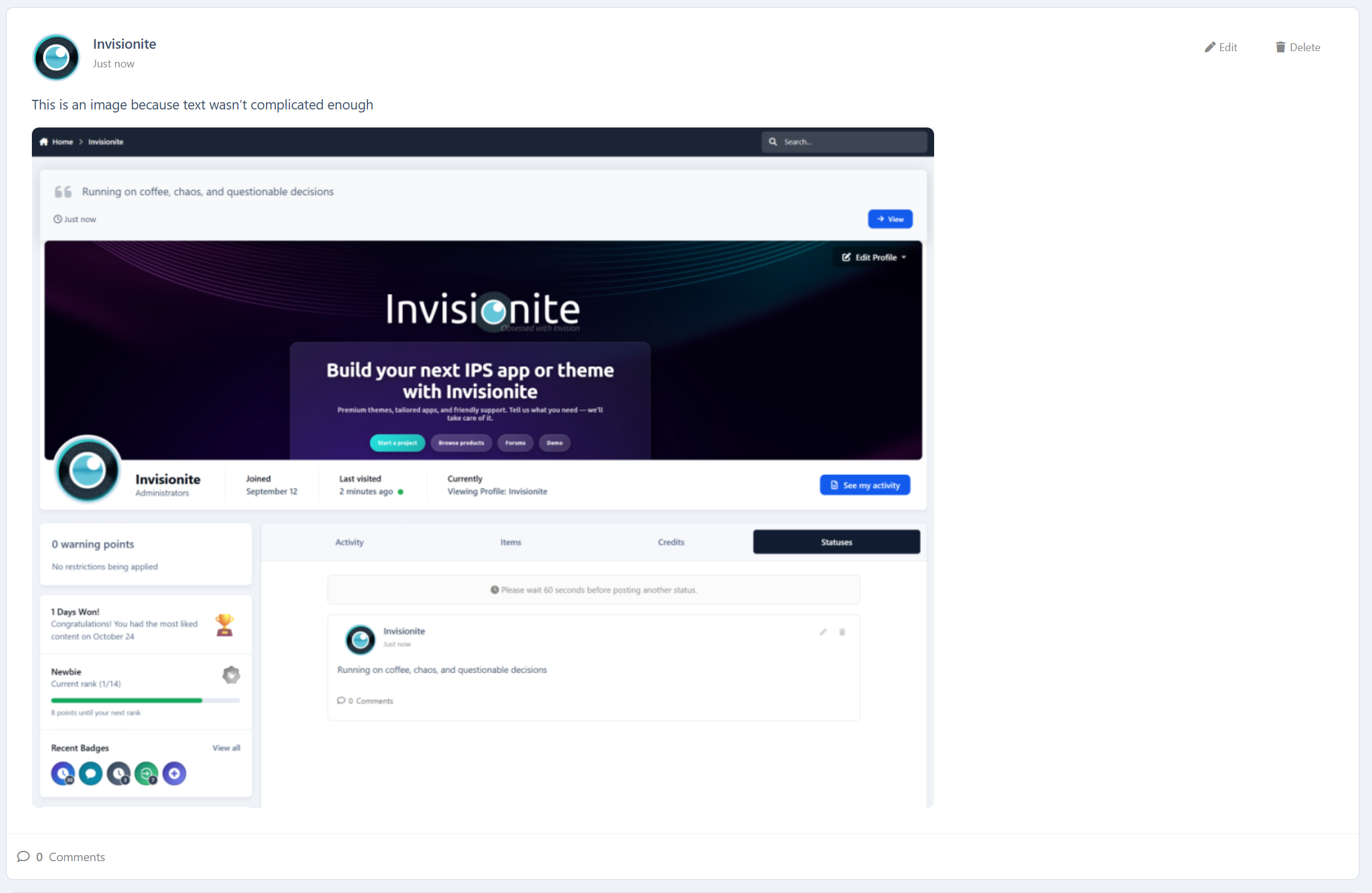
Status Updates lets members post short updates - similar to classic profile statuses - directly on their own profile or on other members’ profiles.
Think of it as:
Quick thoughts
Casual updates
Short announcements
Friendly wall posts
All without the pressure of creating full discussion topics.
Why This Matters
Not every interaction needs to be a thread.
Status Updates lowers the barrier to participation, which:
Encourages quieter members to post
Keeps profiles feeling alive
Adds social interaction without turning your community into a chat app
It’s simple, familiar, and effective.
Key Features
Post Status Updates
Members can post short updates using the full IPS editor:
Text formatting
Embeds
Images and attachments
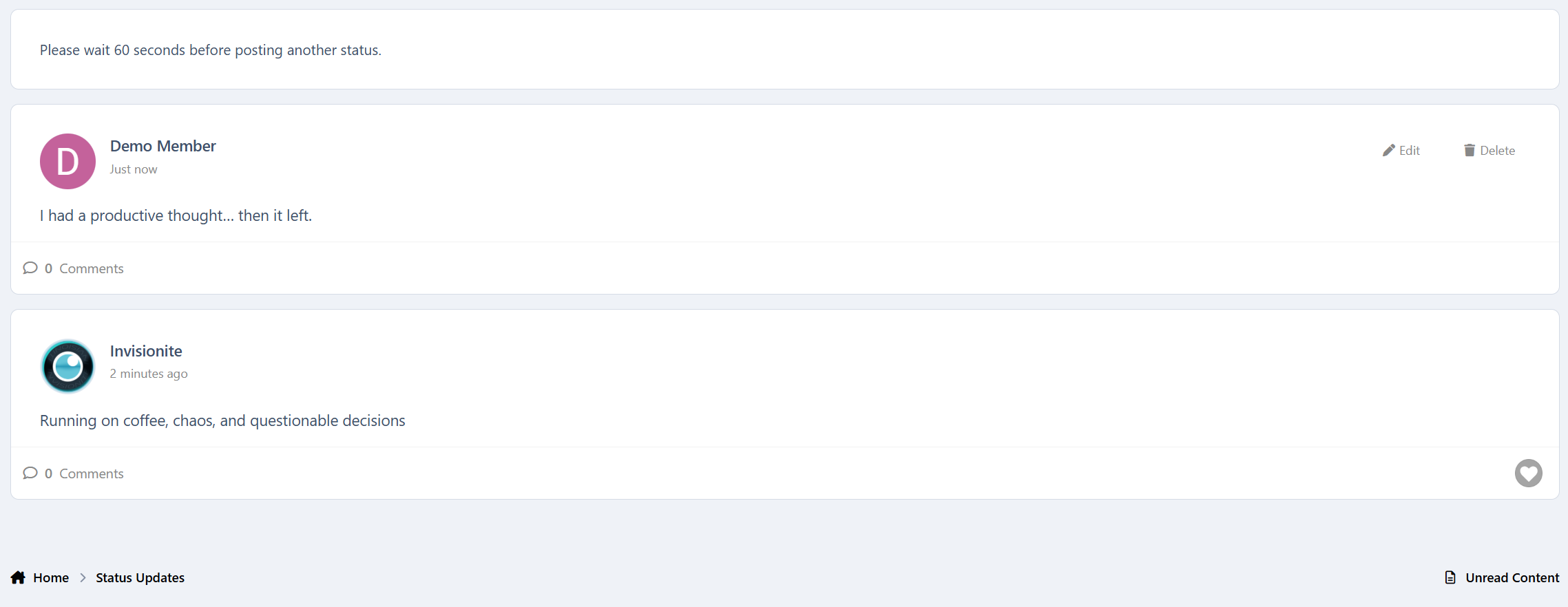
Comments & Reactions
Statuses support:
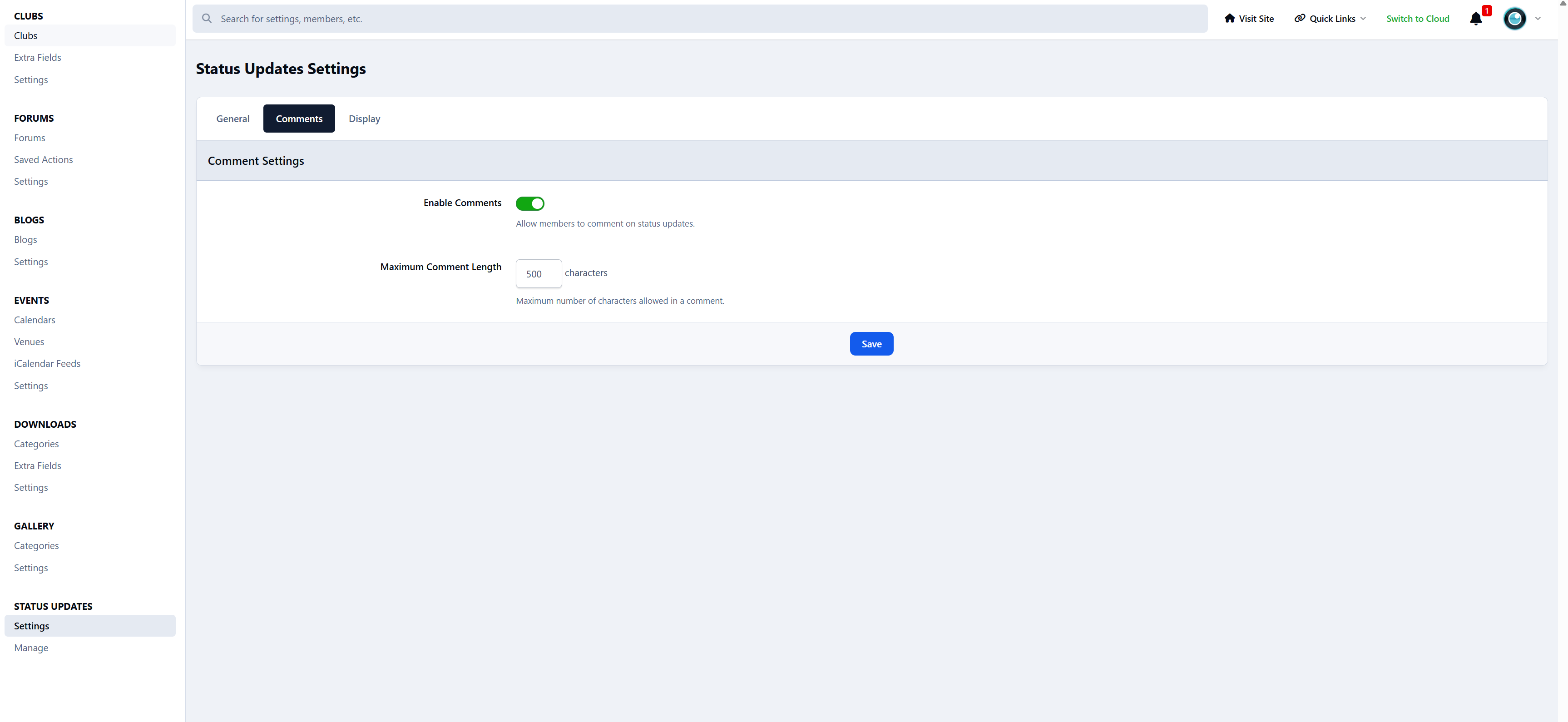
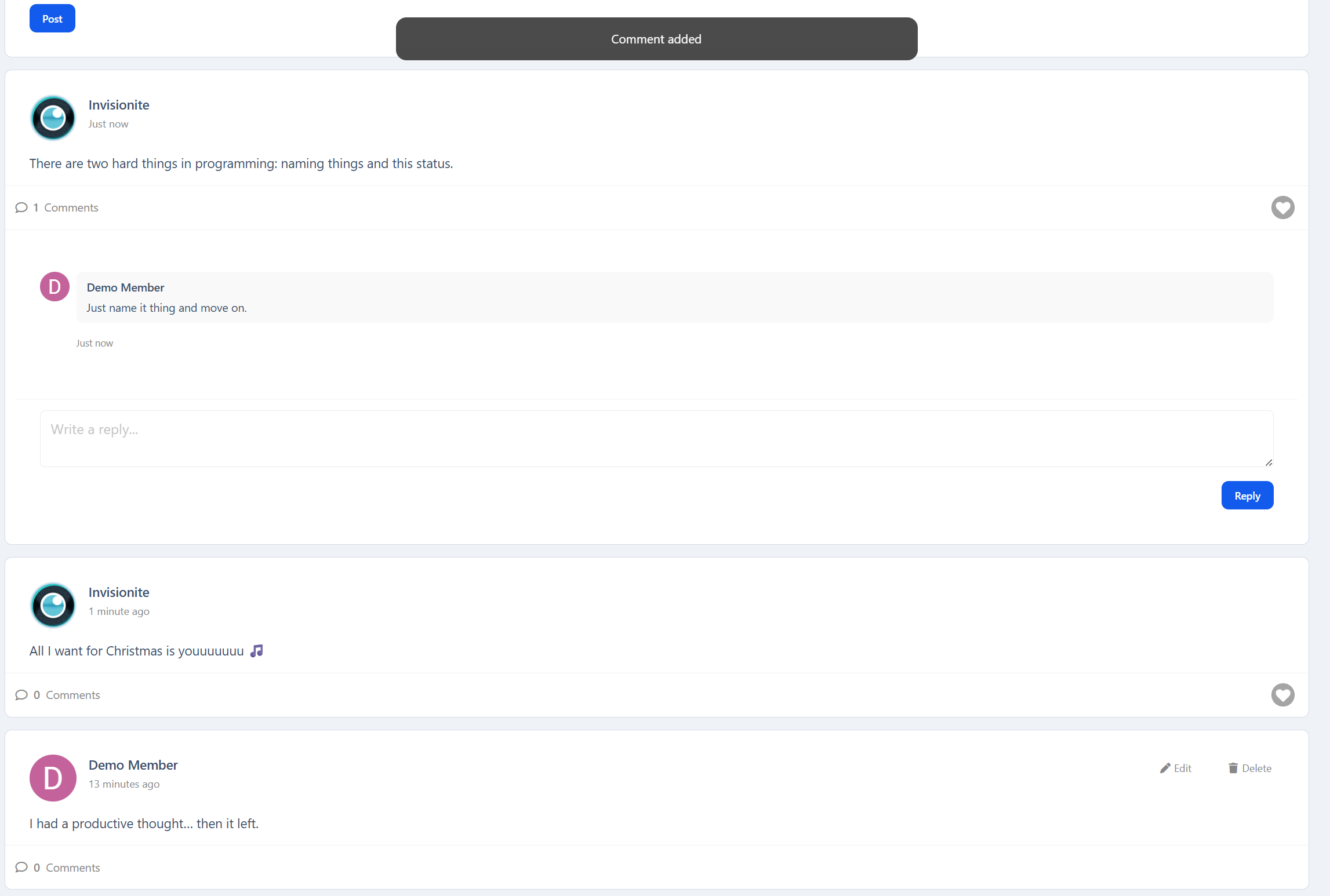
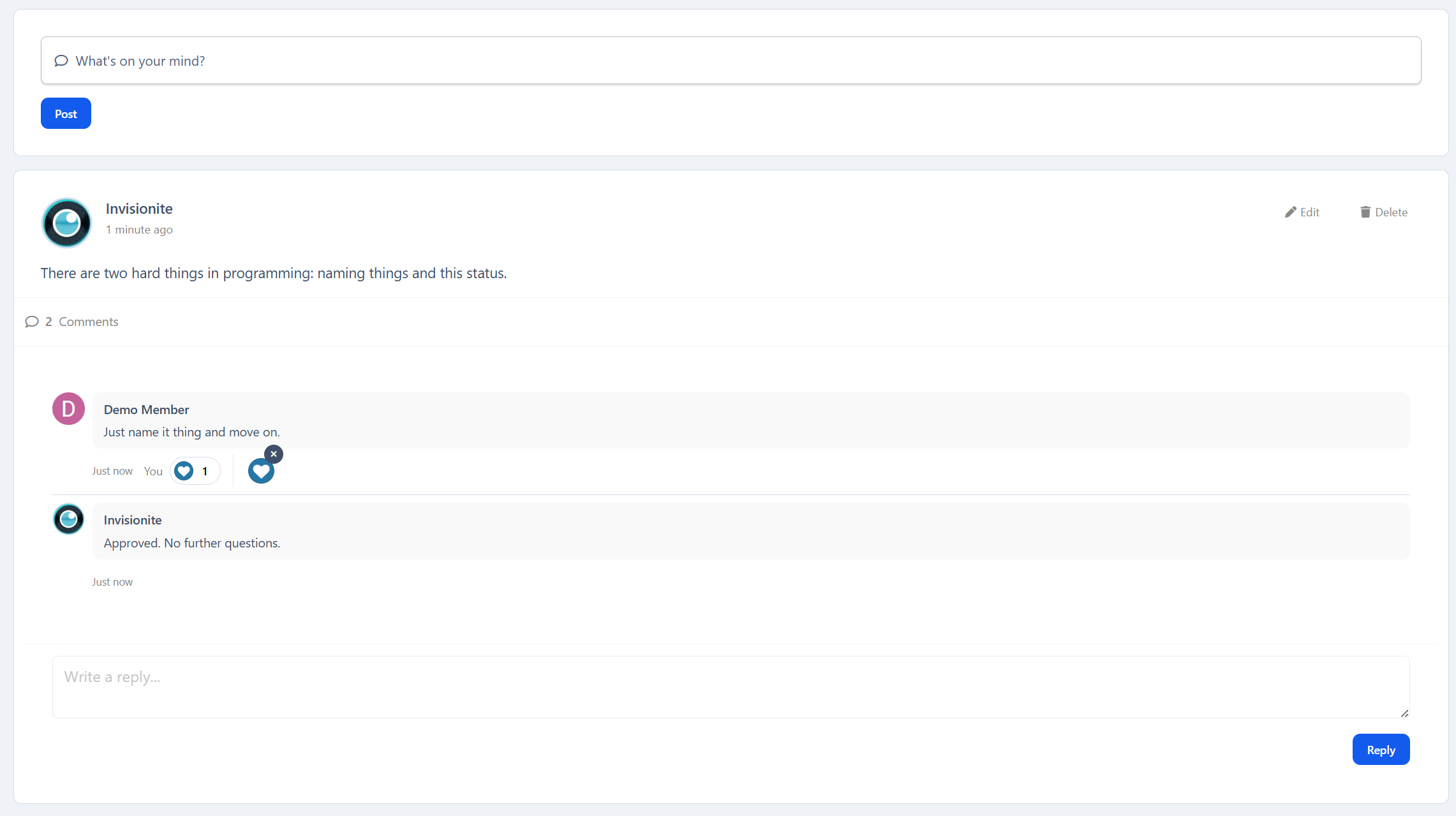
Threaded comments
Native IPS reactions
Real conversations, not just one-liners
Everything feels familiar and consistent with the rest of the suite.
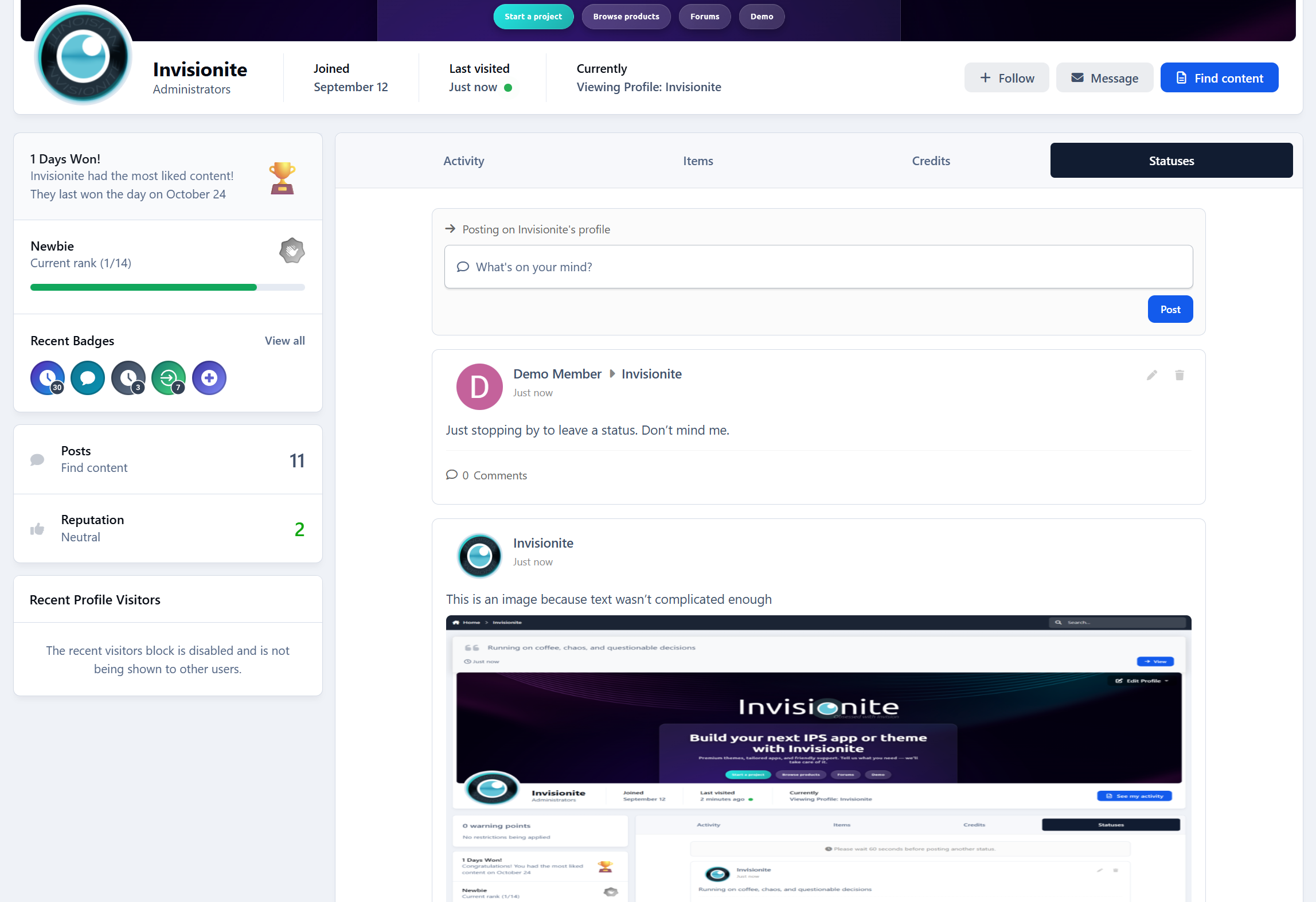
Profile Integration
Each member gets:
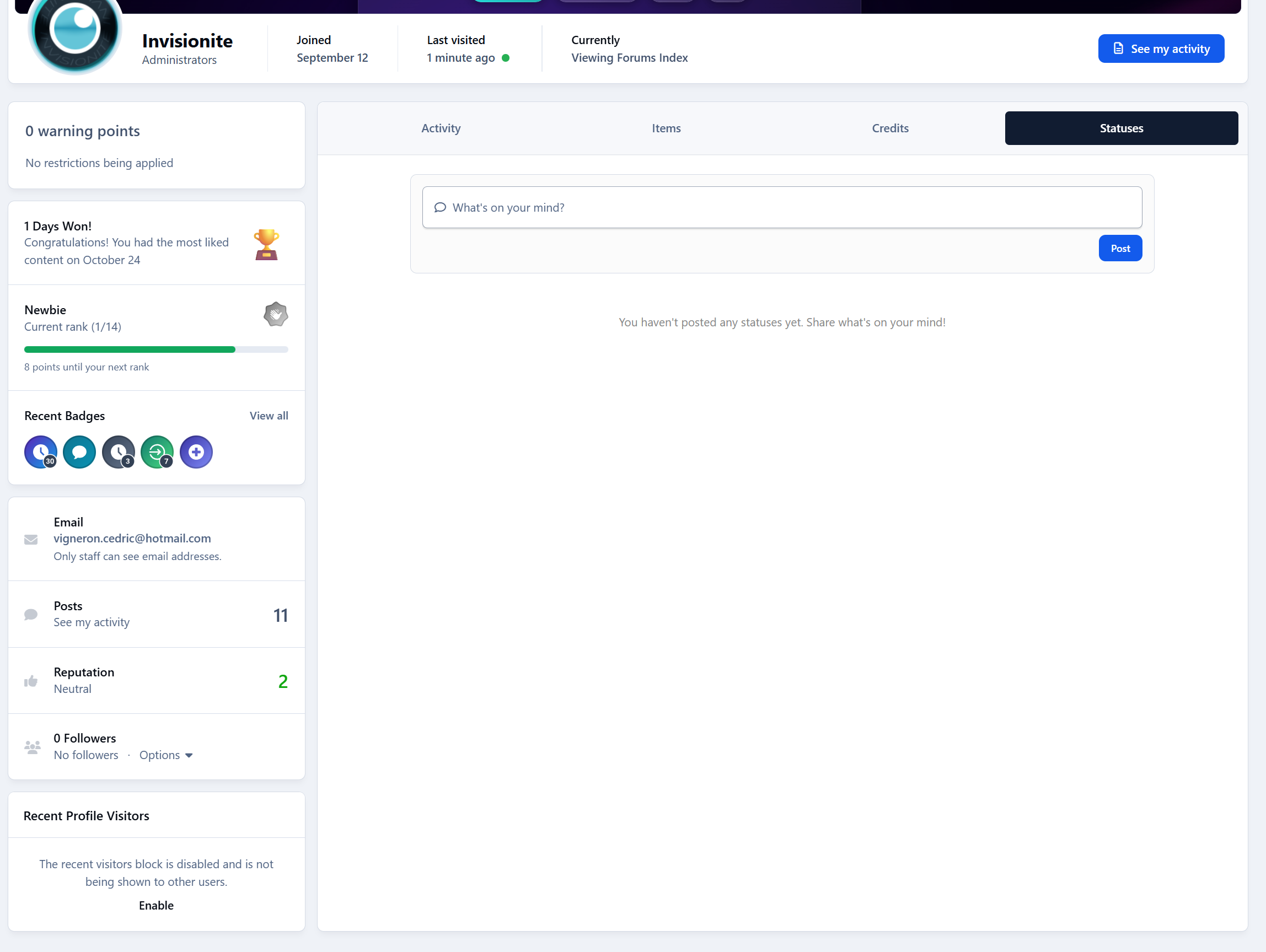
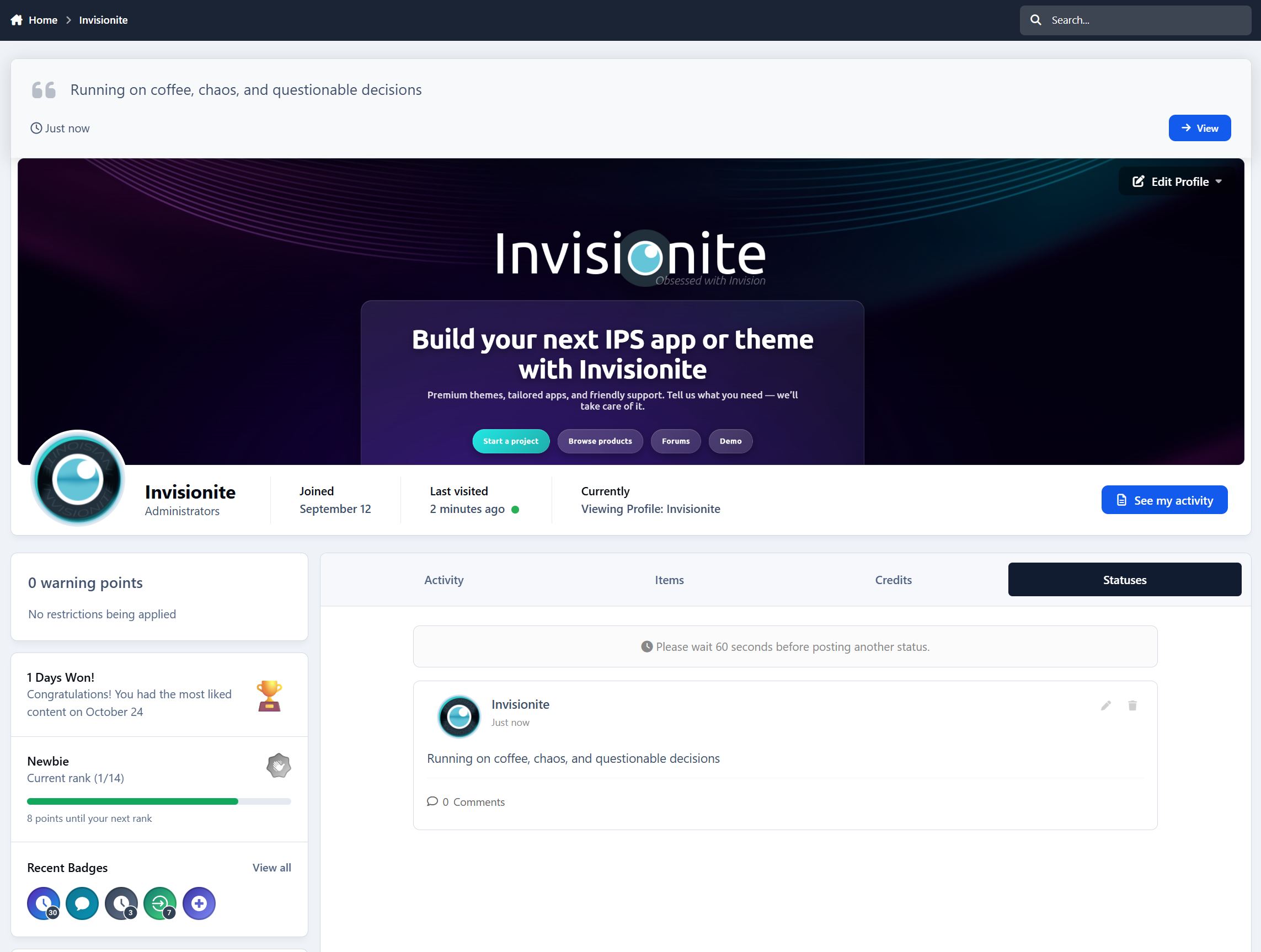
A dedicated Statuses tab on their profile
A clean list of their updates
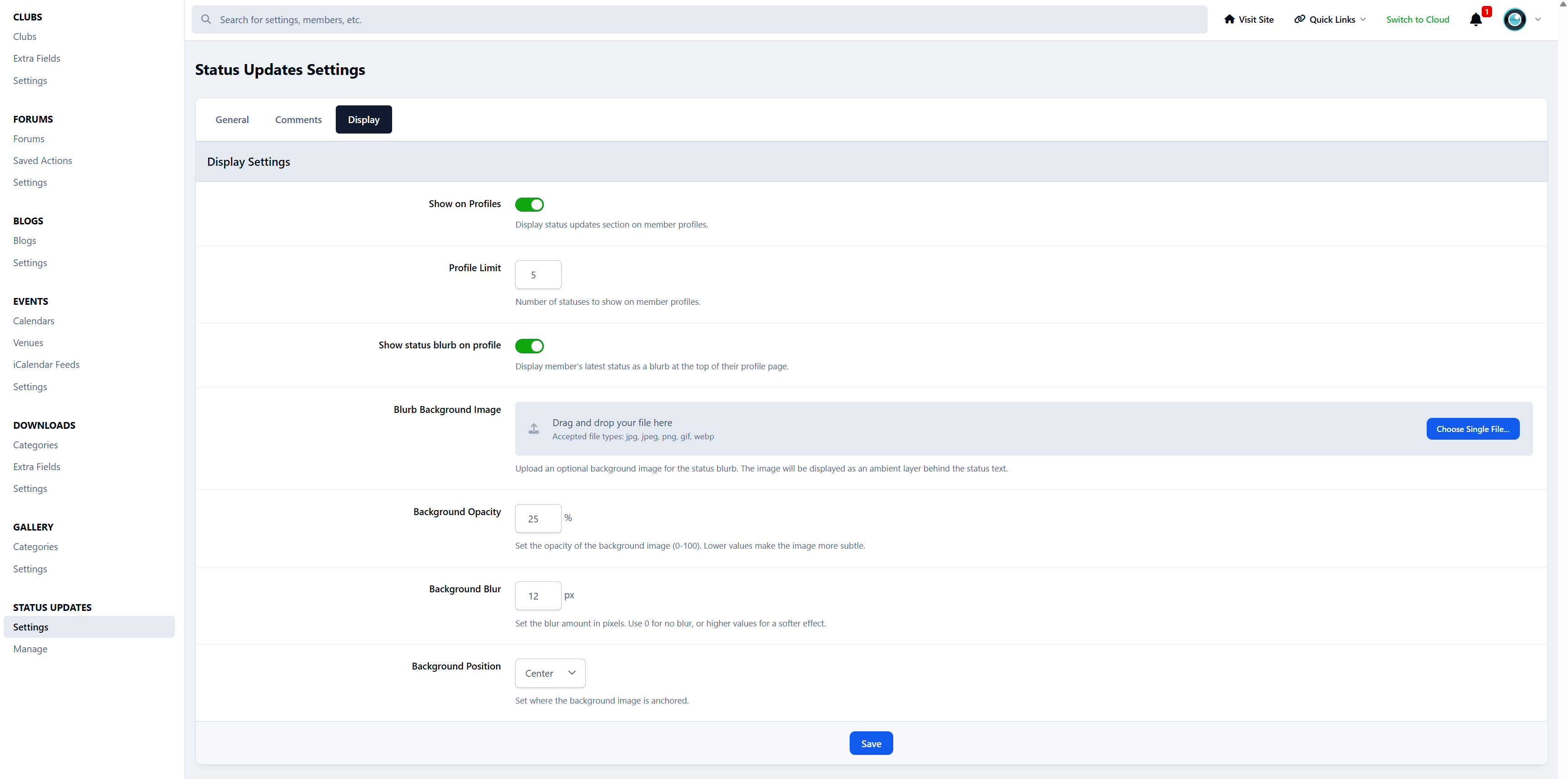
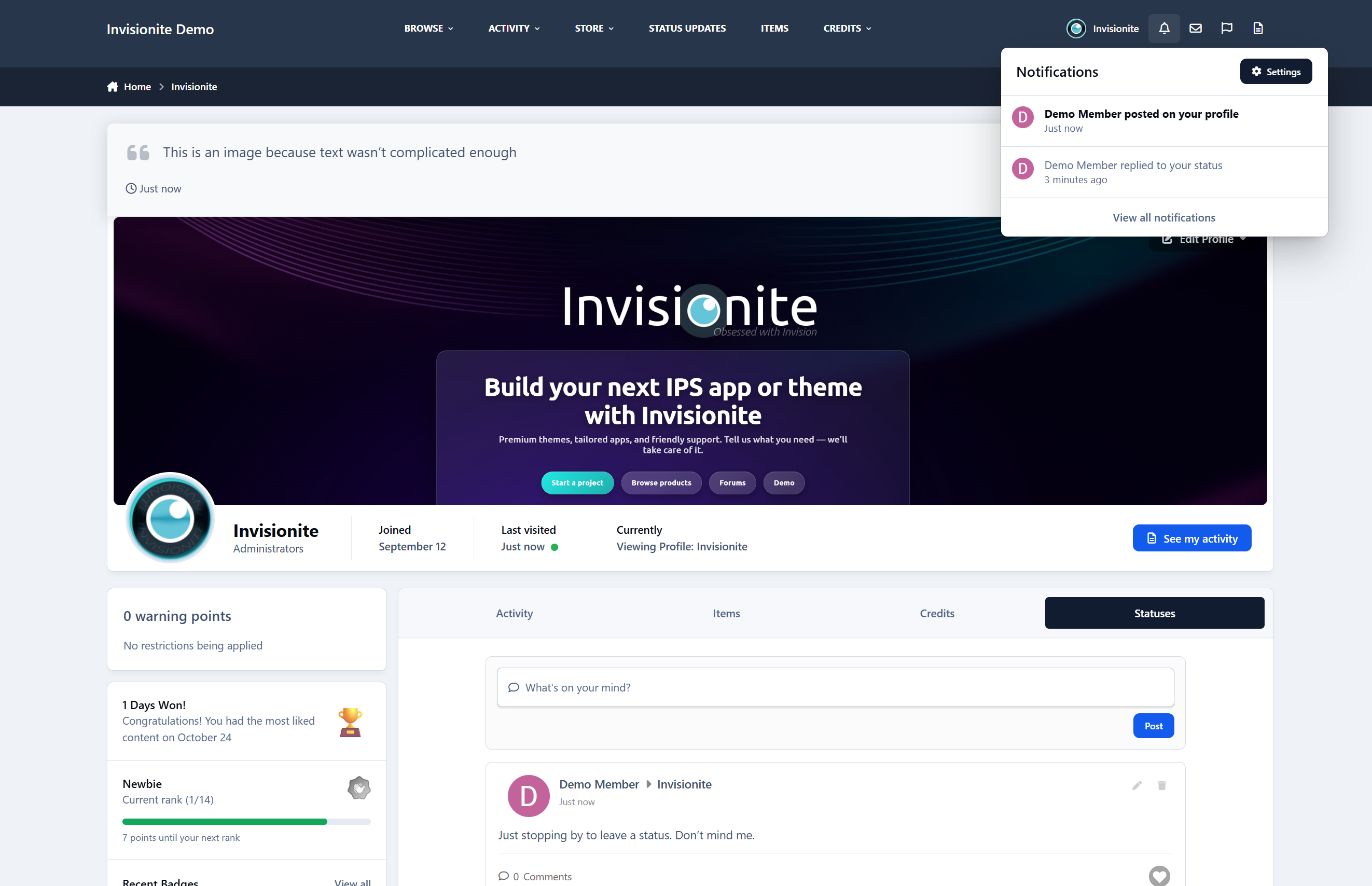
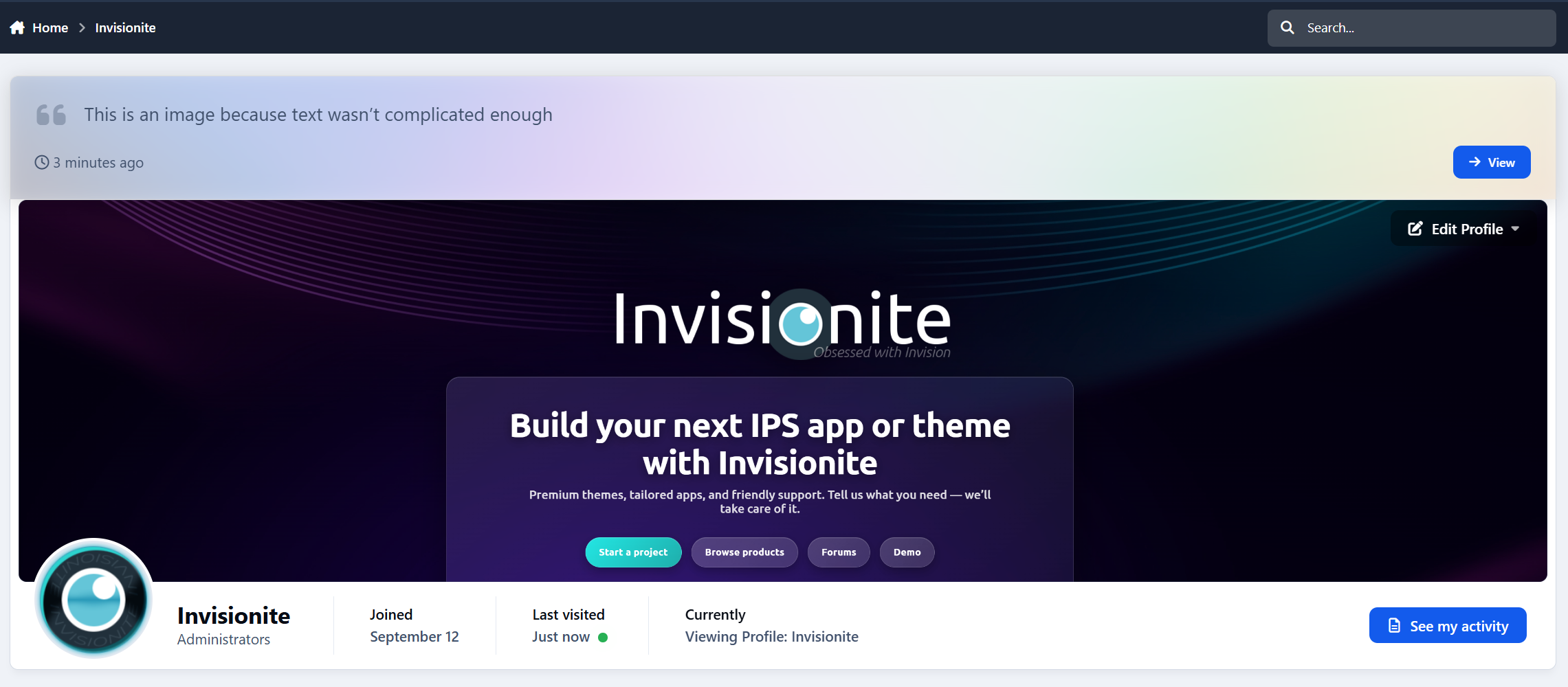
A latest status blurb displayed prominently at the top of the profile
Profiles instantly feel more personal and active.
Wall Posts
Members can post statuses directly on other members’ profiles, creating friendly, social interactions - just like classic profile walls.
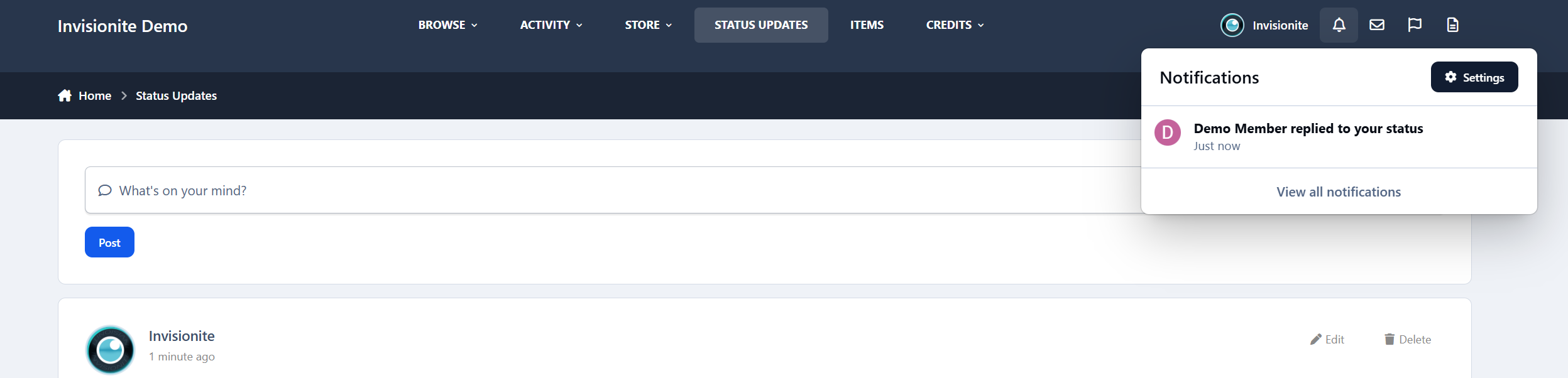
Notifications
Members are notified when:
Someone comments on their status
Someone posts on their profile
No spam, just relevant activity.
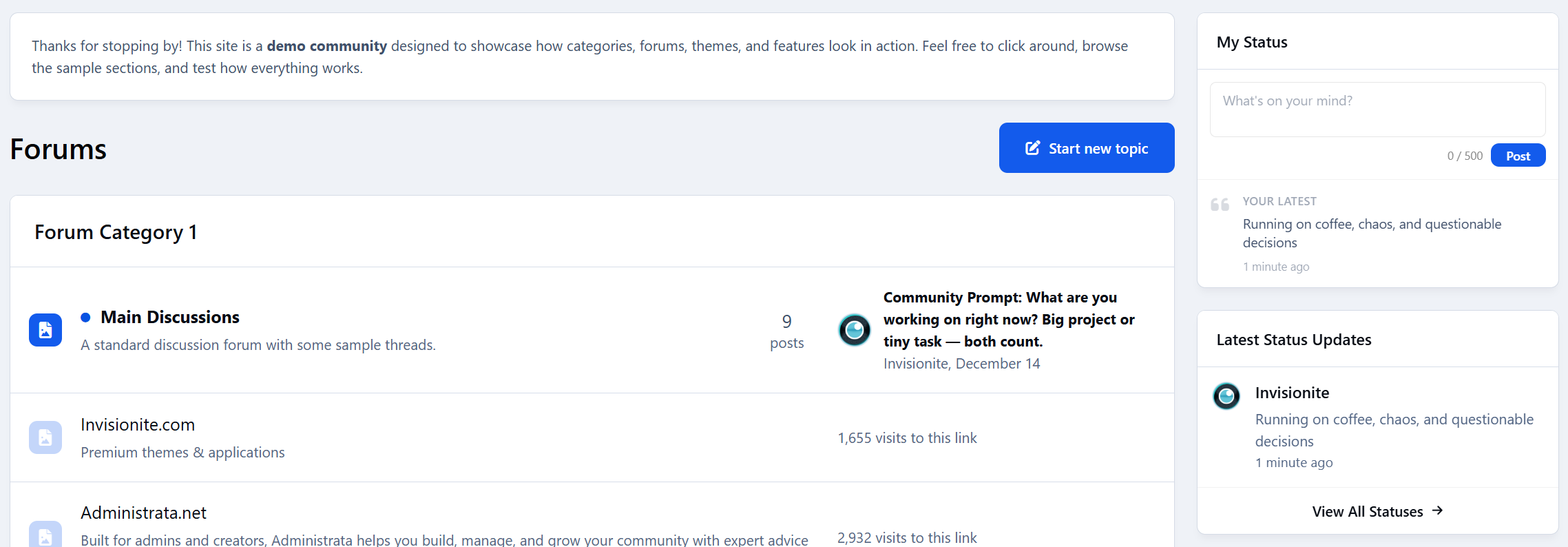
Widgets
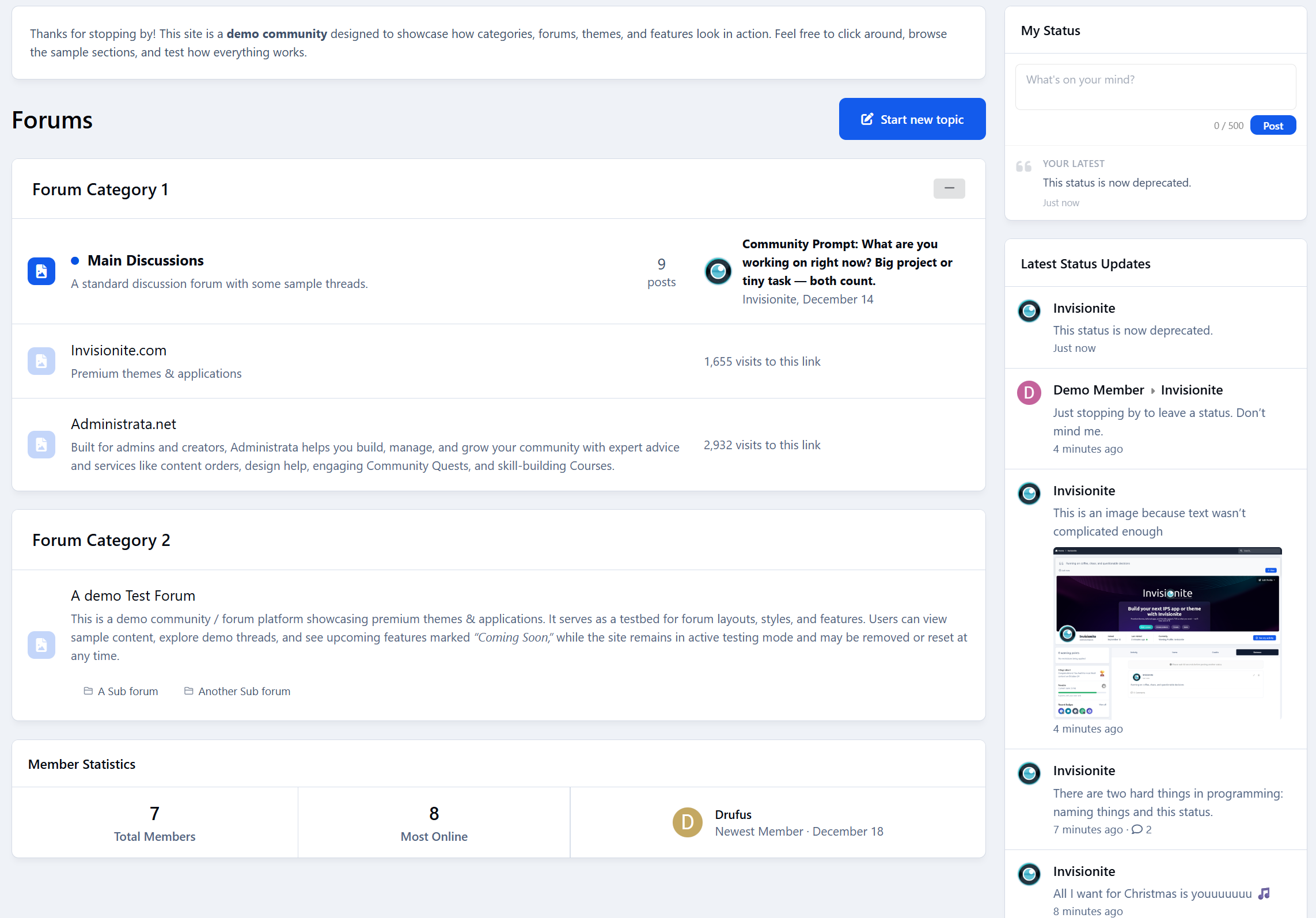
Built-in widgets let you showcase activity across your community:
Latest Status Updates
My Latest Status
Perfect for the forum index or sidebars.
Moderation & Controls
Admins stay in full control:
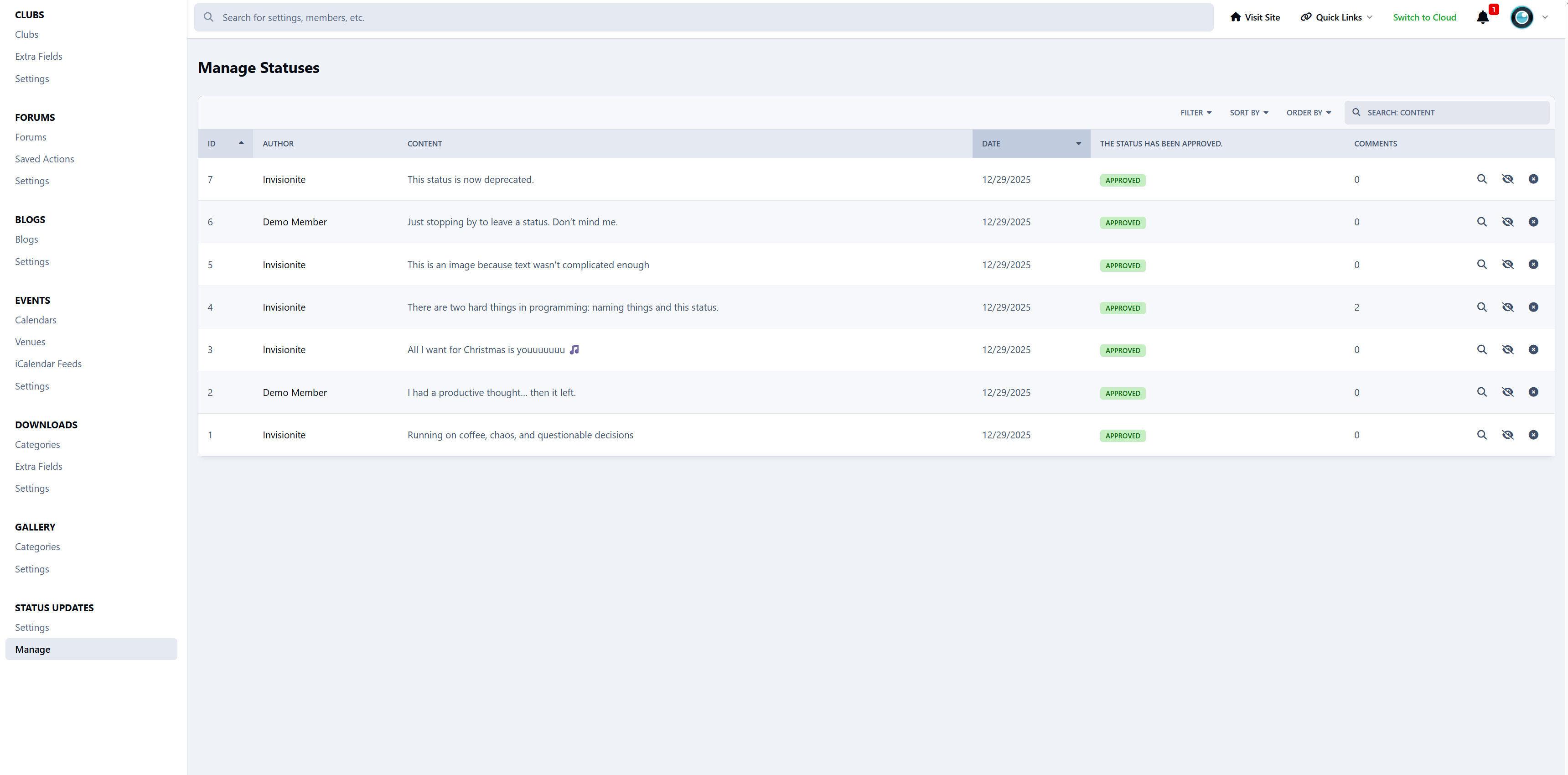
Moderate, hide, or delete statuses and comments
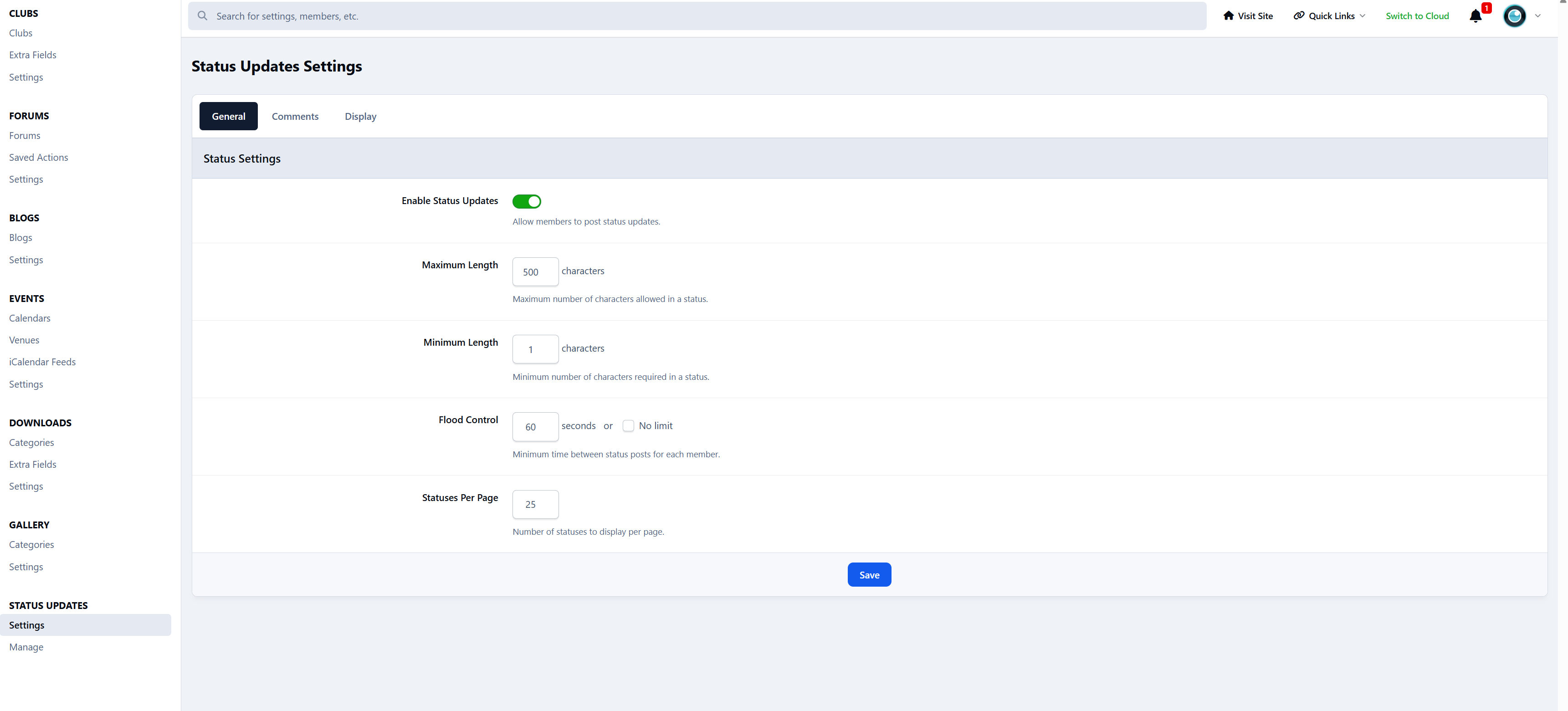
Flood control to prevent spam
Minimum and maximum character limits
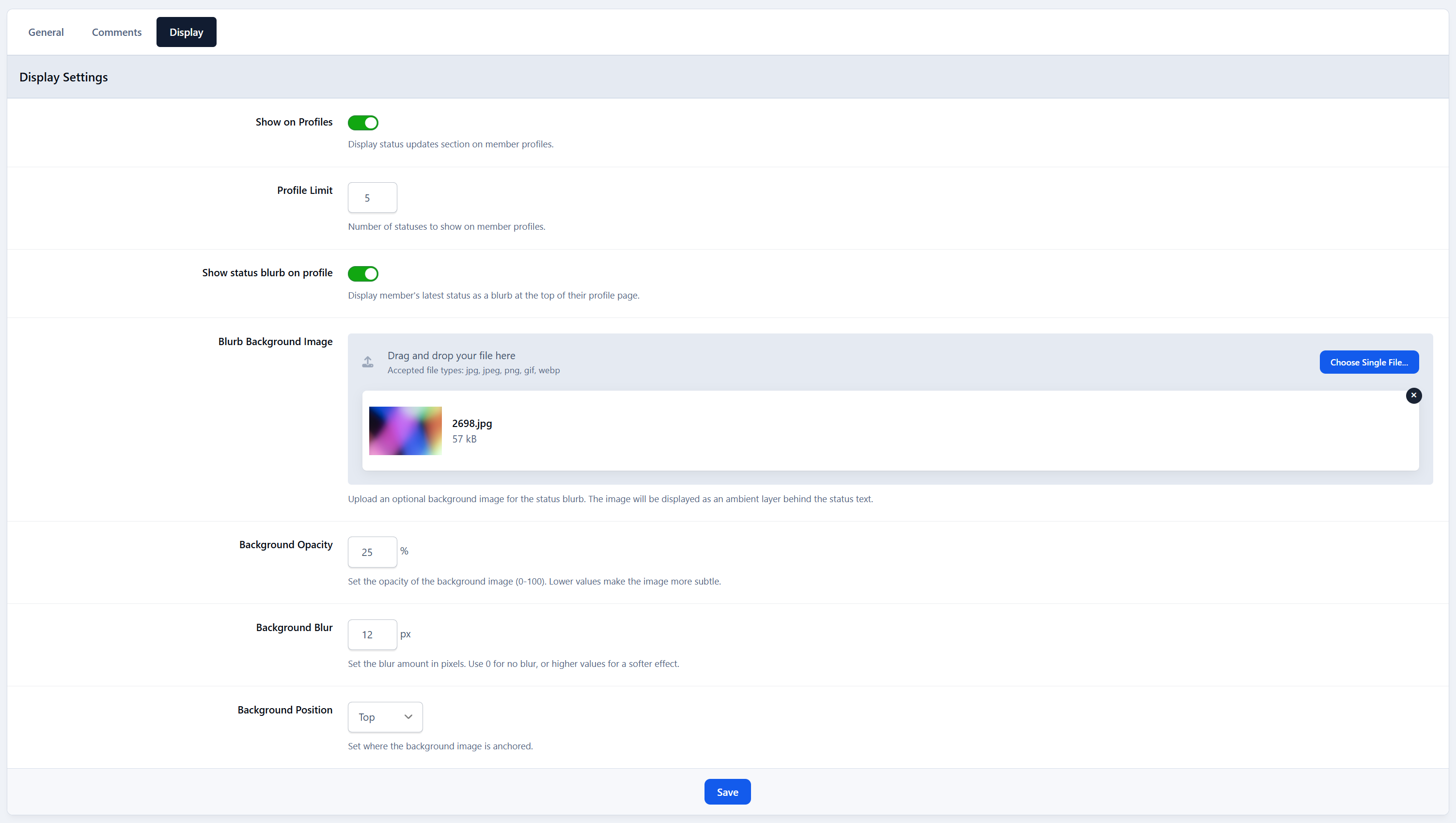
Simple, clear ACP settings
Designed to Feel Native
Status Updates is built to look and behave like part of Invision Community:
Clean, modern layout
IPS-style reactions and comments
No heavy UI or clutter
Works naturally with existing themes
It doesn’t replace forums - it complements them.
Coming Next
Status Updates is designed to grow over time. Some of the planned features include:
Follow / Following system
See updates from members you care about in a dedicated feedPrivacy & visibility controls
Decide who can see specific statusesHashtags
Clickable tags, trending topics, and hashtag discoveryMood indicators
Let members attach a mood to their updates
Additional ideas like polls and media-focused features are also planned.
Create an account or sign in to leave a review