- Category SEO
- Downloads 59
- Compatibility IC5: 5.0.0+
- Updated
Description
SEO Toolkit — find what's costing you traffic, then fix it
This does not claim Invision Community has no SEO. It has friendly URLs, sitemaps, canonical tags and JSON-LD, and they work. What it has no answer for is "is any of it actually set up correctly on my site, and what is search doing with it?" That is the gap.
The audit
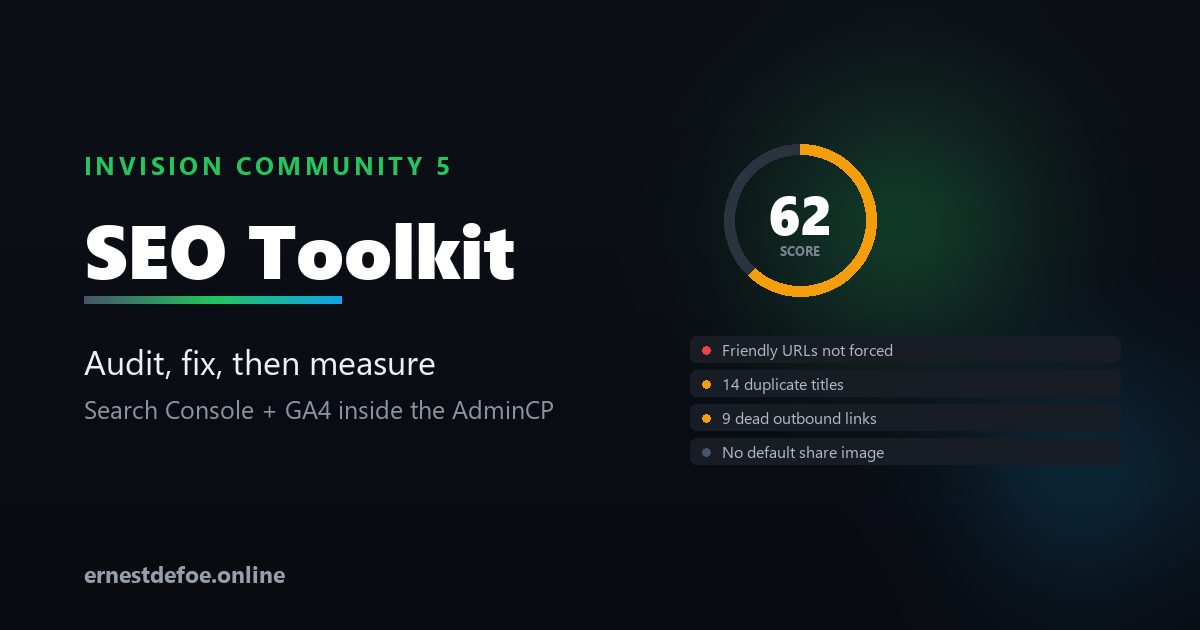
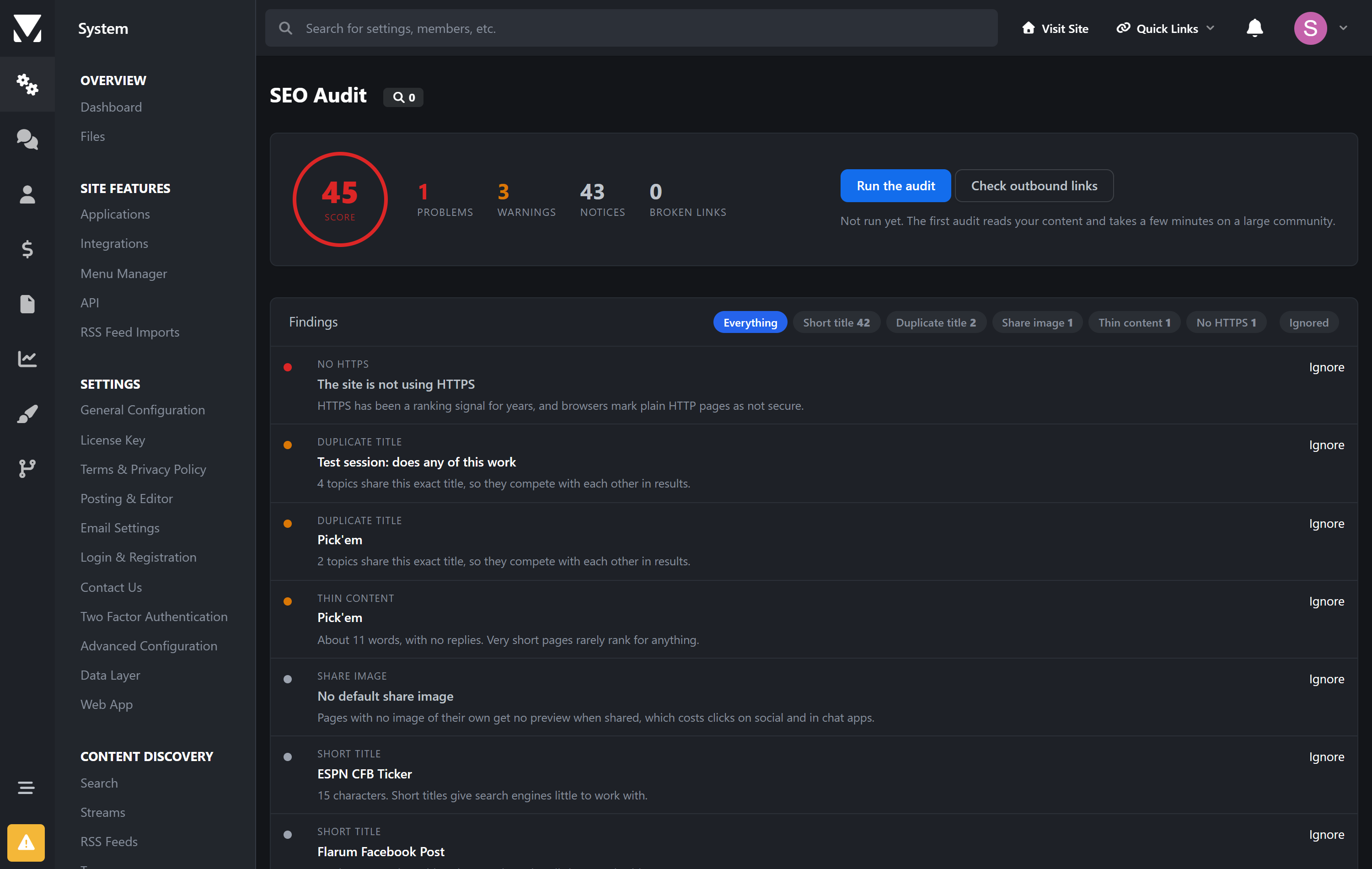
One button. It reads your community and tells you what is wrong, worst first, with a link to each offender.
Site-wide | Friendly URLs turned off · friendly URLs not forced · site offline · no HTTPS · |
|---|---|
Content | Duplicate titles · titles too short or too long to survive a search result · thin topics that will never rank |
Links | Dead outbound links, and which topic each one is in |
Two findings that quietly cost the most. Friendly URLs being off means every page is served at a query string. And with them on but not forced, every page is reachable at two addresses — which search engines read as duplicate content. Invision's own note on that setting says so. Neither shows up anywhere in the AdminCP until something has gone wrong.
Findings are fingerprinted, so re-running updates what is still true rather than piling up duplicates — and anything you have dismissed stays dismissed instead of reappearing every week. Anything you fixed disappears on the next run.
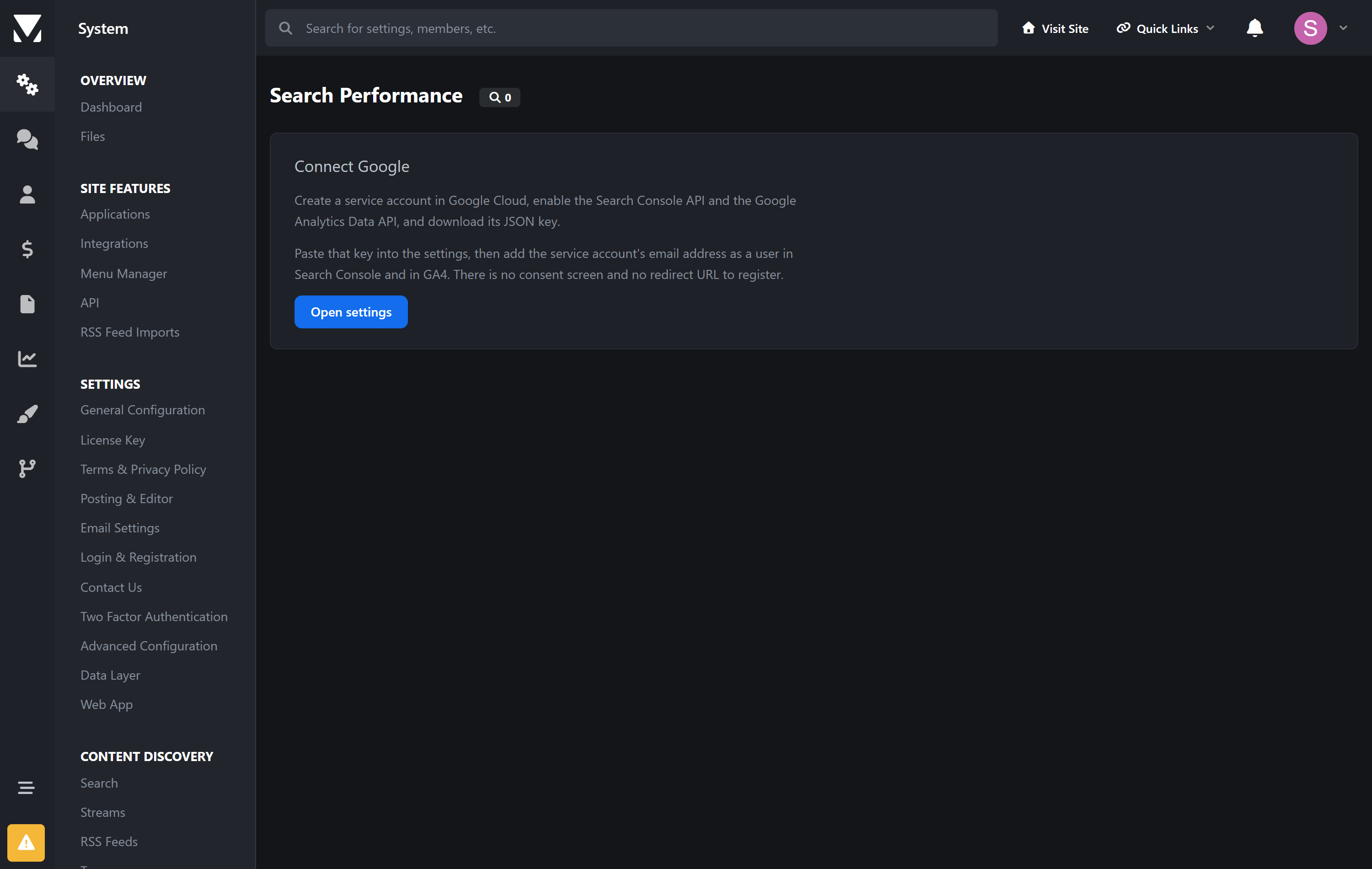
Search Console and GA4, in the AdminCP
Clicks, impressions, click-through rate and average position. What people actually searched for. Which pages got the clicks. Sessions, users and landing pages from GA4 alongside them.
A service account, not OAuth. Paste one JSON key. No consent screen, no redirect URL to register, no refresh token to keep alive.
The last three days are deliberately excluded. Search Console lags, and including today makes every report look like a traffic collapse.
Answers are cached for the day, because the data only changes daily and the calls are metered.
Redirects that core cannot do
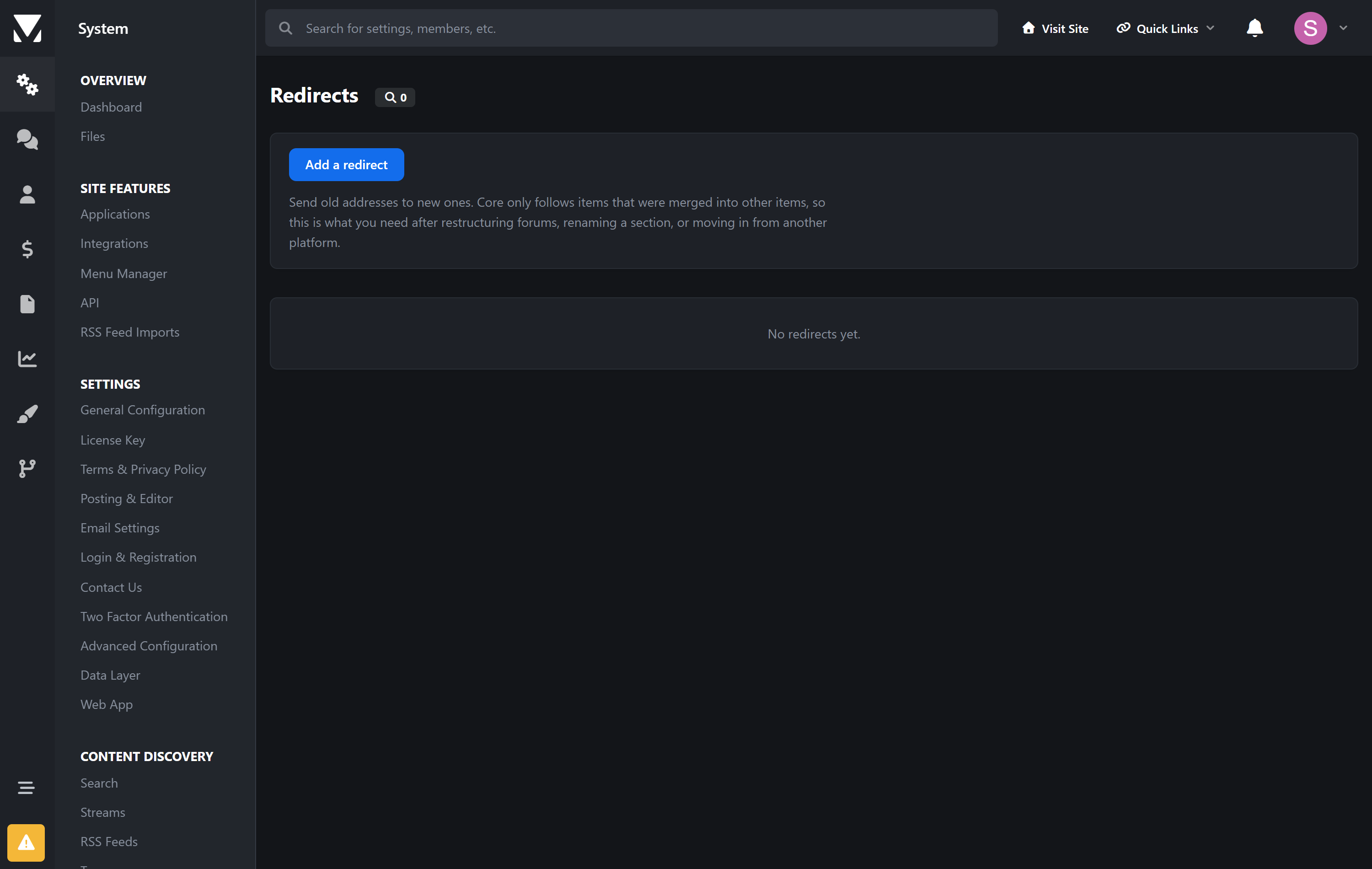
Core follows items that were merged into other items. It has nothing for "we restructured the forums and forty URLs moved" — which is exactly when a site loses its rankings.
301, 302, 307 or 308, with a hit counter so you can see what is still being used
Prefix rules that carry the rest of the path across, so
/old/a/blands on/new/a/brather than dumping everything on one pageLoops are refused, not stored. A redirect loop is invisible until a crawler walks into one, and then the page is simply gone from the index
The tags core leaves out
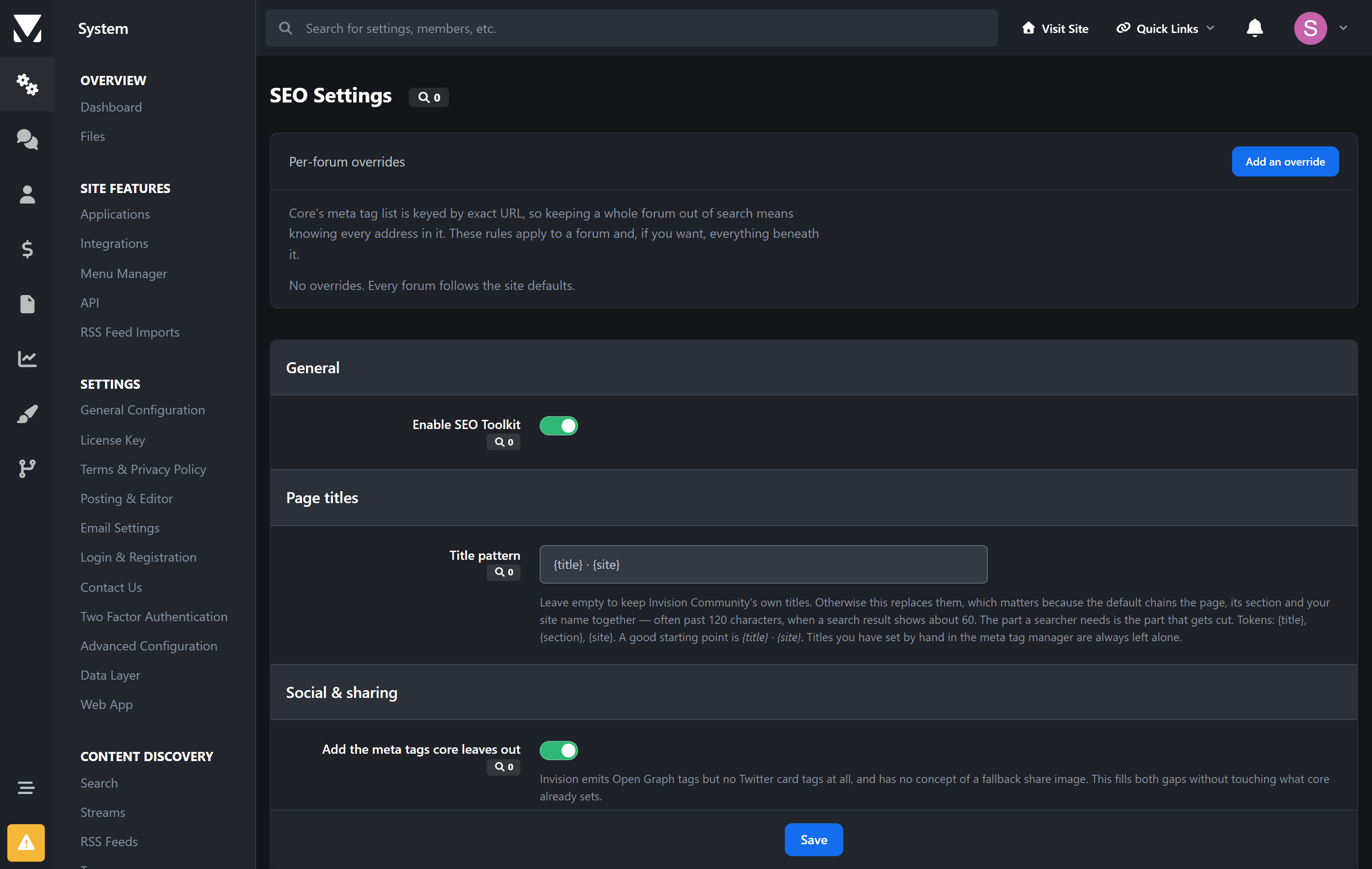
Twitter card tags. Invision emits Open Graph tags from eight applications and no
twitter:tags whatsoever. These are derived from the Open Graph tags already on the page, so the two can never disagree.A fallback share image, used only when a page has none of its own.
Per-forum overrides. Core's meta tag feature is a flat list keyed by exact URL, so keeping one forum out of search means knowing every address inside it. Here you pick the forum, tick noindex, and choose whether it applies to sub-forums.
Built to be safe on a live site
The audit never crawls you over HTTP. Everything is answered from the database. A crawler on a large forum is slow and hammers the server it is meant to be helping.
Outbound links are the one exception, and they are fetched slowly, in small batches, on a daily schedule — never in a burst that looks like an attack on the sites you link to.
HEAD first, falling back to GET, because plenty of servers refuse HEAD while serving pages perfectly well. A refusal is not evidence a link is dead.
Requests are pinned to http and https, and private address space is skipped, so a background job cannot be steered somewhere it should not go.
No core files are edited. Upgrading Invision Community will not break it.
Requirements
Invision Community 5.0 or newer (self-hosted), with the Forums application
Optional: a Google service account, for Search Console and GA4 reporting
Create an account or sign in to leave a review
There are no reviews to display.