Jump to content
View in the app

A better way to browse. Learn more.

Invision Marketplace

A full-screen app on your home screen with push notifications, badges and more.

To install this app on iOS and iPadOS
  1. Tap the Share icon in Safari
  2. Scroll the menu and tap Add to Home Screen.
  3. Tap Add in the top-right corner.
To install this app on Android
  1. Tap the 3-dot menu (⋮) in the top-right corner of the browser.
  2. Tap Add to Home screen or Install app.
  3. Confirm by tapping Install.

Everything you need for your community

Everything you need for your community

Invision Community 5
  • Category Social Networks
  • Downloads 68
  • Compatibility IC5: 5.0.0+
  • App Version 5.1.6
  • Updated
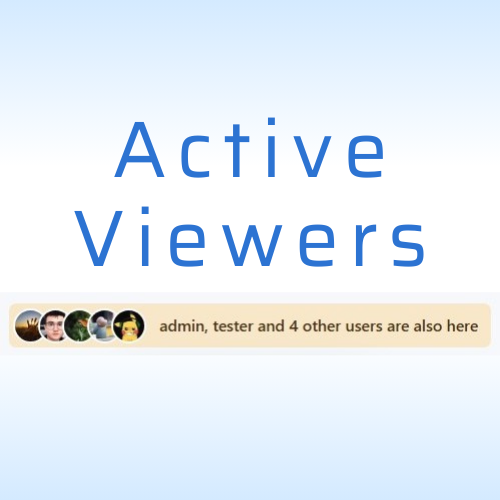
Active Viewers is an application that displays the list of members currently viewing specific content on your site with AJAX updates, helping users see who is engaging with discussions or browsing category.

Overview

Active Viewers is an application that displays the list of members currently viewing specific content on your site with AJAX updates, helping users see who is engaging with discussions or browsing category.

Description

Active Viewers is an application that displays the list of members currently viewing specific content on your site with AJAX updates, helping users see who is engaging with discussions or browsing category.

Key Features:

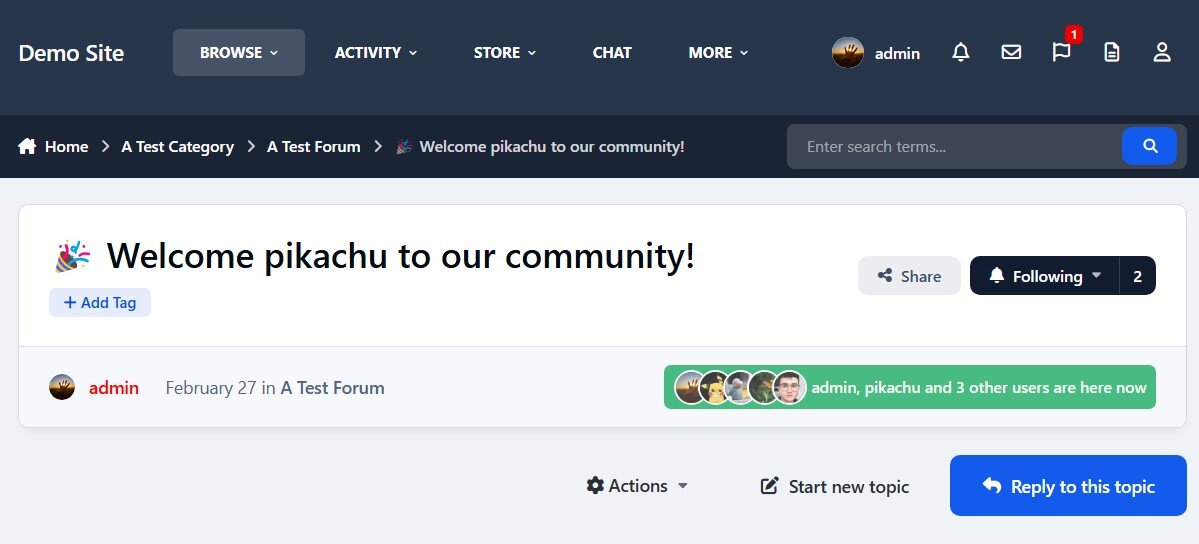
  • Displays the list of members currently viewing specific content (Supports: Forums, Downloads, Pages, Blog, Gallery and Videobox).

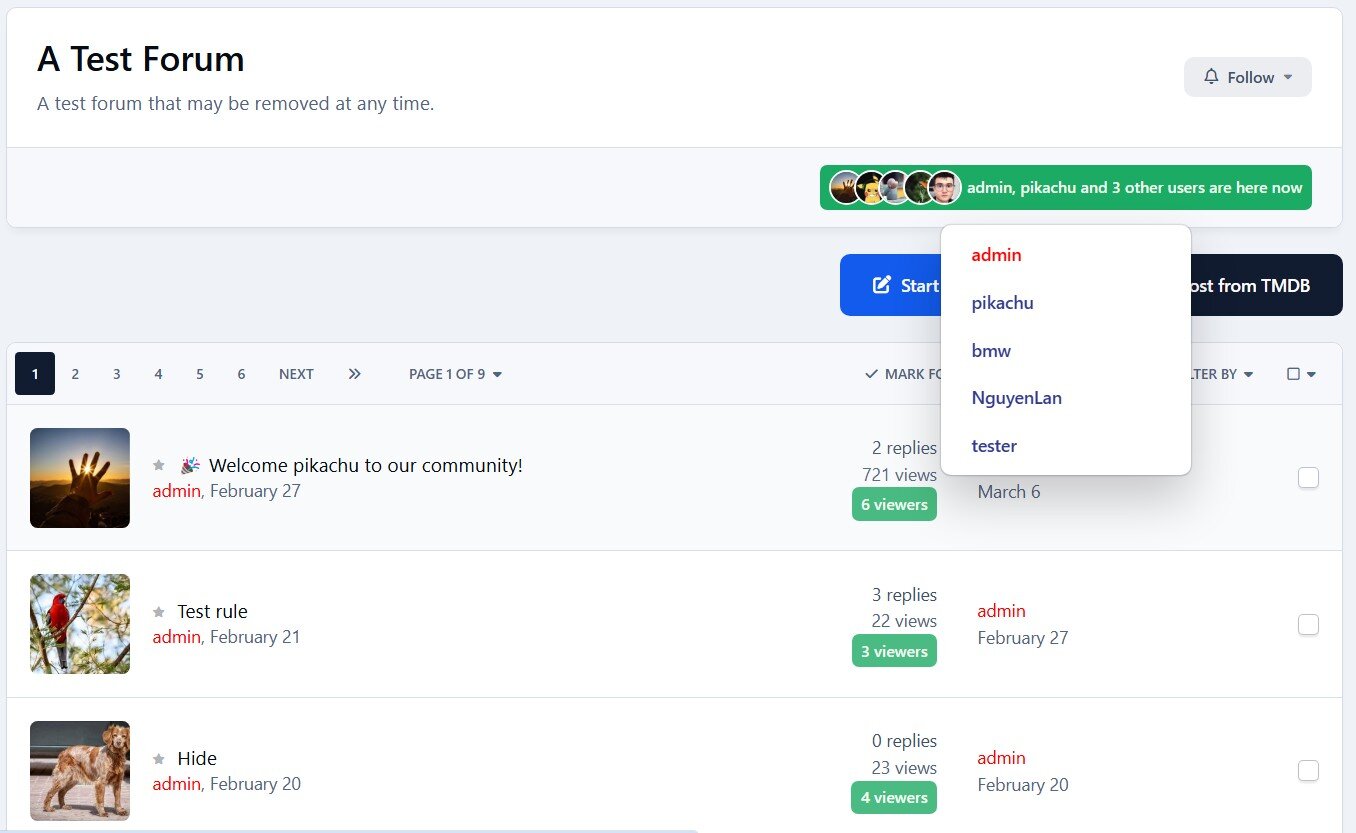
  • In category view, shows the total number of users viewing each post.

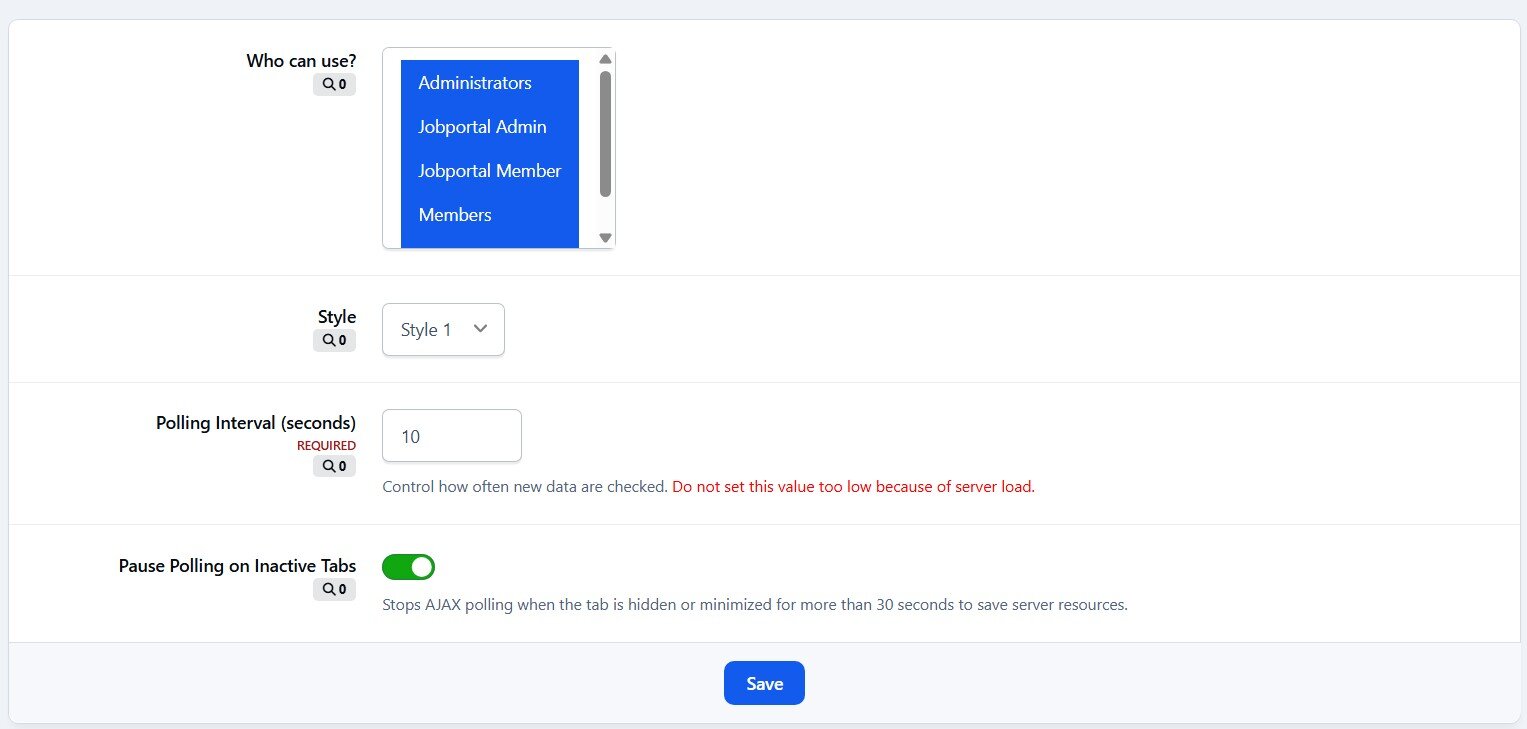
  • Specify which member groups can use this feature.

  • Polling interval is configurable.

  • Polling pauses when the user is idle.

  • 2 display layouts for the online members list.

  • Integrates with RTHub to use real-time services from Pusher or Ably.

This application does not work on IPS Cloud

User Feedback

Create an account or sign in to leave a review


I love this app! It works without any visible load and very quickly, must have for all!

Configure browser push notifications

Chrome (Android)
  1. Tap the lock icon next to the address bar.
  2. Tap Permissions → Notifications.
  3. Adjust your preference.
Chrome (Desktop)
  1. Click the padlock icon in the address bar.
  2. Select Site settings.
  3. Find Notifications and adjust your preference.