Advanced Messenger
Invision Community 5
- Category Social Networks
- Downloads 57
- Compatibility IC5: 5.0.0+
- App Version 5.1.7
- Updated

Overview
Advanced Messenger enhances private messaging with powerful features: reactions, auto reply, welcome message, signature... and moreDescription
Advanced Messenger enhances private messaging with powerful features:
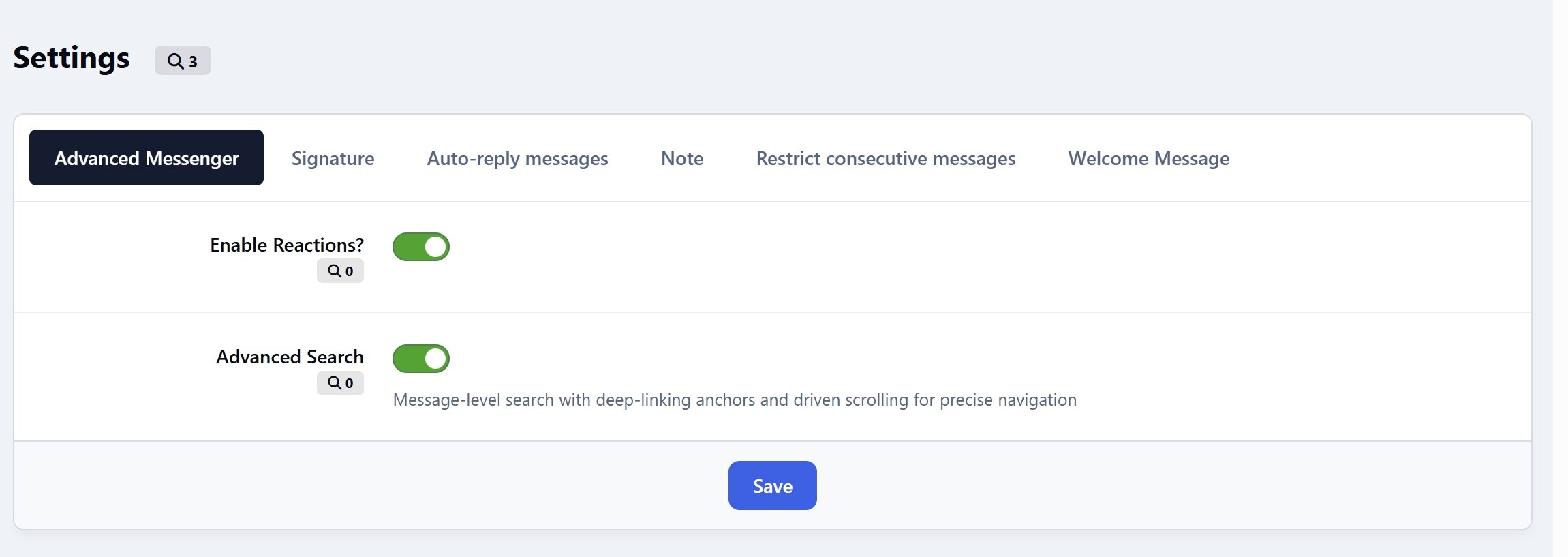
Advanced search - With message-level search with deep-linking anchors and driven scrolling for precise navigation.
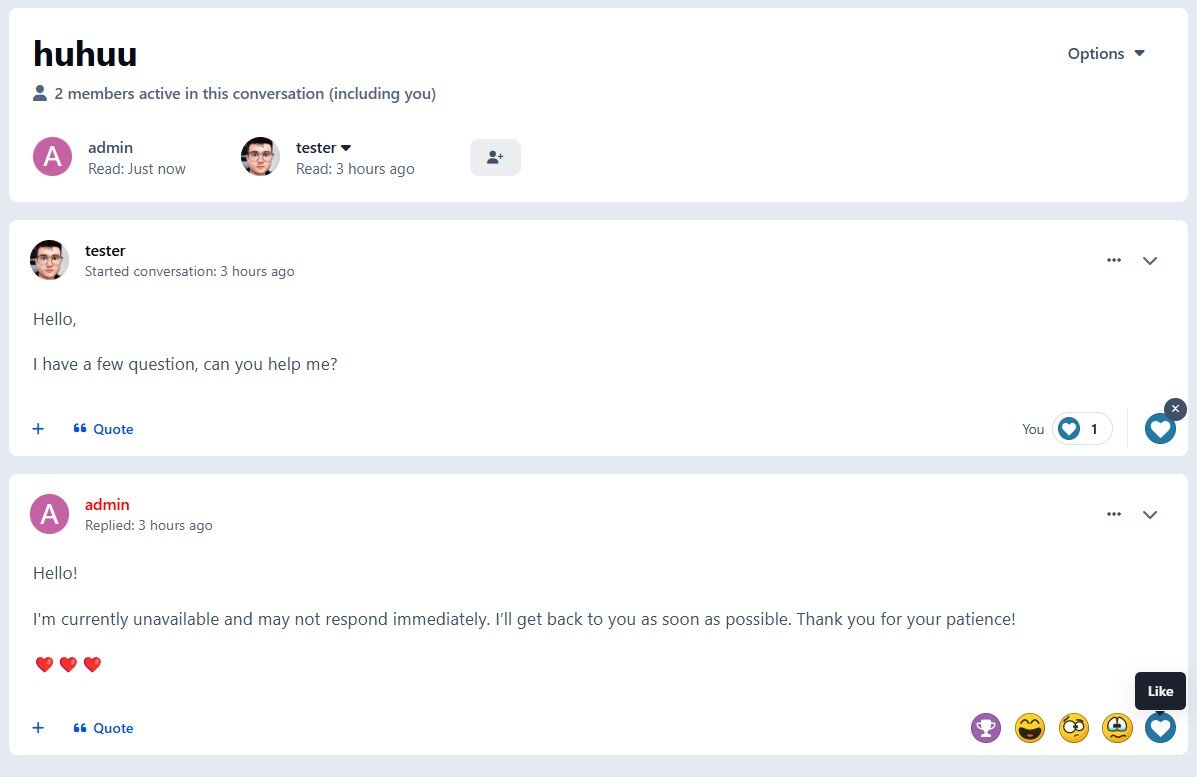
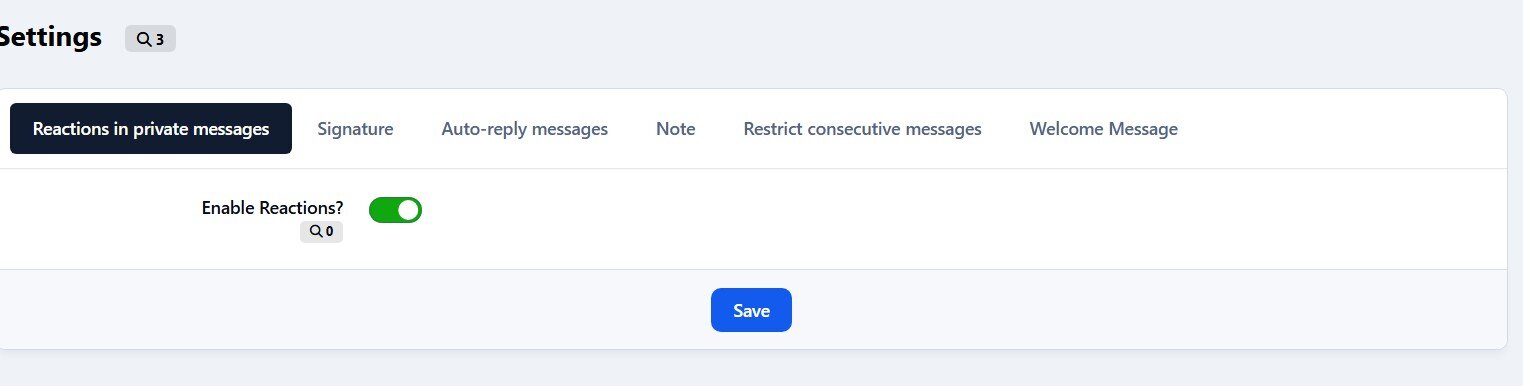
Reactions - Send reactions in private conversations, making interactions more engaging and expressive.
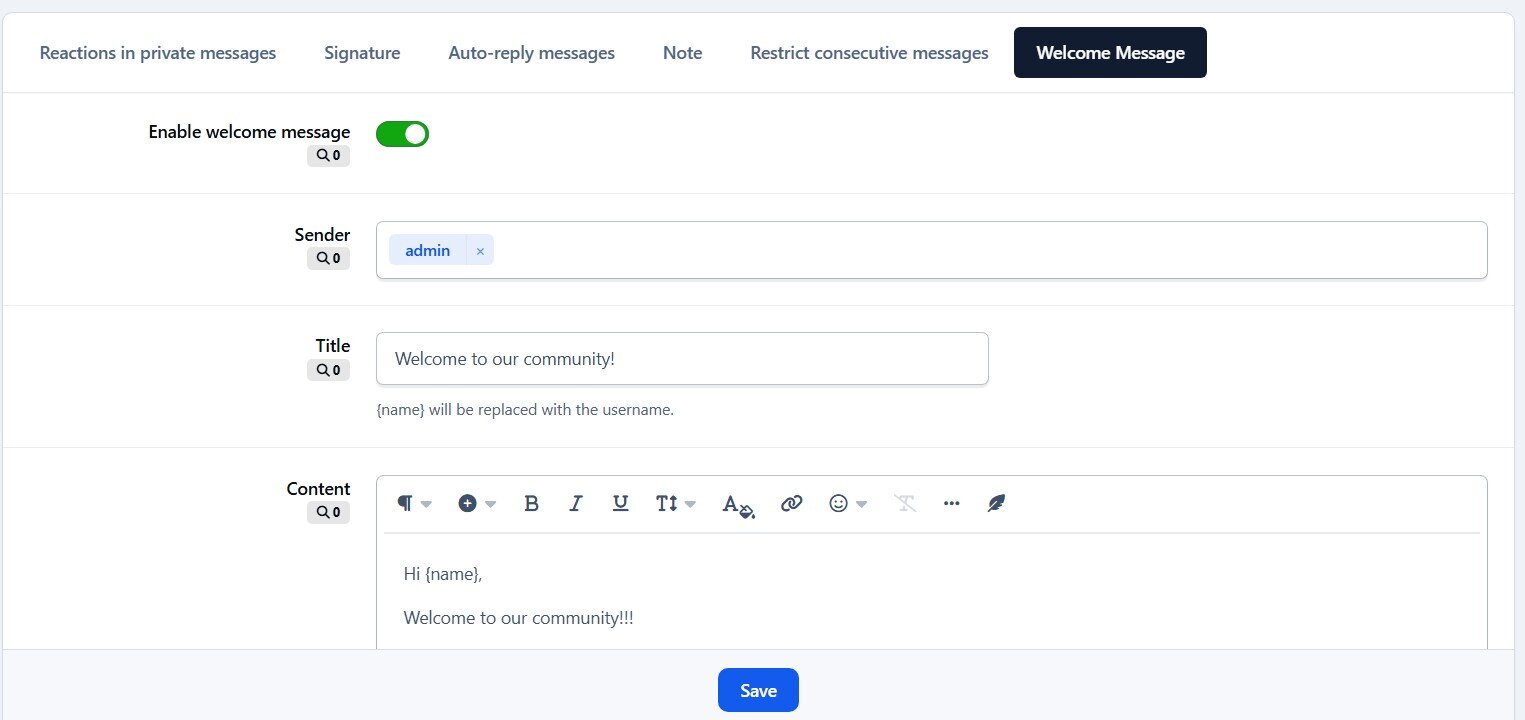
Welcome Message - Automatically send a welcome message to new registered members. Integrated AI to generate message content dynamically.
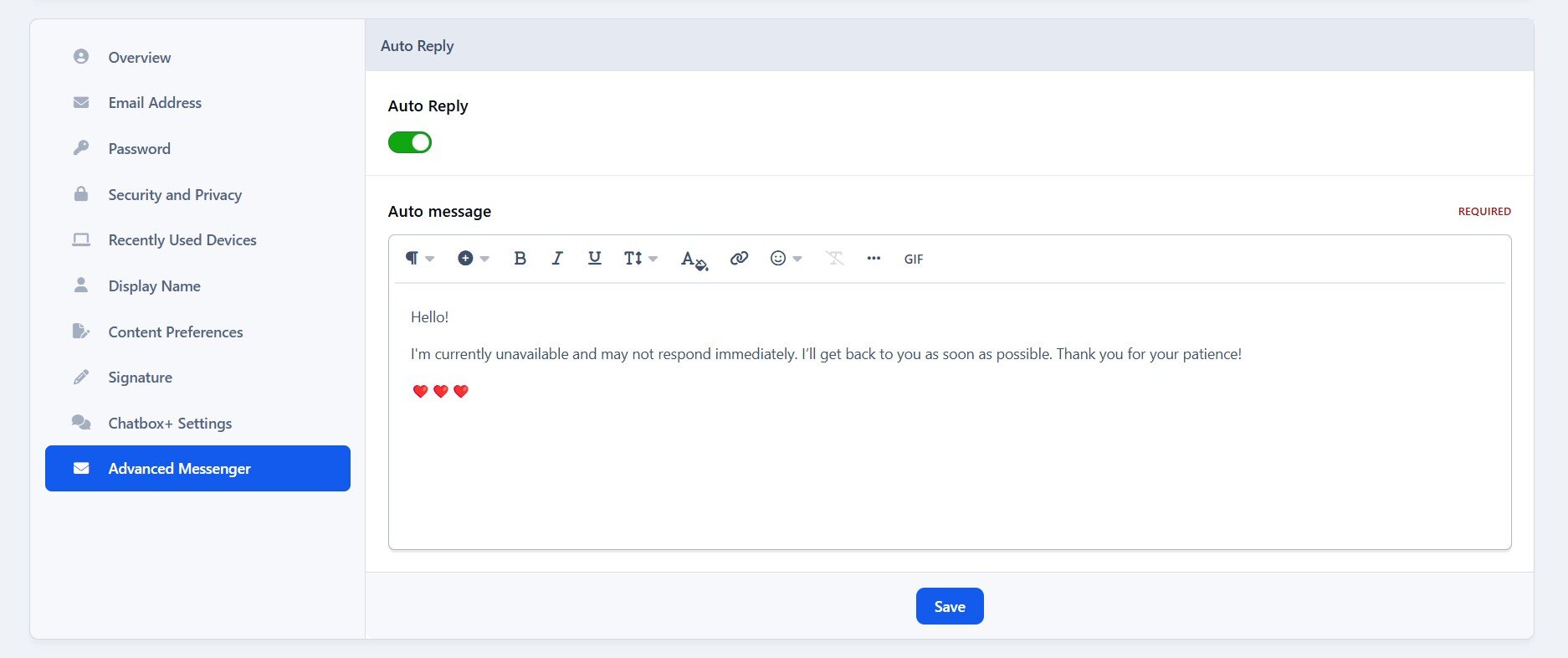
Auto-Reply Messages - Allows users to configure an auto-reply message which is sent as an automatic response to incoming conversations.
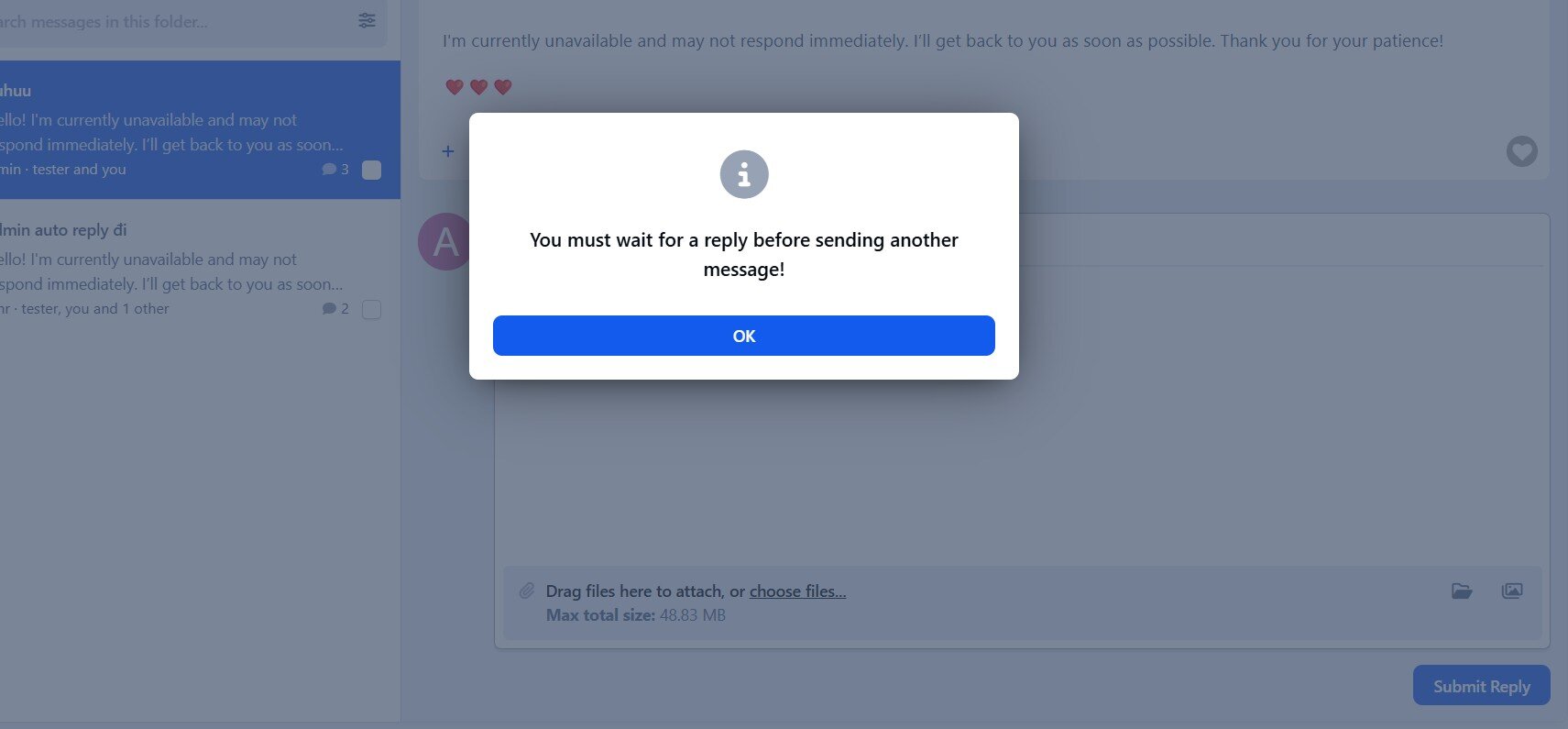
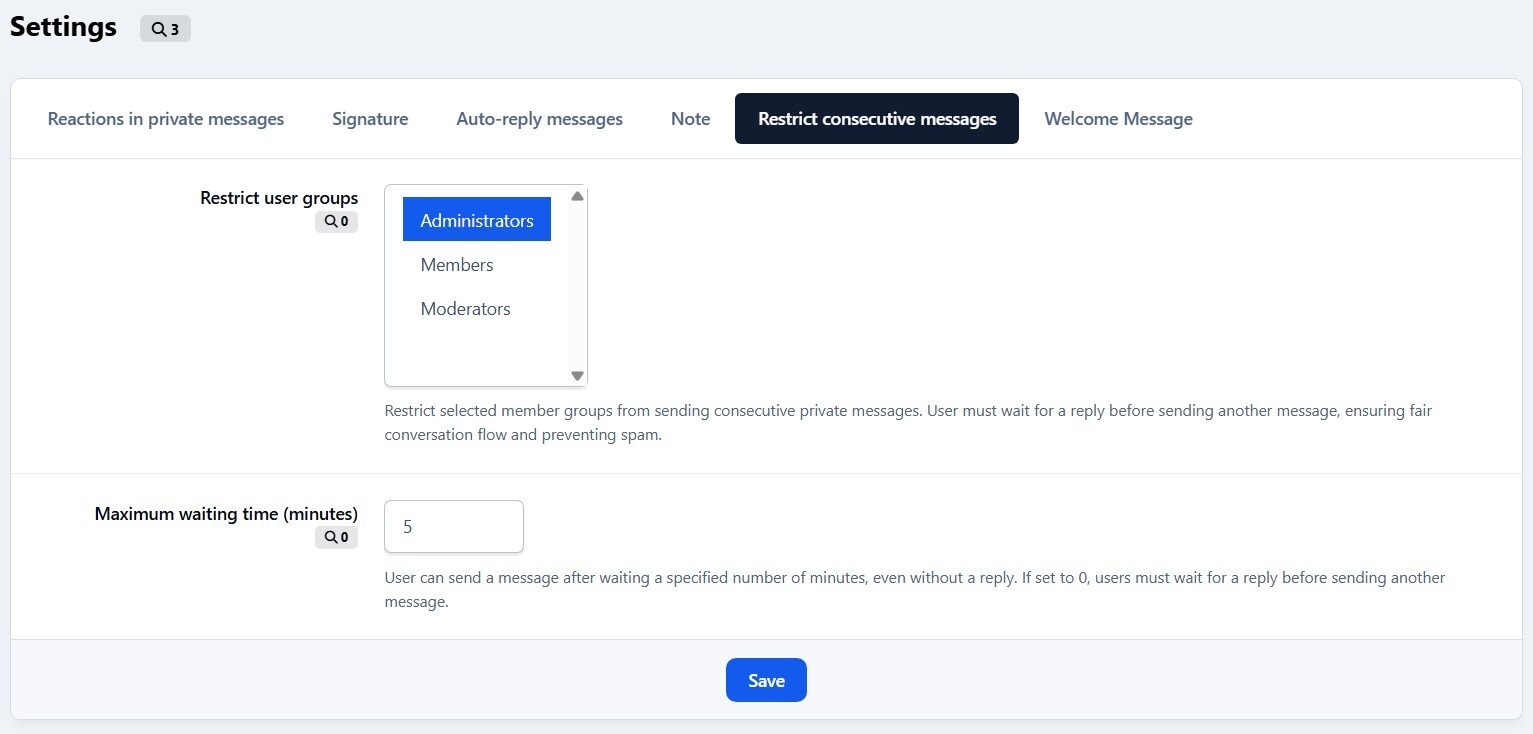
Restrict Consecutive Messages - Prevent users from sending multiple messages in a row without receiving a reply.
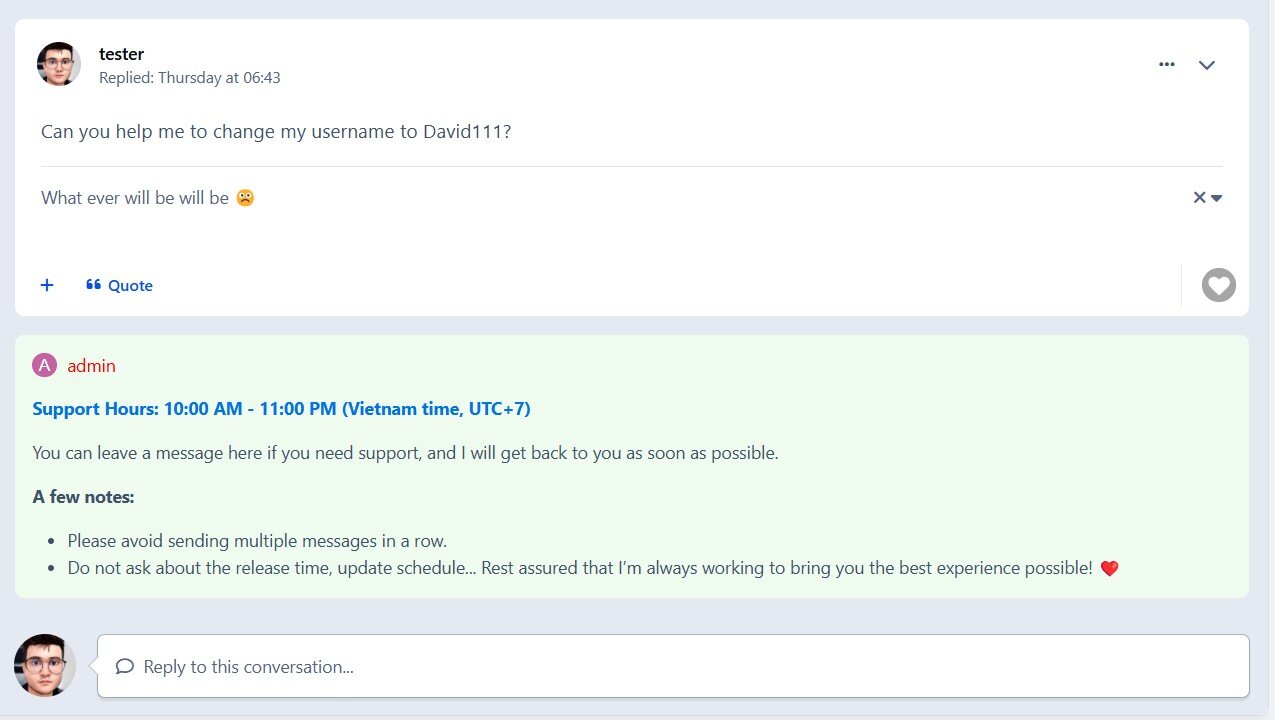
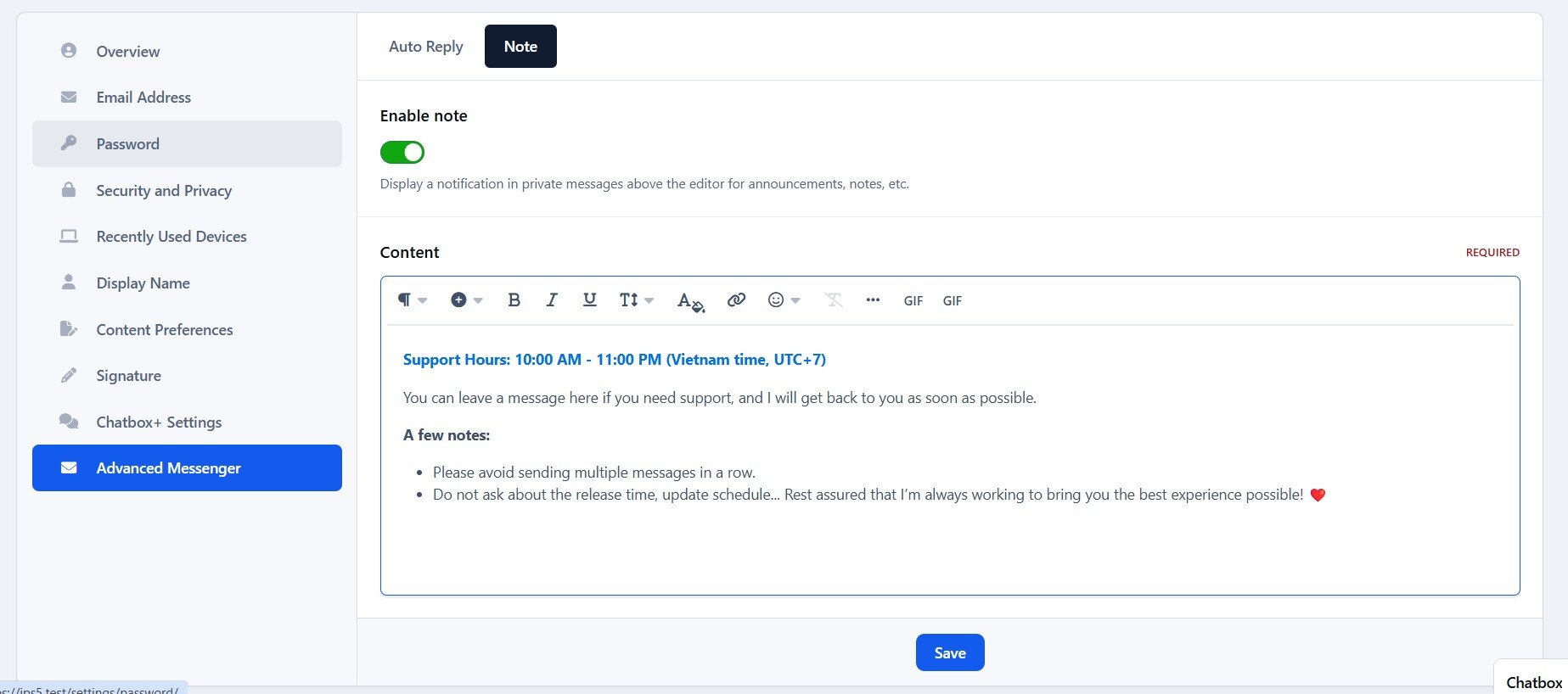
Message Notes - Allows users to attach notes to messages, visible to all participants in the conversation. This feature helps highlight important information, reminders, or additional context within discussions.
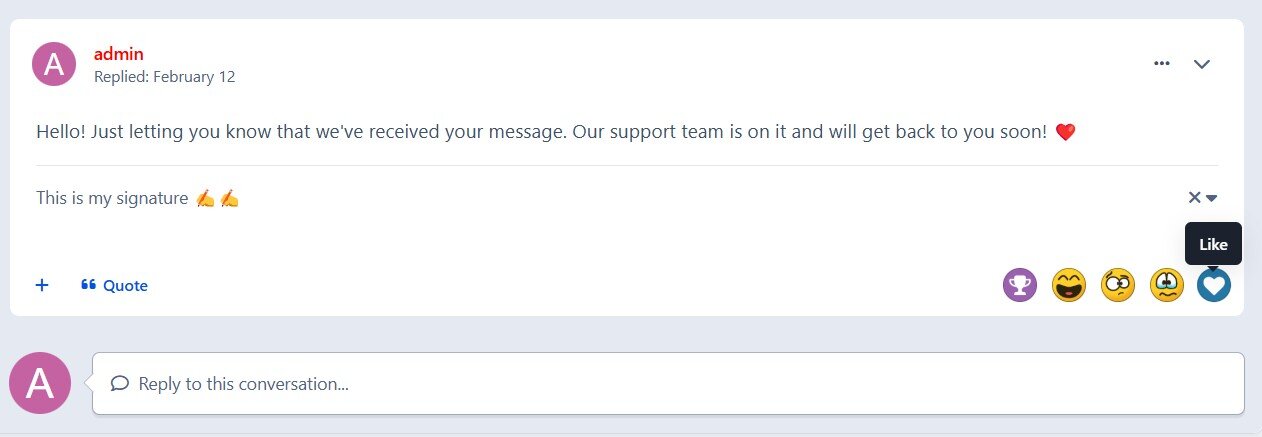
Signature - Allow users to showcase their personal signature in private messages, adding a personalized touch to conversations.
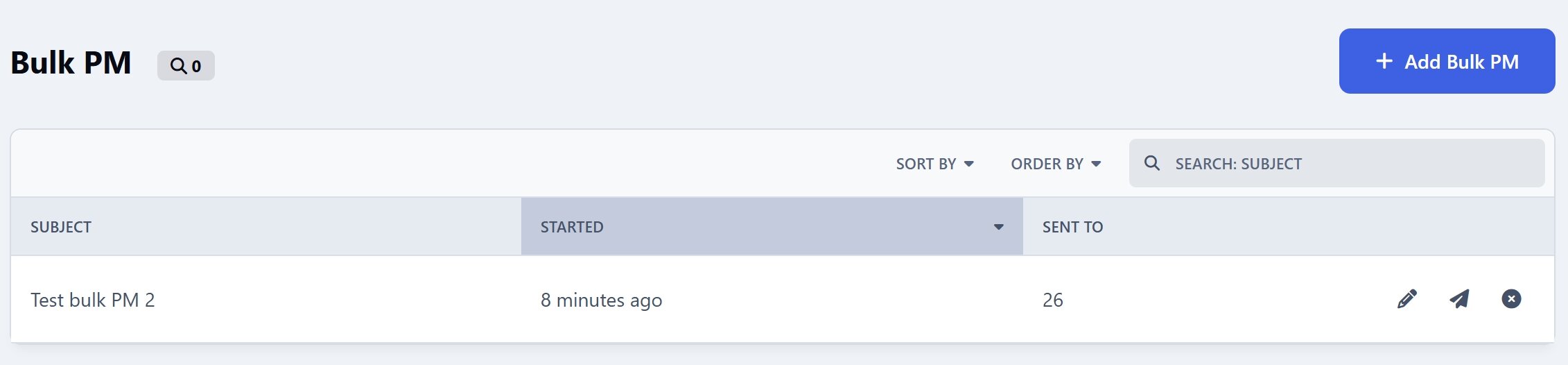
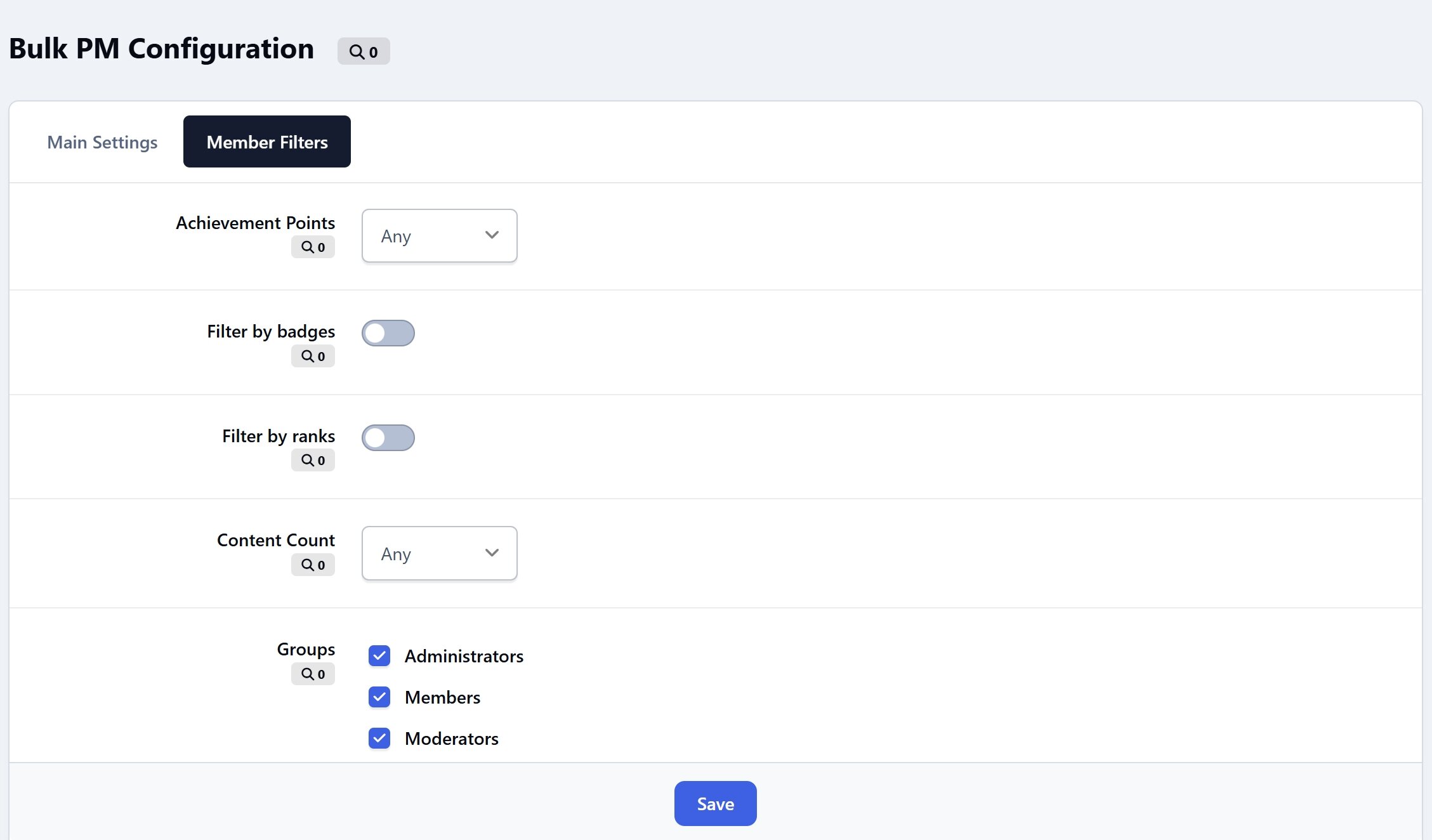
Bulk PM - Send messages to multiple members at once, integrated with Member Filters for easy recipient selection
Upgrade your messaging experience with better engagement and control 😬
Create an account or sign in to leave a review
There are no reviews to display.