Invision Community 5
- Category Social Networks
- Downloads 61
- Compatibility IC5: 5.0.0+
- App Version 5.1.5
- Updated

Overview
Lenny Face is a popular set of ASCII emoticons that adds humor, sarcasm, and expression to online conversations. Commonly used in gaming, chat platforms, and forums, LennyFace includes characters like ( ͡° ͜ʖ ͡°), ( ಠ ʖ̯ ಠ ), and ¯_(ツ)_/¯, making interactions more engaging and expressive.Description
About This Application
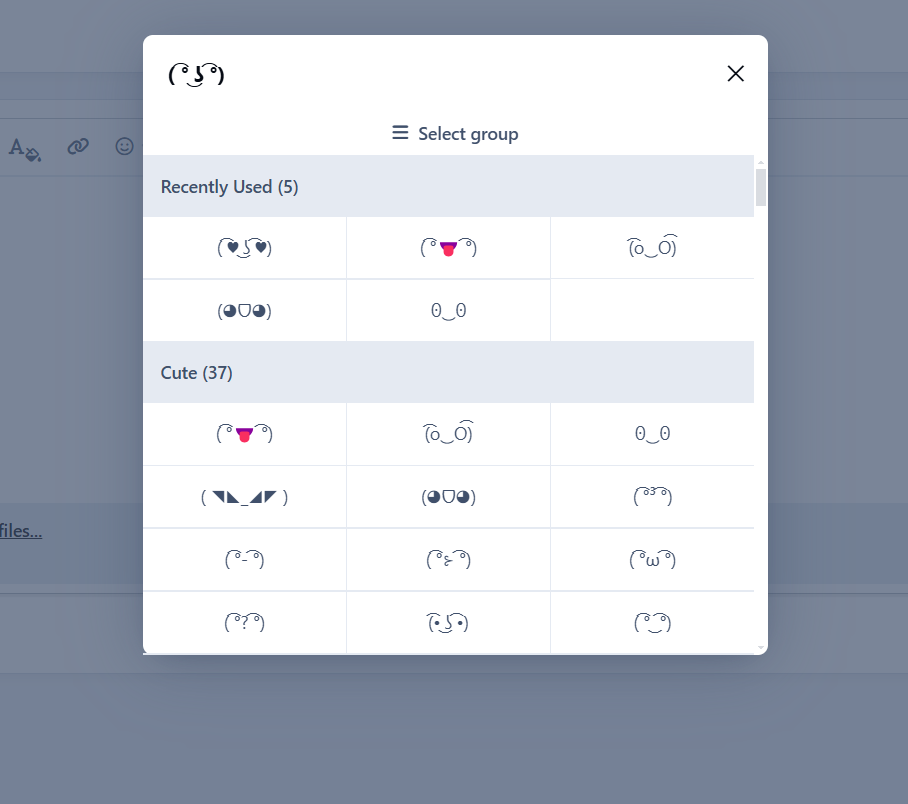
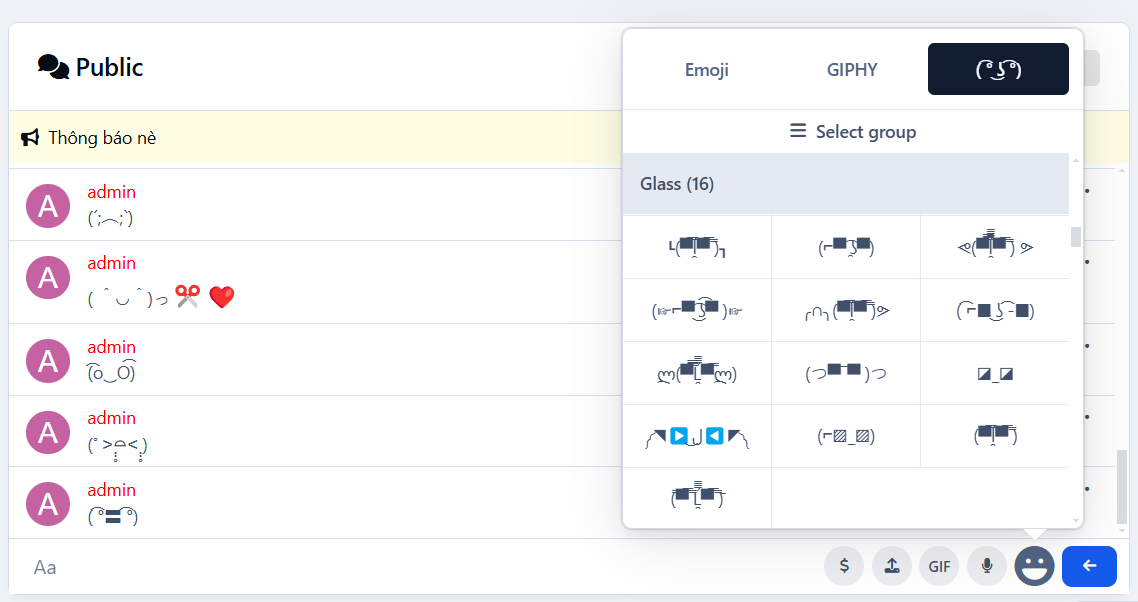
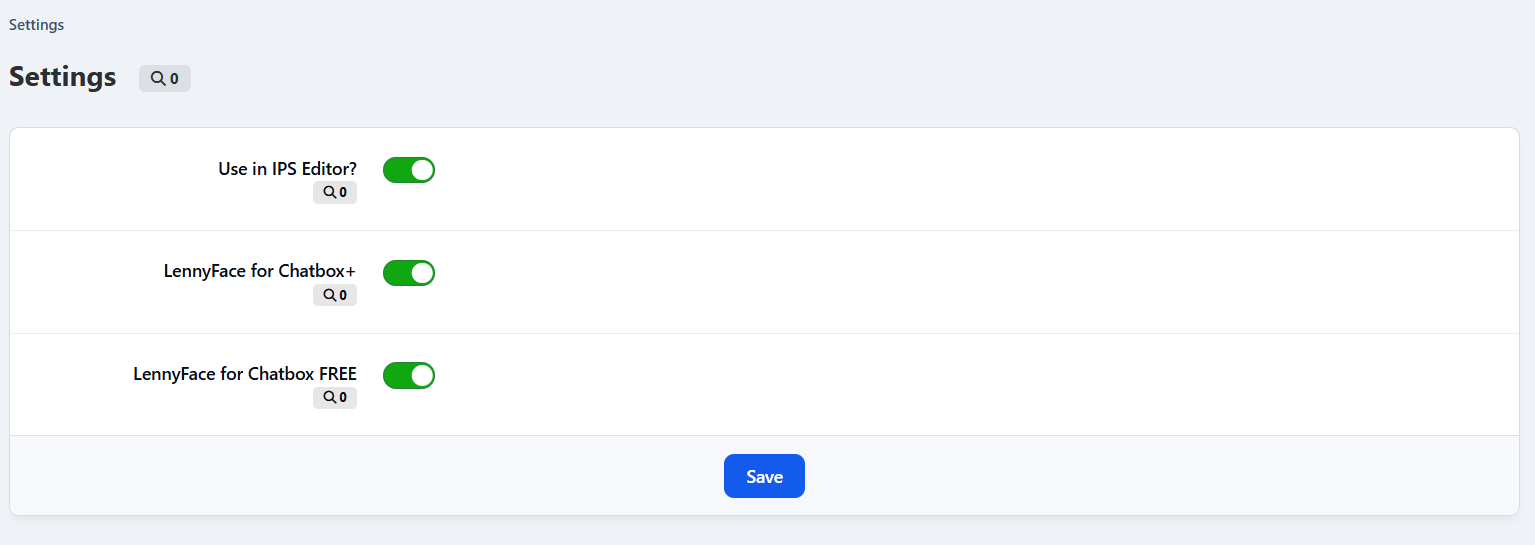
This LennyFace application is designed to seamlessly integrate with IPS Editor, Chatbox+, and Chatbox Free, allowing users to quickly access and insert LennyFace emoticons into their conversations. Whether you're replying to a post, chatting, or customizing messages, this tool makes it effortless to add personality to your text.
Key Features & Benefits
✅ Easy Access – Quickly insert LennyFace.
✅ Group Organization – LennyFaces are categorized for better navigation.
✅ Recently Used – The app remembers your most used emoticons for quick reuse.
✅ IPS Editor Integration – Works smoothly within the IPS text editor.
✅ Chatbox+ & Chatbox Free Support – Enhance your chat experience with expressive ASCII art.
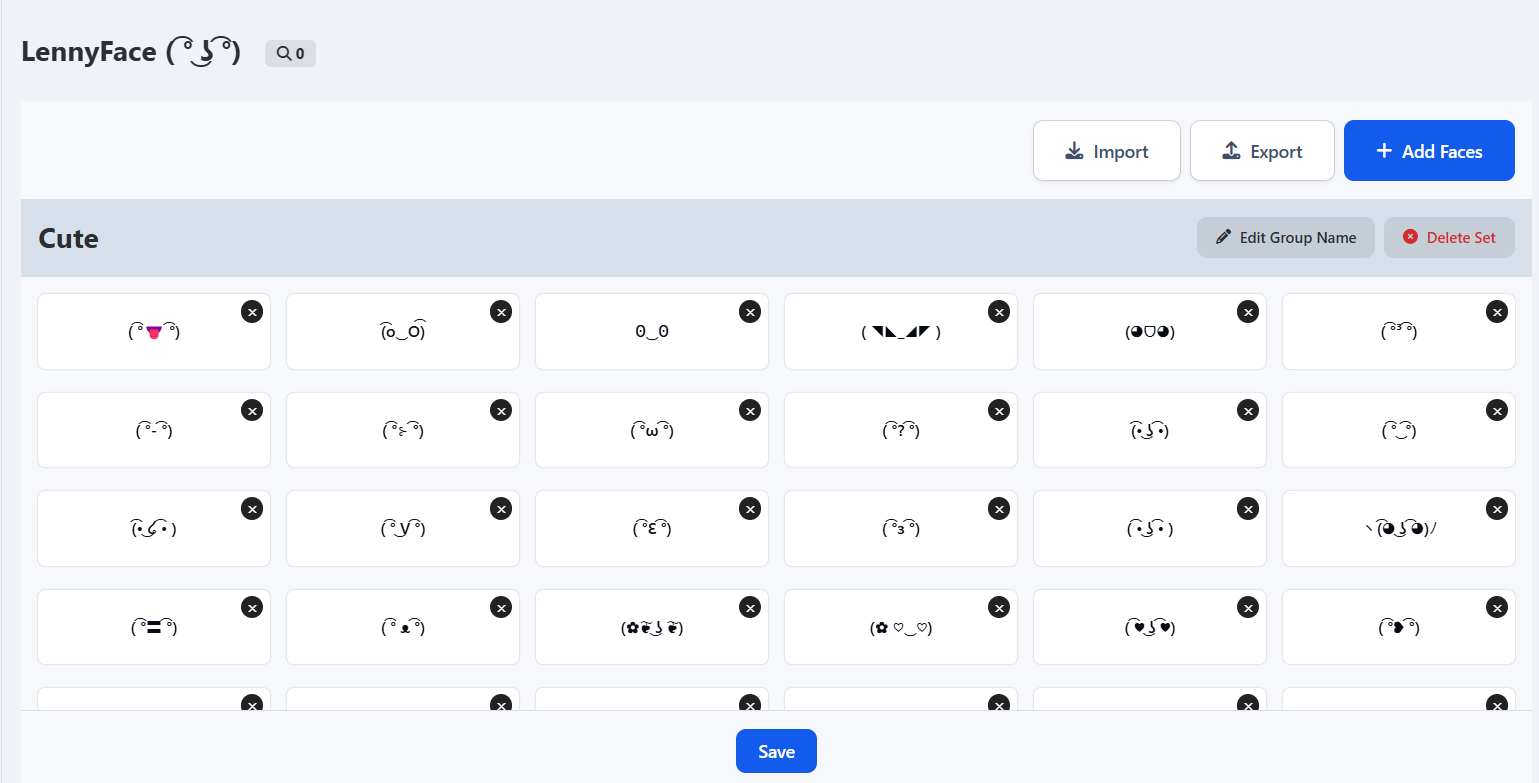
✅ Easy Management – Add, edit, and organize LennyFace emoticons with ease.
✅ Export & Import – Save and share your collection by exporting LennyFaces to XML. Easily restore or import whenever needed.
Start using it now and make your conversations more fun and engaging! 🎭✨
🐼 Demo Chatbox+: https://demo.ipsappzone.com/chatbox/room/1-public/
🐼 Demo Chatbox Free: https://demo.ipsappzone.com/bimchatbox/
After purchasing, go to Docs tab to download and import a LennyFaces pack with nearly 300 icons ᕙ(▀̿ĺ̯▀̿ ̿)ᕗ
Create an account or sign in to leave a review
There are no reviews to display.