Invision Community 5
- Category Social Networks
- Downloads 73
- Compatibility IC5: 5.0.0+
- App Version 5.0.3
- Updated


Overview
This application allows you to showcase testimonials on your site.Description
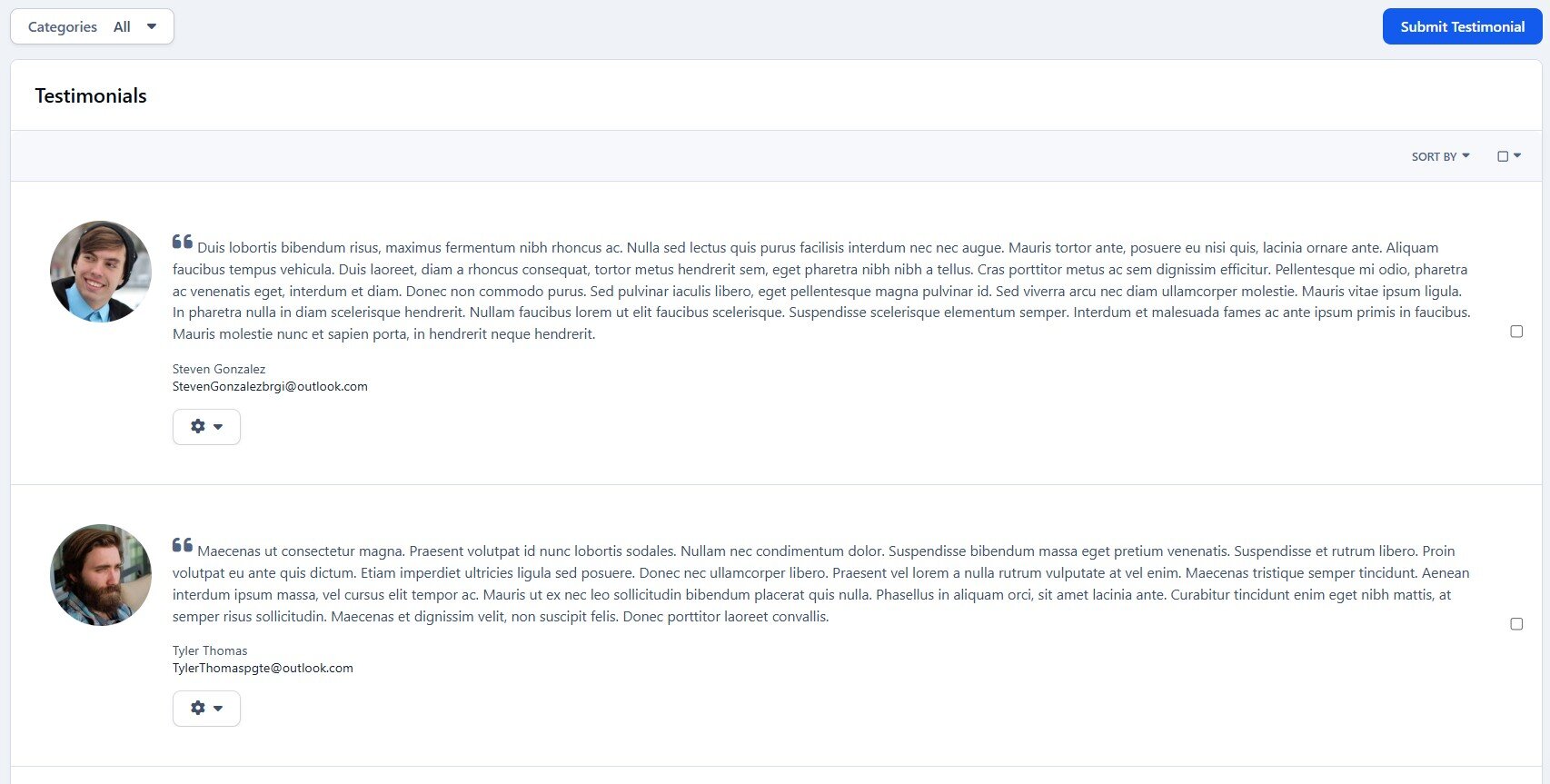
This application allows you to showcase testimonials on your site.
Demo: http://demo.ipsappzone.com/testimonials/
Main Features:
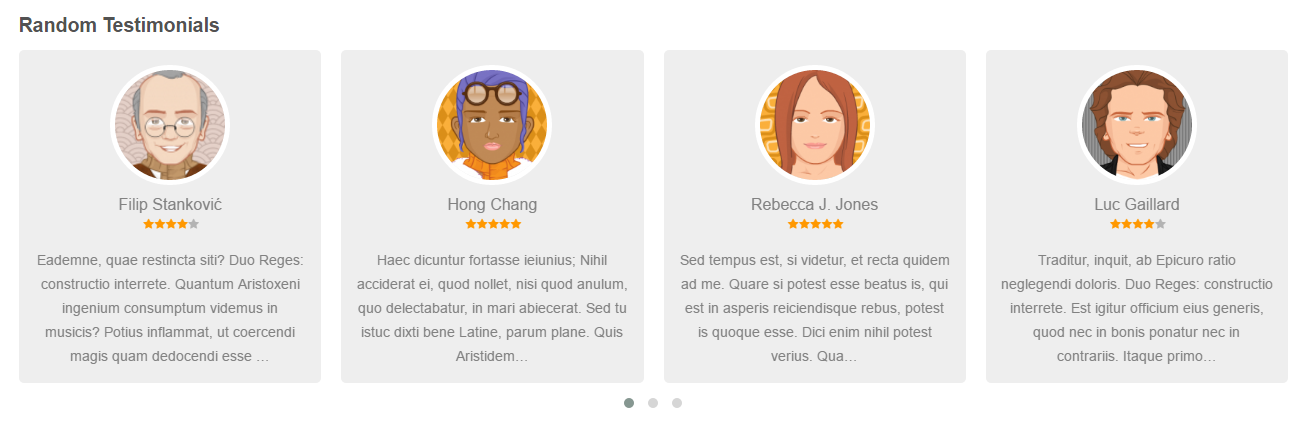
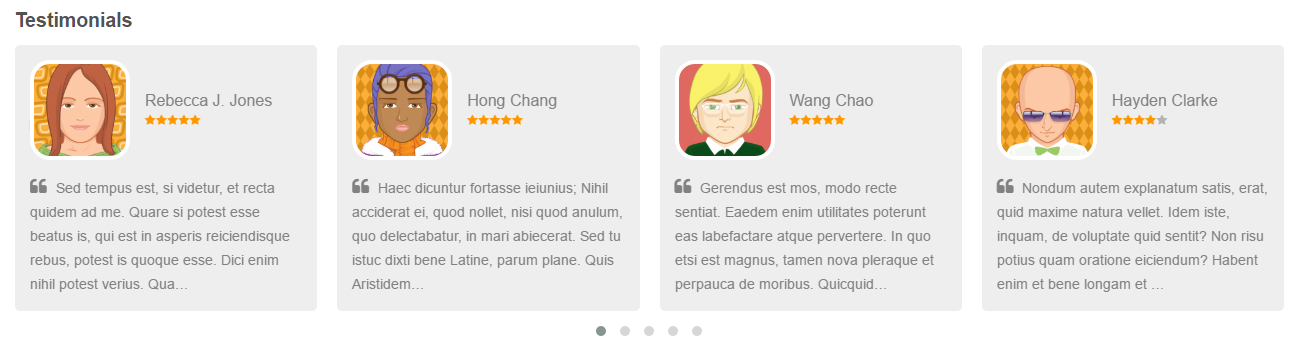
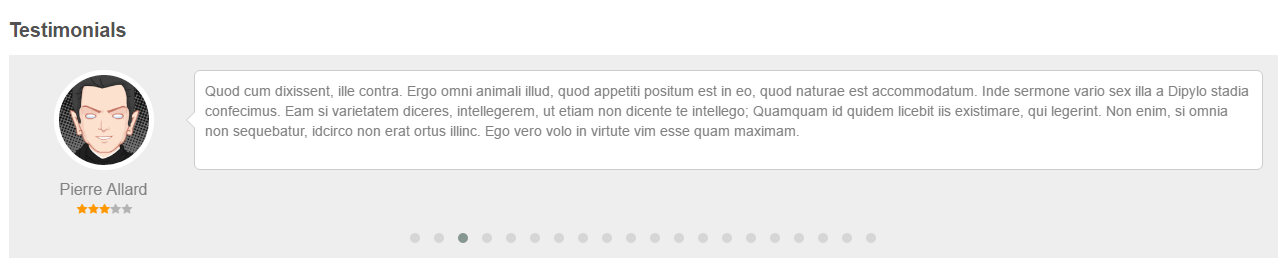
Engaging Testimonial Sliders in widget: Choose from 3 sleek slider styles to display testimonials beautifully.
Flexible Sorting: by newest, oldest, or randomize.
Responsive Design: Looks great on desktops, tablets, and mobile devices for a seamless experience.
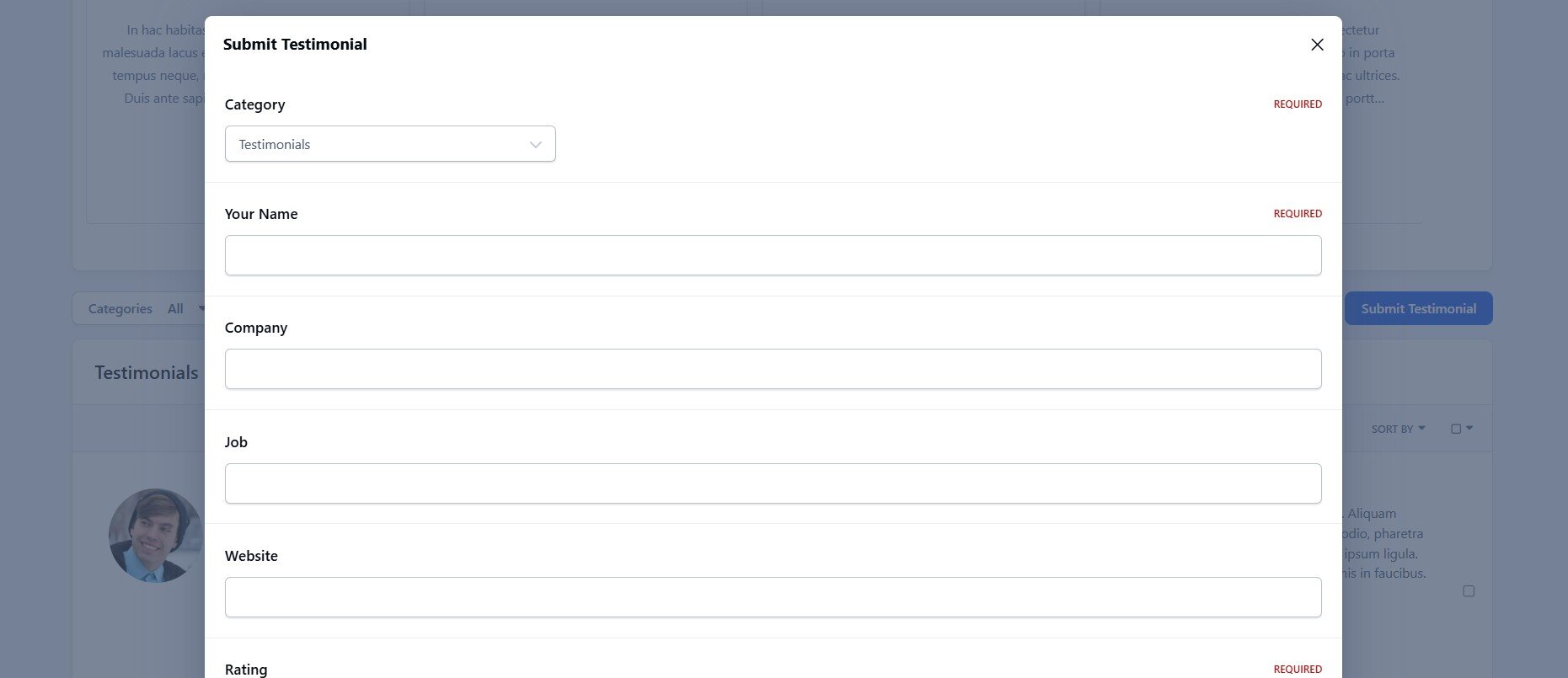
Category Support: Organize testimonials into relevant categories to help users find what they need.
Permission Control: Set permissions for viewing, submitting, and managing testimonials.
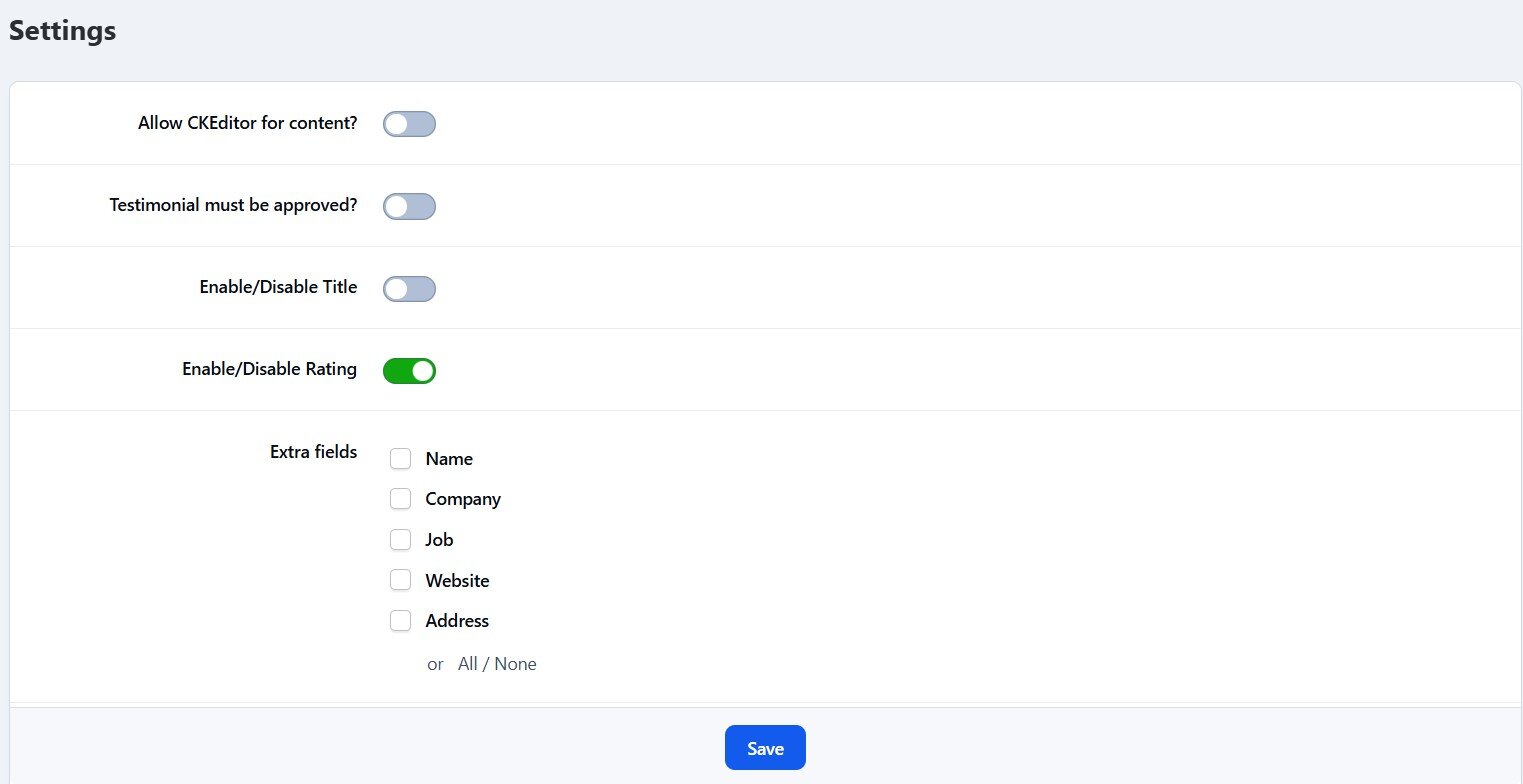
Approval Options: Enable moderation so testimonials can be approved by moderators.
Customizable Fields: Toggle titles, ratings, and additional info like company, job, and website.
Complete Management: Easily edit, show/hide, or delete testimonials as needed.
RSS Feeds: Provide up-to-date testimonials via RSS.
Create an account or sign in to leave a review
There are no reviews to display.