Backup & Restore
- Category Admin & Mod Tools
- Downloads 69
- Compatibility IC5: 5.0.0+
- Updated
Description
Backup & Restore
Invision Community ships with no backup of any kind. The only thing it does is ask you to tick a box confirming you have made one — immediately before an upgrade, which is the single most dangerous thing the software does.
The usual advice is "just run mysqldump". On a correctly configured server you cannot. Invision Community's own Configuration Error notification tells administrators to disable exec, shell_exec, passthru, popen and proc_open. Take that advice, as you should, and every shell-based backup tool stops working.
This is pure PHP. No shell, no mysqldump, no external binary. It works on shared hosting, in a container, and on a hardened server where nothing can be executed.
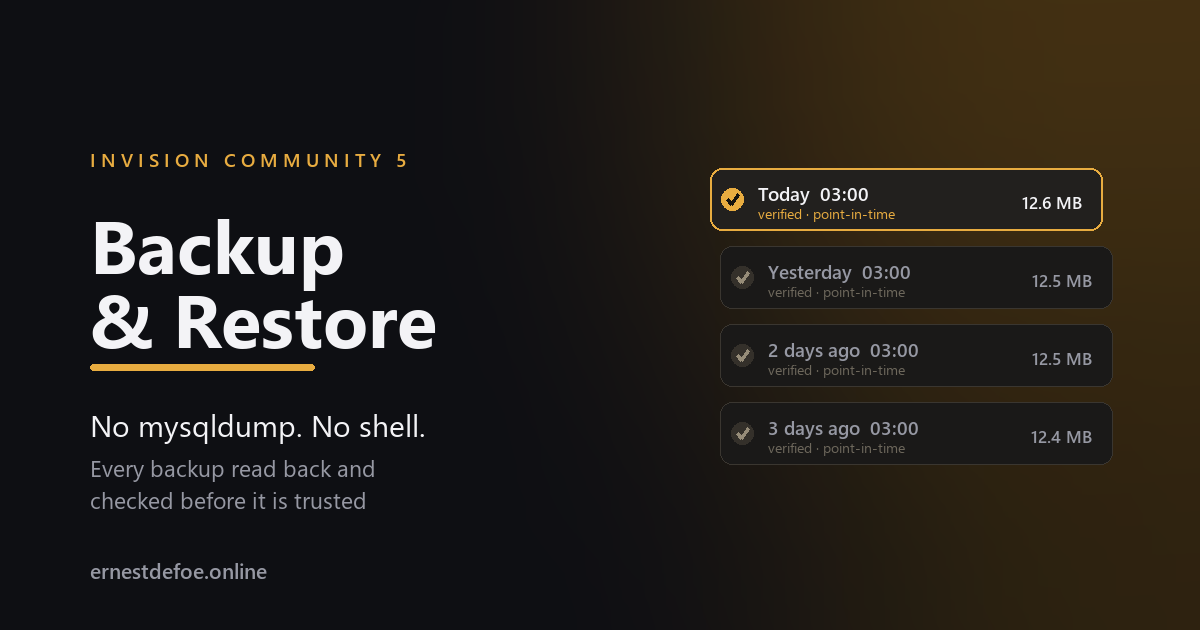
It reads every backup back
A backup nobody has ever opened is not a backup — it is a file you are hoping about. After writing an archive this one reads it again, from the beginning, and checks:
the compressed stream decompresses whole, without truncation;
the end-of-file marker is present, which is what proves it was not cut short;
the SHA-256 checksum matches what was written;
every table is present, and every table's row count matches.
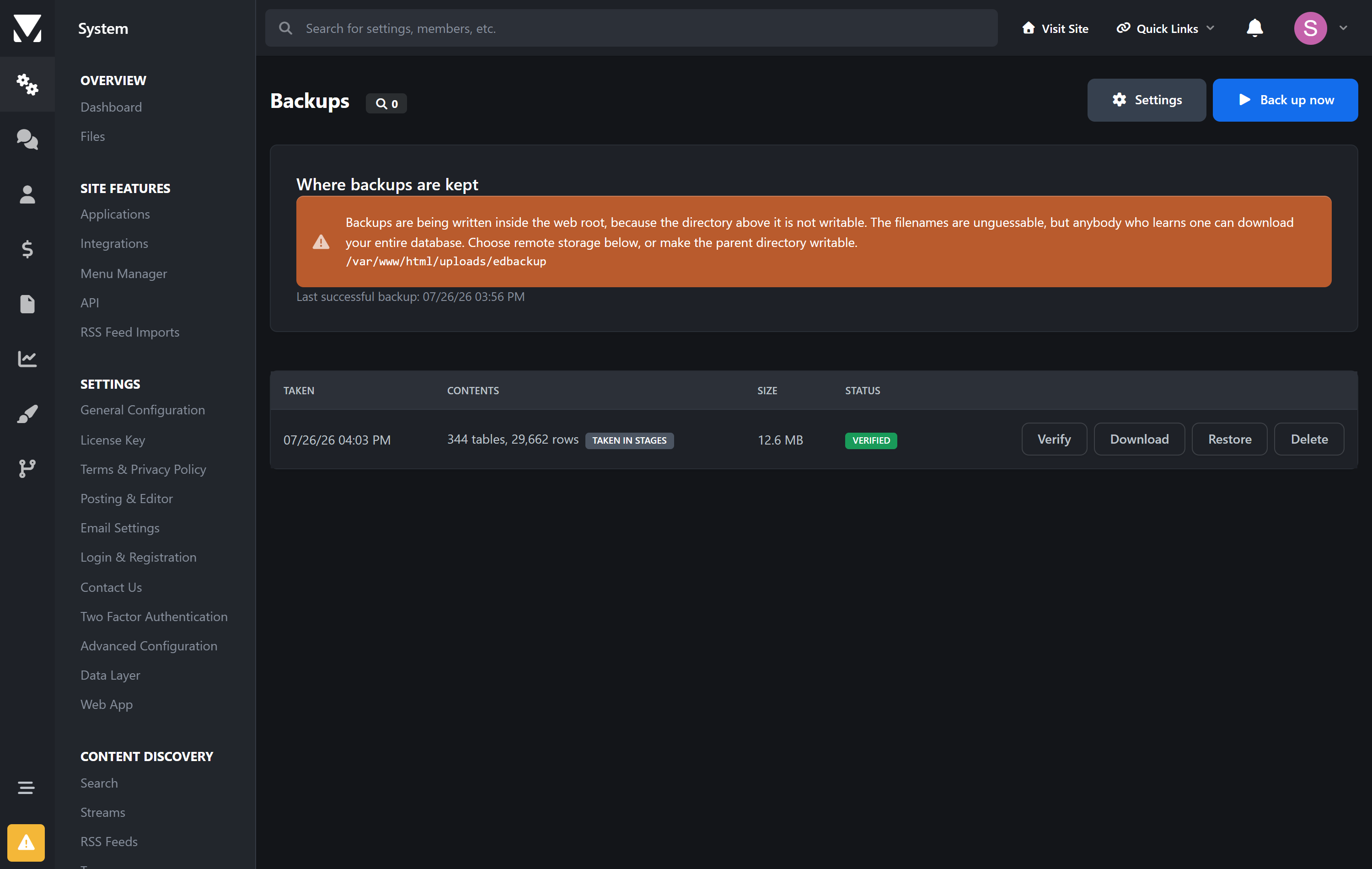
Only then is it marked verified. A backup that fails any of those is marked failed and — importantly — never counts towards your retention limit, so a good archive is never deleted to make room for a broken one.
It tells you when a backup is not a snapshot
Where the database is small enough to finish in one request, the dump runs inside a single transaction with a consistent snapshot: every table as it was at the same instant. Where it is too large, the work is queued across requests — which means the first table is read minutes before the last, while people are still posting.
Both kinds are labelled, on every row. A staged backup can contain a reply whose topic is missing. That is a real limitation of any backup taken this way, including mysqldump without --single-transaction, and you are told which kind you have rather than left to assume.
Somewhere other than the server it is protecting
A backup on the same disk as the community does not survive losing that disk. Archives are written above the web root where possible, so they cannot be requested over the internet at all — and can be sent to any storage you have already configured: Amazon S3, Cloudflare R2, Backblaze or FTP.
If the parent directory is not writable and archives have to live under the web root, the application says so plainly on the screen rather than quietly hoping the filename is enough.
Restoring
One table | The case that actually happens: somebody deleted a forum. Restore that one table and nothing else — the rest of the community, including everything posted since, is untouched. The screen shows which tables have lost rows since the backup, so you can see what is missing before you touch anything. |
|---|---|
Everything | Runs from a generated standalone script, not from a button. A full restore replaces the very tables the running request depends on — sessions, caches, the job queue — and doing that from inside the suite is how a community ends up unable to start. The script boots nothing, reads your configuration directly and survives its own work. |
The restore script is key-protected, refuses to run without an explicit confirmation, and refuses outright if the archive does not match the database it is pointed at — for example if it came from a different install, or before an application was added — unless you override it deliberately.
Details that matter when it counts
Binary data is hex-encoded, so blobs, attachments and anything with a NUL byte come back byte for byte rather than quietly corrupted.
A legitimate zero stays zero in an auto-increment column, instead of being silently reassigned and breaking every row that pointed at it.
Archives are portable. The dump is written as ordinary SQL that restores in any MySQL session, not only inside Invision Community.
The schedule is measured from the last successful backup, not the last attempt — so a job that fails every night cannot keep satisfying the schedule while producing nothing.
It survives its own restore. Restoring replaces this application's own records too; it rebuilds them by reading the archives back off disk, rather than reporting that you have no backups.
Requirements
Invision Community 5.0 or newer (self-hosted)
PHP with zlib, which every install already has
A running task scheduler, for scheduled backups
No shell access. No mysqldump. No external service.
-
 1
1
Create an account or sign in to leave a review
There are no reviews to display.