Ban Members From Topics
- Category Admin & Mod Tools
- Downloads 35
- Compatibility IC5: 5.0.0+ IC4: 4.7.X
- App Version 2.0.0
- Updated

Description
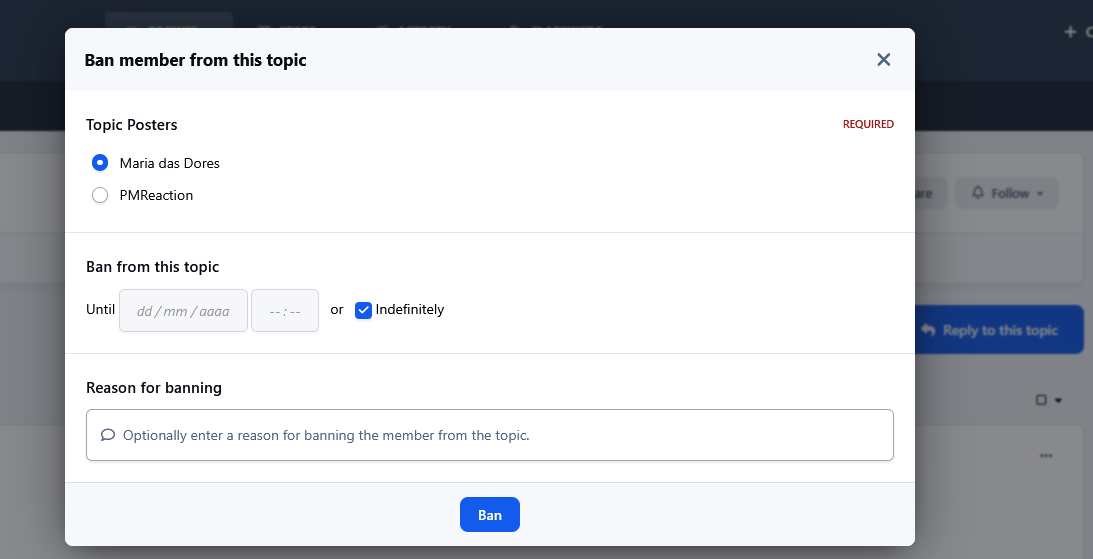
Ban Members From Topics allows moderators to restrict specific members from accessing selected topics without affecting their access to the rest of the community.
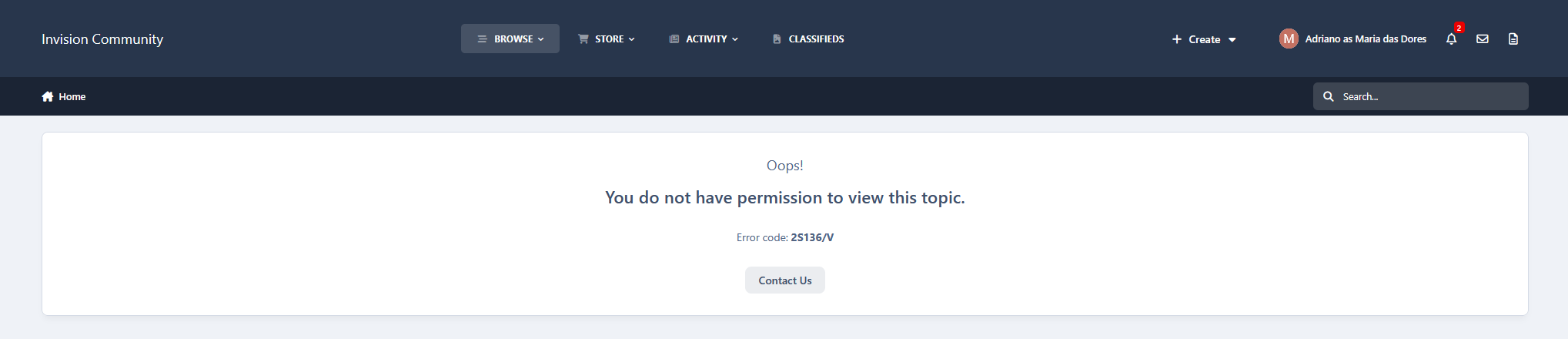
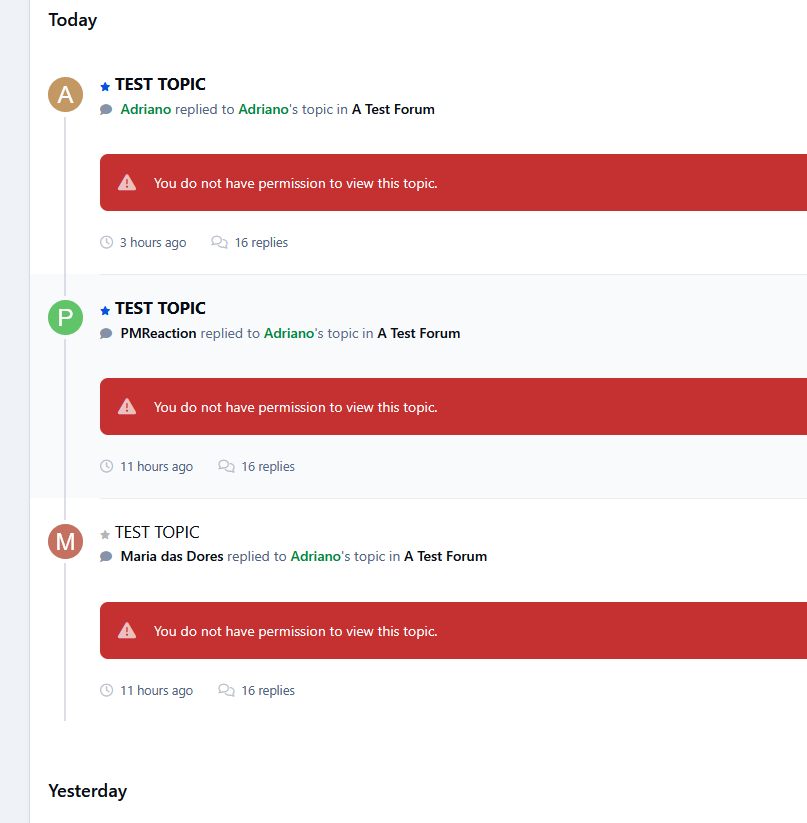
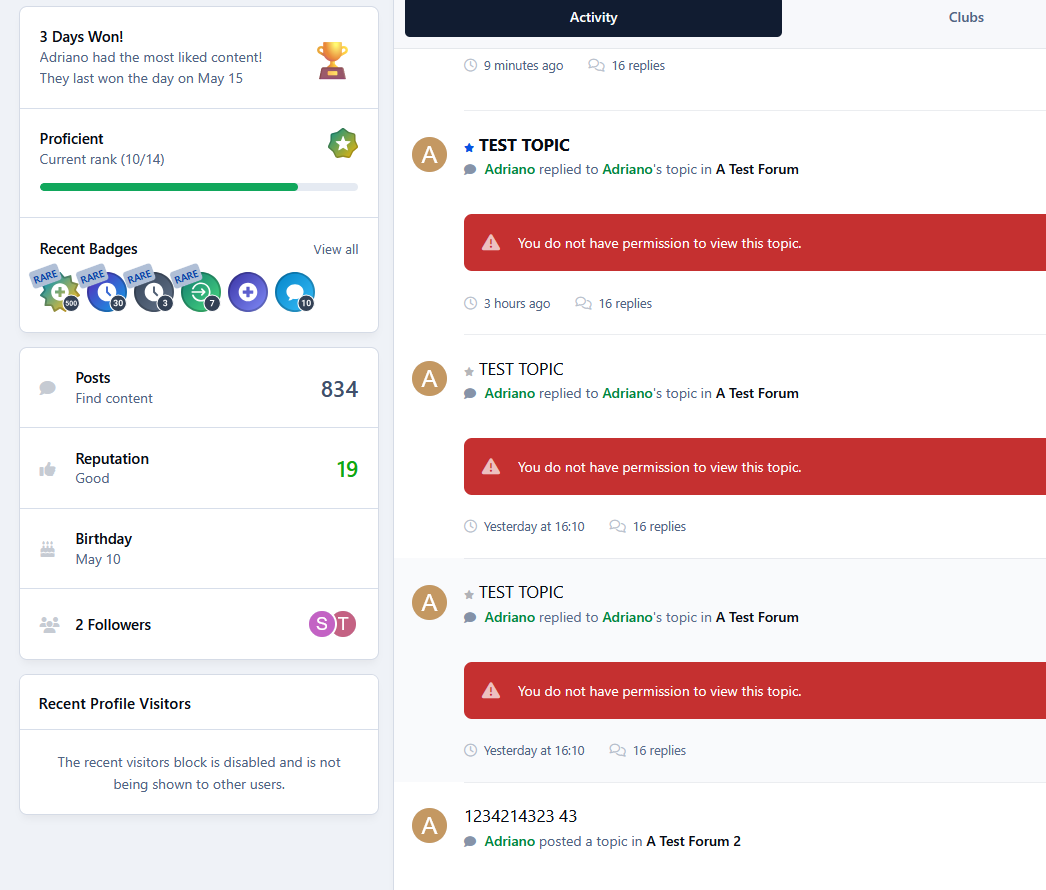
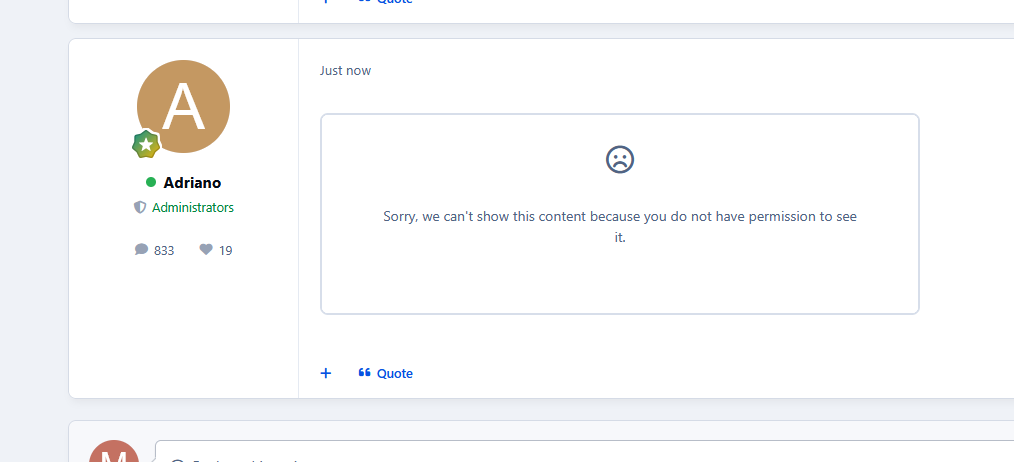
Banned members will no longer be able to view the topic content in any area where the topic appears.
Covered areas:
Topic view
Forum view AJAX preview
Activity streams
Profile activity
Profile content tabs (Topics and Posts)
Topic and post embeds
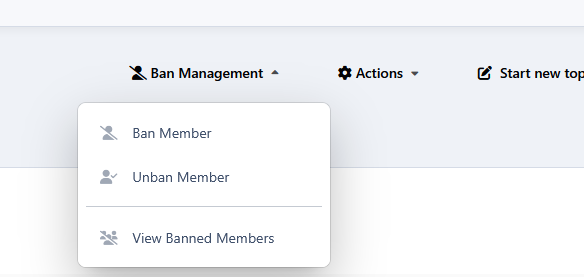
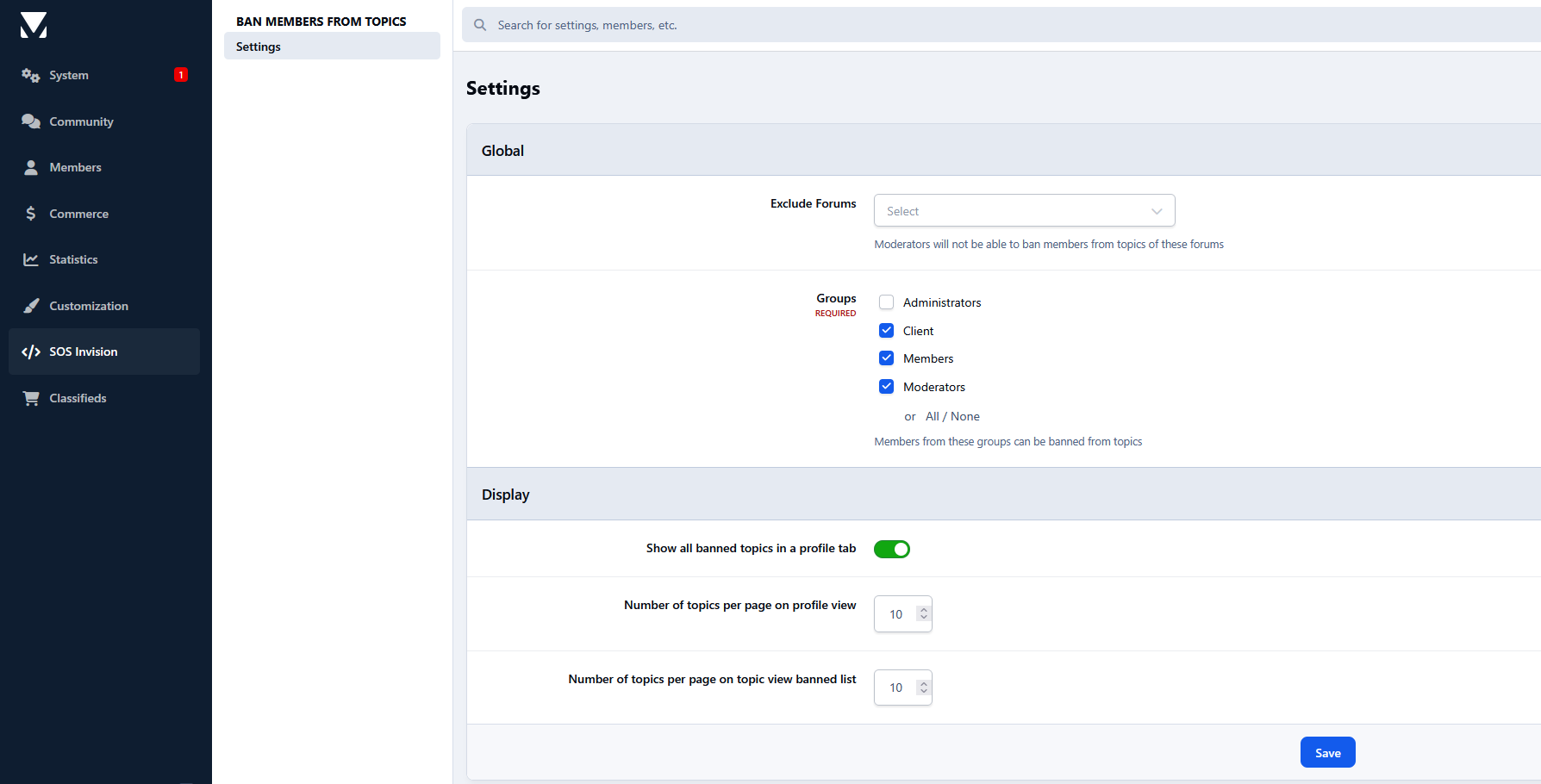
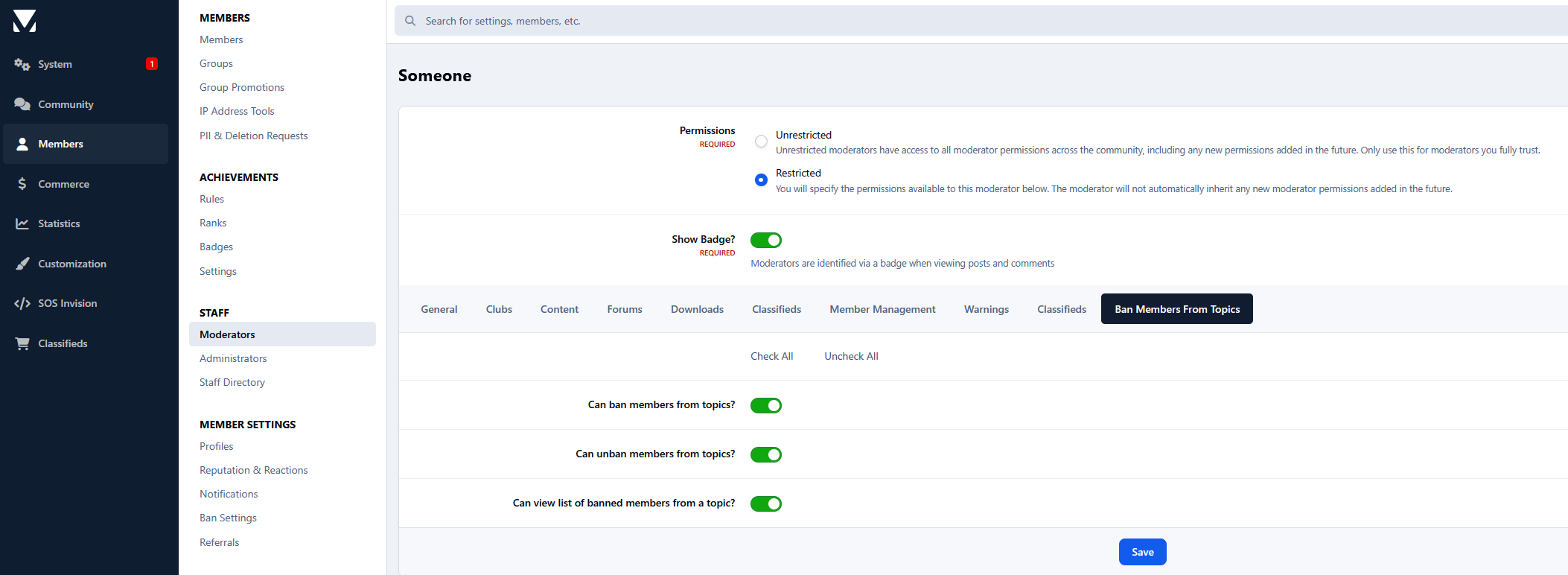
Moderator permissions:
Can ban members from topics
Can unban members from topics
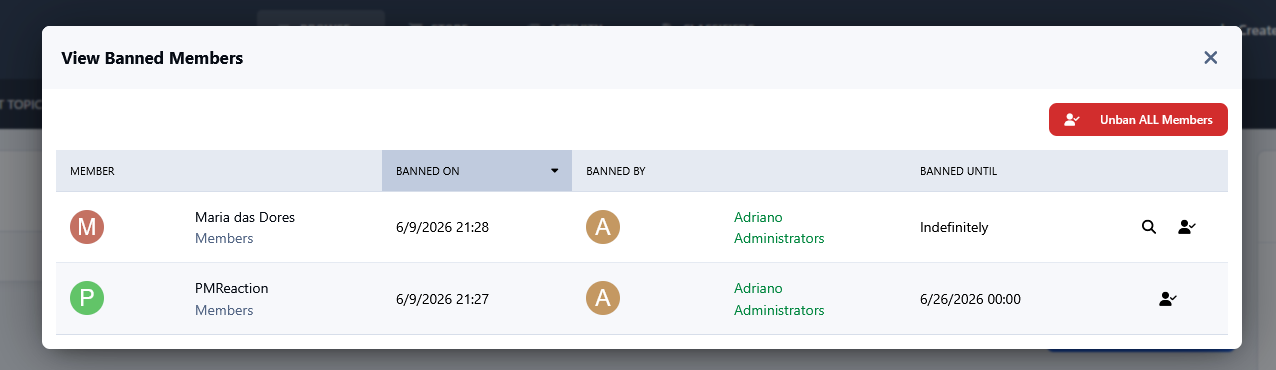
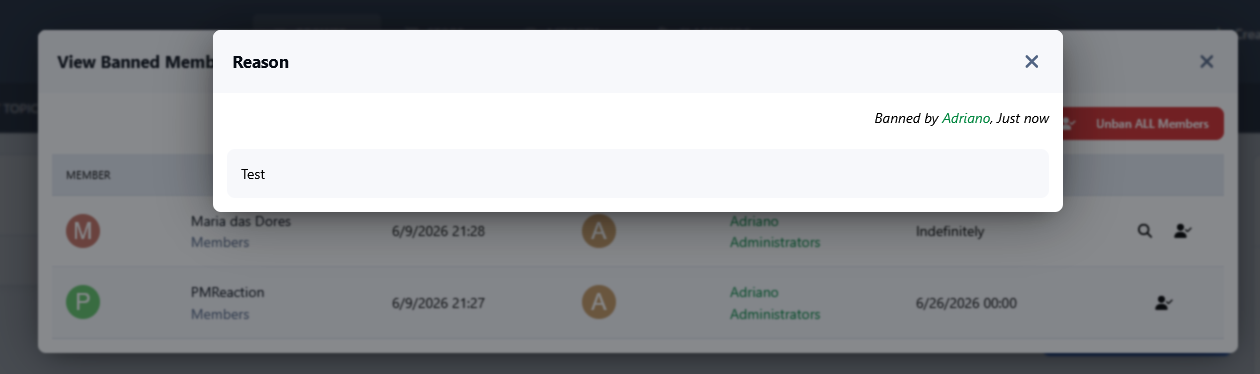
Can view the list of banned members in a topic
Moderator notifications:
Moderators can be notified when:
Another moderator bans a member from a topic
Another moderator removes a member's ban from a topic
Another moderator removes all banned members from a topic
Member notifications:
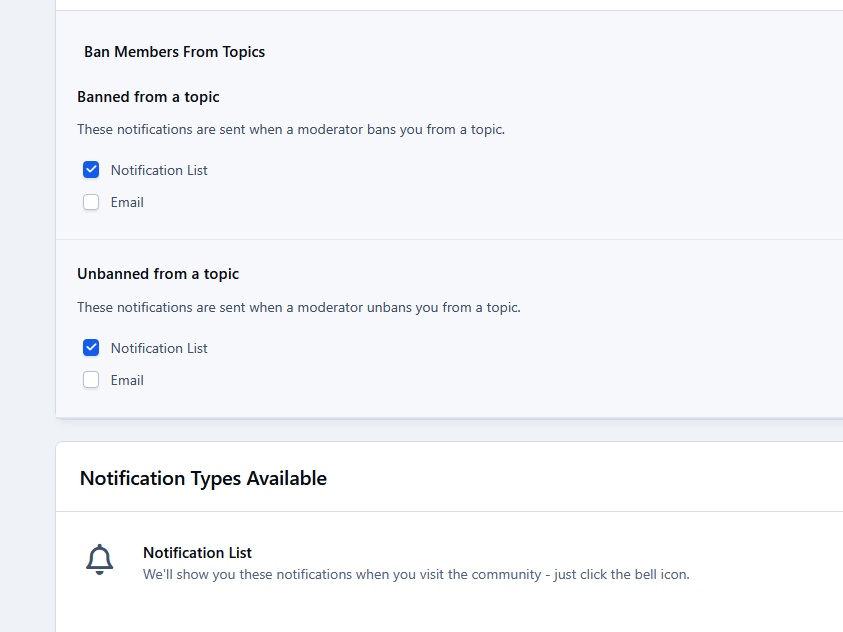
Members can be notified when:
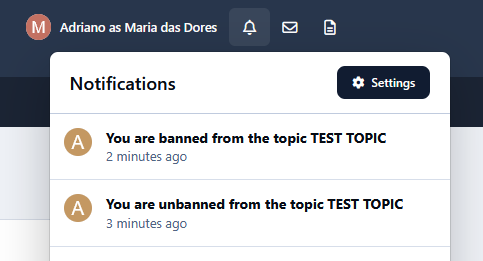
A moderator bans them from a topic
A moderator unbans them from a topic
Profile integration:
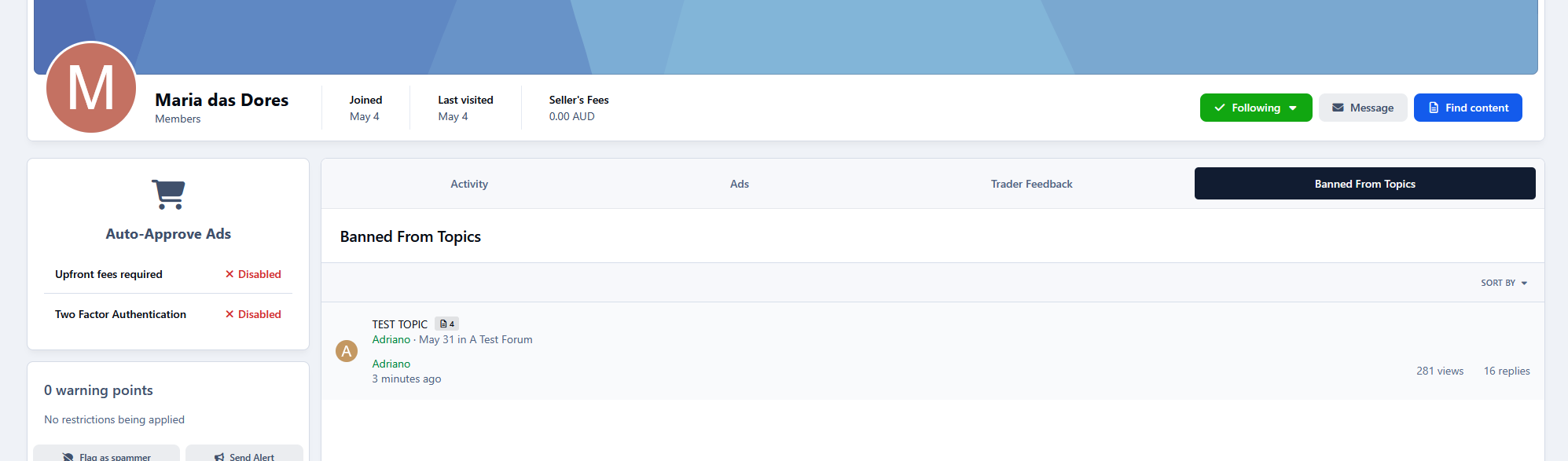
Adds a profile tab displaying all topics where the profile owner is banned
The tab is only visible to moderators with permission
Create an account or sign in to leave a review
There are no reviews to display.