Birthday Greeter
Invision Community 5
- Category Admin & Mod Tools
- Downloads 24
- Compatibility IC5: 5.0.0+
- App Version 5.0.4
- Updated
Overview
Automatically congratulates members on their birthdays via widget, personal message, email, topic, chatbox, or status update, with recipient filters, duplicate protection, and optional delivery logs.Description
Application features for Birthday Greeter:
Automatic Birthday Greetings
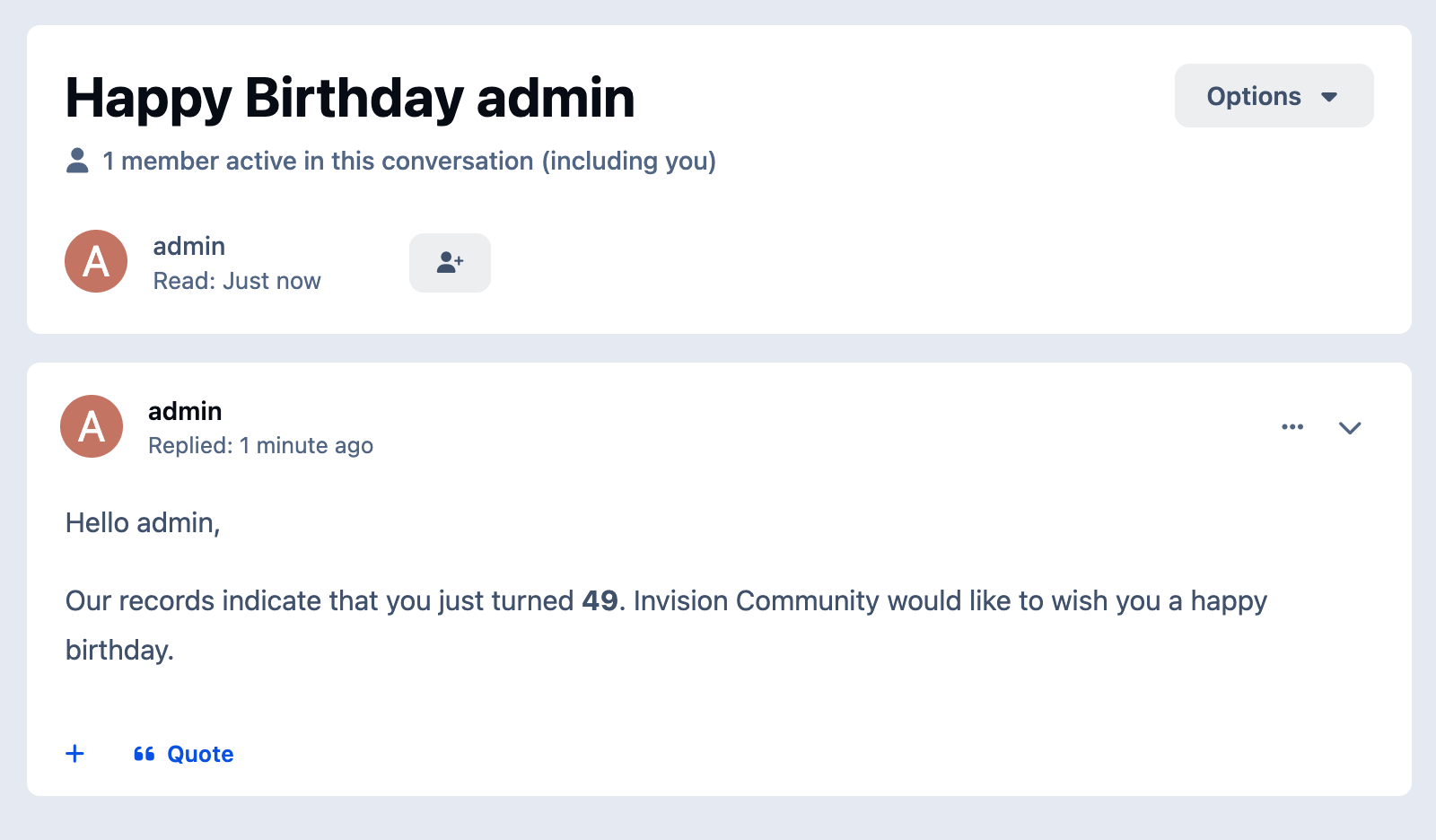
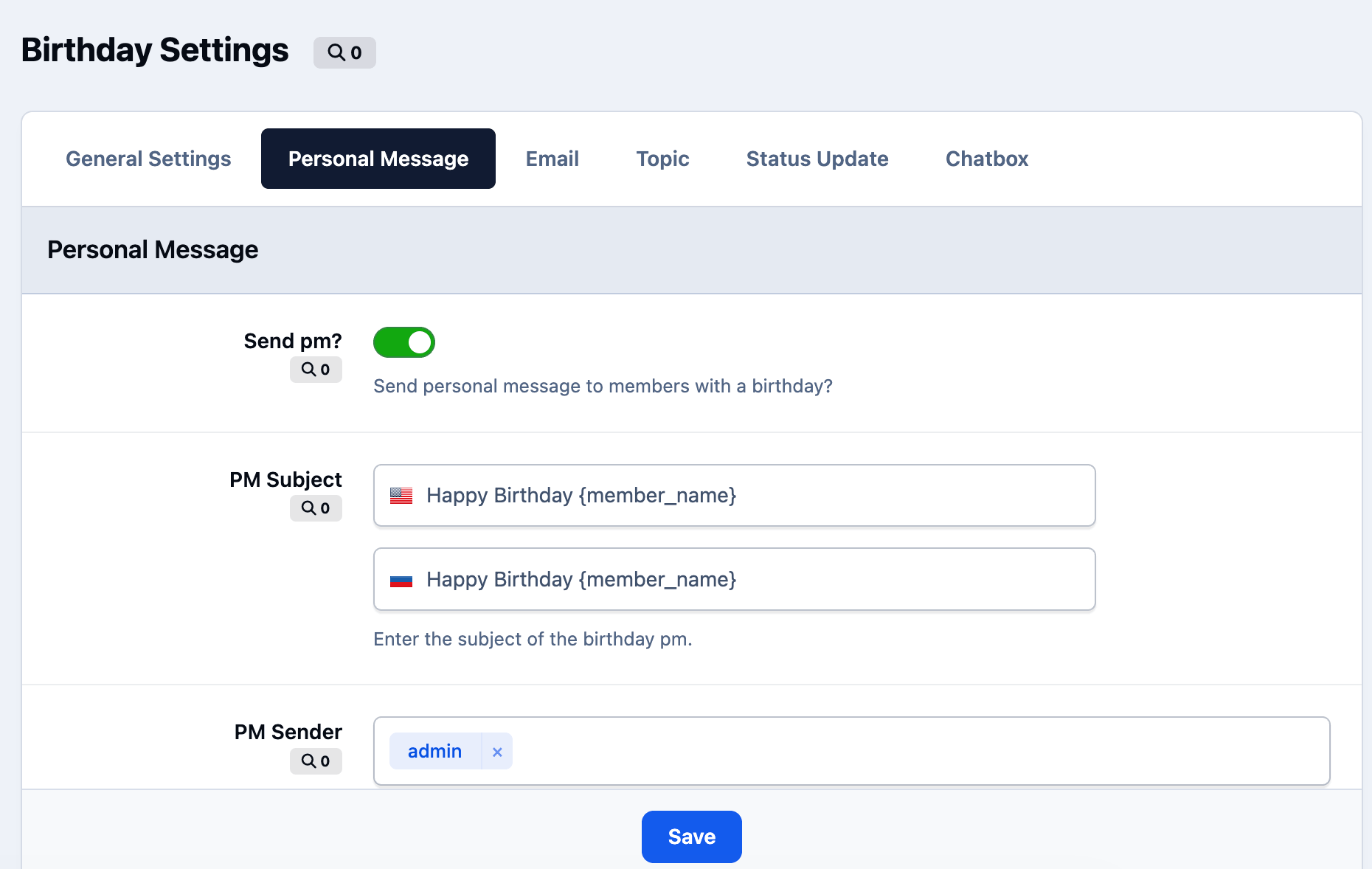
Finds members with birthdays today and sends greetings through enabled channels.Personal Messages
Sends a birthday PM from a selected sender account.Email Greetings
Sends a birthday email when the member allows admin emails.Forum Topics and Replies
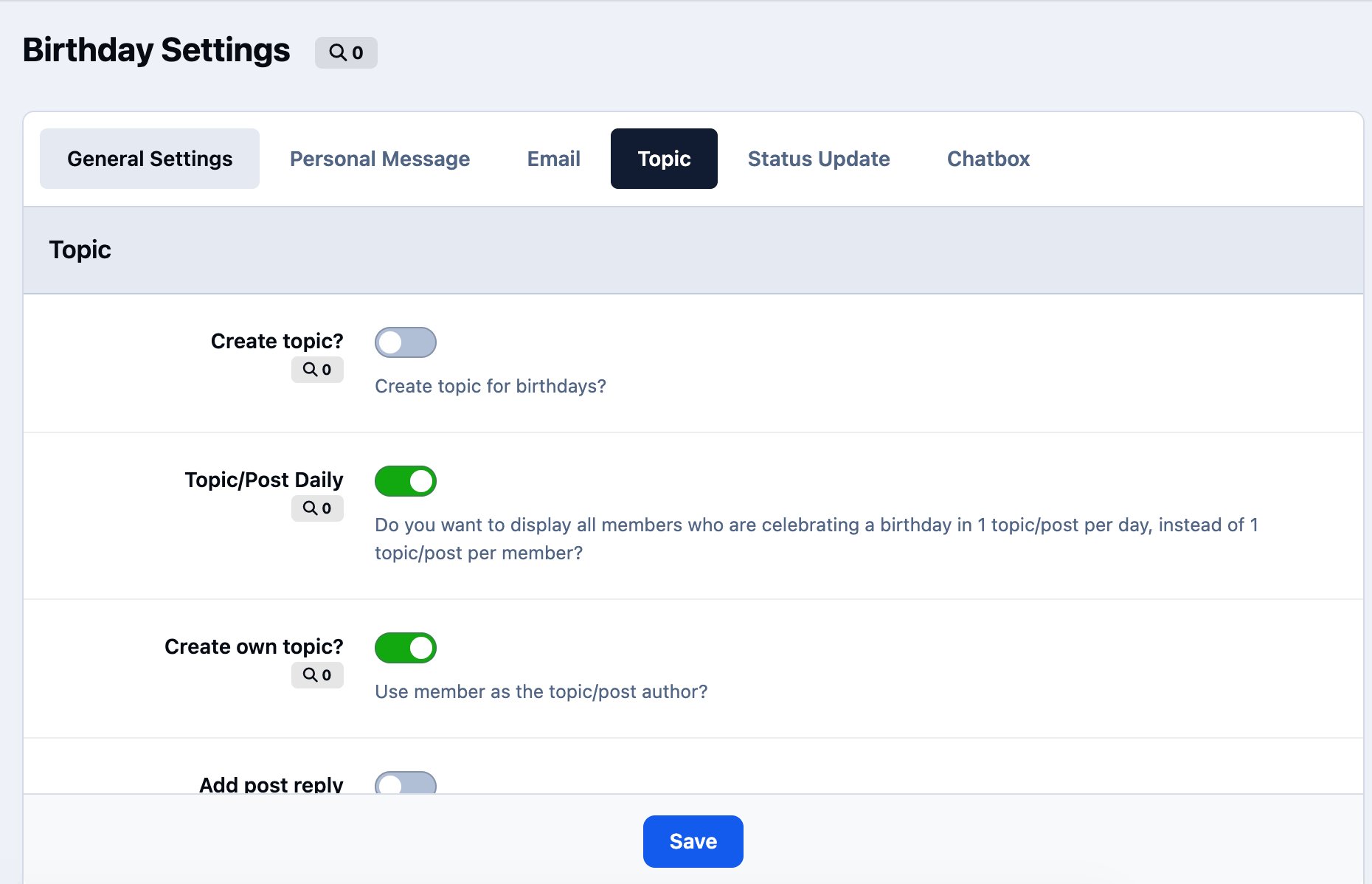
Can create individual topics, one daily topic, or post replies into an existing topic.Topic Settings
Supports forum selection, author selection, title, message body, pinning, and closing topics.Chatbox Greetings
Posts birthday messages to a supported chat application when available.Status Updates
Publishes birthday greetings through the status channel when supported.Today’s Birthdays Widget
Displays members celebrating a birthday today.Birthday Message Widget
Shows a configurable birthday greeting message on the site.Activity Filter
Excludes members who have been inactive for a configured number of days.Content Count Filter
Sends greetings only to members with a minimum amount of content.Age Range Filter
Limits greetings to members within a configured age range.Group Exclusions
Excludes selected member groups from receiving greetings.Duplicate Protection
Tracks sent PM greetings and prevents duplicate birthday messages on the same day.Recipient Safety Limit
Stops the task if the recipient list is unexpectedly large.Scheduled Delivery Window
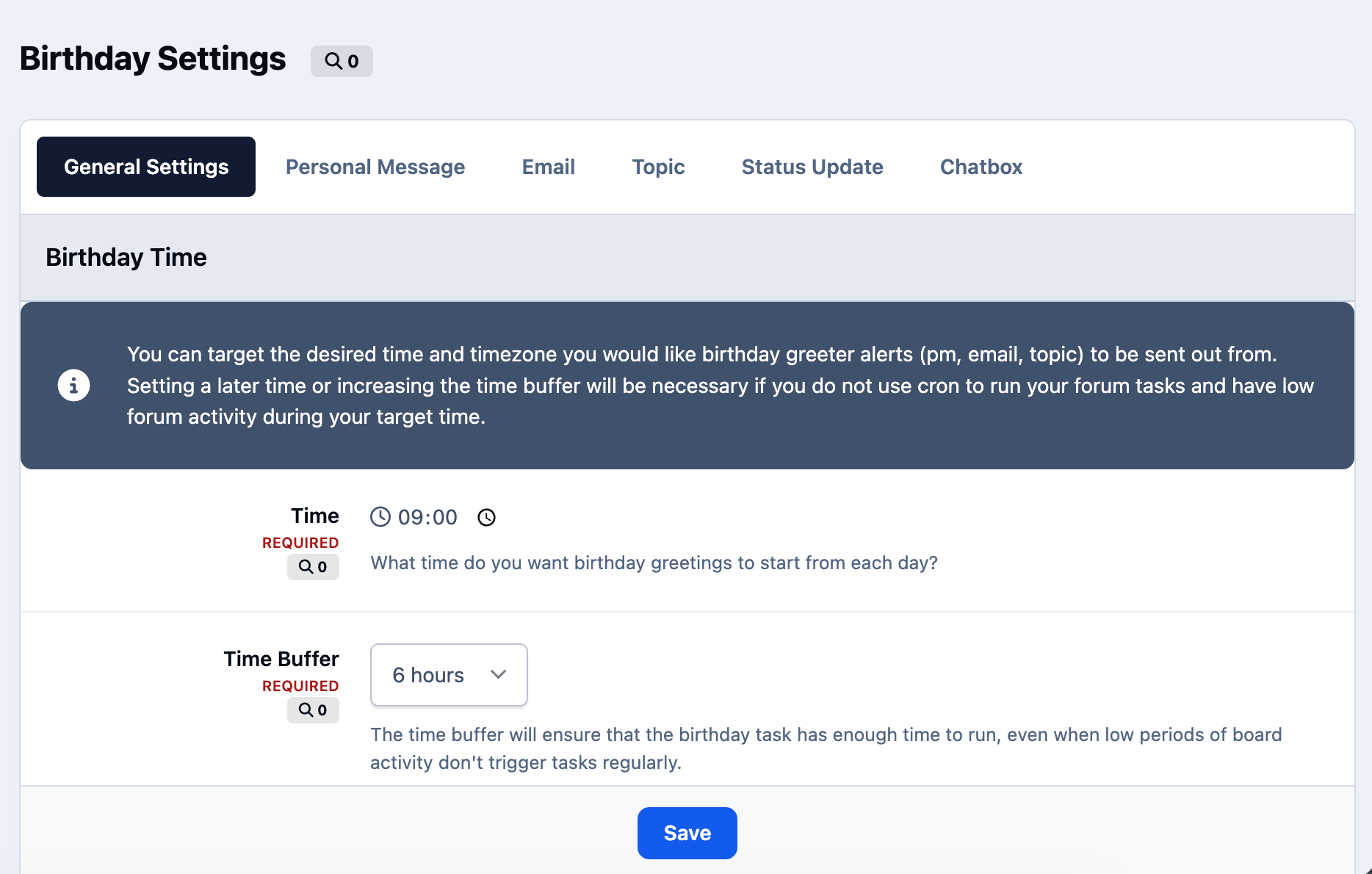
Lets admins configure send time, timezone, and delivery buffer.Quick Tags
Supports dynamic placeholders in greeting templates.Optional Logs
Allows delivery, duplicate, error, and safety logs to be enabled or disabled.
Based on the app from devfuse!
Create an account or sign in to leave a review
There are no reviews to display.