- Category Admin & Mod Tools
- Downloads 44
- Compatibility IC5: 5.0.0+
- Updated
Description
Cloudflare brings day-to-day Cloudflare zone management directly into the Invision Community 5 AdminCP. Instead of bouncing between your site and the Cloudflare dashboard, this app gives administrators a focused control panel for verification, DNS, cache behavior, SSL/TLS, firewall tooling, Zero Trust access, analytics, and related security features from one place.
The app is built for administrators who want practical Cloudflare controls inside IPS, with live zone reads, structured forms, Cloudflare-aware validation, documentation links, permission guidance, and visual summaries that help you understand what is configured before you change it.
What this app can manage
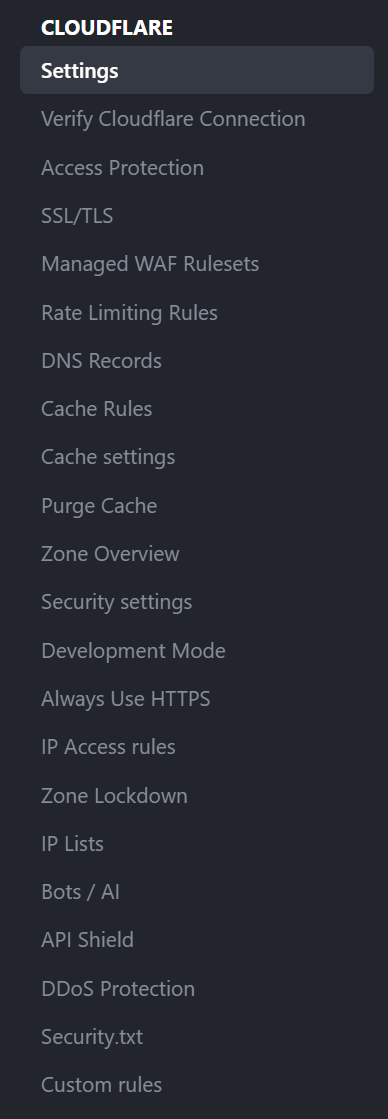
Connection and verification tools
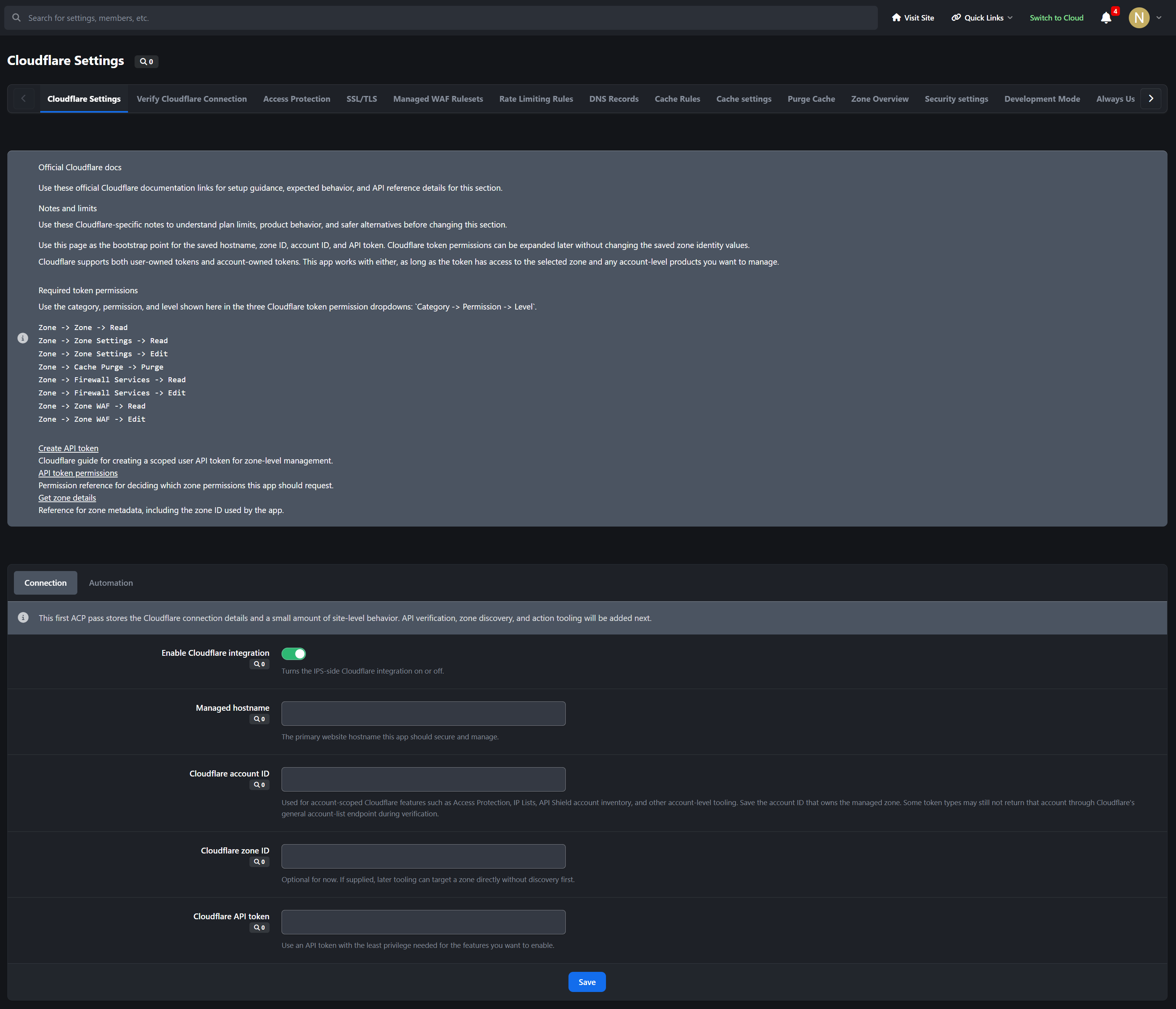
Verify the saved API token, zone, account context, and managed hostname from inside the AdminCP so you can quickly confirm whether the app is talking to the correct Cloudflare resources.DNS management
View, create, edit, and remove Cloudflare DNS records, review zone-level DNS settings, and handle common record types used by IPS communities and related services.Cache controls
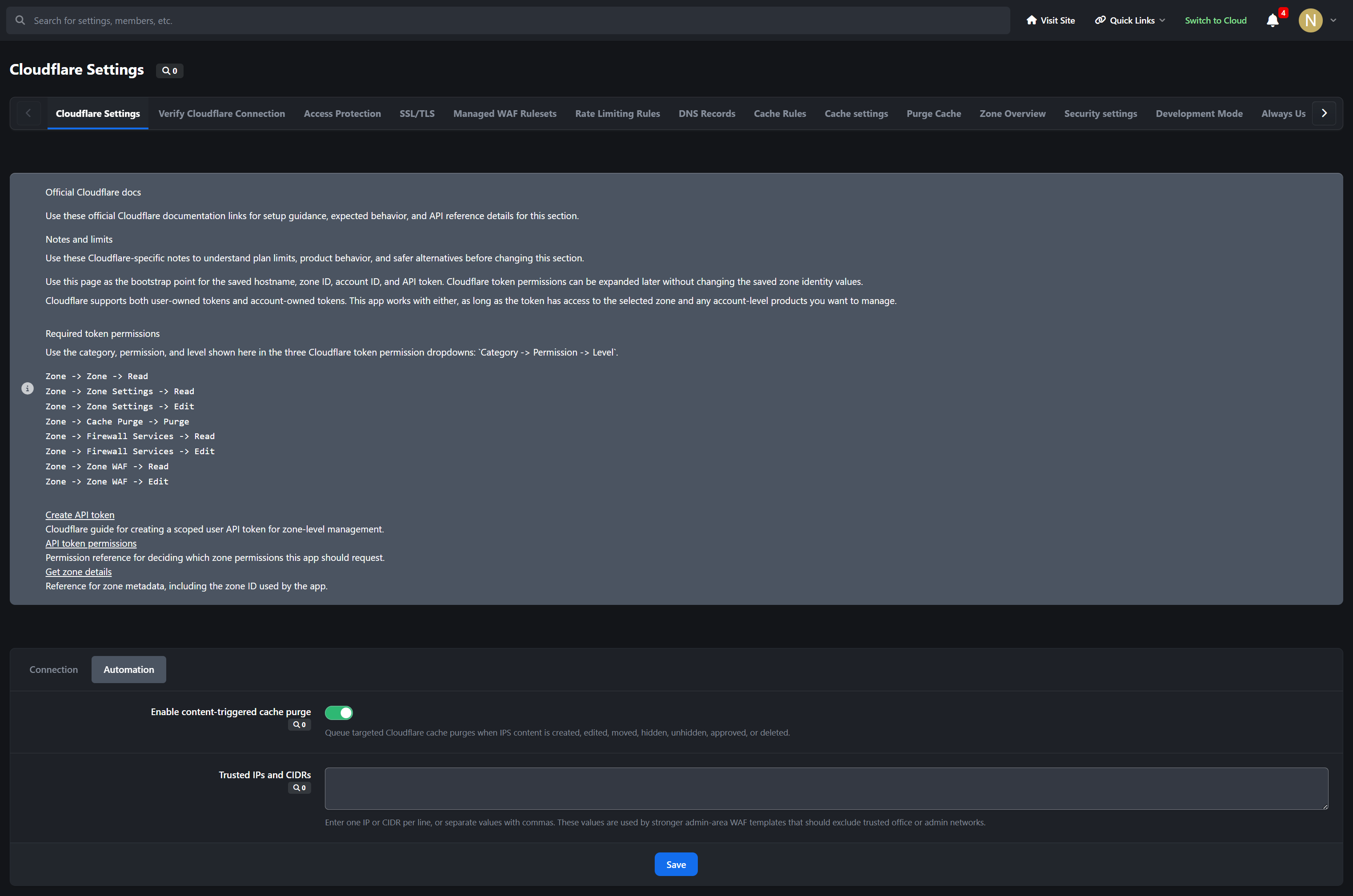
Manage zone cache settings, purge cache directly from the AdminCP, work with Cache Rules, and optionally trigger targeted Cloudflare content purges from IPS-side content events.SSL/TLS controls
Manage core SSL/TLS and edge certificate behavior for the zone, including common encryption and visitor-facing TLS settings surfaced by Cloudflare.Firewall and request protection
Work with IP Access Rules, Managed WAF rulesets, Custom Rules, Rate Limiting Rules, Zone Lockdown, IP Lists, Security.txt, and related security tooling using structured ACP workflows.Zero Trust / Access Protection
Build and manage Cloudflare Access applications, policies, groups, and organization-level settings for protecting sensitive IPS areas such as the AdminCP.API Shield and DDoS areas
Surface Cloudflare API Shield and DDoS-related management areas that can be controlled through the available API scopes and the plan features on your zone.Analytics dashboards
Show Cloudflare traffic, cache, and security analytics directly inside the AdminCP using Cloudflare GraphQL-backed chart extensions and overview blocks where supported by your token, dataset, and plan.
Designed for real IPS administration
ACP-first layout that keeps related Cloudflare controls together.
Tab-based navigation across Cloudflare management areas.
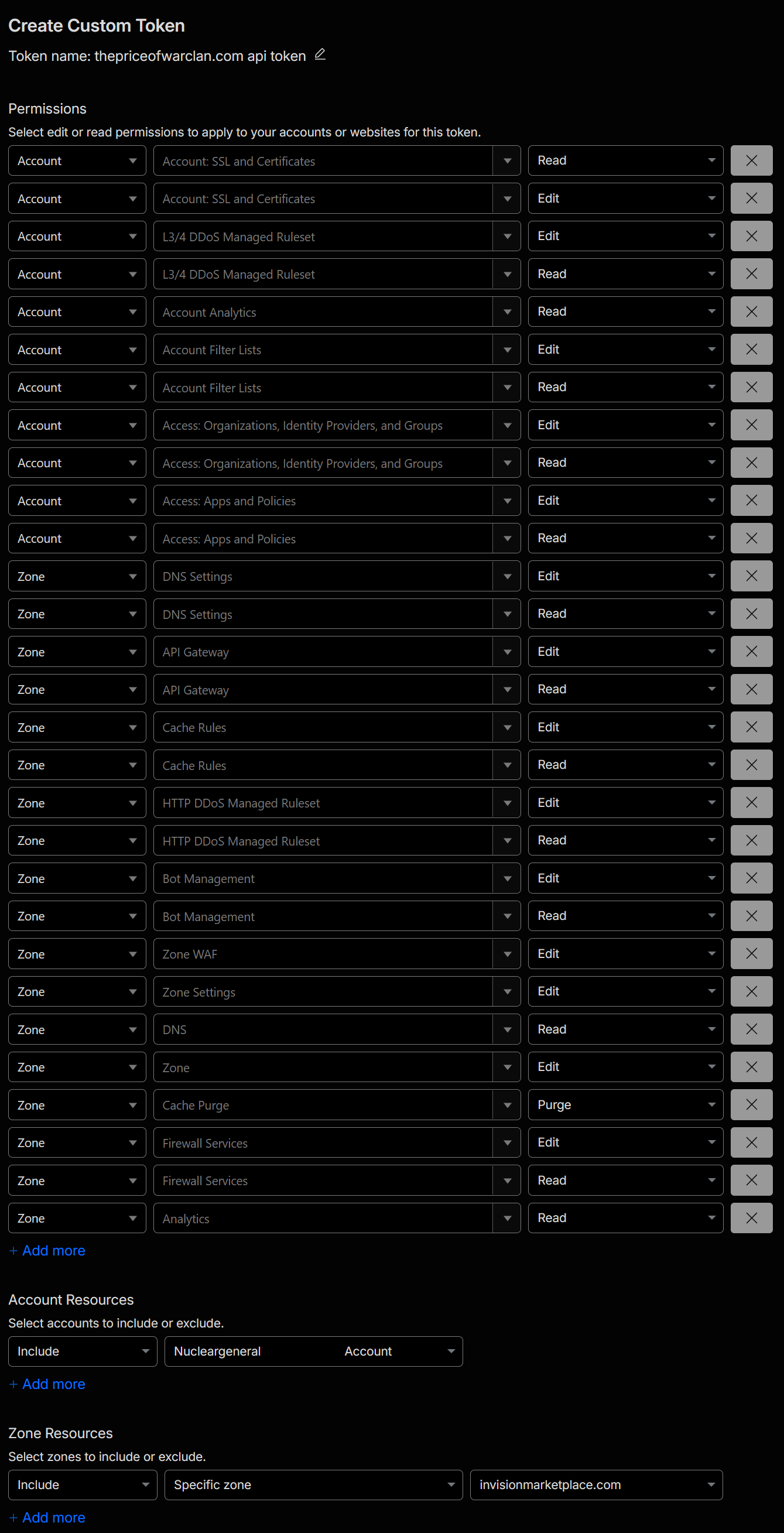
Inline Cloudflare documentation links and permission notes to reduce token setup confusion.
Form helpers and presets for common IPS paths such as
/admin, login routes, API endpoints, and cache-rule use cases.Dialog-based creation and editing flows for major management actions.
Visual summaries and statistics blocks to make current zone state easier to review at a glance.
Important notes
This app manages your existing Cloudflare account and zones. A separate Cloudflare account is required.
Available controls depend on your Cloudflare plan, token permissions, and whether Cloudflare exposes the related settings or datasets for the selected zone.
Some Cloudflare features are read-only, unavailable, or product-specific depending on your plan or account entitlements. The app is designed to reflect those limits rather than masking them.
Analytics visibility can vary by GraphQL dataset availability, token scope, and plan support.
Ideal for
Community owners, IPS administrators, and developers who want a serious Cloudflare control surface inside Invision Community 5 without giving up Cloudflare-native concepts, terminology, or live API-backed management.
Developed by InvisionMarketplace.com - Professional Invision Community Applications
There are no reviews to display.