Convert - convert those visitors to members
- Category Admin & Mod Tools
- Downloads 66
- Compatibility IC5: 5.0.0+
- Updated
Description
Most of the people reading your community are not members of it. They arrive from a search result, read the answer they came for, and leave — and nothing about that visit is recorded, so you never find out which of your topics were the ones worth joining for.
Convert does two things: it asks them to join at the moment they are most likely to say yes, and it tells you which pages actually worked.
Ask at the right moment
Invision Community's guest sign-up block is a static panel in the sidebar. It says the same thing to somebody who has just landed as to somebody who has read six topics and is scrolling to the bottom of a seventh.
Convert puts the prompt where the visitor already is, and only when it makes sense:
The reply box | Where a signed-out visitor is told they need an account to reply. They have read to the bottom of a discussion and want to say something — the strongest moment the software has. |
|---|---|
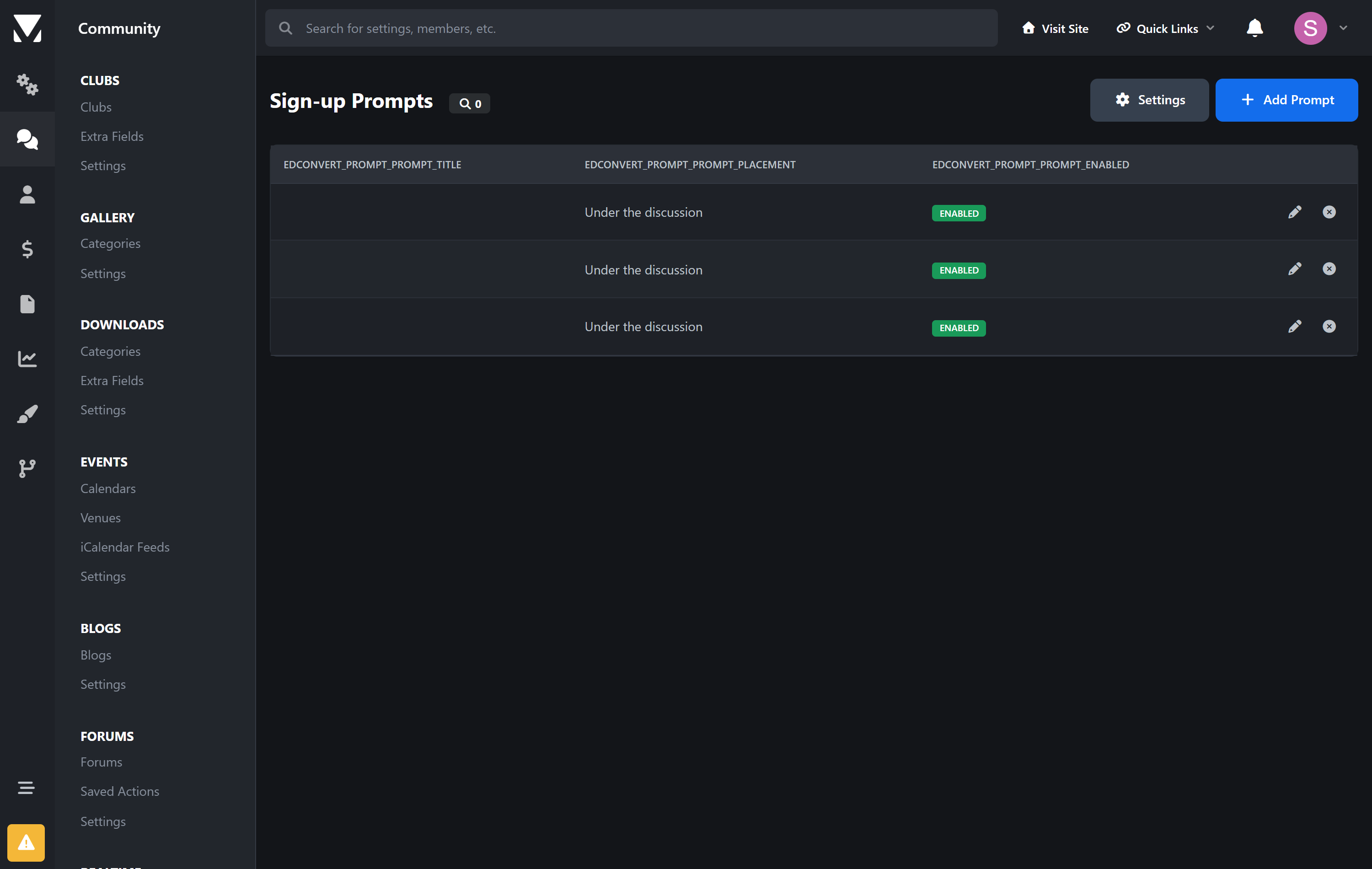
Under the discussion | At the end of the posts on a topic. |
Every page | The foot of any page, including Downloads, Pages and Gallery. |
And only to the right people. Show it after somebody has read two pages, not one. Show it only to visitors who arrived from a search engine. Show it only in the forums where it makes sense. Show it at most twice a visit, so it never becomes wallpaper.
"No thanks" is remembered. When a visitor dismisses a prompt it stays dismissed, for as long as you choose. Nothing is more likely to lose a reader than asking them the same question on every page after they have already said no.
Then find out what actually worked
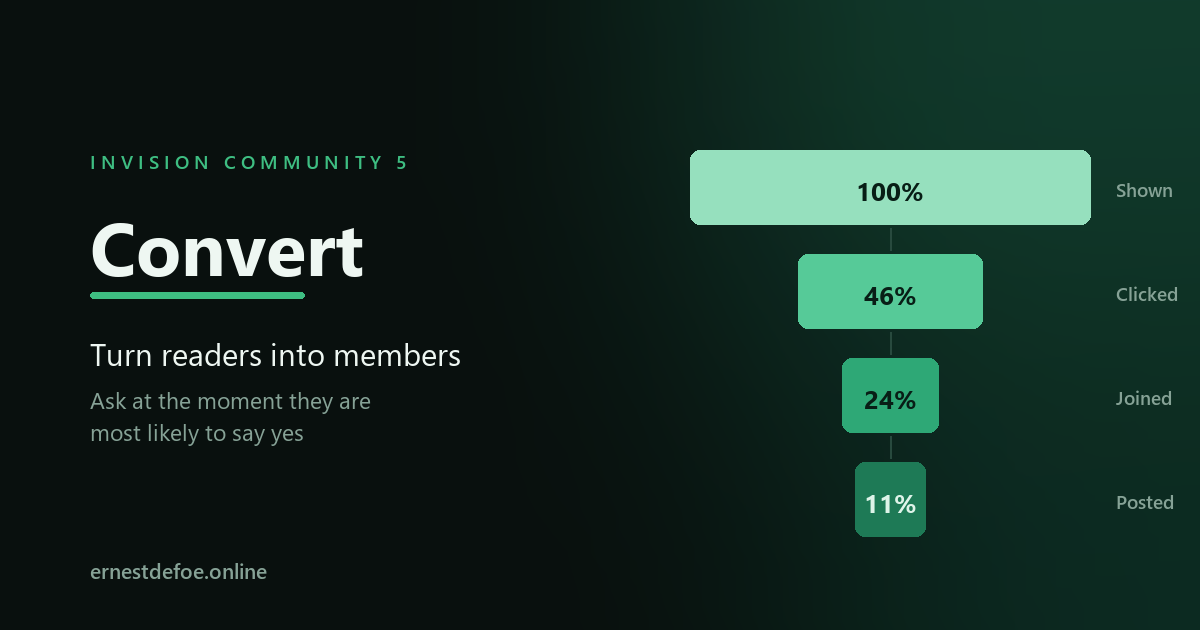
Every prompt is measured the whole way down: shown, clicked, joined, posted. Not just the click — the click is easy. The number that matters is at the bottom.
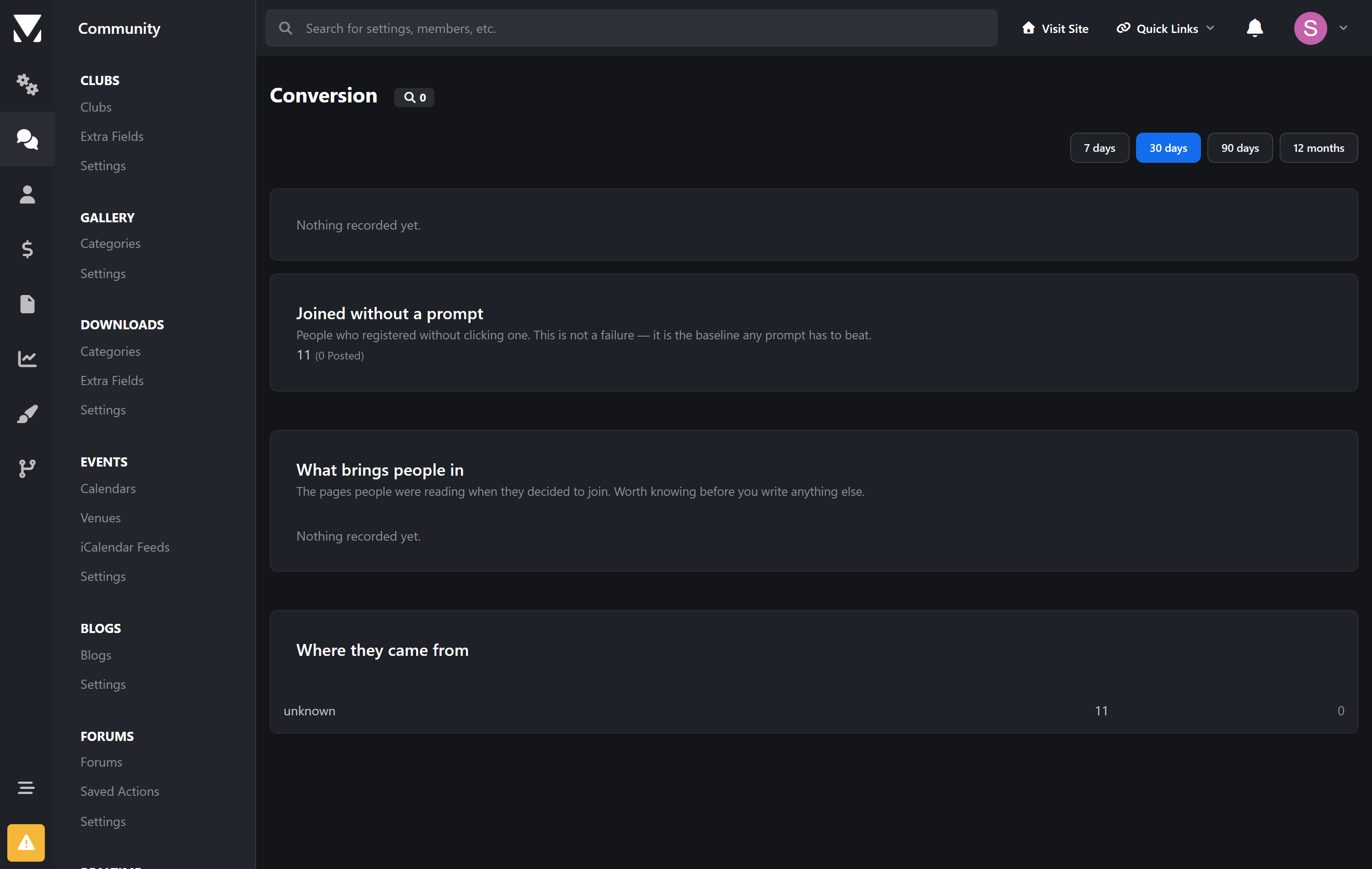
What brings people in | The pages people were reading when they decided to join, ranked. Usually a surprise, and usually the most useful screen here — it tells you what your community is actually good at before you write another word of copy. |
|---|---|
Where they came from | Search, social, another site, or direct — recorded from the first page of the visit, so it survives them clicking around. |
Compare two versions | Give two prompts the same test name and each visitor sees one of them, consistently, for their whole visit. Then read the two rows side by side. |
It counts the people who joined without being asked, too. That is the number every prompt is competing against, and leaving it out is how conversion reporting ends up permanently flattering. If forty people joined unprompted last month and three came through a prompt, you have learned something real.
Honest about what it shows
A rate with nothing behind it is shown as blank, not as 0%. "Never shown" and "shown a thousand times and ignored" are opposite findings, and printing zero for both hides the difference exactly when you need it.
Impressions are counted on the server, as the page is built. Counting them with a script means an ad blocker can delete them, which quietly inflates every click rate you look at.
Posting is tracked separately from joining. A prompt that produces accounts which never post has produced nothing, and the report is built so it can say so.
What it collects
Daily totals per prompt — shown, clicked, dismissed. No row is ever written per visitor. The only per-person record is one row for each member who registers, so that the report can say which page brought them in; it is created at registration and belongs to a member you already have.
The only cookie it sets exists to remember that somebody pressed "No thanks". Everything else rides the session Invision Community already keeps.
Requirements
Invision Community 5.0 or newer (self-hosted)
Registration open to guests, which is what there is to convert them to
Nothing else. No account, no key, no external service.
Create an account or sign in to leave a review
There are no reviews to display.