Jump to content
View in the app

A better way to browse. Learn more.

Invision Marketplace

A full-screen app on your home screen with push notifications, badges and more.

To install this app on iOS and iPadOS
  1. Tap the Share icon in Safari
  2. Scroll the menu and tap Add to Home Screen.
  3. Tap Add in the top-right corner.
To install this app on Android
  1. Tap the 3-dot menu (⋮) in the top-right corner of the browser.
  2. Tap Add to Home screen or Install app.
  3. Confirm by tapping Install.

Everything you need for your community

We will be moving to a new server soon, some downtime is expected.

Everything you need for your community

Invision Community 5
Invision Community 4
  • Category Admin & Mod Tools
  • Downloads 33
  • Compatibility IC5: 5.0.0+ IC4: 4.7.X
  • App Version 2.0.0
  • Updated

Description

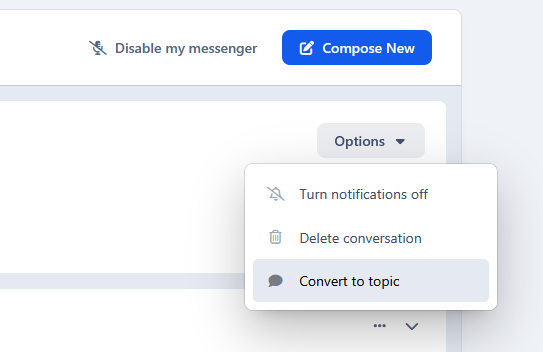
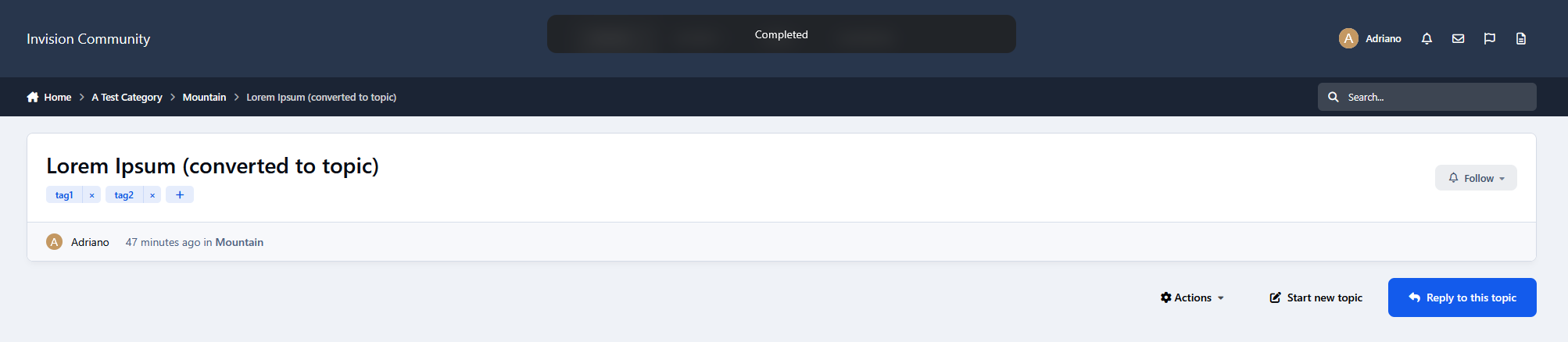
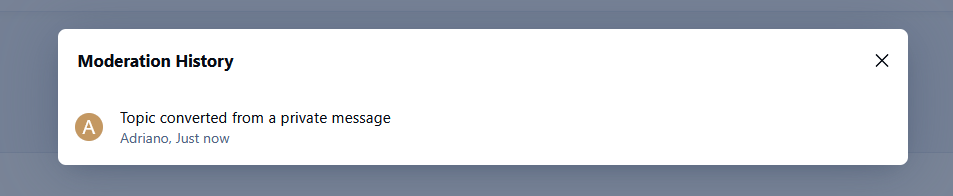
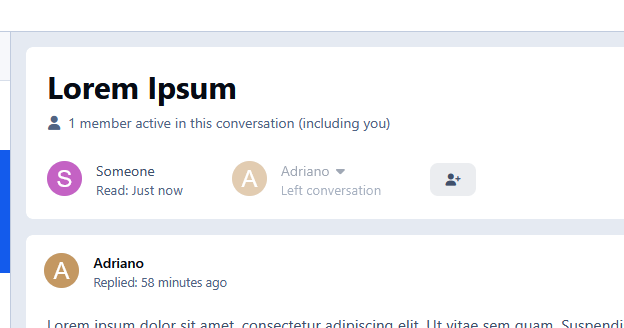
This application allows private messages to be converted into forum topics. Useful if you run a support forum and users keep sending private messages instead of using the forum for support.

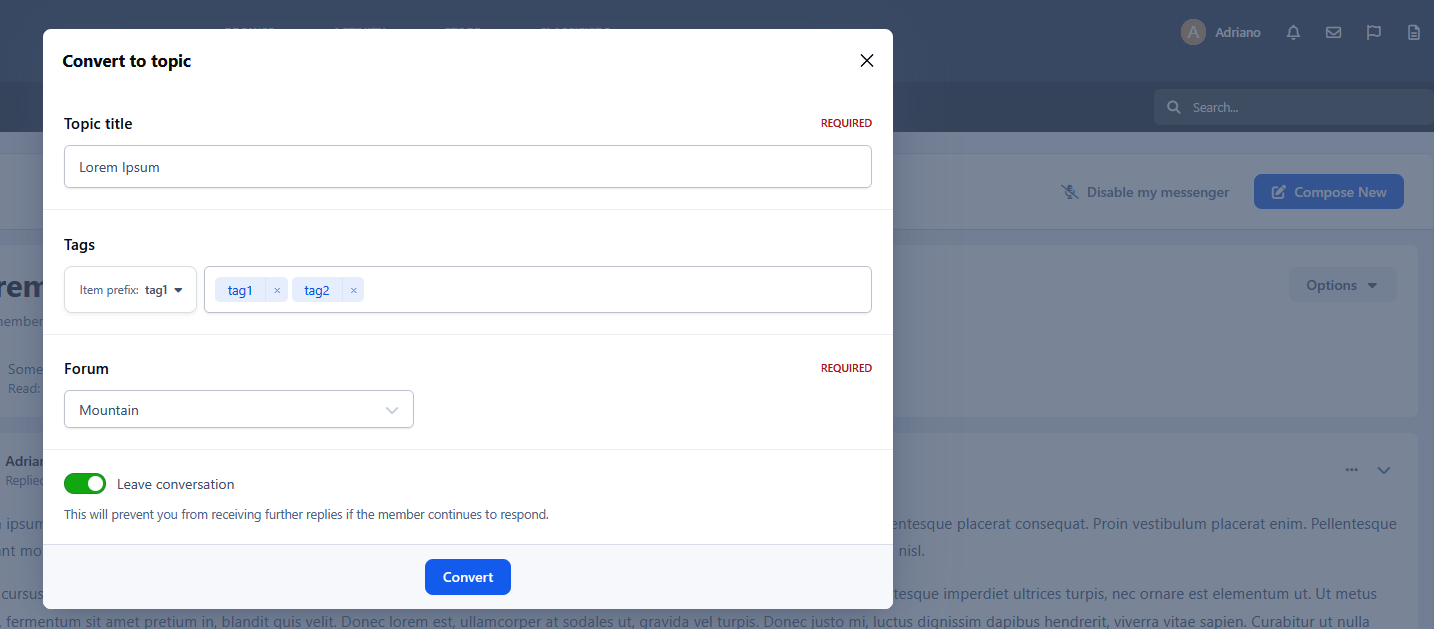
Conversion options:

  • Select the forum where the topic will be created

  • Apply tags (if enabled)

  • Leave the conversation after conversion

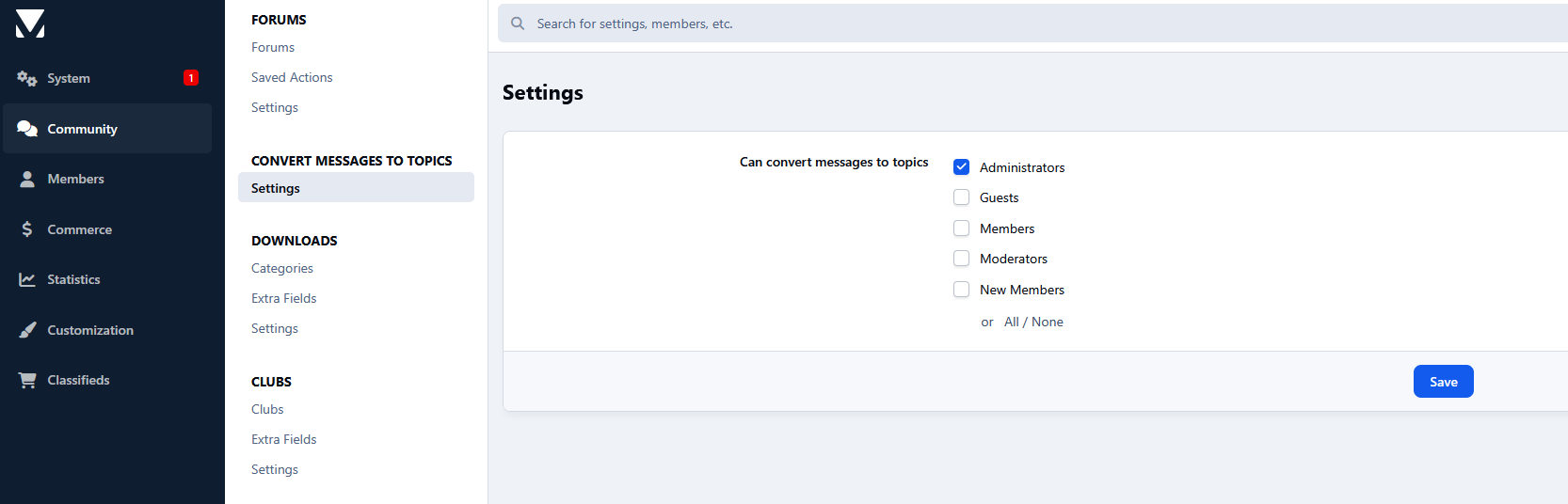
Settings:

  • Choose which member groups are allowed to convert messages into topics

User Feedback

Create an account or sign in to leave a review

There are no reviews to display.

Configure browser push notifications

Chrome (Android)
  1. Tap the lock icon next to the address bar.
  2. Tap Permissions → Notifications.
  3. Adjust your preference.
Chrome (Desktop)
  1. Click the padlock icon in the address bar.
  2. Select Site settings.
  3. Find Notifications and adjust your preference.