- Category Admin & Mod Tools
- Downloads 56
- Compatibility IC5: 5.0.6+ IC4: 4.7.X
- App Version 2.0.2
- Updated
Description
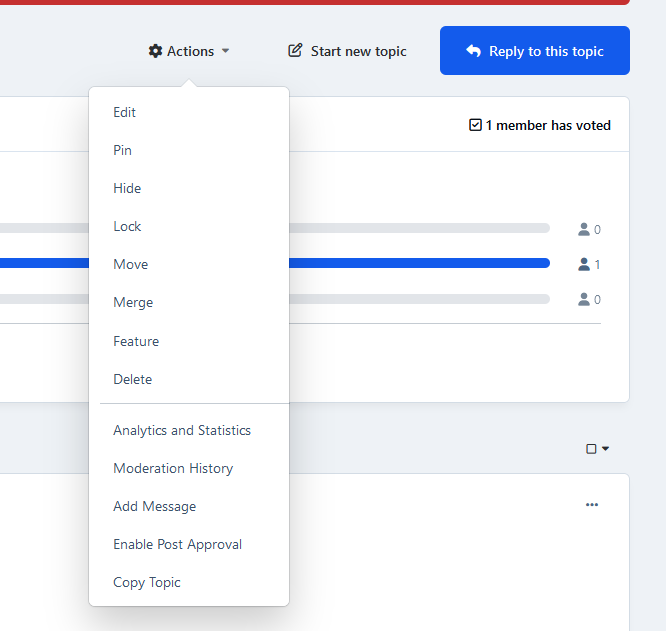
This application will allow moderators with permission to MOVE CONTENT to also copy topics to the same forum, to another forum, or even to a Club topics feature.
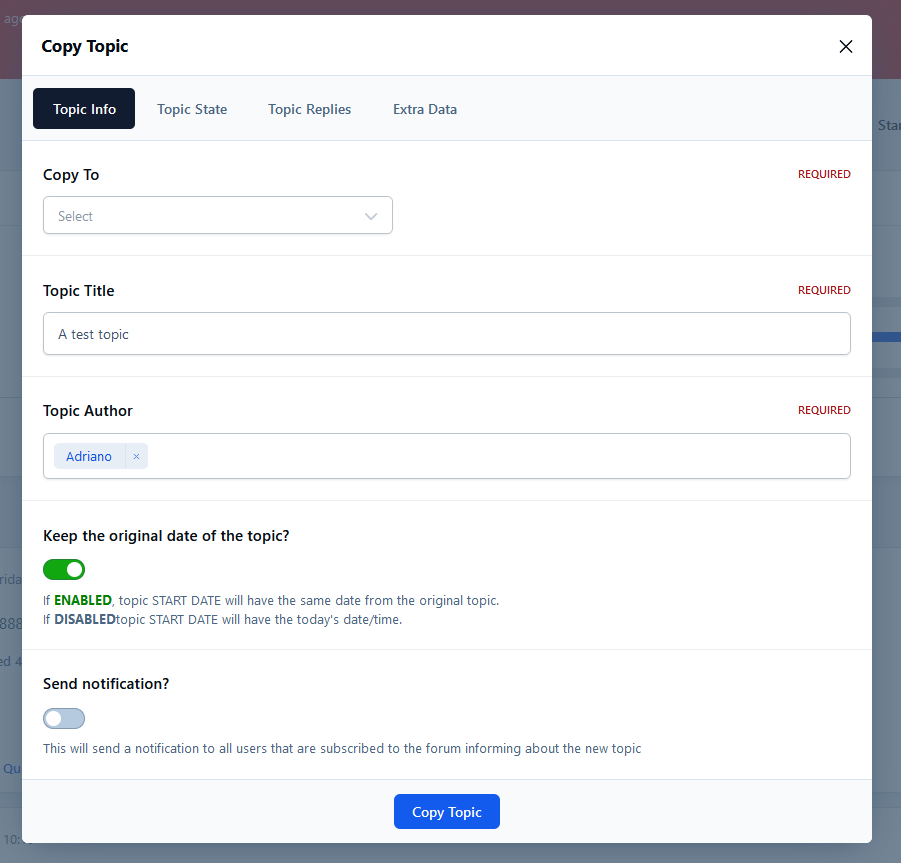
Topic Info tab:
Choose the destination forum (it can be the same forum) or the club topics feature
Topic title: A pop-up appears with the current title, but you can type a new one
Topic author: A pop-up appears with the current author, but you can choose a new one
Topic State tab:
Allows you to start a new topic with the following states: locked, pinned, hidden, and featured
This tab will only appear if the moderator has any of the permissions: lock content, pin content, hide content or feature content. If the moderator has only one of them, only this one will appear.
Topic Replies tab:
Allows you to choose if you also want to copy the replies from the source topic. You also have the option to keep the original post's date, or it will have the current date/time on a new topic.
This tab will only appear if the source topic has replies.
Extra Data tab:
Option to copy topic prefixes and tags
Option to increment topic author content count.
If the source topic has a poll, it will display an option asking if you also want to copy the poll (not the votes, only questions and choices).
If the source topic has attachments, they will be added to the new topic as if they were added using the Insert existing attachment feature.
Create an account or sign in to leave a review
There are no reviews to display.