Drip Campaigns — email sequences that run themselves
- Category Admin & Mod Tools
- Downloads 37
- Compatibility IC5: 5.0.0+
- Updated
Description
Drip Campaigns — email sequences that run themselves
Somebody registers at three in the morning on a Saturday. A week later they have posted nothing and you have not spoken to them, because nobody was awake to. Multiply that by every member who ever joined and you have the reason most communities lose people in their first fortnight.
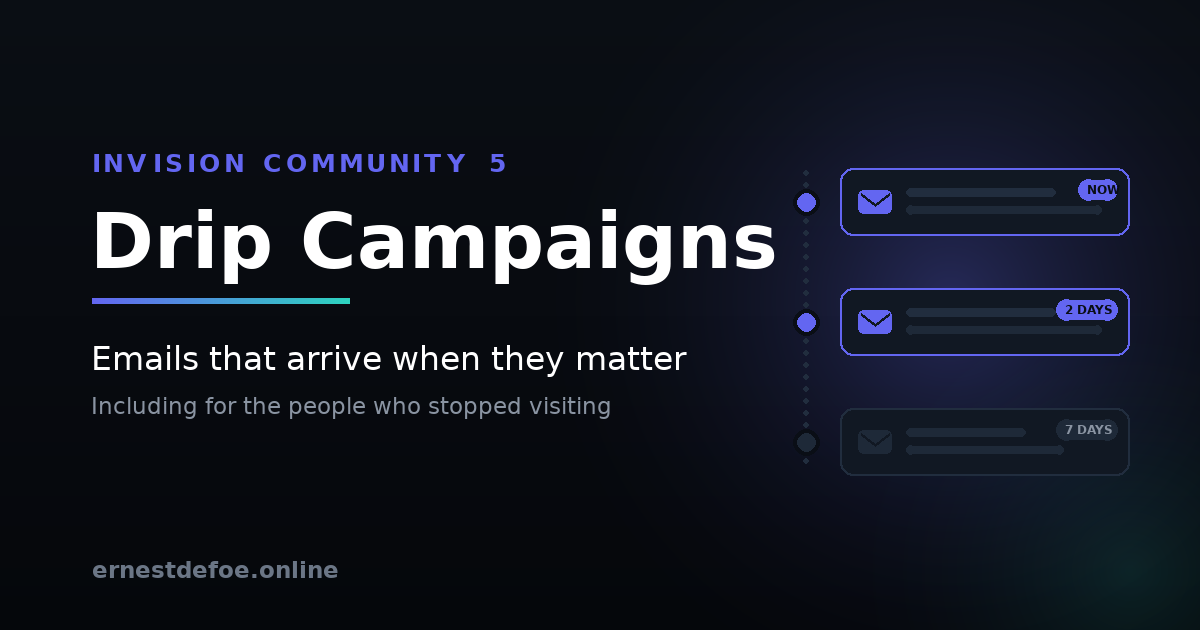
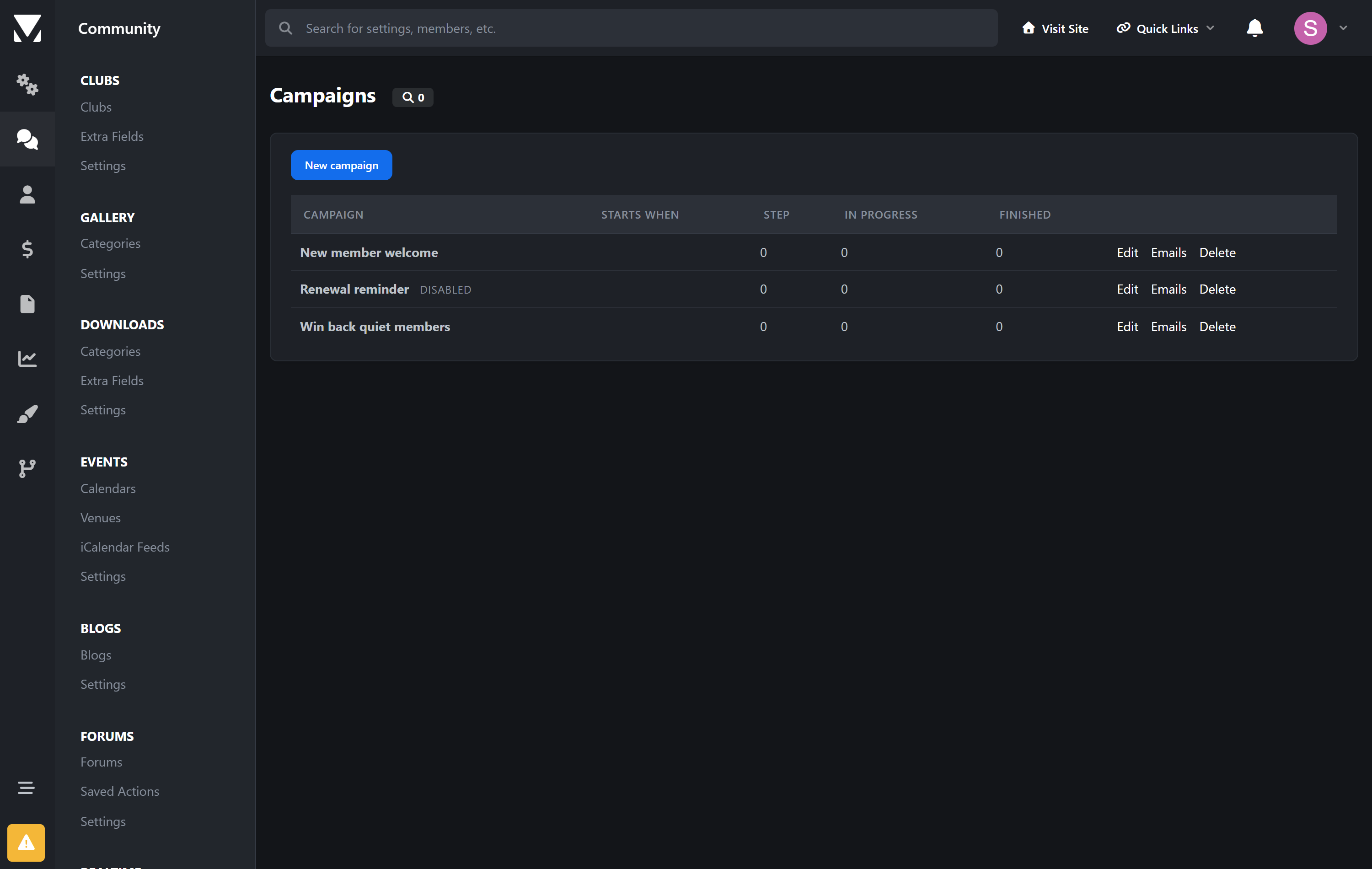
A drip campaign is a sequence of emails that starts when a member does something and then unfolds on their clock — a welcome straight away, a nudge two days later, an invitation to introduce themselves after a week. Everyone gets the same thoughtful onboarding regardless of when they arrived.
Invision Community has this. On Cloud. On some plans.
Email Drip Campaigns arrived in Invision Community 5.1 for Cloud customers, on selected packages. Self-hosted communities do not get them at all.
This app brings sequences to self-hosted — and adds the two triggers the Cloud version does not have. Both were the most-requested things in the comments under the announcement, and neither made it in.
The trigger nobody else offers: they stopped showing up
Every other trigger is an event — somebody did a thing, so something happens. Absence raises no event. Nobody fires a notification when a member quietly stops visiting, which is exactly why re-engagement is the hardest email to send and the one worth the most.
This app goes looking instead. Set a number of days, and members who cross that line are enrolled by a scheduled scan. A "we miss you" series that actually reaches the people it is about.
And renewals, which are not first purchases
Invision's Cloud version fires on "purchases a subscription". This one also fires on renewals, on an upcoming expiry — the moment worth acting on while there is still something to save — and on cancellations. Thanking a three-year customer for joining reads badly; these deserve different emails and now they can have them.
Every trigger
Joining | Registers · confirms their email · updates their profile |
|---|---|
Taking part | Joins a club · responds to an event · completes a course |
Money | Buys · renews · is about to expire · cancels |
Absence | Has not visited for a set number of days |
Chaining | Another campaign finishes |
Event responses can be narrowed to one answer, so you are not telling somebody who declined that you will see them there. Triggers for applications you do not run are never shown, and never listened for.
Audiences built from filters you already have
This app invents no filters of its own. It uses Invision Community's own member filters, which means you can target by group, join date, last visit, content count, reputation, achievements and profile fields — and, if you run Commerce, by purchases, subscriptions, total spend and donations.
Anything a third-party application adds to that list works here too, automatically.
It checks again before every email
This is the part that stops a campaign embarrassing you. Someone qualifies for "we miss you" on Monday, comes back on Tuesday, and on Wednesday the second email arrives telling them how much you miss them. Audiences are re-checked before every send, not just at enrolment, so a member who stops matching stops receiving. It can be switched off; it is on by default for a reason.
Care taken where it matters
Opting out is honoured absolutely. A member who has turned off administrator emails is never enrolled, never sent to, and is removed from a campaign if they opt out mid-sequence.
Unsubscribing uses Invision Community's own mechanism — the same link, the same page, and a key derived from the account so it stops working when the password changes.
Nobody is enrolled twice. A trigger that fires more than once for the same person does nothing the second time.
Disabling an email does not strand anyone. Members waiting on that step move to the next one rather than sitting there for ever.
Posting and paying never wait on email. Enrolment happens in the background; sending happens on a schedule.
No core files are edited. Upgrading Invision Community will not break it.
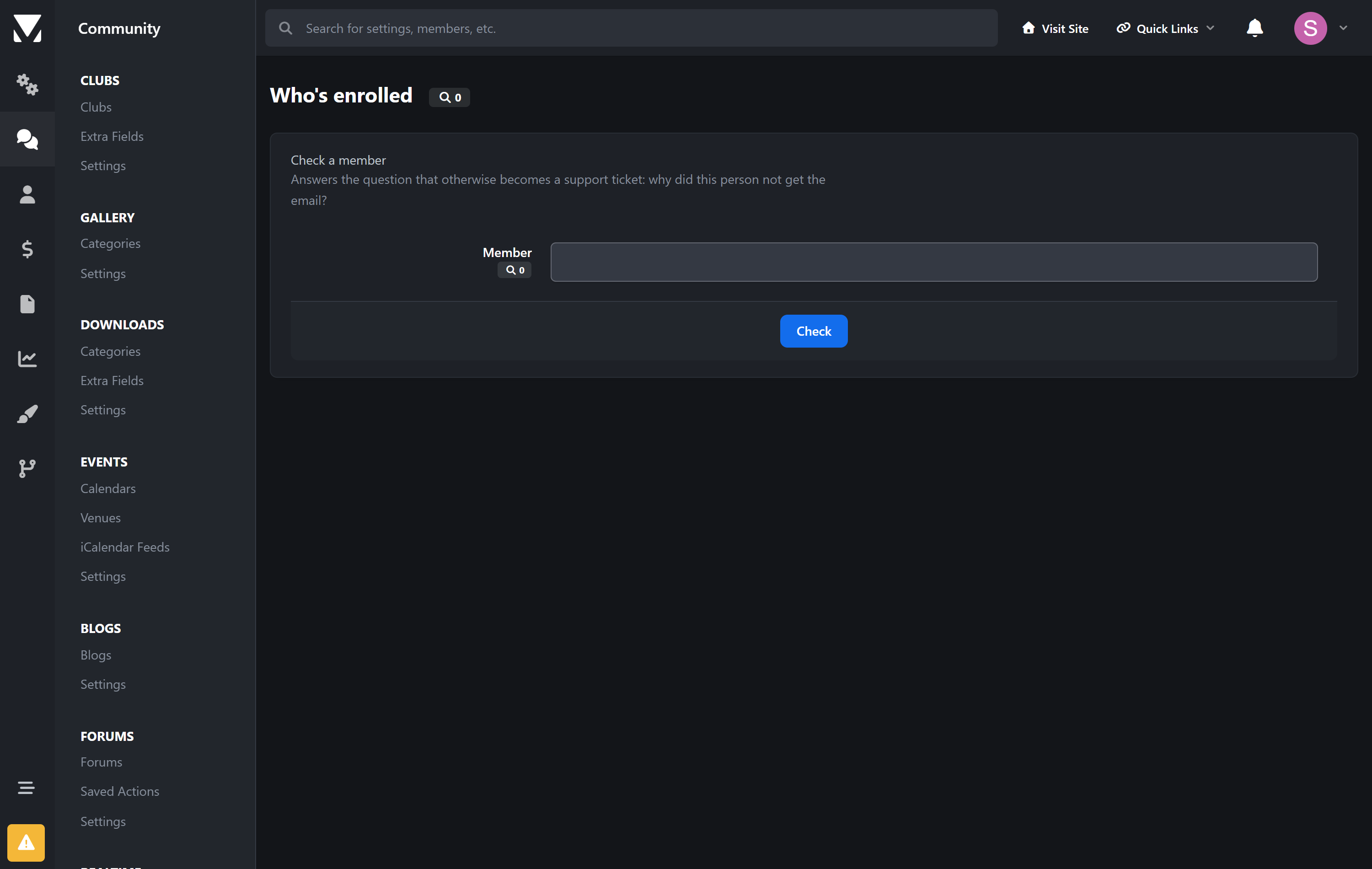
Check a member
"Why didn't they get it?" has a dozen possible answers. There is a screen that gives you the actual one: whether they can be emailed at all, whether they match each campaign, whether they are enrolled, which step they are on, and when the next email is due.
Requirements
Invision Community 5.0 or newer (self-hosted)
Working outgoing email and a running task scheduler
Commerce, Calendar, Clubs are all optional — their triggers appear only if you run them
-
 1
1
Create an account or sign in to leave a review
There are no reviews to display.