Enhanced Tags Customizations
Invision Community 5
- Category Admin & Mod Tools
- Downloads 45
- Compatibility IC5: 5.0.0+
- Updated
Overview
A powerful IPS application that extends the native IPS 5 tag system, giving administrators full visual and permission-based control over tags, all from the existing IPS tag management interface.Description
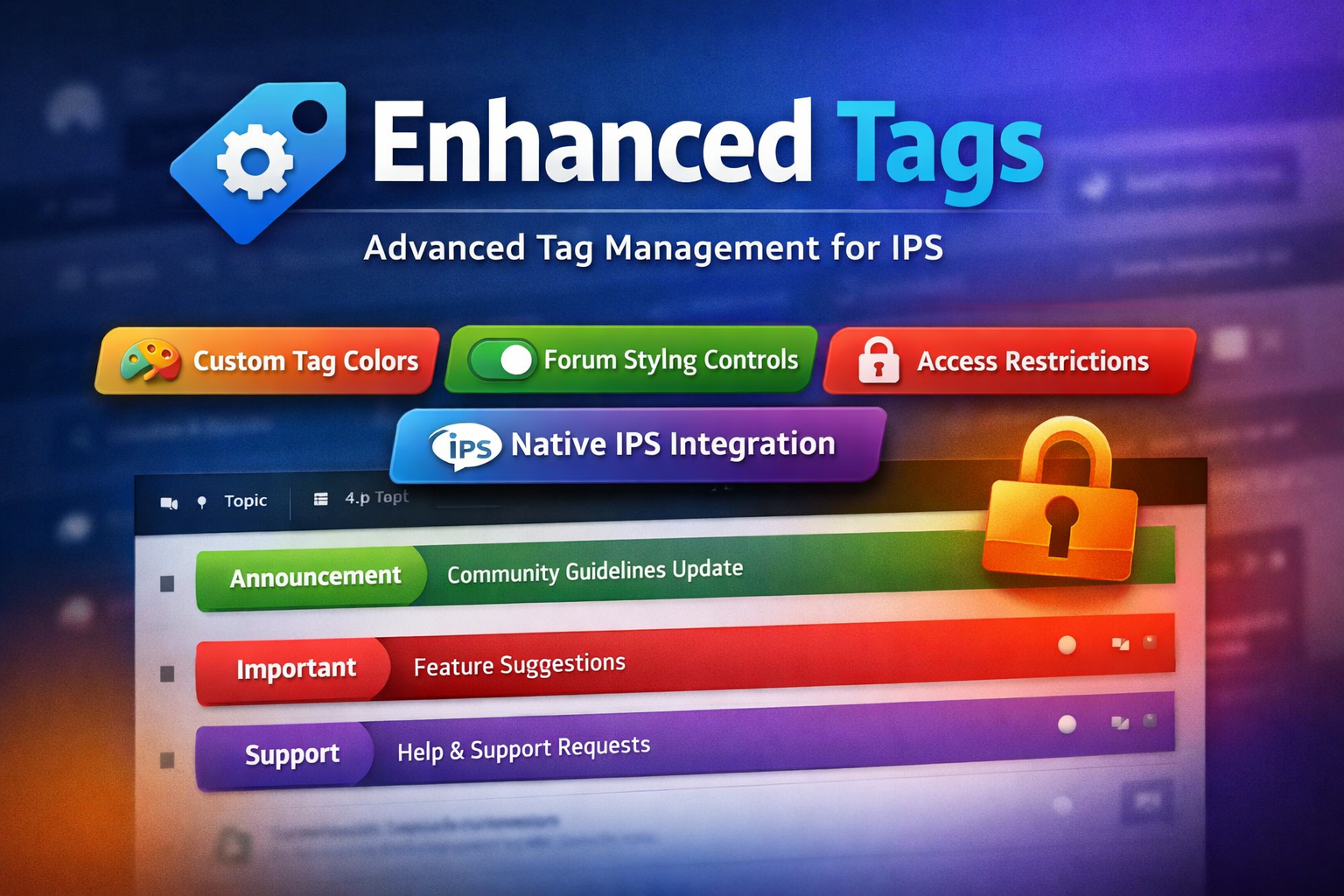
Seamlessly integrated and globally styled, Enhanced Tags allows you to transform tags from simple labels into meaningful visual and organizational elements across your community.
Key Features
Native IPS Integration
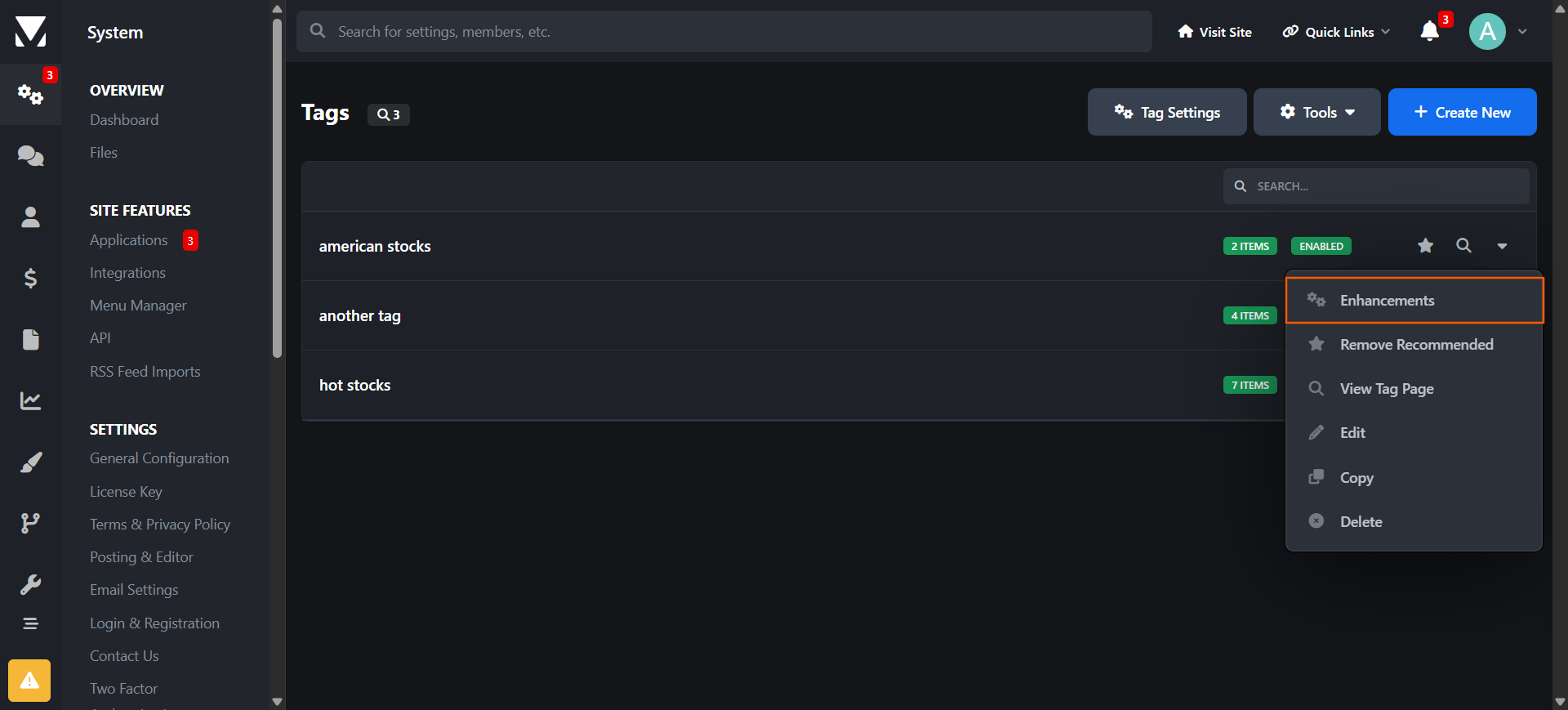
Fully integrated with the default IPS 5 Tags system
Manage all enhancements directly from the same admin module used for standard tags
No duplicate systems or separate workflows
Custom Tag Styling
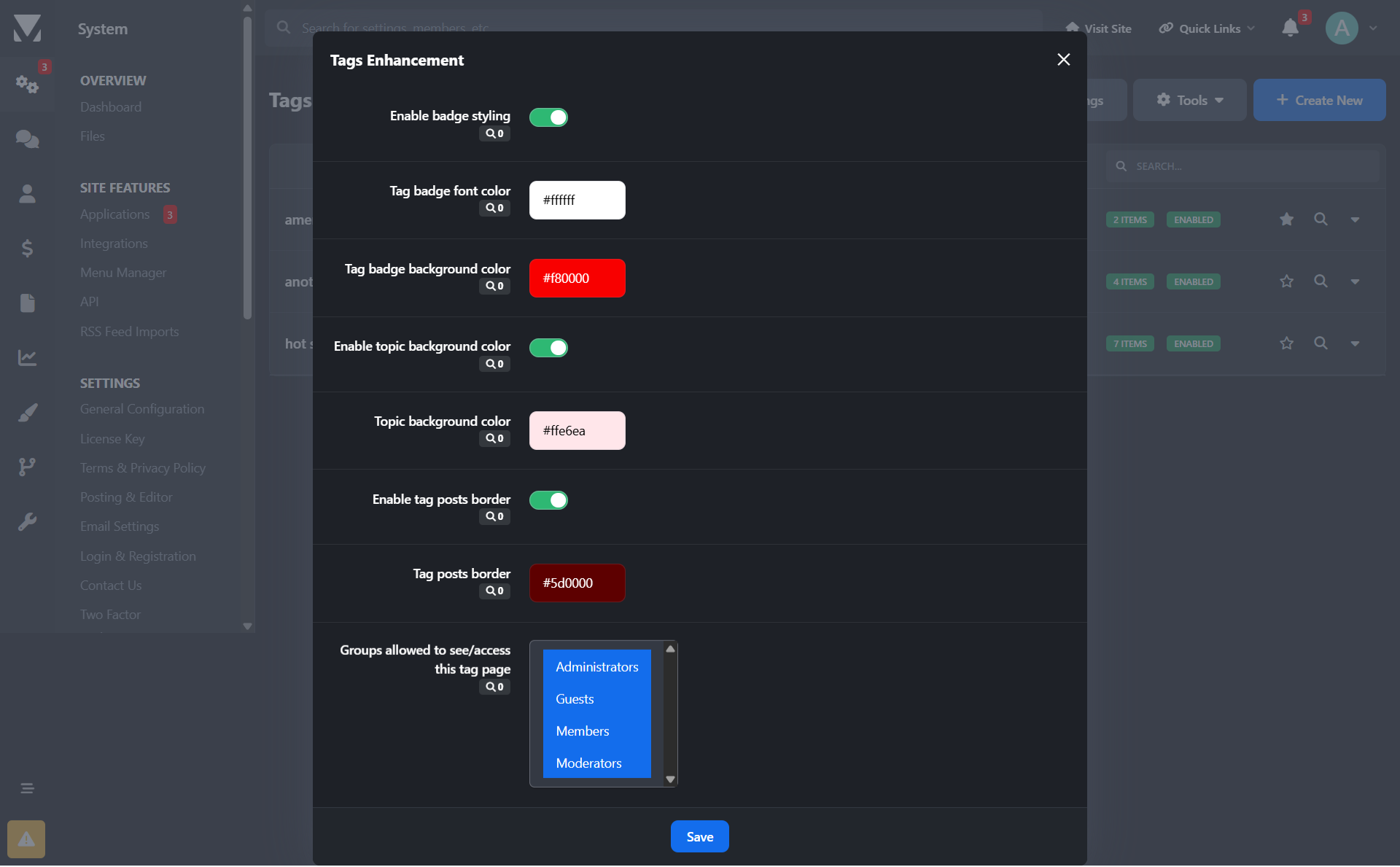
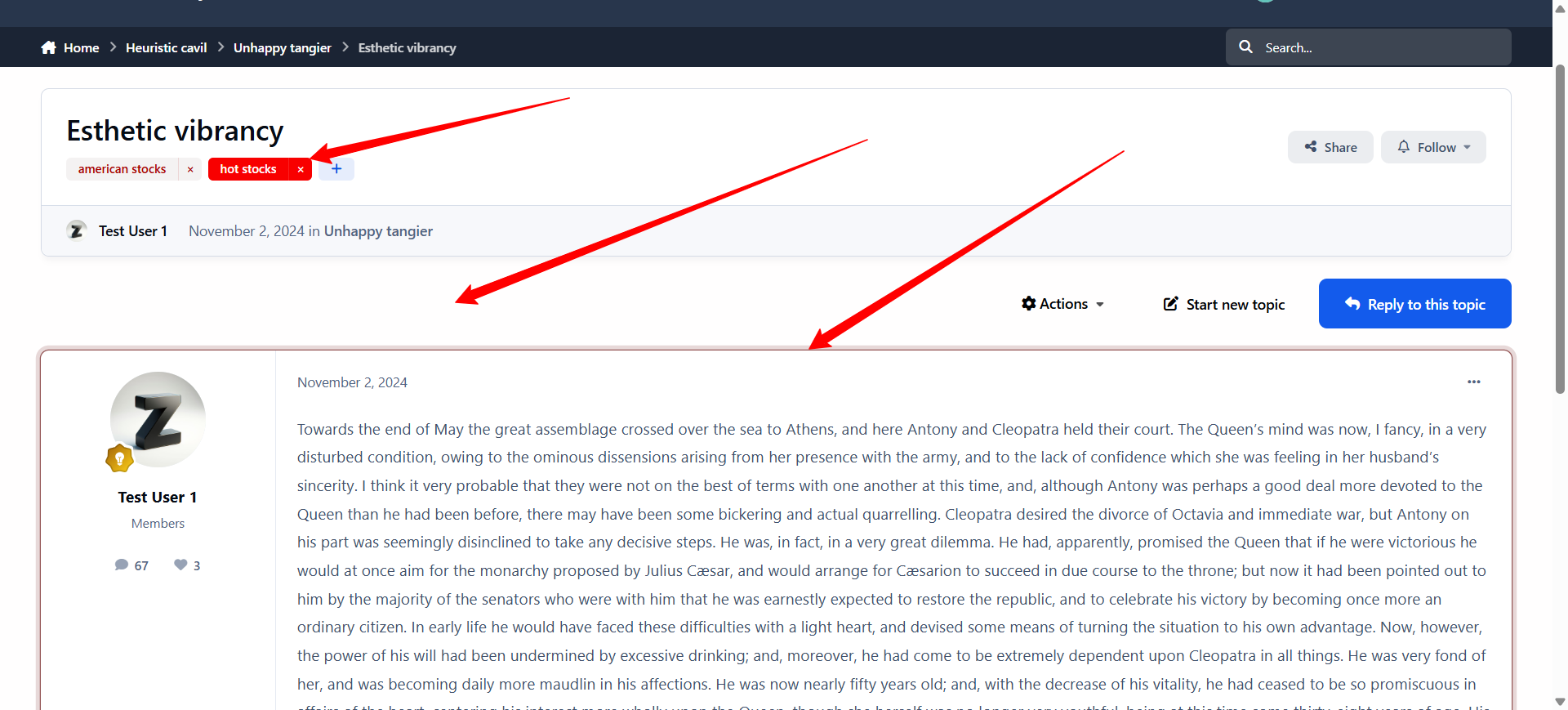
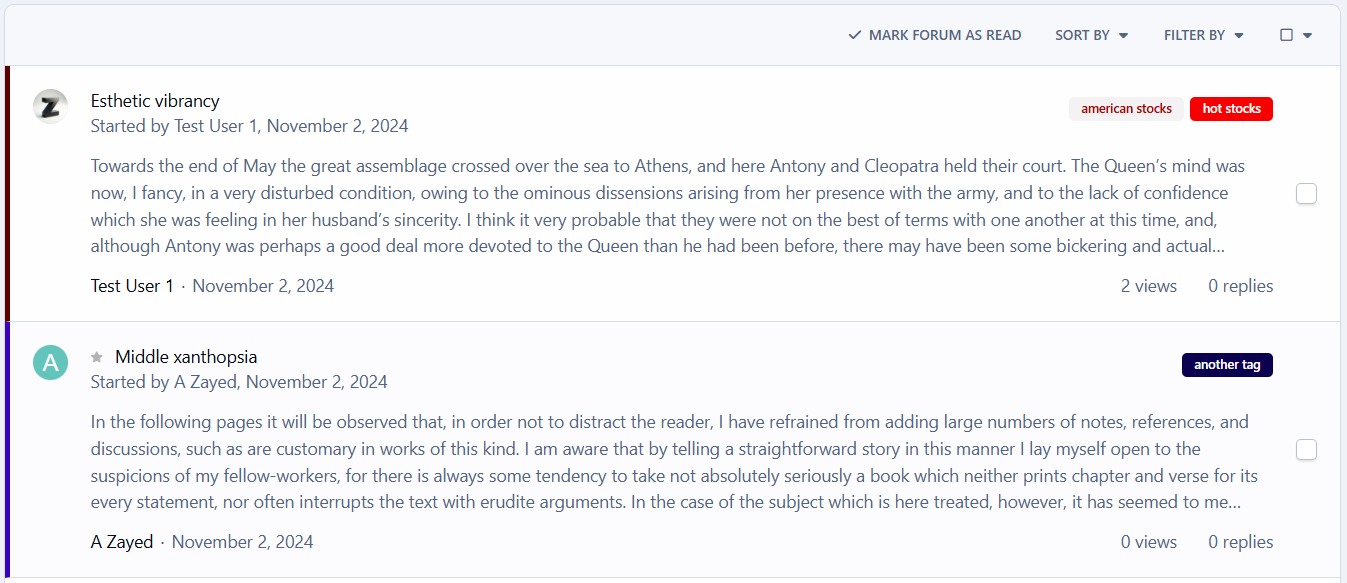
Assign a custom label color to each tag
Tag styles are applied consistently across all community pages
Optional controls to:
Enable or disable border color styling
Enable or disable background color styling
Forum & Topic Visual Enhancements
Apply tag colors to:
Topics/posts in forum views
Individual topic views
Improve content scanning and visual hierarchy for users
Granular Access Control
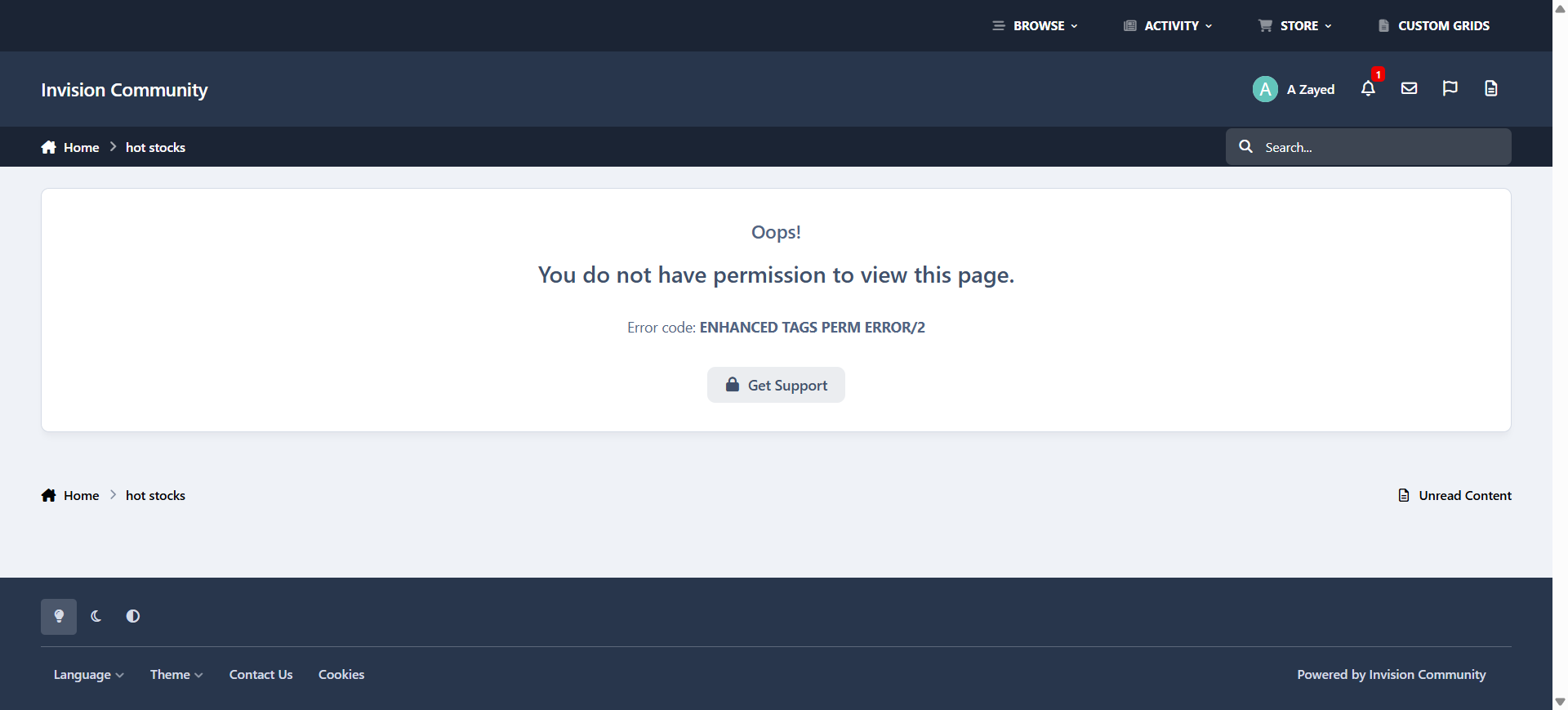
Restrict access to tag pages by specific user groups
Prevent selected groups from reaching or viewing tag-related pages
Why Enhanced Tags?
Improves content visibility and organization
Adds brand-consistent visual identity to tags
Gives admins fine-grained control without breaking IPS core behavior
Ideal for communities that rely heavily on tagging for navigation or moderation
Create an account or sign in to leave a review
There are no reviews to display.