Fake Members Online
Invision Community 5
- Category Admin & Mod Tools
- Downloads 40
- Compatibility IC5: 5.0.0+
- Updated

Overview
This app will allow the admins to add fake members in the online list.Description
Description:
This app will allow the admins to add fake members in the online list. This can be very useful for start up forums as well as for those forums where there is not much activity. It will make the forum look busy so it might attract new users and hopefully boost the forum activity. You can add fake members in the online list using 2 different methods.
1) Individual Members Method!
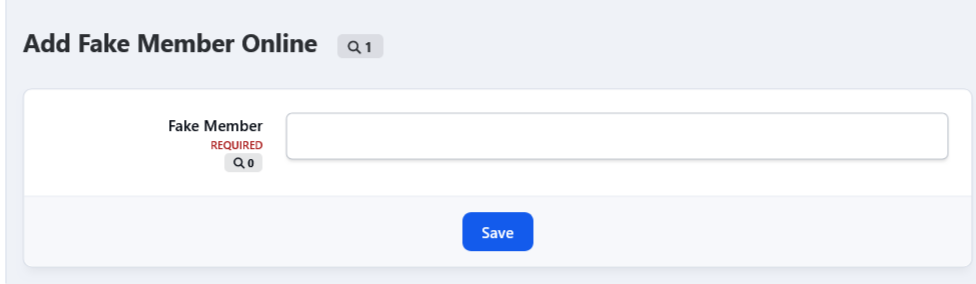
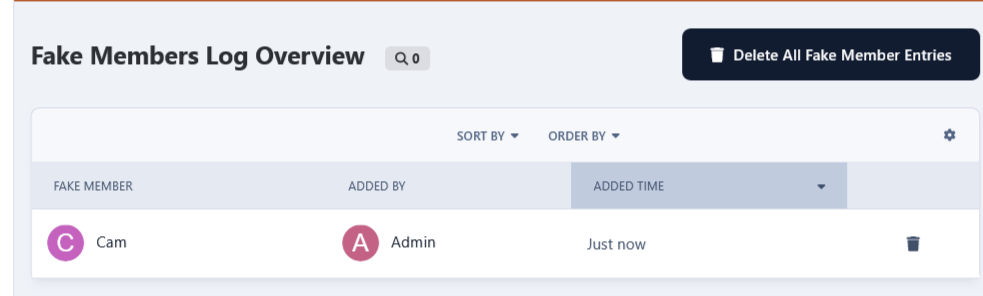
You can add individual members online for the session duration. i.e. one member at a time. You can view all fake members that have been added to the online list at the app 's log page. A task will run every half hour to remove the expired fake sessions for individual members from the online list.
2) Random Multiple Members Method!
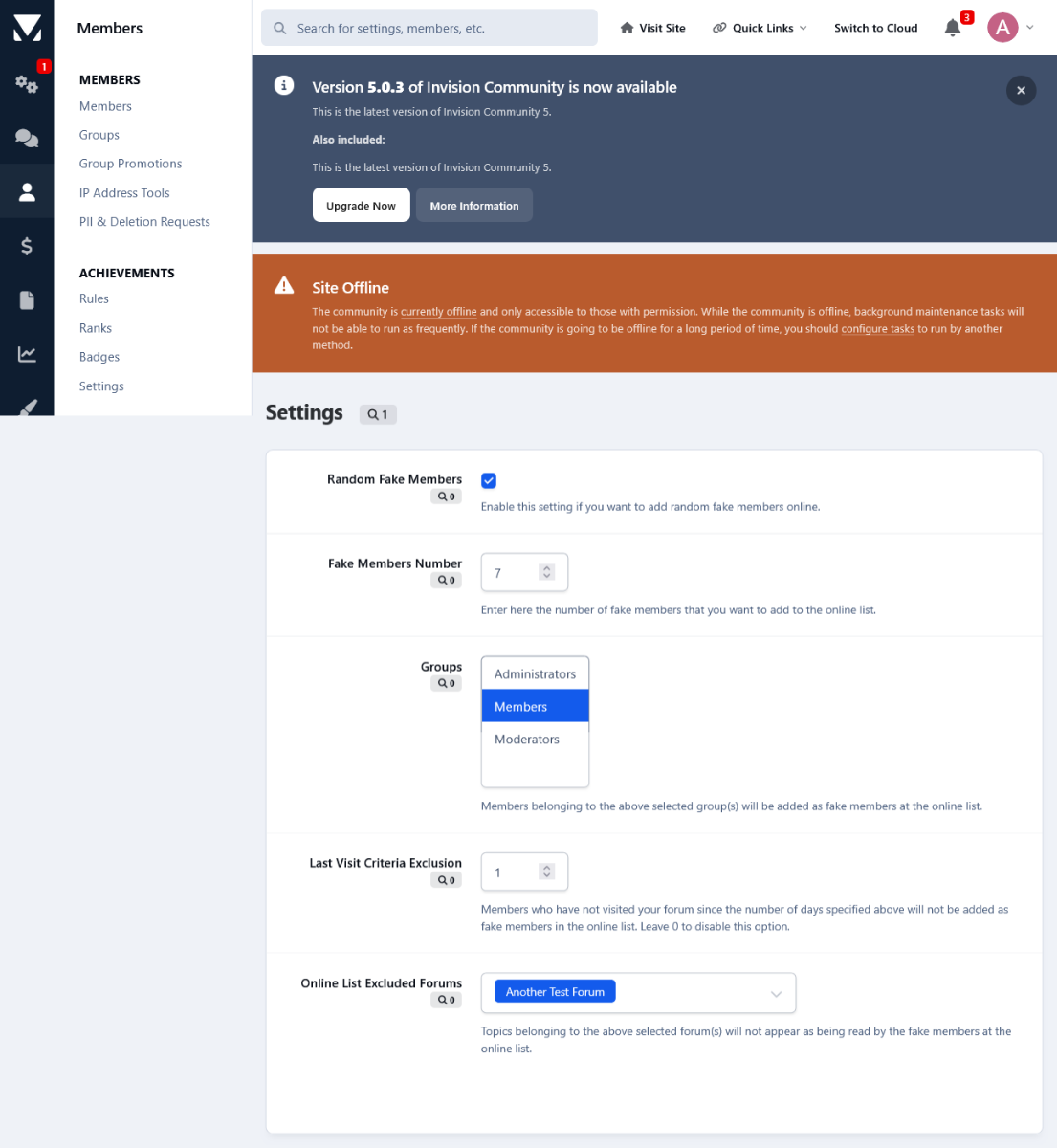
Another method to add fake members in the online list is to add multiple random members in one fell swoop. You can set the number of how many members you want to add to the online list at the app's Settings page. There you can select the group(s) from which you want to pull the members from. There is also an option to exclude members who have not visited your forum since a certain amount of time. After the online session expires the online list will be refreshed with the next batch of fake members. If you don't want this behavior you can disable this option after the first batch and enable it periodically whenever you want to add random fake members.
Online List Behavior!
To keep things real, all fake members that are added to the online list, be that through the individual method or randomly, they will appear to read random topics, which they are allowed to view permission wise. In other words they won't be appearing as reading topics that they are not allowed to. You can select a certain forum or forums, whose topics you do not want to be showed up as being read from the fake members in the online list.
Price&Payment Method!
This app costs 20 Euro payable by Paypal only. If you are interested in purchasing it please contact me in private either here or at the Invisioncommunity Forum.
Thank you for reading this topic. If you have any questions at all please don't hesitate to ask.
-
 2
2
Create an account or sign in to leave a review
There are no reviews to display.