Ignore Preferences
Invision Community 5
- Category Admin & Mod Tools
- Downloads 129
- Compatibility IC5: 5.0.0+
- Updated


Overview
Ignore Preferences gives your members full control over their browsing experience. This app lets each user decide what content they personally want to hide.Description
Ignore Preferences gives your members full control over their browsing experience. This app lets each user decide what content they personally want to hide.
No drama. No clutter. Just a cleaner, more enjoyable community.
What It Does
Members can:
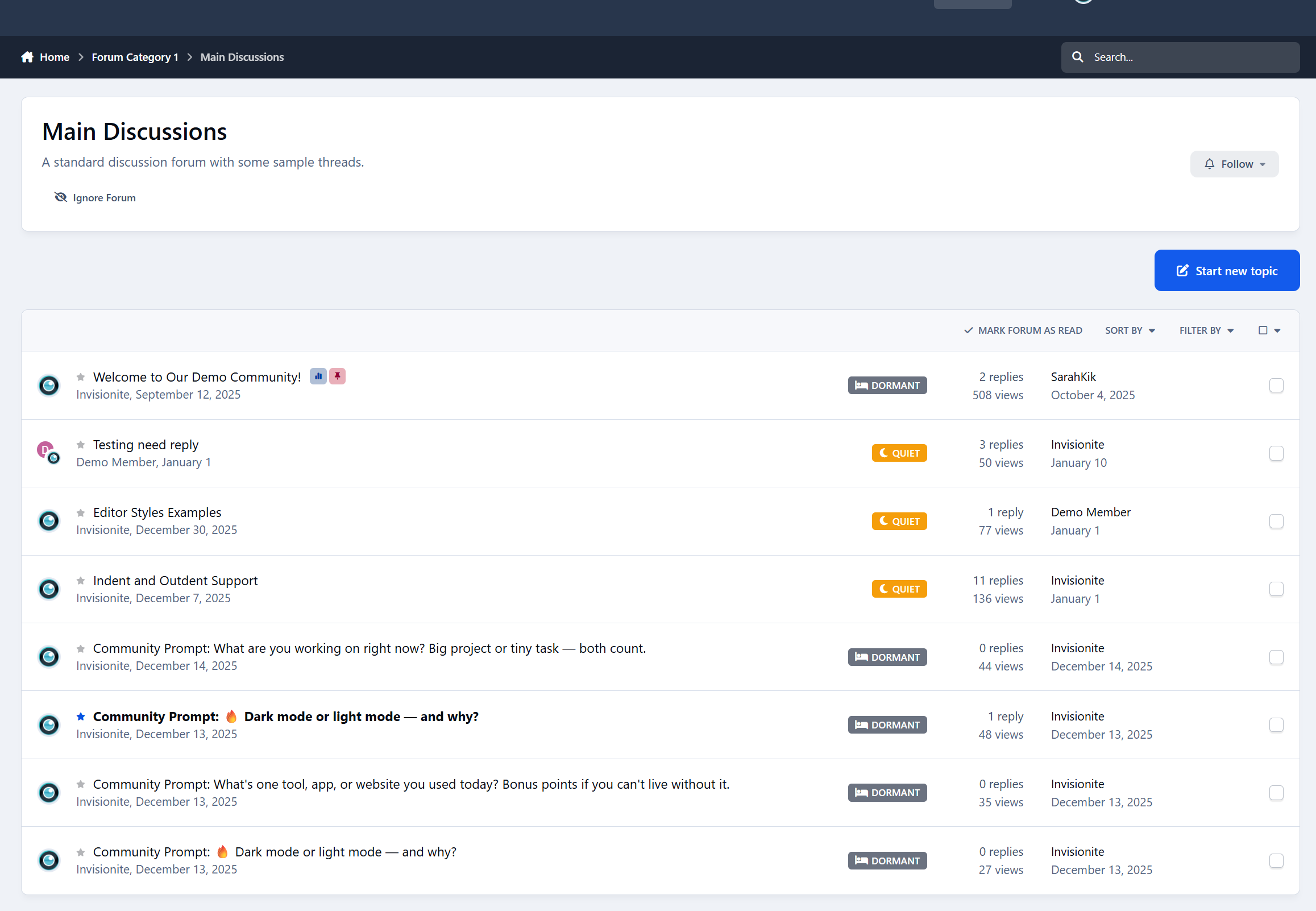
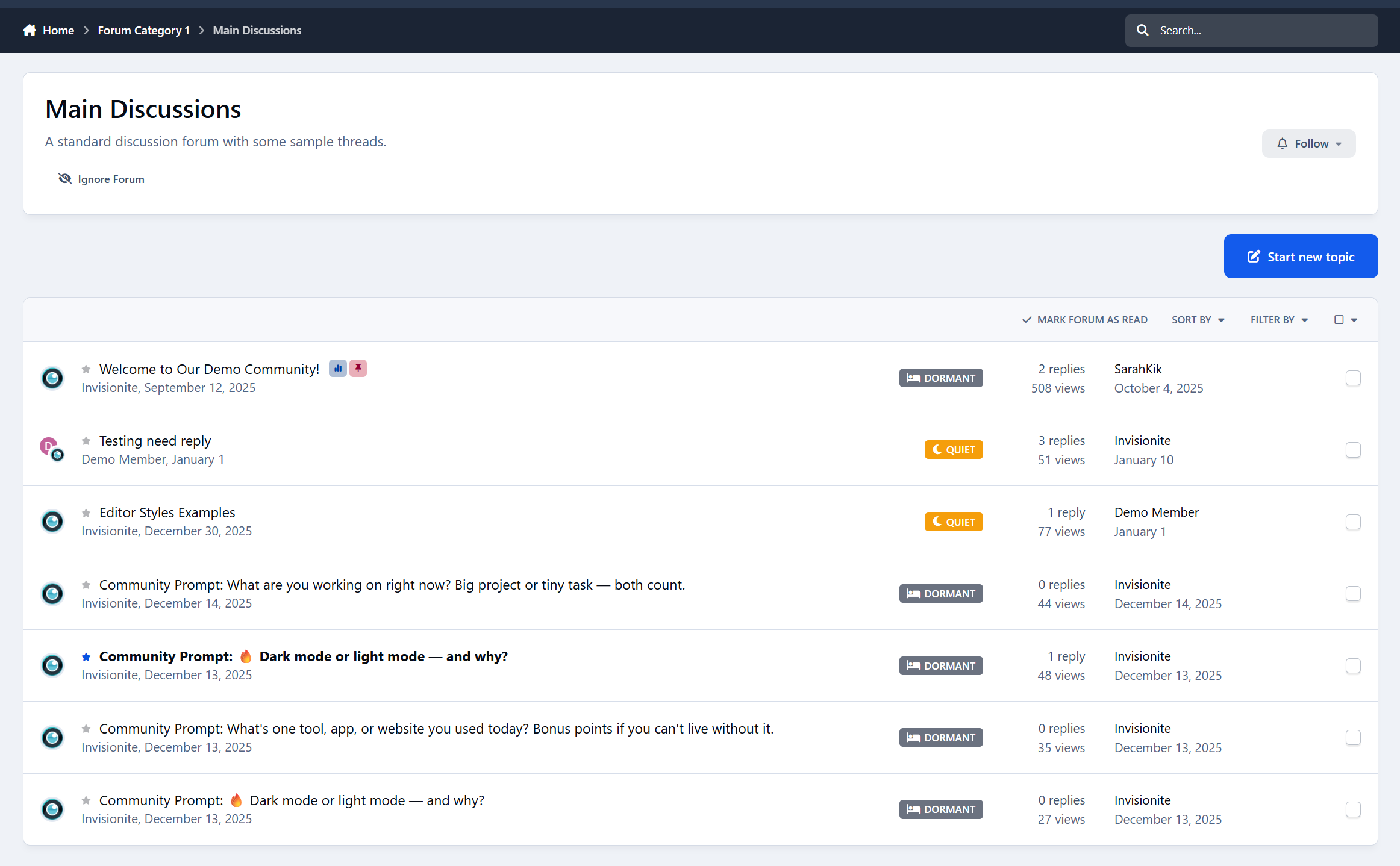
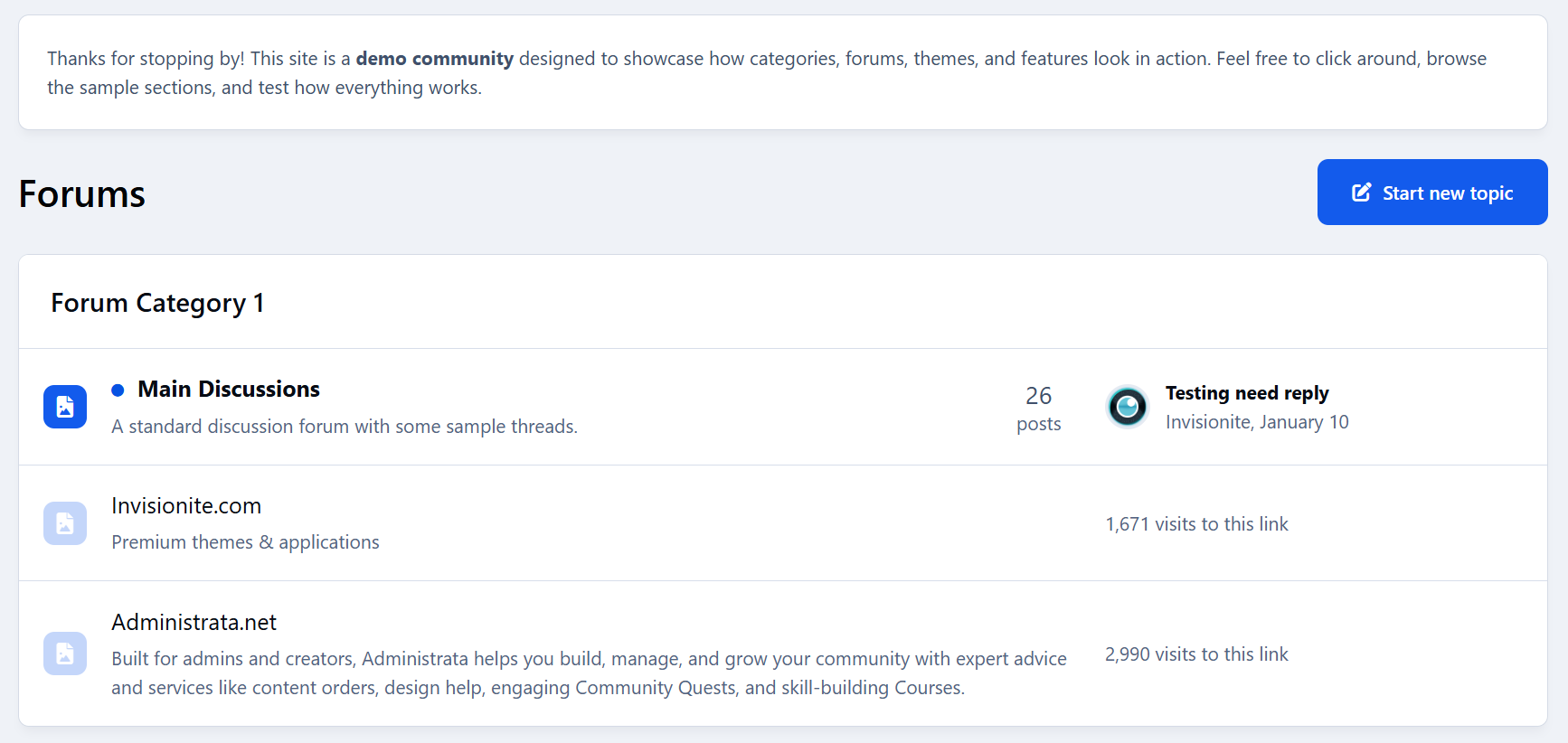
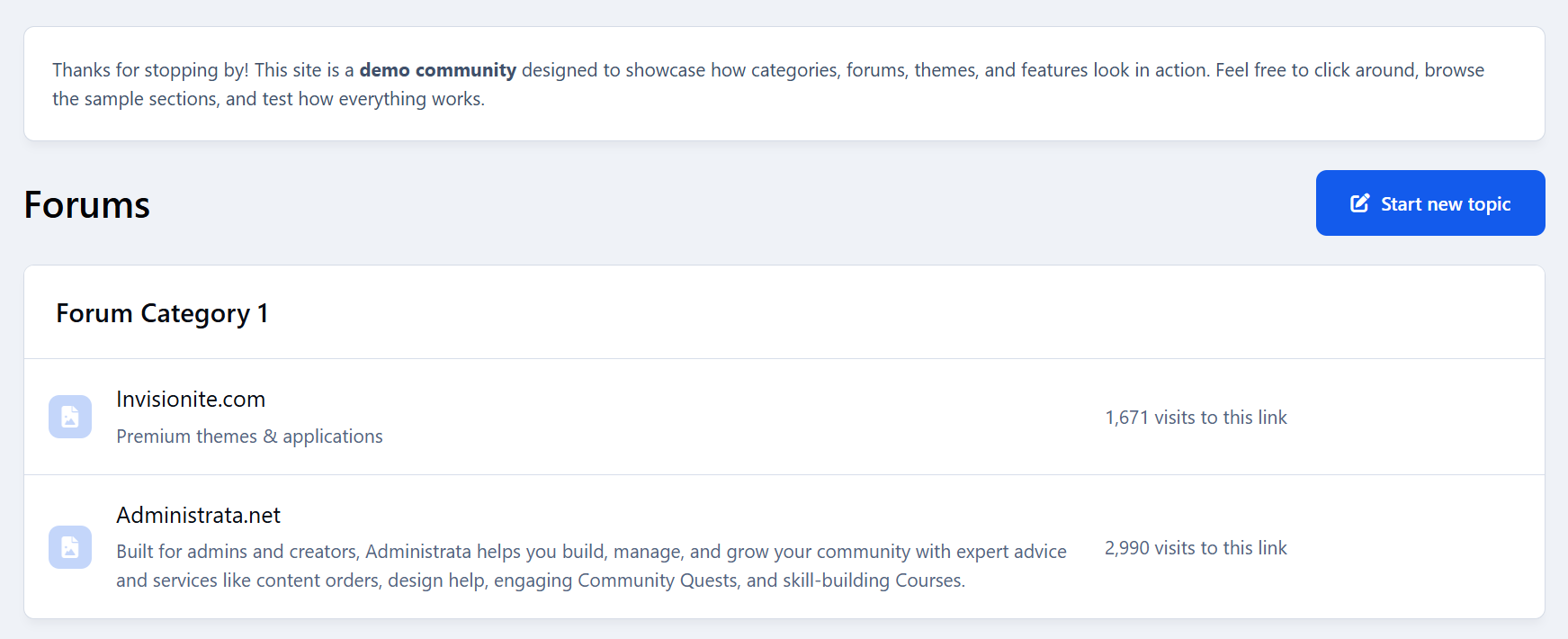
Hide entire forums
Ignore specific topics
Filter out posts using keywords or phrases
Everything is 100% personal and fully reversible.
Forum Filtering
Don’t care about certain sections anymore?
Members can hide whole forums with one click.
Features:
Ignore any forum or category
Button appears directly on forum pages
Easy “Stop Ignoring” option
Perfect for keeping feeds relevant and clutter-free.
Topic Filtering
Seen enough of a certain topic?
Users can ignore individual topics too.
Features:
Ignore button in topic header
Hidden from forum listings
Removed from activity feeds
Reversible anytime
Great for avoiding repetitive or unwanted discussions.
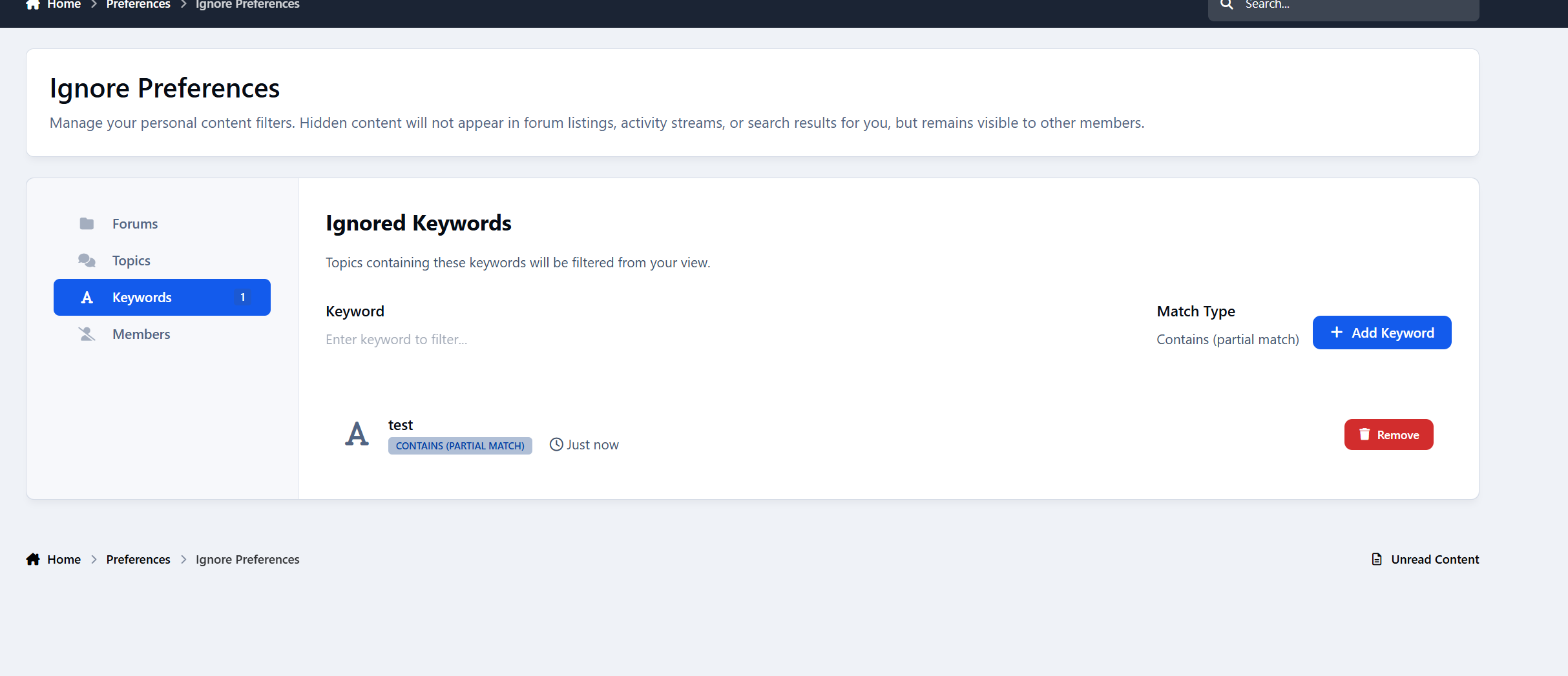
Keyword Filtering
This is where personalization really shines.
Members can block posts containing specific words or phrases.
Features:
Add custom keywords or phrases
Case-insensitive matching
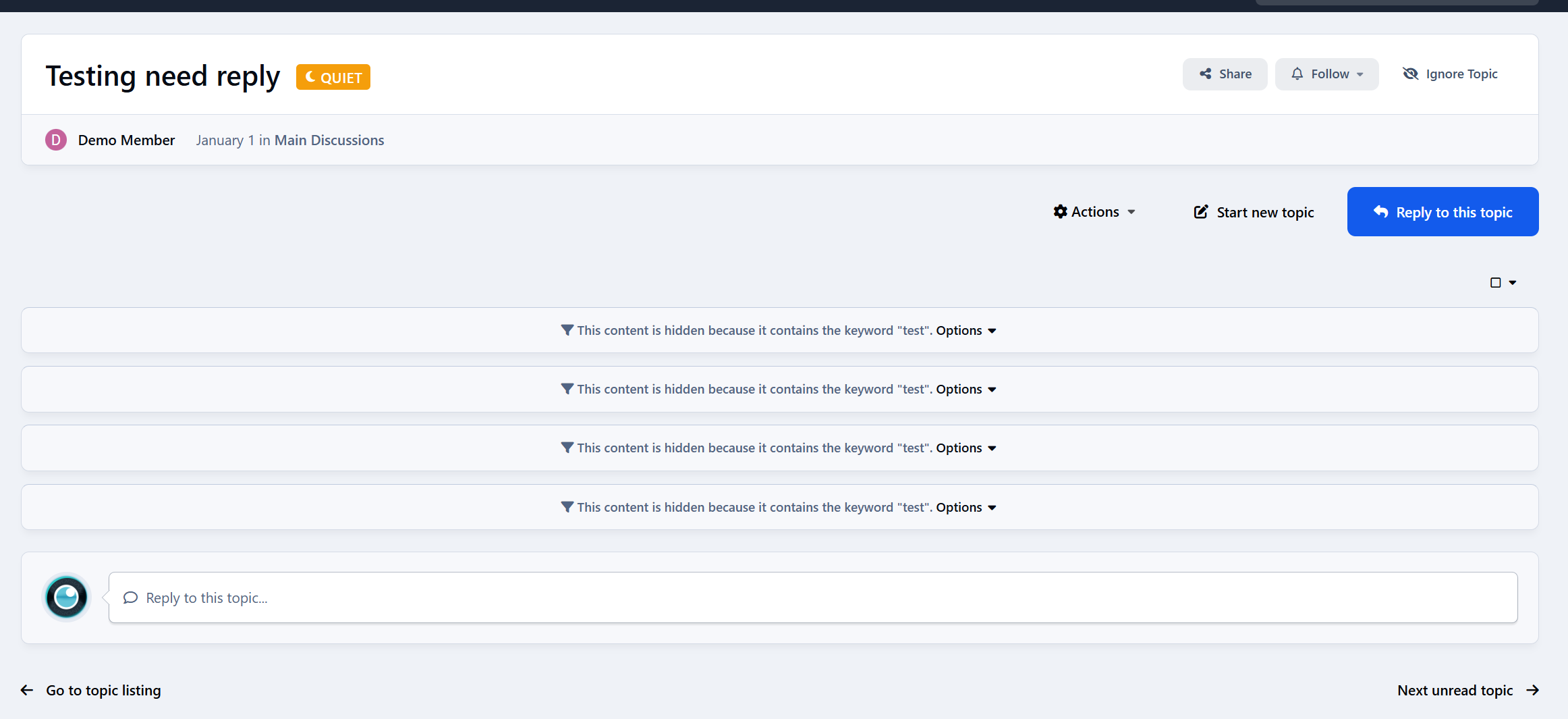
Hidden posts show a clear notice
“Show this post” option if they change their mind
Ideal for avoiding spoilers, drama, politics, or any unwanted topics.
Where Filtering Works
Ignore Preferences works across your entire community:
Forum index
Topic listings
Activity / Discover feed
Widgets
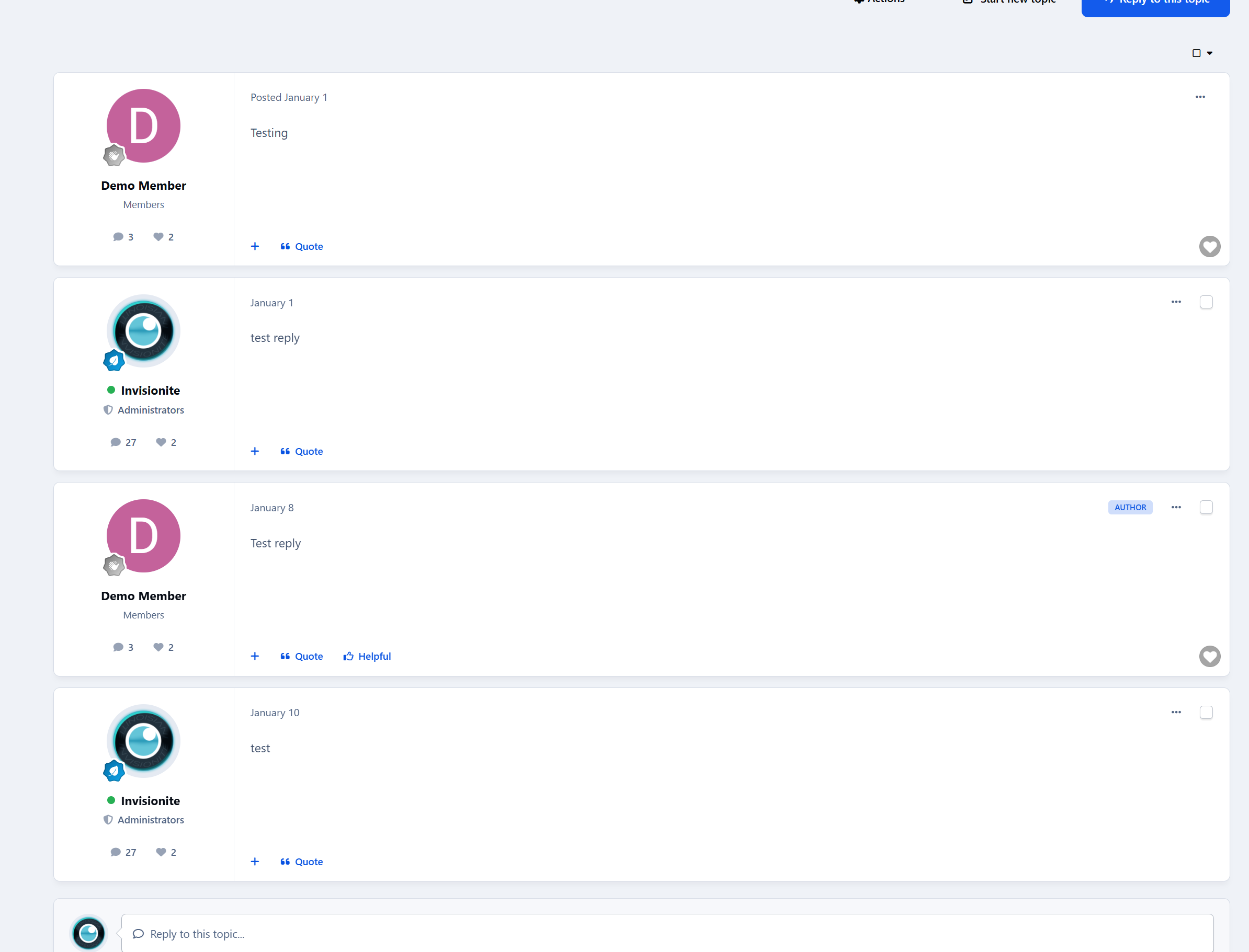
Topic posts (for keywords)
Content is still accessible via direct links - because this is about personal choice, not censorship.
Member-Friendly Interface
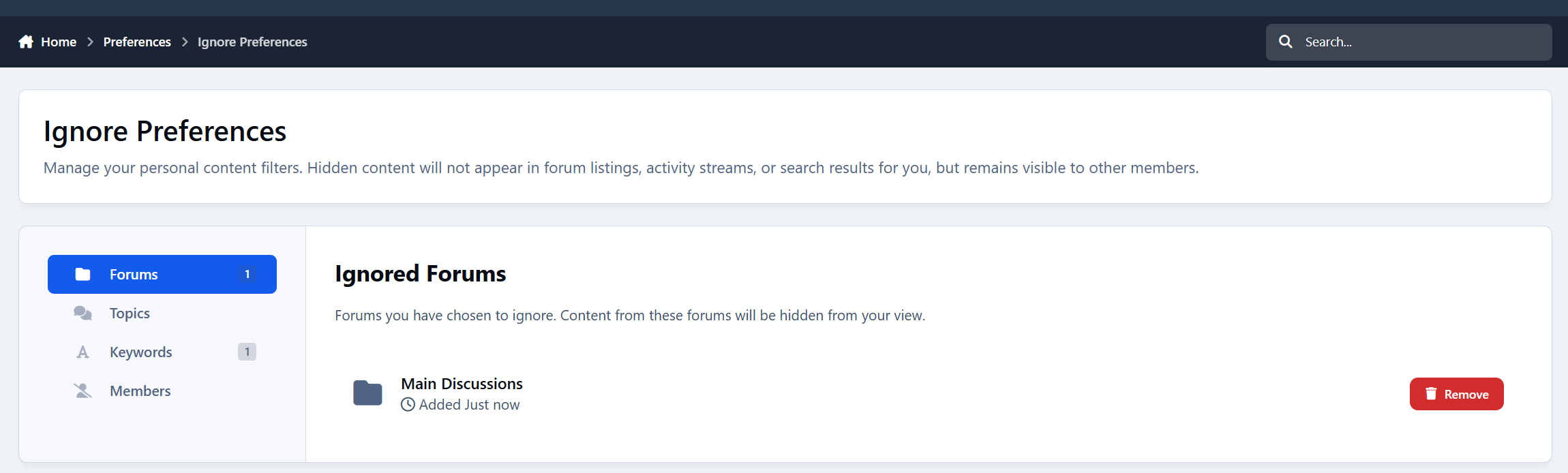
Members get a dedicated Preferences Page with:
Tabs for Forums, Topics, and Keywords
Easy removal buttons
Keyword manager
Clear item lists with links
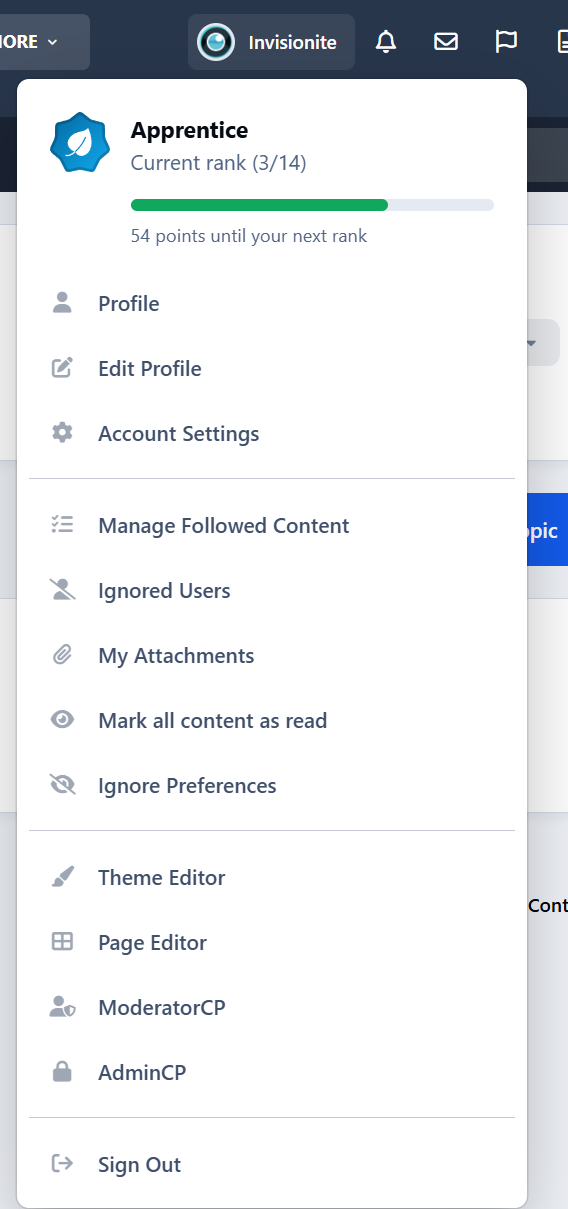
Bonus: Easy access for ignoring members
Everything is simple and intuitive.
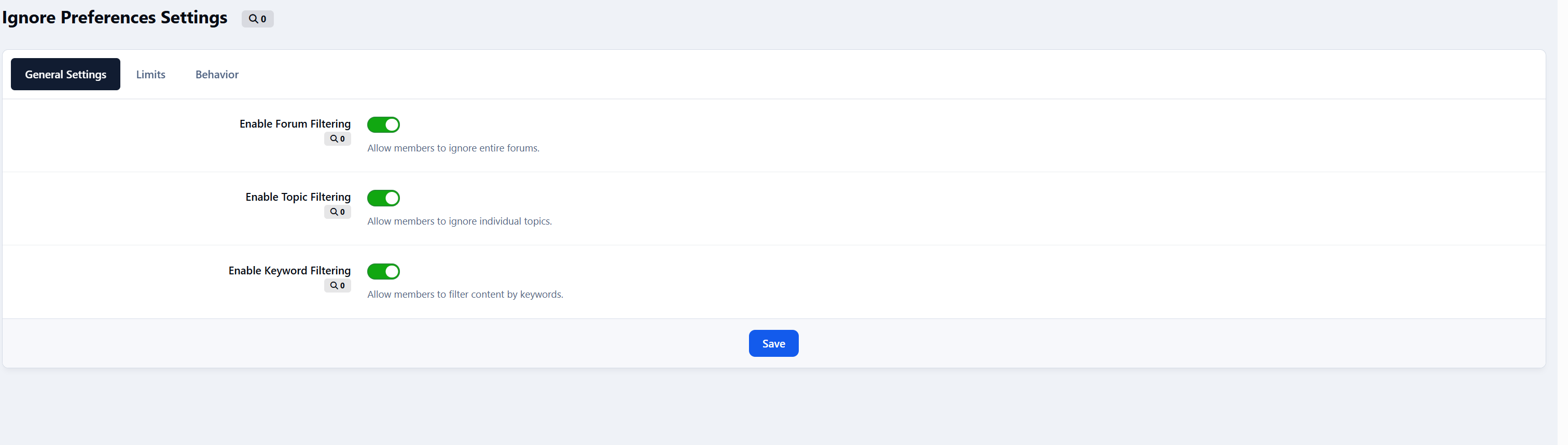
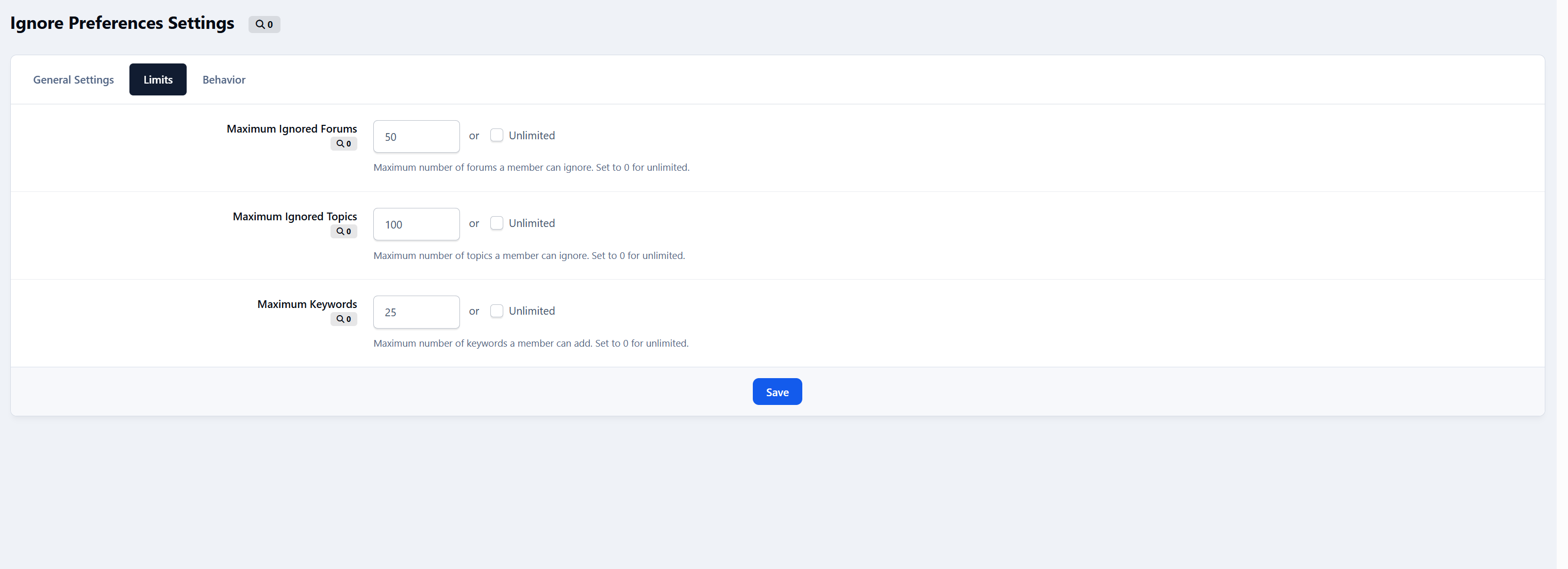
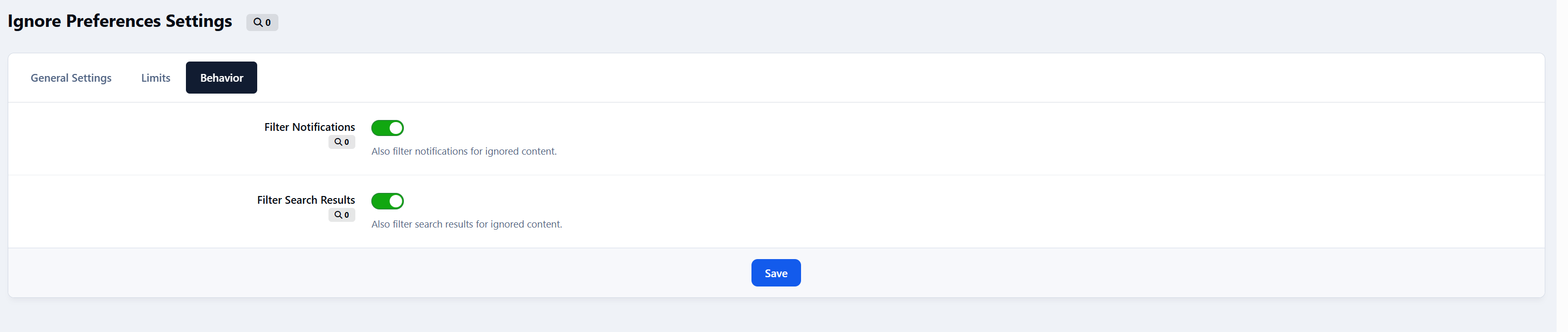
Admin Control
You stay in control with:
Enable/disable each filter type
Set limits per user
Optional filtering for notifications & search
Full flexibility for your community’s needs
Why Use Ignore Preferences?
Because not every member wants to see everything.
This app:
Improves user experience
Reduces frustration
Encourages longer visits
Keeps feeds relevant
Respects personal choice
Smarter personalization.
-
 2
2
Recommended Comments
Create an account or sign in to comment