Invision Community 5
- Category Admin & Mod Tools
- Downloads 44
- Compatibility IC5: 5.0.0+
- Updated
Overview
A powerful IPS Nexus addon that allows administrators to generate professional PDF invoices directly from the ACP.Description
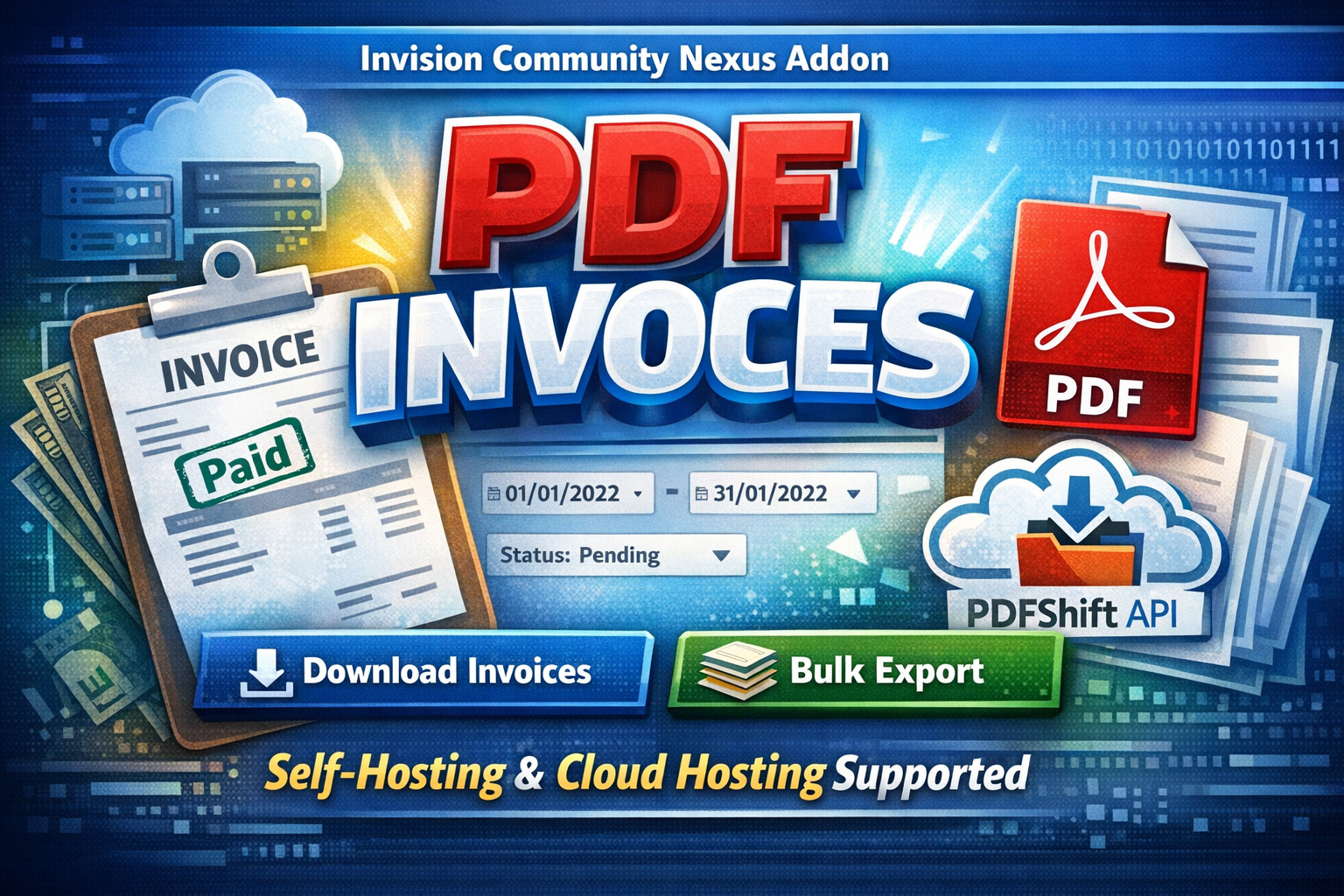
PDF Invoices is a powerful IPS Nexus addon that allows administrators to generate professional PDF invoices directly from the ACP.
Designed to work seamlessly on both self-hosted and IPS Cloud environments, the application intelligently switches between:
Dompdf for self-hosting
PDFShift API for cloud hosting (where some PHP functions are restricted)
This guarantees reliable PDF generation regardless of your hosting type.
With advanced filtering options, bulk export capabilities, and clean invoice formatting, managing customer invoices becomes fast, simple, and professional.
Key Features
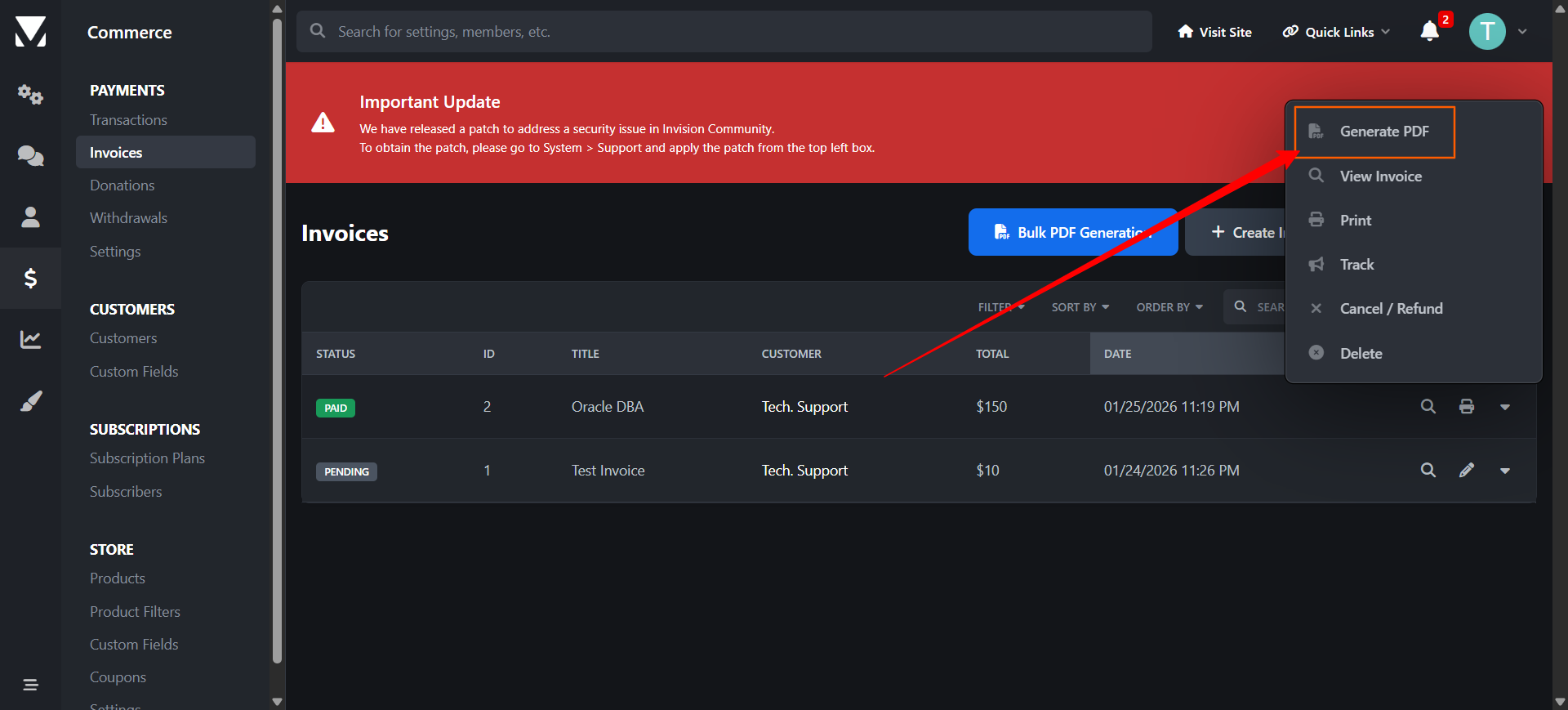
✅Download single invoice as PDF
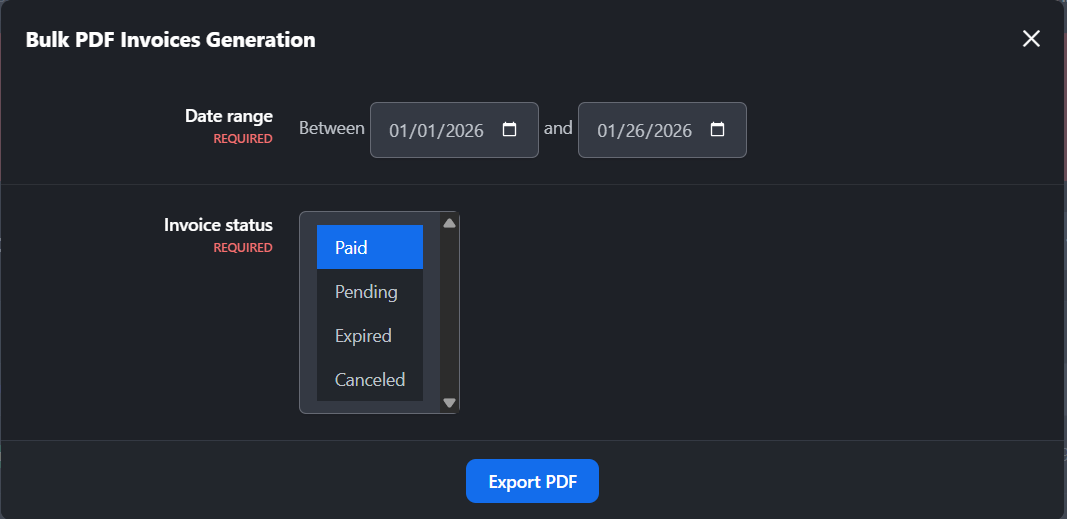
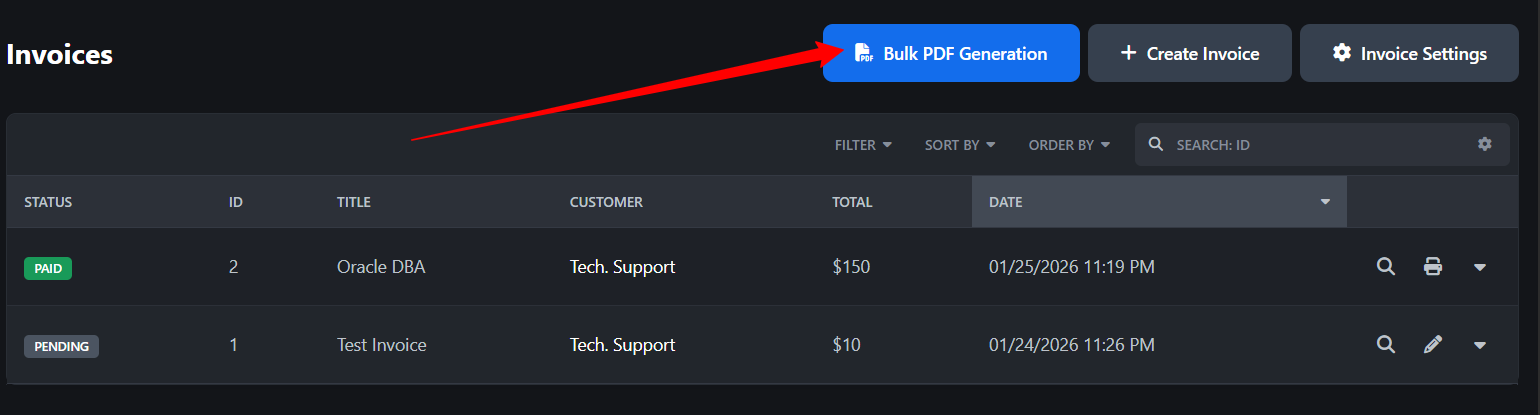
✅Bulk download invoices by date range
✅Filter by invoice status (Paid, Pending, Canceled, etc.)
✅Supports Nexus invoice structure
✅Automatic detection of hosting environment
✅Dompdf support for self-hosting
✅PDFShift API integration for IPS Cloud
✅Clean, printable invoice layout
✅Optimized for large invoice volumes
✅Secure & admin-only access
✅Easy installation & configuration
Requirements
Invision Community 5.x
Nexus app enabled
PHP 8.1+ (self-hosting)
PDFShift API key (for cloud hosting)
Use Cases
Accounting & finance teams
Monthly invoice archiving
Customer invoice re-sending
Bulk reporting
Tax documentation
Migration or backups
Create an account or sign in to leave a review
There are no reviews to display.