- Category Admin & Mod Tools
- Downloads 31
- Compatibility IC5: 5.0.0+
- Updated
Description
Related Topics — suggestions that understand what a topic is about
Invision Community can already show related content. It matches on tags. That means it works exactly as well as your members tag things, which on most communities is somewhere between patchily and not at all — and when everything in a forum carries the same three tags, "related" degrades to "everything".
This matches on meaning. It reads each topic, turns it into a vector, and compares topics by what they are actually about. No tags required, and no tagging discipline to enforce.
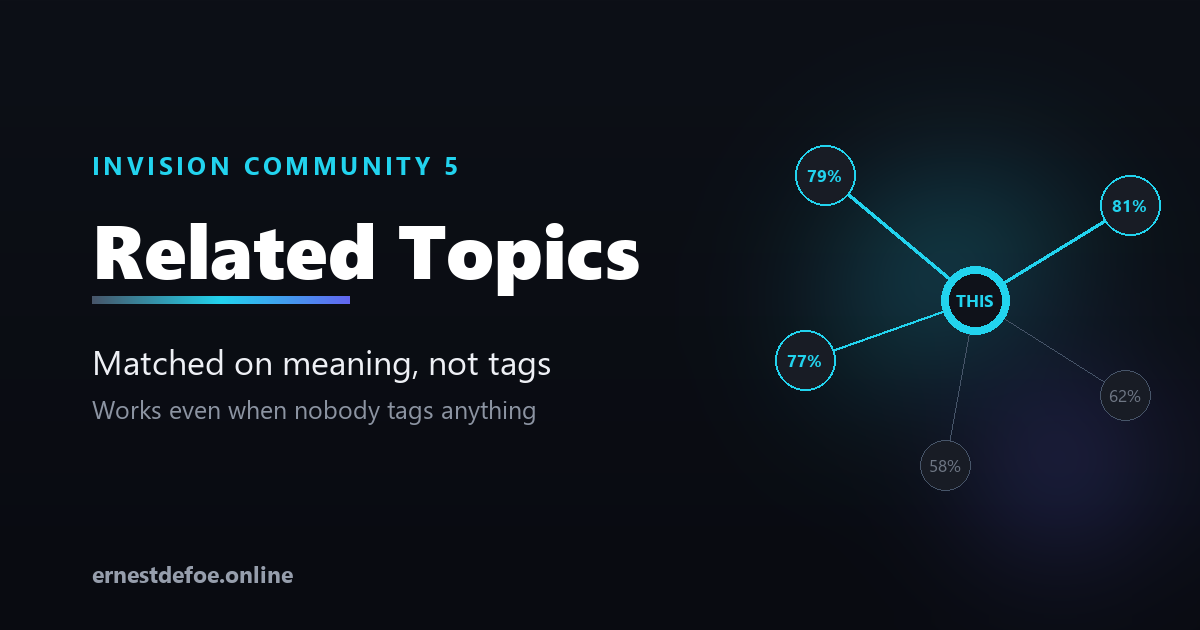
A real example from testing. A topic about a workflow-automation app for Invision matched a topic about an automation extension for a completely different forum platform, at 79%. Different forum, different category, no tags in common. Nothing tag-based could ever have found that.
Two ways to show it
Automatically | A "Related discussions" list appears below the posts on every topic. No block placement, no template editing. |
|---|---|
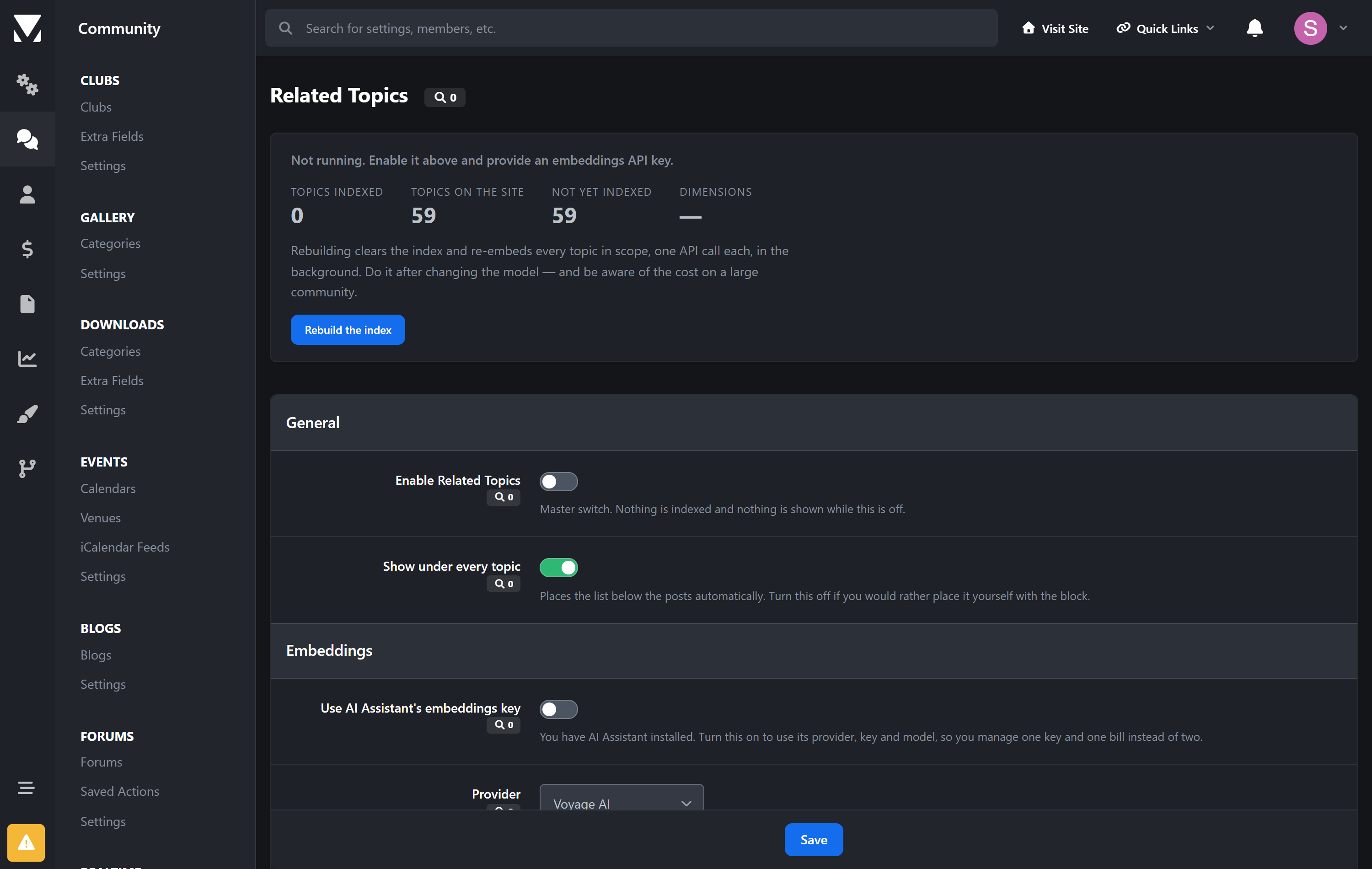
As a block | A placeable widget for your sidebar, if you would rather choose where it goes. It only appears on topic pages. |
Use either, or both.
It tells you when it has nothing to say
This is the part most "related content" features get wrong. If nothing clears your similarity threshold, nothing is shown at all — no empty box, no heading over a blank list, no five tenuous suggestions padding it out. Silence is the honest answer when nothing is related.
You tune it against your own content, not a guess
There is no threshold that is right for every community, and this application does not pretend otherwise. On a focused forum — where most topics are broadly the same kind of thing — even unrelated pairs score in the sixties. On a varied one the gap is much wider.
So the settings screen shows real matches from your own topics with their real scores, including the ones currently falling below your threshold and greyed out. You pick your number by looking at your own content. That takes about a minute and it is the difference between suggestions people click and suggestions they learn to ignore.
Costs, stated plainly
You need an embeddings API key — Voyage AI or any OpenAI-compatible provider.
One API call per topic, once. Editing a topic only re-embeds if the text actually changed, so fixing a typo costs nothing.
Embedding models are inexpensive. A few thousand topics is small money, but it is not zero and you should know that before you install.
Already running my AI Assistant? One switch and this borrows its provider, key and model, so you manage one key and one bill.
Built to stay out of the way
Nothing blocks posting. Indexing happens on the background queue. An outage at the embeddings provider means new topics wait their turn, never that members cannot post.
Permissions are respected. A topic a member cannot open is never suggested to them.
Changing the model is safe. Different models produce different vector sizes; mismatched entries are skipped rather than compared, so you get fewer results instead of confident nonsense. Rebuild and they come back.
No core files are edited. Upgrading Invision Community will not break it.
What you control
How many suggestions, and the minimum similarity
Whether suggestions can cross between forums, or stay within one
Which forums are indexed at all
Automatic placement on or off
Requirements
Invision Community 5.0 or newer (self-hosted), with the Forums application
An embeddings API key from Voyage AI or an OpenAI-compatible provider
Create an account or sign in to leave a review
There are no reviews to display.