- Category Admin & Mod Tools
- Downloads 39
- Compatibility IC5: 5.0.0+
- Updated
Description
Tag Colours — your tags, finally telling them apart
Invision Community already has tags. What it does not have is any way to make them look like anything. Every tag on your site is the same shape and the same grey, so a topic tagged Solved is visually identical to one tagged Urgent, and members read every label one at a time.
Tag Colours fixes that in about a minute.
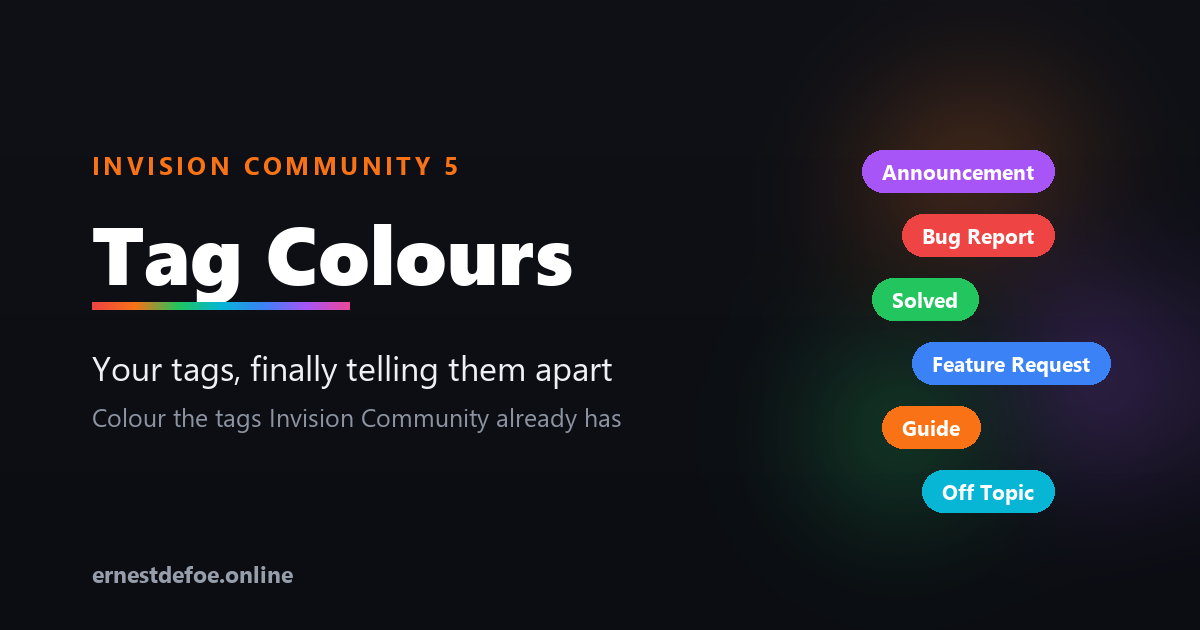
Solved Bug Report Feature Request Announcement Off Topic
It builds on the tags you already have
This is not a replacement tag system. There is nothing to migrate, no second set of labels to maintain, and no new way for your members to tag things. It reads the tags already on your community and lets you pick a colour for each one.
Because it works with the built-in system, the colours turn up everywhere tags already appear — topic view, topic lists, search results, tag pages, and the Blogs, Calendar and Pages applications too.
Setting it up
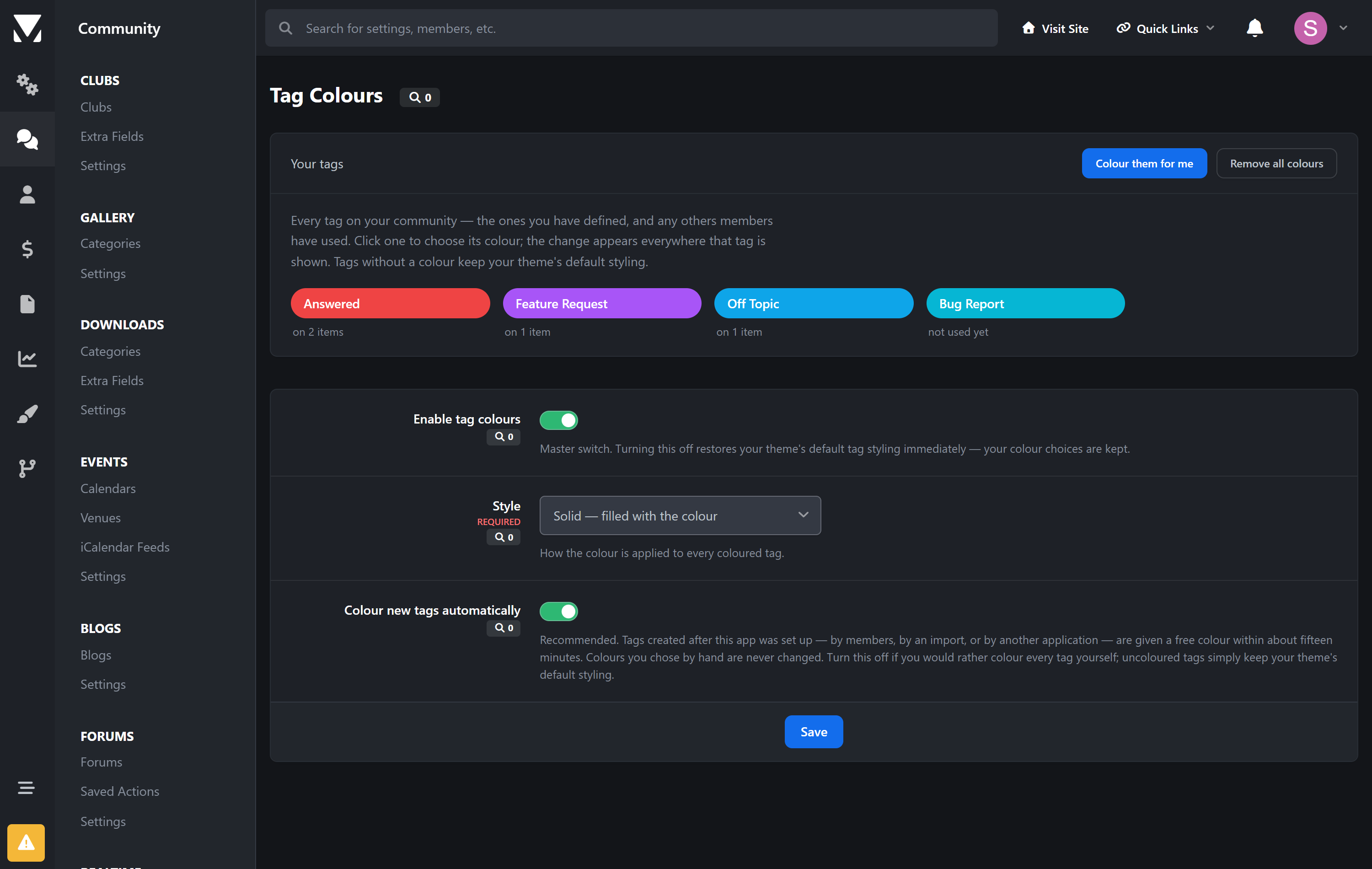
The admin screen lists every tag actually in use on your community, most-used first, with a note of how many items carry it. Click a tag, pick a colour, done.
Or click Colour them for me and every uncoloured tag is given a distinct colour from a readable palette — a sensible starting point you can then adjust. It never overwrites a colour you chose yourself, and it will not hand two tags the same colour.
Three styles
Solid — the tag is filled with your colour
Soft — a tinted background with coloured text, for a lighter touch
Outline — a coloured border and text on a transparent background
Pick one and it applies to every coloured tag, so your tags stay consistent with each other whatever your theme looks like.
Readable by default
Choose a tag colour and the text colour is worked out for you, using the same contrast maths the accessibility guidelines use — dark text on light colours, light text on dark ones. You never end up with a yellow tag nobody can read. If you want to override it on a particular tag, you can.
Built to stay out of the way
No core files are edited and no templates are overridden, so upgrading Invision Community will not break it and will not undo your work.
One small stylesheet is added to the page, cached permanently by the browser and only re-fetched when you actually change a colour. There is no JavaScript and no per-page work.
Turning it off restores your theme's own tag styling immediately — and keeps your colour choices, so turning it back on picks up where you left off.
Uninstalling leaves no trace. Your tags are Invision Community's tags; only the colours belong to this application.
Requirements
Invision Community 5.0 or newer (self-hosted)
Nothing else — no external service, no API key, no background jobs
Create an account or sign in to leave a review
There are no reviews to display.