- Category Commerce
- Downloads 5
- Compatibility IC5: 5.0.4+
- App Version 1.0.0
- Updated
Description
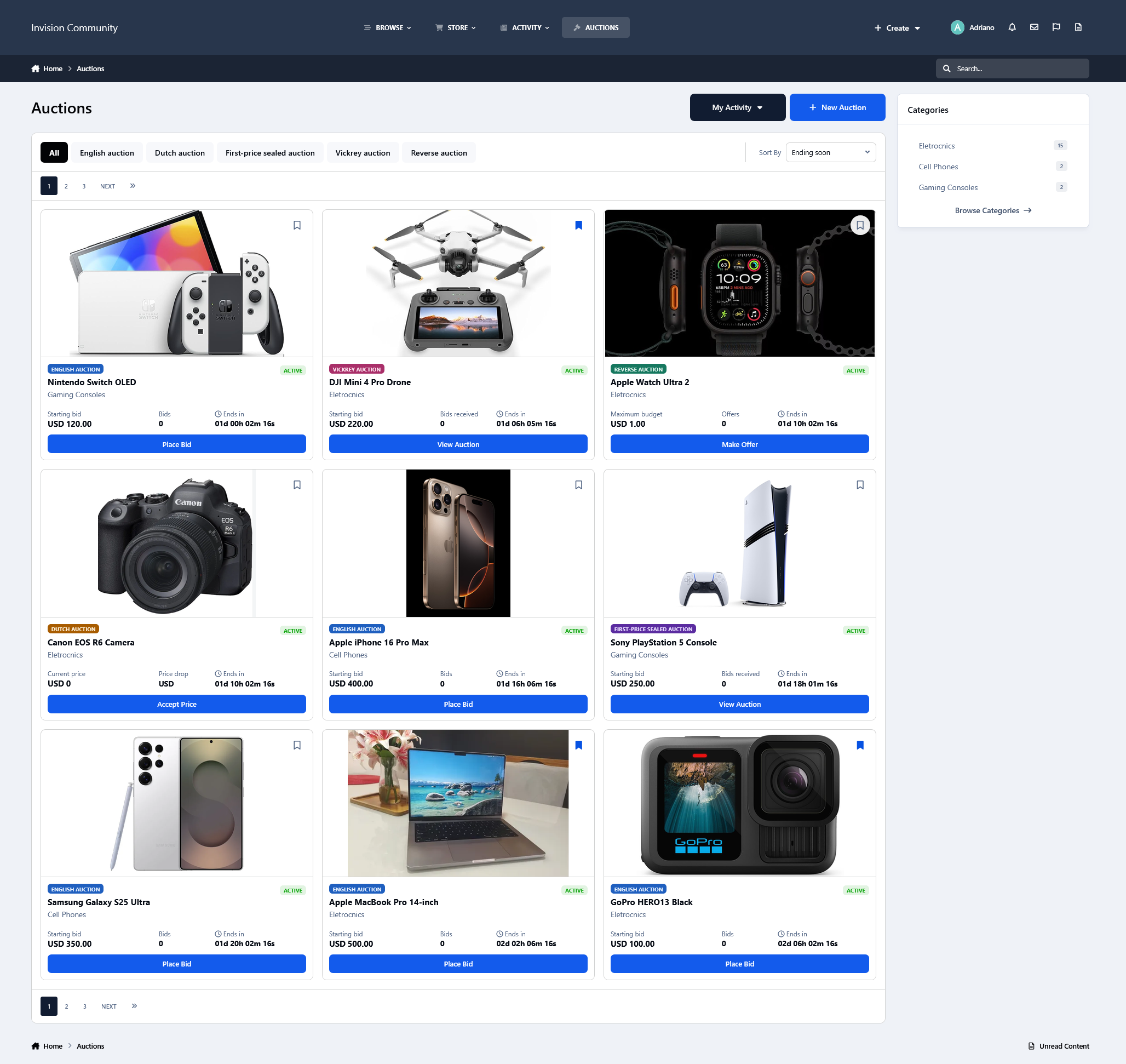
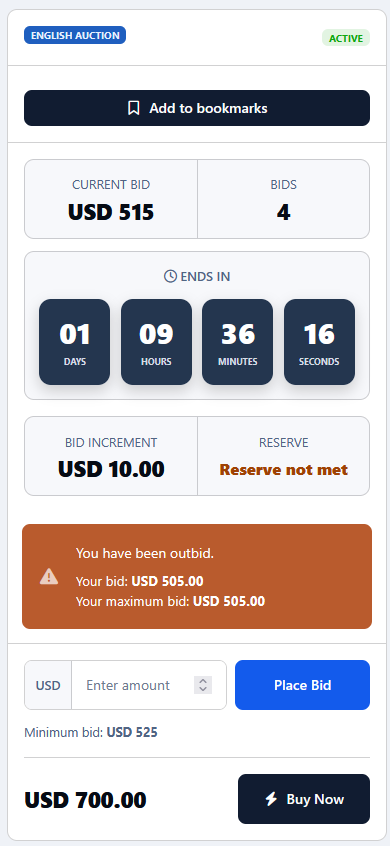
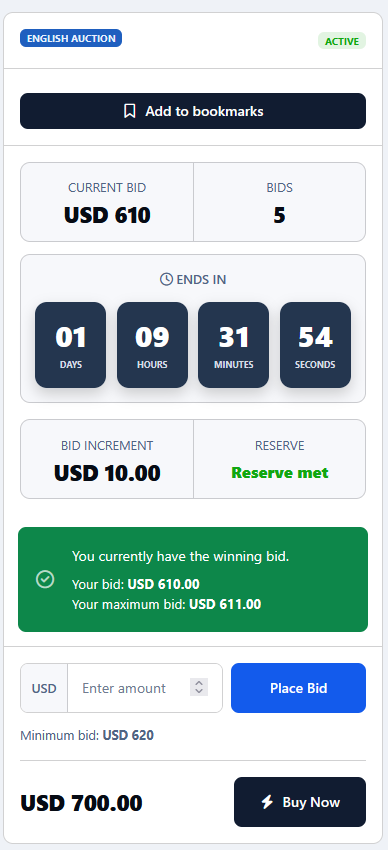
Auctions is a complete auction system for Invision Community, allowing members to create and participate in different types of auctions directly from your community. The application supports five auction formats:
English auctions
Traditional auctions where members place progressively higher bids.
Dutch auctions
The price decreases over time until a member accepts the current price.
Sealed-bid auctions
Members submit private bids which are not revealed during the auction.
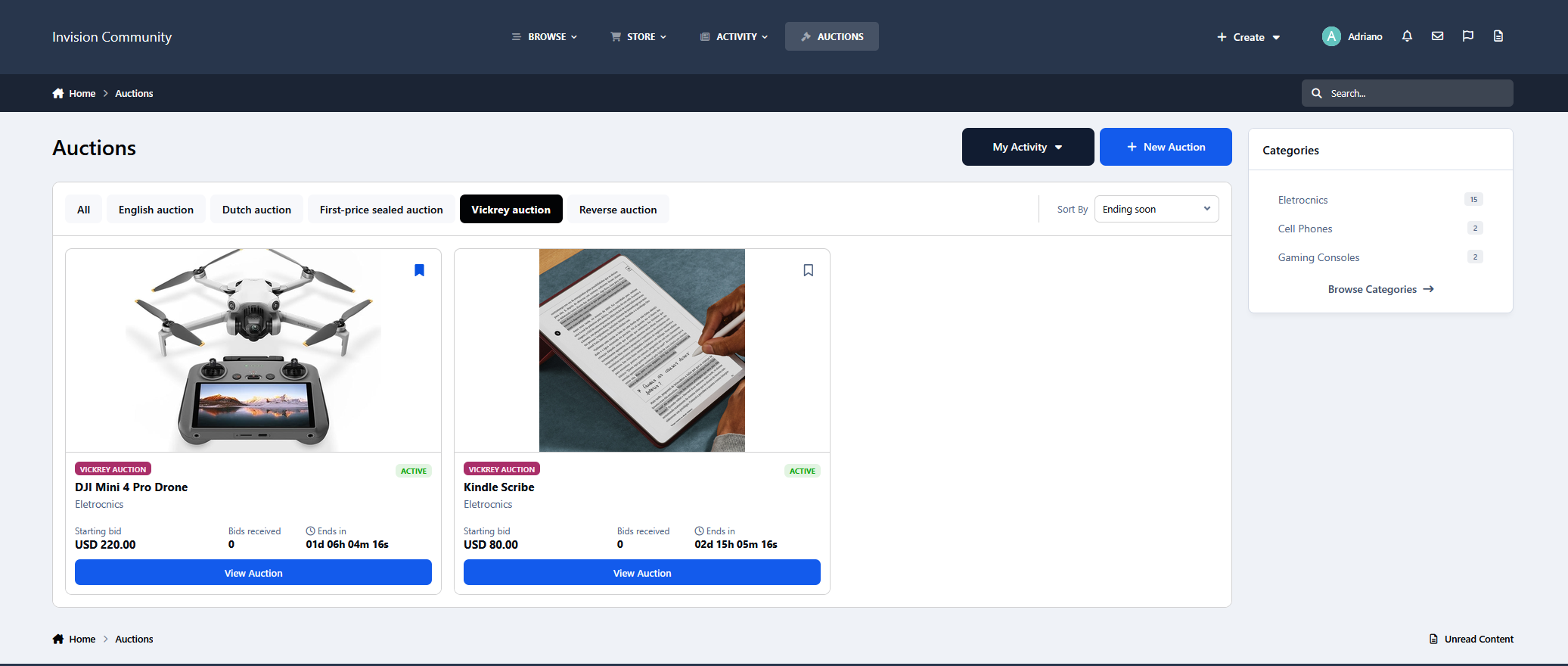
Vickrey auctions
Sealed-bid auctions where the highest bidder wins but the final price is determined by the second-highest bid.
Reverse auctions
Members compete by submitting lower offers within the seller's maximum budget.
Other features include:
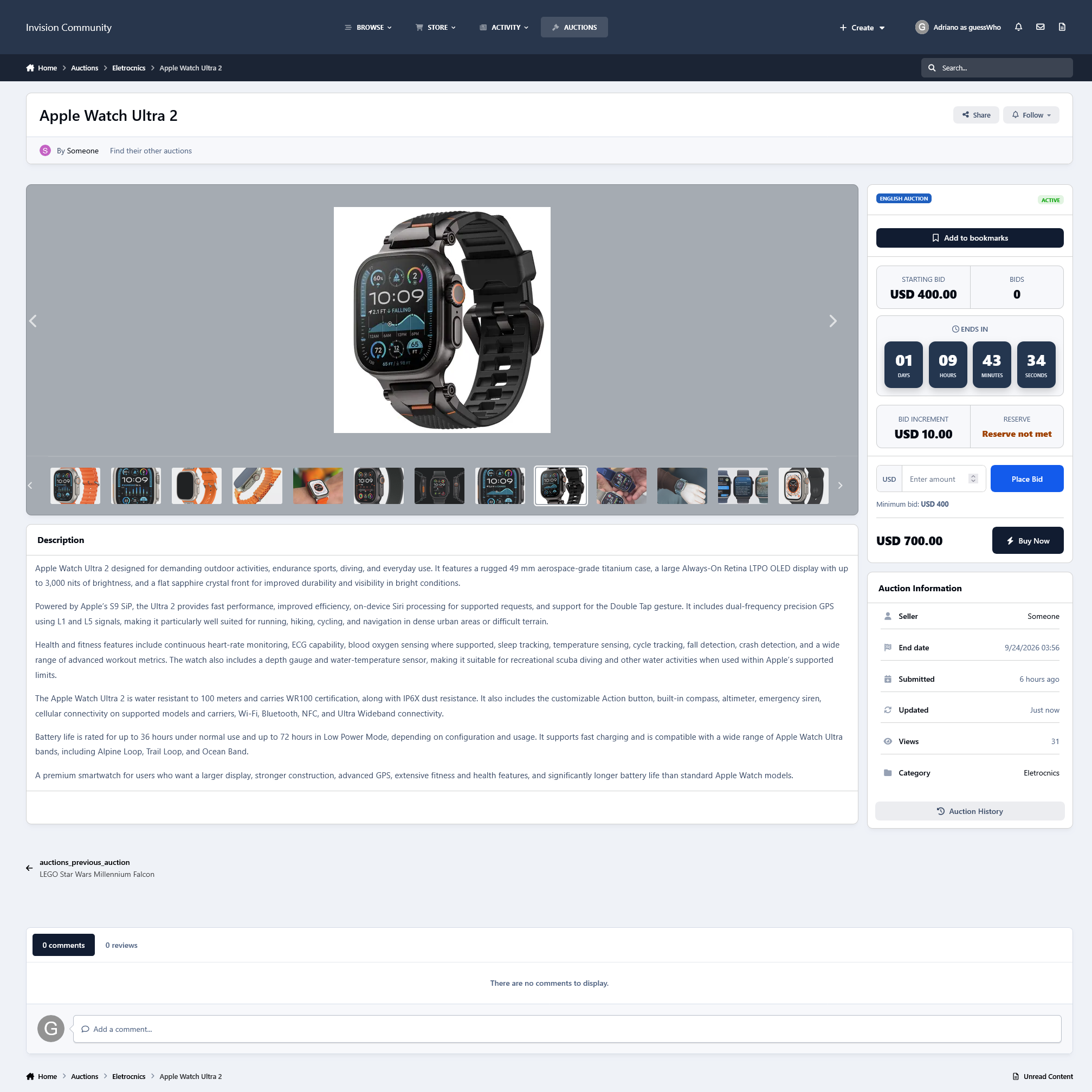
Proxy bidding
Reserve prices
Buy It Now
Anti-sniping
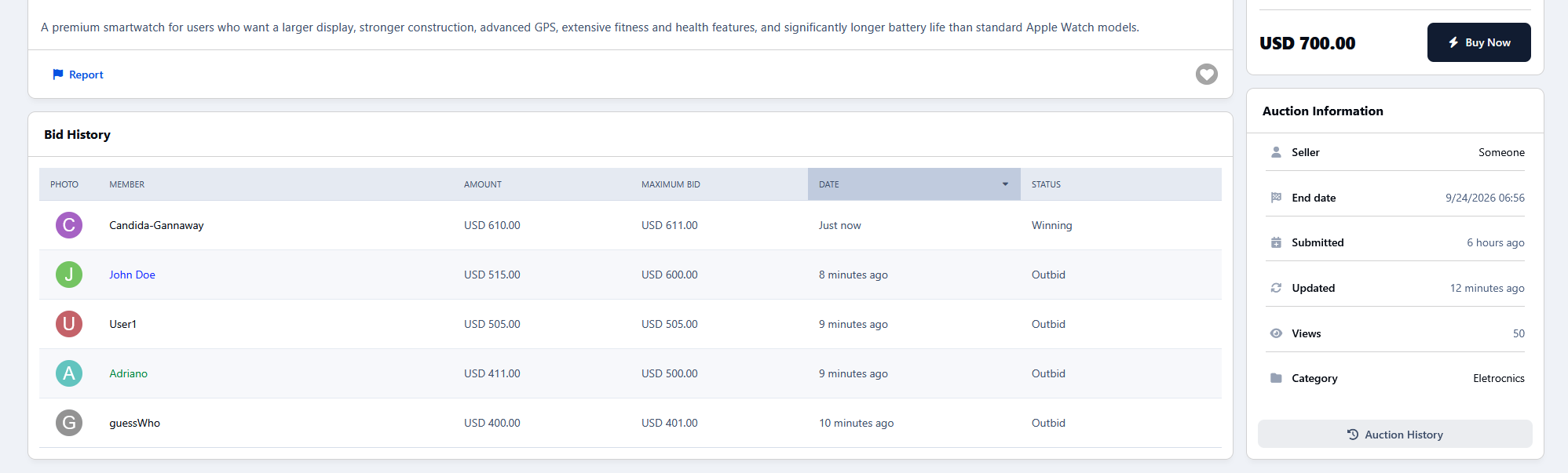
Multiple auction images with gallery
Bookmarks
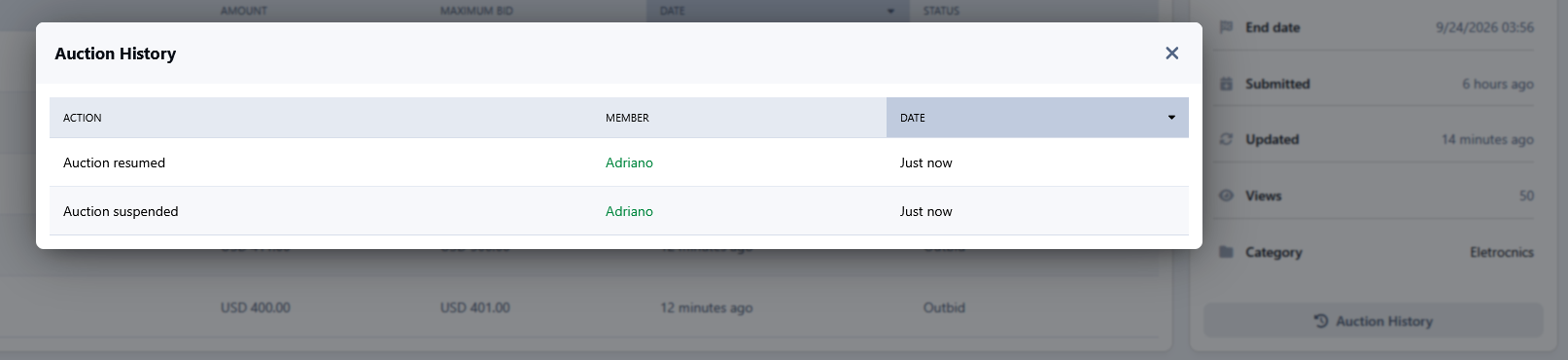
Bid and auction history
Second-chance offers
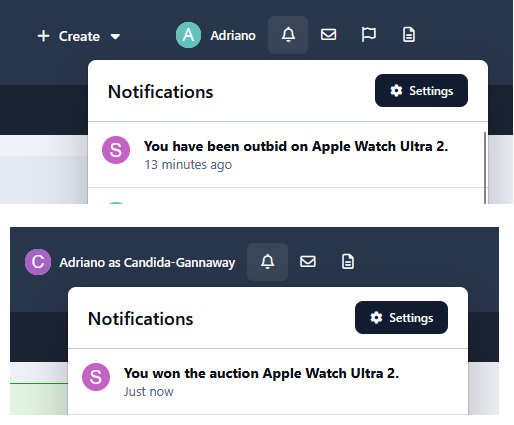
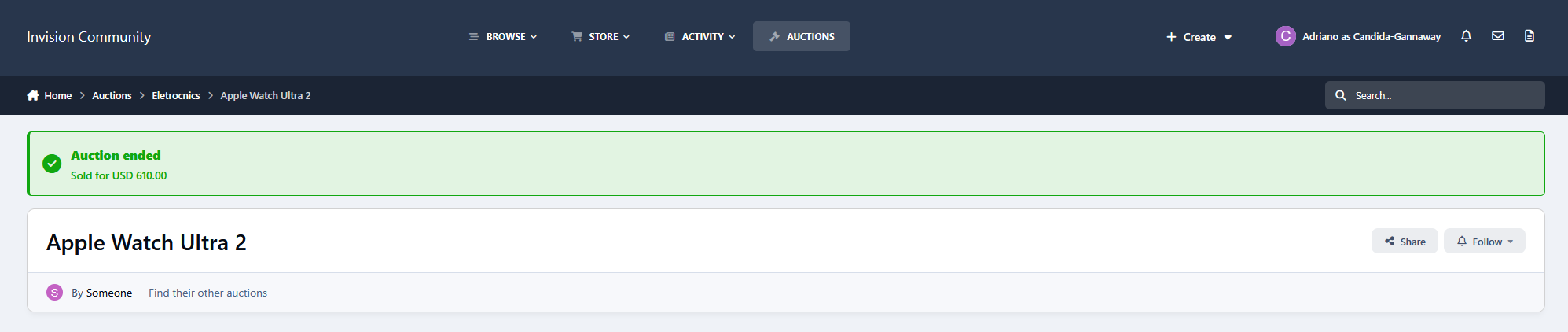
Automatic winner selection
Scheduled, active, suspended, awaiting-payment, sold and unsold statuses
Relisting
Category-specific settings
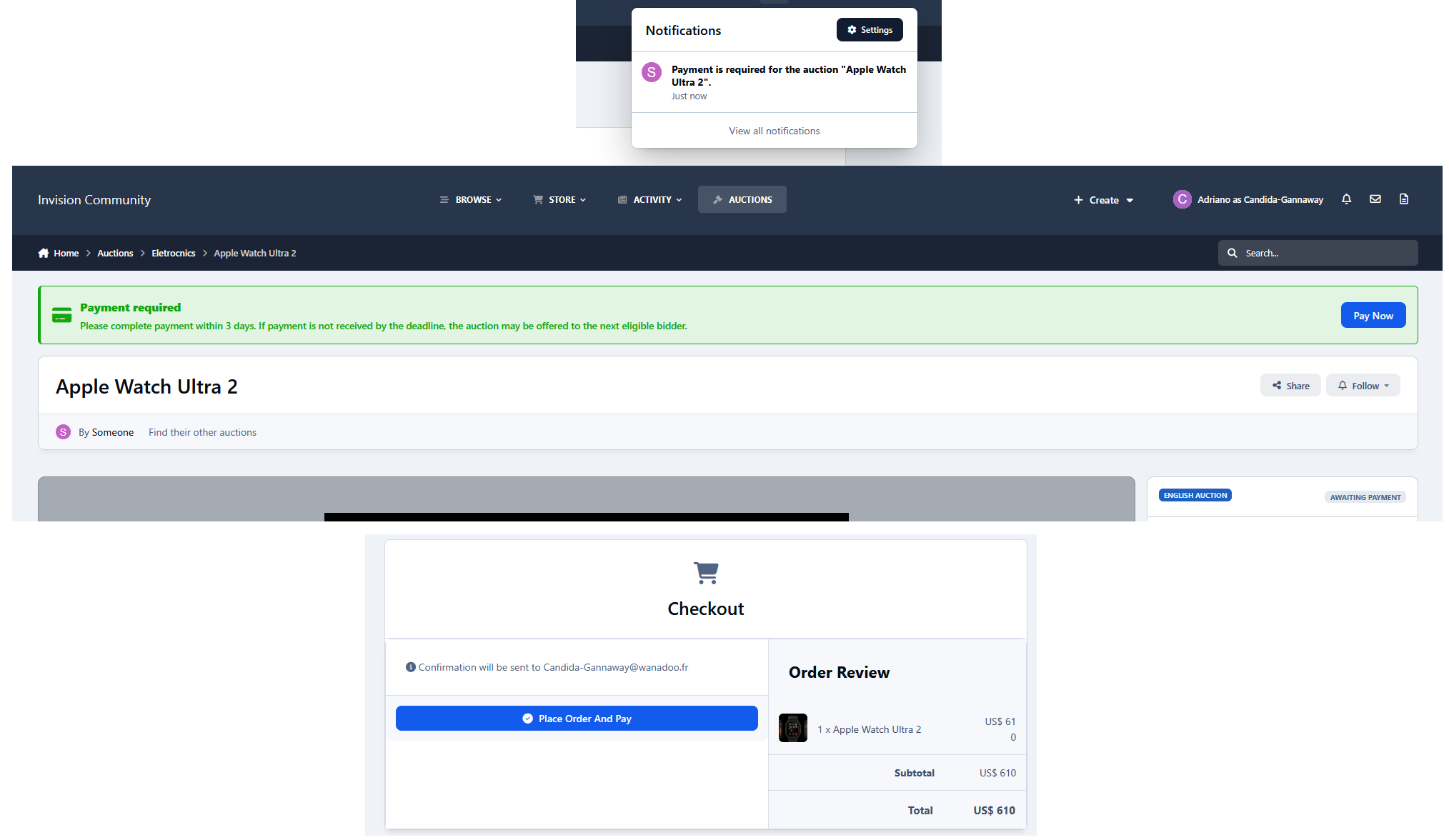
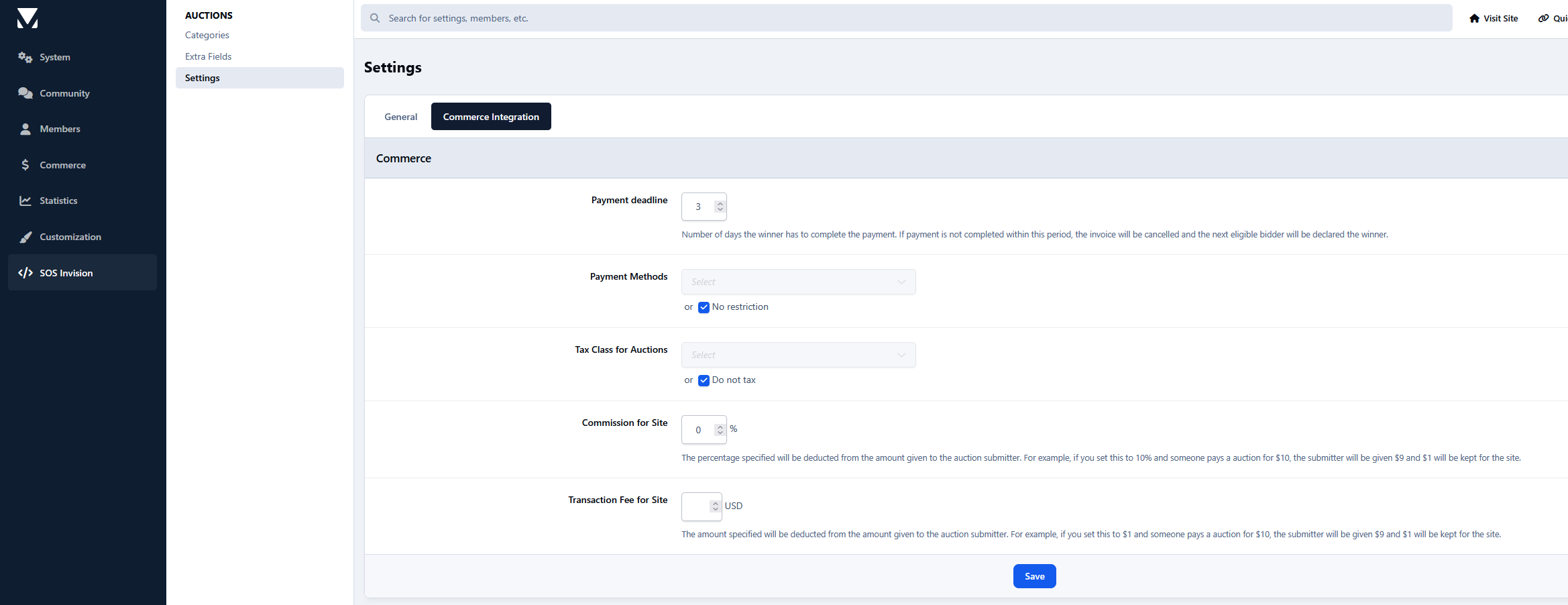
The application also integrates with Invision Community Commerce. When an auction ends with a winner, an invoice can be generated automatically using the configured payment methods, taxes, commissions, and transaction fees.
A payment deadline can also be defined. If the winner does not complete payment within that period, the invoice can be cancelled, and the next eligible bidder can be promoted as the new winner.
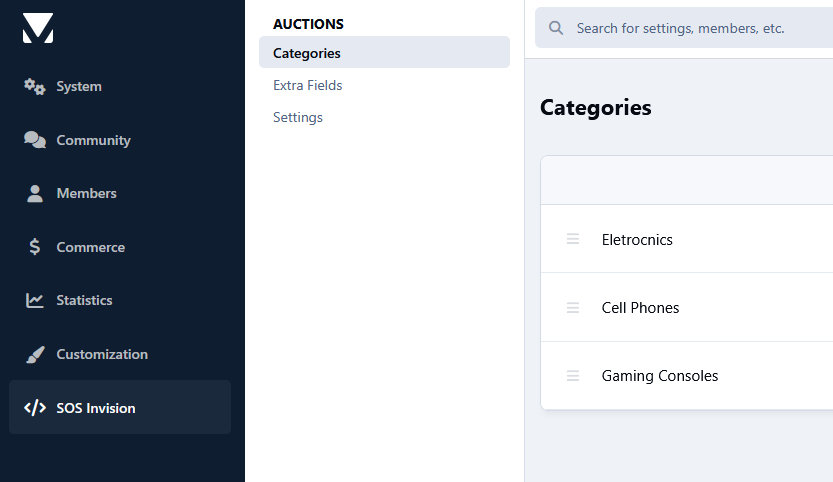
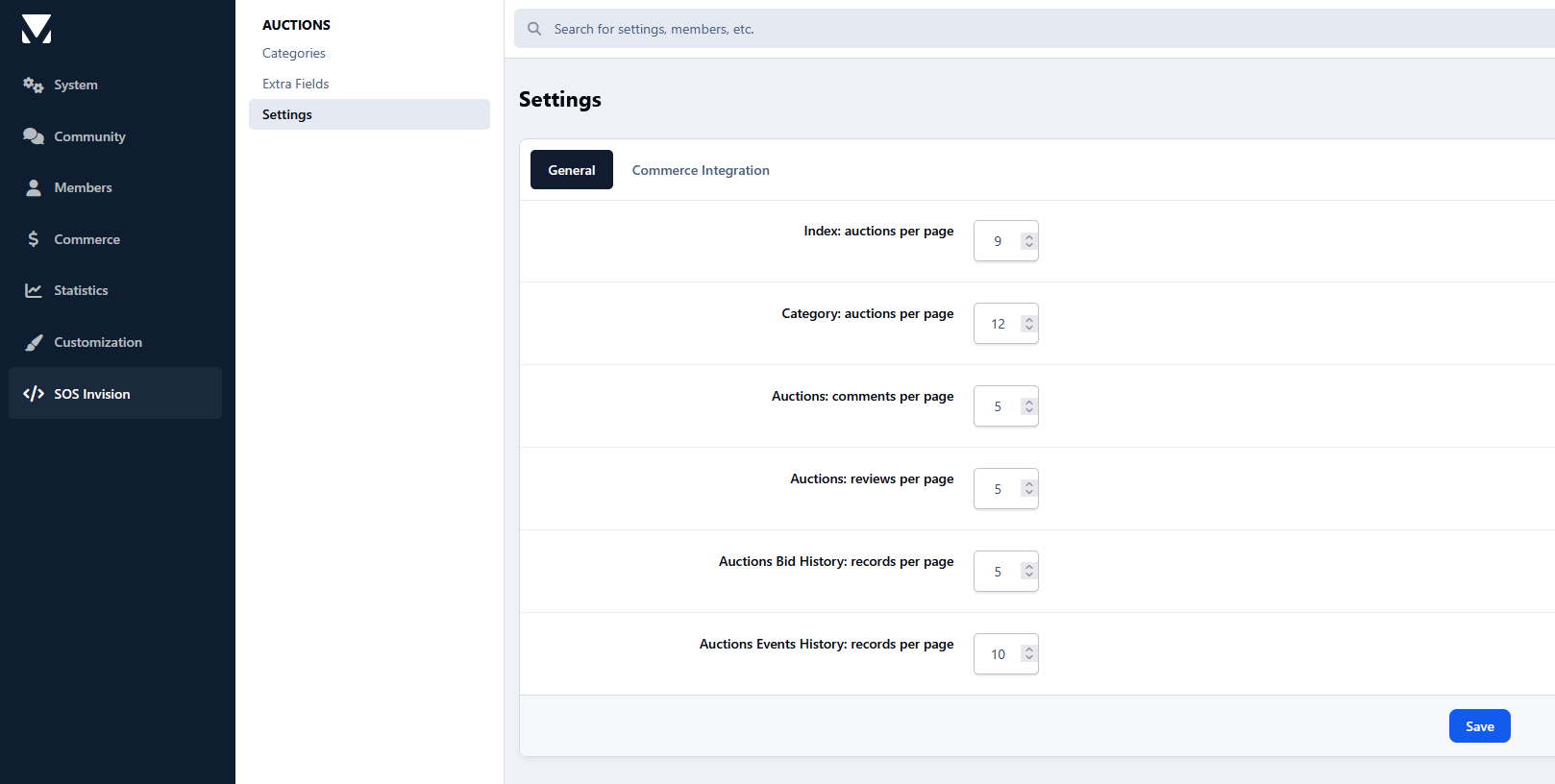
Each category can independently control the available auction types and features, including duration limits, reserve prices, Buy It Now, proxy bidding, anti-sniping, relisting, second-chance offers, and the maximum number of active auctions per member.
Auctions provide a dedicated marketplace-style auction experience while remaining fully integrated with Invision Community and Commerce.
-
 1
1
There are no reviews to display.