Braintree Gateway
Invision Community 5
- Category Commerce
- Downloads 36
- Compatibility IC5: 5.0.0+
- App Version 1.0.0
- Updated

Overview
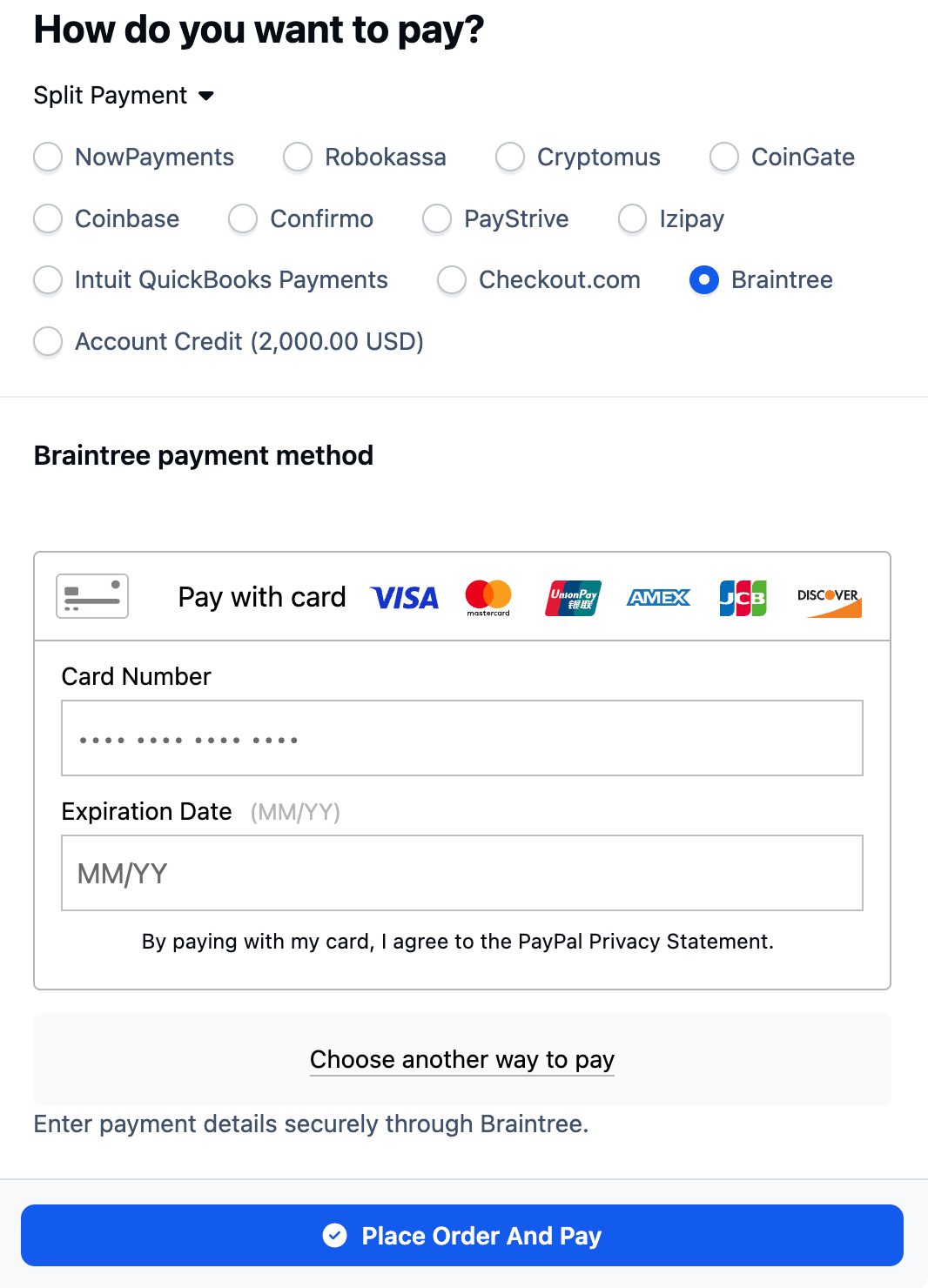
Accept secure online payments directly through your Invision Community 5 checkout with Braintree.Description
The gateway integrates Braintree Drop-in UI with the Commerce checkout process, allowing customers to enter payment details without sensitive card data passing through your community. Payments are processed through the Braintree GraphQL API and connected to the standard IC5 transaction workflow.
Key Features
Native integration with Invision Community 5 Commerce
Secure Braintree Drop-in payment form
Credit and debit card payments
Optional PayPal, PayPal Credit, and Venmo support
Optional 3D Secure verification
Separate authorization and capture workflow
Full and partial refunds
Transaction voiding and reversal
Fraud device data collection
Sandbox and production environments
Merchant account routing
Transaction amount, currency, and order verification
Direct links to transactions in the Braintree Control Panel
No sensitive card details stored or processed by Invision Community
Requirements
Invision Community 5 with Commerce
An active Braintree merchant account
Braintree public and private API keys
Appropriate Braintree permissions for creating, capturing, viewing, voiding, and refunding transactions
This application supports one-time payments. Recurring billing agreements are not currently supported.
-
 1
1
There are no reviews to display.