Checkout.com Payment Gateway
Invision Community 5
Invision Community 4
- Category Commerce
- Downloads 55
- Compatibility IC5: 5.0.0+ IC4: 4.7.x
- Updated

Overview
Connect Checkout.com with Invision Community 5 Commerce and accept payments through a secure Hosted Payments Page. The gateway supports 3D Secure, automatic payment confirmation, signed webhooks, and full or partial refunds.Description
Checkout.com Payment Gateway adds Checkout.com as a complete payment method for Commerce in Invision Community 5.
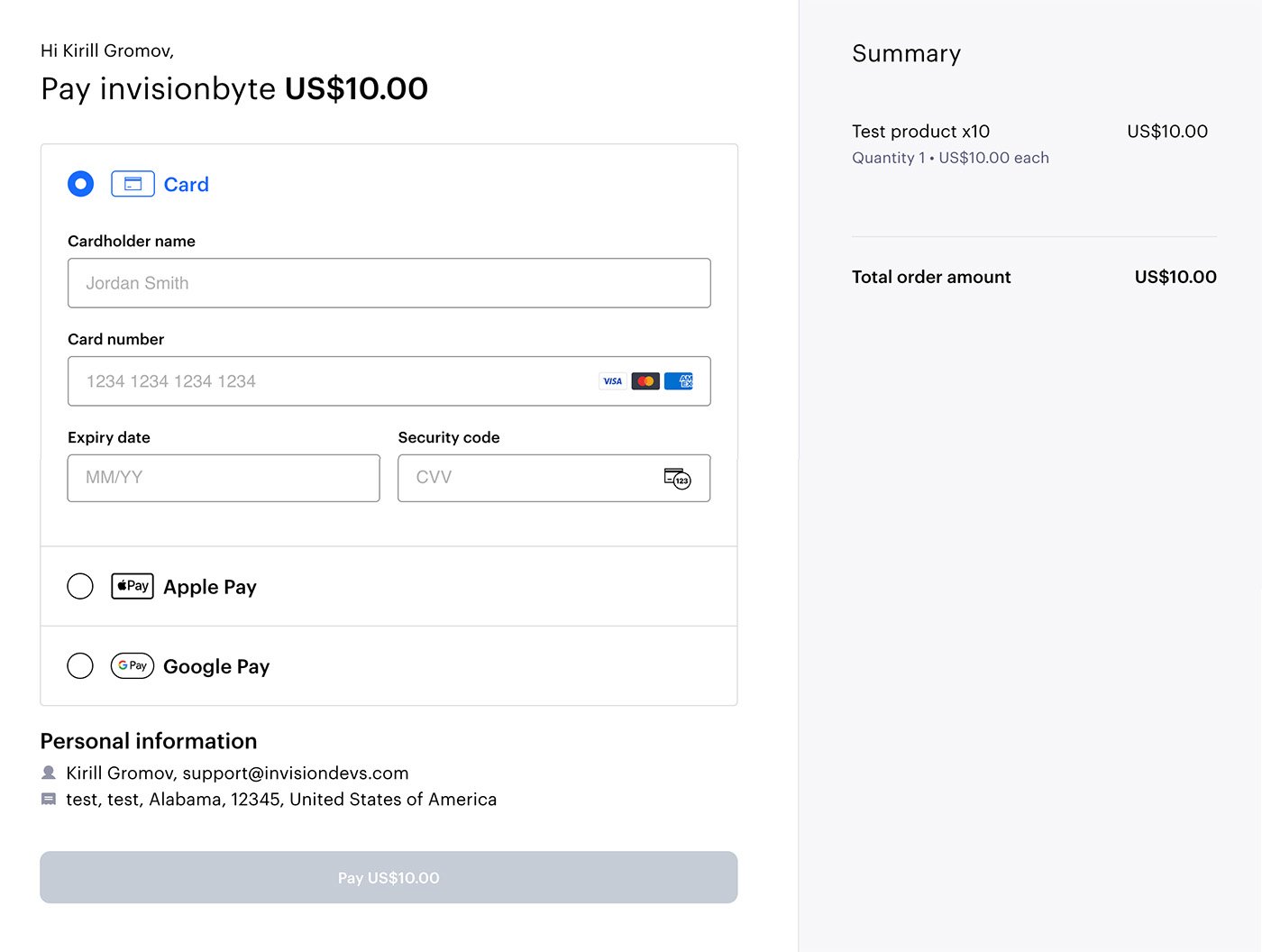
During checkout, customers are redirected to a secure Checkout.com Hosted Payments Page, where they can select an available payment method and enter their payment details. Sensitive card information is never processed or stored by your Invision Community installation.
After payment, the application verifies the transaction through the Checkout.com API before updating the invoice. Signed webhook notifications provide reliable processing of successful payments, declined attempts, customer retries, and asynchronous refunds.
Key Features
Native integration with Invision Community 5 Commerce
Checkout.com Hosted Payments Page
Sandbox and production environments
Automatic redirect to the secure payment page
3D Secure support
Automatic transaction and invoice completion
Payment amount and currency verification
Transaction, gateway, and payment ID validation
HMAC verification of
Cko-SignaturewebhooksDuplicate and out-of-order webhook handling
Customer payment retries within the same Hosted Payments Page
Full refunds
Partial refunds
Multiple sequential partial refunds
Idempotent refund requests
Asynchronous refund status reconciliation
Configurable allowed and disabled payment methods
Configurable checkout locale
Processing Channel ID support
Checkout.com payment and action IDs stored with IC5 transactions
Support for multiple Checkout.com gateway configurations
Available payment methods depend on the customer’s location, transaction currency, processing channel, and the capabilities enabled on your Checkout.com account.
Security
Payment details are entered directly on Checkout.com’s hosted page. The application does not receive or store card numbers, CVV codes, or other sensitive card details.
Every webhook is authenticated using its Cko-Signature. Payment amount, currency, reference, transaction ID, gateway ID, and payment ID are verified before an Invision Community transaction is completed.
Requirements
Invision Community 5
Commerce application
Active Checkout.com account
Checkout.com Account Client ID
Checkout.com Secret API key
Hosted Payments Page enabled for the account
Public HTTPS webhook endpoint
Important Information
Recurring payment agreements and automatic subscription renewals are not currently supported.
Apple Pay, Google Pay, PayPal, and alternative payment methods must be enabled separately on your Checkout.com account.
Payment method availability varies by account and region.
This is an independent integration and is not an official Checkout.com product.
There are no reviews to display.