Jump to content
View in the app

A better way to browse. Learn more.

Invision Marketplace

A full-screen app on your home screen with push notifications, badges and more.

To install this app on iOS and iPadOS
  1. Tap the Share icon in Safari
  2. Scroll the menu and tap Add to Home Screen.
  3. Tap Add in the top-right corner.
To install this app on Android
  1. Tap the 3-dot menu (⋮) in the top-right corner of the browser.
  2. Tap Add to Home screen or Install app.
  3. Confirm by tapping Install.

Everything you need for your community

We will be moving to a new server soon, some downtime is expected.

Everything you need for your community

Invision Community 5
Invision Community 4
  • Category Commerce
  • Downloads 11
  • Compatibility IC5: 5.0.0+ IC4: 4.7.X
  • App Version 2.0.0
  • Updated

Description

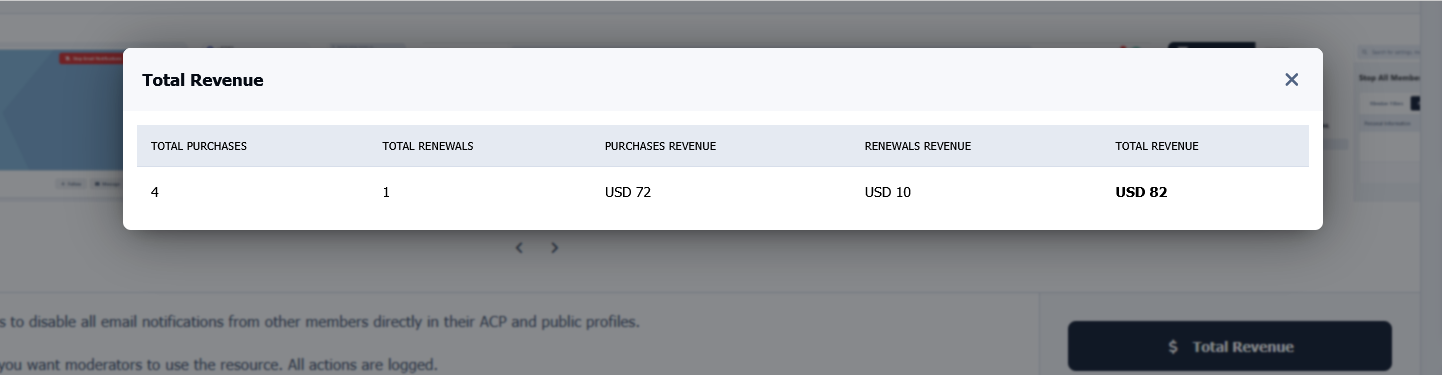
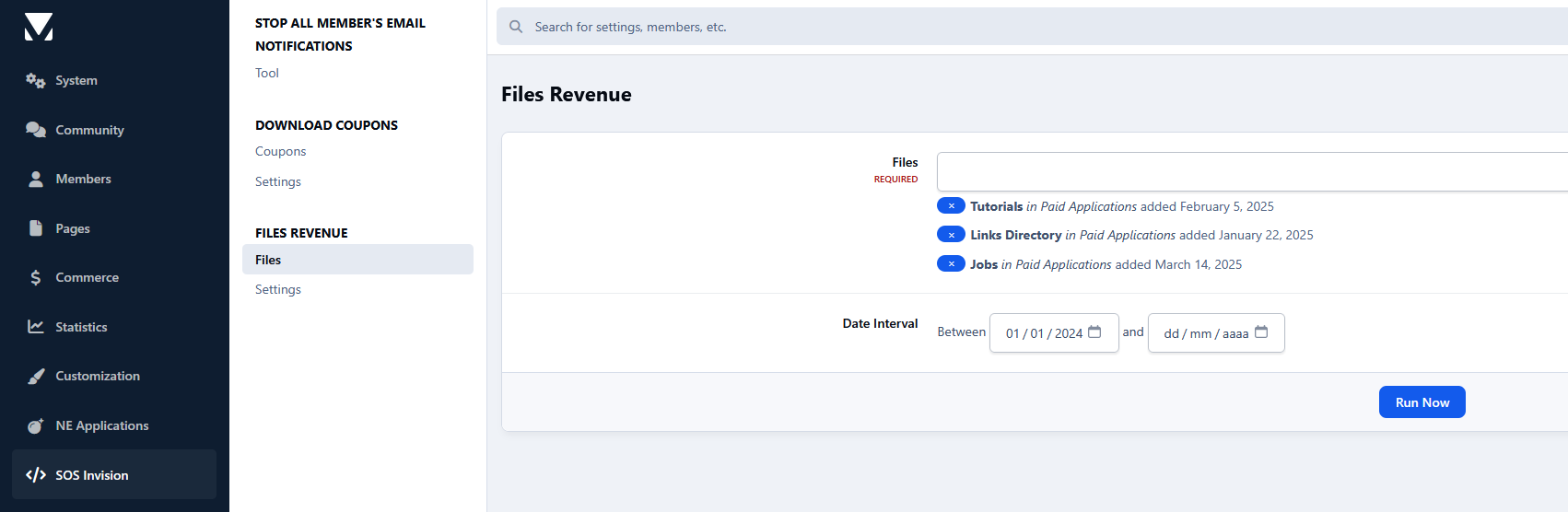
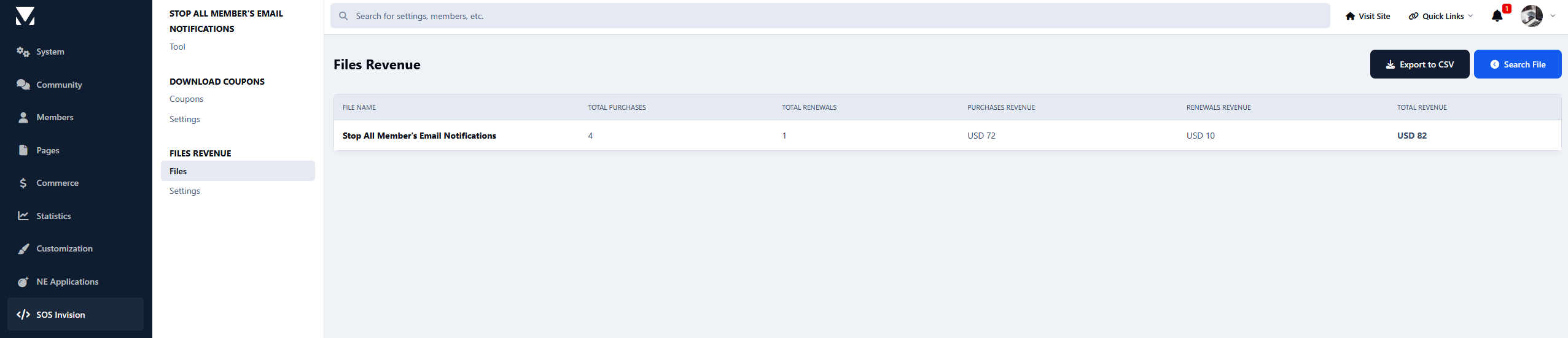
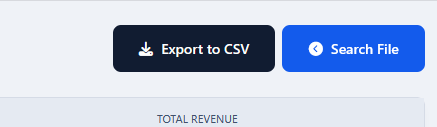
This resource will provide administrators with detailed information about the revenue generated by files in their community, broken down by currency and including both purchases and renewals. Administrators can search revenue data by file and date range and export the results to a CSV file containing useful invoice and payment gateway information.

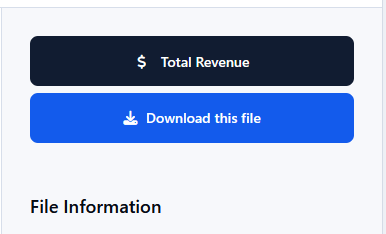
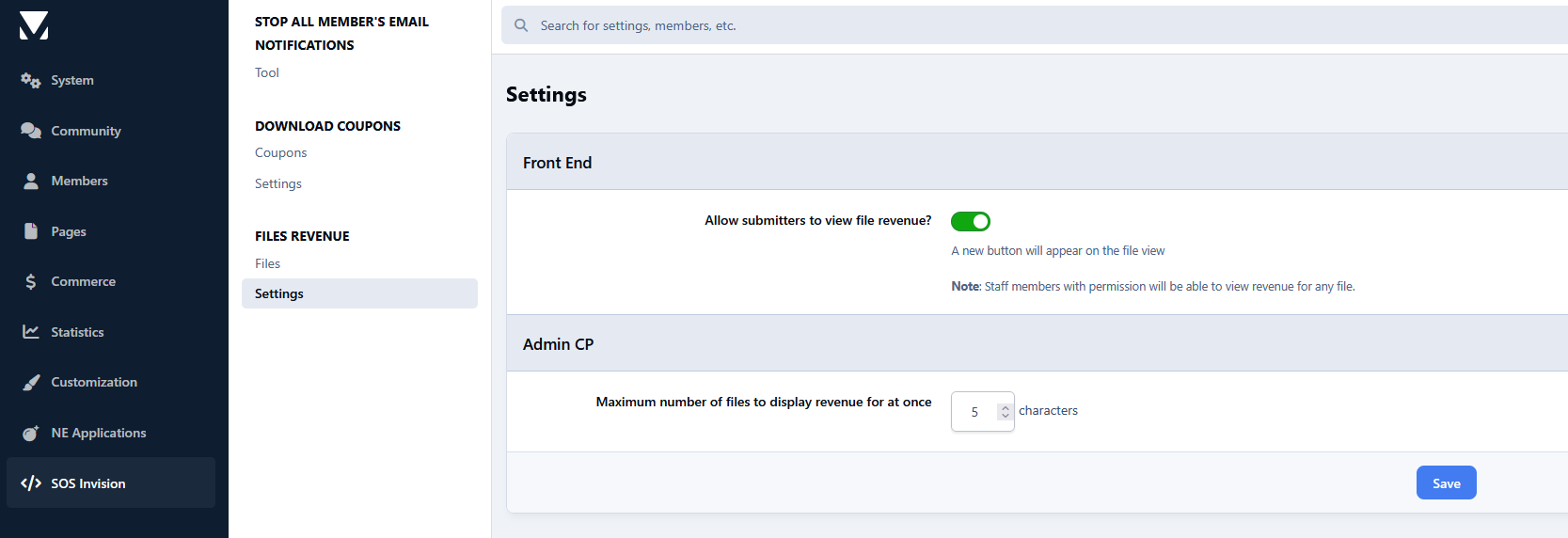
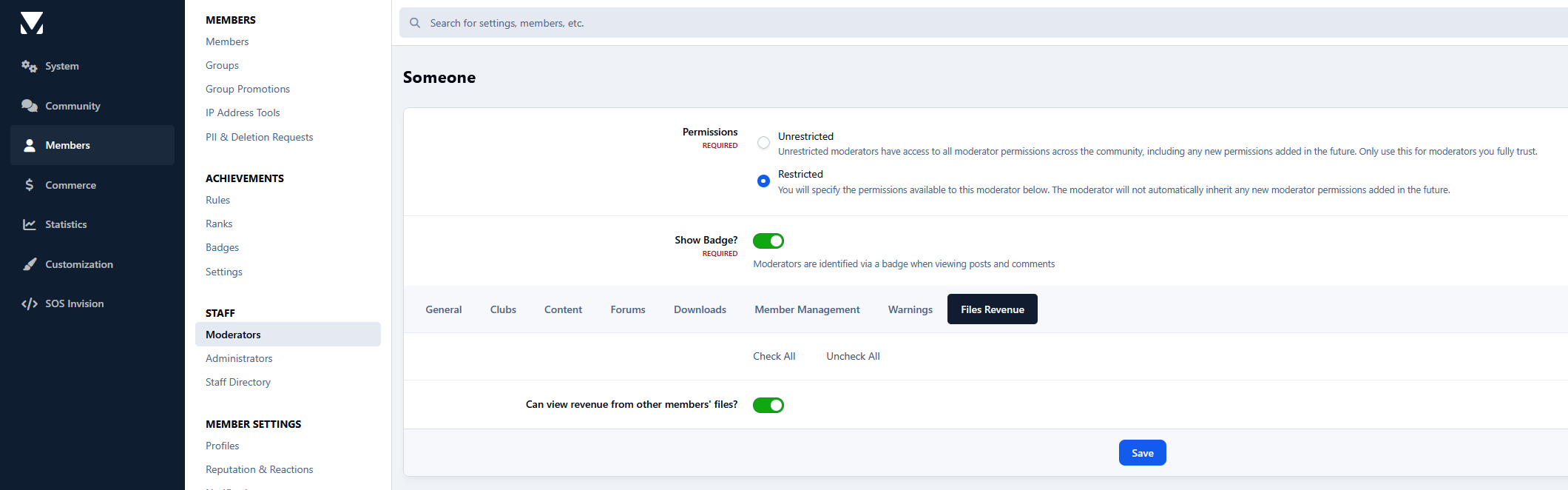
Front-end integration is also included. File authors can view the revenue generated by their own files directly from the file view page (optional setting), while moderators with permission can view revenue information for any file.

Requirements:

  • Downloads app

User Feedback

Create an account or sign in to leave a review

There are no reviews to display.

Configure browser push notifications

Chrome (Android)
  1. Tap the lock icon next to the address bar.
  2. Tap Permissions → Notifications.
  3. Adjust your preference.
Chrome (Desktop)
  1. Click the padlock icon in the address bar.
  2. Select Site settings.
  3. Find Notifications and adjust your preference.