Klarna Payment Gateway
Invision Community 5
Invision Community 4
- Category Commerce
- Downloads 62
- Compatibility IC5: 5.0.0+ IC4: 4.7.x
- App Version 2.0.0
- Updated
Overview
Accept Klarna payments directly through your Invision Community 5 Commerce checkout.Description
This application integrates Klarna Hosted Payment Page with IC5 Commerce, providing customers with a secure Klarna checkout experience while keeping payment statuses, captures, refunds, and transaction data synchronized with your community.
Key Features
Native integration with Invision Community 5 Commerce
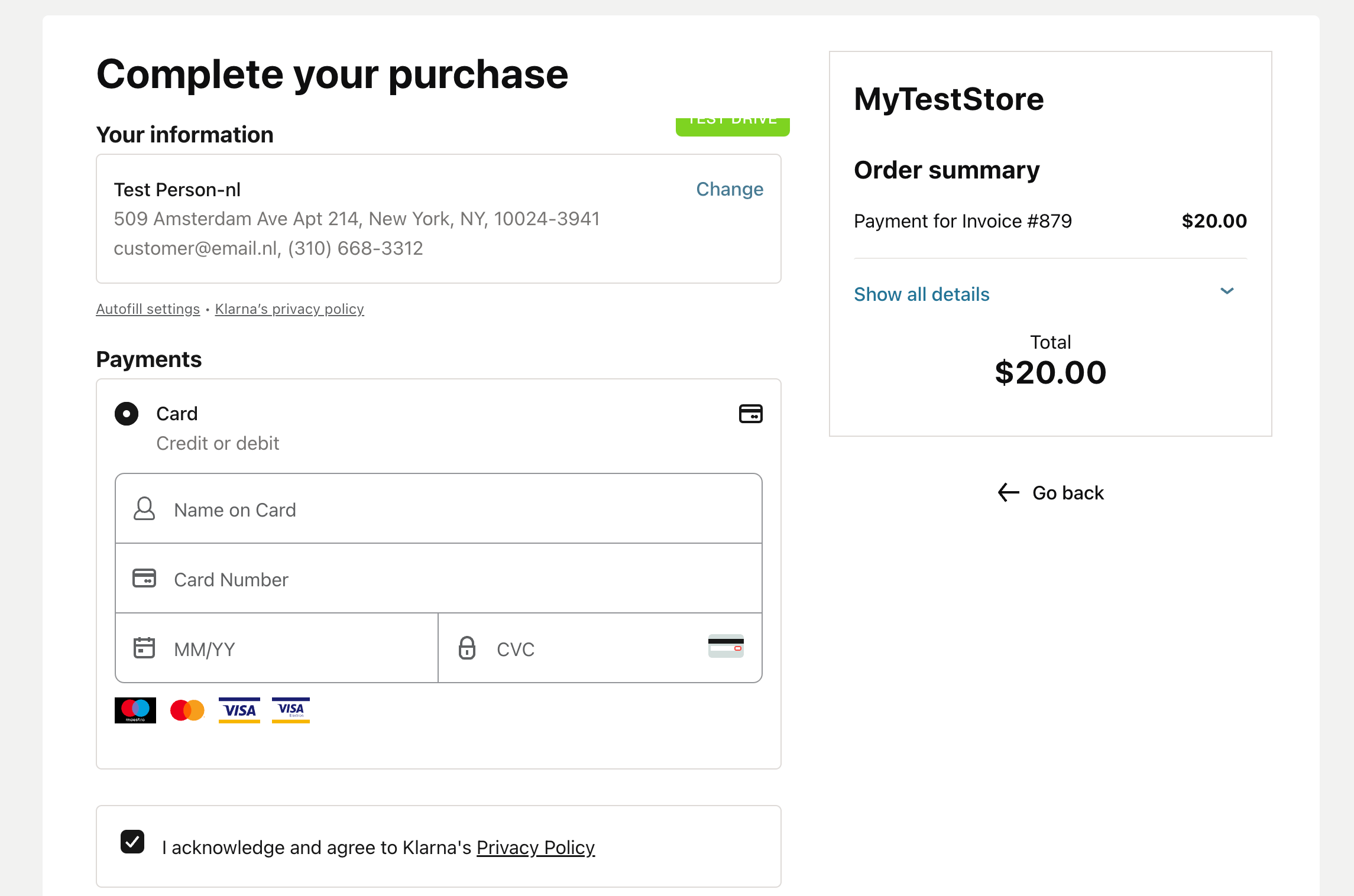
Klarna Hosted Payment Page checkout
Playground and Production environments
European, North American, and Oceania API regions
Support for classic Klarna credentials and modern API keys
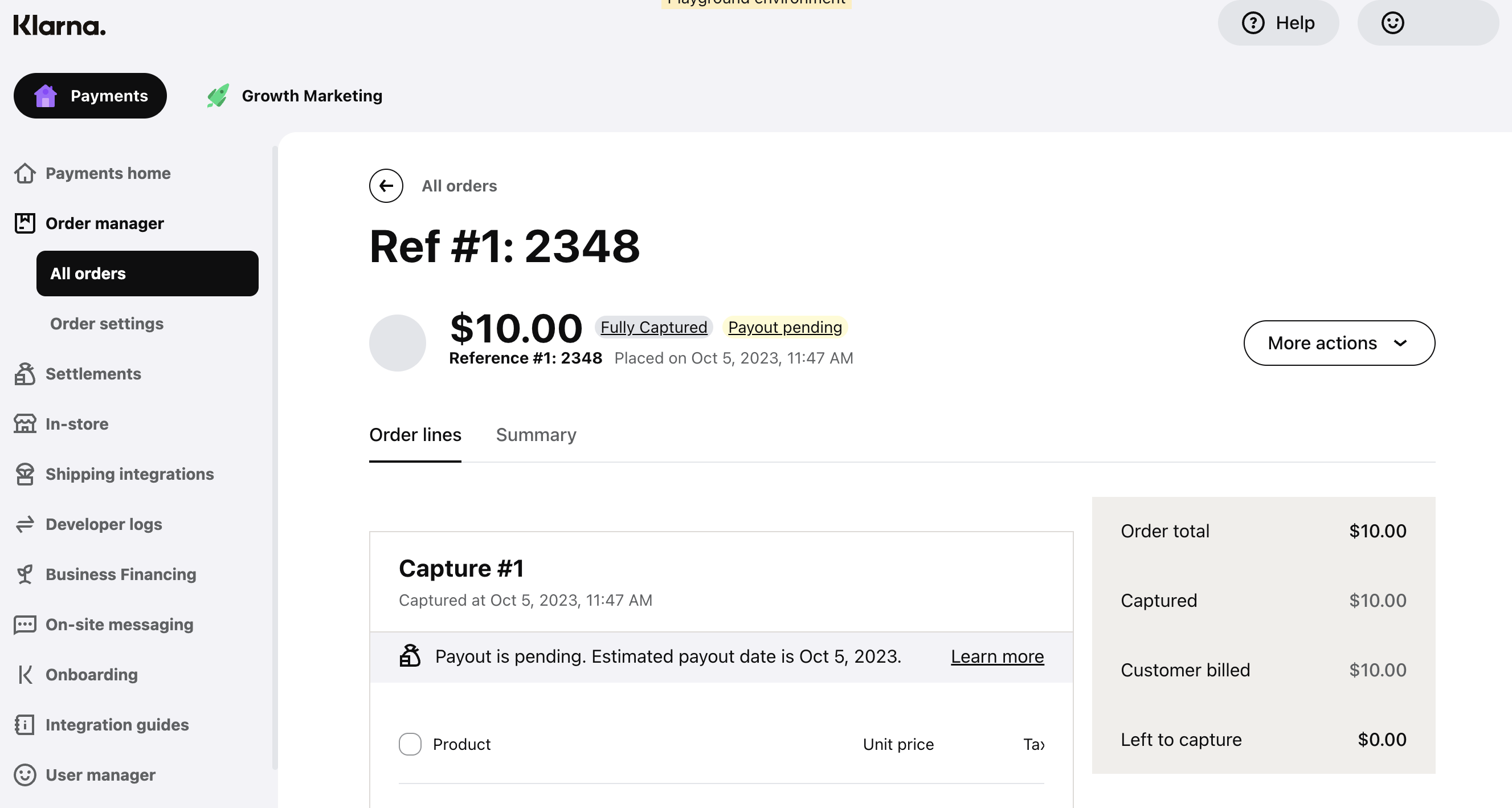
Automatic payment status synchronization
Secure return and server-to-server callback handling
Automatic order capture through IC5
Optional immediate capture through Klarna
Full and partial refunds from the IC5 AdminCP
Idempotency protection against duplicate captures and refunds
Callback signature validation and event deduplication
Amount and currency verification
Klarna Order ID, Capture ID, and session data stored with IC5 transactions
Detailed API error reporting and Klarna correlation IDs
Configurable payment categories, HPP title, and merchant logo
Public HTTPS callback URL support for production and local testing
Payment Flow
When a customer selects Klarna during checkout, the application creates a Klarna Payments session and securely redirects the customer to the Klarna Hosted Payment Page.
After the customer completes or cancels the payment, the application verifies the session directly with Klarna and updates the corresponding IC5 transaction. Payment callbacks are processed independently, allowing transactions to complete even if the customer closes the browser before returning to your community.
Security
Each payment session receives a unique callback secret. Incoming events are validated, deduplicated, and verified against Klarna before an IC5 transaction is approved.
The application also validates the order amount, currency, transaction reference, and Klarna order details before completing a payment.
Requirements
Invision Community 5
IC5 Commerce
An active Klarna merchant account
Klarna API credentials
A publicly accessible HTTPS website
A supported Klarna country, currency, and locale combination
Important Information
Recurring billing agreements and automatic subscription renewals are not currently supported.
Available Klarna payment options depend on your merchant agreement, customer location, purchase currency, and Klarna account configuration. Klarna approval is subject to Klarna’s own eligibility and risk assessment.
Support
The application includes both Playground and Production modes, making it possible to test the complete payment, capture, cancellation, and refund flow before enabling live transactions.
There are no reviews to display.