Invision Community 5
Invision Community 4
- Category Commerce
- Downloads 78
- Compatibility IC5: 5.0.0+ IC4: 4.7.X
- App Version 2.0.0
- Updated
Description
Low Stock Notice allows administrators to display a custom warning when a Commerce product's stock reaches a configured minimum level.
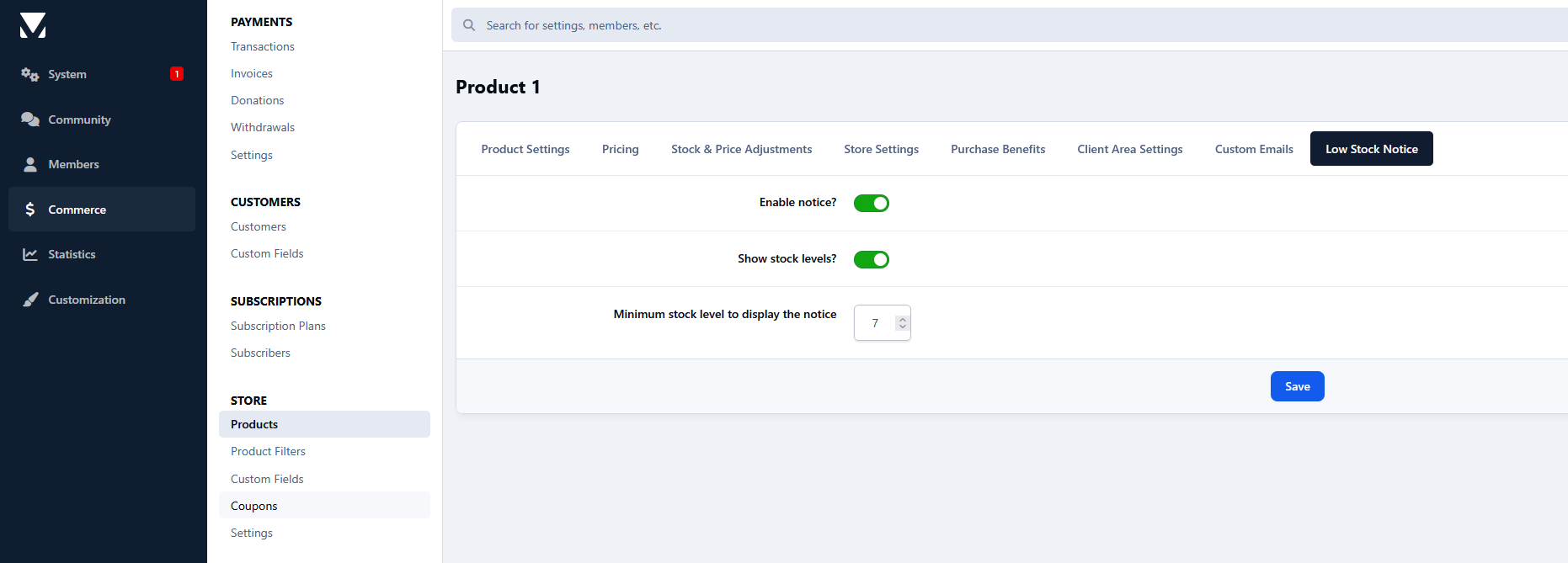
Per product settings:
Enable/disable the low stock notice.
Choose whether to display the remaining stock:
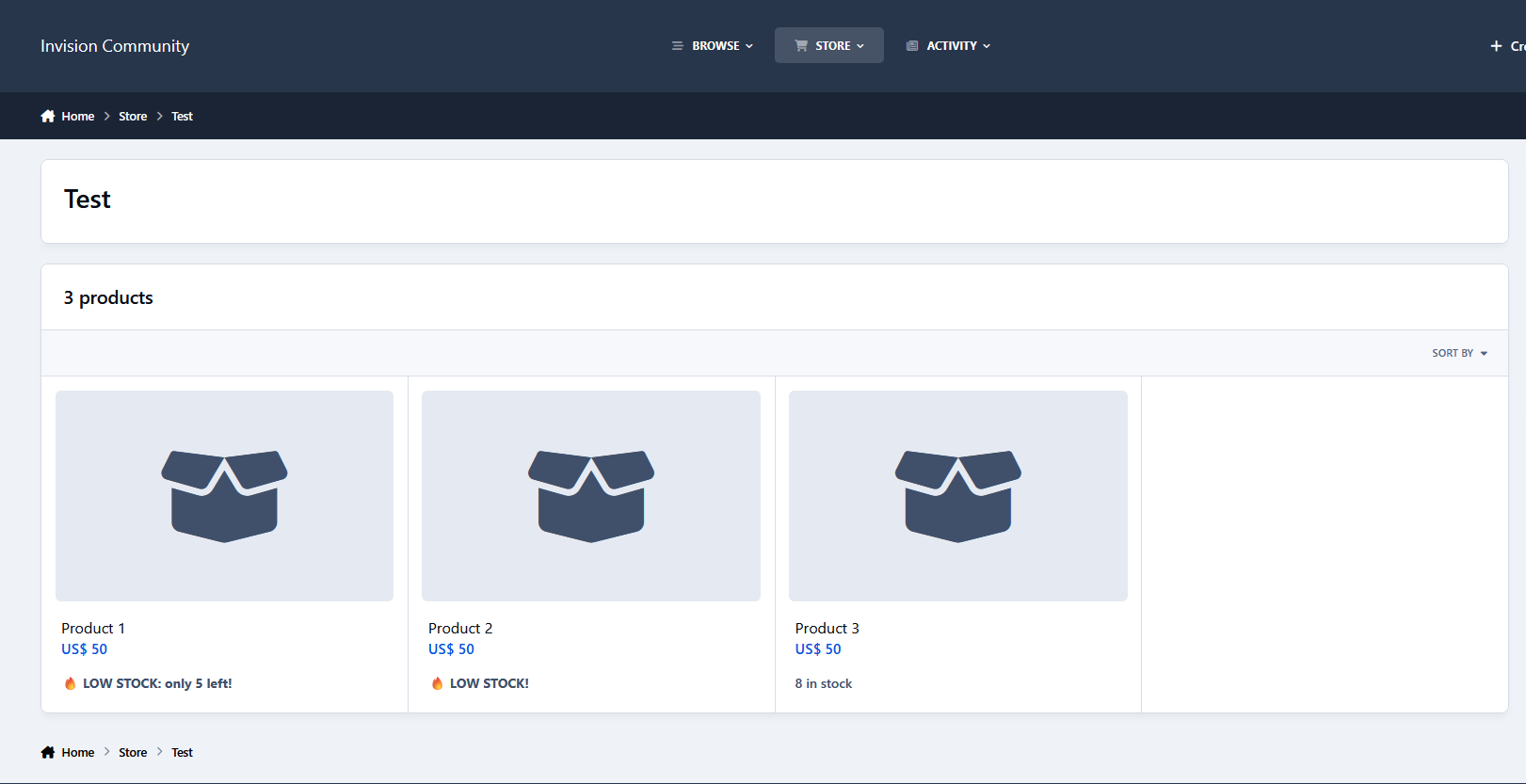
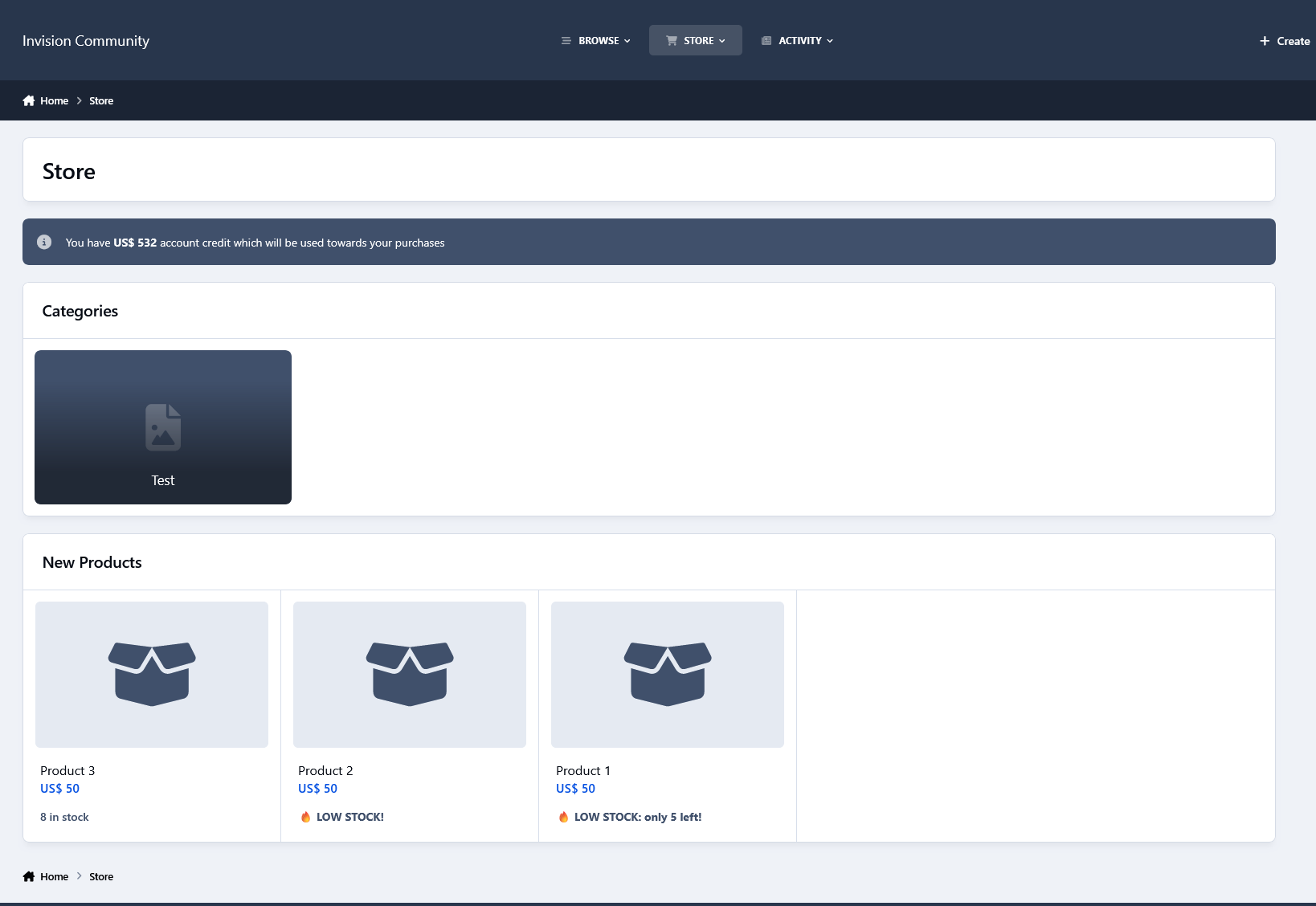
Enabled: 🔥 LOW STOCK - X left!
Disabled: 🔥 LOW STOCK!
Set the minimum stock amount required to trigger the notice.
Requirements:
The product must have stock management enabled and a defined stock amount (unlimited stock products are ignored).
The Commerce stock level display must be enabled.
Example:
You can configure a product to show the notice when only 10 units remain. From 10 down to 1 available item, customers will see the low stock warning, for example:
🔥 LOW STOCK - only 3 left!
There are no reviews to display.